

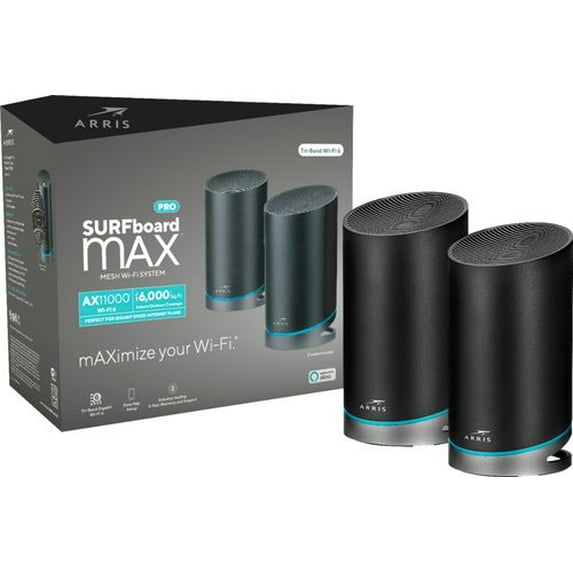
SURFboard mAX Pro W133 Wi-Fi 6 IEEE 802.11ax Ethernet, Cable, DSL Wireless Router
Key item features
- Advanced Connectivity: Delivers high-performance and reliable wireless connectivity for internet access and office networks, utilizing the ISM Band for seamless device integration.
- Blazing Speeds: Features a Gigabit Ethernet port for ultra-fast wired network connections and supports internet service plans up to 2Gbps with Link Aggregation Control.
- Next-Gen Wi-Fi: Incorporates the world's first tri-band 4x4 802.11ax Wi-Fi 6 system with 24 Wi-Fi 6 streams, offering up to 400% longer range and faster speeds than 802.11ac.
- Robust Performance: Provides 1,200 Mbps on 2.4GHz, 4,800 Mbps on 5GHz low, and 4,800 Mbps on 5GHz high bands, ensuring a powerful and stable network.
- Extensive Ports: Equipped with 8 Gigabit Ethernet ports (4 per router) to accommodate numerous wired connections.
- Vast Device Support: Capable of supporting up to 255 devices on the network simultaneously.
- Intuitive Management: Managed through the SURFboard Central app, offering features like device monitoring, parental controls, and Wi-Fi optimization, and is Certified Works with Alexa.
Specs
- Router typeMesh Router
- Wireless performanceAX
- Number of wireless frequency bandsTri-Band
- WirelessIEEE 802.11ax, 802.11ax
- Interface typeEthernet
- Maximum download speed1.32 Gbps
Reviews summary
- : Can be clear with video support, but sometimes lacks physical instructions.
- : Compatible with certain modems, but limitations exist with others.
- : Signal strength is inconsistent, prone to drops and glitches in certain environments.
- Free shipping
 Free 30-day returns

(Only one option can be selected at a time)

How do you want your item?


Ships in the manufacturer's original packaging, which may reveal the contents.

Get free delivery, shipping and more*
About this item
Product details
- Experience high-performance and reliable wireless connectivity to the Internet and other offices
- Gigabit Ethernet port for ultra-fast wired network speeds
- Uses ISM Band to connect your computers, wireless printers, game consoles, and other Wi-Fi devices for a smooth network experience
Specifications
Router type
Brand
Wireless performance
Number of wireless frequency bands
Warranty
Warranty information
Similar items you might like
Based on what customers bought
Google Nest Wifi Router $39.54 Was $60.00
 $3954current price $39.54, Was $60.00$60.00
Google Nest Wifi Router
18873.9 out of 5 Stars. 1887 reviewsBest seller TP-Link AC750 Wi-Fi 5 Dual-Band, Range Extender with Speedy 750 Mbps Transfer Rate, Smart Roaming for Stable Wireless Coverage, Ethernet Port to Direct Connect a Device - RE750C $22.99 Was $29.00
Best seller $2299current price $22.99, Was $29.00$29.00
TP-Link AC750 Wi-Fi 5 Dual-Band, Range Extender with Speedy 750 Mbps Transfer Rate, Smart Roaming for Stable Wireless Coverage, Ethernet Port to Direct Connect a Device - RE750C
5863.9 out of 5 Stars. 586 reviewsIn 50+ people's carts Straight Talk Home Internet Router, 5G-LTE, White - Home Internet Prepaid $69.88
In 50+ people's carts $6988current price $69.88
Straight Talk Home Internet Router, 5G-LTE, White - Home Internet Prepaid
20363.9 out of 5 Stars. 2036 reviewsSURFboard mAX® Mesh Wi-Fi® 6 System W121 $43.99 $18.33/ca
 $4399current price $43.99$18.33/ca
SURFboard mAX® Mesh Wi-Fi® 6 System W121
744.3 out of 5 Stars. 74 reviews50+ bought since yesterday NETGEAR WiFi 6 Router (RAX5) – Security Features, AX1600 Wireless Speed (Up to 1.6 Gbps) - Covers up to 1,500 sq. ft., 20 Devices $59.00 Was $79.00
50+ bought since yesterday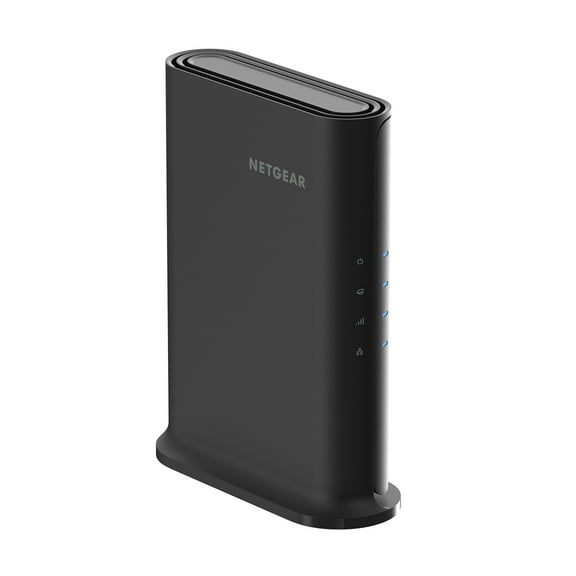 $5900current price $59.00, Was $79.00$79.00
NETGEAR WiFi 6 Router (RAX5) – Security Features, AX1600 Wireless Speed (Up to 1.6 Gbps) - Covers up to 1,500 sq. ft., 20 Devices
10024 out of 5 Stars. 1002 reviewsCudy - WR3000E AX3000 Gigabit Dual Band Wi-Fi 6 Mesh Router, MU-MIMO, OFDMA, WireGuard, OpenVPN, WPA3, APP - White $39.99
 $3999current price $39.99
Cudy - WR3000E AX3000 Gigabit Dual Band Wi-Fi 6 Mesh Router, MU-MIMO, OFDMA, WireGuard, OpenVPN, WPA3, APP - White
Best seller TP-Link AX1500 W-Fi 6 Dual-Band AI-Driven Home Mesh Router System, Replaces Individual Routers and Extenders, Connects over 120 Devices, Indoor coverage up to 3,900 Sq. ft., - Deco W3000 (2-Pack) $68.00 Was $89.00
Best seller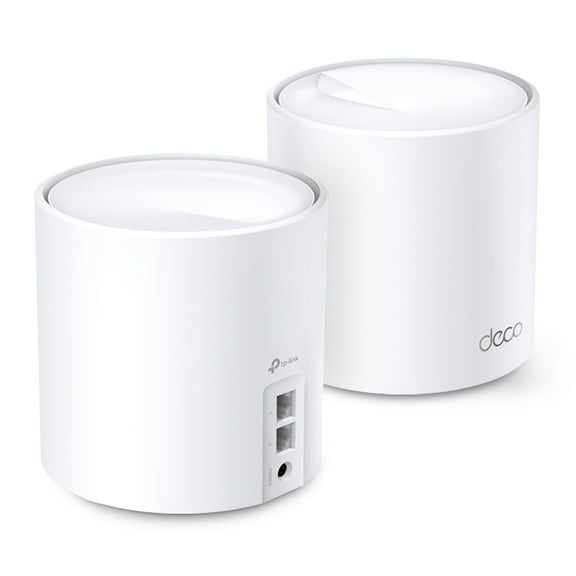 $6800current price $68.00, Was $89.00$89.00
TP-Link AX1500 W-Fi 6 Dual-Band AI-Driven Home Mesh Router System, Replaces Individual Routers and Extenders, Connects over 120 Devices, Indoor coverage up to 3,900 Sq. ft., - Deco W3000 (2-Pack)
2374.3 out of 5 Stars. 237 reviewsGoogle Wifi AC1200 Mesh WiFi Router 1500 Sq Ft Coverage 1 Pack White $57.69 Was $99.99

 $5769current price $57.69, Was $99.99$99.99
Google Wifi AC1200 Mesh WiFi Router 1500 Sq Ft Coverage 1 Pack White
29154 out of 5 Stars. 2915 reviewsADSL2 Ethernet/USB Modem Router $79.99 $79.99/1
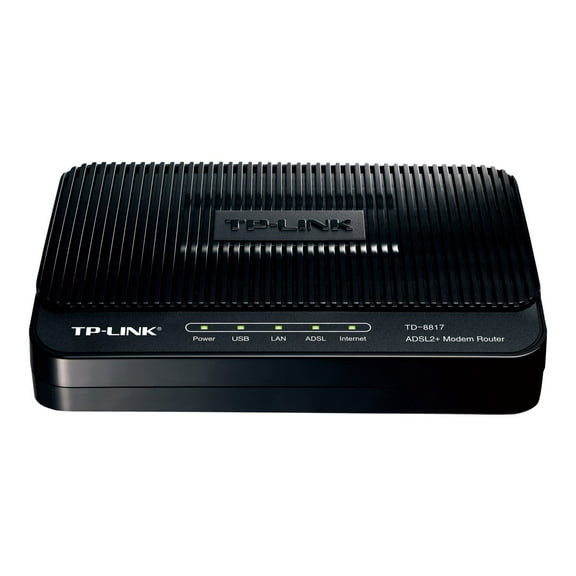 $7999current price $79.99$79.99/1
ADSL2 Ethernet/USB Modem Router
TP-Link WiFi 6 Router AX1800 Smart WiFi Router (Archer AX21) - Dual Band Gigabit Router, Works with Alexa $70.00 Was $99.00
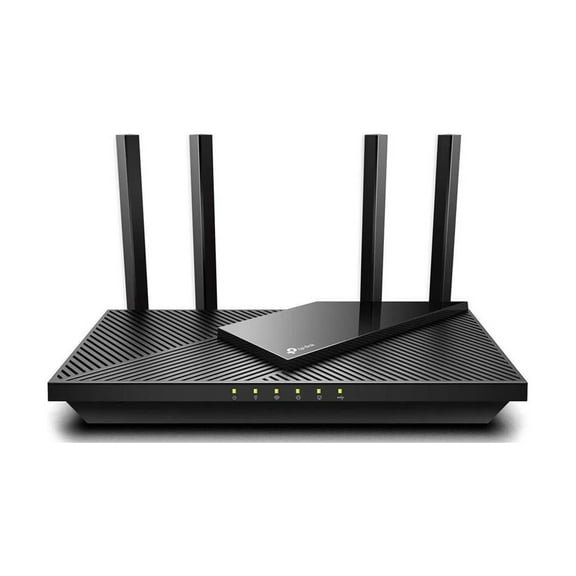 $7000current price $70.00, Was $99.00$99.00
TP-Link WiFi 6 Router AX1800 Smart WiFi Router (Archer AX21) - Dual Band Gigabit Router, Works with Alexa
334 out of 5 Stars. 33 reviewsOpen Box NETGEAR Nighthawk Advanced Whole Home Mesh WiFi 6 System (MK62)– AX1800 Router with 1 Satellite Extender, Coverage up to 3,000 sq. ft. and 25 devices $46.00
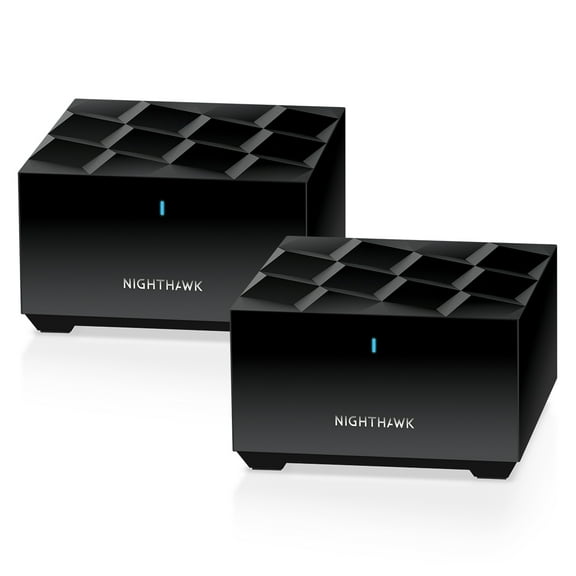 $4600current price $46.00
Open Box NETGEAR Nighthawk Advanced Whole Home Mesh WiFi 6 System (MK62)– AX1800 Router with 1 Satellite Extender, Coverage up to 3,000 sq. ft. and 25 devices
78604.7 out of 5 Stars. 7860 reviewsHYPEREV Gaming Router – Reduce Lag for PS/Xbox/PC – WiFi 6 AX3000 – Free 3-Month GearUP Booster $39.99
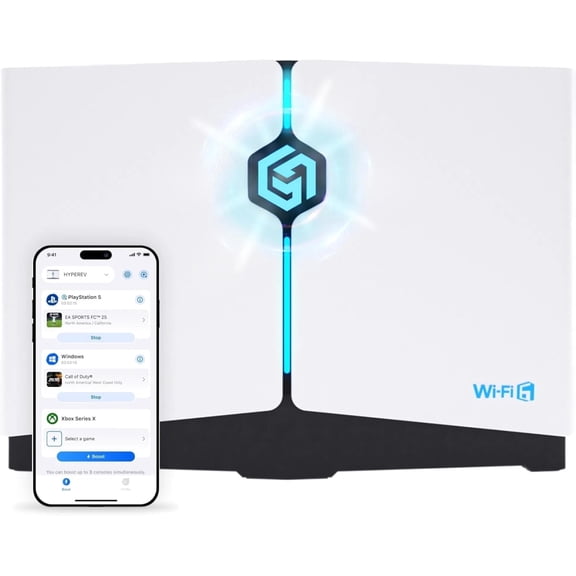 $3999current price $39.99
HYPEREV Gaming Router – Reduce Lag for PS/Xbox/PC – WiFi 6 AX3000 – Free 3-Month GearUP Booster
874.3 out of 5 Stars. 87 reviewsWiFi Mobile Hotspot | Portable Router with Rechargeable Battery, USA & WiFi $69.99
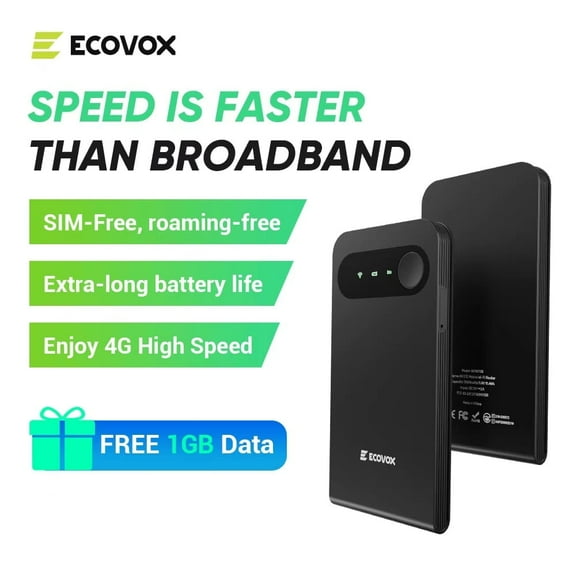 $6999current price $69.99
WiFi Mobile Hotspot | Portable Router with Rechargeable Battery, USA & WiFi
33.7 out of 5 Stars. 3 reviewsTP-Link Archer C80 | AC1900 3-Stream Smart Wifi Router $78.00 Was $99.99
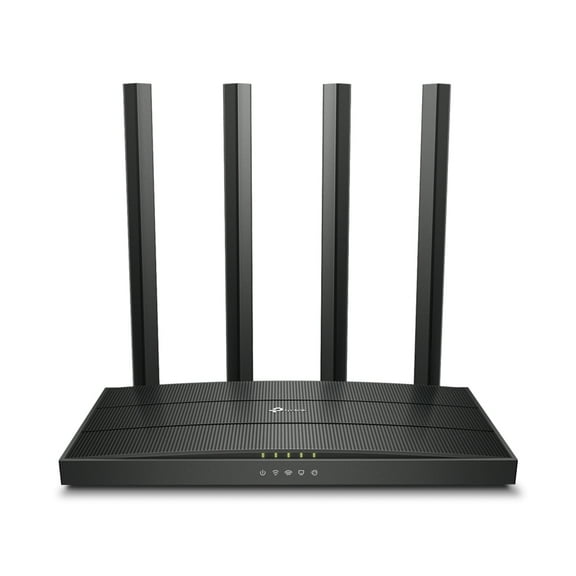 $7800current price $78.00, Was $99.99$99.99
TP-Link Archer C80 | AC1900 3-Stream Smart Wifi Router
1084.4 out of 5 Stars. 108 reviewsGoogle Nest Wifi 2 Pack (Mist) $89.00
 4 optionsAvailable in additional 4 options$8900current price $89.00
Google Nest Wifi 2 Pack (Mist)
18343.9 out of 5 Stars. 1834 reviewsZyxel C4000BZ 3.0 Gbps DSL Modem Router $86.99 Was $124.99
 $8699current price $86.99, Was $124.99$124.99
Zyxel C4000BZ 3.0 Gbps DSL Modem Router
1294.3 out of 5 Stars. 129 reviewsGJX Pocket Router, Free Satellite Internet, Free WiFi Router, High Speed Smart Router $19.17
 $1917current price $19.17
GJX Pocket Router, Free Satellite Internet, Free WiFi Router, High Speed Smart Router
22 out of 5 Stars. 2 reviewsArris Surfboard mAX 6E W161 Tri-Band Mesh Wi-Fi 6E System | AXE6600 Wi-Fi Speeds up to 6.6 Gbps| 6 GHz Band | Coverage up to 5,500 sq ft | 4.8 Gbps Backhaul | 2 Routers | 2.5 Gbps Ethernet Port $55.00
 $5500current price $55.00
Arris Surfboard mAX 6E W161 Tri-Band Mesh Wi-Fi 6E System | AXE6600 Wi-Fi Speeds up to 6.6 Gbps| 6 GHz Band | Coverage up to 5,500 sq ft | 4.8 Gbps Backhaul | 2 Routers | 2.5 Gbps Ethernet Port
Pre-Owned Google Nest Wifi Pro 6e AXE5400 Tri-Band Mesh Router - GA03030-US - Snow $74.95
 $7495current price $74.95
Pre-Owned Google Nest Wifi Pro 6e AXE5400 Tri-Band Mesh Router - GA03030-US - Snow
Open Box Netgear MK63S-100NAS Nighthawk Mesh WiFi 6 System $66.00
 $6600current price $66.00
Open Box Netgear MK63S-100NAS Nighthawk Mesh WiFi 6 System
Customer ratings & reviews
Reviews summary
- : Can be clear with video support, but sometimes lacks physical instructions.
- : Compatible with certain modems, but limitations exist with others.
- : Signal strength is inconsistent, prone to drops and glitches in certain environments.
Customer photos

Showing 1-3 of 36 reviews
Excellent mesh system, very powerful, super fast!
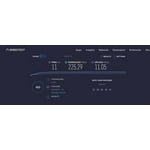
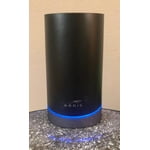
[This review was collected as part of a promotion.] Our old router was several years old and was not equipped to handle all of the smart home devices and various wireless electronic devices we have acquired in the past few years. We had very frequent internet outages (at least once a day, often a few times a day) and the connection was very slow. I did a speed test right before installing this new router - we pay for up to 200 Mbps, but the speed test from my laptop showed that my speed was under 11 Mbps download, 5 Mbps upload. We also have a range extender in another room because of the poor connection in that area. We have a doorbell camera and a few other cameras inside and outside of the house that were not working very well because of our connection issues - the picture on each camera was blurry and pixelated, and in live streaming view it would freeze a lot. To say that I was extremely excited to try out this mesh wifi system would be an understatement. Installation was extremely easy - the app that you will need to download walks you through each step. The whole process took about 10 minutes. The hardest part of installation was getting to the old router and unplugging it. It seems to be designed to be as easy as possible to install it, which may or may not be a good thing, depending on your level of expertise. Great for me, because I don't know much about this type of thing and I was nervous about setting it up myself. It could not have been more simple. There were a few (connection) error messages during setup, but it rectified them all itself, all I had to do was sit there and watch the app work. We gave the network the same SSID (name) as the old router, so all of our devices connected to the new Max router on their own, we didn't have to reconnect any devices. The first day went very well - there's a speed test in the app that says my speed is 184.6 Mbps download, 10.1 Mbps upload. I don't get those speeds on my laptop (wireless) though - my laptop speeds (through Ookla Speedtest) shows 40.20 Mbps download, 11.52 Mbps upload. That is a big improvement over the speeds from our old router, but I was hoping to see more speed. I have noticed that our cameras are all working MUCH better - no blurriness or pixelated images, no freezing or connection issues. I connected my laptop to the router via ethernet today and got a download speed of 225.29 Mbps, upload 11.05 Mbps. Now that we have a router that can handle such high speeds, we will definitely be upgrading our ISP plan to something faster. About 27 hours after installing it, we had our first issue - we lost the internet. I checked our ISP to see if it was just us or if there had been more outages reported. It was just us. The main router had a solid blue LED light, but the satellite router had a slowly flashing red LED light. I have no idea what the problem was. I could not get into the app because my phone was not connected to the same network, because we had no internet. I was using my mobile data connection. So when your internet goes out, the app appears to be completely useless. I could get no further than the "onboarding/factory reset" screen on the app. This was frustrating. I'm not sure what difference it would have made to be able to get into the app, but it was irritating to not have that option. I unplugged the router in my room for a minute then plugged it back in - nothing. Still flashing red. Unplugged and plugged in again - still red. I had to go into the room where the main router is located and unplug that one then plug it back in. That seemed to do the trick, the router in my bedroom started working again after that. * It's now been 3 days since this incident and we have not had this happen again so far. It's been running very smoothly! If you like to be able to manually choose which band to connect your electronics to, I don't think you can do that with this router. Our old router would broadcast the 2.4 GHz and 5 GHz networks and I could connect to the one that I preferred, but this Max router chooses the best band automatically for you. The app will allow you to set up parental controls that will allow you to pause the internet whenever you want to. You can set up profiles for children and from there you can block out the internet for certain profiles or devices on individual days of the week or every day of the week, at any time that you'd like. For instance, I could choose to block the internet for child #1 every day after school from 3 to 4 P.M. so they will be sure to come home and do their homework or chores instead of using a game console or social network. I could pause the internet when it's time for dinner and unpause it when we're all done eating. You can set these controls up just about any way that you need to. You can enable a guest network so you can have guests use your wifi without having to give them your main password. There's an Alexa skill you can download so that you can tell Alexa to enable the guest network. In summary, this is a really nice router, it's capable of extremely high speeds, and the mesh system will eliminate internet dead spots in your home so you can have blazing fast speeds anywhere around the house. It was ridiculously easy to set up and, aside from that one incident with the internet being dropped, it works very well. If your home is 3,000 square feet or less you should be able to get away with using only 1 router, but if you have multiple floor levels or a larger than 3,000 square feet then I'd definitely recommend this mesh system. If your home is very large you can purchase a single Max router to add to your mesh system - 1 main router and 2 satellites.
Very Fast!
[This review was collected as part of a promotion.] I was skeptical about this set but it was easy to set up and connect to everything. My internet was a little slow before it didnt run everything very well at once. I was having trouble seeing my cameras for my security system when the children was watching TV and playing on tablets. After I hooked this system up everything ran way more smoothly like a completely different connection. My kids can watch 4K movies while my wife's surfing the internet and the cameras run smoothly I can talk to Alexa and have her do tasks for me all at the same time! This is a amazing set up I really did not realize what I was missing until I got this.
Great Coverage For WiFi
[This review was collected as part of a promotion.] I received the Surfboard max pro AX 11000 and immediately set it up within my house. I was looking forward to making this change due to limited WiFi connection in my front yard. Additionally, I wanted to use this with my new iPhone for the WiFi 6 capabilities. Set up was a breeze. Not only are the directions easy to follow, but there are videos along the way to watch if needed. However, if you are purchasing this product, you probably know a thing or two about technology. In order to set up the satellite tower in an appropriate location to properly space these two towers out, I had to place one in my bedroom. Whether this is a pro or a con, it emits a fairly bright blue light, which created a nice nightlight for us. I have since learned that you can turn off the light in the app, which is something I didn't know for the first couple weeks of use. Prior to installing this, we had two separate WiFi networks and we are now all on one network. Additionally, through the app that needs to be downloaded, you have the option of of a guest network, which is nice to have. In the future, we also have the option of parental controls, which I'm sure will be necessary! All in all, we now have service throughout our entire (large) yard and am happy to have this product in our house.
