

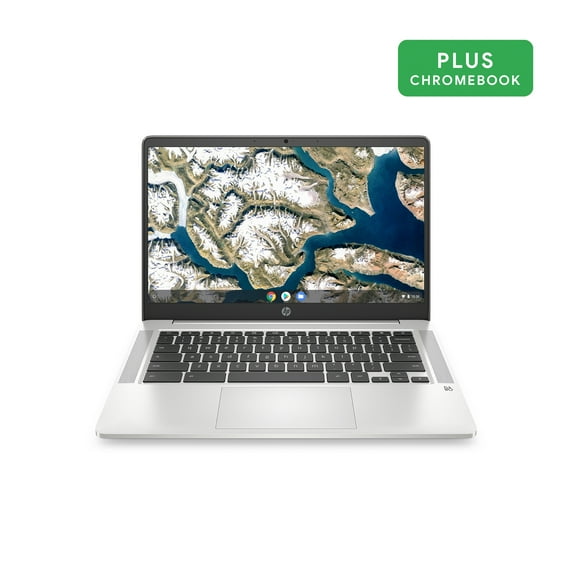
HP 14" Intel Pentium 4GB/64GB Chromebook - Silver - 14a-na0031wm
Key item features
- Vibrant Display: Features a 14.0-inch diagonal HD, SVA, anti-glare, micro-edge, WLED-backlit display with an 82% screen-to-body ratio for an immersive viewing experience.
- Responsive Performance: Powered by an Intel Pentium Silver N5000 Processor and 4 GB LPDDR4-2400 SDRAM, offering smooth operation for various tasks.
- Ample Storage: Includes 64 GB eMMC internal storage, providing sufficient space for essential files and applications.
- Immersive Audio: Equipped with Audio by B&O and dual speakers, delivering a rich and clear sound experience.
- Extended Battery: Offers an impressive battery life of up to 13 hours and 30 minutes of mixed usage, ideal for on-the-go productivity and entertainment.
- Portable Design: Weighing 3.24 lb, this thin and light silver Chromebook is easy to transport, making it convenient for use anywhere.
- Integrated Connectivity: Features Realtek Wi-Fi 5 (2x2) and Bluetooth 5.0 combo for seamless wireless connections, along with an HP Wide Vision HD Camera.
Specs
- Free shipping
 Free 15-day returns


How do you want your item?


About this item
Product details
Specifications
Warranty
Warnings
Similar items you might like
Based on what customers bought
In 100+ people's carts Acer Chromebook 315 15.6 inch Laptop Intel Processor N4500 4GB RAM 64GB eMMC Pure Silver $199.00
In 100+ people's carts Sponsored$19900current price $199.00$199.00
Acer Chromebook 315 15.6 inch Laptop Intel Processor N4500 4GB RAM 64GB eMMC Pure Silver
197834.3 out of 5 Stars. 19783 reviewsSave with Shipping arrives Sun, Jul 19
In 100+ people's carts HP 14 inch HD Chromebook Laptop Intel Processor N200 4GB RAM 128GB UFS Glacier Silver $134.00
In 100+ people's carts $13400current price $134.00
HP 14 inch HD Chromebook Laptop Intel Processor N200 4GB RAM 128GB UFS Glacier Silver
76464.2 out of 5 Stars. 7646 reviewsHP 14" Intel Pentium 4GB/64GB Chromebook - Silver 14a-na0131wm $193.00
 $19300current price $193.00
HP 14" Intel Pentium 4GB/64GB Chromebook - Silver 14a-na0131wm
953.9 out of 5 Stars. 95 reviewsHP 14" HD Chromebook, Intel N200 Processor, Intel UHD Graphics, 4GB RAM, 128 GB UFS Flash Storage 64GB SD Card, Wi-Fi6, Bluetooth, Chrome OS, Glacier Silver $244.00
 $24400current price $244.00
HP 14" HD Chromebook, Intel N200 Processor, Intel UHD Graphics, 4GB RAM, 128 GB UFS Flash Storage 64GB SD Card, Wi-Fi6, Bluetooth, Chrome OS, Glacier Silver
HP Chromebook 14" (64 GB eMMC, Intel Celeron 2.6 GHz, 4 GB) Laptop 14a-ne0013dx $213.99
 2 optionsAvailable in additional 2 options$21399current price $213.99
HP Chromebook 14" (64 GB eMMC, Intel Celeron 2.6 GHz, 4 GB) Laptop 14a-ne0013dx
24.5 out of 5 Stars. 2 reviewsHP Chromebook Laptop Computer 14" HD Intel Celeron 4 GB memory; 64 GB eMMC $208.90
 $20890current price $208.90
HP Chromebook Laptop Computer 14" HD Intel Celeron 4 GB memory; 64 GB eMMC
93.9 out of 5 Stars. 9 reviewsHP Chromebook 14-Inch HD Laptop, Intel Celeron N4000, 4 GB RAM, 32 GB eMMC, Chrome (14a-na0020nr, Ceramic White) $199.00
 $19900current price $199.00
HP Chromebook 14-Inch HD Laptop, Intel Celeron N4000, 4 GB RAM, 32 GB eMMC, Chrome (14a-na0020nr, Ceramic White)
1384.2 out of 5 Stars. 138 reviewsHP Essential Chromebook Laptop, 14 Inch HD Display, Intel Celeron N4120, 4GB RAM, 64GB eMMC, WiFi, Bluetooth, Chrome OS, Modern Gray $218.00
 $21800current price $218.00
HP Essential Chromebook Laptop, 14 Inch HD Display, Intel Celeron N4120, 4GB RAM, 64GB eMMC, WiFi, Bluetooth, Chrome OS, Modern Gray
HP 14" Touchscreen Laptop, AMD Athlon Silver 3050U, 64GB SSD, Windows 10 S, 14-fq0057nr $239.00
 $23900current price $239.00
HP 14" Touchscreen Laptop, AMD Athlon Silver 3050U, 64GB SSD, Windows 10 S, 14-fq0057nr
1794 out of 5 Stars. 179 reviewsHP Chromebook 11 - 11.6" HD - Intel Celeron N3060 - 4GB Memory - 16GB eMMC $48.00
 $4800current price $48.00
HP Chromebook 11 - 11.6" HD - Intel Celeron N3060 - 4GB Memory - 16GB eMMC
304.1 out of 5 Stars. 30 reviewsHP Fortis G1i 11" Chromebook, Intel N150, 8GB RAM, 64GB SSD, ChromeOS $423.20
 $42320current price $423.20
HP Fortis G1i 11" Chromebook, Intel N150, 8GB RAM, 64GB SSD, ChromeOS
Samsung Chromebook 4 11.6", Intel Celeron N4020, 4GB RAM, 32GB SSD, Chrome OS, Platinum Titan, XE310XBA $249.00
 $24900current price $249.00
Samsung Chromebook 4 11.6", Intel Celeron N4020, 4GB RAM, 32GB SSD, Chrome OS, Platinum Titan, XE310XBA
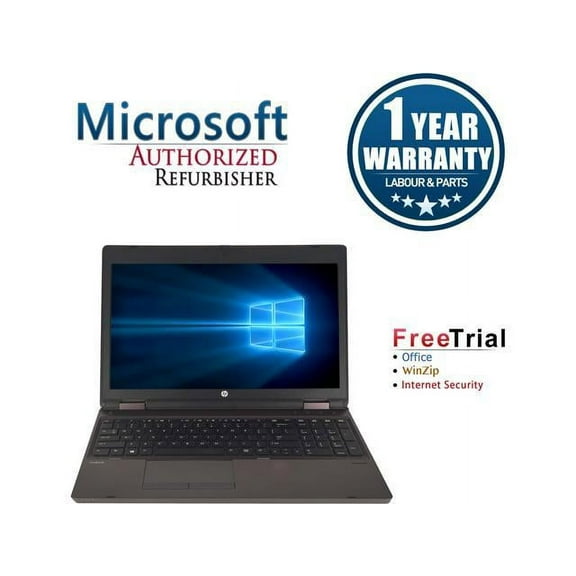
8273.9 out of 5 Stars. 827 reviewsHP ProBook 6570B 15.6" Intel Core i5-3210M 2.50GHz 8GB DDR3 1 TB DVD Windows 10 Professional 64 Bits with FREE 3 Year Warranty provided by CPS. $140.00 Was $199.99
 $14000current price $140.00, Was $199.99$199.99
HP ProBook 6570B 15.6" Intel Core i5-3210M 2.50GHz 8GB DDR3 1 TB DVD Windows 10 Professional 64 Bits with FREE 3 Year Warranty provided by CPS.
43.5 out of 5 Stars. 4 reviewsIn 200+ people's carts HP 14 inch HD Windows Laptop AMD Athlon 7120 4GB RAM 128GB SSD Moonlight Blue $179.00 Was $229.00
In 200+ people's carts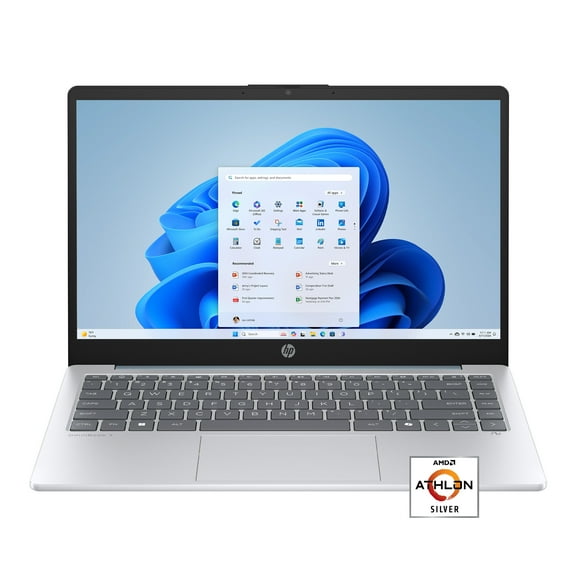 3 optionsAvailable in additional 3 options$17900current price $179.00, Was $229.00$229.00
HP 14 inch HD Windows Laptop AMD Athlon 7120 4GB RAM 128GB SSD Moonlight Blue
66274.2 out of 5 Stars. 6627 reviewsHP Chromebook 14A G5 14 Chromebook - 1366 x 768 - A-Series A4-9120C - 4 GB RAM - 32 GB Flash Memor $56.99
 $5699current price $56.99
HP Chromebook 14A G5 14 Chromebook - 1366 x 768 - A-Series A4-9120C - 4 GB RAM - 32 GB Flash Memor
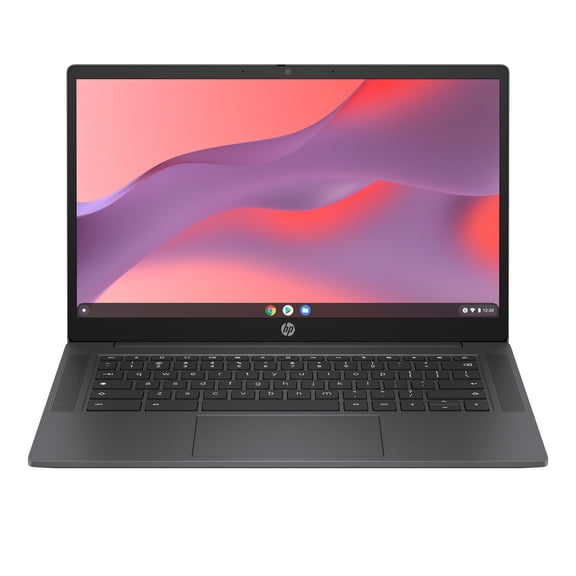
214.1 out of 5 Stars. 21 reviewsHP Chromebook Laptop Computer 14" HD Intel N-series 4 GB memory; 64 GB eMMC $389.00
 $38900current price $389.00
HP Chromebook Laptop Computer 14" HD Intel N-series 4 GB memory; 64 GB eMMC
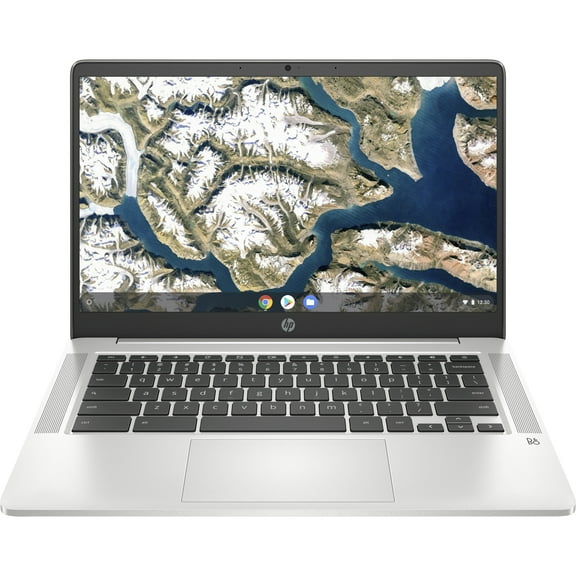
474 out of 5 Stars. 47 reviewsHP Chromebook 14" Full HD, Intel Celeron N4020, 32GB SSD, ChromeOS, 14a-na0050nr $255.00
 $25500current price $255.00
HP Chromebook 14" Full HD, Intel Celeron N4020, 32GB SSD, ChromeOS, 14a-na0050nr
35 out of 5 Stars. 3 reviewsHP Stream 14" Celeron 4GB/64GB Laptop-Blue, 14-cb171wm $781.99
 $78199current price $781.99
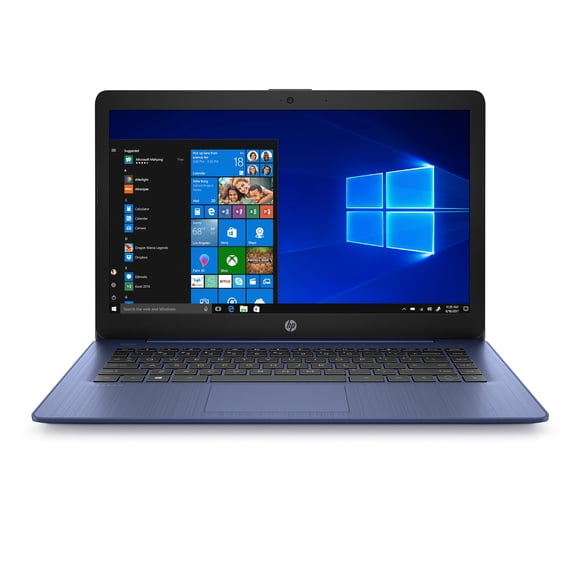
HP Stream 14" Celeron 4GB/64GB Laptop-Blue, 14-cb171wm
24.5 out of 5 Stars. 2 reviewsASUS CX15 15.6 inch FHD IPS Chromebook Laptop Intel Celeron N4500 4GB RAM 128GB eMMC Cream Pink $132.00

 $13200current price $132.00
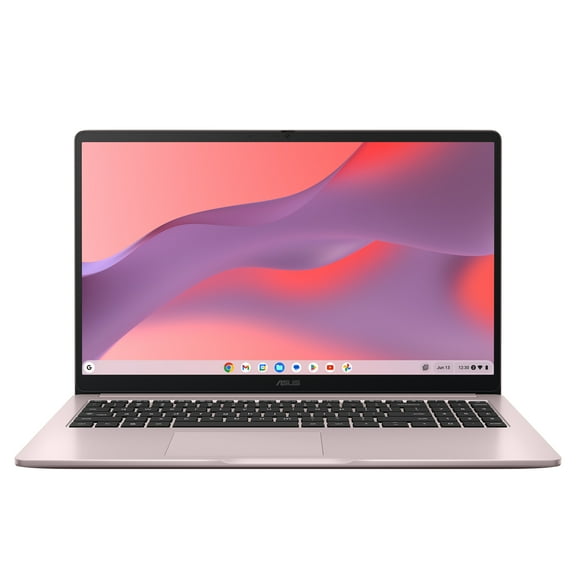
ASUS CX15 15.6 inch FHD IPS Chromebook Laptop Intel Celeron N4500 4GB RAM 128GB eMMC Cream Pink
4164.3 out of 5 Stars. 416 reviewsHP 14 inch Chromebook, Intel N200 Processor, 4GB RAM, 128GB SSD, Glacier Silver $248.00
 $24800current price $248.00
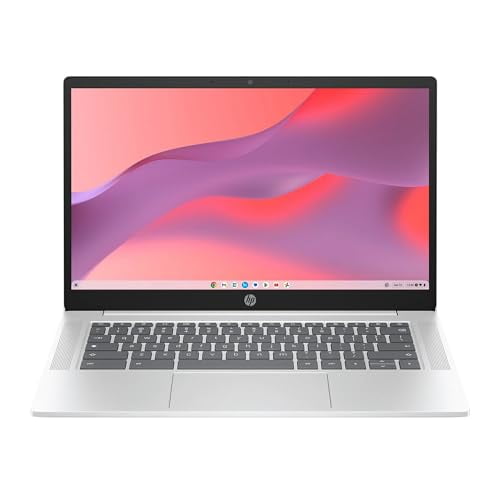
HP 14 inch Chromebook, Intel N200 Processor, 4GB RAM, 128GB SSD, Glacier Silver
44.3 out of 5 Stars. 4 reviews

Customer ratings & reviews
Filtered and sorted results would be available on the new 'Customer ratings & reviews' page.
Showing 1-3 of 330 reviews
lightweight and amazing battery life
Short version: This is a super lightweight laptop that is comfortable to use and has amazing battery life. While it's not as functional as a full PC, it runs many Android apps, and a ton of Chrome web apps. For the most part it feels like a full computer, and is versatile and easy to use. Now for the details.... The laptop is extremely lightweight. The case has a matte, almost very slightly textured, finish. It's not slick or shiny at all. The HP stickers came off very easily. The screen is pretty good. Maybe not my most favorite, because the matte texture makes it feel a little less sharp, but the non glare is super nice for having it outside. The touchpad has a nice feel, easy to click but doesn't click accidentally when you're typing, which is something I usually find to be an issue. You can set up natural scrolling for the touchpad, but in the settings it is called Australian scrolling. There's not a Delete button, but you can use Alt + Backspace to Delete things in front of the cursor. There is a row of useful keys for volume, brightness, forward/back, and so on. Hold down the power button for a moment to bring up Power and Lock options. The keyboard itself is great. It's got a good feel when you type. The keys aren't noisy, but they feel sturdy and durable (take some pointers, Apple). The letters/icons are also very easy to see on the keys, and the size of the keyboard/keys is great for my stubby fingers. My hands don't feel crowded like they do on little bluetooth keyboards. When you sign in, it takes you through the setup screens, which are almost identical to setting up an Android device. There is a notification for 100 GB Google One free for a year, which does require a payment method to activate, but it is easy to cancel from the Play Store like other subscriptions. There are no additional junk apps, which was awesome. Only Google apps, and one shortcut to the HP registration page. I approve. It took a little bit to figure out the difference between the web apps and the Play Store apps, because most of them, like Google Keep and Drive, look really nice as web apps. Since this saves storage and can have more functionality, I stick with the web apps for most of the Google products. If you use this for Zoom, the Chrome app for Zoom was great and overall felt just like using it on a full PC. The battery life is excellent. When I got it, I unplugged it at 100% and after almost 2 hours of installing programs, browsing, and video calling, it dropped 14%. I used it outside for around an hour and a half or so, with maximum screen brightness, browsing, and bluetooth music, and it dropped to 82%. The time remaining bounces all over like on any computer, so pay attention to the percentage, not the minutes left. So far, I've definitely been able to get the advertised 12 or 13 hours of it, no problem. This is cool because I won't need to charge it all the time, and I can take it to the coffee shop or wherever, and I don't have to worry about having an outlet nearby or even bringing the power cord. I use Google Drive a lot, as well as other apps for notetaking, etc, so I generally end up pulling out my phone to write things down when I'm studying away from home. This is going to change how I work. I took it outside on an overcast morning and with the screen brightness all the way up, it was quite usable. If it was sunny I don't know that I would be able to use it outside, but as long as there's some shade, it's probably fine. The webcam isn't amazing and in lower light the picture becomes very noisy and dark. It's definitely not awful, and likely will meet the need for any basic video call. With a better light, it improves a lot. In overcast light outside, the picture was just fine. Not incredibly sharp, but more than adequate to take a picture. Inside, you'll need to put a light source behind the webcam to show up without dark shadows. The sound is great for video/voice calls. I also tested music on this and the speakers sound really really great. There was a lot of depth to the sound and great volume. I'm actually super surprised at how good the sound was, better than my regular laptop for sure. I was concerned that since this isn't a regular OS that it might be basically just a giant phone or a tablet with a keyboard. But there is actually significantly more functionality than I expected. There is a nice mix of PC and Android behavior. Most apps respond to right clicking or swiping on the touchpad. I was able to drag and drop files into the Chrome browser like I would on a regular PC. You can resize windows, minimize, etc. I do a lot of typing on documents, journaling, and messaging, which is very difficult on a tablet without an external keyboard. I also rely on a lot of apps that don't have super great PC versions (usually just a stripped down website). This has the easy viewing of a PC/tablet with the same easy maneuvering I get from a PC and the app features I have on my phone. The fact that it's lightweight and has a great battery makes it perfect. One of the best parts is that Chromebooks can run Linux programs. This means that if you need a desktop program and it's available for Linux (like LibreOffice, desktop Spotify for editing playlists, etc), then you can install the deb file on the Chromebook or run the command to install in the Linux terminal. This worked great overall. Something to note is that of course that will take more space, and there's not a ton of hard drive space here. The other big thing is that there is not audio/mic capability on the Linux apps, so you can use the other features, but you're out of luck if you want to use desktop Zoom or listen to Spotify. Still, the Linux is in beta, and it's more of a bonus than their selling point, so I can't really complain about that. The security features were also an interesting thing I didn't know much about, but I am glad to have. If you search "defense in depth for Chrome OS" you'll find a lot of useful details, but basically, everything you do on the Chromebook is "sandboxed" so if you do run into something malicious, it's much less likely to infect everything on your computer. There are some other features and checks that the OS does as well to keep things running safely and smoothly. It should be noted that you need a Google account to use this laptop. It's also designed to be more cloud based, so you aren't going to be able to store a ton of files on the laptop itself (although you can use external storage or add and SD card). Much of the functionality comes from the Chrome Web Apps, which may be used without an internet connection at times (depending on the app) but will expect a connection at some point, so if you don't have consistent internet access, or are wanting a machine to use offline or with lots of storage, you may want to pass over this for a more traditional PC.
Nice little computer
I'm impressed with this Chromebook. It's a nice product. It's not a heavy device to carry. Set up was easy and fast. All you had to do was follow the prompts on the screen. Connected to my wifi easily and was ready for use. You can sync the device with your cell, but I chose not to. It can be used for video conferencing. Has a front facing camera which is clear and sharp. Screen is a good size. I downloaded a favorite game from the play store to see how it would respond. I like the fact the screen is larger than my phone. I didn't notice any lags in my game and the graphics were clear. Sound is of good quality and can be adjusted easily from low to high. Touchpad responds well, but but I opted to plug wireless mouse into the solo USB port. Has a combination headphone/ microphone jack. The sound quality through my earphones was clear. I can't attest as to how the microphone the sound quality is, as I don't have one. Also has a USB C port and a micro SD memory card reader. Overall I'm impressed with the device.
Sleek, Easy to Use, and Is Fast
I have an old laptop that makes this Chromebook feel like I am working on a stealth jet. I use to think it was my internet speed but it isn't. I have never been more impressed. The keys are flat, large and spaced perfectly. That makes them easy to type on and to be really fast. The finger pad is huge and completely flat. No more right and left buttons. You can enlarge things the same way you do on your cellphone. Nice. It's like going back to work but finding everything is super charged and high tech now. So far I do not find a delete button. I miss that. For now, I have to use the arrow buttons, then backspace to delete typing. This could be me. I have not had to read anything in the manual because that is how easy it is to use and find everything. No Microsoft Office, you have to buy that. There is something called Docs to replace it. It's built like the inside of our Gmail. That is as good, you just have to learn where to save everything and how to manuever. That was easy. The look of the Chromebook sharp, thin, light and platinum on top but silver with black inside. Professional, girly, stylish. I am a 66 year old grandma and I want to show it off to my kids, it is so good looking. The sound system is clear, pretty loud, but I do wish it was louder so I could hear music if I walked around the apartment. The camera is clear, rich in the color with movies and videos is high tech. It works easily, but does have a few places on the screen that are not clear if you have your lighting in the wrong place. You do need to adjust your lighting if you want others to see you clearly when on zoom or duo. With movies or anything else, it is fantastic. When I hook up my Cowin headphones to it, it sounds like I am at the Imax theater. I added a wireless mouse, that worked great until the battery went dead in the mouse. That messed up the laptop to the point of it not coming back on until about the 10th try and I had to leave it alone for awhile. It had gone black so I could not safely take out the chip for the mouse. I took out the chip anyway in case that was the cause. It still did not come back on. When I put a new battery in to the mouse, the laptop eventually came back on. I suggest if possible always keep the battery charged in a wireless mouse. I know next to nothing about Bluetooth but I wanted to WiFi my new Cowin headphones to this Chromebook. I couldn't get them to pair. I did the shortcut to Google and sure enough I learned that was me. Suggestions are, do not have the Chromebook or the item you want to pair, close to the modem and do not have the item you want to pair, super close to the Chromebook. Bring them apart a few feet. Also, make sure any other bluetooth things like (your cell phone's bluetooth), are off. Then the Chromebook can find your item to you asking it to pair up with. Next, on to learning how to transfer all my files to this Chromebook. I'm sure that will be easy too and I am looking forward to learning. The best part is that I know how to do this because everything on the Chromebook super easy to try everything on my own. If you know Android and Gmail, you will be fine. I look forward to working on this Chromebook every day. Again, I am impressed.
