

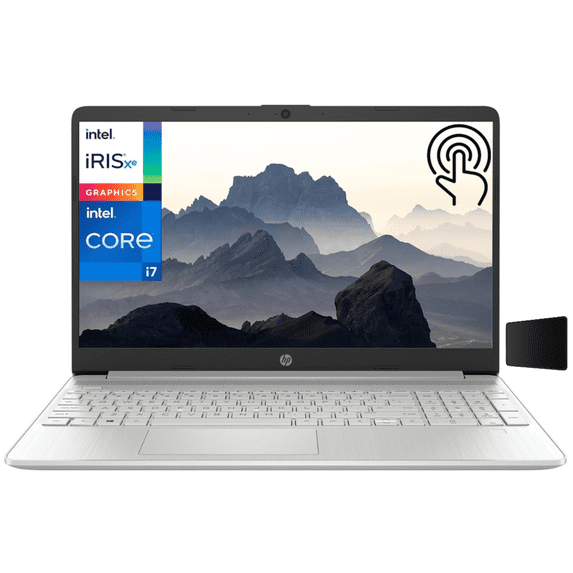
HP 15 Business Laptop Computer, 15.6" Touchscreen FHD, 12th Gen Intel 10-Core i7-1255U, 16GB DDR4 RAM, 1TB PCIe SSD, Bluetooth, Silver, 802.11AC WiFi, Windows 11 Home, Bundled with MousePad.
Key item features
- CPU: 12th Gen Intel Core i7-1255U, 10C (2P + 8E) / 12T, P-core 1.7 / 4.7GHz, E-core 1.2 / 3.5GHz, 12MB. SSROTHO
- 15.6" diagonal, FHD (1920 x 1080), touch, IPS, micro-edge, BrightView, 250 nits, 45% NTSC Display; Intel Iris Xᵉ Graphics.
- 16GB DDR4 Memory; 1TB PCIe NVMe M.2 SSD; Optical drive not included.
- Realtek RTL8821CE-M 802.11a/b/g/n/ac (1x1) Wi-Fi and Bluetooth 4.2 combo; 1 SuperSpeed USB Type-C 5Gbps signaling rate; 2 SuperSpeed USB Type-A 5Gbps signaling rate; 1 HDMI 1.4b; 1 AC smart pin; 1 headphone/microphone combo.
- Windows 11 Professional in S mode. Bundled with 3 In 1 Design Stylus (Stylus Pen + Ballpoint Pen + USB 3.0 64GB Flash Drive).
Specs
- BrandHP
- Proc. brandIntel
- OSWindows 11 Home
- RAM memory16 GB
- Screen size15.6 in
- HD typeSolid State
- Free shipping
 Free 15-day returns

(Only one option can be selected at a time)

How do you want your item?


About this item
Product details
12th Gen Intel Core i7-1255U, 10C (2P + 8E) / 12T, P-core 1.7 / 4.7GHz, E-core 1.2 / 3.5GHz, 12MB
Chipset
Intel Integrated SoC
Memory, standard
16GB DDR4 RAM
Video graphics
Intel Iris Xᵉ Graphics
Hard drive
1TB PCIe NVMe M.2 SSD
Optical drive
Optical drive not included
Display
15.6" diagonal, FHD (1920 x 1080), touch, IPS, micro-edge, BrightView, 250 nits, 45% NTSC
Wireless connectivity
Realtek RTL8821CE-M 802.11a/b/g/n/ac (1x1) Wi-Fi and Bluetooth 4.2 combo
Expansion slots
1 multi-format SD media card reader
External ports
1 SuperSpeed USB Type-C 5Gbps signaling rate; 2 SuperSpeed USB Type-A 5Gbps signaling rate; 1 HDMI 1.4b; 1 AC smart pin; 1 headphone/microphone combo
Minimum dimensions (W x D x H)
14.11 x 9.53 x 0.71 in (358.39 x 242.06 x 18.03 mm)
Weight
3.75 lbs (1.70 kg)
Power supply type
45 W Smart AC power adapter
Battery type
3-cell, 41 Wh Li-ion
Battery life mixed usage
Up to 7 hours and 15 minutes
Video Playback Battery life
Up to 9 hours and 15 minutes
Webcam
HP True Vision 720p HD camera with integrated dual array digital microphones
Audio
Dual speakers
Operating system
Windows 11 Home in S mode
- CPU: 12th Gen Intel Core i7-1255U, 10C (2P + 8E) / 12T, P-core 1.7 / 4.7GHz, E-core 1.2 / 3.5GHz, 12MB. SSROTHO
- 15.6" diagonal, FHD (1920 x 1080), touch, IPS, micro-edge, BrightView, 250 nits, 45% NTSC Display; Intel Iris Xᵉ Graphics.
- 16GB DDR4 Memory; 1TB PCIe NVMe M.2 SSD; Optical drive not included.
- Realtek RTL8821CE-M 802.11a/b/g/n/ac (1x1) Wi-Fi and Bluetooth 4.2 combo; 1 SuperSpeed USB Type-C 5Gbps signaling rate; 2 SuperSpeed USB Type-A 5Gbps signaling rate; 1 HDMI 1.4b; 1 AC smart pin; 1 headphone/microphone combo.
- Windows 11 Professional in S mode. Bundled with 3 In 1 Design Stylus (Stylus Pen + Ballpoint Pen + USB 3.0 64GB Flash Drive).
Specifications
Brand
Proc. brand
Processor
OS
Warranty
Warranty information
Similar items you might like
Based on what customers bought
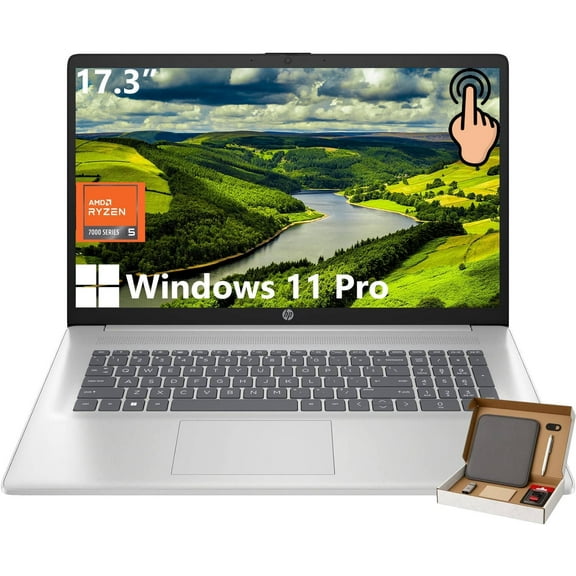
HP 17 inch Business Laptop Computer, 17.3" HD Touchscreen, AMD Ryzen 5 7530U, 16GB RAM, 512GB SSD, Wi-Fi 6, Bluetooth, Numeric Keypad, Brightview, Windows 11 Pro $859.99
 Sponsored$85999current price $859.99
HP 17 inch Business Laptop Computer, 17.3" HD Touchscreen, AMD Ryzen 5 7530U, 16GB RAM, 512GB SSD, Wi-Fi 6, Bluetooth, Numeric Keypad, Brightview, Windows 11 Pro
2834.4 out of 5 Stars. 283 reviewsShipping, arrives in 3+ daysIn 200+ people's carts HP Stream 14 inch Win 11 Laptop Intel Processor N150 4GB 128GB eMMC Pink (12-mo. Microsoft 365 included) $189.00 Was $229.00
In 200+ people's carts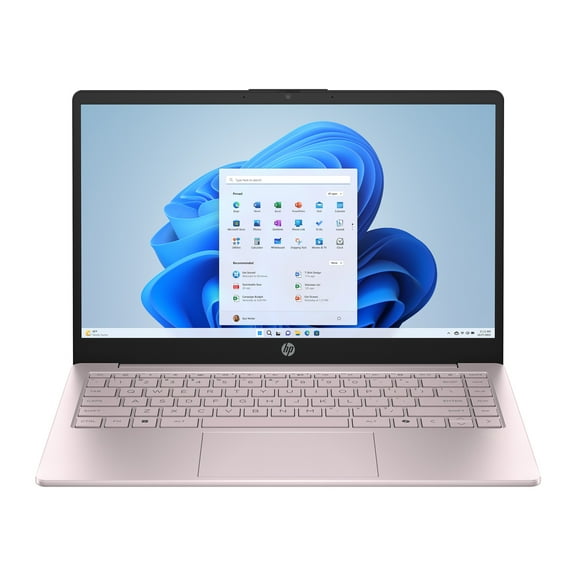 2 optionsAvailable in additional 2 options$18900current price $189.00, Was $229.00$229.00
HP Stream 14 inch Win 11 Laptop Intel Processor N150 4GB 128GB eMMC Pink (12-mo. Microsoft 365 included)
112854.2 out of 5 Stars. 11285 reviews50+ bought since yesterday HP 15.6 inch Windows 11 Laptop intel Core i3-N305 8GB RAM 256GB SSD Natural Silver $353.47
50+ bought since yesterday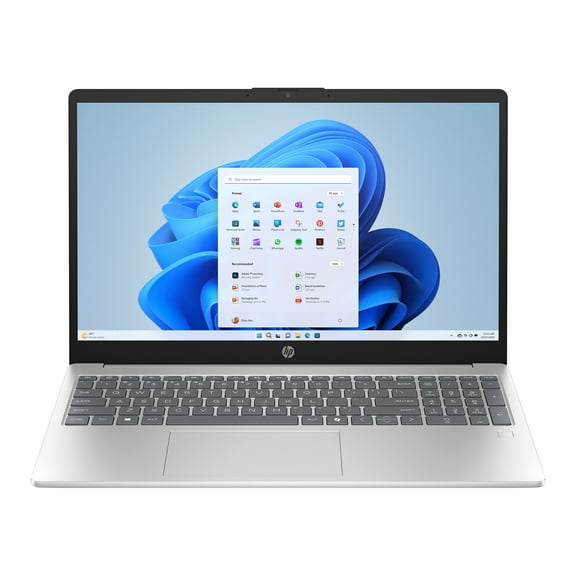 $35347current price $353.47
HP 15.6 inch Windows 11 Laptop intel Core i3-N305 8GB RAM 256GB SSD Natural Silver
27194.2 out of 5 Stars. 2719 reviewsHP 15 Laptop Computer, 15.6" HD Touchscreen Display, Intel Core i3-1115G4 Processor, 32GB RAM, 2TB SSD, Intel UHD Graphics, Wi-Fi, Bluetooth, Numeric Keypad, SD Card Reader, Windows 11 Pro, Silver $799.99
 Sponsored$79999current price $799.99
HP 15 Laptop Computer, 15.6" HD Touchscreen Display, Intel Core i3-1115G4 Processor, 32GB RAM, 2TB SSD, Intel UHD Graphics, Wi-Fi, Bluetooth, Numeric Keypad, SD Card Reader, Windows 11 Pro, Silver
Shipping, arrives in 3+ daysHP 17 inch Business Laptops Computer, 17.3" FHD Anti-Glare Display, AMD Ryzen 5 7430U, 32GB RAM, 1TB SSD, Windows 11 Pro, Wi-Fi 6, Numeric Keyboard $1,159.99
 8 optionsAvailable in additional 8 options$1,15999current price $1,159.99
HP 17 inch Business Laptops Computer, 17.3" FHD Anti-Glare Display, AMD Ryzen 5 7430U, 32GB RAM, 1TB SSD, Windows 11 Pro, Wi-Fi 6, Numeric Keyboard
193.6 out of 5 Stars. 19 reviewsDell 16" Touchscreen Laptop, FHD Display, 10-core Intel Core 7 150U, 32GB DDR5 RAM, 1TB SSD, Windows 11 Pro, Backlit Keyboard, WiFi 6E,Black $989.99
 13 optionsAvailable in additional 13 options$98999current price $989.99
Dell 16" Touchscreen Laptop, FHD Display, 10-core Intel Core 7 150U, 32GB DDR5 RAM, 1TB SSD, Windows 11 Pro, Backlit Keyboard, WiFi 6E,Black
154.9 out of 5 Stars. 15 reviewsHP Business Laptop, 15.6 FHD IPS Touch Screen Computer, 11th Gen Intel Core i7-1165G7 Processor (Quad-Core), 12GB RAM, 512GB SSD, Intel Iris Xe Graphics, Wi-Fi 5, Bluetooth, Windows 11 Home $639.90
 Sponsored$63990current price $639.90
HP Business Laptop, 15.6 FHD IPS Touch Screen Computer, 11th Gen Intel Core i7-1165G7 Processor (Quad-Core), 12GB RAM, 512GB SSD, Intel Iris Xe Graphics, Wi-Fi 5, Bluetooth, Windows 11 Home
23 out of 5 Stars. 2 reviewsShipping, arrives in 3+ daysHP 15.6" HD Touch Laptop, Intel Core i3-1215U, Intel UHD Graphics, 16G RAM, 1TB SSD, Numeric Keypad, Windows 11 Pro $599.99
 Sponsored$59999current price $599.99
HP 15.6" HD Touch Laptop, Intel Core i3-1215U, Intel UHD Graphics, 16G RAM, 1TB SSD, Numeric Keypad, Windows 11 Pro
173.7 out of 5 Stars. 17 reviewsShipping, arrives in 3+ daysBest seller HP 15.6 inch FHD IPS Touch Windows 11 Laptop AMD Ryzen 7 7730U 16GB RAM 512GB SSD Natural Silver $469.00
Best seller $46900current price $469.00
HP 15.6 inch FHD IPS Touch Windows 11 Laptop AMD Ryzen 7 7730U 16GB RAM 512GB SSD Natural Silver
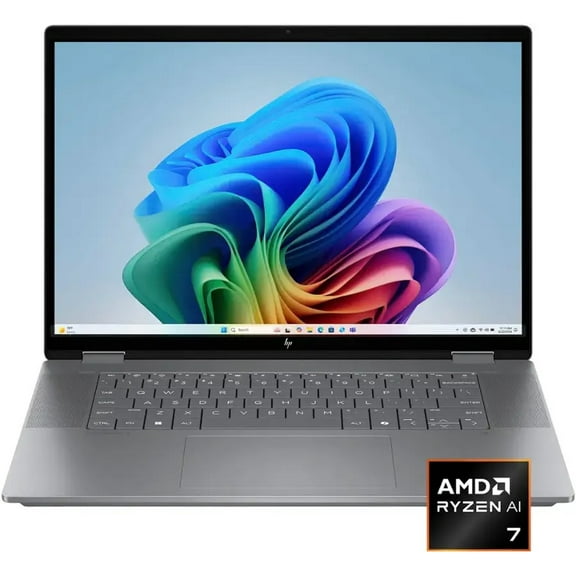
6784.3 out of 5 Stars. 678 reviewsHP - OmniBook X Flip 2-in-1 - Copilot PC - 16" 2K Touch-Screen Laptop - AMD Ryzen AI 7 - 24GB Memory - 1TB SSD - Meteor Silver $777.39
 $77739current price $777.39
HP - OmniBook X Flip 2-in-1 - Copilot PC - 16" 2K Touch-Screen Laptop - AMD Ryzen AI 7 - 24GB Memory - 1TB SSD - Meteor Silver
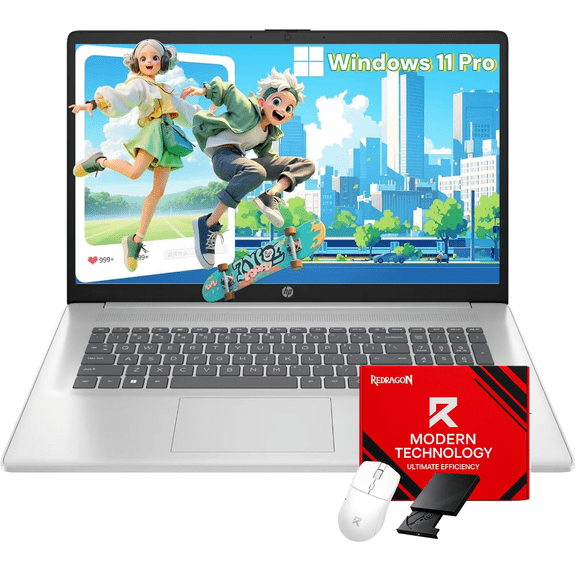
284.2 out of 5 Stars. 28 reviewsHP 17 Inch Laptop Computer for Business & Students, Intel Core i5-1334U, 32GB RAM, 1TB SSD, 17.3" FHD Display, Fingerprint Reader, Backlit Keyboard, Wi-Fi 6, Webcam, Windows 11 Pro, w/Accessories $1,199.99
 7 optionsAvailable in additional 7 options$1,19999current price $1,199.99
HP 17 Inch Laptop Computer for Business & Students, Intel Core i5-1334U, 32GB RAM, 1TB SSD, 17.3" FHD Display, Fingerprint Reader, Backlit Keyboard, Wi-Fi 6, Webcam, Windows 11 Pro, w/Accessories
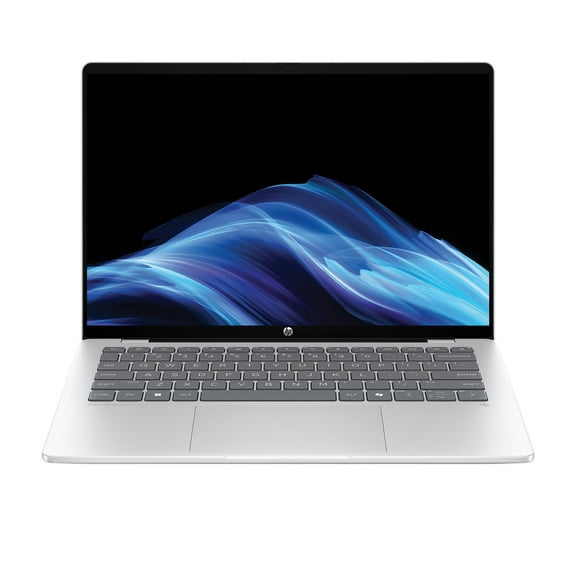
15 out of 5 Stars. 1 reviewsHP OmniBook 5 Laptop Computer 14" 2K Touch Screen Snapdragon X Plus 32 GB $829.99
 $82999current price $829.99
HP OmniBook 5 Laptop Computer 14" 2K Touch Screen Snapdragon X Plus 32 GB
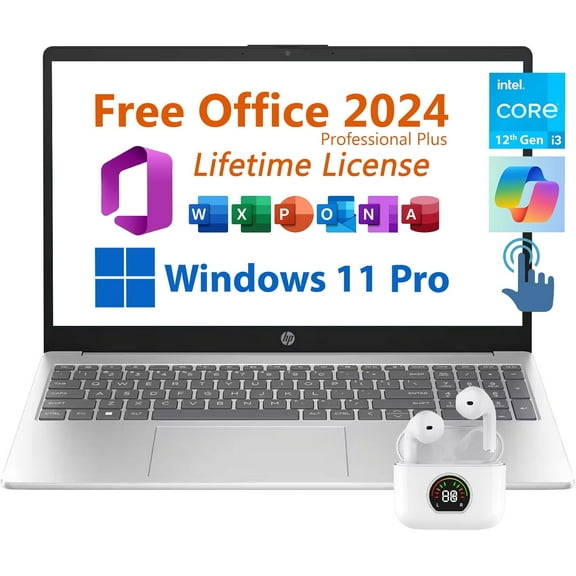
133.7 out of 5 Stars. 13 reviewsHP 15.6" HD Business Laptop Touchscreen, Intel Core i3-1215U, 16GB RAM, 1TB SSD, Intel UHD Graphics, Wi-Fi, Bluetooth, Webcam, Media Card Reader, Numeric Keypad, Windows 11 Home, Cefesfy LaptopStand $688.00
 $68800current price $688.00
HP 15.6" HD Business Laptop Touchscreen, Intel Core i3-1215U, 16GB RAM, 1TB SSD, Intel UHD Graphics, Wi-Fi, Bluetooth, Webcam, Media Card Reader, Numeric Keypad, Windows 11 Home, Cefesfy LaptopStand
134.1 out of 5 Stars. 13 reviewsBest seller HP Omnibook 5 16 inch Touch Windows 11 Laptop Intel Core Ultra 7 AI PC 16GB RAM 1TB SSD Silver $731.00
Best seller $73100current price $731.00
HP Omnibook 5 16 inch Touch Windows 11 Laptop Intel Core Ultra 7 AI PC 16GB RAM 1TB SSD Silver
17174.2 out of 5 Stars. 1717 reviewsBest seller HP 15.6 inch Windows 11 Touch Laptop Intel Core i3-N305 8GB RAM 256GB SSD Moonlight Blue $400.00
Best seller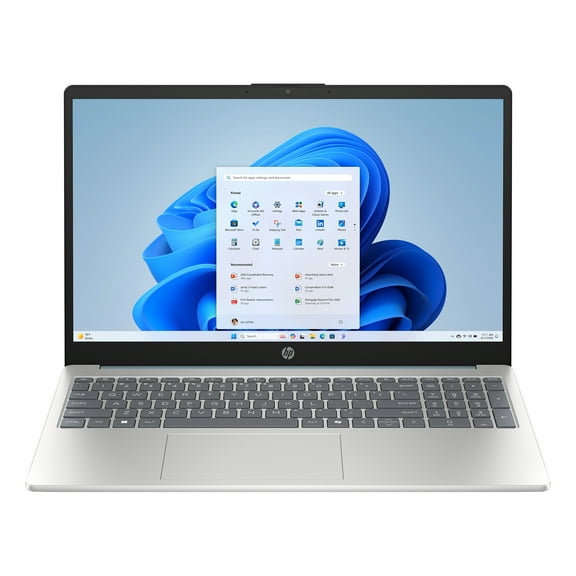 $40000current price $400.00
HP 15.6 inch Windows 11 Touch Laptop Intel Core i3-N305 8GB RAM 256GB SSD Moonlight Blue
20854.3 out of 5 Stars. 2085 reviewsHP 15.6 inch Windows 11 Touch Laptop Intel Core i5-1334U 8GB RAM 512GB SSD Natural Silver $499.97
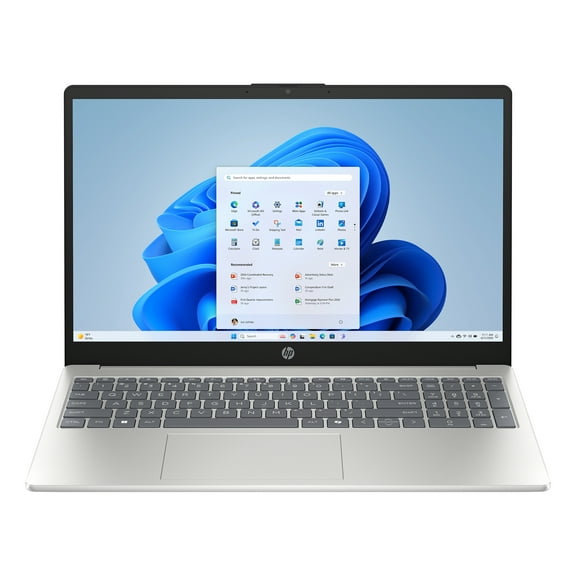 $49997current price $499.97
HP 15.6 inch Windows 11 Touch Laptop Intel Core i5-1334U 8GB RAM 512GB SSD Natural Silver
9364.3 out of 5 Stars. 936 reviewsHP 15.6 inch FHD Windows Laptop Intel Core i7-1255u 8GB RAM 512GB SSD $607.00
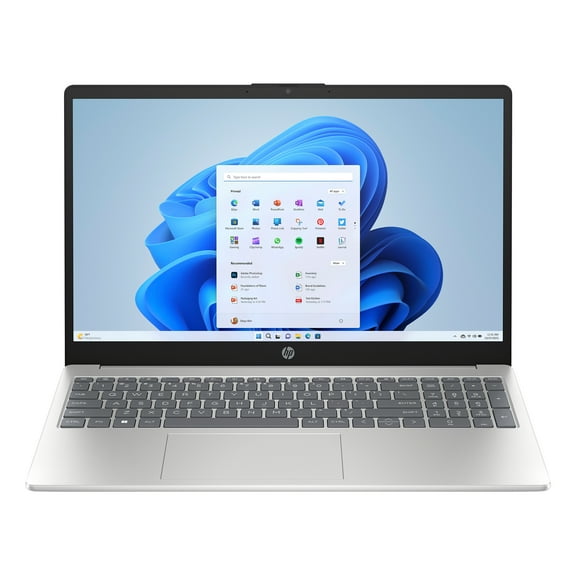 $60700current price $607.00
HP 15.6 inch FHD Windows Laptop Intel Core i7-1255u 8GB RAM 512GB SSD
234.3 out of 5 Stars. 23 reviewsBest seller ASUS Vivobook 16" WUXGA Laptop Intel Core i7-1355U 16GB RAM 512GB SSD Black $599.00 Was $649.99
Best seller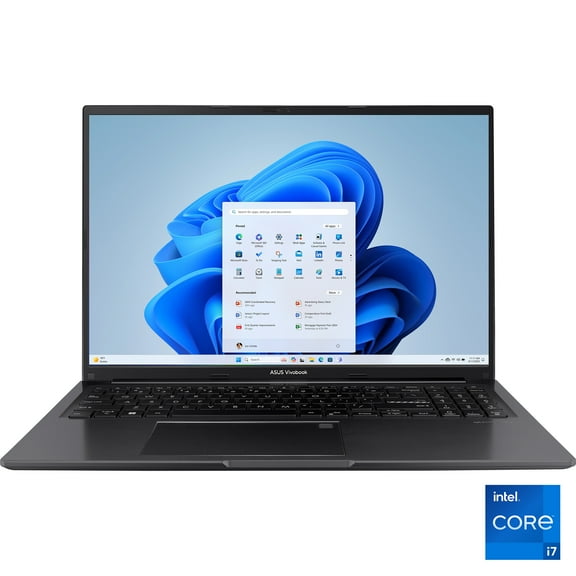 3 optionsAvailable in additional 3 options$59900current price $599.00, Was $649.99$649.99
ASUS Vivobook 16" WUXGA Laptop Intel Core i7-1355U 16GB RAM 512GB SSD Black
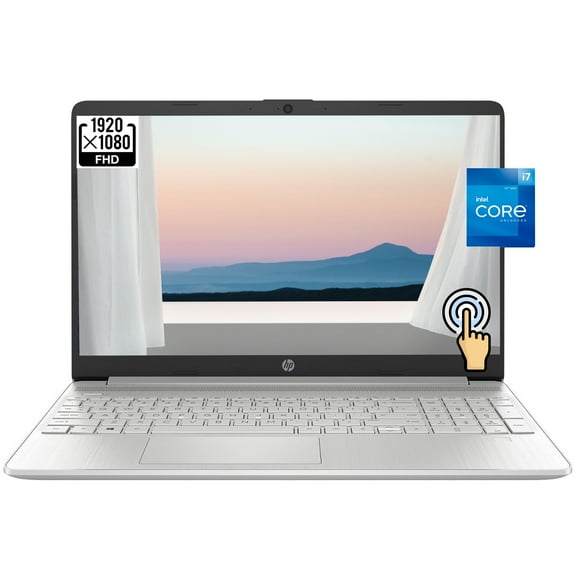
9904.3 out of 5 Stars. 990 reviewsHP 15 15.6" FHD Touchscreen Business Laptop, 12th Gen Intel 10-Core i7-1255U, 16GB RAM, 1TB PCIe SSD, Numeric Keypad, Wi-Fi, HDMI, Windows 11 Home in S Mode $756.79
 $75679current price $756.79
HP 15 15.6" FHD Touchscreen Business Laptop, 12th Gen Intel 10-Core i7-1255U, 16GB RAM, 1TB PCIe SSD, Numeric Keypad, Wi-Fi, HDMI, Windows 11 Home in S Mode
Best seller HP Omni Book 7 15.6" 1080p Touchscreen Slim PC Laptop, Intel Core Ultra 7 155U, 16GB, 512GB Ssd, Silver, 16-au0070wm (New) $849.00
Best seller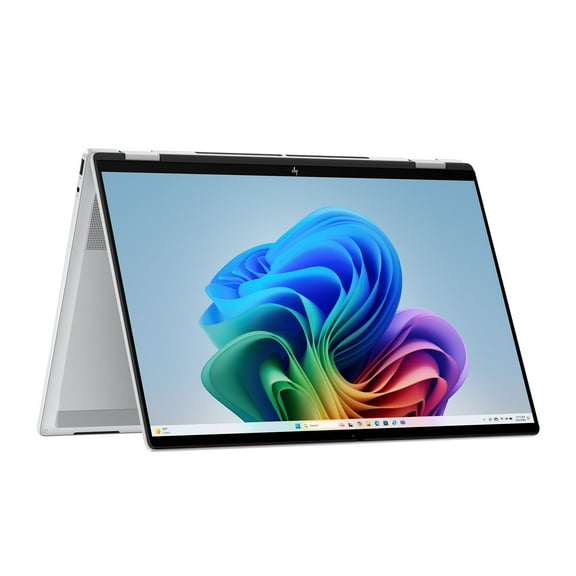 $84900current price $849.00
HP Omni Book 7 15.6" 1080p Touchscreen Slim PC Laptop, Intel Core Ultra 7 155U, 16GB, 512GB Ssd, Silver, 16-au0070wm (New)
2094.4 out of 5 Stars. 209 reviews
Customer ratings & reviews
Filtered and sorted results would be available on the new 'Customer ratings & reviews' page.
Showing 1-3 of 26 reviews
Seller Verified Purchase
Super fast Laptop with all the bells and whistles!
I purchased the HP Pavilion 15.6" Full HD Laptop a few weeks ago and am very pleased I did. The i7-8565U processor is more than SUPER-adequate for everything I do. Using the Task Manager "Performance tab" it shows the processor is sitting at near minimum % speed for all 4 processors most of the time. The fan has never come on or operates so slow I have not heard it yet. I have not felt the case even get warm like my old dual processor does. I was used to windows 7 purchased new with my last laptop and I am actually liking Windows 10 better because it is made to be easy to use for new Windows 10 users and it has so many choices when left or right clicking the Start menu or lower task bar menu. Two weeks is too short of a time to praise or criticize this new Windows 10 system but I am becoming more friendly with it every day and have not had any insurmountable problems. The Full HD1920 x 1080 screen is beautiful and has advantages over the lesser pixel quality 1080x765 screens. It is very clear and bright and even the smallest choice of character sizes are easily readable. High quality pictures are noticeably sharper than on my older 1080 screen laptop. The 512 GB PCIe® NVMe™ M.2 Solid State Drive is faster than I could imagine with a less than 10 second boot from OFF. When I learned how to quickly type in my PIN I have gotten it to full screen from OFF in less than 5 seconds which is astronomically fast compared to any rotating hard drive. The boot up from the sleep mode is much faster. taping the 0 key on the key pad then my 4 digit PIN brings it up instantly. Google chrome is up in less than 2 seconds which is far superior to my rotating HD in my old laptop. I am finding that NOT turning the power supply off at night only has the HP drop a few percent in sleep mode or what ever it is called in this machine. When I forget and leave some traffic cameras over the Bay Bridge or here in Dover on when the HP goes to sleep it draws the power down maybe another 8% so. I have to remember to turn those Cameras off. The battery lasts all day with occasional use and intensive use combined. It will give me about 8 or more hours with all day constant usage typing or researching on the net. I am not a gamer but am on the internet researching things and working with spreadsheets and correspondence. It has an Intelligent backlit keyboard that surprised me. Let it sit for a few moments and the lighting dims then goes off to save the battery. Touching any key, it comes back on and it has two intensity settings. The 8 gig of memory is well managed running about 50% to 60% as shown by the Task Manager Performance tab. I don't remember it going over 70% so far with daily usage for over two weeks. The hard drive is probably being used as memory storage since it has a superior read and write speed. I have not had a problem using the multi functional mouse pad. I had to turn it off in my old computer because my palm would somehow highlight several paragraphs in blue and delete many minutes of typing in just a fraction of a second, but I haven't had one of these instances on this HP. I saw complaints about the WIFI turning itself off and also not connecting to the internet. I experienced this problem only when operating on battery and after a few minutes of it being not used. Clicking the WIFI icon on the bottom line tasked bar then clicking the WIFI blue square to turn it off then clicking the not blue square turned it blue again and I was again on the internet. It seemed to be a battery saver. My Cousin emailed me that it was a battery saver item and the automatic turn off can be itself turned off in a menu choice. I have not had that problem after I turned the WIFI battery saver program off. I cured this WIFI auto turn off problem by: Right Click on Windows 10 Start button and then click on Device Manager, click on Network Adapters, right-click on the WiFi Adapter, then click on Properties. Click on the Power Management Tab and then disable the option for “Allow the computer to turn off this device to save power”. There is also a second turn off choice in my menu and I had to go back and turn it off as well to stop the WiFI Disconnect. Needless to say my battery life dropped because the WIFI is always on. Having second thoughts, I am going to turn these two WIFI battery savers back on and get another hour or so before having to plug the computer back in and go back to restarting the WIFI. The Intel UHD graphics GPU in the Task Manager Performance tab seems to be great, I do not game but I see it sits at near idle percentage all day long. I did not want or need a touchscreen but Sam's Club had this with a $999.00 price discounted to $699 last month so I purchased the HP with it. The few times I actually touched something on the screen rather than use the mouse and it worked. I have a smart phone and am familiar with using a touchscreen. Taking my hands off the Keyboard to touch the screen rather than use the mouse-pad and tap is, at least to me, unnecessary motion but I am certain it has a few advantages I have not recognized yet. The computer had a month free MS Office suite on it but I had been using Libre Office on my Dual Processor Dell and was so used to it being FREE to download and FREE to use with no expiration date. I installed it in no time on this HP and being the newest version of Libre Office 6.3 It worked like the older version and I was at home with it. The only problem with the HP is MS Office has a preload of Word and when I call up a document or spreadsheet on my memory stick to use it, MS Office comes up for me to register it. I have to cancel the MS Office to not register and start Libre Office then select the document or speadsheet from the memory stick and all work nicely. I save the documents in a .docx format to send to people that have MSOffice instead of the .odt format so MS Office being shoved into memory to work from day one pops up for me to register and use it. The Bluetooth 42 instantly hooked up to my smartphone and presented me with my calendar with all my appointments on it after I started the Google Calendar program in Chrome and pinned the tab. The WIFI is apparently defaulted to the "ON" position. If Bluetooth is not going to be used when on batteries, it can be toggled off for longer battery life like I do on my Smartphone. That extends my battery life on the smartphone. I am thinking the F12 Airplane Mode key will do this and also shut off the WIFI but that is research for another time. Ports: These two 3.1 USB ports are the first I have had a chance to work with (3.0 on my old Dell). I have a number of Sandisk Ultra 3.0 and 3.1 memory sticks. Using a program to see the speed of the sticks I have found that a few of the 3.0 sticks are faster than the 3.1 sticks depending on the size of the files testing the memory sticks. The 512 Gb SSD puts these sticks to absolute shame being light speed faster. Crystaldiskmk7 shows 1752MB/s read and 837MB/s Write on the SSD. 173MB/s and 66MB/s on my fastest Sandisk Ultra 3.0 memory stick transferring 1GiB files I have not had time to check out all the features of this fantastic machine compared to my older ones but at $300 off on sale because Sam's club people rarely go this high, wait and check in on occasioin to see the price drops on these upper mid end machines. The Newer 10th generation processors use less power and are faster with higher benchmark speeds for the same advertised speeds, 1.8 GHz base frequency, up to 4.6 GHz with Intel® Turbo Boost Technology on this hot rod. However the 10th generation my cousin purchased did not have a LAN plug. My house is WIFI and LAN so I opted for this 8th generation laptop. Specifications on this unit at Sam's Club: https://www.samsclub.com/p/hp-pavilion-fhd-touchscreen-laptop-intel-core-i7-8565u-8gb-512gb/prod22890293?xid=plp_product_1_6 I did not really need all this speed from the 8th generation processor, nor did I need an 8th generation processor, a 5th generation processor would have worked for me. Sam's had other less expensive models with very fast but slower processors but with the $300 off this laptop, I opted to splurge. I am not promoting Sam's Club but I always know what I am getting there. My window search engines always found this supposedly same exact laptop all over the net for cheaper prices but something was always different and not as good like a slower processor, a smaller SSD, no back lit keyboard so Buyer Beware. Yes I do recommend this product to a friend.
Seller Verified Purchase
Amazing Pavilion w/ touchscreen, backlit keyboard
Amazing HP Pavilion with touchscreen and backlit keyboard! Packed with more features and options than I have had time to browse through. Great "settings" options. Appreciate the bottom right options retrieval. Most physical options have settings for your preferences. Touchscreen is convenient and backlit keyboard goes from bright to dim to off, as desired. Light key background color makes letters easy to see. Comfortable key size. Durable body, cool in light gold color. Absolutely need and like the variable gesture touch pad! Good screen size at 15.6". Bluetooth links up easily with headphones or earbuds. I have mirrored the screen to my smart TV to see shows not on my cable lineup. Cooling fans do a great job and are not even audible. Night screen option is a plus, and that you can put it on a timer rather than digging in settings to turn on and off daily. Colors are realistic and brightness is great. I really appreciated the startup and setup menus, as these do not come with user manuals. A total improvement from 10 years ago. The Care Package including accident protection is a great deal because if I do not need to use it, my purchase price will be returned. This is not lightweight like the HP chrome book we have, but WAY lighter than our old HP 17". The hinge is uncomfortable on my lap, a constant aggravation requiring use of a pillow that unfortunately can hold heat in and hold it at an uncomfortable height, and the screen does not open as far as I would like. Sale price gave me the features I want and need accessible to me. Thank you, HP for a great machine and followup care package. Thank you Sam's Club for carrying this computer and offering ship to home. I only wish the 2 yr. care plan would have covered accident protection, as I had to purchase that separately.
Seller Verified Purchase
HP Pavilion 15-cs20xxcl FullHD Touchscreen Laptop
I bought this laptop Online on FEB 22, 2020 and it was delivered on FEB 25, 2020. It has all the features that I wanted. Light Weight at 4.2 LBS. Backlit Keyboard is great for day and night Fog Blue color sure beats the Silver or Gold std color. It is a Touchscreen - laptop was on sale and TS was included (I rarely use that feature). It has an Intel Core i78565U 8GB Memory 512 GB SSD. It is farlry quiet. Very cool temperature-wise. With free HP 2 Year Warranty Care.
