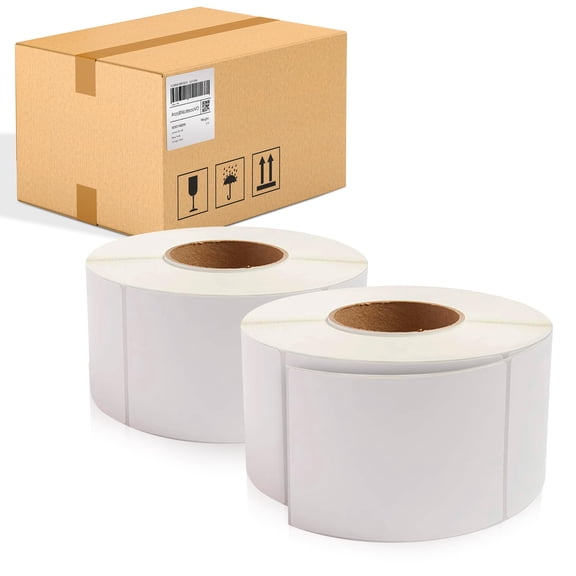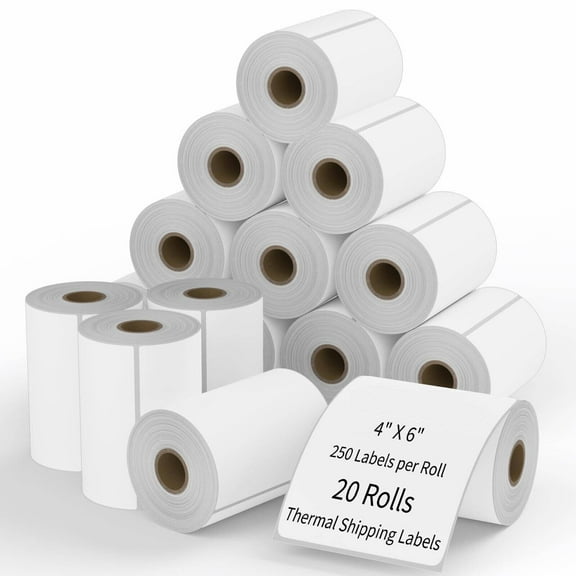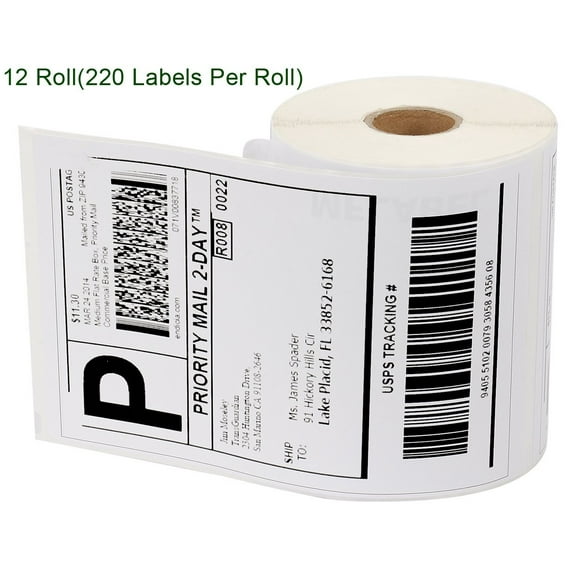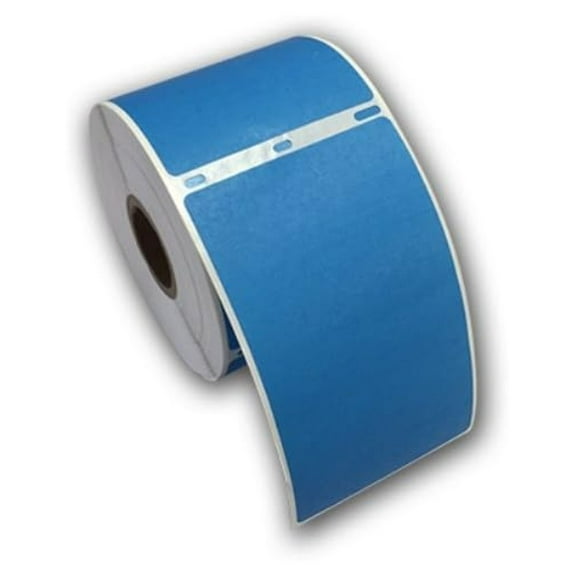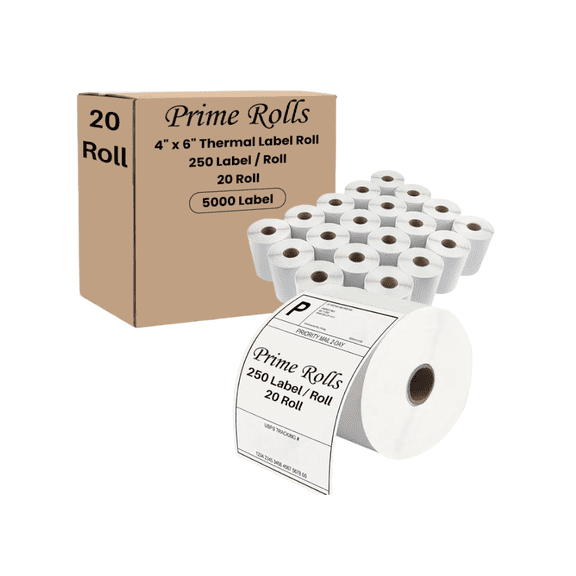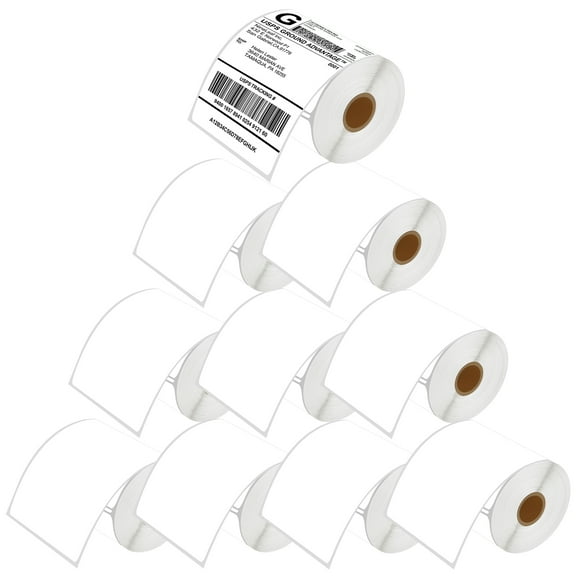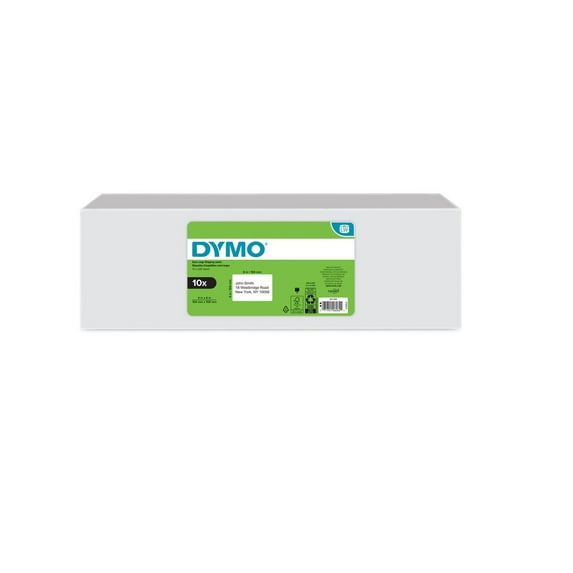
LW 4 in. x 6 in. Shipping Labels - Extra-Large, White (10 Rolls/Pack, 220 Labels/Roll)
Hero image 0 of LW 4 in. x 6 in. Shipping Labels - Extra-Large, White (10 Rolls/Pack, 220 Labels/Roll), 0 of 12

LW 4 in. x 6 in. Shipping Labels - Extra-Large, White (10 Rolls/Pack, 220 Labels/Roll)

|5 ratings

Key item features

LW 4 in. x 6 in. Shipping Labels - Extra-Large, White (10 Rolls/Pack, 220 Labels/Roll)
Current price is Now $99.81
You save $41.15
was $140.96
Price when purchased online
  • Free shipping
  • Free 30-day returns

How do you want your item?

How do you want your item?
Ships to
Arrives by Tue, Jun 23
|
Sold and shipped by Staples
4.510481894908794 stars out of 5, based on 14692 seller reviews(4.5)
Free 30-day returns

More seller options (1)

Starting from $149.44

About this item

Product details

Specifications

Warranty

Customer ratings & reviews

2.6 out of 5 stars
stars5 ratings3 reviews
How item rating is calculated
Filtered and sorted results would be available on the new 'Customer ratings & reviews' page.
Sort by |

Showing 1-3 of 3 reviews

Jan 15, 2025
balance
5 out of 5 stars review

<3

Awesome Piece of equipment, durable, reliable

Review from dymo.com
Helpful?0RQL7QSVQM66514809992
Mar 21, 2025
SIESTA G
1 out of 5 stars review

POOP

IVE BOUGHT 2 DYMOS NOW WITH 4X6 LABELS AND THIS PRINTER HAS STRESSED ME OUT BEYOND BELIEF. MOST OF THE TIME IM TRYING TO FIX IT, ITS ALWAYS SAYING THE LABELS ARE NOT DETECTED OR LABEL JAM WHEN ITS A BRAND NEW LABEL PRINTER. VERY DISPLEASED

Review from dymo.com
Helpful?0RQL7QSVQM66514809992
reply from DYMO®

Hello. Thank you for reaching out to us. We sincerely apologize for the inconvenience caused. To help resolve the issue that you are facing, please follow troubleshooting steps listed here: https://help.dymo.com/s/article/LabelWriter-5-series-Unknown-label-detected-Labels-not-detected?language=en_US. For the label jam error, we recommend cleaning the printer: https://help.dymo.com/s/article/How-to-clean-my-labelwriter-5-series-printer?language=en_US. If you require further assistance, please reach out to us via our Contact Us form on our website. We’re available Mon.-Fri. 9am - 5pm Eastern Time. Thank you! DYMO® Consumer Care

Feb 16, 2023
Disappointed Ebay Seller
1 out of 5 stars review

Most unreliable, Not a time saver

Constantly says label not detected even after printing one label. Manual will just tell you that the flash power button means there is an issue, wow such surprise. No solutions and good luck with the support.

Review from dymo.com
Helpful?0RQL7QSVQM66514809992
reply from Supplier Response

Hello. We sincerely apologize for the inconvenience caused by our product. We recommend power cycling the device by removing the power, USB and the labels together with the spool. Press the power button 15 times, connect the power and turn the printer on after that. Insert the labels together with the spool and make sure the spool is pushed all the way down and the labels are inserted all the way to the left. If you are still having issues (If you have more questions or feedback), please reach out to us via our website or through LiveChat. We’re available Mon.-Fri. 9am - 5pm Eastern Time. Thank you! DYMO® Consumer Care