


DYMO 1755120 LabelWriter 4XL Thermal Label Printer
Key item features
Specs
- Maximum print resolution300 dpi
- BrandDYMO
- Has written warrantyNo
- Free shipping
 Free 30-day returns

(Only one option can be selected at a time)
How do you want your item?


More seller options (1)
About this item
Product details
Specifications
Maximum print resolution
Brand
Model name
Has written warranty
Warranty
Warranty information
Similar items you might like
Based on what customers bought
Restored DYMO LabelWriter 450 Turbo 1752265 High-Speed Direct Thermal Label Printer – Professional Desktop Printer for Shipping, Barcode, and File Labels (Refurbished) $249.99
 Sponsored$24999current price $249.99
Restored DYMO LabelWriter 450 Turbo 1752265 High-Speed Direct Thermal Label Printer – Professional Desktop Printer for Shipping, Barcode, and File Labels (Refurbished)
Shipping, arrives in 3+ daysRestored: Like NewGrozziie Thermal Label Printer | USB Portable 4x6 Thermal Label Printer for Shipping Package, Small Business, Warehouse, Delivery Company - Only Windows Supported $39.90
 Sponsored$3990current price $39.90
Grozziie Thermal Label Printer | USB Portable 4x6 Thermal Label Printer for Shipping Package, Small Business, Warehouse, Delivery Company - Only Windows Supported
173.7 out of 5 Stars. 17 reviewsShipping, arrives in 3+ daysDYMOLabelWriter 4XL Shipping Label Printer, Prints 4x6 Extra Large Shipping Labels $579.99
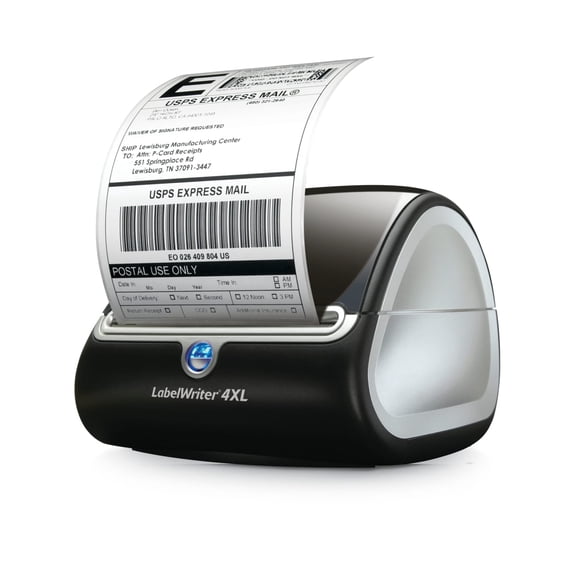 $57999current price $579.99
DYMOLabelWriter 4XL Shipping Label Printer, Prints 4x6 Extra Large Shipping Labels
1872.6 out of 5 Stars. 187 reviewsDYMO LabelWriter 450 Turbo Direct Thermal Label Printer – High‑Speed Desktop Label/Barcode/Shipping Printer USB, P/N; 1752265 $630.00
 $63000current price $630.00
DYMO LabelWriter 450 Turbo Direct Thermal Label Printer – High‑Speed Desktop Label/Barcode/Shipping Printer USB, P/N; 1752265
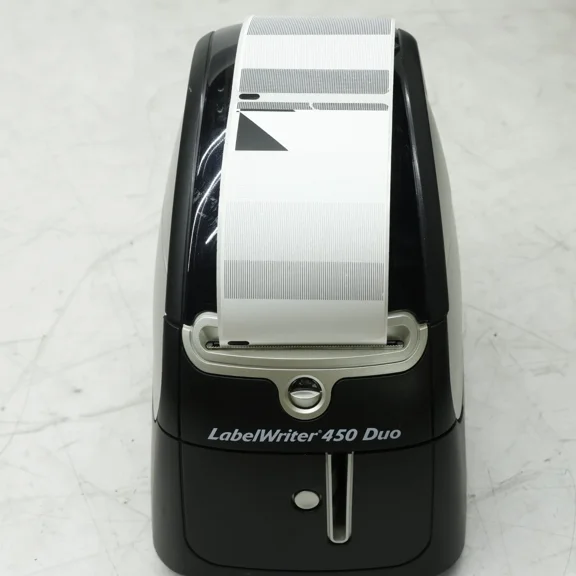
Restored DYMO LabelWriter 450 Duo 1750112 Direct Thermal Label Printer – Dual-Function Printer for Labels and Postage Printing (Refurbished) $228.00
 $22800current price $228.00
Restored DYMO LabelWriter 450 Duo 1750112 Direct Thermal Label Printer – Dual-Function Printer for Labels and Postage Printing (Refurbished)
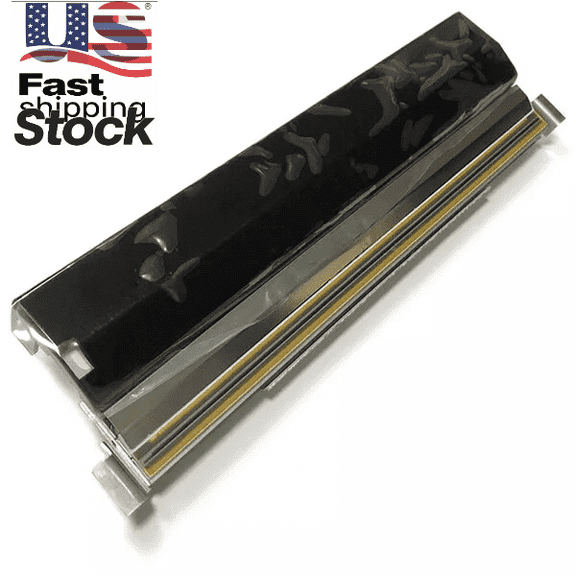
P1058930-012 Printhead for Zebra ZT420 ZT421 Thermal Label Printer 203dpi $490.00
 $49000current price $490.00
P1058930-012 Printhead for Zebra ZT420 ZT421 Thermal Label Printer 203dpi
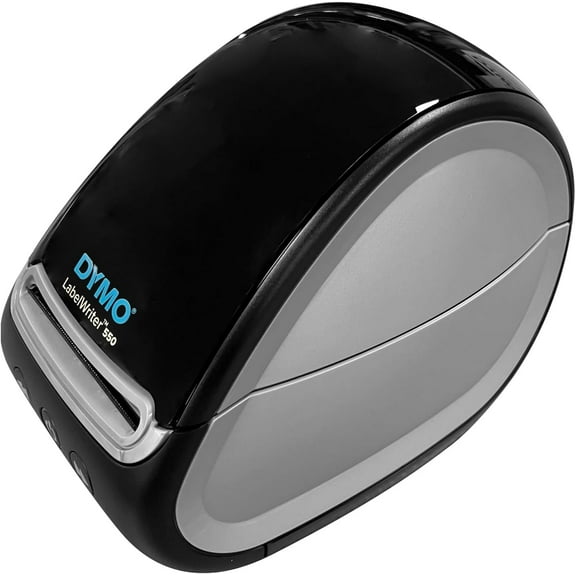
Restored DYMO LabelWriter 550 Direct Thermal Label Printer – High-Speed Desktop Label Maker for Shipping, Barcode, and Office Labels (Refurbished) $252.00
 $25200current price $252.00
Restored DYMO LabelWriter 550 Direct Thermal Label Printer – High-Speed Desktop Label Maker for Shipping, Barcode, and Office Labels (Refurbished)
Restored Dymo LabelWriter 4XL 1738542 Direct Thermal 4×6 Label Printer – High-Speed Large Format Shipping and Barcode Printer (Refurbished) $384.00
 $38400current price $384.00
Restored Dymo LabelWriter 4XL 1738542 Direct Thermal 4×6 Label Printer – High-Speed Large Format Shipping and Barcode Printer (Refurbished)
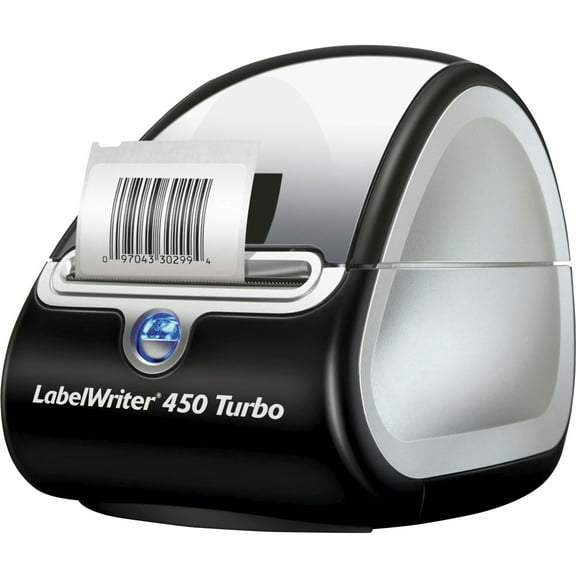
Open Box Dymo, DYM1752265, LabelWriter 450 Turbo Label Printer, 1 Each, Gray $259.99
 $25999current price $259.99
Open Box Dymo, DYM1752265, LabelWriter 450 Turbo Label Printer, 1 Each, Gray
54.4 out of 5 Stars. 5 reviewsRestored DYMO LabelWriter Duo 93105 Direct Thermal Label Maker and Printer – Dual Roll Desktop Label Printer for Office, Shipping, and Barcode Labels (Refurbished) $228.00
 $22800current price $228.00
Restored DYMO LabelWriter Duo 93105 Direct Thermal Label Maker and Printer – Dual Roll Desktop Label Printer for Office, Shipping, and Barcode Labels (Refurbished)
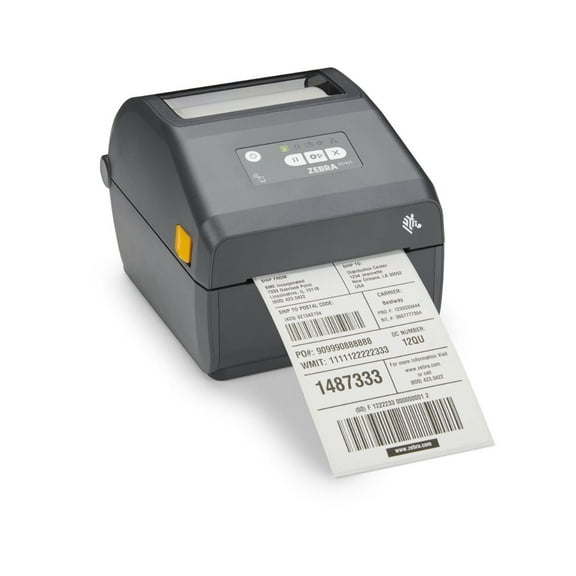
Zebra ZD421d 4-Inch 203 dpi Direct Thermal Label Printer | ZD4A042-D01E00EZ | For 4x6 Shipping Labels | For Barcode Labels & Tags $529.00
 $52900current price $529.00
Zebra ZD421d 4-Inch 203 dpi Direct Thermal Label Printer | ZD4A042-D01E00EZ | For 4x6 Shipping Labels | For Barcode Labels & Tags
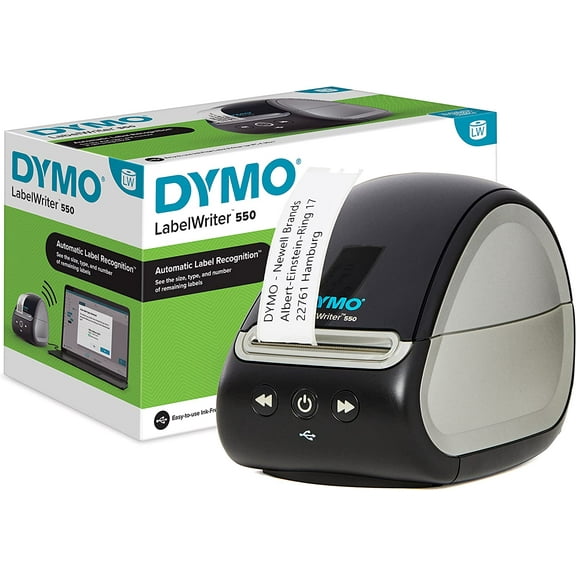
11 out of 5 Stars. 1 reviewsDymo LabelWriter 550 Label Printer | labelmaker with Direct Thermal Printing | Automatic Label Recognition | Prints Address Labels, Shipping Labels, Barcode Labels and More | EU Plug $154.13
 $15413current price $154.13
Dymo LabelWriter 550 Label Printer | labelmaker with Direct Thermal Printing | Automatic Label Recognition | Prints Address Labels, Shipping Labels, Barcode Labels and More | EU Plug
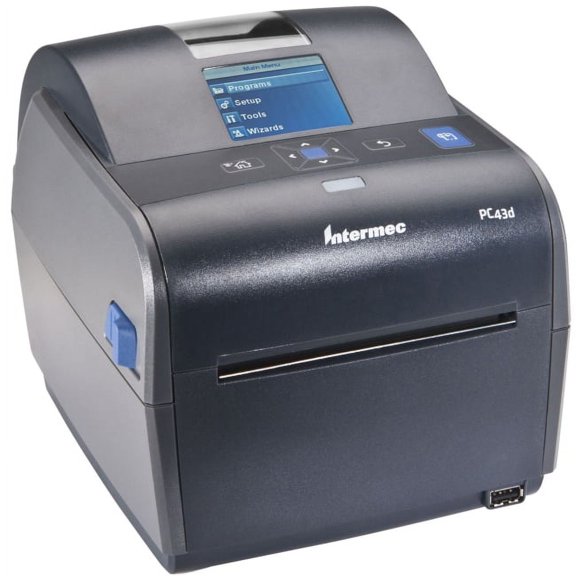
PC43d Desktop Printer $584.88
 $58488current price $584.88
PC43d Desktop Printer
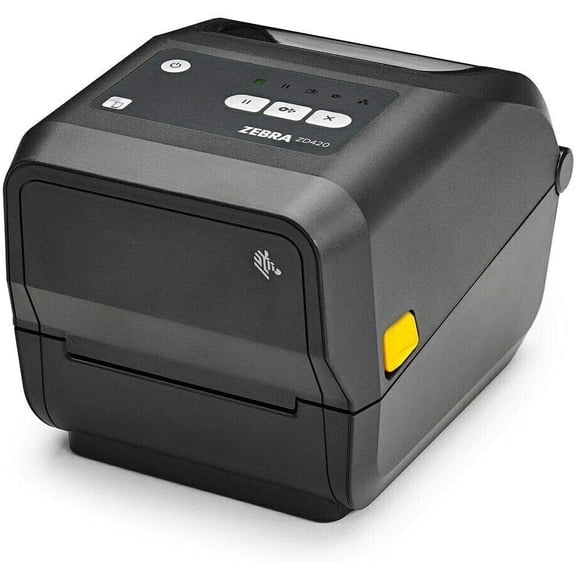
Restored Zebra ZD42042-T01E00EZ Thermal Transfer Desktop Label Printer – 203 DPI, USB, Ethernet, Compact, Easy Ribbon Cartridge (Refurbished) $780.00
 $78000current price $780.00
Restored Zebra ZD42042-T01E00EZ Thermal Transfer Desktop Label Printer – 203 DPI, USB, Ethernet, Compact, Easy Ribbon Cartridge (Refurbished)
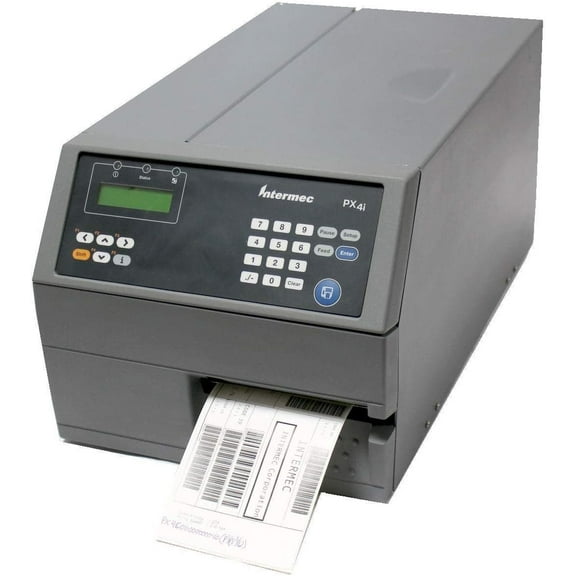
Restored Intermec PX4i Industrial Thermal Barcode Label Printer – 400 dpi, USB, Serial, Ethernet, Internal Rewinder, 4.09" Print Width (Refurbished) $1,440.00
 $1,44000current price $1,440.00
Restored Intermec PX4i Industrial Thermal Barcode Label Printer – 400 dpi, USB, Serial, Ethernet, Internal Rewinder, 4.09" Print Width (Refurbished)
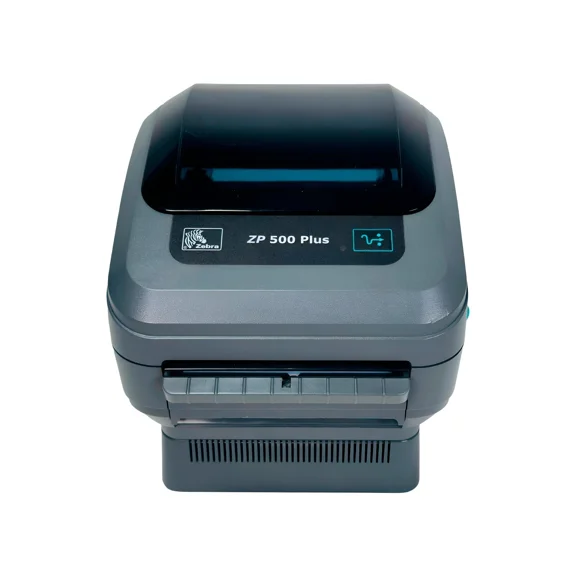
Restored Zebra ZP 500 Plus Direct Thermal Label Printer – 203 dpi, USB & Serial Connectivity, Desktop Label Printing, P/N: ZP500-0103-0020 (Refurbished) $540.00
 $54000current price $540.00
Restored Zebra ZP 500 Plus Direct Thermal Label Printer – 203 dpi, USB & Serial Connectivity, Desktop Label Printing, P/N: ZP500-0103-0020 (Refurbished)
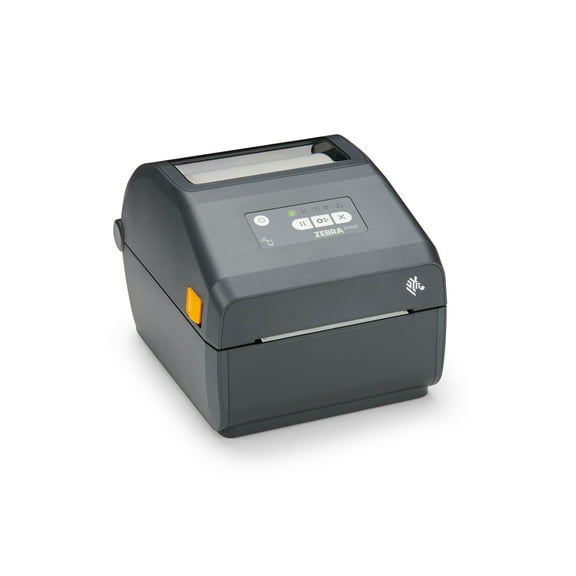
Restored Zebra ZD421 Thermal Transfer Desktop Label Printer – 300 dpi, 4″ Print Width, USB & Ethernet Connectivity – Model ZD4A043-301M00EZ (Refurbished) $540.00
 $54000current price $540.00
Restored Zebra ZD421 Thermal Transfer Desktop Label Printer – 300 dpi, 4″ Print Width, USB & Ethernet Connectivity – Model ZD4A043-301M00EZ (Refurbished)
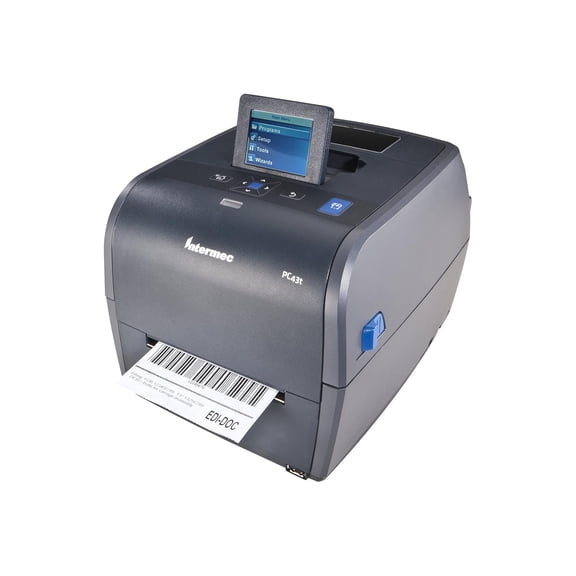
Restored Intermec PC43T Desktop Thermal Transfer & Direct Thermal Printer – 4” Label Printer, 203 DPI, LCD Display, USB Connectivity, P/N: PC43TB00100201 (Refurbished) $612.00
 $61200current price $612.00
Restored Intermec PC43T Desktop Thermal Transfer & Direct Thermal Printer – 4” Label Printer, 203 DPI, LCD Display, USB Connectivity, P/N: PC43TB00100201 (Refurbished)
Restored Zebra ZD421 Bluetooth 203dpi Thermal Label Printer – Direct Thermal, 4.09" Print Width, USB & Ethernet Connectivity, ZD4A042-D01E00EZ (Refurbished) $480.00
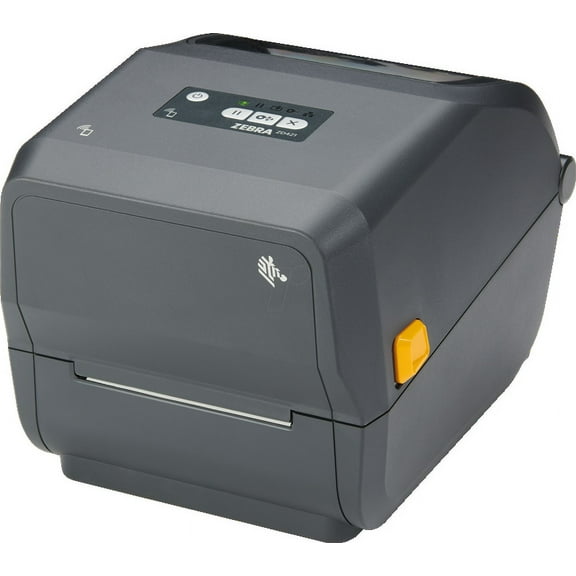 $48000current price $480.00
Restored Zebra ZD421 Bluetooth 203dpi Thermal Label Printer – Direct Thermal, 4.09" Print Width, USB & Ethernet Connectivity, ZD4A042-D01E00EZ (Refurbished)
Bixolon XD3-40DEK 4" Direct Thermal Label Printer – 203 dpi, USB, Serial & Ethernet, High-Speed Barcode and Shipping Label Printer $468.00
 $46800current price $468.00
Bixolon XD3-40DEK 4" Direct Thermal Label Printer – 203 dpi, USB, Serial & Ethernet, High-Speed Barcode and Shipping Label Printer
Customer ratings & reviews
Customer photos
Showing 1-3 of 70 reviews
Not satisfactory yet
I have been using this printer for a couple of years now, and I give this 2-2.5 stars. PROS: — It is an aesthetically pleasing product. Although it has a few years now, it still looks fresh and sleek. — Speed of printing is satisfactory — Noise levels are minimal (it is completely silent when idle, and fairly quiet while printing), that's a huge plus! — Durability is good CONS: — Installation is a nightmare, the driver is not downloaded automatically by Windows, and one has to search for it manually. Second problem is, they are nowhere to be found, it is as if Dymo does not want you to install it. Out of the frustration, then you may guess "maybe that Dymo Connect thing might help?" and it does, if you manage to download it! And when you finally do, it is not even the lastest version. Dymo needs to hire better people. —Then, many of these machines are faulty. My first one broke ("the last USB you connected to this computer malfunctioned") the first day, after a single print. It was unfixable so I had it returned. The second has been lasting longer, but has this problem rising (without any notice) every now and then. It is fixable, but takes about 15-20 minutes every time. Too much for a printer you actually pay for (remember that they restrict you to use only their uber-expensive labels). — (minor) The machine comes with a huge power brick, same size as the ones that come with much bigger devices. I have no doubt that there's a better way around this in the 21st century. * (minor) The blue LED light cannot be turned off (not good if your bedroom/studio apartment doubles as a shipping station). Not a major problem, but it accumulates.
Hello, this is Faith from DYMO Consumer Care. Thank you for providing your feedback about our DYMO LabelWriter 4XL printer. All feedback is valuable to us and helps us develop ourselves further to provide the best possible consumer service. The software cannot install automatically on windows because you will have to choose a compatible software version according to the version of your operating system. If you have any further questions, please do not hesitate to give our technical support team a call at 877-724-8324 Monday to Friday 9am-5pm EST and we will be happy to assist you. You can also find ‘Contact us’ option under the support tab on the DYMO website.
Printers great - Software Terrible
Mechanically, the printers are great. I have a 4XL and 450. Software on the Mac however, is terrible. Endless problems connecting, the choosing addresses from the address book, etc. I've essentially quit using the 450 because of these issues. The 4XL was great for shipping UPS packages... **BUT** I've just gotten a new M4 Apple Silicon Mac, and the drivers don't work anymore. They require "Rosetta 2" to be installed so that the drivers can be downward compatible. Our IT department says that the first "Apple Silicon" M1 Mac came out 6 years ago, and they won't trust Rosetta 2 to run really old software. If Dymo can't update software in 6 years, then I guess we switch to another brand.
Hello. Thank you for your feedback, we appreciate it as it is valuable to us. Please know that we have forwarded your feedback to the appropriate department for further review. We sincerely apologize for the inconvenience caused. While we are glad to hear you’ve had a positive experience with the mechanical performance of your 4XL and 450 printers. We understand the challenges posed by the need for Rosetta 2 on Apple Silicon Macs and the frustration this has caused, especially given the advancements in Mac hardware over the years. Please know that your concerns are valid. Our team is actively working on updates to improve compatibility and ensure a smoother experience for our customers using the latest technology. If you are still having issues (If you have more questions or feedback), please reach out to us via our website or through LiveChat. We’re available Mon.-Fri. 9 am - 5 pm Eastern Time. Thank you! DYMO® Consumer Care
nearly impossible to use when changing rolls
At first this printer was working well, with occasional minor issues. In the past 1-2 years though, every single time I change the roll of labels they will not line up correctly and many labels are wasted in the tedious process of getting things right (at the moment I cannot get anything to print completely on the label at all). Things are cut off on one side and/or the top or bottom, the machine just won't cooperate despite turning it off/on, manually realigning everything, etc. Very frustrating and time consuming, and I would definitely go with another brand from now on. This was an expensive printer and I expected a lot more just 2-3 years from the time of purchase.
Hello. We apologize for the inconvenience caused. Please make sure that you are using genuine DYMO labels, using of non-DYMO labels for long run will damage the sensors inside the printer. Please contact DYMO support for resolving the issue quickly and efficient way. However, your feedback is very valuable to improve our products. If you are still having issues, please reach out to us via our website or through LiveChat. We’re available Mon.-Fri. 9am - 5pm Eastern Time. Thank you! DYMO® Consumer Care
