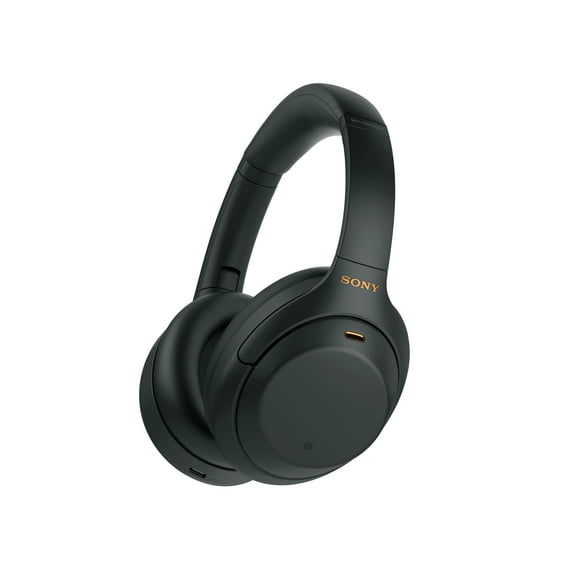
Great sound, very sad UX
great headset sound, worse UX possible.
the speak-to-chat function ignores the fact that I deactivate it about about every 12 hours and reactivates itself all the time. the android app is pretty bad, it's really hard to set the headset and have it work when having multiple devices. If you get a phone call during a zoom-like meeting the headset will break everything about it, screw the sound sources, force you to quit and join back the meeting. There's no option to make it act sanely.
It feels like a bunch of managers who never actually used a headset decided that a bunch of shiny features were worth it and then never used it themselves.
Again, the sound is amazing, everything around it sucks however. I'll keep it until it dies because it was so expensive but I have never experienced so many frustrating moments because the headset decies on its own to change the sound source mid-meeting because you receive a text message.
reply from Sony North America Customer Support
Hi Fractalesque,
Thank you for your detailed feedback, and we are very sorry to hear about the ongoing frustration you've experienced with these features. We understand how disruptive it is to have your settings reset and your audio sources switch unexpectedly during important meetings.
To help address these specific behaviors, we recommend trying a few adjustment steps within the Sony Sound Connect app:
1- Speak-to-Chat Resetting: Speak-to-Chat can accidentally reactivate if the touchpad on the right ear cup is touched with two fingers for a couple of seconds. To permanently disable this without accidental triggers, you can go into the app settings under the "Sound" tab, switch Speak-to-Chat off, and ensure your app and headphone firmware are fully updated to prevent setting resets.
2- Multi-Device Syncing: When using the "Connect to 2 Devices Simultaneously" feature, audio focus switches automatically based on playback signals. To prevent incoming phone calls or text notifications from hijacking your Zoom audio, we recommend disabling standard audio notifications on your secondary device (such as your phone) while actively using your headset for work meetings on your computer.
If these adjustments do not resolve the issue and the headset continues to change settings on its own, please reach out to our dedicated technical support team so we can look closer into your device's behavior. You can contact them directly at: https://us.esupport.sony.com/support/s/support-contact?language=en_US&category=headphones
Thank you for considering Sony!
Regards,
Dominick