Instructions
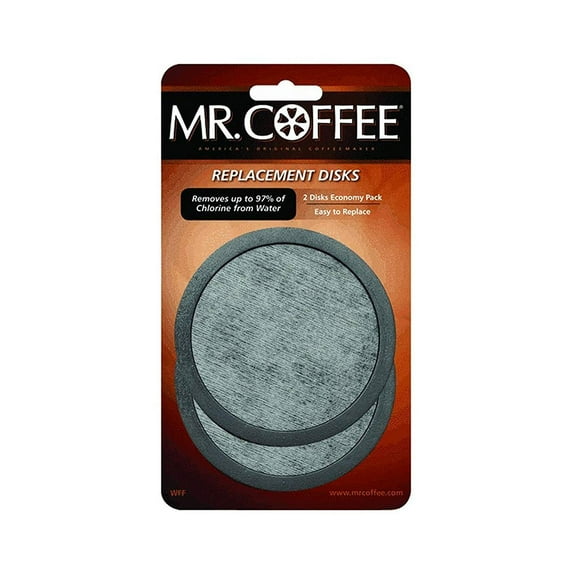
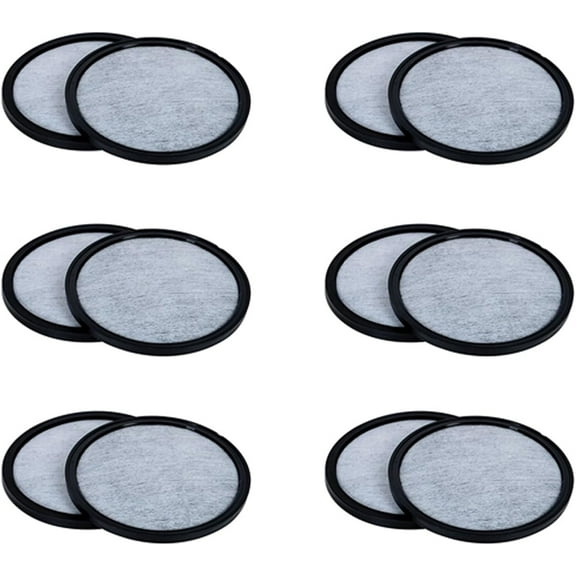
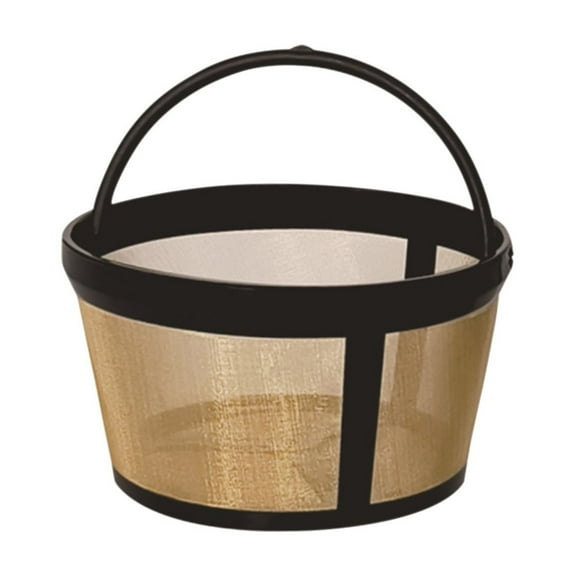
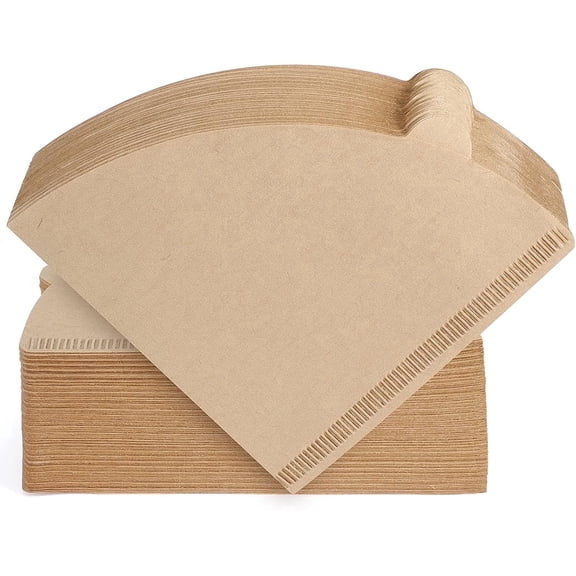
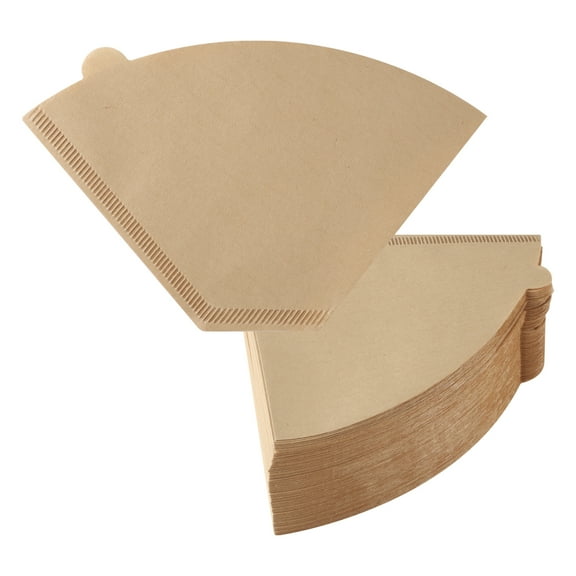
. Refer to your appliance manual for safety, operation, and other cleaning instructions. Ensure coffeemaker is switched off, unplugged and allowed to cool. To use the water filtration system in your Mr. Coffee™ coffeemaker, please follow these steps:. First look for the "Mr. Coffee" Water Filtration Friendly™ symbol, on the bottom of your brew basket. If you do not see this symbol, please call 1-800-MR.COFFEE (1-800-672-6333). 1. Insert filter disk into frame by sliding into slots on bottom of frame. 2. Using the red indicator on the water filter, align the indicator to the letter on the frame that corresponds with the month that you are using the disk for the first time. This serves to remind you to change the disk every month. 3. Place a Mr. Coffee™ paper or permanent filter in the brew basket. Place coffee grounds in the paper or permanent filter. 4. Place the Mr. Coffee™ Water Filter in the brew basket, noting which side is up, as indicated on the water filter frame, and making sure the water filter disk and frame are level. 5. Close the brew basket or lid. You are now ready to brew great tasting coffee. If the brew basket or lid does not close properly, then repeat Steps 4-5 to ensure that the filter has been properly inserted. 6. When you are done brewing your coffee, rinse the water filter with fresh water. Do not put your water filter in the dishwasher. Note: Your water filtration disk will need to be replaced once a month (approximately 30 brew cycles). Replacement water filtration disks can be purchased through your local retailer or by calling 1-800-MR.COFFE (1-800-672-6333).