Overview
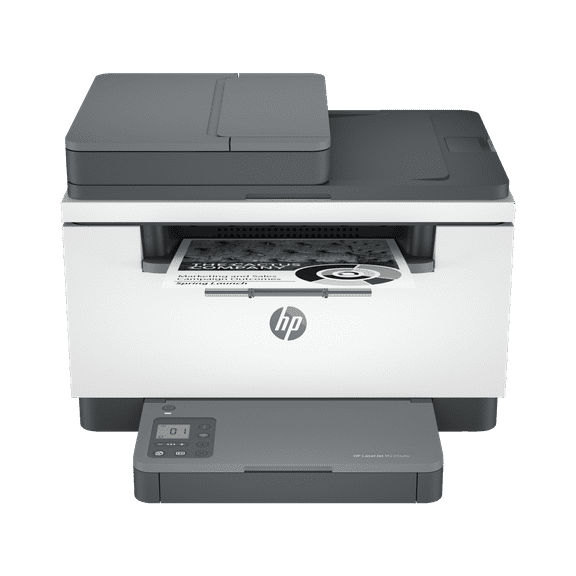
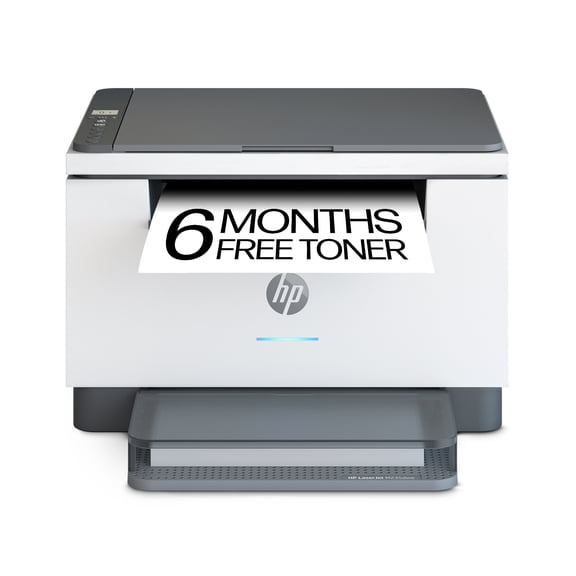
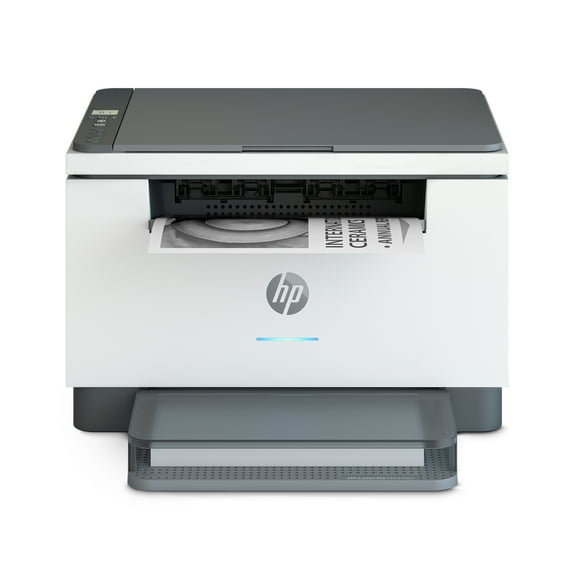
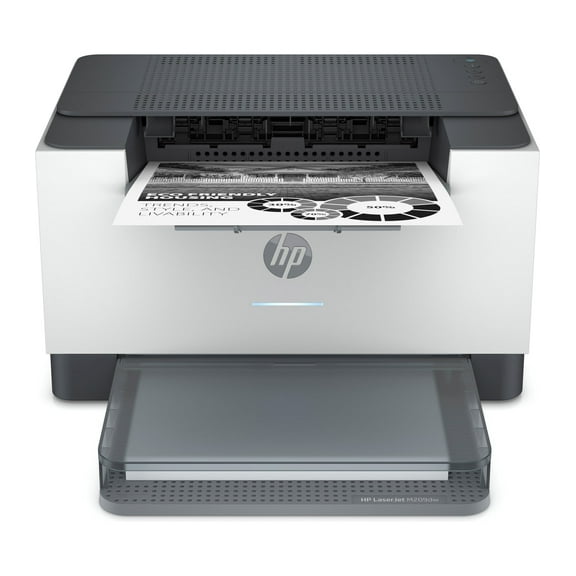
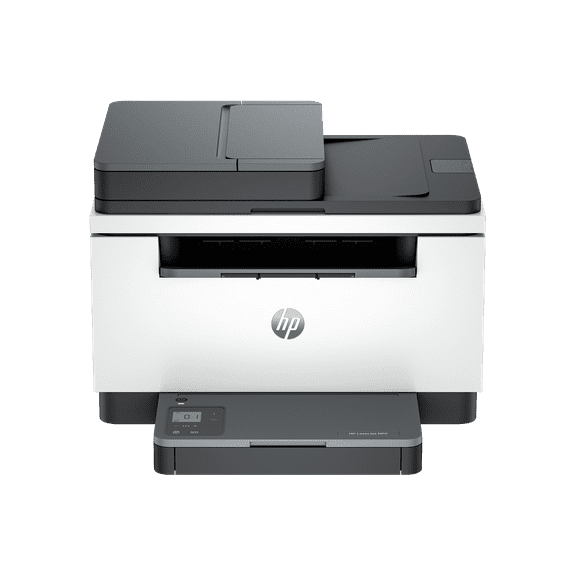
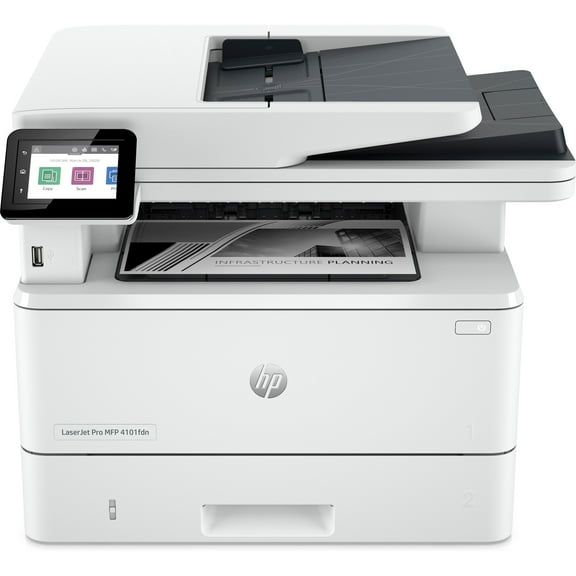
A high-productivity MFP with the fastest two-sided printing in its class and the time-saving HP Smart app. Count on peace of mind from more reliable connections, and a worry-free experience with simplified setup.
HP Personal Laser Multifunction Printers are designed for individuals or small workteams who need affordable, reliable multifunction performance in a compact and easy-to-use desktop device.
This printer is intended to work only with cartridges that have new or reused HP electronic circuitry, and it uses dynamic security measures to block cartridges using modified or non-HP circuitry. Periodic firmware updates will maintain the effectiveness of these measures and block cartridges that previously worked. Reused HP electronic circuitry enables the use of reused, remanufactured, and refilled cartridges. More at:
http://www.hp.com/learn/ds
Features
Built for fast and reliable printing
Deliver multipage documents in a flash with the fastest two-sided printing in class.
Stay productive from anywhere
Get high-quality scanning and printing from your phone, plus time-saving features with the easiest-to-use HP app.
Compact and energy efficient design
Save space without sacrificing performance with an award-winning, compact design.
Minimum system requirements
Microsoft® Windows® 10, 8.1, 8, 2 GB available hard disk space, Internet connection, Microsoft® Internet Explorer.
What's in the box?
HP LaserJet MFP M234dw Printer; HP Black LaserJet Toner Cartridge (~700 pages); Dust Cover; Reference Guide; Setup Poster; Warranty Guide & Flyer in some countries; Power cord
Disclaimers
- Internet access required and must be purchased separately. Wireless operations are compatible with 2.4 GHz and 5.0 GHz operations only. Supports both 5.0 GHz and 2.4 GHz using up to 12 non-overlapping channels vs. only 3 non-overlapping channels for 2.4 GHz only. Supports 5.0 GHz band (up to 150 mbps) v. 2.4 GHz band (up to 72.2 mbps). Learn more at: https://www.hp.com/go/mobileprinting
- Requires HP app download available at https://www.hp.com/go/mobileprinting . Certain features are available in English language only, and may vary by printer model/country, and between desktop/mobile applications. HP reserves the right to introduce charges for use of functionality facilitated by the HP app. Internet access required and may not be available in all countries. HP account required for full functionality. Fax capabilities are for sending a fax only. List of supported operating systems available in app stores. See details at https://www.hpsmart.com
- Based on internal HP testing. Average timing estimate based on: 1) downloaded HP app on mobile or desktop device, 2) setting up Shortcut, 3) scanning jobs which have more than 2-3 tasks associated with them (scan to email, save and rename, store to cloud, etc.)