


TP-Link OnHub AC1900 Wireless Wi-Fi Router - Google
Key item features
Specs
- Router typeHome Router
- BrandTP-Link
- Wireless performanceAC1900
- Number of wireless frequency bandsDual-Band
- WirelessBluetooth
- Maximum download speed1900 Mbps
Reviews summary
- : Provides reliable connections throughout the house.
- : Provides reliable coverage throughout the home.
- : Can be intuitive for some devices, but proves cumbersome for others.
How do you want your item?
About this item
Product details
Specifications
Router type
Brand
Wireless performance
Number of wireless frequency bands
Warranty
Warranty information
Please be aware that the warranty terms on items offered for sale by third party Marketplace sellers may differ from those displayed in this section (if any). To confirm warranty terms on an item offered for sale by a third party Marketplace seller, please use the 'Contact seller' feature on the third party Marketplace seller's information page and request the item's warranty terms prior to purchase.
Similar items you might like
Based on what customers bought
Google and ASUS OnHub Wireless Dual-Band Gigabit Router, SRT-AC1900 $35.00
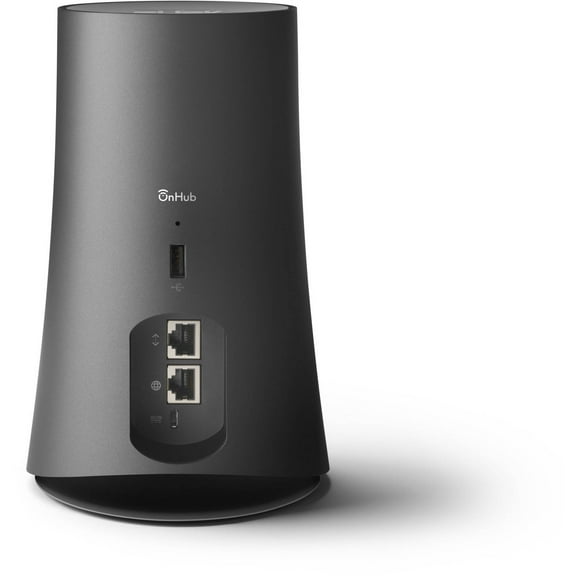 $3500current price $35.00
Google and ASUS OnHub Wireless Dual-Band Gigabit Router, SRT-AC1900
64.2 out of 5 Stars. 6 reviewsTP-Link Archer AX5400 Pro Wi-Fi 6 Router $148.99
 $14899current price $148.99
TP-Link Archer AX5400 Pro Wi-Fi 6 Router
784.5 out of 5 Stars. 78 reviewsBest seller NETGEAR Nighthawk BE3100 WiFi 7 Dual-band Router (RS70) $109.00
Best seller $10900current price $109.00
NETGEAR Nighthawk BE3100 WiFi 7 Dual-band Router (RS70)
8224.5 out of 5 Stars. 822 reviewsBest seller TP-Link Wi-Fi Mesh Router Replacement System | 2- AC1200 Mesh Routers | Coverage up to 3,000 Sq. ft. | Parental Controls | Connect up to 100 devices | TP-Link Deco W2400 $53.00 Was $59.00
Best seller $5300current price $53.00, Was $59.00$59.00
TP-Link Wi-Fi Mesh Router Replacement System | 2- AC1200 Mesh Routers | Coverage up to 3,000 Sq. ft. | Parental Controls | Connect up to 100 devices | TP-Link Deco W2400
14644.2 out of 5 Stars. 1464 reviewsBest seller TP-Link Deco X25 AX1800 Wi-Fi 6 Dual Band 3 Pack System - Replaces Individual Routers and Extenders, Connects over 150 devices, Indoor coverage up to 5,800 sq. ft. $111.99 Was $127.00
Best seller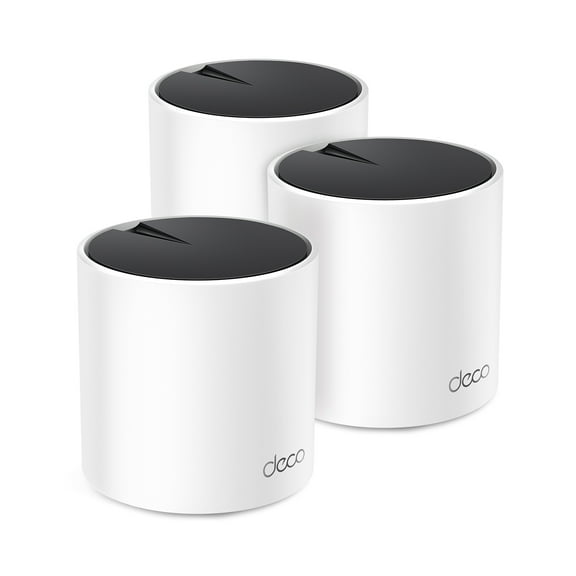 $11199current price $111.99, Was $127.00$127.00
TP-Link Deco X25 AX1800 Wi-Fi 6 Dual Band 3 Pack System - Replaces Individual Routers and Extenders, Connects over 150 devices, Indoor coverage up to 5,800 sq. ft.
2314.5 out of 5 Stars. 231 reviewsBest seller TP-Link Archer AX1450 WiFi 6 Dual-Band Wireless Router | up to 1.45 Gbps Speeds $49.83
Best seller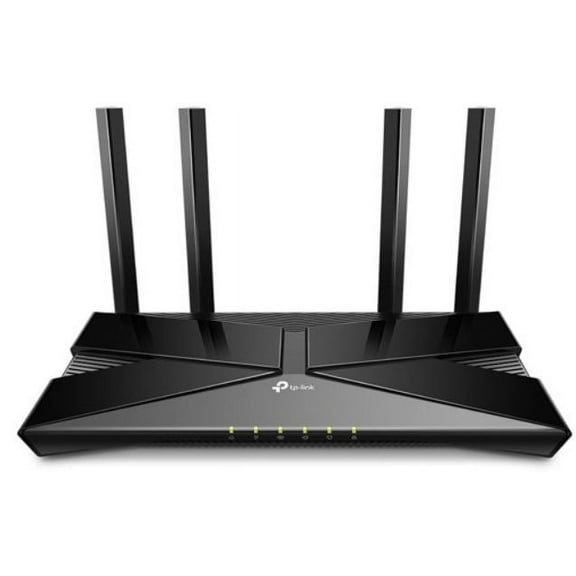 $4983current price $49.83
TP-Link Archer AX1450 WiFi 6 Dual-Band Wireless Router | up to 1.45 Gbps Speeds
6344.4 out of 5 Stars. 634 reviewsRollback TP-Link BE3200 Wi-Fi 7 Dual-Band, Range Extender with Fast 3.2 Gbps Transfer Rate, Smart Roaming for Seamless Home Wireless Coverage and Direct Connection through Gigabit Ethernet Port – RE3200BE $87.00 Was $99.00
Rollback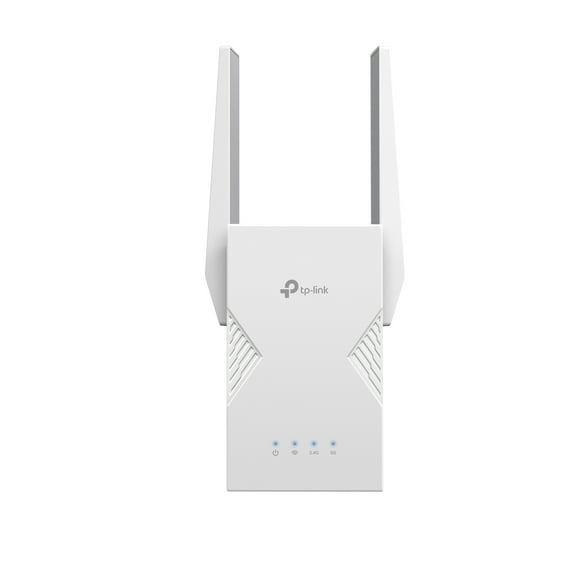 $8700current price $87.00, Was $99.00$99.00
TP-Link BE3200 Wi-Fi 7 Dual-Band, Range Extender with Fast 3.2 Gbps Transfer Rate, Smart Roaming for Seamless Home Wireless Coverage and Direct Connection through Gigabit Ethernet Port – RE3200BE
364.3 out of 5 Stars. 36 reviewsBest seller TP-Link AX1500 W-Fi 6 Dual-Band AI-Driven Home Mesh Router System, Replaces Individual Routers and Extenders, Connects over 120 Devices, Indoor coverage up to 3,900 Sq. ft., - Deco W3000 (2-Pack) $68.00 Was $89.00
Best seller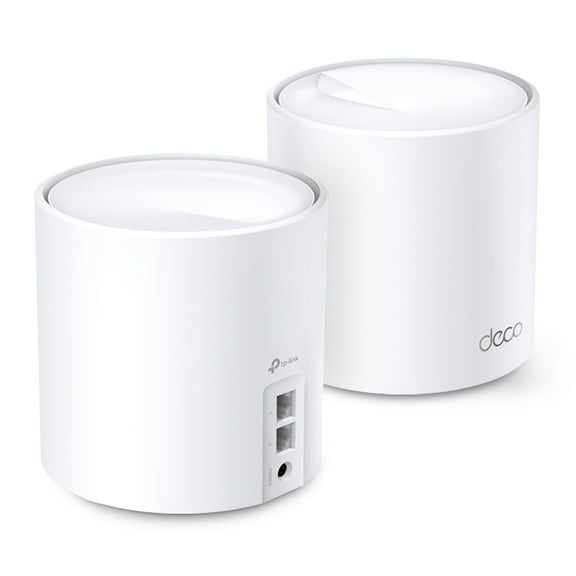 $6800current price $68.00, Was $89.00$89.00
TP-Link AX1500 W-Fi 6 Dual-Band AI-Driven Home Mesh Router System, Replaces Individual Routers and Extenders, Connects over 120 Devices, Indoor coverage up to 3,900 Sq. ft., - Deco W3000 (2-Pack)
2354.3 out of 5 Stars. 235 reviewsBest seller TP-Link Deco BE3600 Next-Generation AI-Driven Dual Band Wi-Fi 7 Home Mesh Router System, 2-Pack (Deco WB7200) - Covers up to 4,500 Sq Ft, Replaces Wi-Fi Router and Extender $128.00
Best seller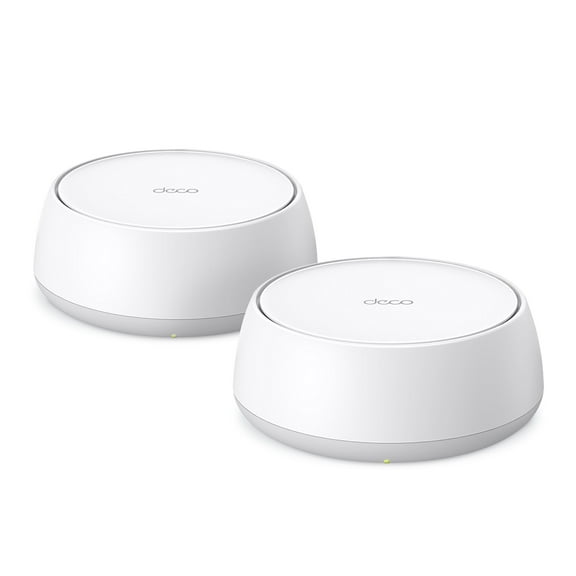 $12800current price $128.00
TP-Link Deco BE3600 Next-Generation AI-Driven Dual Band Wi-Fi 7 Home Mesh Router System, 2-Pack (Deco WB7200) - Covers up to 4,500 Sq Ft, Replaces Wi-Fi Router and Extender
444.1 out of 5 Stars. 44 reviewsTP-Link Dual-Band BE3200 Wi-Fi 7 Router with dual Gigabit Ports, 4x External Antennas, Parental Controls, and HomeShield. Archer BE3200. $78.00
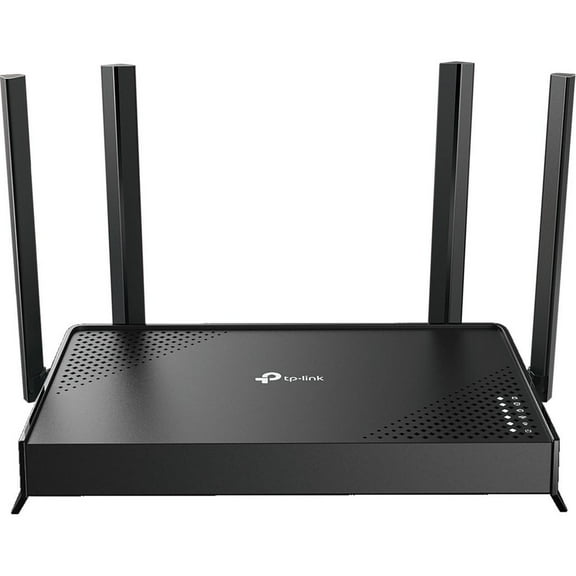 $7800current price $78.00
TP-Link Dual-Band BE3200 Wi-Fi 7 Router with dual Gigabit Ports, 4x External Antennas, Parental Controls, and HomeShield. Archer BE3200.
724.5 out of 5 Stars. 72 reviewsOpen Box TP-Link Archer AX3000 | 4 Stream Dual-Band WiFi 6 Wireless Router | up to 3 Gbps Speeds $84.00
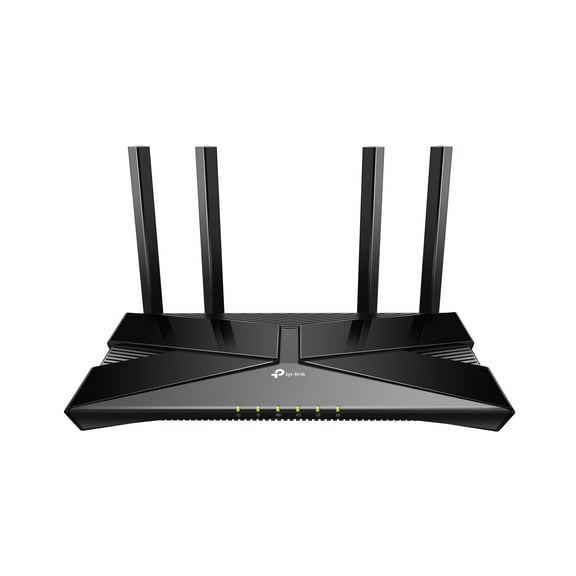 $8400current price $84.00
Open Box TP-Link Archer AX3000 | 4 Stream Dual-Band WiFi 6 Wireless Router | up to 3 Gbps Speeds
8684.3 out of 5 Stars. 868 reviewsNETGEAR Nighthawk Dual-Band WiFi 7 Router (RS90) – Security Features, BE3600 Wireless Speed (up to 3.6 Gbps) – Covers up to 2,000 sq. ft., 50 Devices - 2.5 Gig Internet Port $129.00
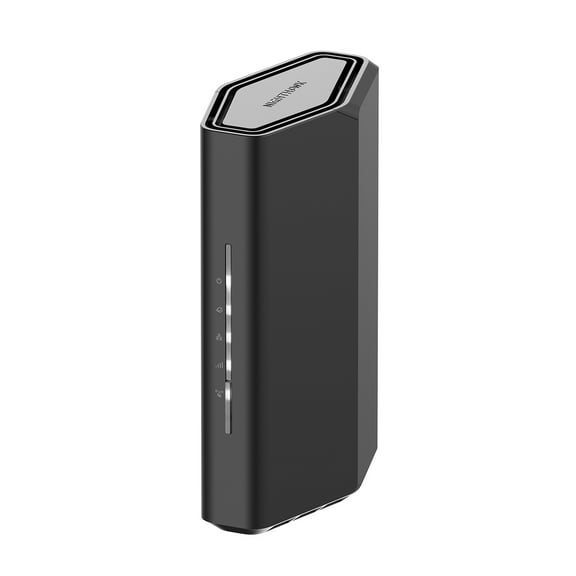 $12900current price $129.00
NETGEAR Nighthawk Dual-Band WiFi 7 Router (RS90) – Security Features, BE3600 Wireless Speed (up to 3.6 Gbps) – Covers up to 2,000 sq. ft., 50 Devices - 2.5 Gig Internet Port
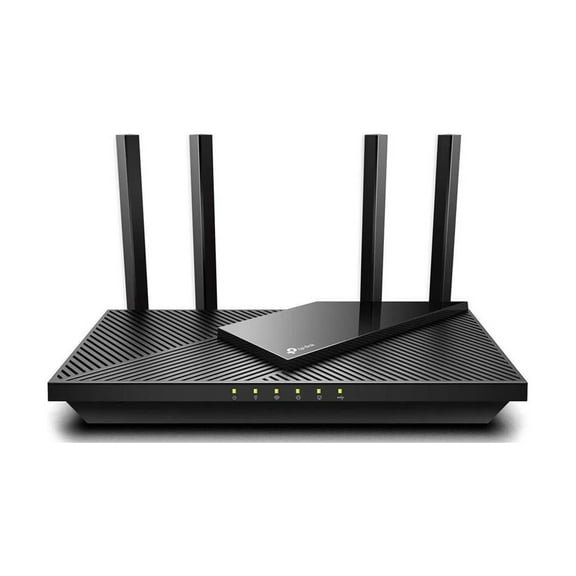
7504.6 out of 5 Stars. 750 reviewsTP-Link WiFi 6 Router AX1800 Smart WiFi Router (Archer AX21) - Dual Band Gigabit Router, Works with Alexa $79.50 Was $99.00
 $7950current price $79.50, Was $99.00$99.00
TP-Link WiFi 6 Router AX1800 Smart WiFi Router (Archer AX21) - Dual Band Gigabit Router, Works with Alexa
334 out of 5 Stars. 33 reviewsGoogle Nest Wifi 2 Pack (Mist) $89.00
 4 optionsAvailable in additional 4 options$8900current price $89.00
Google Nest Wifi 2 Pack (Mist)
18343.9 out of 5 Stars. 1834 reviewsTP-Link TGR1900BLU OnHub AC1900 Wireless Router - Blue $44.78
 $4478current price $44.78
TP-Link TGR1900BLU OnHub AC1900 Wireless Router - Blue
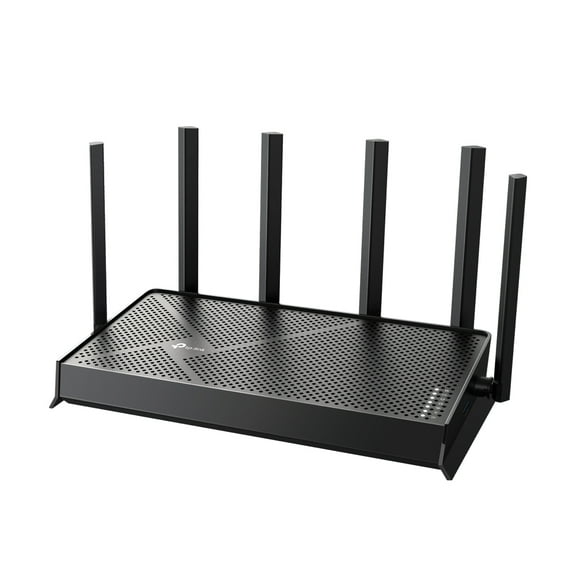
TP-Link Dual-Band BE6100 Wi-Fi 7 Router with dual 2.5Gbps Muti-Gig Connectivity, USB 3.0, 6x External Antennas with Beamforming, Parental Controls, and HomeShield. Archer BE6100. $127.00
 $12700current price $127.00
TP-Link Dual-Band BE6100 Wi-Fi 7 Router with dual 2.5Gbps Muti-Gig Connectivity, USB 3.0, 6x External Antennas with Beamforming, Parental Controls, and HomeShield. Archer BE6100.
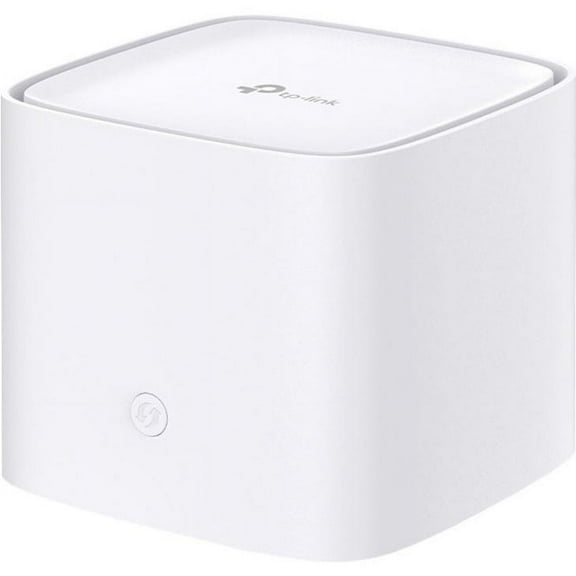
464.2 out of 5 Stars. 46 reviewsTP-Link Ax3000 Whole Home Mesh Wi-Fi Router $112.33
 $11233current price $112.33
TP-Link Ax3000 Whole Home Mesh Wi-Fi Router
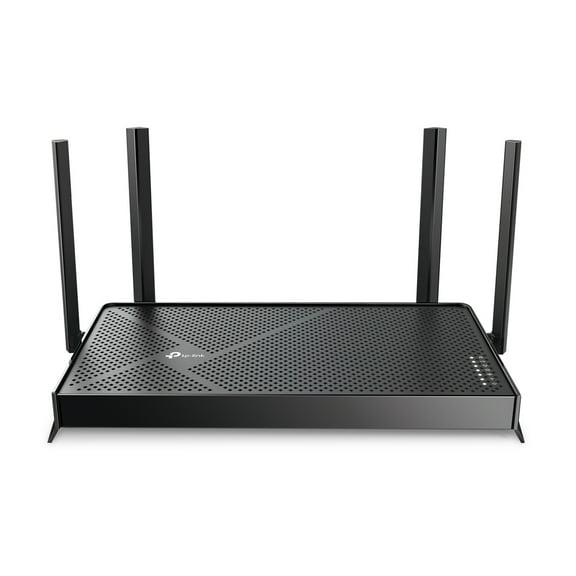
15 out of 5 Stars. 1 reviewsTP-Link Dual-Band BE4800 Wi-Fi 7 Router, Dual 2.5 Gbps Ports, USB 3.0 ,4× External Antennas, Parental Controls, Easy Mesh, HomeShield, Private IoT Network - Archer BE4800 $97.00
 $9700current price $97.00
TP-Link Dual-Band BE4800 Wi-Fi 7 Router, Dual 2.5 Gbps Ports, USB 3.0 ,4× External Antennas, Parental Controls, Easy Mesh, HomeShield, Private IoT Network - Archer BE4800
314.5 out of 5 Stars. 31 reviewsBest seller NETGEAR Nighthawk Dual-Band WiFi 7 Router (RS180) – Security Features, BE5500 Wireless Speed (up to 5.5 Gbps) – Covers up to 2,500 sq. ft., 80 Devices - 2.5 Gig Internet Port $179.00 Was $199.00
Best seller $17900current price $179.00, Was $199.00$199.00
NETGEAR Nighthawk Dual-Band WiFi 7 Router (RS180) – Security Features, BE5500 Wireless Speed (up to 5.5 Gbps) – Covers up to 2,500 sq. ft., 80 Devices - 2.5 Gig Internet Port
6144.6 out of 5 Stars. 614 reviewsZyxel C4000BZ 3.0 Gbps DSL Modem Router $84.99 Was $124.99
 $8499current price $84.99, Was $124.99$124.99
Zyxel C4000BZ 3.0 Gbps DSL Modem Router
1284.3 out of 5 Stars. 128 reviews
Customer ratings & reviews
Reviews summary
- : Provides reliable connections throughout the house.
- : Provides reliable coverage throughout the home.
- : Can be intuitive for some devices, but proves cumbersome for others.
Customer photos




 +10 images
Showing 1-3 of 45 reviews
Great Router on the Cutting Edge
The onhub is one nifty router. The packaging was very nice and all of the cables were neatly rolled off on the bottom. Setting up the router was a breeze. I simply had to twist off the outer shell, connect the ethernet cord to my modem, and retwist on the outer shell. Upon downloading the app (It's called Google On in case you're searching for it in the Apple Store), it will help you sync to the onhub and set everything up including wireless network name and password. The app is available for both Android and iOS and you do need to have the app to manage and set up your onhub. The onhub router itself looks really nice. It has a sleek feel to it and comes across as being high-end. The cables are under the outer shell and allows for a cleaner look. The only drawback is that there is only one ethernet slot to plug something into, but I guess the assumption is that future devices would all connect to the onhub wirelessly, so there really is no need for any additional hard-line plug ins. There are some basic speakers with the onhub which allows for it to make some noise during setup, but other than that, there really is no need for the speaker / sound feature on the onhub. As a router, it works very well. I've found the range to be sufficiently strong to reach my entire house (as compared to my older router from 3+ years ago requiring extenders). To date, I've connected several devices to the onhub (2 printers, 2 PCs, 2 laptops, 2 phones, 1 tablet, 1 scale, 1 wireless camera etc...) and what's nice is that it allows for the automated prioritization of the devices in terms of granting the devices that require more bandwidth better access. All said, the onhub looks great, is easy to set up, has great signal strength, and will theoretically automatically update as Google releases additional features. Do know that you'll still need a modem (it's not an all in one), so it does require some additional wires / devices connected to it to be functional. Overall, a great product that I'm really happy about.
Simple setup; Very fast streaming; High signals
Setup is extremely simple, but you have to have an android or iphone device. You can configure and troubleshoot the device through the connected phone/google account, but there's not a lot of configuration you can do. Most notably is the fact that you can't set the DHCP address assignment range, but it is on a different subnet (192.168.86.*) from most routers anyway. You can technically connect it to an existing wired router, but it might cause conflicts if the addresses overlap. The signal strength is very high throughout the house compared to the linksys router we were using. It uses 2.4ghz and 5.ghz bands, but the SSID is the same so you can't tell which one your devices it is connecting to. Itt claims it will switch channels automatically based on congestion and apparently doing this might cause the connection to drop briefly, but we don't have enough overlapping network traffic here to see that. I used a wifi analyzer on my phone to see the channels and signal strength to verify this. You can only change some of the settings on it when the device is not connected to the internet, which increases security (because you have to physically unplug it and be near it with your phone). To attach the phone to it initially, the phone app listens to an audio signal from the device to authenticate. It seems very responsive in comparison to my old router, but I haven't had the occasion to transfer any huge files over my wireless network. Streaming high quality video is well within its capabilities. It doesn't have any wired ports, so you'd still need a wired switch on your network if you want to attach non-wireless computers. Overall, as a tech savvy person, I highly recommend this router.
Attractive Router Which Works Very Well
When UPS brought this package to my door and it was a delightful surprise. This On Hub Router is something I have never seen before. It's very attractive and you can proudly display it because it looks like a nice room accessory. But does it work better than a regular router? Well, I was almost hesitant to open the box because it’s something so new to me. I have installed routers before, but nothing like this and nothing so attractive. Even the box it comes in looks very classy – it’s a smooth, aqua box and it has as ribbon tab with which to open it, something like a big jewelry box. The On-Hub is very elegant and pleasing to the eye. The outer skin has a velvety texture, only not as plush and the top of it looks like something which would play music, but it doesn’t. The cover comes off by twisting then pulling it off the router. In the box there are also two Ethernet cables, a rather large adapter, and a card which explains the colors that appear as a light on the outer rim of the router when it’s operational. First I pugged in the Ethernet cable to the router which plugs into the modem, and then plugged in the adapter. When everything was set up, I downloaded the Google App from the Play Store. This is a free app available for either an Android phone or an I-phone. The app downloaded to my Android phone just fine. As soon as it was downloaded, it started searching for the On-Hub router. It walks you through the set-up. Keep the phone close to the router during this process so they can communicate with each other. Set up was easy and the On-Hub router lets you know what is happening with it with the lights on the rim. For instance, if there is an amber light on, that means something is wrong and to retry the last action. When the phone and the router are in sync, the router makes musical noises as it goes through its processes, which I thought was very interesting. I felt as if I were working with a futuristic piece of equipment. Now, as far as the word "Wireless" in the name, there is no difference is between the On-Hub Wireless router and other routers because the On-Hub requires an Ethernet cable and an adapter with plug in, so that does not make the router wireless. But just like other routers, it doesn’t require any other connection, for instance, with a Wi-Fi equipped computer or smart phone. So the term “Wireless” is just part of the name. How powerful is it? Does it project a strong signal? The answer to that is that it works like a good router for my purposes. I was curious if it would transmit a signal to my RV which is parked next to my house so I took my laptop out there. I was so thrilled when the On-Hub router actually sent a signal through several rooms, the wall of the house and into my fiberglass –walled RV. That took a pretty strong signal and it worked very well. This router can do more and is supposed to be stronger than the usual router and it has automatic updates. Its round design can reach more devices as it sends signals in a circular pattern. The app keeps track of how many devices are on-line. I'm sure there are other features for this router which will become evident with use, and I believe they will add more features to it in the future. This is not only a sophisticated looking piece of equipment, it works very well for a router. It’s almost too easy to set up and install thanks to the app. I would recommend it to anyone who wants a good-looking, differently shaped router.
