

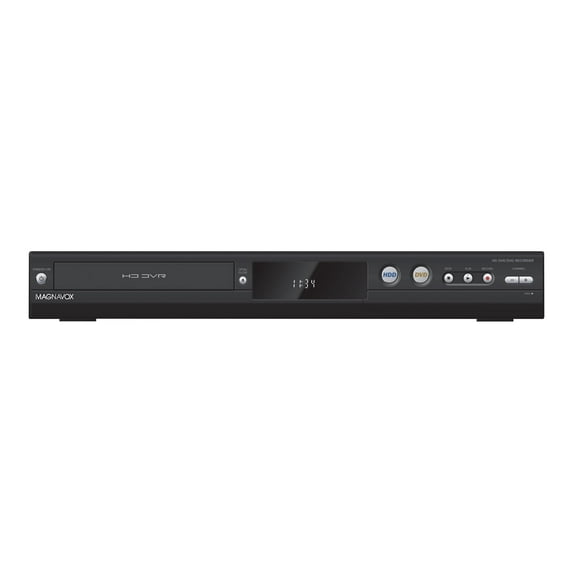
Magnavox MDR865H DVD recorder with TV tuner and HDD (New)
Key item features
- Versatile Recording: The Magnavox MDR865H is a versatile DVD recorder, offering both DVD recording and hard drive storage capabilities.
- Integrated Tuner: This device includes a built-in TV tuner, allowing for reception and recording of television broadcasts.
- Enhanced Upscaling: Featuring upscaling capabilities, the desktop DVD recorder improves picture quality for an enhanced viewing experience.
- Compact Dimensions: With a height of 2.4 inches, a length of 12 inches, and a width of 16.5 inches, it offers a convenient size for home entertainment setups.
- Sleek Black: The unit is presented in a black finish, contributing to its aesthetic appeal.
- Digital Tuner: Equipped with a digital tuner, it supports modern television signal reception.
Specs
- FormatsDVDRW
- Dvd recorder typeDesktop DVD Recorder
- ColorBlack
- ModelMDR865H
- Dimensions17.00 x 12.00 x 3.00 Inches
- Weight140.8 Ounces
Reviews summary
- : Offers great value at this cost.
- : Setup process is quick.
- : Can be crisp and vibrant, but may lack zoom functionality or have display issues.
- : Layout and button size can be challenging to use.
- Free shipping
 Free 30-day returns

(Only one option can be selected at a time)
How do you want your item?


About this item
Product details
Specifications
Brand
Formats
Dvd recorder type
Accessories
- Philips Magnavox MDR865H
- 2 AAA batteries
Warranty
Warranty information
Please be aware that the warranty terms on items offered for sale by third party Marketplace sellers may differ from those displayed in this section (if any). To confirm warranty terms on an item offered for sale by a third party Marketplace seller, please use the 'Contact seller' feature on the third party Marketplace seller's information page and request the item's warranty terms prior to purchase.
Warranty url
Warnings
Ingestion Hazard
Similar items you might like
Based on what customers bought
Restored Magnavox MDR865H/F7 HD DVR/DVD Recorder Digital Tuner - w/ Original Remote, Manual, and HDMI Cables (Refurbished) $899.50
 $89950current price $899.50
Restored Magnavox MDR865H/F7 HD DVR/DVD Recorder Digital Tuner - w/ Original Remote, Manual, and HDMI Cables (Refurbished)
Shipping, arrives in 3+ daysRestored Magnavox MDR867H DVR/DVD Recorder w/ Digital Tuner & Original Box (Refurbished) $1,349.50
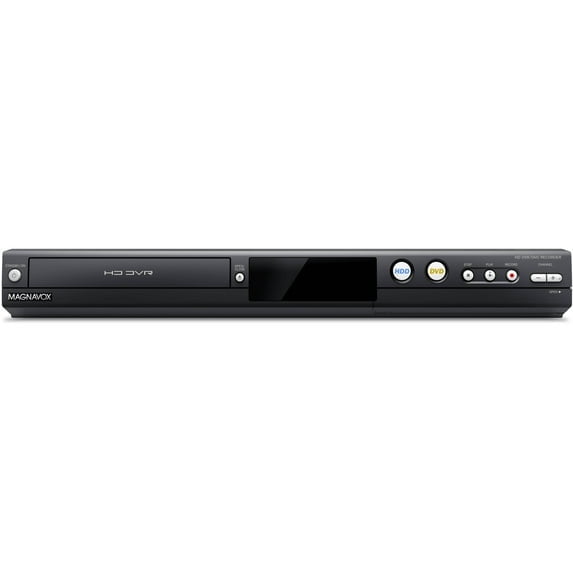 $1,34950current price $1,349.50
Restored Magnavox MDR867H DVR/DVD Recorder w/ Digital Tuner & Original Box (Refurbished)
Shipping, arrives in 3+ daysNew Sanyo FWZV475F DVD Recorder/VCR Combo Player $799.50
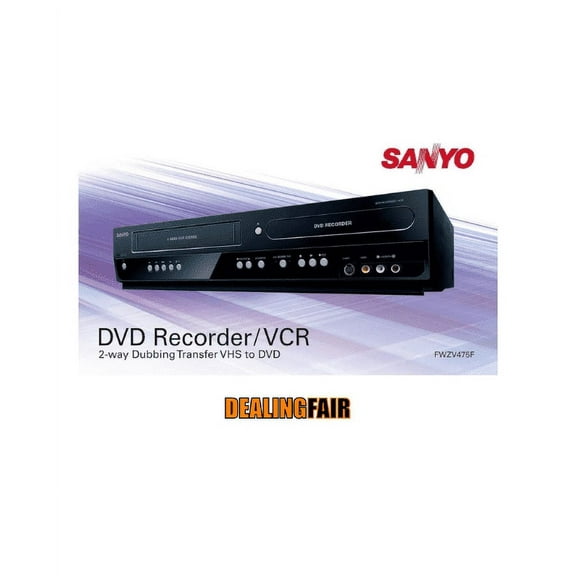 $79950current price $799.50
New Sanyo FWZV475F DVD Recorder/VCR Combo Player
3124.1 out of 5 Stars. 312 reviewsShipping, arrives in 3+ daysRestored Magnavox MDR515H DVD Recorder w/ 500 GB HDD, Digital Tuner, Remote, Manual, & HDMI Cable (Like New) $449.50
 $44950current price $449.50
Restored Magnavox MDR515H DVD Recorder w/ 500 GB HDD, Digital Tuner, Remote, Manual, & HDMI Cable (Like New)
Shipping, arrives in 3+ daysRestored Toshiba DVR670KU DVD/VHS Recorder w/ Built In Tuner, Remote, Manual, & HDMI Cable (Refurbished) $399.50
 $39950current price $399.50
Restored Toshiba DVR670KU DVD/VHS Recorder w/ Built In Tuner, Remote, Manual, & HDMI Cable (Refurbished)
35 out of 5 Stars. 3 reviewsShipping, arrives in 3+ daysRestored Toshiba D-R400 DVD Recorder w/ 1080P Upconversion, Original Remote, Manual, & HDMI Cable (Refurbished) $224.50
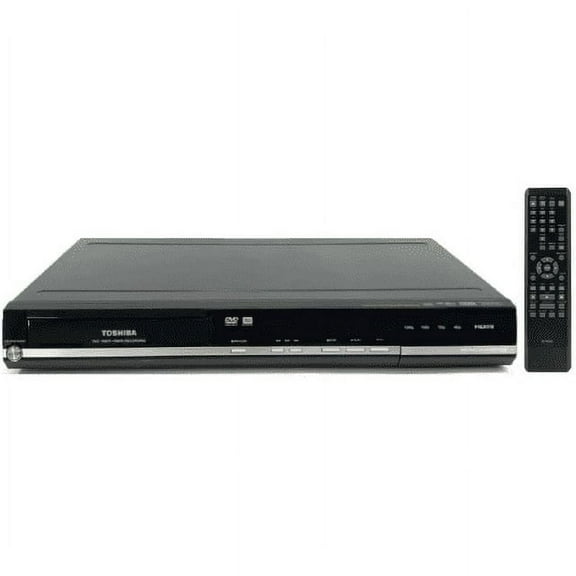 $22450current price $224.50
Restored Toshiba D-R400 DVD Recorder w/ 1080P Upconversion, Original Remote, Manual, & HDMI Cable (Refurbished)
Shipping, arrives in 3+ daysRestored Magnavox MDR515H DVD Recorder w/ 1 TB HDD, Digital Tuner, Remote, Manual, & HDMI Cable (UPGRADED FROM 500GB TO 1TB) $999.50
 $99950current price $999.50
Restored Magnavox MDR515H DVD Recorder w/ 1 TB HDD, Digital Tuner, Remote, Manual, & HDMI Cable (UPGRADED FROM 500GB TO 1TB)
Shipping, arrives in 3+ daysNew SV2000 WV10D6 DVD Player/Recorder $424.50
 $42450current price $424.50
New SV2000 WV10D6 DVD Player/Recorder
Shipping, arrives in 3+ daysExternal DVD Player Portable CD Recorder USB3.0/Type-C $51.52
 $5152current price $51.52
External DVD Player Portable CD Recorder USB3.0/Type-C
Shipping, arrives in 3+ daysRestored Magnavox ZV450MW8 DVD Recorder and VCR Digital Tuner - w/ Original Remote, Manual, and A/V Cables (Refurbished) $349.50
 $34950current price $349.50
Restored Magnavox ZV450MW8 DVD Recorder and VCR Digital Tuner - w/ Original Remote, Manual, and A/V Cables (Refurbished)
11 out of 5 Stars. 1 reviewsShipping, arrives in 3+ daysRestored Philips DVDR3400 DVD Recorder w/ DivX and USB 2.0 (Like New) (Refurbished) $249.50
 $24950current price $249.50
Restored Philips DVDR3400 DVD Recorder w/ DivX and USB 2.0 (Like New) (Refurbished)
Shipping, arrives in 3+ daysToshiba DR-430 DVD Recorder 1080p $499.50 Was $699.50
 Now$49950current price Now $499.50, Was $699.50$699.50You save $200.00You save$200.00
Toshiba DR-430 DVD Recorder 1080p
2484 out of 5 Stars. 248 reviewsShipping, arrives in 3+ daysRestored Funai ZV427FX4 DVD Recorder 4-Head HI-FI Stereo VCR w/ Original Remote, Manual, & HDMI Cable (Refurbished) $349.50
 $34950current price $349.50
Restored Funai ZV427FX4 DVD Recorder 4-Head HI-FI Stereo VCR w/ Original Remote, Manual, & HDMI Cable (Refurbished)
15 out of 5 Stars. 1 reviewsShipping, arrives in 3+ daysRestored Toshiba DVR660 1080p Upconverting VHS DVD Recorder with Builtin Tuner (Refurbished) $499.99
 $49999current price $499.99
Restored Toshiba DVR660 1080p Upconverting VHS DVD Recorder with Builtin Tuner (Refurbished)
Shipping, arrives in 3+ daysRestored Magnavox ZV457MG9 Dual Deck DVD/VCR Recorder - w/ Original Remote, Manual, & HDMI Cable (Refurbished) $399.50
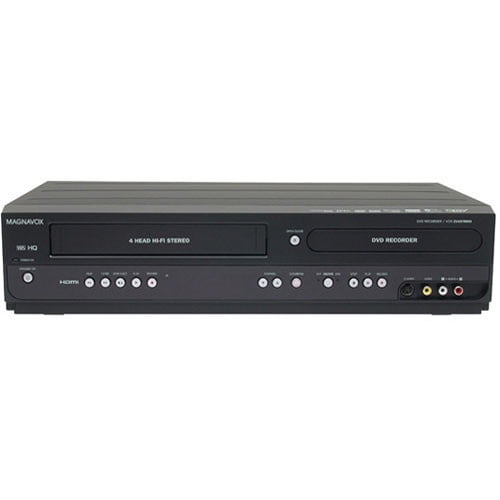 $39950current price $399.50
Restored Magnavox ZV457MG9 Dual Deck DVD/VCR Recorder - w/ Original Remote, Manual, & HDMI Cable (Refurbished)
Shipping, arrives in 3+ daysPre-Owned Panasonic DMR-EH50S DVD recorder 100GB digital video recorder with TV Guide On Screen $324.50 Was $374.50
 Now$32450current price Now $324.50, Was $374.50$374.50You save $50.00You save$50.00
Pre-Owned Panasonic DMR-EH50S DVD recorder 100GB digital video recorder with TV Guide On Screen
Shipping, arrives in 3+ daysRestored Toshiba DR430 DVD Recorder HDMI 1080p - w/ Original Remote, Manual, & HDMI Cable (Refurbished) $224.50 Was $249.50
 Now$22450current price Now $224.50, Was $249.50$249.50You save $25.00You save$25.00
Restored Toshiba DR430 DVD Recorder HDMI 1080p - w/ Original Remote, Manual, & HDMI Cable (Refurbished)
15 out of 5 Stars. 1 reviewsShipping, arrives in 3+ daysRestored Panasonic DMR-EZ28K DVD Player/Recorder w/ Original Remote, Manual, & HDMI Cable (Refurbished) $249.50
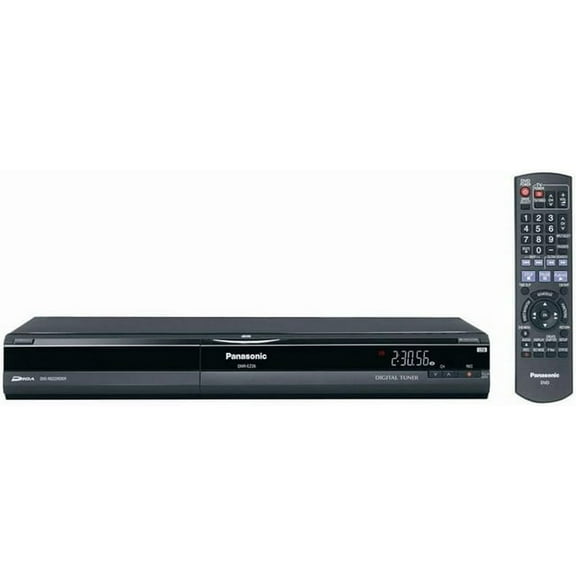 $24950current price $249.50
Restored Panasonic DMR-EZ28K DVD Player/Recorder w/ Original Remote, Manual, & HDMI Cable (Refurbished)
Popular items in this category
Best selling items that customers love
Magnavox ZV427MG9 DVD Recorder / VCR with Line-In Recording No Tuner (New) $849.50
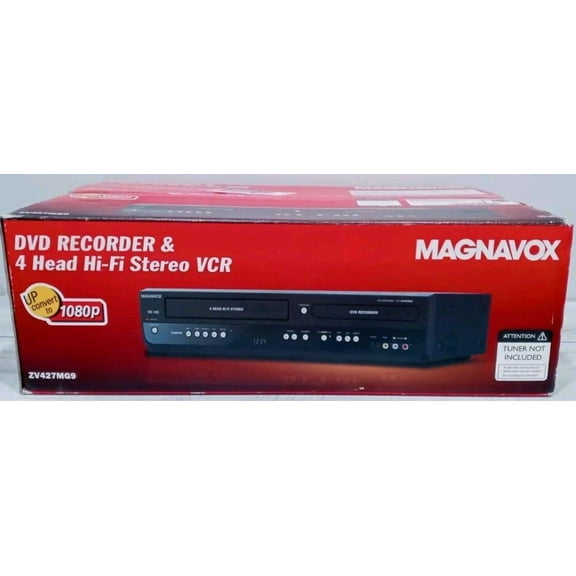 $84950current price $849.50
Magnavox ZV427MG9 DVD Recorder / VCR with Line-In Recording No Tuner (New)
13 out of 5 Stars. 1 reviewsShipping, arrives in 3+ daysNew Funai ZV427FX4 Full HD UpConvert DVD/VCR Combo Recorder $699.50
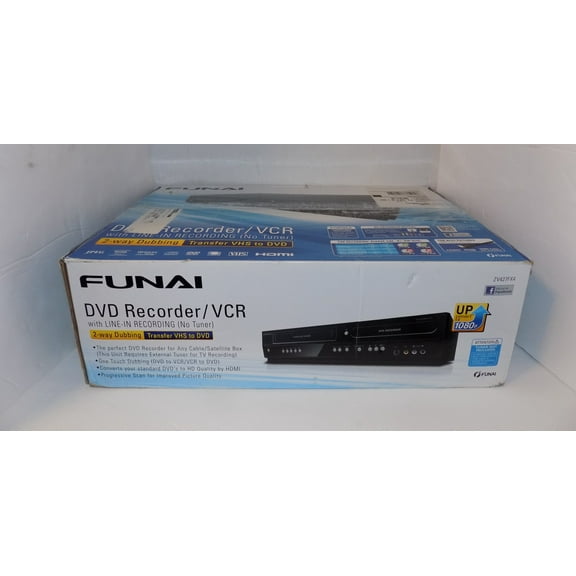 $69950current price $699.50
New Funai ZV427FX4 Full HD UpConvert DVD/VCR Combo Recorder
1063.8 out of 5 Stars. 106 reviewsShipping, arrives in 3+ daysMagnavox DV220MW9 DVD/VCR Combo Black (New) $699.50 Was $749.50
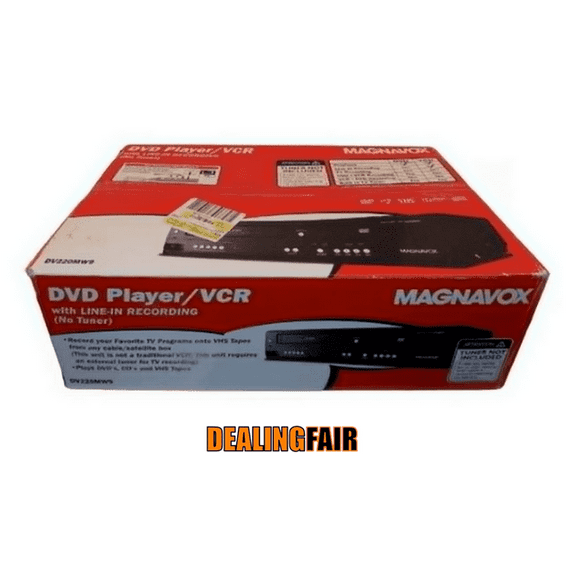 Now$69950current price Now $699.50, Was $749.50$749.50You save $50.00You save$50.00
Magnavox DV220MW9 DVD/VCR Combo Black (New)
55 out of 5 Stars. 5 reviewsShipping, arrives in 3+ daysMagnavox DV225MG9 DVD Player and 4 Head Hi-Fi Stereo VCR with Line-in Recording $519.15
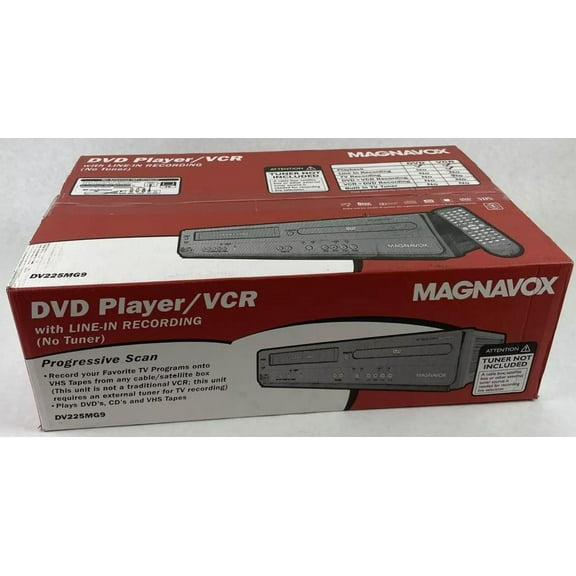 $51915current price $519.15
Magnavox DV225MG9 DVD Player and 4 Head Hi-Fi Stereo VCR with Line-in Recording
93 out of 5 Stars. 9 reviewsShipping, arrives in 3+ daysToshiba DVR620 DVD Recorder / VCR Combo With 1080p Upconversion. NEW $714.95
 $71495current price $714.95
Toshiba DVR620 DVD Recorder / VCR Combo With 1080p Upconversion. NEW
3113.7 out of 5 Stars. 311 reviewsShipping, arrives in 3+ daysRestored Toshiba DVR-620 DVR620 DVD and VHS Recorder with 1080p Upconversion (Refurbished) $339.97 Was $359.99
 Now$33997current price Now $339.97, Was $359.99$359.99You save $20.02You save$20.02
Restored Toshiba DVR-620 DVR620 DVD and VHS Recorder with 1080p Upconversion (Refurbished)
15 out of 5 Stars. 1 reviewsShipping, arrives in 3+ daysEmerson ZV427EM5 DVD Recorder VCR Combo 1080p (New) $643.99 Was $683.99
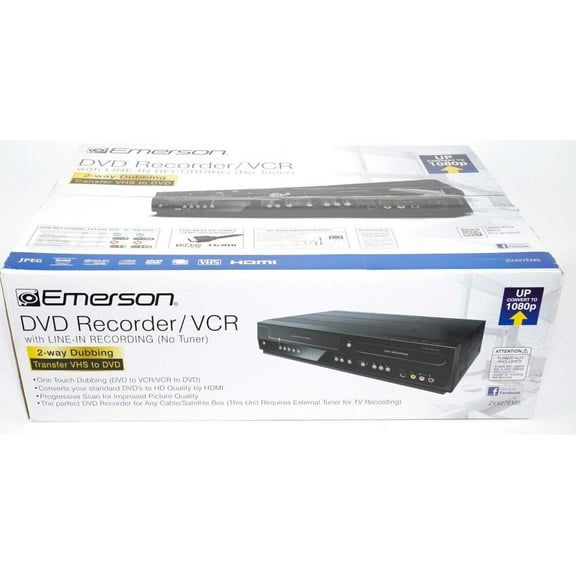 Now$64399current price Now $643.99, Was $683.99$683.99You save $40.00You save$40.00
Emerson ZV427EM5 DVD Recorder VCR Combo 1080p (New)
53.4 out of 5 Stars. 5 reviewsShipping, arrives in 3+ daysPhilips DVP3345V DVD/VCR Player Combo (New) $699.50
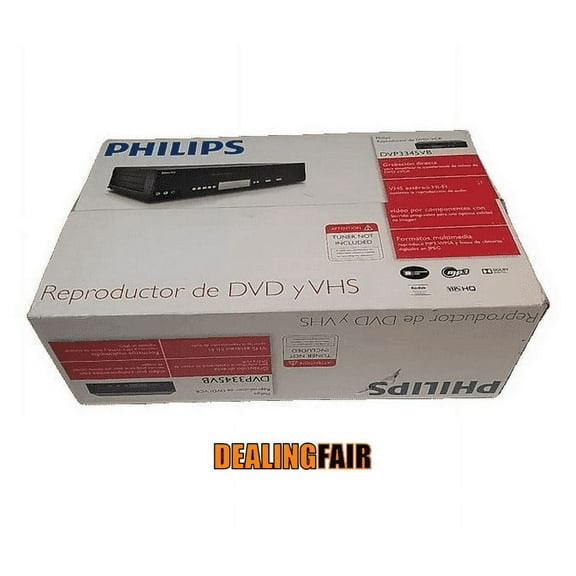 $69950current price $699.50
Philips DVP3345V DVD/VCR Player Combo (New)
Shipping, arrives in 3+ daysRestored Toshiba DR-430 DVD Recorder HDMI 1080p - w/ Original Remote, Manual, & HDMI Cable (Refurbished) $224.50 Was $249.50
 Now$22450current price Now $224.50, Was $249.50$249.50You save $25.00You save$25.00
Restored Toshiba DR-430 DVD Recorder HDMI 1080p - w/ Original Remote, Manual, & HDMI Cable (Refurbished)
11 out of 5 Stars. 1 reviewsShipping, arrives in 3+ daysLG RC897T DVD/VCR Combo $1,399.99
 $1,39999current price $1,399.99
LG RC897T DVD/VCR Combo
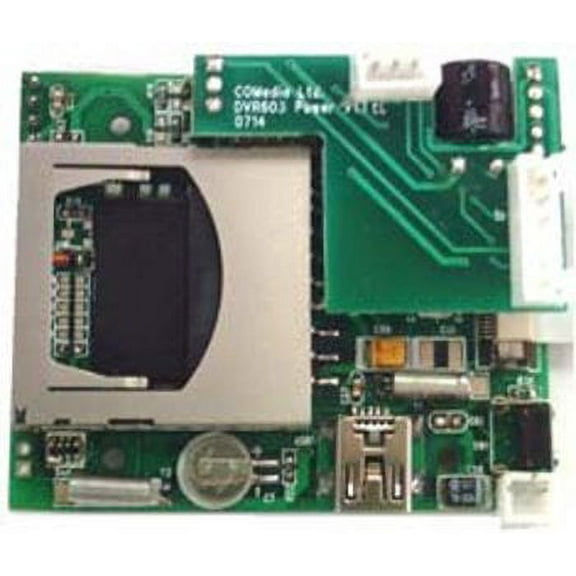
Shipping, arrives in 3+ daysDVR603 - Digital Video Recorder with Camera $14.95
 $1495current price $14.95
DVR603 - Digital Video Recorder with Camera
Shipping, arrives in 3+ daysNew Tablo 4th Gen 2-Tuner - 128GB Over-The-Air [OTA] Digital Video Recorder [DVR] TF1282B-01-CN $79.99 Was $99.95
![New Tablo 4th Gen 2-Tuner - 128GB Over-The-Air [OTA] Digital Video Recorder [DVR] TF1282B-01-CN](https://i5.walmartimages.com/asr/a26f7a88-e1b2-40a0-8860-54f3fdfc20e3.90d2e0ca9a897823883bacced1a473f7.png?odnHeight=576&odnWidth=576&odnBg=FFFFFF) Now$7999current price Now $79.99, Was $99.95$99.95You save $19.96You save$19.96
Now$7999current price Now $79.99, Was $99.95$99.95You save $19.96You save$19.96New Tablo 4th Gen 2-Tuner - 128GB Over-The-Air [OTA] Digital Video Recorder [DVR] TF1282B-01-CN
24344 out of 5 Stars. 2434 reviewsShipping, arrives in 3+ days
Customer ratings & reviews
Reviews summary
- : Offers great value at this cost.
- : Setup process is quick.
- : Can be crisp and vibrant, but may lack zoom functionality or have display issues.
- : Layout and button size can be challenging to use.
Customer images
Showing 1-3 of 150 reviews
Verified Purchase
Works very well and easy to use.
I am very happy with this, I had tried a couple other types of recorders for digital OTA signals and they were terrible, needed several peices you bought all separate. This is very easy, just connect the cables and follow instructions. The only think I am looking for now is if there is a way for it to dispaly upcoming schedule of shows are not. Currently I just enter the channel and datea nd times for what I want recorded and that is fine. I did not expect anything more.
Magnavox MDR865, 867, 868 HD DVRs
N.A.'s first HD DVRs with DVD burners, line inputs, editing, and user-selectable HD/SD rec modes. Basic info on these first-of-a-kind HD DVRs from Funai, a 55-year-old Japanese company, under the Magnavox brand name (licensed from Philips). More detailed info here: http://www.avsforum.com/forum/42-hdtv-recorders/2142154-magnavox-mdr865-867-868-hd-dvrs-dvd-burners-line-inputs-editing-rec-modes.html#post37432762 Mag info page: http://www.magnavox.com/product/HDDVR2015.php PDF manual (same for all 3), 11.6MB (pdf doc will appear all at once after slight delay or be saved in your Downloads folder): http://media.webcollage.net/rwvfp/wc/cp/19306938/module/cpwalmart/_cp/products/1445456827305/tab-49a37c8d-01da-47af-bd1c-1a01170c6a9d/4652ce6e-50f4-4d32-9a27-46b6ead9b78a.pdf?action=download-resource&caption=Owners%20Manual&a=d • 3 models: 865 has single, 867 and 868 have dual digital HD tuners (no analog) for OTA antenna and unscrambled cable. • Include several "firsts" for a N.A. HD DVR: -SD DVD burner. -SD inputs. -Editing. -HD and SD rec modes. • Recording format: Video mode, like Pioneer, Panasonic, et al Video compression formats: MPEG-2 and MPEG-4 AVC/H.264 Audio compression formats: Dolby Digital, MPEG-2 AAC • Coax in/out, composite YWR RCA in/out front and back, S-Video in front, HDMI out, digital optical audio out, USB, Ethernet/LAN (867/868 only), wireless LAN adapter (867/868 only), external Reset button. • Simultaneously tune two digital broadcast video streams in dual-tuner units (867/868) and record to a single drive or to different drives (HDD/EHDD-FT/DVD) via menu selection, as described here... and here. • Internal HDD (500GB/1TB/2TB) and up to 8 external USB HDDs (EHDD) or fast flash/thumb (FT) drives, min. 32GB to max. 6TB each, one at a time, max. 50TB total storage. See applicable EHDD-FT info for previous Funai DVRs, Philips 5710 and 5750. • High-speed dub (HSD) to copy or move titles between drives HDD>EHDD-FT>HDD. Create genre or backup HDDs. • Record to and real-time dub to/from DVD-R/-RW/+R/+RW. No HSD with DVDs. • Copy from external devices (DVRs, DVDRs, VCRs, cameras, etc.) to HDD or DVD via YWR RCA or S-Video+WR RCA inputs. • Wired LAN and built-in wireless LAN (867/868 only)... no separate dingle-dongle-doodad required. No networking on 865. • Stream live TV and stream/download recorded titles to iOS and Android mobile devices for viewing in any room with free mobile app (867/868 only). • Antenna Out settings to select coax passthrough (Old) or no passthrough (Off) when in power-off (Standby) mode. Old (On) maintains power to internal amp so no signal degradation thru coax in Standby but slightly more power usage. • Editing: Divide/Combine/Delete Chapters (HDD/EHDD-FT/DVD), Divide/Combine/Delete/Rename/Protect Titles (HDD/EHDD-FT). Funai's use of "Chapter" is in their DNA, but not ours. Prior SD units actually set a Chapter mark at each Scene Delete. Apparently, Scene Delete has become Chapter Delete. Unfortunately, NO details in manual except on title delete but it's basically same as or similar to "Scene Delete." • HDMI CEC (fun-Link) for integrated system control (TV/DVR on/off, auto input selection, etc.). How-it-works (any unit). • Attenuator setting if signal source is too strong, which causes digital channels to disappear (fall off the "digital cliff"). • Built-in digital-CC decoder. Subtitle Recording option to select whether digital CC get recorded on DVD or not (manual pg 58). • Pause TV button that starts recording a live program in FHD2 rec mode (manual pg 33). No buffer. • 100 timer programs. No Guide. • 2000 titles max. on each HDD/EHDD-FT with custom folders for storing them (genres, episodes of same series, etc.). 99 titles on DVD. • Auto-titling of recordings from metadata broadcast with each show. Set Auto Clock via General Settings > Clock > Auto Clock Setting menu, then set timer start times for exact start times of shows. See applicable info and tips for older Funai DVR, Philips 5710. If you can't find good time signal for Auto Clock or you pad beginning of shows before metadata starts, you could get title of prev. show. One workaround for "padders" or other persistent titling problems: while setting timer recording in Schedule Recording menu, as last step, select Folder Setting option (manual Step 8 pg 31) and select named folder for that show (or create New Folder) so every recording of that show will reside there, regardless of title, listed by date in order you select. • SW keyboard for renaming auto-titles, naming/renaming EHDD-FT, network setup, etc. • User-selectable aspect settings for the source (how it gets recorded) in General Settings > Video menu. Settings for HDD/EHDD-FT include default 16:9 Squeeze for 4:3 and 16:9 sources regardless of TV aspect or HDMI res. settings, and Auto for DVDs (manual pg 51). Not the same as TV's aspect settings. • User-selectable standby modes in General Settings > Others: Normal (fast startup) and Energy Saving (slower startup but less power consumption) (manual pg 58). • Remote with 3 codes for controlling 3 separate units, incl. Mag SD HDD/DVD recorders (Code 1, the default). Menu @ General Settings > Others > Remote Control > Code Select. Set machine code(s) then, for each "wrong-code" machine, press and hold OK button and press 1, 2 or 3 for that machine. • Clear+ option to sharpen edges of 1080i/p playback via HDMI @ MENU > Clear+ > Old/Off (manual pg 40). • Simultaneous record/play (867/868 only). • Rapid Playback @1.3X with audio. Press Play while in playback to turn on and off. • User-selectable HD and SD rec modes.
Verified Purchase
Magnavox DVR
I bought this unit because my previous DVD recorder would sometimes not record scheduled programs. I spent the extra money to purchase this unit to get the extra space to record more programs on the hard drive instead of having to keep switching out DVDs. I only got the 500 GB model because if I ever need more room to record in the future, I can plug in an external hard drive into the unit by USB. If you want to record 2 shows at the same time then you will have to go with the 1TB model. This will only record 1 show at a time. It does everything it says it will do. One feature I really like is you can set up folders for your different scheduled programs. So every time I tape the news, it goes into my NEWS folder. Every time I tape a movie I want to watch, it goes into my MOVIES folder. I don't have to go searching for it through all the other programs I tape. The only thing I don't like about it is that the buttons on the remote are a little small. The remote is about half the size of my TV remote.
