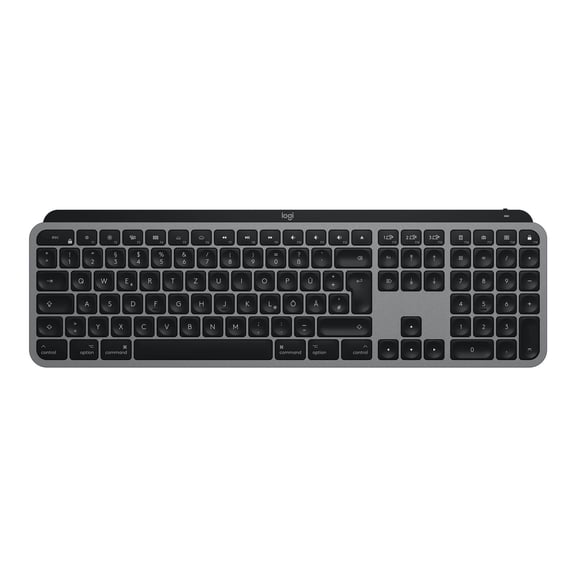
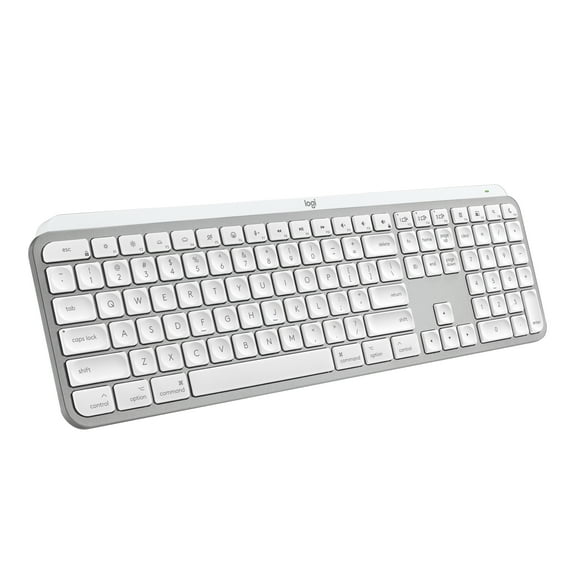
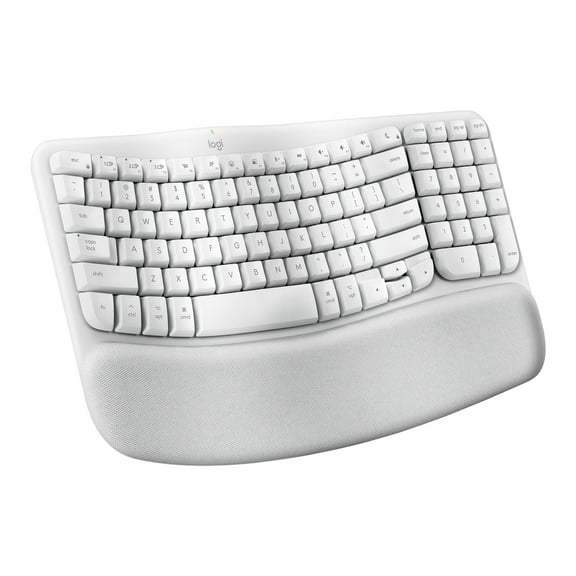
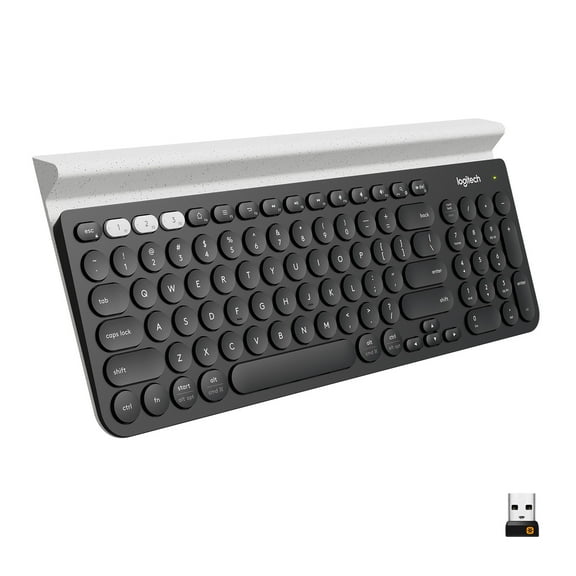
Logitech Craft Advanced Wireless Keyboard
Hero image 0 of Logitech Craft Advanced Wireless Keyboard, 0 of 3

Logitech Craft Advanced Wireless Keyboard

3.2 stars out of 61 reviews
(3.2)|
61 ratings

Key item features

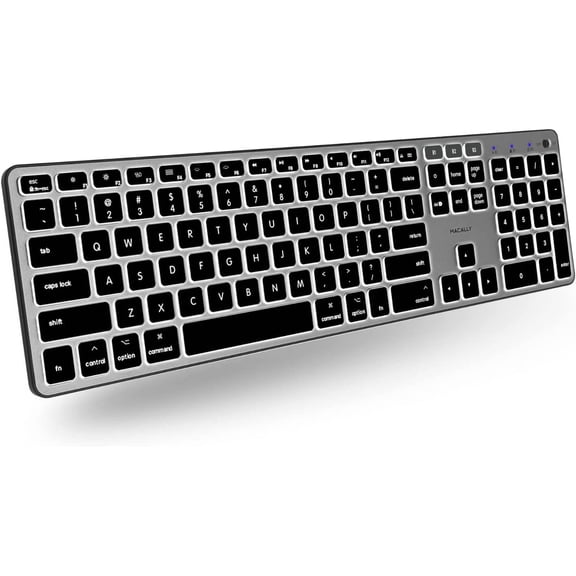
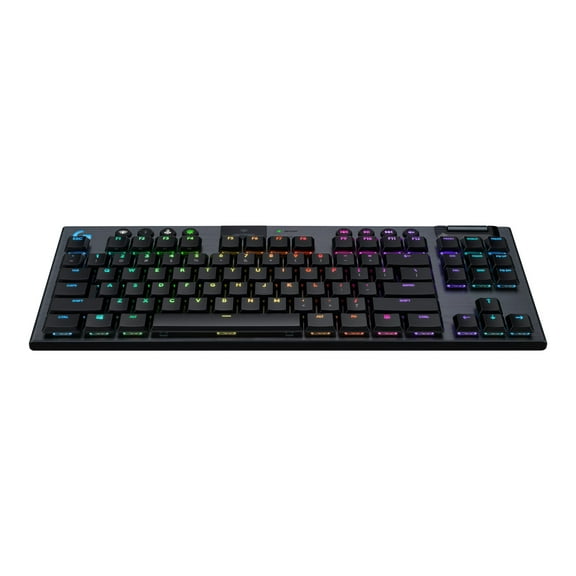
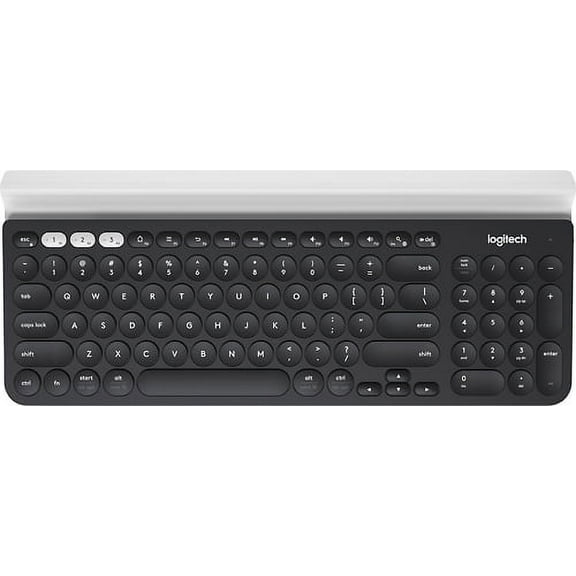
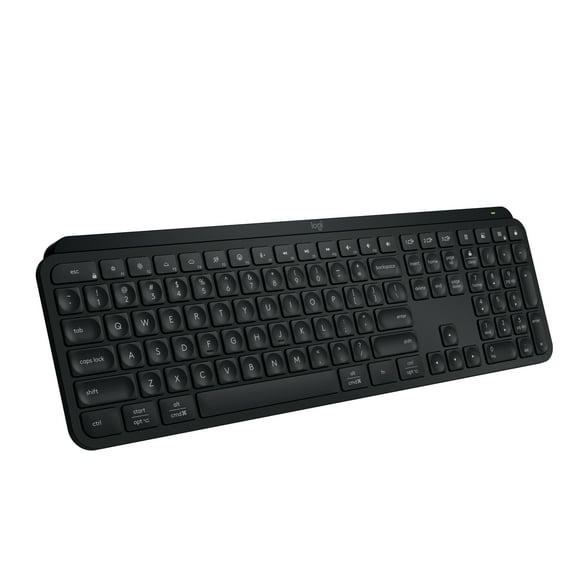
• Backlit keys automatically adjust brightness to suit changing lighting conditions
• 10 m wireless
• Wireless encryption
• On/Off power switch
• 3 connection indicator lights
• Battery indicator light
• Rechargeable with USB type C
• Compatible with Logitech Flow enabled mice

Current price is $189.84
Price when purchased online
Out of stock

How do you want your item?

How do you want your item?
Out of stock
Report an issue with this seller

About this item

Product details

Specifications

Warranty

Warnings

Customer ratings & reviews

3.2 out of 5 stars
stars61 ratings52 reviews
How item rating is calculated
Filtered and sorted results would be available on the new 'Customer ratings & reviews' page.
Sort by |

Showing 1-3 of 52 reviews

Jan 30, 2025
Fex,Kaylee
5 out of 5 stars review

Logitech Pro

[This review was collected as part of a promotion.] The Logitech Craft keyboard features a unique Crown dial, comfortable typing, and multi-device support. It's well-built but lacks adjustable incline and has limited customization. Battery life varies, and it's bulky. Great for creative professionals despite minor drawbacks.

Review from Logitech
Helpful?4058KS4OJ3Z8813534534
Dec 22, 2022
JuanM
5 out of 5 stars review

Verified Purchase

Best keyboard ever

Awesome keyboard, super functional, I like the flow function which switches flawlessly between my mac and pc without a problem.

Helpful?4058KS4OJ3Z8813534534
Jun 11, 2022
Steven
4 out of 5 stars review

Good keyboard but not compatible with many logitech mice

I've been using this keyboard with my MX Master 2 for the past few years. Recently some buttons on my MX 2 mouse stopped working and I looked into buying the new MX 3S. Unfortunately, newer logitech products use different software (Options+ instead of Options) and a different USB receiver (the bolt instead of the unifying receiver). This means that to use older logitech products (like the Craft) with newer logitech peripherals, you won't be able to use logitech flow to have your mouse and keyboard follow each other between different devices since they use different software. You'll also need to switch between different programs when changing settings on your different logitech mice and keyboards. Lastly, if you prefer using the USB receiver over Bluetooth, you'll need the two different USB receivers on each of your devices to use the different logitech products between them. I really love these products from logitech but it's frustrating that they decided to create this division between their products instead of making the new products backward compatible.

Review from Logitech
Helpful?4058KS4OJ3Z8813534534