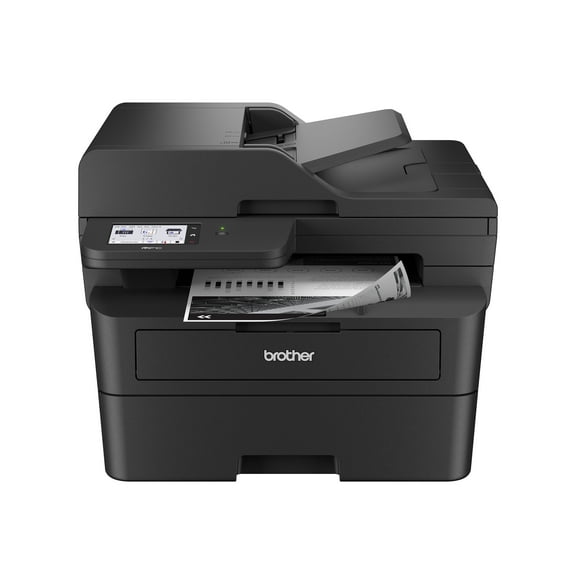
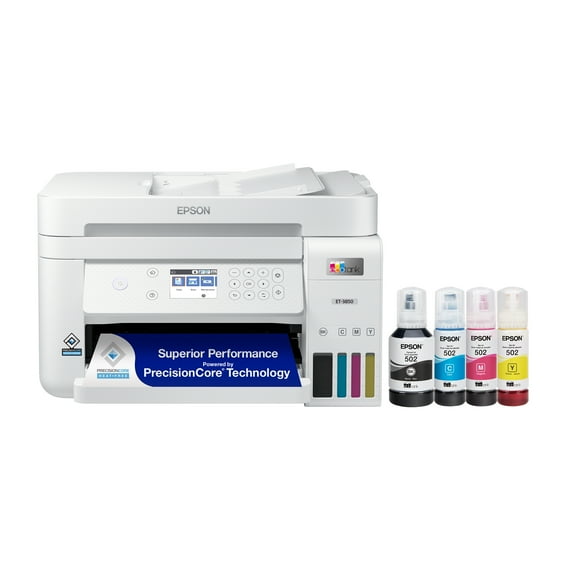
Note: I received this printer as a free sample in order to provide a neutral, non-biased review of it.
I've had the pleasure of using this printer for over a week now, and I'm pretty impressed. Given the price point, I was worried it was going to be just good enough, but I've been pleasantly surprised that the opposite has been true. I'm an attorney here in the city, so I decided to test out this printer by printing out large numbers of federal statutes to see if it could cope with the high page count. Surprisingly, this printer knocked them out pretty quickly, with no visible slowdown after the initial pages were printed.
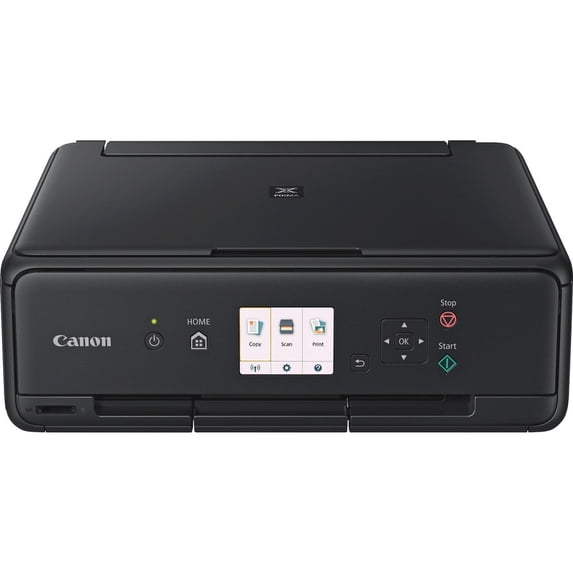
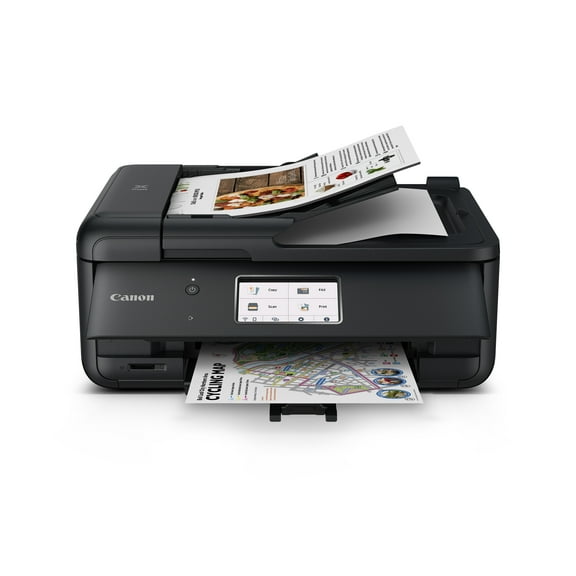
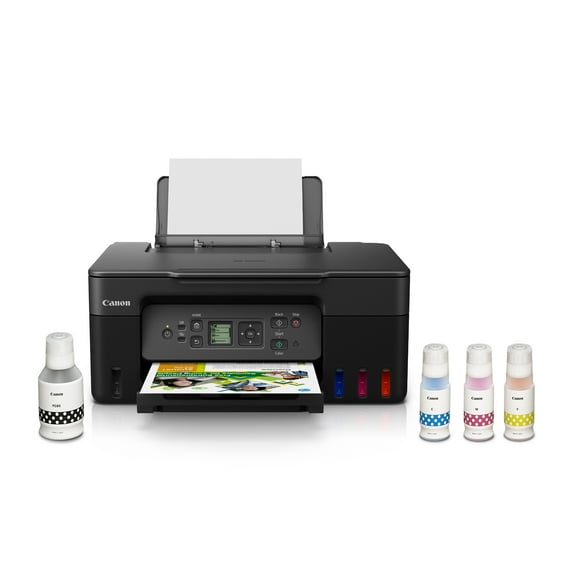
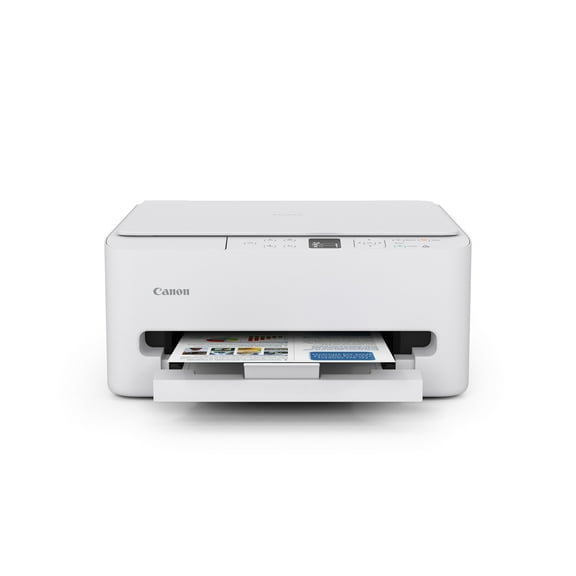
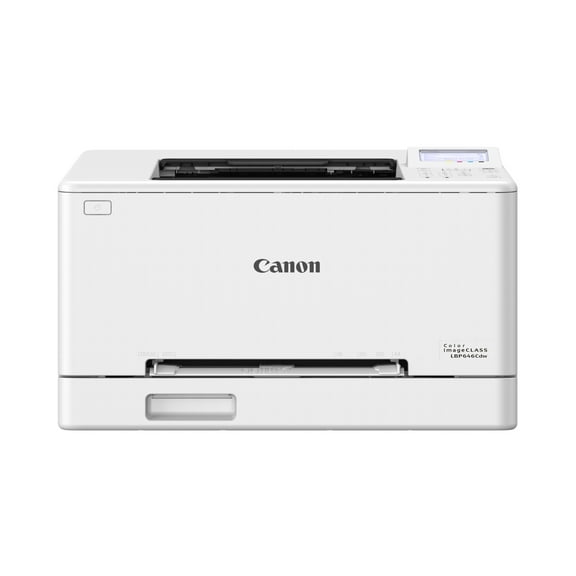
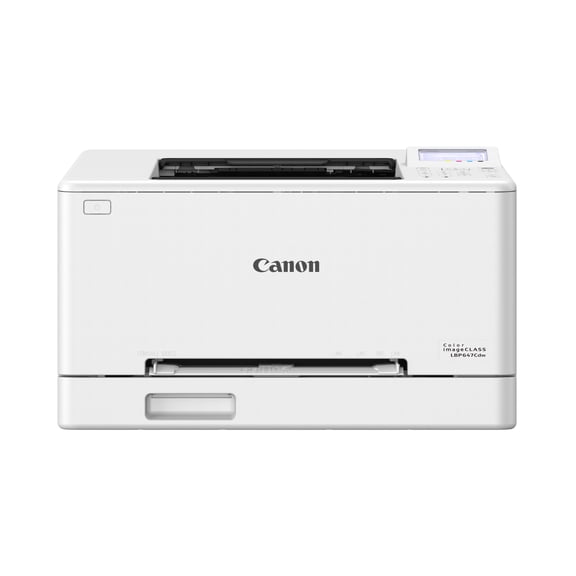
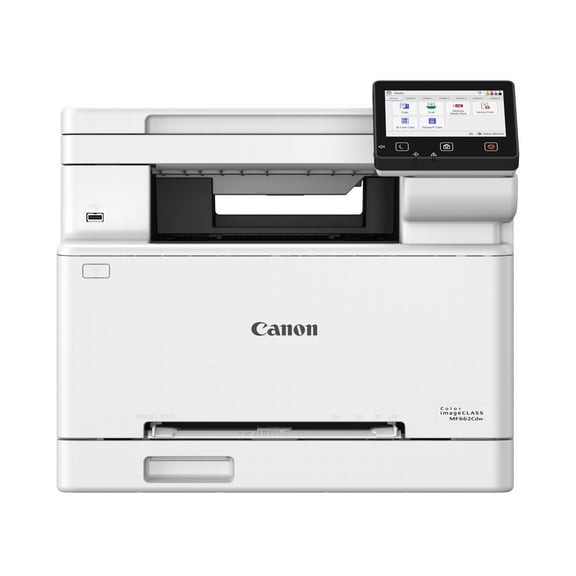
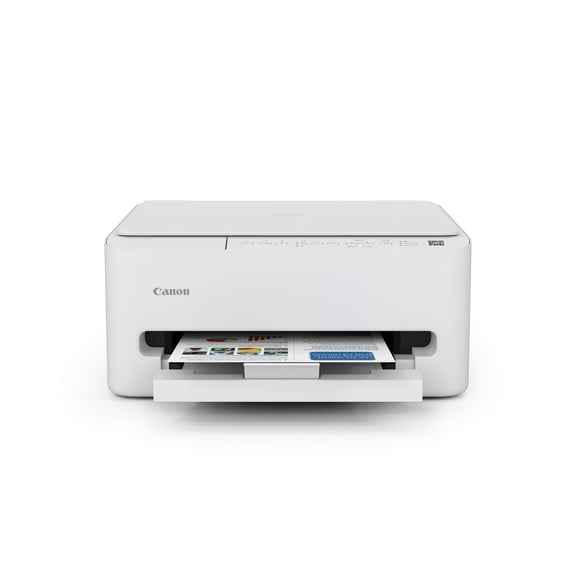
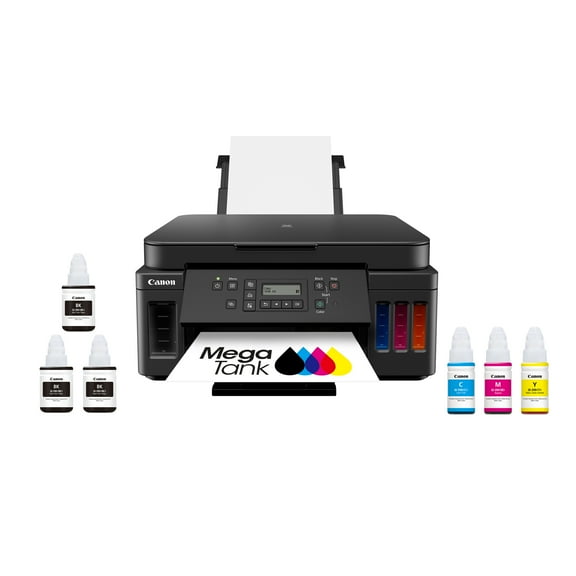
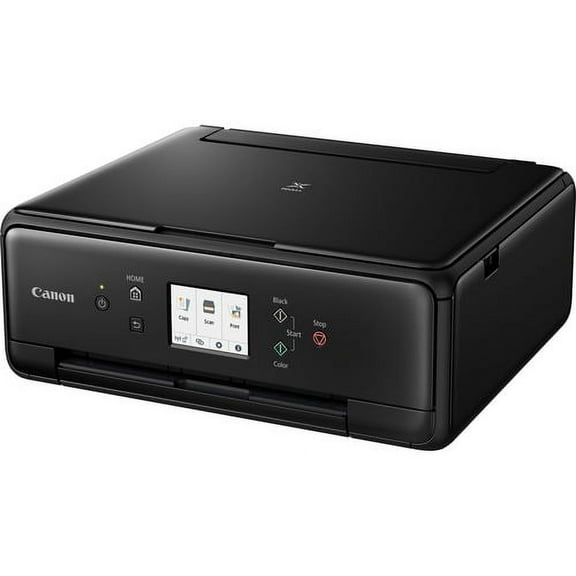
As a summary, so far, the good with this printer has outweighed the bad substantially. As for the pros, the quick printing is definitely a plus. Additionally, the wifi connection between it and my laptop is quite effective and works just like the printer is still attached by cord (although this is somewhat expected now, it's still nice to see it work consistently). The ink cartridges haven't been all that quick to drain either, which has been a nice surprise. Last, the aesthetic (especially for the price) is impressive. The printer comes with the paper tray on top towards the rear of the printer, which is helpful especially when using its duplex feature (more on that in a bit). Plus, the screen that is on the front of the device is both attractive and helpful, as it allows you to actually change settings without having to load up your computer (this is something I've noticed more when I went back to my other printer which doesn't have a screen).
Regarding the cons, it really just boils down to two. This is really a mild one, but, the setup isn't exactly fantastic. It does come with a disc, which is simple enough, but unfortunately my laptop doesn't have an internal disc drive, so I had to download the setup online. I could've missed it in the materials, but I never saw a link showing where to download the setup online, which would've been helpful (apologies if I missed it somewhere). Even with that though, it was pretty straightforward using Canon's site as they thankfully let you download it online. Setup took a bit of time as the printer apparently had to do some self-setup after the ink was installed. I ended up waiting a while for the printer to be ready because a message on the LCD screen kept telling me to wait while the printer completed its setup. I eventually just cancelled out of that, and the printer was working just fine, so I assume this was either a poorly written message or one that never updated. Again, not a gigantic thing, but it's something that probably should be improved. The only other (mild) complaint I could make about this is the lack of automatic two-sided printing (duplex). Granted, at this price point, you're still getting a really good printer, so it's hard to say this should've been included (as I suspect the next tier of printer probably has it). I still find manual duplex printing clunky though, and it makes me want to avoid using this printer's duplex printing altogether. Due to the top-load paper tray though, this is easier than with most printers I've used, since you can just pull out the blank paper from the tray easily and replace it with your paper that has 1 side already printed. It's certainly a solid replacement for the automatic version, and as long as this isn't something crucial for your purchase, then you shouldn't give it another thought since the manual duplex on here is pretty solid for what it is.
Overall, I can't recommend this printer enough for the price point. I hope you find this review helpful, as I've tried to include everything I've tried so far. I'm still trying to figure out how to make the mobile printing work from my phone, since a free Canon app is available, but I've yet to nail that one down.