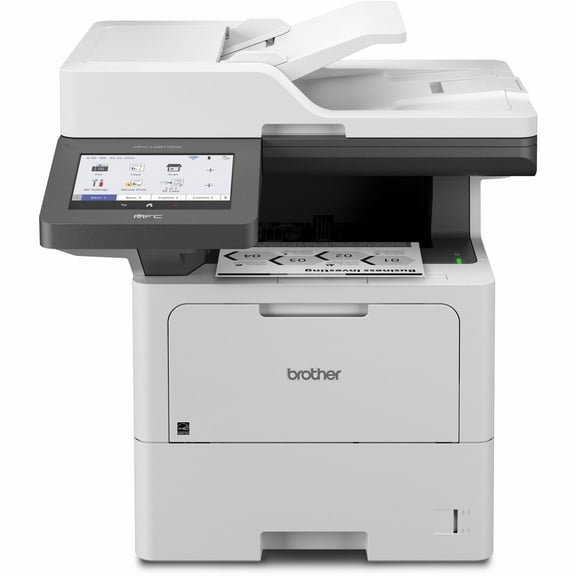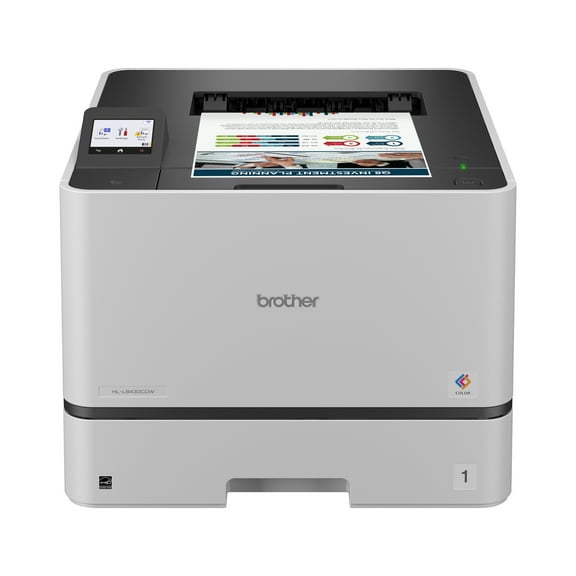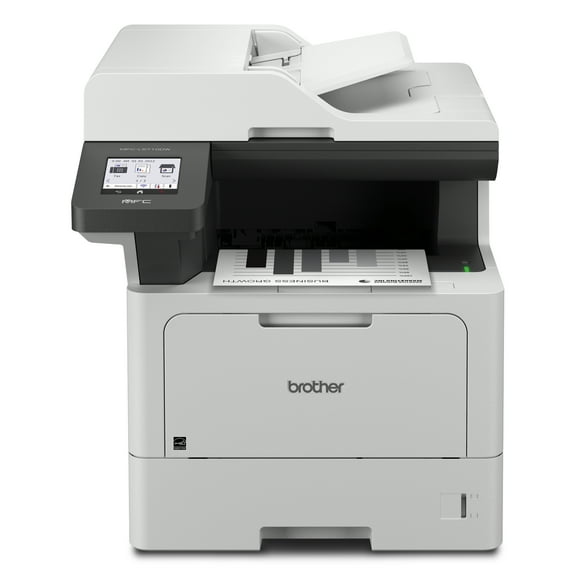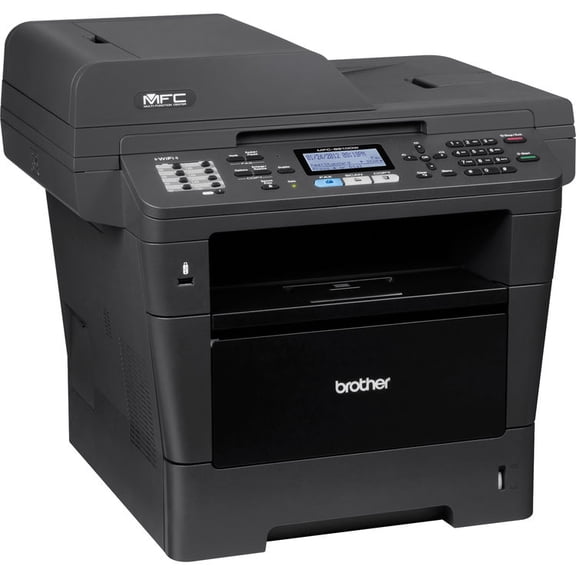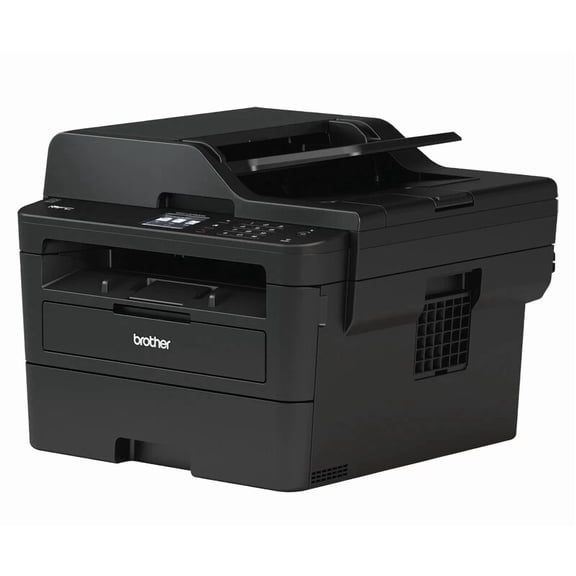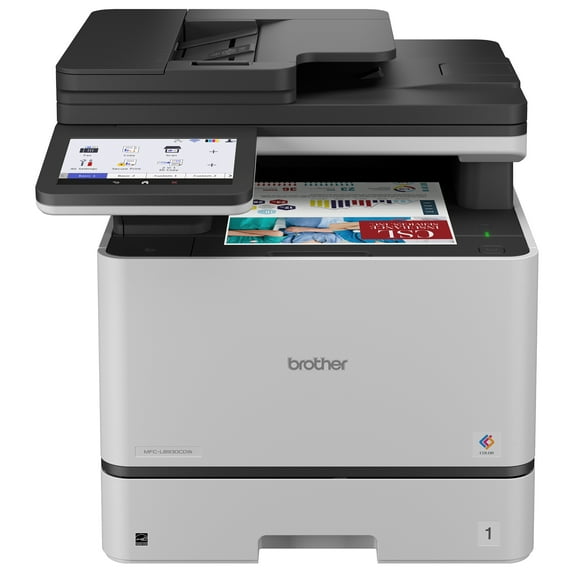
Brother MFC-L8930CDW Business Color Laser All-in-One Printer White with Duplex Print, Scan, Copy, Low-Cost Printing, and Advanced Security Features
Brother MFC-L8930CDW Business Color Laser All-in-One Printer with Duplex Print, Scan, Copy, Low-Cost Printing, and Advanced Security Features
Hero image 0 of Brother MFC-L8930CDW Business Color Laser All-in-One Printer with Duplex Print, Scan, Copy, Low-Cost Printing, and Advanced Security Features, 0 of 15

Brother MFC-L8930CDW Business Color Laser All-in-One Printer with Duplex Print, Scan, Copy, Low-Cost Printing, and Advanced Security Features

28 ratings

Key item features

  • Professional results. Fast print and copy speeds of up to 33ppm² help optimize productivity. Lifelike color and sharp black output for professional business documents, presentations, and marketing collateral.
  • Maximize printing budgets. Offers built-in value with included Brother Genuine 3,000-page black and 1,800- page color standard yield toner cartridges. Print confident and help lower printing costs by using the TN635XXL super high yield replacement toner cartridges for 7,500-page black and 6,500-page color³.
  • Advanced, high-speed scanning capabilities. Fast, two-sided scanning up to 104ipm⁴. The 80-page capacity⁵ auto document feeder easily handles large scan and copy jobs. Also features a legal-sized document glass. Scan to popular destinations directly from the touchscreen display, including cloud services⁶, email, SharePoint, and SSH Server (SFTP). Supports the added benefit of creating searchable and editable Microsoft Office documents (Word, Excel, and PowerPoint)⁷.
Price when purchased online
5 free offers, including Apple Music up to 2 months Free
Walmart Protection Plan by Allstate

(Only one option can be selected at a time)

Tech Support

More seller options (2)

Starting from $899.94

About this item
Product details

Specifications

Warranty

Customer ratings & reviews

4.7 out of 5 stars
stars
28 ratings23 reviews
How item rating is calculated

Reviews summary

Pros

  • : Setup is well-explained and fast to complete.
  • : Produces sharp and high-definition prints.
  • : Ideal for small offices or home offices needing professional results.
  • : Always stable whether using wifi or laptop.
  • : Produces accurate colors in documents and photos.

Neutral

  • : Offers affordable printing options, but initial investment can be steep.
Generated by AI
Filtered and sorted results would be available on the new 'Customer ratings & reviews' page.
Sort by |

Showing 1-3 of 23 reviews

Feb 17, 2026
Reviewer name: Walmart customer
Sold byOffice EssentialsDelivered byWalmart
5 out of 5 stars
5 out of 5 stars review

Verified Purchase

So far I feel like I've died and going to heaven, after having a series of inkjet printers over the years. This is a pretty large printer for a home office, but the footprint isn't that much bigger than my Inc. jet it's just taller. It's quiet. So far it's run flawlessly. I haven't tried scanning or copying just printing. I have had to catch up on a lot of printing for a project. I'm working on so even with the much larger tray I seem to run out of paper frequently, but then I've gone through two reams of paper in just a few I knew when I bought it that the initial ink cartridges were going to be less than what you would get in a regular cartridge so I was a little bit surprised that I was already getting indications that the ink is less than half full. Just as a sidenote, I was actually looking at the earlier model and it was sold out everywhere and then I found this one for $400 less and even though it was way more money that I wanted to spend on a printer I'm kind of glad every place was out of stock on something that was virtually the same but price tire

Helpful?3BCBM0GEM27O18309258234
Jan 6, 2026
Reviewer name: asddsa
Sold byOffice Essentials
5 out of 5 stars
5 out of 5 stars review

Driverless IPP Everywhere, Airprint

This works with CUPS on Linux using driverless IPP Everywhere support. There's no need to install any vendor-specific drivers or PPD files or similar. Just add ipps://hostname-or-ip/ipp/print to CUPS and you're done. It also works with Airprint on macOS and works with Windows 7's old support for IPP; note that Brother's drivers for Windows seem to be required for W7 IPP. I don't know if newer versions of Windows support driverless IPP Everywhere. I haven't tried the scanner, copy, or fax functions yet. But scanning looks reasonable: the documentation claims support for scanning to a USB thumb drive and scanning to an SFTP server. Cloud/internet features are disabled by default. IPv4 and IPv6 can be configured independently. The printer has an HTTPS web administration interface that looks reasonable. This is great for a home office.

Review from brother-usa.com
Helpful?3BCBM0GEM27O18309258234
Jan 12, 2026
Reviewer name: tn11_8228
Sold byOffice Essentials
5 out of 5 stars
5 out of 5 stars review

Excellent all-in-one printer

[This review was collected as part of a promotion.] We've been very happy with this Brother printer. Setup was easy, and the wireless connectivity and software make printing from laptops and mobile devices seamless. Print quality is sharp for both color and black-and-white documents, and it handles larger jobs quickly without slowing down. The touchscreen is intuitive and easy to use, and the all-in-one features (print, scan, copy, and fax) work reliably. The automatic duplex printing helps save paper, and the option for high-yield toner keeps operating costs reasonable. Overall, this printer feels solid, dependable, and well-suited for a home or small office that needs professional results. Highly recommend!

Review from influenster.com
Helpful?3BCBM0GEM27O18309258234