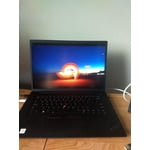
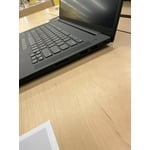
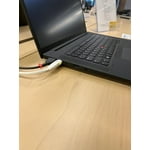
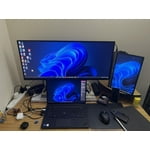
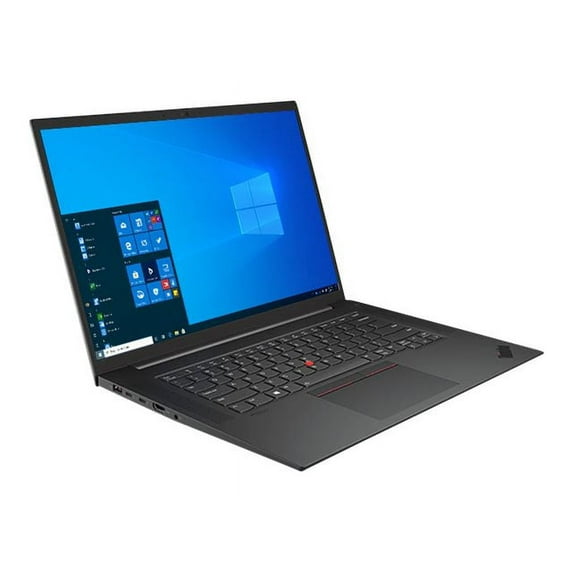
[This review was collected as part of a promotion.] My Lenovo ThinkPad P1 Gen 4 is an outstanding computer. It is configured with the Intel Xeon W-11855M Processor; 64 GB ECC Memory; 2 TB PCIe Gen 4 SSD, OPAL; 16.0" WQUXGA (3840 x 2400) IPS Touchscreen, 600 nits Display; NVIDIA RTX A2000 4GB Graphic Card; 170W Power Adapter; Windows 11 Pro 64 for Workstation Operating System; and including Microsoft Office Professional 2021.
I replaced a Lenovo ThinkPad W510 with my new P1 Gen 4. The W510 was still running very well after nearly 12 years of continuous use, but I wanted more processor power and storage capacity, as well as additional features that the P1 Gen 4 offers.
The ThinkPad P1 Gen 4 provides exactly what I was expecting: great CPU performance; device attachment flexibility with Thunderbolt 4 ports, HDMI 2.1, and USB 3.2 ports; and a Touchscreen Display with the sharpest images I have seen. I operate the CPU in a balanced power mode rather than in high performance, and the machine runs very cool. Even running many simultaneous tasks (Firefox browser with several open tabs; Streaming video; Microsoft Access data base processes; Microsoft Word; Outlook E-mail functions; Adobe Acrobat operations; etc.), the Xeon processor is never taxed.
I am still learning the finer points of Windows 11 and Office Professional 2021, as well as the specific operation of the P1 Gen 4. The feel of the keyboard is somewhat different from my W510. I still prefer the keyboard on the W510, which had more key travel and a better "feel" in my opinion. The placement of the TrackPoint mouse buttons on the P1 Gen 4 is not what I prefer. The buttons are too difficult to easily distinguish from the space bar, and they are too close to the space bar. Some of the problem with being able to use the mouse buttons efficiently will hopefully go away with regular use and familiarization with the exact location and feel of the buttons. The layout of the keyboard is also slightly different from the W510, and that is a matter of familiarization with use. I also miss the "second set" of mouse buttons which were on the front edge of the W510 keyboard. One other item I miss greatly is the indicator lights that existed on the W510, visually displaying disk activity and the state of wireless connections. I realize that the same information can be selected on the screen, but I liked the display lights below the screen.
The Touchscreen on the P1 Gen 4 is wonderful! I debated about ordering this display, but I am very happy that I have it. It works perfectly in every respect, and I would not want to return to a non-touchscreen system. Overall, the P1 Gen 4 fits my requirement very well, and I only hope that it runs as well, and for as many years, as my W510 did over its lifetime. Thank you for continuing to build quality ThinkPad computers!


 WARNING: