

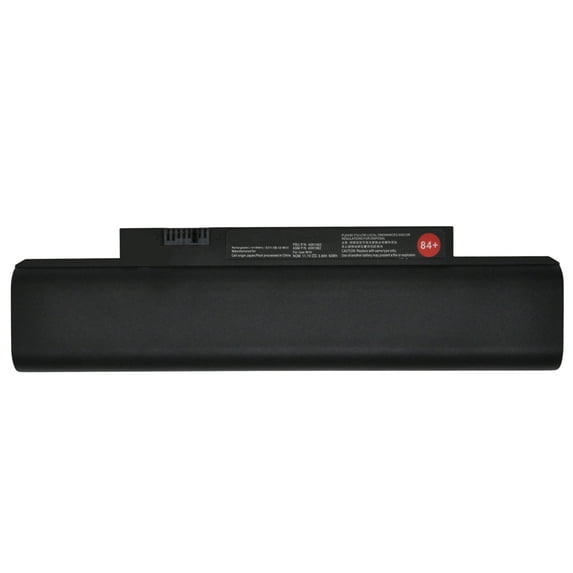
Hero image 0 of New 84+ 11.1V 63Wh Laptop Battery for Lenovo ThinkPad Edge E120 E125 E130 E135 E145 E320 E325 E330 E335 L330 X121e X130e X131e X140e 42T4947 42T4948 42T4951 45N1174 42T4958 42T4957 0A36290, 0 of 7
New 84+ 11.1V 63Wh Laptop Battery for Lenovo ThinkPad Edge E120 E125 E130 E135 E145 E320 E325 E330 E335 L330 X121e X130e X131e X140e 42T4947 42T4948 42T4951 45N1174 42T4958 42T4957 0A36290
(No ratings yet)
Key item features
Installation steps:
- You need to turn off your laptop and disconnect the power.
- Disconnect the connection between the old battery and the motherboard to avoid unnecessary damage caused by disassembling the battery. Then unscrew the old battery screws one by one and carefully save each screw.
- Remove the old battery, carefully install the new battery on the battery case, screw in the screw, and connect the wiring of the new battery.
- If you don't understand the above steps, you can search for the video about laptop battery installation on YouTube. Maybe it will help you.
- After installing the battery, you can try to calibrate the power management system. Discharge the new battery to 5% (not 0%), then charge and cycle 3-4 times to wake up the new battery.
- During the use of the battery, it is best not to discharge to less than 5% or turn off the computer power.
- Avoid man-made impact, disassembly, squeeze or puncture. Do not throw it into fire or water.Avoid using the battery in an environment where the temperature is too high or too low.
- Make sure to charge the battery more than 80% per month.
- Q: Why my computer didn't recognize this battery or I install this battery and it doesn't seem to work?
- A: The reason is residual power stored in the laptop components that was preventing the battery from working properly. Please disconnecting the old battery, and holding down the power button for 20 seconds, then connect the new battery. This drains the residual or flea power and once the laptop is reassembled the battery will function properly.
Specs
- Volts11.1 V
- Works withLaptop Computers
- BrandRD Power
- CompatibilityLenovo
Price when purchased online
Not Available
How do you want your item?
Not available
About this item
Product details
Battery Type: Li-ion
Battery Condition: Brand New
Battery Voltage: 11.1V
Battery Capacity: 63Wh
Warranty: 1 Year warranty
Every battery is strictly inspection. FCC,CE,ISO9001/14001 and RoHS Certificated. You can buy it with confidence.
If you have any question just feel free contact us, 24 hours email service,We will solve any problem for you until you are satisfied.
Compatible Part Numbers:
0A36290, 42T4943, 3INR19/65-2, 42T4951, 42T4952, 42T4949, 45N1056, 0A36292, 42T4945, 45N1057, 45N1058, 45N1059,
45N1060, 45N1061, 45N1062, 45N1063, 45N1174, 45N1176, ASM 42T4948, ASM 42T4958, ASM 42T4960, ASM 42T4962,
ASM P/N 42T4952, FRU 42T4947, FRU 42T4957, FRU 42T4959, FRU 42T4961, FRU P/N 42T4951
Compatible Machine Models:
ThinkPad X121e X130e X131e X140e Series
ThinkPad Edge E120 E125 E320 E325 Series
ThinkPad Edge E130 E135 E330 E335 L330 Series
Battery Condition: Brand New
Battery Voltage: 11.1V
Battery Capacity: 63Wh
Warranty: 1 Year warranty
Every battery is strictly inspection. FCC,CE,ISO9001/14001 and RoHS Certificated. You can buy it with confidence.
If you have any question just feel free contact us, 24 hours email service,We will solve any problem for you until you are satisfied.
Compatible Part Numbers:
0A36290, 42T4943, 3INR19/65-2, 42T4951, 42T4952, 42T4949, 45N1056, 0A36292, 42T4945, 45N1057, 45N1058, 45N1059,
45N1060, 45N1061, 45N1062, 45N1063, 45N1174, 45N1176, ASM 42T4948, ASM 42T4958, ASM 42T4960, ASM 42T4962,
ASM P/N 42T4952, FRU 42T4947, FRU 42T4957, FRU 42T4959, FRU 42T4961, FRU P/N 42T4951
Compatible Machine Models:
ThinkPad X121e X130e X131e X140e Series
ThinkPad Edge E120 E125 E320 E325 Series
ThinkPad Edge E130 E135 E330 E335 L330 Series
Installation steps:
- You need to turn off your laptop and disconnect the power.
- Disconnect the connection between the old battery and the motherboard to avoid unnecessary damage caused by disassembling the battery. Then unscrew the old battery screws one by one and carefully save each screw.
- Remove the old battery, carefully install the new battery on the battery case, screw in the screw, and connect the wiring of the new battery.
- If you don't understand the above steps, you can search for the video about laptop battery installation on YouTube. Maybe it will help you.
- After installing the battery, you can try to calibrate the power management system. Discharge the new battery to 5% (not 0%), then charge and cycle 3-4 times to wake up the new battery.
- During the use of the battery, it is best not to discharge to less than 5% or turn off the computer power.
- Avoid man-made impact, disassembly, squeeze or puncture. Do not throw it into fire or water.Avoid using the battery in an environment where the temperature is too high or too low.
- Make sure to charge the battery more than 80% per month.
- Q: Why my computer didn't recognize this battery or I install this battery and it doesn't seem to work?
- A: The reason is residual power stored in the laptop components that was preventing the battery from working properly. Please disconnecting the old battery, and holding down the power button for 20 seconds, then connect the new battery. This drains the residual or flea power and once the laptop is reassembled the battery will function properly.
info:
We aim to show you accurate product information. Manufacturers, suppliers and others provide what you see here, and we have not verified it.
Specifications
Volts
11.1 V
Works with
Laptop Computers
Brand
RD Power
Compatibility
Lenovo
Warnings
Ingestion Hazard
This product contains a battery. Death or serious injury can occur if ingested. A swallowed battery can cause Internal Chemical Burn in as little as 2 hours. Keep new and used batteries OUT OF REACH OF CHILDREN. Seek Immediate medical attention if a battery is suspected to be swallowed or inserted inside any part of the body.
Check out these related products
New 47 10.8V 85Wh 47 Laptop Battery for Lenovo ThinkPad X200 X200s X201 X201s X201i 42T4646 42T4647 42T4648 42T4649 42T4542 43R9253 43R9254 43R9255 42T4696 42T4823 42T4825 42T4834 $79.99
 $7999current price $79.99
New 47 10.8V 85Wh 47 Laptop Battery for Lenovo ThinkPad X200 X200s X201 X201s X201i 42T4646 42T4647 42T4648 42T4649 42T4542 43R9253 43R9254 43R9255 42T4696 42T4823 42T4825 42T4834
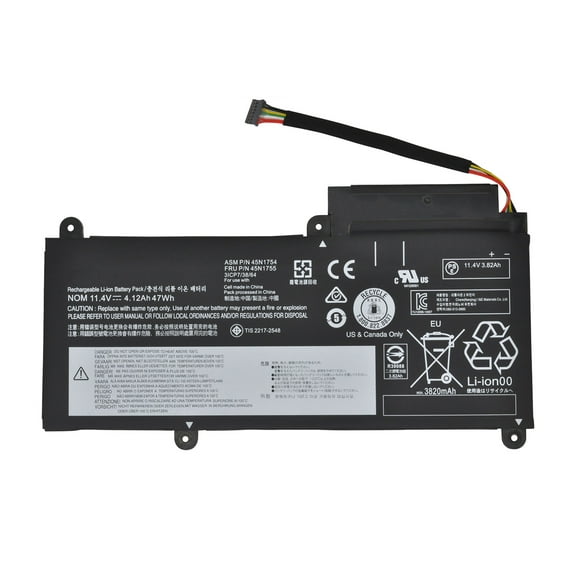
New 45N1752 11.4V 47Wh 45N1753 45N1754 45N1755 45N1756 45N1757 Laptop Battery for Lenovo ThinkPad E450 E450C E455 E460 E460C E465 E475 E470 Series 4120mAh $49.99
 $4999current price $49.99
New 45N1752 11.4V 47Wh 45N1753 45N1754 45N1755 45N1756 45N1757 Laptop Battery for Lenovo ThinkPad E450 E450C E455 E460 E460C E465 E475 E470 Series 4120mAh
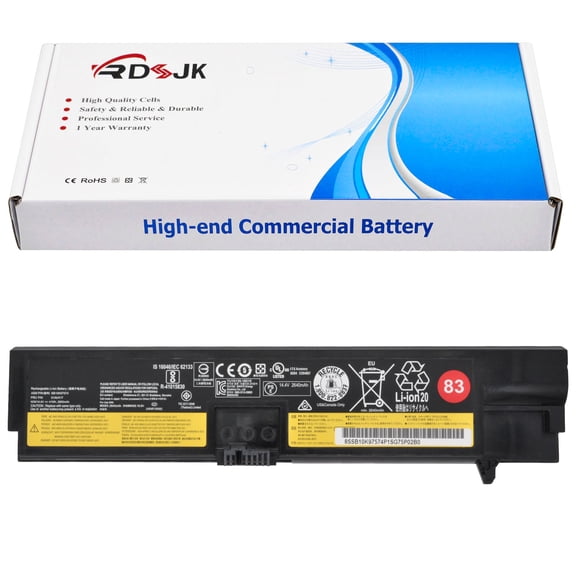
New 83 14.6V 41Wh 01AV418 SB10K97575 Laptop Battery for Lenovo ThinkPad E570 E570C E575 Series 01AV414 01AV415 01AV416 01AV417 SB10K97571 SB10K97572 SB10K97573 SB10K97574 4X50M33574 4X50M33573 $29.99
 $2999current price $29.99
New 83 14.6V 41Wh 01AV418 SB10K97575 Laptop Battery for Lenovo ThinkPad E570 E570C E575 Series 01AV414 01AV415 01AV416 01AV417 SB10K97571 SB10K97572 SB10K97573 SB10K97574 4X50M33574 4X50M33573
New 01AV429 11.58V 57Wh 01AV430 01AV431 01AV494 Laptop Battery for Lenovo ThinkPad X1 Carbon 5th Gen 2017 6th Gen 2018 Series SB10K97586 SB10K97587 SB10K97588 $49.99
 $4999current price $49.99
New 01AV429 11.58V 57Wh 01AV430 01AV431 01AV494 Laptop Battery for Lenovo ThinkPad X1 Carbon 5th Gen 2017 6th Gen 2018 Series SB10K97586 SB10K97587 SB10K97588
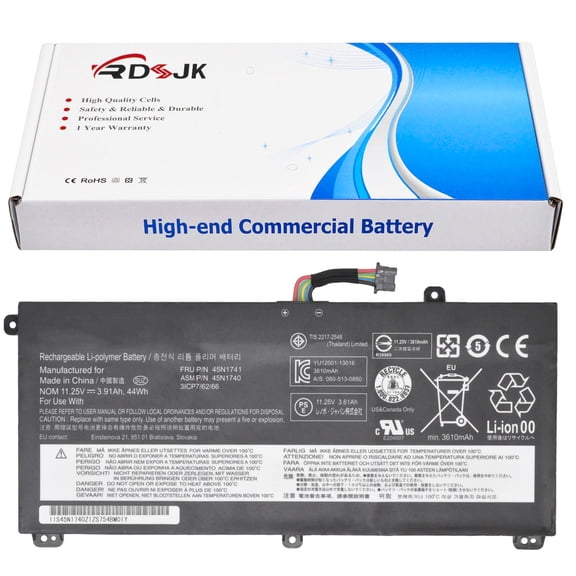
15 out of 5 Stars. 1 reviewsNew 00NY639 11.4V 44Wh 45N1740 45N1741 45N1742 45N1743 SB10K12721 Laptop Battery Compatible with Lenovo ThinkPad T550 T550s T560 W550 W550s Series Notebook $59.99
 $5999current price $59.99
New 00NY639 11.4V 44Wh 45N1740 45N1741 45N1742 45N1743 SB10K12721 Laptop Battery Compatible with Lenovo ThinkPad T550 T550s T560 W550 W550s Series Notebook
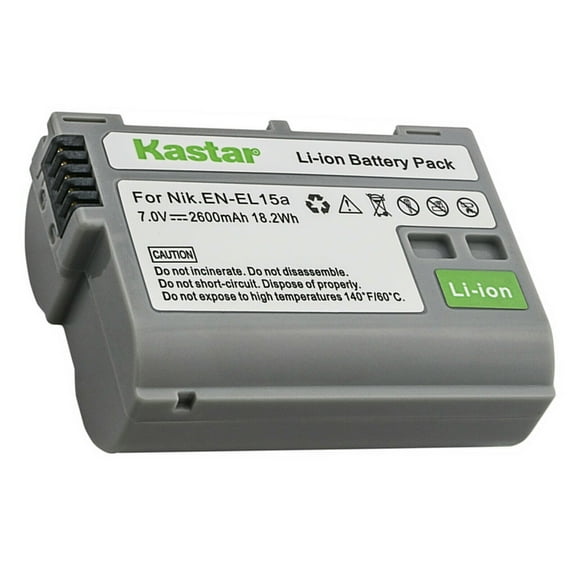
Kastar 1-Pack Battery Replacement for Nikon EN-EL15, EN-EL15a, EN-EL15b, EN-EL15e Battery, Nikon MH-25, MH-25a Charger, Nikon Z 5, Z5 Camera, Nikon MB-D11, MB-D12, MB-D14, MB-D15, MB-D16, MB-D18 $10.99
 2 optionsAvailable in additional 2 options$1099current price $10.99
Kastar 1-Pack Battery Replacement for Nikon EN-EL15, EN-EL15a, EN-EL15b, EN-EL15e Battery, Nikon MH-25, MH-25a Charger, Nikon Z 5, Z5 Camera, Nikon MB-D11, MB-D12, MB-D14, MB-D15, MB-D16, MB-D18
11 out of 5 Stars. 1 reviews
Customer ratings & reviews
0 ratings|0 reviews
This item does not have any reviews yet
