

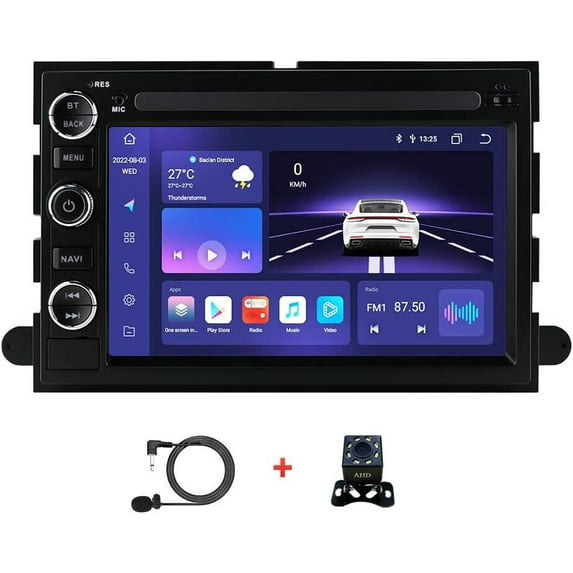
For 2004-14 Ford F150 Apple CarPlay Android 4G Car Stereo DSP Radio Player GPS Navigation
Key item features
- Feature:
- ●4G running memory, 32G storage memory, large memory space
- ●8-core high-definition 7-inch IPS capacitive screen running fast radio player, 1024*600 high resolution
- ●Built-in GPS navigation: Users can purchase offline navigation directly from the Play Store. Connect to wifi, use Google Maps perfectly, you can go wherever you want, and never get lost again
- ● Built-in WIFI: Connect WIFI, you will find a new world, stronger anti-interference ability, more stable Wifi wireless signal and faster transmission speed
- ●Rear view camera: Support high-definition camera, you need to select the camera, the car automatically switches when the reverse gear is connected (optional)
- ●Steering wheel control: through it you can control the functions you need through the steering wheel, which is more convenient
- ●Built-in A2DP/Hands Free/Phone book Bluetooth: Bluetooth hands-free call, Bluetooth music playback, automatic loading of the phone book, compared with the previous version, the speed is faster and the channel capacity is larger
- ● Driving recorder: You can choose the recorder, there is playback on the car, you can keep the evidence
- ●Support file manager: support downloading, installing and deleting thousands of Android applications
- ● Without any cables, you can enjoy music in your phone, and it supports USB connection.
- ●FM/AM/RDS radio: Online music can be transmitted to the car stereo through FM to enjoy the original car stereo, 30 preset radio stations, high-end radio chip, powerful noise reduction and anti-interference ability, support FM/AM RDS function, Clear channel search and low noise
- ●Split screen function: two pages can be displayed at the same time, such as navigation and music display at the same time
- ● DSP: Car dsp tuning software, using DSP tuning technology, you can adjust the frequency, AE, 32-band equalization, and sound type selection on the app to make up for the lack of the original car speakers and obtain better lossless sound quality. Enjoying music in the car is the first choice for audiophiles who are looking for high sound quality.
- ● Wireless Carplay: The wireless Carplay in-vehicle system can closely integrate the user's iOS device and iOS experience with the dashboard system. Users who use Carplay can connect to the car system through a data cable to achieve voice-controlled navigation, make calls, send and receive messages, and listen to music.
- ● Android auto: The wired/wireless Android auto car system can closely integrate the user's Android phone and player, and realize navigation, make calls, send and receive information, listen to music and other operations .
- ● Mobile phone link upgrade dual system mirror link: IOS/Android mirror link
- ● Intelligent voice: Intelligent voice can directly control the player to open and close the mobile phone, open and close navigation, make calls and other functions through the voice, so as to better liberate your hands and realize safe driving;(need buy extra)
- ● Weather Display: Our car radio is different from other products on the market. We have a unique weather display function, which allows you to know the real-time weather conditions anytime, anywhere, and is convenient for travel.
- -----------Tips:
1.Why can't turn on the car radio ?
1.1Please check the Voltage of car radio:12V
1.2When you test this car radio,you can combine the red and yellow wires and connect them to the positive side of the power supply.Black line to negative power supply.
1.3Replace the same type of insurance to test the car radio.
Note: Please must use our power cables to connect our car radio,it is not possible to insert the original car plug directly into our machine.
2.Why the car radio will show "No Signal" when we reversing?
Please check if the camera's line is properly connected to the car radio.
Note:The video port of rear camera must insert the "CAMIN" port of car radio.
3.Why does the camera display "!" and "Can't watch video while driving" when I use USB to watch videos?
Please turn off the "Video Warning" function in the settings,then will be OK.
4.Why can't search FM?
4.1: No radio antenna inserted;
4.2: Please check if the radio antenna is plugged in. Please insert more antennas several times to make it well contacted;
4.3: The signal of your location is not good. Please go to a better place to test again
4.4: The radio antenna on the car is broken/no effect; please replace the radio antenna and test again.
5.Why can't connect the Bluetooth of car radio?
5.1 Open the phone settings interface, open the Bluetooth in the Bluetooth function, search for Bluetooth devices, find the player's Bluetooth model to be paired; if you need a pairing code, enter 0000; if not, try 1234 or 123456.
5.2 Please try to use another mobile phone to test this function.
All methods are correct and still cannot use Bluetooth, Please unplug the plug on the back of the player and plug it in after 3 minute.
Specs
- BrandWLVOS
- Vehicle typeCar
- Vehicle makeFord
- ConditionNew
- FormatsMKV, RMVB, AVI, MP4, MDV
- Digital audio formatsAPE/FLAC/WAV/MP3/WMA
Price when purchased online
Not Available
How do you want your item?
Not available
About this item
Product details
Suitable models:
For F150 2004~2008
For F250/F350 2006~2014
For E250/E350 2009~2014
For Shelby GT500 2007~2009
For Five Hundred 2005~2007
For Montego 2005~2007
For Milan 2006~2009
For Sable 2008~2009
For Mountaineer 2007~2010
For Fusion 2006~2009
For Taurus 2008~2009
For Escape 2008~2012
For Freesty le 2005~2007
For Freestar 2004~2007
For MKX 2007~2009
For Mark LT 2006~2008
For Edge 2007~2010
For Focus 2005~2007
For Mustang 2005~2009
For Explorer(U251) 2006~2010
For Expedition 2007~2014
For Expedition EL/MAX(U354) 2007~2014
NOTE:
The radio fit a variety of models, but some models have difference in wiring harness arrangements,
and the wiring needs to be slightly adjusted.
otherwise radio can't get power won't turn on ,if you met this , contact us , we will tell you how to do it .
The suitable models list not 100% correct. Please check the pictures information
and your original car stereo to confirm the stereo whether can fit your car.
Specification:
System: Android 12.0
Central Processing Unit: ARM Coretex UIS 7862A
Chipset: Octa core
Operating speed: 1.8GHZ
Screen size: 7''
Screen resolution: 1024*600
Memory: 4GB (RAM) + 32GB (ROM)
Power output: 4*45W
Power amplifier: ST7388
Radio chip: NXP4745
Sound effect: ADI/HI-Res: 192khz/32bit
Split screen: support
Carplay: wireless + wired
Android output: Wireless + Wired
Android Car: Wireless + Wired
Steering wheel control function: support
Bluetooth version: 5.0
Radio frequency band: FM/AM/RDS
Map: Built-in offline map (requires internet download)
WIFI: Support
USB: Dual USB interface
DSP: Built-in
AHD camera: support
OBD2: Support
DAB+: Support
Hard Disk Video Recorder: Support
Tire pressure monitoring system: Support
Phone link: Support
External microphone: Support
Audio format: APE/FLAC/WAV/MP3/WMA, etc.
Video format: MKV/RMVB/AVI/MP4/MDV, etc.
Picture format: PNG/JPEG/JPG/GIF/WBMP/BNP, etc.
Languages: Chinese/English/French/Italian/Korean/Japanese/Arabic/Spanish/Portuguese/Russian/Turkish/Vietnamese/Hebrew/Polish/German, etc.
Package Included:
1 x Car multimedia player
1 x Power cord
1 x GPS antenna
1 x Camera input cable
1 x RCA input/output cable
1 x Canbus Decorder Box
2 x USB cable
1 x Factory USB Adapter Cable
1 x external microphone
1 x AHD CAMERA
- Feature:
- ●4G running memory, 32G storage memory, large memory space
- ●8-core high-definition 7-inch IPS capacitive screen running fast radio player, 1024*600 high resolution
- ●Built-in GPS navigation: Users can purchase offline navigation directly from the Play Store. Connect to wifi, use Google Maps perfectly, you can go wherever you want, and never get lost again
- ● Built-in WIFI: Connect WIFI, you will find a new world, stronger anti-interference ability, more stable Wifi wireless signal and faster transmission speed
- ●Rear view camera: Support high-definition camera, you need to select the camera, the car automatically switches when the reverse gear is connected (optional)
- ●Steering wheel control: through it you can control the functions you need through the steering wheel, which is more convenient
- ●Built-in A2DP/Hands Free/Phone book Bluetooth: Bluetooth hands-free call, Bluetooth music playback, automatic loading of the phone book, compared with the previous version, the speed is faster and the channel capacity is larger
- ● Driving recorder: You can choose the recorder, there is playback on the car, you can keep the evidence
- ●Support file manager: support downloading, installing and deleting thousands of Android applications
- ● Without any cables, you can enjoy music in your phone, and it supports USB connection.
- ●FM/AM/RDS radio: Online music can be transmitted to the car stereo through FM to enjoy the original car stereo, 30 preset radio stations, high-end radio chip, powerful noise reduction and anti-interference ability, support FM/AM RDS function, Clear channel search and low noise
- ●Split screen function: two pages can be displayed at the same time, such as navigation and music display at the same time
- ● DSP: Car dsp tuning software, using DSP tuning technology, you can adjust the frequency, AE, 32-band equalization, and sound type selection on the app to make up for the lack of the original car speakers and obtain better lossless sound quality. Enjoying music in the car is the first choice for audiophiles who are looking for high sound quality.
- ● Wireless Carplay: The wireless Carplay in-vehicle system can closely integrate the user's iOS device and iOS experience with the dashboard system. Users who use Carplay can connect to the car system through a data cable to achieve voice-controlled navigation, make calls, send and receive messages, and listen to music.
- ● Android auto: The wired/wireless Android auto car system can closely integrate the user's Android phone and player, and realize navigation, make calls, send and receive information, listen to music and other operations .
- ● Mobile phone link upgrade dual system mirror link: IOS/Android mirror link
- ● Intelligent voice: Intelligent voice can directly control the player to open and close the mobile phone, open and close navigation, make calls and other functions through the voice, so as to better liberate your hands and realize safe driving;(need buy extra)
- ● Weather Display: Our car radio is different from other products on the market. We have a unique weather display function, which allows you to know the real-time weather conditions anytime, anywhere, and is convenient for travel.
- -----------Tips:
1.Why can't turn on the car radio ?
1.1Please check the Voltage of car radio:12V
1.2When you test this car radio,you can combine the red and yellow wires and connect them to the positive side of the power supply.Black line to negative power supply.
1.3Replace the same type of insurance to test the car radio.
Note: Please must use our power cables to connect our car radio,it is not possible to insert the original car plug directly into our machine.
2.Why the car radio will show "No Signal" when we reversing?
Please check if the camera's line is properly connected to the car radio.
Note:The video port of rear camera must insert the "CAMIN" port of car radio.
3.Why does the camera display "!" and "Can't watch video while driving" when I use USB to watch videos?
Please turn off the "Video Warning" function in the settings,then will be OK.
4.Why can't search FM?
4.1: No radio antenna inserted;
4.2: Please check if the radio antenna is plugged in. Please insert more antennas several times to make it well contacted;
4.3: The signal of your location is not good. Please go to a better place to test again
4.4: The radio antenna on the car is broken/no effect; please replace the radio antenna and test again.
5.Why can't connect the Bluetooth of car radio?
5.1 Open the phone settings interface, open the Bluetooth in the Bluetooth function, search for Bluetooth devices, find the player's Bluetooth model to be paired; if you need a pairing code, enter 0000; if not, try 1234 or 123456.
5.2 Please try to use another mobile phone to test this function.
All methods are correct and still cannot use Bluetooth, Please unplug the plug on the back of the player and plug it in after 3 minute.
info:
We aim to show you accurate product information. Manufacturers, suppliers and others provide what you see here, and we have not verified it.
Specifications
Brand
WLVOS
Check out these related products
Car Stereo Radio GPS for Mercedes W906 Sprinter/V-Class W639/Vito/Viano/B Class W245 B160 B170 B180 B200/A Class W169 A150 A160 A170 A180 A200 Weather Display Carplay Android Auto 4 32GB $119.99
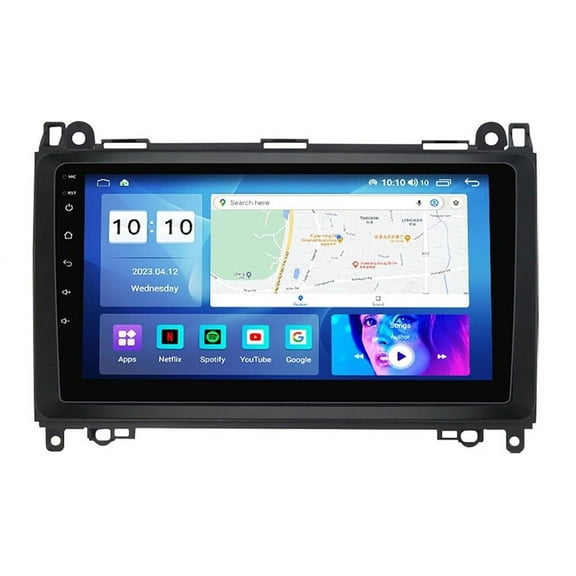 $11999current price $119.99
Car Stereo Radio GPS for Mercedes W906 Sprinter/V-Class W639/Vito/Viano/B Class W245 B160 B170 B180 B200/A Class W169 A150 A160 A170 A180 A200 Weather Display Carplay Android Auto 4 32GB
514.7 out of 5 Stars. 51 reviewsAndroid Car Stereo Radio Includes All-in-one Dash Kit & Interface for GMC Sierra Savana Chevrolet Silverado Buick,10.1" 1280*720 IPS Carplay Android Auto DSP GPS Navigation FM/AM $189.99
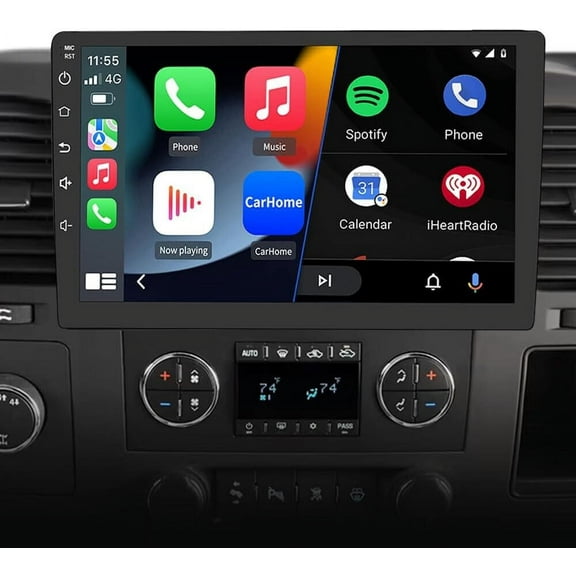 $18999current price $189.99
Android Car Stereo Radio Includes All-in-one Dash Kit & Interface for GMC Sierra Savana Chevrolet Silverado Buick,10.1" 1280*720 IPS Carplay Android Auto DSP GPS Navigation FM/AM
10" Android 4G Car Stereo Radio GPS Navi CARPLAY RDS For Jeep Wrangler 2007-2016 Compass Commander Liberty Grand Cherokee Patriot Dodge Ram Challenger Caliber $199.99
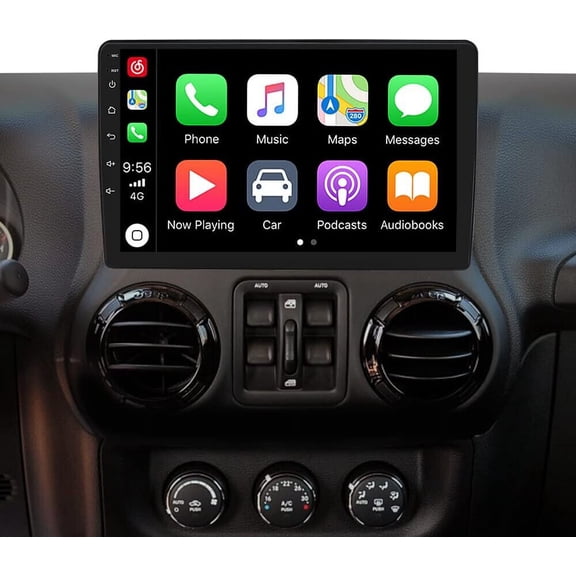 $19999current price $199.99
10" Android 4G Car Stereo Radio GPS Navi CARPLAY RDS For Jeep Wrangler 2007-2016 Compass Commander Liberty Grand Cherokee Patriot Dodge Ram Challenger Caliber
iSpchen Car Radio for Hyundai Sonata 2015-2017, 9" Touchscreen Android 13 Support Carplay Android Auto Navigation Bluetooth Steering Wheel Control Rear Camera 2 32G,Black $163.99
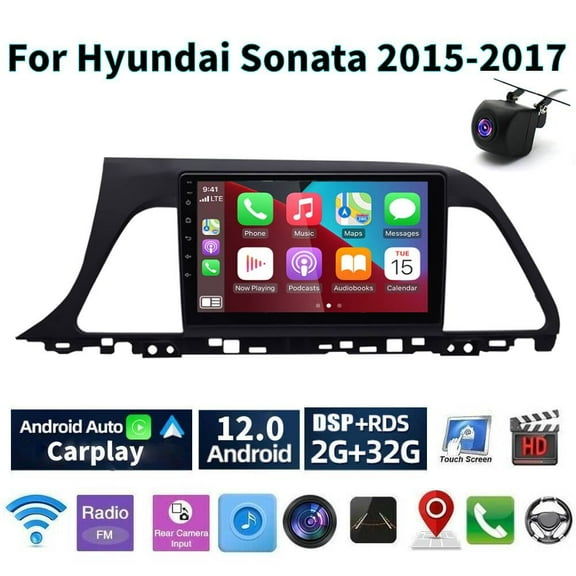
 $16399current price $163.99
iSpchen Car Radio for Hyundai Sonata 2015-2017, 9" Touchscreen Android 13 Support Carplay Android Auto Navigation Bluetooth Steering Wheel Control Rear Camera 2 32G,Black
Android 13 Car Radio Stereo for 2013-2019 Dodge RAM 1500, 9" Car Multifunctional Player Support Carplay Android Auto GPS Navigation WIFI Bluetooth Rear Camera 2GB RAM 32GB ROM,AUTO AC Carplay $169.99
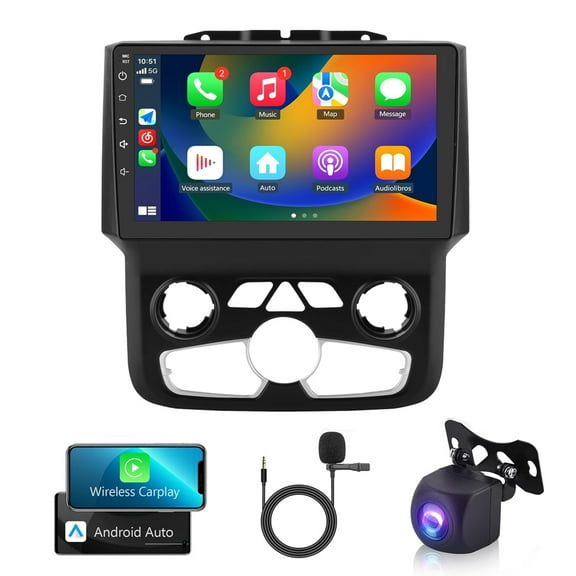
 $16999current price $169.99
Android 13 Car Radio Stereo for 2013-2019 Dodge RAM 1500, 9" Car Multifunctional Player Support Carplay Android Auto GPS Navigation WIFI Bluetooth Rear Camera 2GB RAM 32GB ROM,AUTO AC Carplay
Android 13 Car Radio Stereo for Hyundai Genesis Sedan 2009-2014, 9" Car Multifunctional Player Support Carplay Android Auto GPS Navigation WIFI Bluetooth Rear Camera 2GB RAM 32GB ROM, Black $141.99
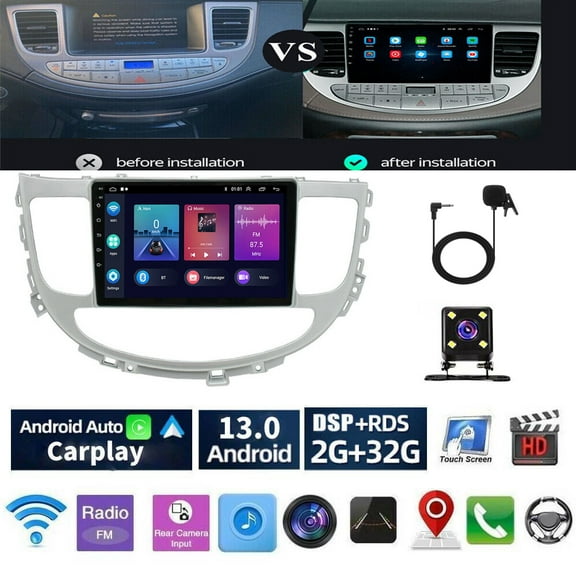
 $14199current price $141.99
Android 13 Car Radio Stereo for Hyundai Genesis Sedan 2009-2014, 9" Car Multifunctional Player Support Carplay Android Auto GPS Navigation WIFI Bluetooth Rear Camera 2GB RAM 32GB ROM, Black
11 out of 5 Stars. 1 reviewsAndroid 13 Rotatable Car Stereo Radio 10" Car Multifunctional Player Support Carplay Android Auto GPS Navigation WIFI Bluetooth Rear Camera 2GB RAM 32GB ROM $150.99

 $15099current price $150.99
Android 13 Rotatable Car Stereo Radio 10" Car Multifunctional Player Support Carplay Android Auto GPS Navigation WIFI Bluetooth Rear Camera 2GB RAM 32GB ROM
Car Radio Stereo for Toyota Camry 2012-2014 Android 13 car Navigation 10 inch Built-in Carplay Android auto $146.99
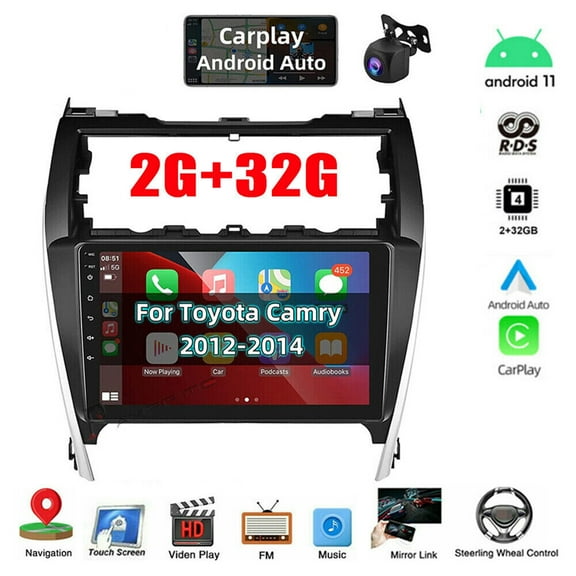
 $14699current price $146.99
Car Radio Stereo for Toyota Camry 2012-2014 Android 13 car Navigation 10 inch Built-in Carplay Android auto
24 out of 5 Stars. 2 reviewsCar Radio Stereo for Chevy Cruze 2009-2015, 9.7" Touchscreen Android 13 Support Carplay Android Auto/High Definition 1080P/Navigation/Bluetooth/Steering Wheel Control/Camera/Radio/2 32G,Black $157.99

 $15799current price $157.99
Car Radio Stereo for Chevy Cruze 2009-2015, 9.7" Touchscreen Android 13 Support Carplay Android Auto/High Definition 1080P/Navigation/Bluetooth/Steering Wheel Control/Camera/Radio/2 32G,Black
Android 13 Car Stereo Radio for Lexus CT200H CT200, 7" Car Multifunctional Player Support Carplay Android Auto GPS Navigation WIFI Bluetooth Rear Camera 2GB RAM 32GB ROM, Black $148.99

 $14899current price $148.99
Android 13 Car Stereo Radio for Lexus CT200H CT200, 7" Car Multifunctional Player Support Carplay Android Auto GPS Navigation WIFI Bluetooth Rear Camera 2GB RAM 32GB ROM, Black
Car Radio Stereo for Toyota Corolla 2009-2013, 9" Touchscreen Android 13 Support Carplay Android Auto/Navigation/Bluetooth/Video/Steering Wheel Control/2 32G,Black $112.37

 $11237current price $112.37
Car Radio Stereo for Toyota Corolla 2009-2013, 9" Touchscreen Android 13 Support Carplay Android Auto/Navigation/Bluetooth/Video/Steering Wheel Control/2 32G,Black
15 out of 5 Stars. 1 reviewsCar Radio Stereo for Honda Accord 2003-2007, 9.7" Touchscreen Android 13 Support Carplay Android Auto/Navigation/Bluetooth/USB/Video/Steering Wheel Control/Rear Camera/ 2 32G,Black $197.99

 $19799current price $197.99
Car Radio Stereo for Honda Accord 2003-2007, 9.7" Touchscreen Android 13 Support Carplay Android Auto/Navigation/Bluetooth/USB/Video/Steering Wheel Control/Rear Camera/ 2 32G,Black
14 out of 5 Stars. 1 reviews
Customer ratings & reviews
3 out of 53 out of 5 stars
stars3 ratings|0 reviews
How item rating is calculated
Filtered and sorted results would be available on the new 'Customer ratings & reviews' page.
Sort by |
This item does not have any reviews yet

Related pages
- Gmc Apple Carplay
- Ford Escape Apple Carplay
- Ford Carplay Apple
- Gmc Navigation Cd
- Apple Carplay Radio Jeep
- Android Jeep Wrangler Radio
- All Double Din Car Stereos
- Double Din Android Car Stereos
- Double Din Car Stereos with Apple Carplay
- Apple CarPlay Stereos
- Double Din Car Stereos with Navigation and Bluetooth
- Double Din Car Stereos with Backup Camera