

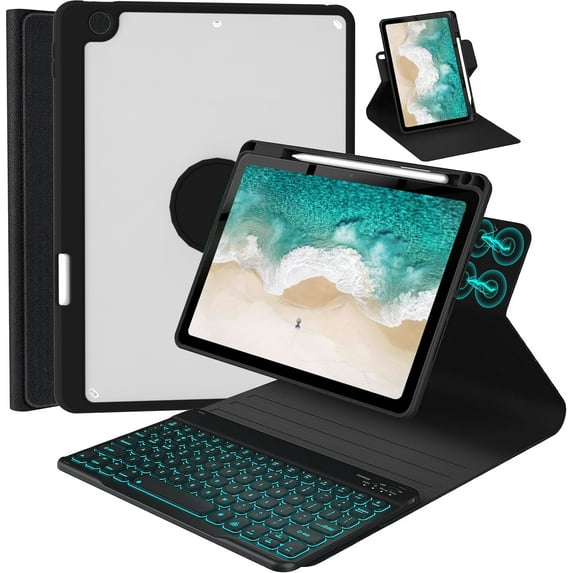
Hero image 0 of iPad 9.7 inch 5th 6th Generation Case with Keyboard, 360° Rotatable iPad Air 2 Keyboard Case with Pencil Holder(2018/2017/2014),7 Color Backlit Removable Bluetooth Keyboard Smart Folio Cover (Black), 0 of 6
iPad 9.7 inch 5th 6th Generation Case with Keyboard, 360° Rotatable iPad Air 2 Keyboard Case with Pencil Holder(2018/2017/2014),7 Color Backlit Removable Bluetooth Keyboard Smart Folio Cover (Black)
iPad 9.7 inch 5th 6th Generation Case with Keyboard, 360° Rotatable iPad Air 2 Keyboard Case with Pencil Holder(2018/2017/2014),7 Color Backlit Removable Bluetooth Keyboard Smart Folio Cover (Black)iPad 9 7 inch 5th 6th Generation Case Keyboard 360 Rotatable iPad Air 2 Keyboard Case Pencil Holder 2018 2017 2014 7 Color Backlit Removable BluetootiPad 9 7 inch 5th 6th Generation Case Keyboard 360 Rotatable Air 2 Keyboard Pencil Holder 2018 2017 2014 7 Color Backlit Bluetooth Smart Folio TabletiPad 9 7 inch 5th 6th Generation Case Keyboard iPad Air 2 360 Rotatable Keyboard Case Pencil Holder 2018 2017 2014 7 Color Backlit Removable BluetootiPad 9 7 inch 5th 6th Generation Case Keyboard 360 Rotatable iPad Air 2 Keyboard Case Pencil Holder 2018 2017 2014 7 Color Backlit Removable BluetootiPad 9 7 inch 5th 6th Generation Case Keyboard 360 Rotatable iPad Air 2 Keyboard Case Pencil Holder 2018 2017 2014 7 Color Backlit Bluetooth Keyboard
Actual Color:Black-Out of stock
Key item features
-
360 Rotatable with Multiple Viewing Angles: The 360 rotatable design provides you with horizontal and vertical viewing angles. The non-slip inside cloth and detachable keyboard allow you to adjust the screen vision and typing position at will.You can type, sketch, view and read anywhere.
-
Upper Pencil Holder & Full Protection: The upper pencil holder allows you to place your pen and you can easily remove the pen with one hand.The all-inclusive design and corner protection can protect your iPad well.And the honeycomb grid inner layer cushion can prevent your device from overheating to extend its life.
-
Rechargeable Backlit Keyboard: 7-color backlit and wireless keyboard allows you to type comfortably even in low light conditions. Shortcut keys make it easier for you to use your device.Use a USB-C charging cable to ensure long-term use.
-
Full Protection : The all-inclusive design and corner protection can protect your iPad well.And the honeycomb grid inner layer cushion can prevent your device from overheating to extend its life.
-
How to connect the bluetooth keyboard?
1.Turn on the keyboard, press the "connect" button for 3s until the WIFI light flashes.2.Press "Fn" plus "C" at the same time to turn on the bluetooth of the keyboard.
3.Turn on the Bluetooth of your iPad and choose “Bluetooth Keyboard" to adapt. -
How to keep the keyboard color unchanged?
After turning on the keyboard, press the "light bulb" key(Next to the space bar) to turn on the keyboard backlit. Then press the RGB button next to it to switch to the color you like. If you want to switch to another color later, press the "RGB" key.
What's in the package?
You will receice 1*User Manual,1*Keyboard,1*PU Leather Case,1*USB Cable.(*There is no pen or charger included!)
Specs
- Screen size9.7"
- Size9.7"
- MaterialPU Leather
- BrandC INVERTER
- ColorBlack
- ThemeOffice
Current price is USD$18.99
Price when purchased online
Out of stock
How do you want your item?
Out of stock
About this item
Product details
❗❗No pen or charger included!❗❗The keyboard cover is designed for iPad 6th Generation 2018 released(A1893-A1954), iPad 5th Generation 2017 released(A1822-A1823) and iPad Air 2nd Generation 2014 released(A1566-A1567). ♐: It is not compatible with any other devices size. Please check the iPad model number of the back bottom before purchasing.
-
360 Rotatable with Multiple Viewing Angles: The 360 rotatable design provides you with horizontal and vertical viewing angles. The non-slip inside cloth and detachable keyboard allow you to adjust the screen vision and typing position at will.You can type, sketch, view and read anywhere.
-
Upper Pencil Holder & Full Protection: The upper pencil holder allows you to place your pen and you can easily remove the pen with one hand.The all-inclusive design and corner protection can protect your iPad well.And the honeycomb grid inner layer cushion can prevent your device from overheating to extend its life.
-
Rechargeable Backlit Keyboard: 7-color backlit and wireless keyboard allows you to type comfortably even in low light conditions. Shortcut keys make it easier for you to use your device.Use a USB-C charging cable to ensure long-term use.
-
Full Protection : The all-inclusive design and corner protection can protect your iPad well.And the honeycomb grid inner layer cushion can prevent your device from overheating to extend its life.
-
How to connect the bluetooth keyboard?
1.Turn on the keyboard, press the "connect" button for 3s until the WIFI light flashes.2.Press "Fn" plus "C" at the same time to turn on the bluetooth of the keyboard.
3.Turn on the Bluetooth of your iPad and choose “Bluetooth Keyboard" to adapt. -
How to keep the keyboard color unchanged?
After turning on the keyboard, press the "light bulb" key(Next to the space bar) to turn on the keyboard backlit. Then press the RGB button next to it to switch to the color you like. If you want to switch to another color later, press the "RGB" key.
What's in the package?
You will receice 1*User Manual,1*Keyboard,1*PU Leather Case,1*USB Cable.(*There is no pen or charger included!)
info:
We aim to show you accurate product information. Manufacturers, suppliers and others provide what you see here, and we have not verified it.
Specifications
Compatibility
iPad 6th Generation 2018 released(A1893-A1954), iPad 5th Generation 2017 released(A1822-A1823), iPad Air 2nd Generation 2014 released(A1566-A1567)
Screen size
9.7"
Size
9.7"
Material
PU Leather
Warranty
Warranty information
Please be aware that the warranty terms on items offered for sale by third party Marketplace sellers may differ from those displayed in this section (if any). To confirm warranty terms on an item offered for sale by a third party Marketplace seller, please use the 'Contact seller' feature on the third party Marketplace seller's information page and request the item's warranty terms prior to purchase.
Similar items you might like
Based on what customers bought
In 25+ people's carts Kenke Case Compatible with iPad (A16) 11th Generation 11 inch 2025, Compatible with iPad 10th Gen 10.9 Inch 2022 with Pencil Holder, Slim Protective Cover with Clear Back Shell, Auto Wake/Slee, Pink $10.99 Was $19.99
In 25+ people's carts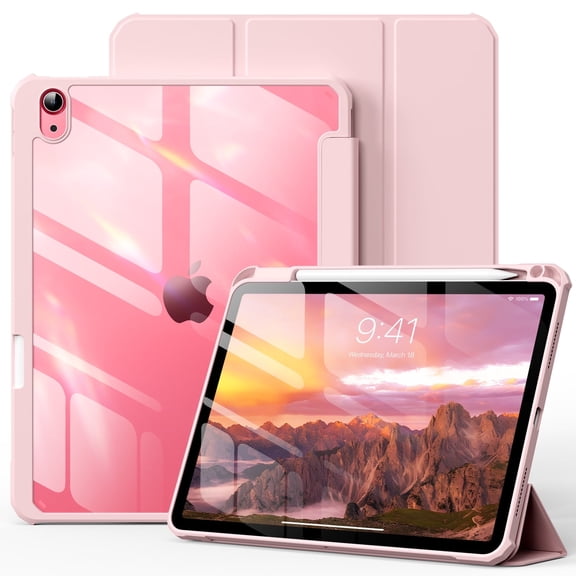


 $1099current price $10.99, Was $19.99$19.99
Kenke Case Compatible with iPad (A16) 11th Generation 11 inch 2025, Compatible with iPad 10th Gen 10.9 Inch 2022 with Pencil Holder, Slim Protective Cover with Clear Back Shell, Auto Wake/Slee, Pink
4034.4 out of 5 Stars. 403 reviewsIn 25+ people's carts MoKo Case for iPad (A16) 11th Generation 11 Inch 2025, iPad 10th Generation 10.9 inch 2022, Slim Stand Protective Cover with Hard Translucent Shell Cover, Support Touch ID,Navy Blue $9.75 Was $17.99
In 25+ people's carts


 $975current price $9.75, Was $17.99$17.99
MoKo Case for iPad (A16) 11th Generation 11 Inch 2025, iPad 10th Generation 10.9 inch 2022, Slim Stand Protective Cover with Hard Translucent Shell Cover, Support Touch ID,Navy Blue
6724.4 out of 5 Stars. 672 reviewsAoub Keyboard Case for iPad (A16) 11th 10th Generation 2025 2022 with Pencil Holder, Detachable Wireless Bluetooth Rechargeable Keyboard Cover, Pink $18.89 Was $20.99
 6 optionsAvailable in additional 6 options$1889current price $18.89, Was $20.99$20.99
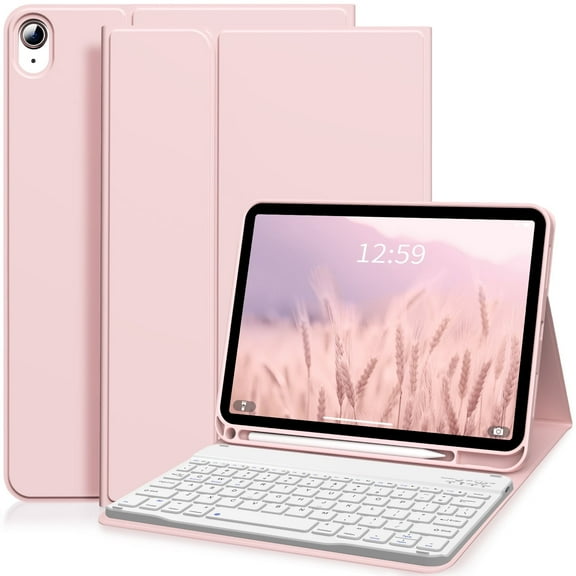
Aoub Keyboard Case for iPad (A16) 11th 10th Generation 2025 2022 with Pencil Holder, Detachable Wireless Bluetooth Rechargeable Keyboard Cover, Pink
784.3 out of 5 Stars. 78 reviewsBest seller MoKo Case for iPad 11-inch (A16) 11th Generation Case 2025/ iPad 10th Generation Case with Pencil Holder 2022 10.9", Built-in Screen Protector Clear Back, Multi Angle Viewing Stand, Navy Blue $19.99 Was $29.99
Best seller


 $1999current price $19.99, Was $29.99$29.99
MoKo Case for iPad 11-inch (A16) 11th Generation Case 2025/ iPad 10th Generation Case with Pencil Holder 2022 10.9", Built-in Screen Protector Clear Back, Multi Angle Viewing Stand, Navy Blue
4204.5 out of 5 Stars. 420 reviewsBest seller AVAWO Case for iPad 9th/8th/7th Generation (2021/2020/2019), iPad 10.2 Case with Pencil Holder & Kickstand, Hybrid Shockproof Protective Cover Case for iPad 9 8 7 Gen 10.2", Black and Turquoise $12.98 Was $16.98
Best seller


 $1298current price $12.98, Was $16.98$16.98
AVAWO Case for iPad 9th/8th/7th Generation (2021/2020/2019), iPad 10.2 Case with Pencil Holder & Kickstand, Hybrid Shockproof Protective Cover Case for iPad 9 8 7 Gen 10.2", Black and Turquoise
3624.5 out of 5 Stars. 362 reviewsBest seller GEAK Compatible with Apple iPad A16 Case 11 inch & iPad 11th 10th Generation Case Cover 10.9 inch with Pencil Holder, Blue $11.99 Was $17.99
Best seller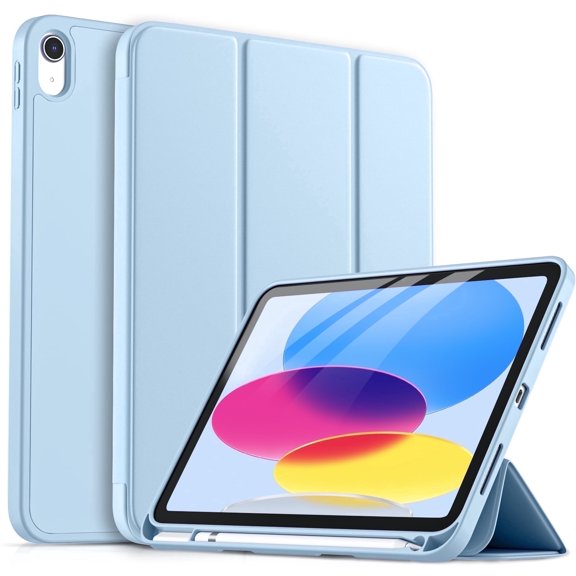


 $1199current price $11.99, Was $17.99$17.99
GEAK Compatible with Apple iPad A16 Case 11 inch & iPad 11th 10th Generation Case Cover 10.9 inch with Pencil Holder, Blue
1024.7 out of 5 Stars. 102 reviewsiPad Pro 12.9 6th/5th/4th Generation Case with Keyboard(2022/2020/2021), 360°Smart Protective Folio Cover with Magnetic Detachable Wireless Keyboard, Built-in Pencil Holder (Black) $35.99 Was $39.99
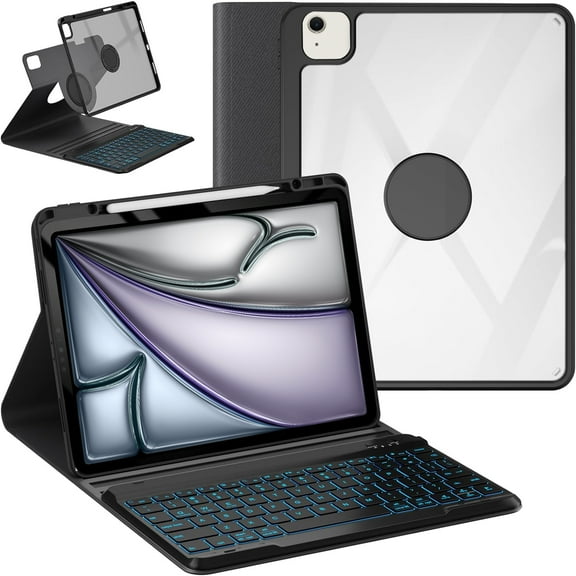 5 optionsAvailable in additional 5 options$3599current price $35.99, Was $39.99$39.99
iPad Pro 12.9 6th/5th/4th Generation Case with Keyboard(2022/2020/2021), 360°Smart Protective Folio Cover with Magnetic Detachable Wireless Keyboard, Built-in Pencil Holder (Black)
353.7 out of 5 Stars. 35 reviewsiPad 9.7 inch 5th 6th Generation Case with Keyboard, 360°Rotatable iPad Air 2 Keyboard Case with Pencil Holder(2018/2017/2014),7 Color Backlit Bluetooth Keyboard Smart Folio Tablet Cover(Black) $30.99 Was $35.99
 5 optionsAvailable in additional 5 options$3099current price $30.99, Was $35.99$35.99
iPad 9.7 inch 5th 6th Generation Case with Keyboard, 360°Rotatable iPad Air 2 Keyboard Case with Pencil Holder(2018/2017/2014),7 Color Backlit Bluetooth Keyboard Smart Folio Tablet Cover(Black)
534.5 out of 5 Stars. 53 reviewsKVTVOU iPad (A16) 11th Generation Case 2025/2022, iPad 10.9 inch Case with Pencil Holder,Trifold Stand Case Designed for iPad 10th Gen, Auto Sleep/Wake Cover, Blue $10.99 Was $15.99


 $1099current price $10.99, Was $15.99$15.99
KVTVOU iPad (A16) 11th Generation Case 2025/2022, iPad 10.9 inch Case with Pencil Holder,Trifold Stand Case Designed for iPad 10th Gen, Auto Sleep/Wake Cover, Blue
404.6 out of 5 Stars. 40 reviewsBest seller AVAWO Case for iPad 6th 5th Generation (9.7 inch, 2018/2017), Shockproof Protective with Built-in Stand&Pencil Holder Cover for iPad 6th/5th Gen, Air 2, Black $16.98
Best seller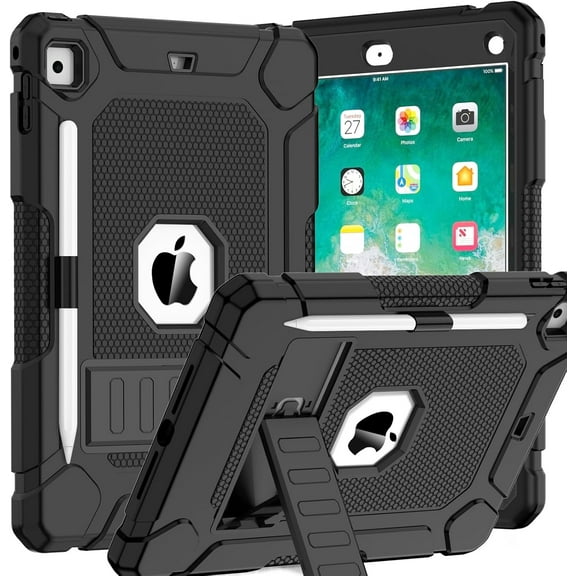


 $1698current price $16.98
AVAWO Case for iPad 6th 5th Generation (9.7 inch, 2018/2017), Shockproof Protective with Built-in Stand&Pencil Holder Cover for iPad 6th/5th Gen, Air 2, Black
1184.5 out of 5 Stars. 118 reviewsFintie Case for iPad (A16) 11th Generation 11 Inch (2025), iPad 10th Generation 10.9 Inch (2022), 360 Degree Rotating Protective Stand Cover with Pencil Holder, Black $18.99
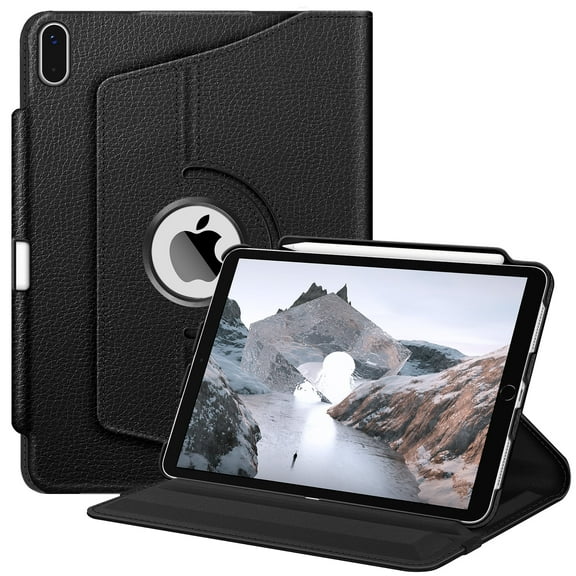


 $1899current price $18.99
Fintie Case for iPad (A16) 11th Generation 11 Inch (2025), iPad 10th Generation 10.9 Inch (2022), 360 Degree Rotating Protective Stand Cover with Pencil Holder, Black
1394.5 out of 5 Stars. 139 reviewsBest seller Fintie Slim Case for iPad (A16) 11th Generation 11 Inch (2025), iPad 10th Generation 10.9 Inch (2022) - Glittering Sparkly Protective Cover with Shiny Clear Back Shell w/ Built-in Pencil Holder, Gold $11.69 Was $12.99
Best seller


 $1169current price $11.69, Was $12.99$12.99
Fintie Slim Case for iPad (A16) 11th Generation 11 Inch (2025), iPad 10th Generation 10.9 Inch (2022) - Glittering Sparkly Protective Cover with Shiny Clear Back Shell w/ Built-in Pencil Holder, Gold
3254.4 out of 5 Stars. 325 reviewsKenKe Keyboard Case for iPad 9th Generation 2021/8th Gen 2020/7th Gen 2019 10.2 Inch, Detachable Wireless Bluetooth Keyboard, Stand Folio Keyboard Cover with Pencil Holder, Auto Sleep/Wake, Dark Green $20.99
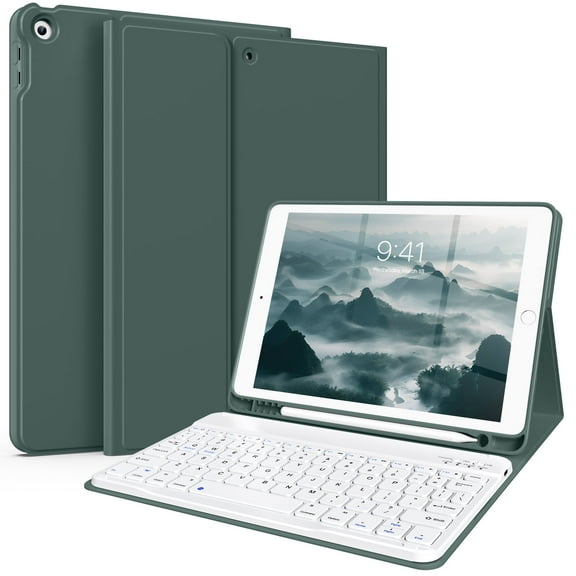

 $2099current price $20.99
KenKe Keyboard Case for iPad 9th Generation 2021/8th Gen 2020/7th Gen 2019 10.2 Inch, Detachable Wireless Bluetooth Keyboard, Stand Folio Keyboard Cover with Pencil Holder, Auto Sleep/Wake, Dark Green
2314.3 out of 5 Stars. 231 reviewsBest seller AVAWO Case for New iPad (A16) 11th Generation 11 Inch 2025 & iPad 10th Generation 10.9" 2022, Heavy Duty Military Grade Shockproof Rugged Protective Cover, Red Black $15.28 Was $16.98
Best seller


 $1528current price $15.28, Was $16.98$16.98
AVAWO Case for New iPad (A16) 11th Generation 11 Inch 2025 & iPad 10th Generation 10.9" 2022, Heavy Duty Military Grade Shockproof Rugged Protective Cover, Red Black
4734.5 out of 5 Stars. 473 reviewsRollback DWPSG Case for iPad (A16) 11th Generation 11 inch 2025, iPad 10th Generation Case 10.9 inch 2022 with Pencil Holder, Smart Trifold Stand Cover with Slim Soft TPU Back Shell, Pink $10.99 Was $12.99
Rollback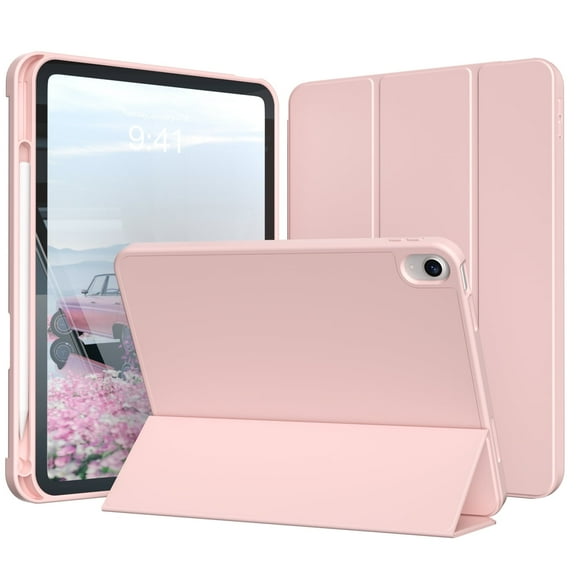 $1099current price $10.99, Was $12.99$12.99
DWPSG Case for iPad (A16) 11th Generation 11 inch 2025, iPad 10th Generation Case 10.9 inch 2022 with Pencil Holder, Smart Trifold Stand Cover with Slim Soft TPU Back Shell, Pink
1104.5 out of 5 Stars. 110 reviewsBest seller AVAWO 360° Rotating Case for iPad (A16) 11th Generation 11 Inch 2025 & iPad 10th Generation 10.9" 2022, Shockproof Rugged Protective Cover with Shoulder Strap/Hand Strap, Black $9.98
Best seller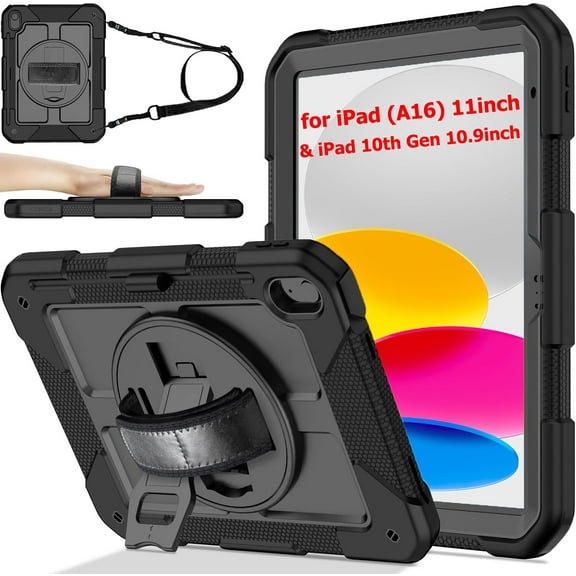


 $998current price $9.98
AVAWO 360° Rotating Case for iPad (A16) 11th Generation 11 Inch 2025 & iPad 10th Generation 10.9" 2022, Shockproof Rugged Protective Cover with Shoulder Strap/Hand Strap, Black
1374.5 out of 5 Stars. 137 reviewsBest seller MoKo for iPad 11-inch (A16) 11th Generation Case 2025, iPad 10th Generation Case 2022 with Pencil Holder, Slim Lightweight iPad Cover with Rugged PC Translucent Back Shell, Pink $9.95 Was $19.99
Best seller


 $995current price $9.95, Was $19.99$19.99
MoKo for iPad 11-inch (A16) 11th Generation Case 2025, iPad 10th Generation Case 2022 with Pencil Holder, Slim Lightweight iPad Cover with Rugged PC Translucent Back Shell, Pink
584.6 out of 5 Stars. 58 reviewsBest seller SUPNICE Case for iPad 11-inch (A16) 2025 / iPad 10th Generation 2022(10.9 inch) with Pencil Holder & Kickstand,Shockproof Anti-Slip Protective Case for New Apple iPad 11/10.9 Inch,Black $15.99
Best seller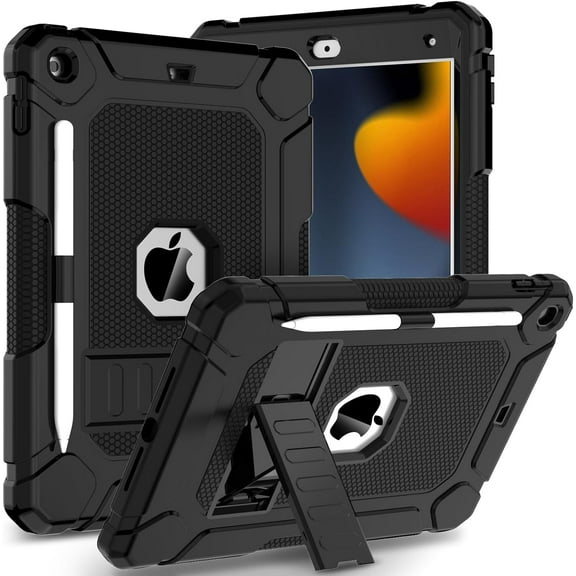


 $1599current price $15.99
SUPNICE Case for iPad 11-inch (A16) 2025 / iPad 10th Generation 2022(10.9 inch) with Pencil Holder & Kickstand,Shockproof Anti-Slip Protective Case for New Apple iPad 11/10.9 Inch,Black
1124.5 out of 5 Stars. 112 reviewsKenke Keyboard Case for iPad Air 11-inch M3/M2 (2025/2024), iPad Air 5th/4th Generation (2022/2020) - with Pencil Holder,7 Colors Backlit Keyboard,Wireless Detachable Keyboard Cover,(Pink Red) $28.99
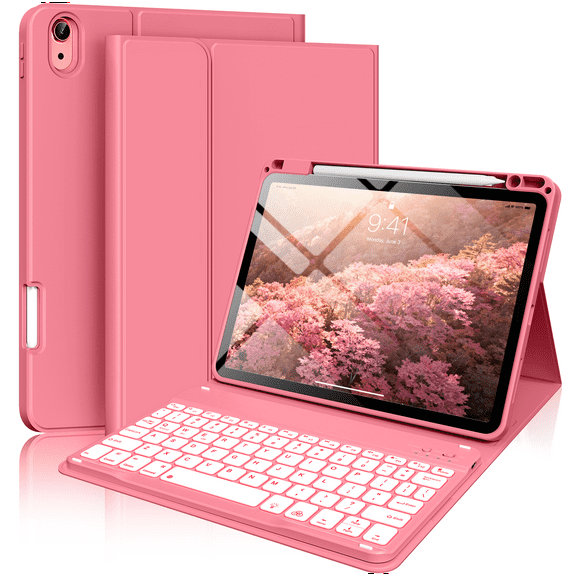
 $2899current price $28.99
Kenke Keyboard Case for iPad Air 11-inch M3/M2 (2025/2024), iPad Air 5th/4th Generation (2022/2020) - with Pencil Holder,7 Colors Backlit Keyboard,Wireless Detachable Keyboard Cover,(Pink Red)
394.2 out of 5 Stars. 39 reviewsBest seller Lmcpa Case for iPad (A16) 11th Generation 11 inch 2025, iPad 10th Generation 10.9 inch 2022 with Pencil Holder, Shockproof Cover with Screen Protector/360° Rotate Hand Strap/Stand, Black $13.99 Was $24.99
Best seller


 $1399current price $13.99, Was $24.99$24.99
Lmcpa Case for iPad (A16) 11th Generation 11 inch 2025, iPad 10th Generation 10.9 inch 2022 with Pencil Holder, Shockproof Cover with Screen Protector/360° Rotate Hand Strap/Stand, Black
1034.4 out of 5 Stars. 103 reviews
Check out these related products
Best seller Vinci iPad (A16) 11th 10th Generation Case with Keyboard, 7-Color Backlit Wireless Detachable Folio Keyboard Cover with Pencil Holder for 11'' iPad A16 2025 10.9 Inch 10th 2022 (Purple) $26.09 Was $28.99
Best seller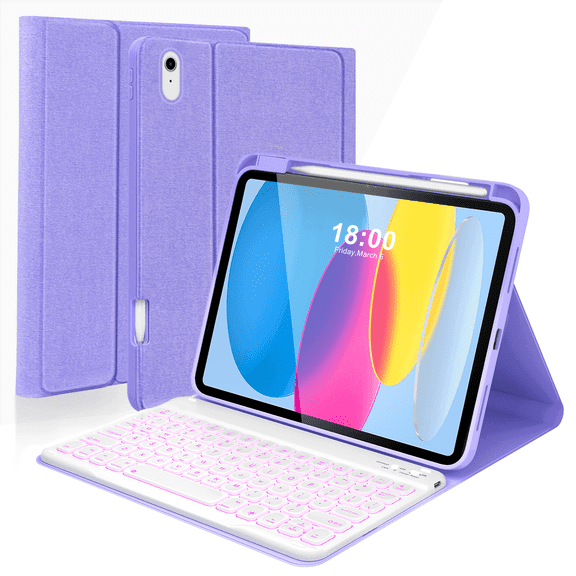 14 optionsAvailable in additional 14 options$2609current price $26.09, Was $28.99$28.99
Vinci iPad (A16) 11th 10th Generation Case with Keyboard, 7-Color Backlit Wireless Detachable Folio Keyboard Cover with Pencil Holder for 11'' iPad A16 2025 10.9 Inch 10th 2022 (Purple)
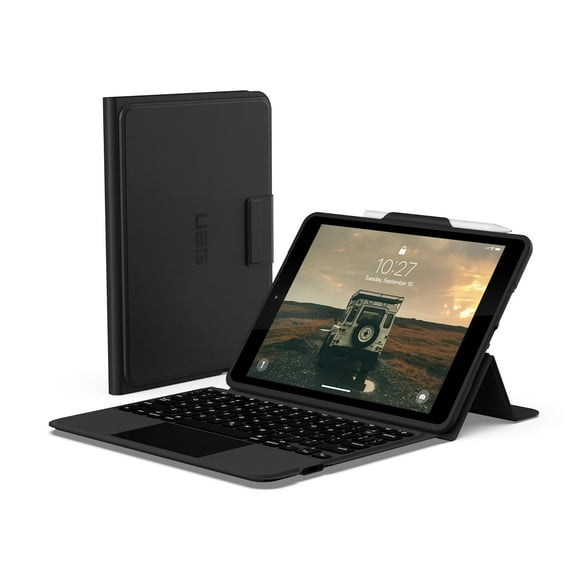
1384.3 out of 5 Stars. 138 reviewsUAG Designed for iPad 10.2" 9th/8th/7th Gen 2019-2021 Case with Keyboard Black/Ash English, Rugged Bluetooth Wireless Integrated Keyboard Multi-Touch Trackpad Protective Folio Cover $114.95
 $11495current price $114.95
UAG Designed for iPad 10.2" 9th/8th/7th Gen 2019-2021 Case with Keyboard Black/Ash English, Rugged Bluetooth Wireless Integrated Keyboard Multi-Touch Trackpad Protective Folio Cover
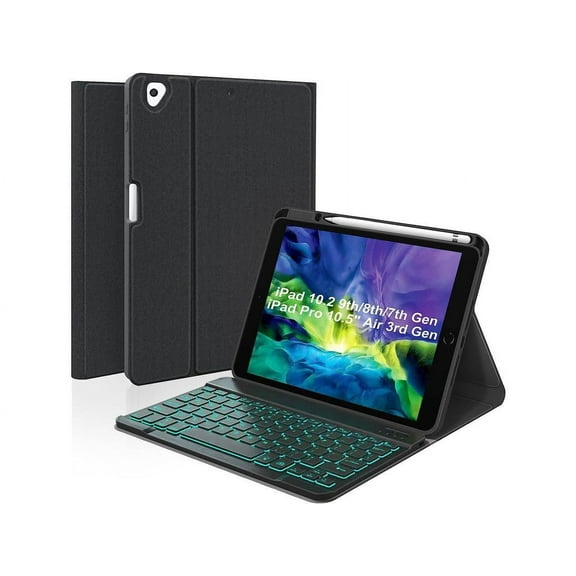
11 out of 5 Stars. 1 reviewsKeyboard Case For iPad 10.2 inch 9th 8th 7th 2021/2020/2019, iPad Pro 10.5 inch/iPad Air 3 10.5, Backlit 7 Colors Wireless Detachable Keyboard with Protective Cover with Pen Holder $58.99
 4 optionsAvailable in additional 4 options$5899current price $58.99
Keyboard Case For iPad 10.2 inch 9th 8th 7th 2021/2020/2019, iPad Pro 10.5 inch/iPad Air 3 10.5, Backlit 7 Colors Wireless Detachable Keyboard with Protective Cover with Pen Holder
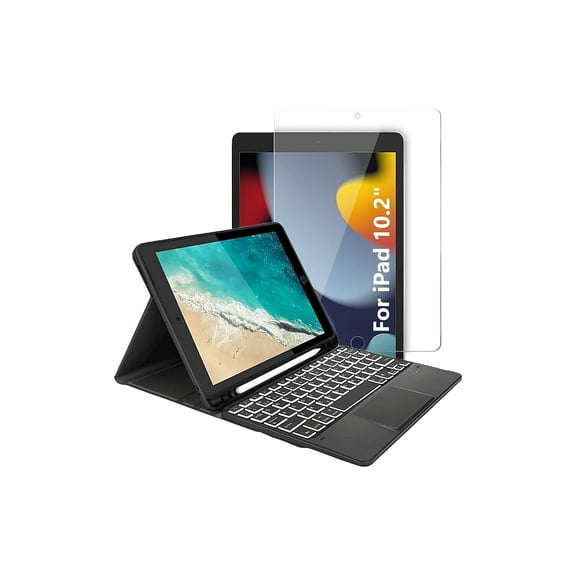
SaharaCase Apple iPad 10.2" (9th Gen 2021) Protection Bundle Keyboard Case with Tempered Glass $51.30
 $5130current price $51.30
SaharaCase Apple iPad 10.2" (9th Gen 2021) Protection Bundle Keyboard Case with Tempered Glass
Keyboard Case for iPad mini 6 2021with Pencil Holder, Fintie Soft TPU Back Stand Cover with Magnetically Detachable Wireless Bluetooth Keyboard for 8.3" iPad mini 6th Generation, Black $31.99

 $3199current price $31.99
Keyboard Case for iPad mini 6 2021with Pencil Holder, Fintie Soft TPU Back Stand Cover with Magnetically Detachable Wireless Bluetooth Keyboard for 8.3" iPad mini 6th Generation, Black
44 out of 5 Stars. 4 reviewsZAGG Messenger Folio Wireless Case and Keyboard for iPad 10.2 & 10.5 (10th & 11th GEN), Black $39.90
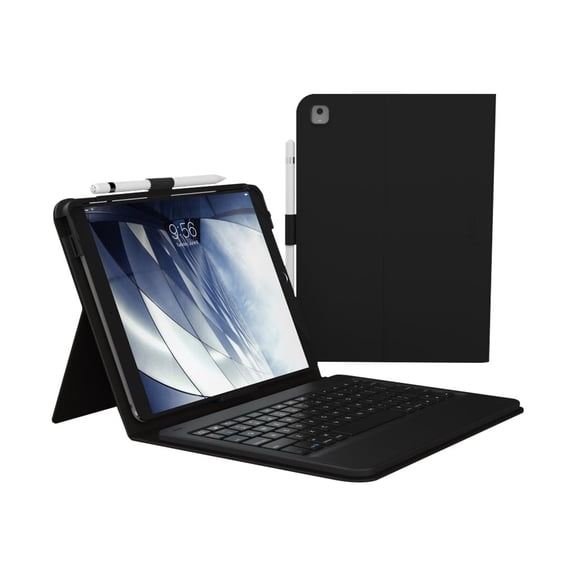
 $3990current price $39.90
ZAGG Messenger Folio Wireless Case and Keyboard for iPad 10.2 & 10.5 (10th & 11th GEN), Black
814.5 out of 5 Stars. 81 reviewsTimoom Keyboard Case for Samsung Galaxy Tab A7 10.4 inch 2022/2020 Model (SM-T500/T503/T505/T507), Slim Lightweight Stand Cover w/Magnetically Detachable Wireless Bluetooth Keyboard, Black $39.99
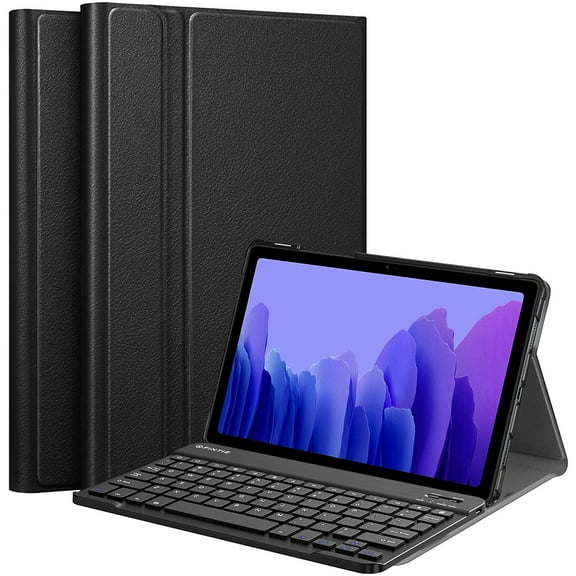 $3999current price $39.99
Timoom Keyboard Case for Samsung Galaxy Tab A7 10.4 inch 2022/2020 Model (SM-T500/T503/T505/T507), Slim Lightweight Stand Cover w/Magnetically Detachable Wireless Bluetooth Keyboard, Black
UAG iPad 11" 11th Gen 2025, 10.9" 10th Gen 2022 Case with Keyboard A3354 A3355 - US English Folio Cover Detachable Bluetooth Keyboard Multi-Touch Trackpad Backlit Keys $154.95
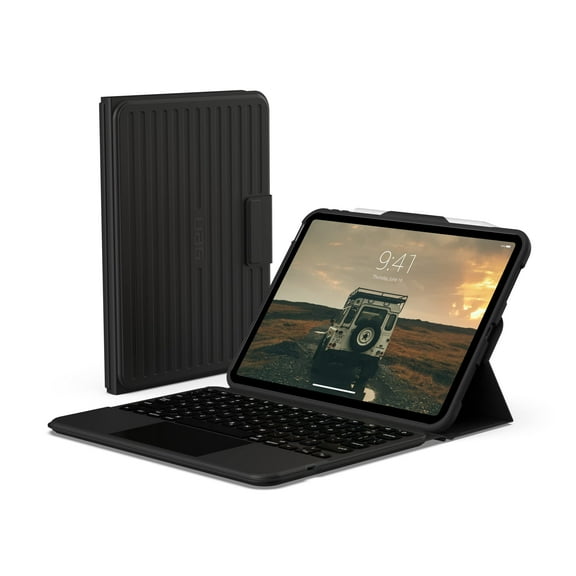 $15495current price $154.95
UAG iPad 11" 11th Gen 2025, 10.9" 10th Gen 2022 Case with Keyboard A3354 A3355 - US English Folio Cover Detachable Bluetooth Keyboard Multi-Touch Trackpad Backlit Keys
303.6 out of 5 Stars. 30 reviews
Customer ratings & reviews
5 out of 55 out of 5 stars
stars2 ratings|0 reviews
How item rating is calculated
Filtered and sorted results would be available on the new 'Customer ratings & reviews' page.
Sort by |
This item does not have any reviews yet
