


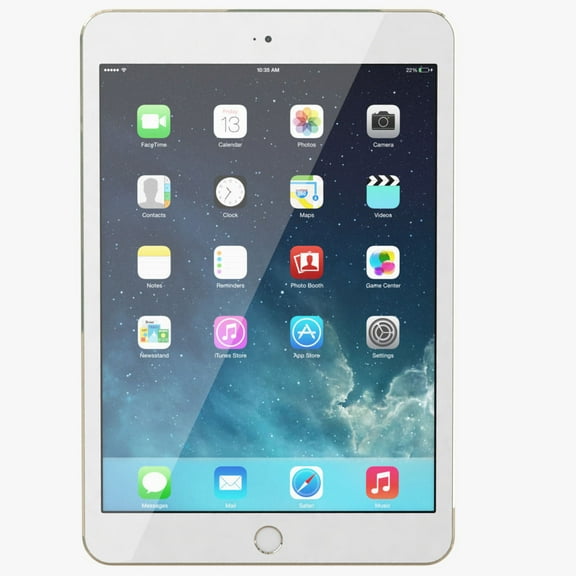
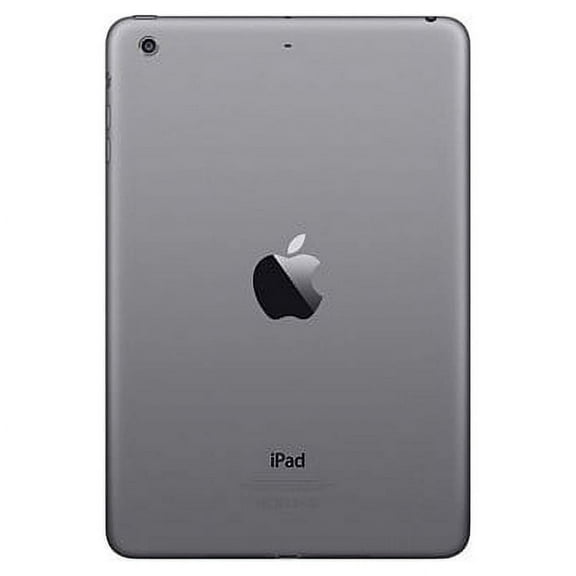
Hero image 0 of Restored Apple iPad Mini 3 (2014) Bundle, 16GB, Space Gray, Wi-Fi, Beats Flex Wireless In-Ear Headphones, Case, Tempered Glass, Stylus Pen, Charging Accessories (Refurbished), 0 of 5
Restored Apple iPad Mini 3 (2014) Bundle, 16GB, Space Gray, Wi-Fi, Beats Flex Wireless In-Ear Headphones, Case, Tempered Glass, Stylus Pen, Charging Accessories (Refurbished)
(No ratings yet)
Condition
Restored: Like New
Seller Rating
3.6 out of 5 stars3.6/5
Key item features
-
- Refurbished, Apple iPad Mini 3, Space Gray, 16GB, Wifi OnlyDisplay: 7.9 inchesProduct size: 7.87 x 5.3 x 0.29 inches
- BUNDLE INCLUDES: Refurbished iPad Mini 3, Beats Flex Wireless Headphones (color may vary), Case (color may vary), Screen Protector, Stylus (color may vary), UL compliant non-OEM charging block (10W-12W) and MFi (Made For iPad) or generic compliant non-OEM charging cable.
- Refurbished Beats Flex (color may vary) wireless headphones with neckband: USB-C to USB-C charging cable, new ear tips, Up to 12 hours of playtime, Magnetic earbuds with Auto-Play/Pause, Custom acoustic platform delivers premium sound with accurate bass and low distortion, Built-in microphone with wind reduction for elevated voice clarity.
- This iPad is limited by Apple and will not upgrade to the latest iOS and, therefore, some popular applications like Netflix and Facebook may not load for you. But don’t worry! We have a workaround solution to help you get most of these apps working on your iPad:
- Download the newest app from the App Store to a newer Apple device first (iPhone 8 or iPad 5 or higher) that is linked to your Apple ID account. If you have a friend, relative or access to any device with the latest iOS, log into the App Store with your ID and password, download the app, delete the app and then log out of the App Store. If you have already downloaded the app in the past, then you can proceed to the next step.
- Next, go back to your older Apple iPad (this iPad), sign into the App Store and click on “Purchased Apps” at the bottom. Make sure you sign into the App store with the same Apple ID as you Refurbished to download the apps previously. Find your App in the Purchased area and click on the Cloud icon next to it. A small pop-up window will appear asking you “Do you want to download the latest compatible version?” Click “Download” and it will then download the older app version to your iPad. You will then be able to use the app on your older Apple device.
- Finally, you can still access popular services by going to their website in Safari but note that you will not be able to use video streaming services without obtaining the app through the above instructions.
- Download the newest app from the App Store to a newer Apple device first (iPhone 8 or iPad 5 or higher) that is linked to your Apple ID account. If you have a friend, relative or access to any device with the latest iOS, log into the App Store with your ID and password, download the app, delete the app and then log out of the App Store. If you have already downloaded the app in the past, then you can proceed to the next step.
Specs
 OSUpdated to iOS 12.5 (max)
 BrandApple
 Screen size7.9 in
 Data storage16 GB
 Battery life10 h
 Resolution2048p x 1536p
Current price is USD$82.00
Price when purchased online
Restored: Like New
Out of stock
How do you want your item?
Out of stock
About this item
Product details
This iPad is limited by Apple and will not upgrade to the latest iOS and, therefore, some popular applications like Netflix and Facebook may not load for you. But don’t worry! We have a workaround solution to help you get most of these apps working on your iPad. See solution below. Restored This refurbished Apple iPad is in working and cosmetic condition and is ready for your immediate enjoyment. Sync with your iTunes account and have extensive access to the Apple App Store at your fingertips. This device is ready for your gaming, movie watching, surfing, emailing, note taking, picture taking or Face Timing anytime, anywhere. iPad has been completely refurbished and 100% tested to be fully functional. (Refurbished)
-
- Refurbished, Apple iPad Mini 3, Space Gray, 16GB, Wifi OnlyDisplay: 7.9 inchesProduct size: 7.87 x 5.3 x 0.29 inches
- BUNDLE INCLUDES: Refurbished iPad Mini 3, Beats Flex Wireless Headphones (color may vary), Case (color may vary), Screen Protector, Stylus (color may vary), UL compliant non-OEM charging block (10W-12W) and MFi (Made For iPad) or generic compliant non-OEM charging cable.
- Refurbished Beats Flex (color may vary) wireless headphones with neckband: USB-C to USB-C charging cable, new ear tips, Up to 12 hours of playtime, Magnetic earbuds with Auto-Play/Pause, Custom acoustic platform delivers premium sound with accurate bass and low distortion, Built-in microphone with wind reduction for elevated voice clarity.
- This iPad is limited by Apple and will not upgrade to the latest iOS and, therefore, some popular applications like Netflix and Facebook may not load for you. But don’t worry! We have a workaround solution to help you get most of these apps working on your iPad:
- Download the newest app from the App Store to a newer Apple device first (iPhone 8 or iPad 5 or higher) that is linked to your Apple ID account. If you have a friend, relative or access to any device with the latest iOS, log into the App Store with your ID and password, download the app, delete the app and then log out of the App Store. If you have already downloaded the app in the past, then you can proceed to the next step.
- Next, go back to your older Apple iPad (this iPad), sign into the App Store and click on “Purchased Apps” at the bottom. Make sure you sign into the App store with the same Apple ID as you Refurbished to download the apps previously. Find your App in the Purchased area and click on the Cloud icon next to it. A small pop-up window will appear asking you “Do you want to download the latest compatible version?” Click “Download” and it will then download the older app version to your iPad. You will then be able to use the app on your older Apple device.
- Finally, you can still access popular services by going to their website in Safari but note that you will not be able to use video streaming services without obtaining the app through the above instructions.
- Download the newest app from the App Store to a newer Apple device first (iPhone 8 or iPad 5 or higher) that is linked to your Apple ID account. If you have a friend, relative or access to any device with the latest iOS, log into the App Store with your ID and password, download the app, delete the app and then log out of the App Store. If you have already downloaded the app in the past, then you can proceed to the next step.
info:
We aim to show you accurate product information. Manufacturers, suppliers and others provide what you see here, and we have not verified it.
What is Walmart Restored?
This Walmart Restored product has been professionally inspected, tested, and cleaned by a performance managed seller or supplier. Restored items are offered in 4 conditions: Premium, Like New, Good, and Fair. Restored: Like New, Good, and Fair products come with a 90-day free return. Restored: Premium products come with a minimum 1-year warranty (except select vacuum cleaners where noted on product page).

Inspected, Tested and Cleaned
These products are professionally inspected, tested and cleaned by Walmart Restored sellers or suppliers, performance managed by Walmart.

Extended Guarantee
Shop with confidence. Restored: Like New, Good, and Fair products come with a 90-day free return. Restored: Premium products come with a minimum 1-year warranty (except select vacuum cleaners where noted on product page).

Sustainability
Assist in extending the lifetime of a product.

Save More
Save more on top brands and quality refurbished items.
Shop refurbished smartphones, computers, laptops, tablets, home and kitchen appliances and much more atWalmart Restored.
Specifications
OS
Updated to iOS 12.5 (max)
Brand
Apple
Screen size
7.9 in
Data storage
16 GB
Warranty
Warranty information
Please be aware that the warranty terms on items offered for sale by third party Marketplace sellers may differ from those displayed in this section (if any). To confirm warranty terms on an item offered for sale by a third party Marketplace seller, please use the 'Contact seller' feature on the third party Marketplace seller's information page and request the item's warranty terms prior to purchase.
Warnings
Ingestion Hazard
This product contains a battery. Death or serious injury can occur if ingested. A swallowed battery can cause Internal Chemical Burn in as little as 2 hours. Keep new and used batteries OUT OF REACH OF CHILDREN. Seek Immediate medical attention if a battery is suspected to be swallowed or inserted inside any part of the body.
 WARNING: WARNING: This product can expose you to chemicals, including bisphenol-a, which is known to the State of California to cause cancer and birth defects or other reproductive harm. For more information go to www.P65Warnings.ca.gov
Similar items you might like
Based on what customers bought
Best seller Restored 2018 Apple iPad Wi Fi 32 GB Space Gray (6th Generation) (Refurbished) $87.00 Was $129.00
Best seller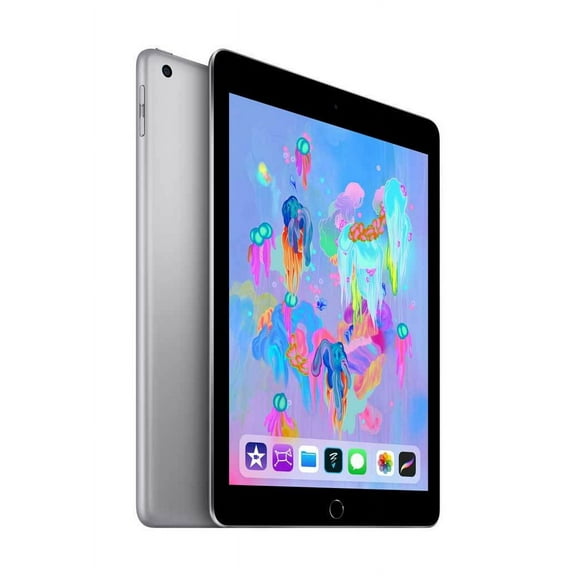
 $8700current price $87.00, Was $129.00$129.00
Restored 2018 Apple iPad Wi Fi 32 GB Space Gray (6th Generation) (Refurbished)
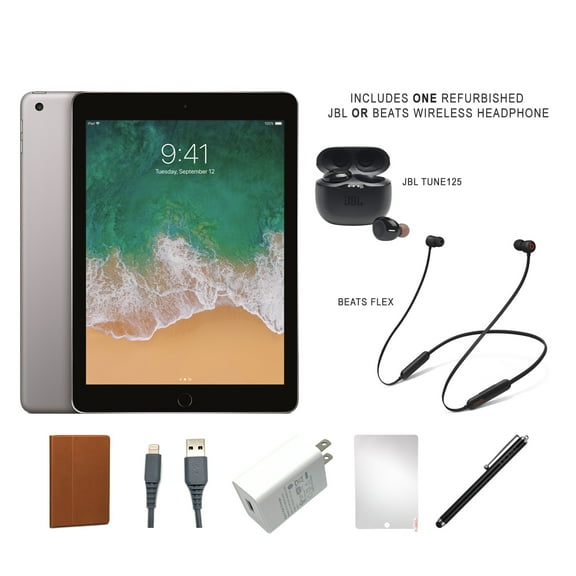
106094.1 out of 5 Stars. 10609 reviewsRestored Apple iPad 6 (2018) Bundle, 32GB, Space Gray, Wi-Fi, Beats or JBL headset, Case, Tempered Glass, Stylus Pen, Charging Accessories (Refurbished) $99.97
 $9997current price $99.97
Restored Apple iPad 6 (2018) Bundle, 32GB, Space Gray, Wi-Fi, Beats or JBL headset, Case, Tempered Glass, Stylus Pen, Charging Accessories (Refurbished)
5504 out of 5 Stars. 550 reviewsBest seller Restored Apple iPad 9.7" - 2017 5th Generation 32GB Space Gray Wi-Fi Up to 10 Hours of Battery Life $84.00 Was $179.00
Best seller

 $8400current price $84.00, Was $179.00$179.00
Restored Apple iPad 9.7" - 2017 5th Generation 32GB Space Gray Wi-Fi Up to 10 Hours of Battery Life
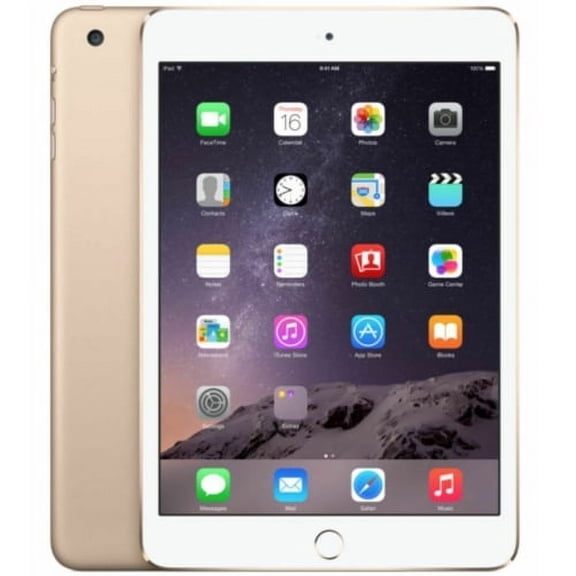
76624.1 out of 5 Stars. 7662 reviewsRestored Apple iPad Mini 3 64GB, WI-FI, 7.9" - Gold (Refurbished) $93.49
 $9349current price $93.49
Restored Apple iPad Mini 3 64GB, WI-FI, 7.9" - Gold (Refurbished)
Restored Apple iPad Mini 3 64GB Wi-Fi (Refurbished) $93.49
 $9349current price $93.49
Restored Apple iPad Mini 3 64GB Wi-Fi (Refurbished)
71.7 out of 5 Stars. 7 reviews2021 Apple 10.2-inch iPad Wi-Fi (9th Generation) $259.95


 $25995current price $259.95
2021 Apple 10.2-inch iPad Wi-Fi (9th Generation)
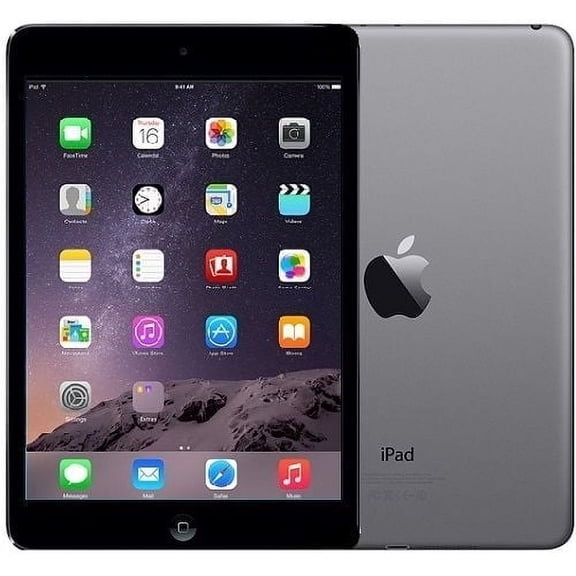
203744.7 out of 5 Stars. 20374 reviewsRestored 2013 Apple iPad mini Wi Fi 64 GB Space Gray (2nd Generation) (Refurbished) $94.99

 $9499current price $94.99
Restored 2013 Apple iPad mini Wi Fi 64 GB Space Gray (2nd Generation) (Refurbished)
13143.5 out of 5 Stars. 1314 reviewsRestored Apple iPad 9.7" - 6th Generation 32GB Gold Wi-Fi Up to 10 Hours of Battery Life $104.97 $209.94/lb
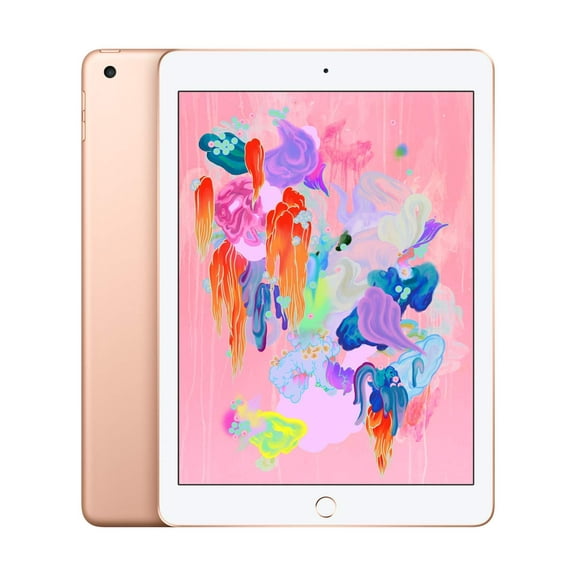 $10497current price $104.97$209.94/lb
Restored Apple iPad 9.7" - 6th Generation 32GB Gold Wi-Fi Up to 10 Hours of Battery Life
16394.4 out of 5 Stars. 1639 reviewsRestored Apple iPad 5th Gen 32GB Wi-Fi, 9.7in - Silver (Refurbished) $79.99 Was $89.99
 $7999current price $79.99, Was $89.99$89.99
Restored Apple iPad 5th Gen 32GB Wi-Fi, 9.7in - Silver (Refurbished)
5134.5 out of 5 Stars. 513 reviewsRestored Apple iPad 4 9.7-inch 16GB Wi-Fi, Black (Refurbished) $199.00 $199.00/cu ft
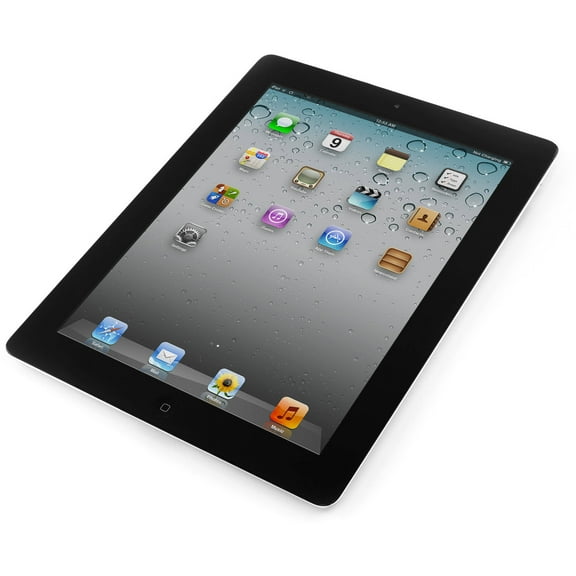 $19900current price $199.00$199.00/cu ft
Restored Apple iPad 4 9.7-inch 16GB Wi-Fi, Black (Refurbished)
6902.9 out of 5 Stars. 690 reviewsRestored Apple iPad Air 9.7" WiFi 16GB Tablet Dual Core iOS 7 - Space Gray - MD785LLA (Refurbished) $99.00
 $9900current price $99.00
Restored Apple iPad Air 9.7" WiFi 16GB Tablet Dual Core iOS 7 - Space Gray - MD785LLA (Refurbished)
2973 out of 5 Stars. 297 reviewsRestored 2014 Apple iPad mini Wi Fi 64 GB Space Gray (3rd Generation) (Refurbished) $93.49
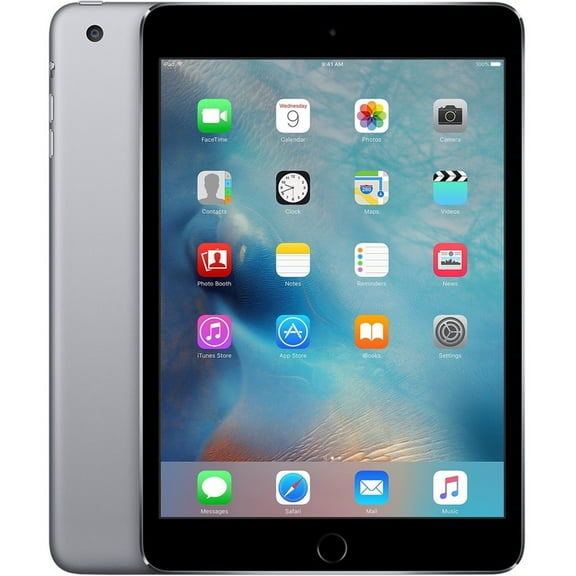

 $9349current price $93.49
Restored 2014 Apple iPad mini Wi Fi 64 GB Space Gray (3rd Generation) (Refurbished)
3003.3 out of 5 Stars. 300 reviewsRestored Apple iPad Mini 2 16GB Silver Wi-Fi ME279LL/A (Refurbished) $219.00 $219.00/lb
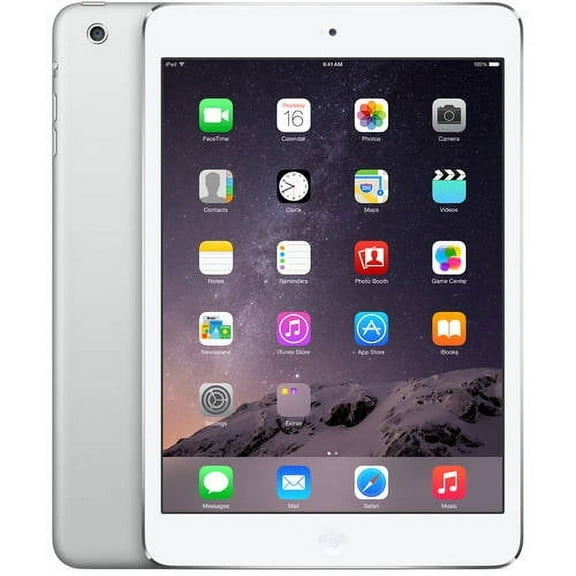 $21900current price $219.00$219.00/lb
Restored Apple iPad Mini 2 16GB Silver Wi-Fi ME279LL/A (Refurbished)
293.5 out of 5 Stars. 29 reviewsRestored Apple iPad Air 9.7-Inch 16GB Wi-Fi Tablet - Space Gray - MD785LL/A (Refurbished) $159.00
 $15900current price $159.00
Restored Apple iPad Air 9.7-Inch 16GB Wi-Fi Tablet - Space Gray - MD785LL/A (Refurbished)
8382.9 out of 5 Stars. 838 reviewsPre-Owned Apple iPad Mini 3rd Generation 64 GB Wifi Gold (Good) $93.49
 $9349current price $93.49
Pre-Owned Apple iPad Mini 3rd Generation 64 GB Wifi Gold (Good)
153.4 out of 5 Stars. 15 reviewsRestored Apple iPad Air 32GB Wi-Fi (Refurbished) $239.95
 $23995current price $239.95
Restored Apple iPad Air 32GB Wi-Fi (Refurbished)
4043.2 out of 5 Stars. 404 reviewsRestored Apple iPad Mini 2 Retina Display Wi-Fi Space Gray 16GB (ME276LL/A) (Refurbished) $179.00
 $17900current price $179.00
Restored Apple iPad Mini 2 Retina Display Wi-Fi Space Gray 16GB (ME276LL/A) (Refurbished)
743 out of 5 Stars. 74 reviews
Customer ratings & reviews
0 ratings|0 reviews
This item does not have any reviews yet
