


MakerCraft Mini Craft Cutter - Compact Vinyl Cutting Machine for DIY Projects
Key item features
Specs
- Craft knife & cutter typeCraft Cutter
- BrandMonoprice
- MaterialPlastic
- Accessories3 Cutting Blades
- FeaturesCompact
- ColorBlue
- Free shipping
 Free 30-day returns
How do you want your item?


About this item
Product details
Specifications
Craft knife & cutter type
Brand
Material
Accessories
Warranty
Warranty information
Please be aware that the warranty terms on items offered for sale by third party Marketplace sellers may differ from those displayed in this section (if any). To confirm warranty terms on an item offered for sale by a third party Marketplace seller, please use the 'Contact seller' feature on the third party Marketplace seller's information page and request the item's warranty terms prior to purchase.
Warnings
 WARNING: WARNING: This product can expose you to chemicals including Phthalates, which is known to the State of California to cause cancer and birth defects or other reproductive harm. For more information go to www.P65Warnings.ca.gov
Similar items you might like
Based on what customers bought
100+ bought since yesterday Mini Retractable Cutters 2 Count $1.12
100+ bought since yesterday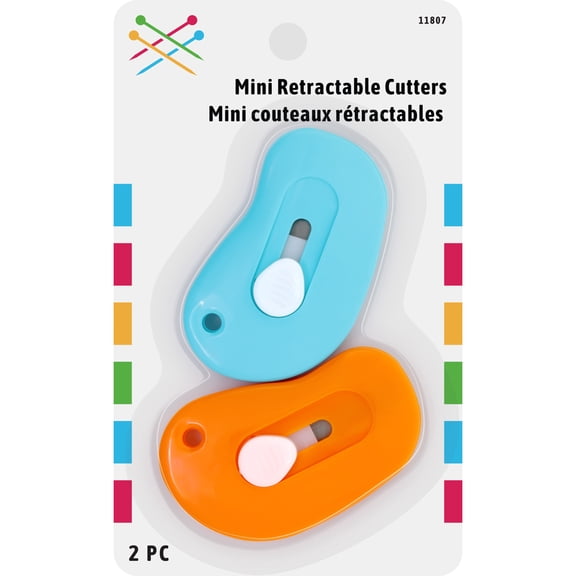 $112current price $1.12
Mini Retractable Cutters 2 Count
1874.7 out of 5 Stars. 187 reviews100+ bought since yesterday X-ACTO Axent #1 Craft Knife, Red, 1 Count $3.94 Was $4.75
100+ bought since yesterday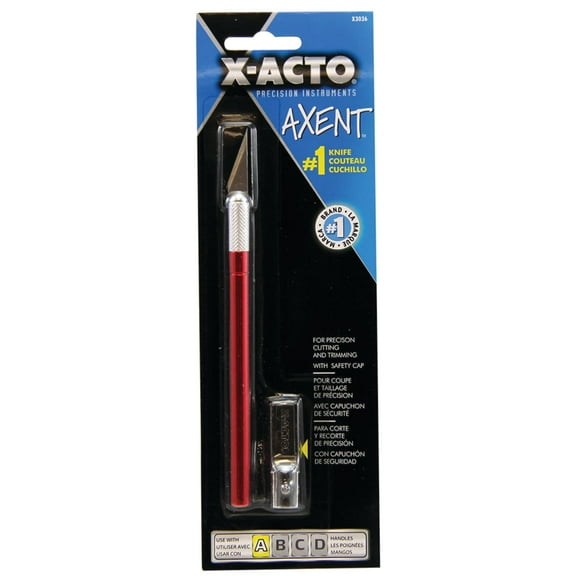
 $394current price $3.94, Was $4.75$4.75
X-ACTO Axent #1 Craft Knife, Red, 1 Count
4234.4 out of 5 Stars. 423 reviewsVinyl Cutter Machine Upgrade AVynix S501 – Portable Smart Cutting Tool for DIY Crafts, Stickers, Decals & Home Decor (Pink) $99.99 Was $129.99
 $9999current price $99.99, Was $129.99$129.99
Vinyl Cutter Machine Upgrade AVynix S501 – Portable Smart Cutting Tool for DIY Crafts, Stickers, Decals & Home Decor (Pink)
Fiskars Rotary Cutter and Ruler Combo - 24" x 6" Fabric Cutter with Gridlines - Craft Supplies $46.97
 $4697current price $46.97
Fiskars Rotary Cutter and Ruler Combo - 24" x 6" Fabric Cutter with Gridlines - Craft Supplies
2304.4 out of 5 Stars. 230 reviewsUOKRR 32-inch Compact Mat Cutter with 45° Bevel & Straight Cutting Heads for Picture Frames & DIY Projects $125.99 Was $139.99
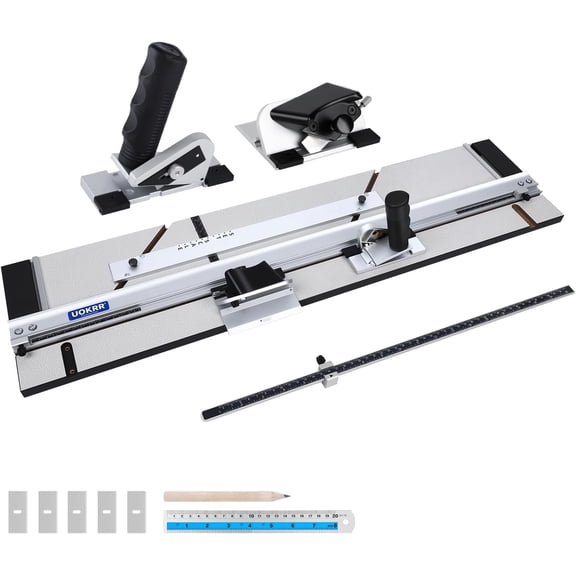 $12599current price $125.99, Was $139.99$139.99
UOKRR 32-inch Compact Mat Cutter with 45° Bevel & Straight Cutting Heads for Picture Frames & DIY Projects
24 out of 5 Stars. 2 reviewsClearance Inerposs DIY Craft Pen Cutter, Mini Paper Cutting Knife, Retractable Precision Cutter for Art Projects, Versatile Tool for Scrapbooking and Model Building $3.51 Was $4.04
Clearance


 $351current price $3.51, Was $4.04$4.04
Inerposs DIY Craft Pen Cutter, Mini Paper Cutting Knife, Retractable Precision Cutter for Art Projects, Versatile Tool for Scrapbooking and Model Building
Clearance MLINS 2 Pcs Paper Perforating Tool Craft Cutting Corners Cutter Trimmer Punch Rounder Black $4.89 Was $5.49
Clearance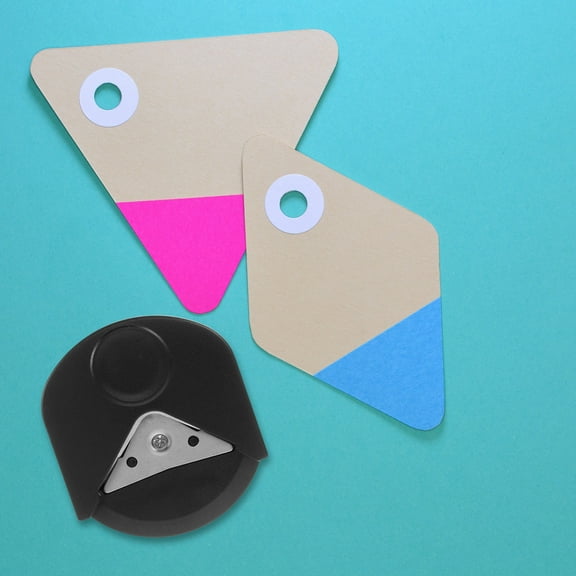 $489current price $4.89, Was $5.49$5.49
MLINS 2 Pcs Paper Perforating Tool Craft Cutting Corners Cutter Trimmer Punch Rounder Black
Professional Folder Paper Creaser Set, Folding Scoring Burnishing For Enhanced Craftsmanship, Crafting Scrapbooking Tool Perfect For Diy Projects And Office Supplies $10.99
 $1099current price $10.99
Professional Folder Paper Creaser Set, Folding Scoring Burnishing For Enhanced Craftsmanship, Crafting Scrapbooking Tool Perfect For Diy Projects And Office Supplies
Clearance GARVALON 1 Set Cardboard Cutting Tool Craft Cutting Tool Multi Color Versatile Applications DIY Crafts $10.49 Was $11.79
Clearance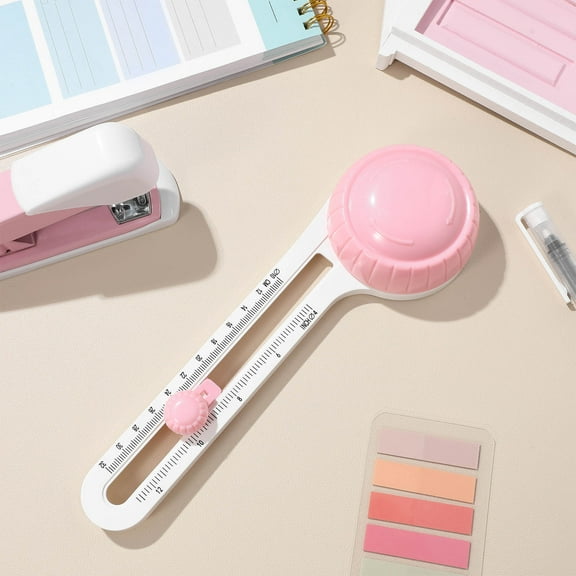 $1049current price $10.49, Was $11.79$11.79
GARVALON 1 Set Cardboard Cutting Tool Craft Cutting Tool Multi Color Versatile Applications DIY Crafts
Necvior Professional Corner Rounder Cutter Beveling &Trimming Tool for Paper Crafting $12.43
 $1243current price $12.43
Necvior Professional Corner Rounder Cutter Beveling &Trimming Tool for Paper Crafting
CCOCC Cardboard Cutter With 7.5 $12.55
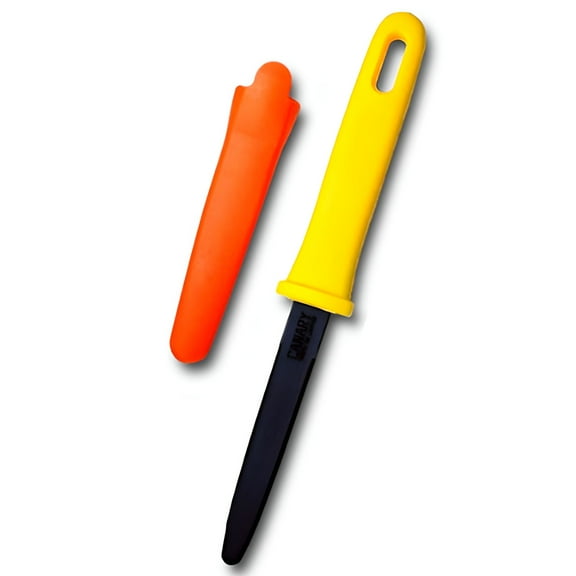 $1255current price $12.55
CCOCC Cardboard Cutter With 7.5
Topbathy Foam Cutter Tool in Blue for Board Cutting and DIY Projects $9.93
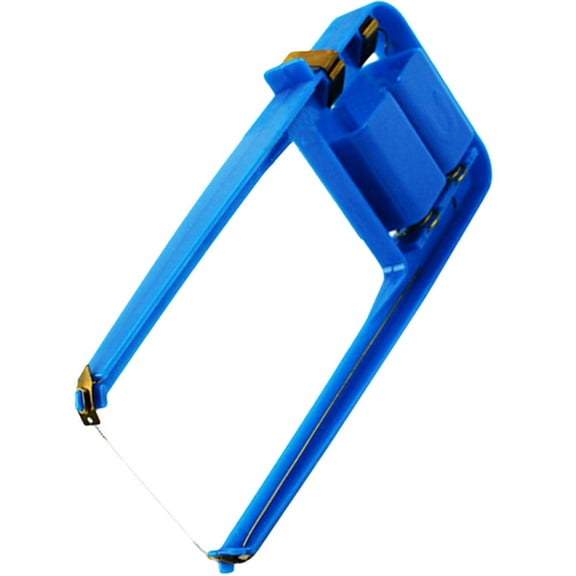 $993current price $9.93
Topbathy Foam Cutter Tool in Blue for Board Cutting and DIY Projects
Linoleum Cutter Set, 2 Sets Craft Cutters with 6 Assorted Blades for Cutting and Crafting, Carvings, DIY $10.64 Was $15.72
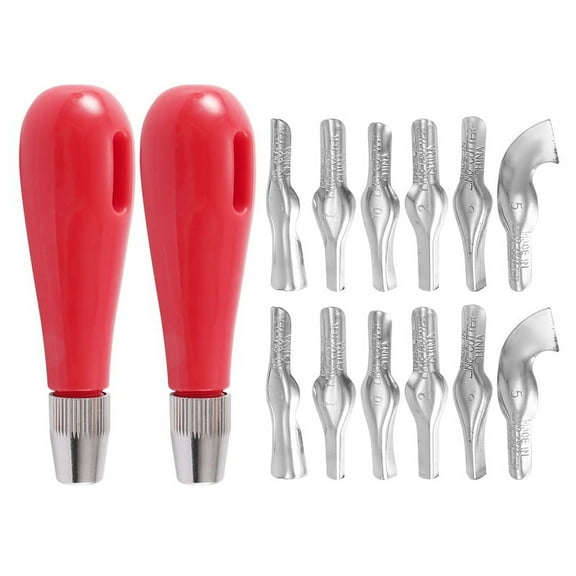 $1064current price $10.64, Was $15.72$15.72
Linoleum Cutter Set, 2 Sets Craft Cutters with 6 Assorted Blades for Cutting and Crafting, Carvings, DIY
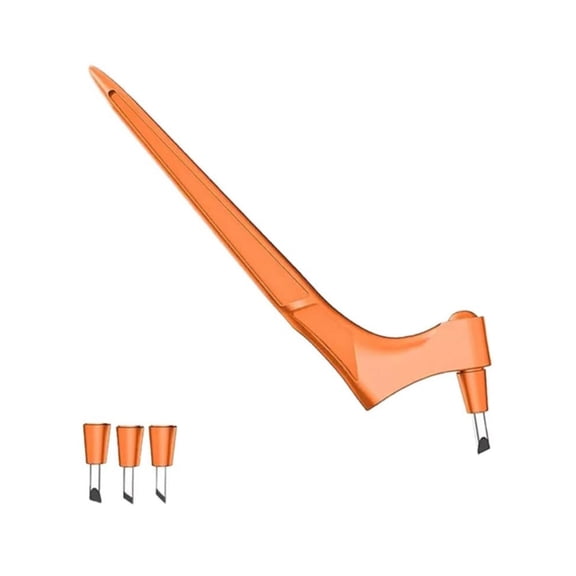
Craft Cutting Tools, Ongmies 360° Rotating Craft Cutter Pen - Stainless Steel with 15, 30, 45° Blades for Stencils, Scrapbooks & Diy Crafts, $6.19
 $619current price $6.19
Craft Cutting Tools, Ongmies 360° Rotating Craft Cutter Pen - Stainless Steel with 15, 30, 45° Blades for Stencils, Scrapbooks & Diy Crafts,
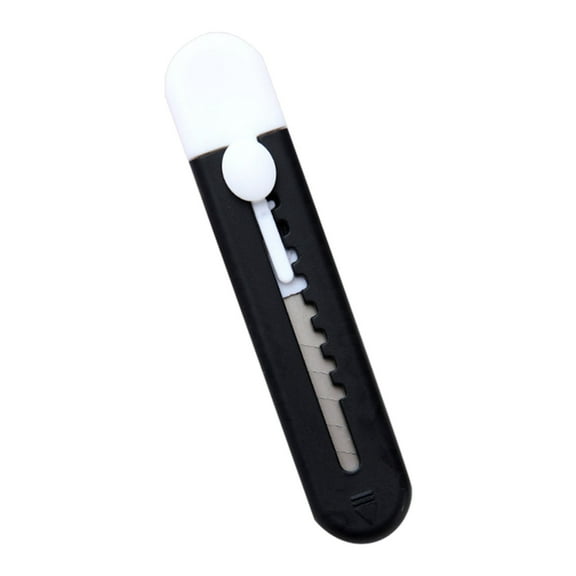
XKHAZA Cute Box Cutter Retractable, Easy Slide Retractable Cute Box Cutter for Office, Home, Crafts, Hobby Use, DIY Crafts $11.02


 $1102current price $11.02
XKHAZA Cute Box Cutter Retractable, Easy Slide Retractable Cute Box Cutter for Office, Home, Crafts, Hobby Use, DIY Crafts
4-in-1 Paper Cutter - Multifunctional Cutting Tool for Paper, Ideal for Home, Office, Craft Projects, Sharp Blade for Precise Cuts, Easy to Operate,Green,1pcs $6.64


 $664current price $6.64
4-in-1 Paper Cutter - Multifunctional Cutting Tool for Paper, Ideal for Home, Office, Craft Projects, Sharp Blade for Precise Cuts, Easy to Operate,Green,1pcs
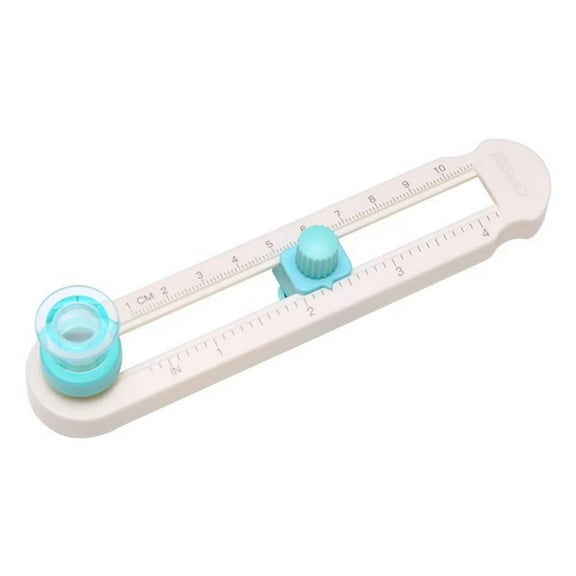
Adjustable Circle Cutter for Scrapbooking and Crafts Achieve Professional Cuts $13.74
 $1374current price $13.74
Adjustable Circle Cutter for Scrapbooking and Crafts Achieve Professional Cuts
2 Pcs Foam Cutter Wire Cutters Cutting Machine Craft Tool Hot Board DIY Tools Electric for Work $13.09
 $1309current price $13.09
2 Pcs Foam Cutter Wire Cutters Cutting Machine Craft Tool Hot Board DIY Tools Electric for Work
360 Rotating Craft Cutting Stainless Cutter Pen with 15 30 45 Blades for Stencils Scrapbooks Diy Crafts,Blue A $11.29
 4 optionsAvailable in additional 4 options$1129current price $11.29
360 Rotating Craft Cutting Stainless Cutter Pen with 15 30 45 Blades for Stencils Scrapbooks Diy Crafts,Blue A
24W Foam Cutter Pen - 2 Sizes (7.99"/4.09"), Fast Heating, Smooth Cuts, Ergonomic Handle for DIY Crafts/Polystyrene $13.59


 $1359current price $13.59
24W Foam Cutter Pen - 2 Sizes (7.99"/4.09"), Fast Heating, Smooth Cuts, Ergonomic Handle for DIY Crafts/Polystyrene
Customer ratings & reviews
Customer photos

Showing 1-3 of 3 reviews
LOVE IT
The cutting area is 10" x 6", which is smaller than the Cricut machines. But it is plenty area for what I need. The speed is faster, and quieter than the other cutters I've had. The software is very easy to use.
It will be good once I learn it.
? Watch the setup video https://www.youtube.com/watch?v=vBh-wB0ZVKg linked from the product page. The video has vital information given nowhere else. ? The SureCutsALot software installed on my Apple Silicon Mac running macOS Sequoia without problem, no need to install any additional USB driver, but my package did not include the activation code, so the software ran in demo mode, which means it slashed horizontal lines through my cut. ? Make sure the blade carrier is correctly seated. I got this wrong initially, so the spring-loaded plunger didn't quite clear the roof of the chassis. If the blade carrier is correctly seated you can slide the carriage to the center while the power is off. ? I used the red blade in the blade carrier with numbers. I set the blade carrier to 4, which was a mistake - it was too strong I should have tried 1 and ramped up from there. ? When I pressed the power button on the front of the cutter it sucked the carrier and the paper all the way through, and when it cut it slowly spit it out, cutting as it went. ? My first test print was 6 snowflakes. The cut was accurate, but I used ordinary copier paper. Using ordinary copier paper was a mistake - once cut it didn't have the strength for me to lift it off of the adhesive carrier without the paper fraying and becoming difficult to remove all of the fibers it left behind. ? It was a mistake to try a complex design as a first design. I should have followed the instructions from the setup video until I had everything dialed in. ? I thought I'd removed the protective cover from the adhesive sheet but I was wrong. ? Be careful to always line the adhesive sheet up correctly before letting the cutter grab it. If the sheet is at an angle it will bind up against the internal edge of the cutter. (Another of my mistakes - that's how I discovered the protective cover was still on.) ? In the photo you can see the too deep cut - into the backing sheet, and the fibers along the "7" edge I still must remove. ? I can't really use the cutter until I get the activation code for the software. The adhesive carrier is a necessary consumable. How do I buy more? The blades are a longer term consumable: How do I buy more? I'm eager to experiment with card stock and vinyl, once I can really use the cutter.
Junk
Cutting mat was destroyed within an hour of use. It got stuck in the automatic rollers and got cut almost in half. Even before that, regular paper got stuck to the mat so bad the stickiness was useless. This is my first cutting machine so I'm not sure if that's normal but I couldn't find a user manual anywhere online, only a basic video on how to start. The mat also is apparently like a 7 X 10 (I'm not sure exactly because it doesn't say anywhere what it is) but when you go into the software they don't even give you the option for that size you have to type it in as custom. Why would they start you off with a mat size that isn't even already in their software and then not even tell you the mat size you have. There are numbers on it but the cuts weren't anywhere close to being lined up when you type the custom size in. I knew it was for smaller projects, but it doesn't fit standard 8 X 10 sheets. I'm very disappointed in this product and will be returning it.
