


- Free shipping
 Free 30-day returns

(Only one option can be selected at a time)
How do you want your item?


More seller options (1)
About this item
Product details
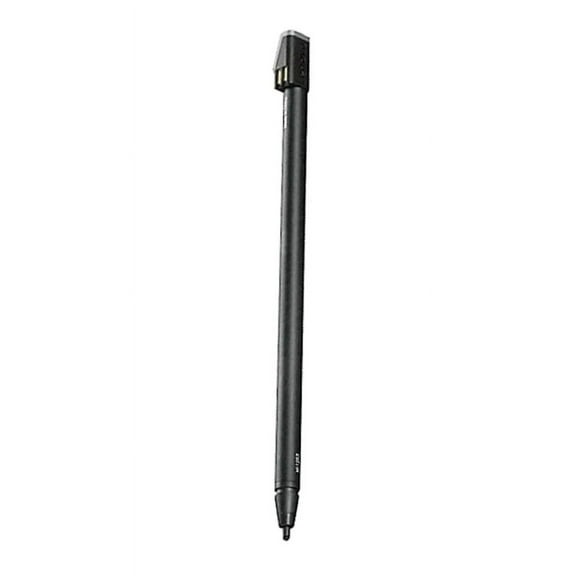
A USB Pen Holder is included with each pen for an easy way to store and carry the pen with you all the time. Powered by an AAAA battery, the Active Capacitive Pen is designed to provide a premium pen experience. It is compatible with the following list of systems:
ThinkPad X1 tablet
ThinkPad P50
ThinkPad P70
ThinkPad Yoga 460
ThinkPad P40
ThinkPad Yoga 260
ThinkPad X1 Yoga
ThinkPad S1 Yoga 12
ThinkPad Yoga 14
ThinkPad Yoga 15
ThinkPad 11e
ThinkPad 10
ThinkPad Helix
Specifications
Brand
Color
Model name
Accessories
Warranty
Warranty information
Warnings
Ingestion Hazard
Warning Text
 WARNING: WARNING: This product contains chemicals known to the State of California to cause cancer and birth defects or other reproductive harm.
Similar items you might like
Based on what customers bought
Reduced price Antier Stylus Pens for Touch Screens, 10-Pack 2-in-1 Universal Touchscreen Stylus Pens for iPad, iPhone, Android, Samsung, Tablets, Laptops & More - Includes 20 Replacement Nibs $10.99 Was $16.99
Reduced price 3 optionsAvailable in additional 3 options$1099current price $10.99, Was $16.99$16.99
Antier Stylus Pens for Touch Screens, 10-Pack 2-in-1 Universal Touchscreen Stylus Pens for iPad, iPhone, Android, Samsung, Tablets, Laptops & More - Includes 20 Replacement Nibs
3694.7 out of 5 Stars. 369 reviewsOpen Box LENOVO DIGITAL PEN 3 FOR LAPTOPS, SUPPORTS MULTIPLE PROTOCOLS GX81P77100 - TEAL $39.82
 $3982current price $39.82
Open Box LENOVO DIGITAL PEN 3 FOR LAPTOPS, SUPPORTS MULTIPLE PROTOCOLS GX81P77100 - TEAL
Best seller Stylus Pen for iPad 6th-11th Generation, Fast Charge with Palm Rejection & Tilt Sensitivity, Compatible with 2018-2025 iPad 6/7/8/9/10/11, Pro 11"/12.9"/M4, Air 3/4/5/M2/M3, Mini 5/6 $13.99 Was $99.99
Best seller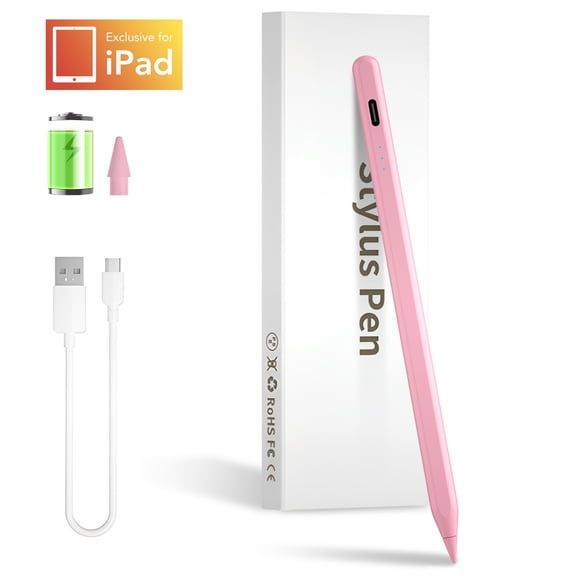 2 optionsAvailable in additional 2 options$1399current price $13.99, Was $99.99$99.99
Stylus Pen for iPad 6th-11th Generation, Fast Charge with Palm Rejection & Tilt Sensitivity, Compatible with 2018-2025 iPad 6/7/8/9/10/11, Pro 11"/12.9"/M4, Air 3/4/5/M2/M3, Mini 5/6
854.6 out of 5 Stars. 85 reviewsBest seller TIMOVO iPad Pencil for (A16)11th Gen with Power Display, Stylus Pen for 2018-2025 Apple iPad 10/9/8/7/6, Air M3/M2 11"/13"/5/4/3, Mini 7/6/5, Pro M4 13"/12.9"/11", Fast Charging,White $9.99 Was $12.99
Best seller


 $999current price $9.99, Was $12.99$12.99
TIMOVO iPad Pencil for (A16)11th Gen with Power Display, Stylus Pen for 2018-2025 Apple iPad 10/9/8/7/6, Air M3/M2 11"/13"/5/4/3, Mini 7/6/5, Pro M4 13"/12.9"/11", Fast Charging,White
764.5 out of 5 Stars. 76 reviewsStylus Pen for iPad 2018-2025 - Fast Charging Active Pencil with Palm Rejection, Tilt Sensitivity, Compatible with iPad 11th/10th Gen, Pro, Air, Mini - Pink $23.99
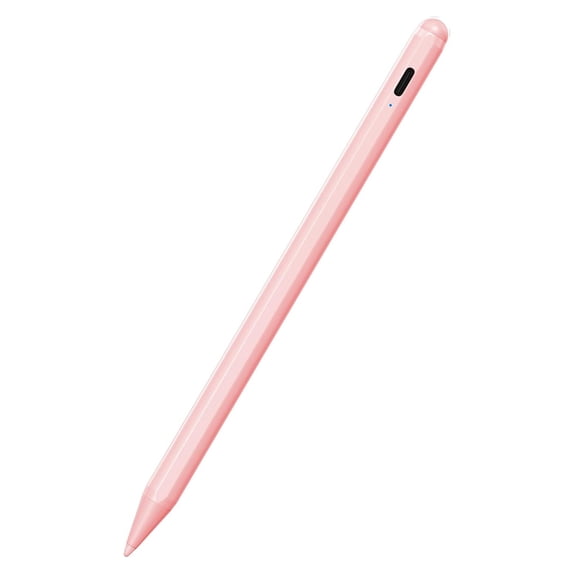


 $2399current price $23.99
Stylus Pen for iPad 2018-2025 - Fast Charging Active Pencil with Palm Rejection, Tilt Sensitivity, Compatible with iPad 11th/10th Gen, Pro, Air, Mini - Pink
354.7 out of 5 Stars. 35 reviewsonn 2-in-1 Stylus Pen Set with Built-In Ballpoint Pen, Multicolor, 3 Count $12.20
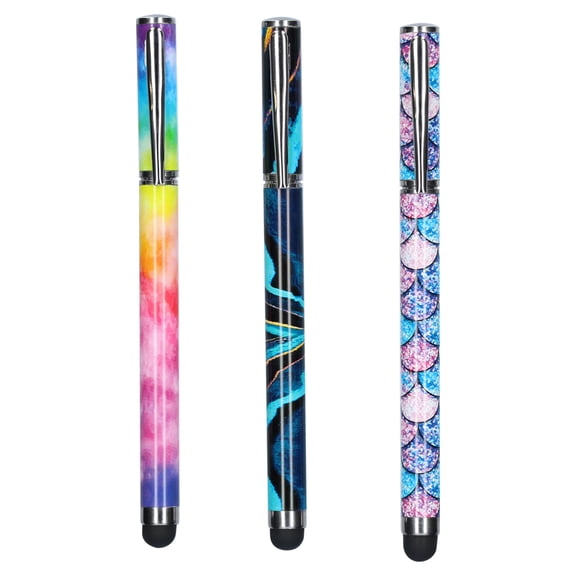 2 optionsAvailable in additional 2 options$1220current price $12.20
onn 2-in-1 Stylus Pen Set with Built-In Ballpoint Pen, Multicolor, 3 Count
1664.3 out of 5 Stars. 166 reviewsHP Rechargeable Active Pen G3 $20.91
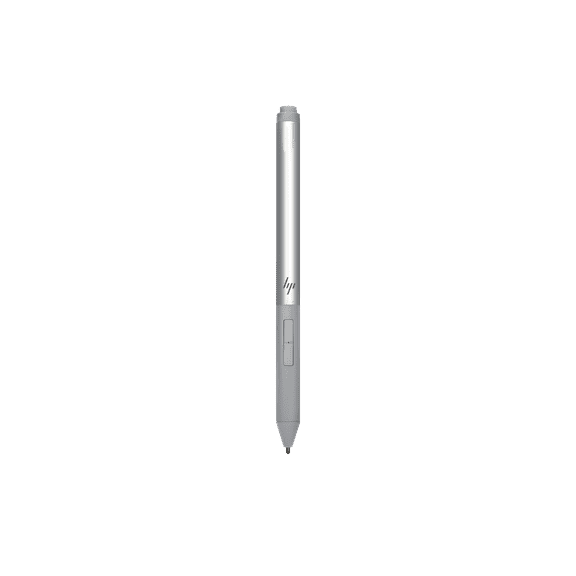 $2091current price $20.91
HP Rechargeable Active Pen G3
92.9 out of 5 Stars. 9 reviewsBest seller DNXNIAIFY Stylus Pencil for Apple Pen iPad Pencil for tablets 2018-2025, (2X Faster Charge),Tilt Sensitivity,for 11/10/9/8/7/6th Gen, Pro 12.9/11/13-inch M4, Air 3/4/5/M2/M3, Mini 5/6th/A8 $10.05 Was $20.00
Best seller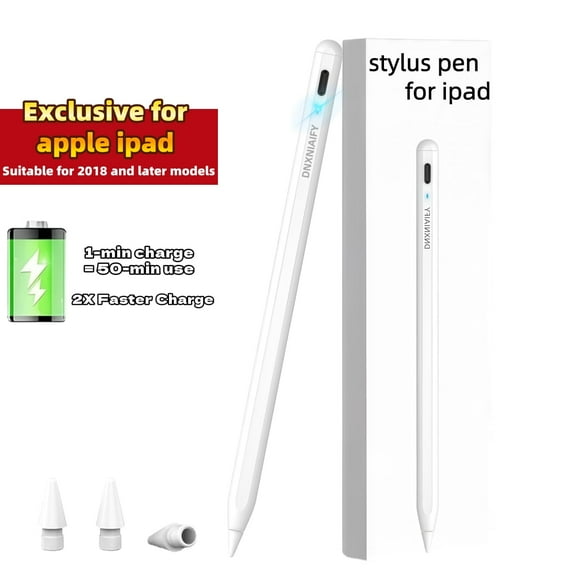 $1005current price $10.05, Was $20.00$20.00
DNXNIAIFY Stylus Pencil for Apple Pen iPad Pencil for tablets 2018-2025, (2X Faster Charge),Tilt Sensitivity,for 11/10/9/8/7/6th Gen, Pro 12.9/11/13-inch M4, Air 3/4/5/M2/M3, Mini 5/6th/A8
324.3 out of 5 Stars. 32 reviewsLenovo 4X81M52316 Stylus Pen for Yoga Laptop $59.99
 $5999current price $59.99
Lenovo 4X81M52316 Stylus Pen for Yoga Laptop
15 out of 5 Stars. 1 reviewsBest seller Stylus Pen for iPad 2018-2026(A16/11/10/9/8/7/6), 13 Mins Fast Charge iPad Pencil with Tilt Sensitivity & Palm Rejection for iPad 6-11th Gen, Air 7/6/5/4/3/M3/M2, Pro 13"/12.9"/11"/M4 $11.29 Was $17.99
Best seller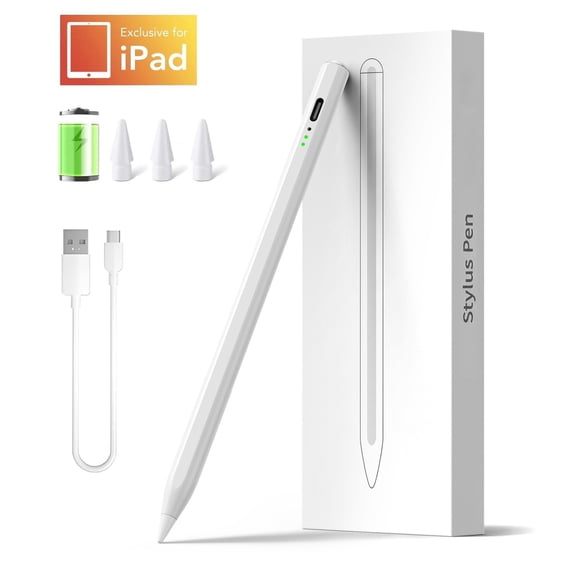


 $1129current price $11.29, Was $17.99$17.99
Stylus Pen for iPad 2018-2026(A16/11/10/9/8/7/6), 13 Mins Fast Charge iPad Pencil with Tilt Sensitivity & Palm Rejection for iPad 6-11th Gen, Air 7/6/5/4/3/M3/M2, Pro 13"/12.9"/11"/M4
1274.4 out of 5 Stars. 127 reviewsStylus Pen for Apple iPad, Palm Rejection & Tilt Active 1st 2nd Generation Pencil Compatible with After 2018 iPad Pro 11/12.9, iPad 9/8/7/6, iPad Air 4/3, iPad Mini 6/5 $16.99
 $1699current price $16.99
Stylus Pen for Apple iPad, Palm Rejection & Tilt Active 1st 2nd Generation Pencil Compatible with After 2018 iPad Pro 11/12.9, iPad 9/8/7/6, iPad Air 4/3, iPad Mini 6/5
294.3 out of 5 Stars. 29 reviewsOpen Box LENOVO DIGITAL PEN 3 FOR LAPTOPS, SUPPORTS MULTIPLE PROTOCOLS GX81P77100 - TEAL $43.15
$4315current price $43.15Open Box LENOVO DIGITAL PEN 3 FOR LAPTOPS, SUPPORTS MULTIPLE PROTOCOLS GX81P77100 - TEAL
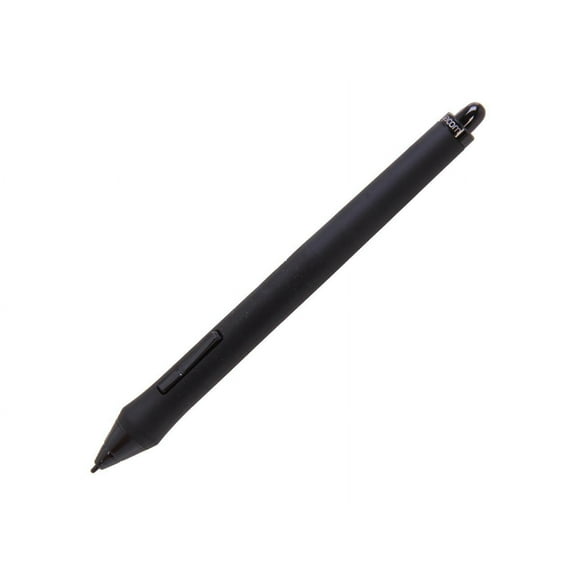
Wacom KP501E2 Grip Pen $104.00
 $10400current price $104.00
Wacom KP501E2 Grip Pen
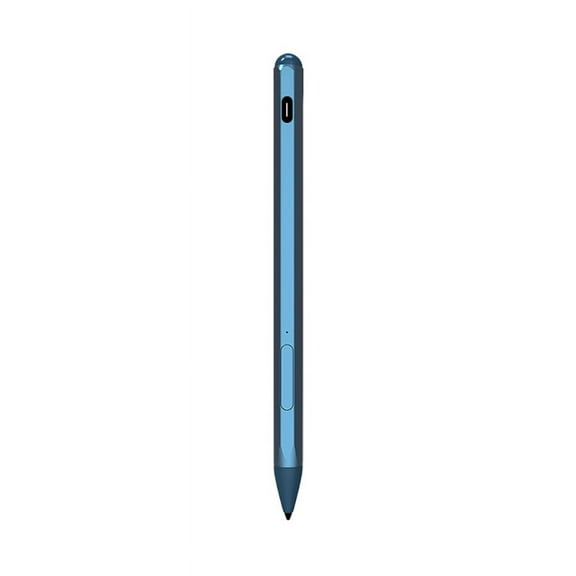
224.6 out of 5 Stars. 22 reviewsHigh-Precise Stylus Pen for Surface Pro 9/8/7/6/5/4/3 Pro X Go Book Magnetic Charging, Replaceable Tips $21.74
 3 optionsAvailable in additional 3 options$2174current price $21.74
High-Precise Stylus Pen for Surface Pro 9/8/7/6/5/4/3 Pro X Go Book Magnetic Charging, Replaceable Tips
Stylus Pen for Samsung Galaxy Tab S11 ULtra Tablet Pens for iOS/Android/Windows Stylists Pen with Dual Touch Screen Stylus Pencil $10.99
 7 optionsAvailable in additional 7 options$1099current price $10.99
Stylus Pen for Samsung Galaxy Tab S11 ULtra Tablet Pens for iOS/Android/Windows Stylists Pen with Dual Touch Screen Stylus Pencil
15 out of 5 Stars. 1 reviewsLenovo Yoga C740 (14 in) Stylus Pen, BoxWave [AccuPoint Active Stylus] Electronic Stylus with Ultra Fine Tip for Lenovo Yoga C740 (14 in) - Metallic Silver $28.95
![Lenovo Yoga C740 (14 in) Stylus Pen, BoxWave [AccuPoint Active Stylus] Electronic Stylus with Ultra Fine Tip for Lenovo Yoga C740 (14 in) - Metallic Silver](https://i5.walmartimages.com/asr/6a314804-f6b7-4b91-946d-4ffc7c48613b.8728c4d6f894e87ab17e583be62a79d0.jpeg?odnHeight=576&odnWidth=576&odnBg=FFFFFF) $2895current price $28.95
$2895current price $28.95Lenovo Yoga C740 (14 in) Stylus Pen, BoxWave [AccuPoint Active Stylus] Electronic Stylus with Ultra Fine Tip for Lenovo Yoga C740 (14 in) - Metallic Silver
33.7 out of 5 Stars. 3 reviewsNew Genuine Lenovo ThinkPad Pen Pro for Yoga 11e 4X80R38451 $59.95
 $5995current price $59.95
New Genuine Lenovo ThinkPad Pen Pro for Yoga 11e 4X80R38451
11 out of 5 Stars. 1 reviewsProfessional Stylus Pen Magnetic Charging for Surface Pro 9/8/7/6/5/4/3 Pro X Go $24.50
 3 optionsAvailable in additional 3 options$2450current price $24.50
Professional Stylus Pen Magnetic Charging for Surface Pro 9/8/7/6/5/4/3 Pro X Go
New Genuine Lenovo ThinkPad X1 Yoga Gen 6 (20XY 20Y0) Stylus Pro-10 Pen 4X81C96610 $82.75
 $8275current price $82.75
New Genuine Lenovo ThinkPad X1 Yoga Gen 6 (20XY 20Y0) Stylus Pro-10 Pen 4X81C96610
High Precise Stylus Pen for Surface Pro 9/8/7/6/5/4/3 Pro X Go Book Replacement $23.63
3 optionsAvailable in additional 3 options$2363current price $23.63High Precise Stylus Pen for Surface Pro 9/8/7/6/5/4/3 Pro X Go Book Replacement
Customer ratings & reviews
Filtered and sorted results would be available on the new 'Customer ratings & reviews' page.
Showing 1-3 of 4 reviews
Seller Verified Purchase
Pen pro
Works well, buttons are quite fiddly and easy to press by mistake but I don't have them set to do anything so doesn't really bother me. Pressure sensitivity needs calibrating to work well, at least in the Corel painter essentials app I'm using. Generally though a good piece of equipment and much more useable than the tiny stylus that comes with the laptop.
Nice price but couldn't get help to set it up...
I ordered this for a Lenovo Yoga S1. It came quickly through Wal Mart. The package had very little in the way of a user guide - basically just showing how to insert the battery. I looked online and found some help, but even following instructions I could not get it to turn on or connect. I called Lenovo and the service agent was not able to help me and seemed unfamiliar with the pen. The reason I returned it instead of trying to find more help was the insistence that it was the fault of the computer, not the pen without even acknowledging that the LED would not turn on on the pen. I am sure that this is a good, reasonably priced pen if you can figure out how to get it to turn on and connect. I am satisfied with the Lenovo notebook though.
The Lenovo ThinkPad Yoga S1 is made in two different configurations. One is compatible with an active/digital pen and this model ships with a dedicated active pen that is stored and charges within the computer. The active pen is stored within the computer at the right front edge. The pen has a red tip on it for easy identification. The other ThinkPad Yoga S1 model is not compatible with an active pen. Be sure the ThinkPad Yoga S1 configuration you have is compatible with an active pen. If you have that model, the pen is included with the computer, you don't need to buy another pen.
Seller Verified Purchase
Incorrect compatibility
I bought this to use with my IdeaPad Duet 3i. It was listed on the compatible accessories section of the duet's site but not it's support page and did not work.
Hi, Thank you for your feedback and review, our apologies for the compatibility trouble that you are having with your Lenovo ThinkPad Pen Pro. If you need any help or assistance, please contact our customer service team on the below number, they will be able to review your options and provide help. Tel: UK 01256 774577 Ireland: 015628320 Monday-Thursday 8:00am-6:00pm Friday 8:00am-4:00pm Thank you for your feedback. Best wishes
