Instructions
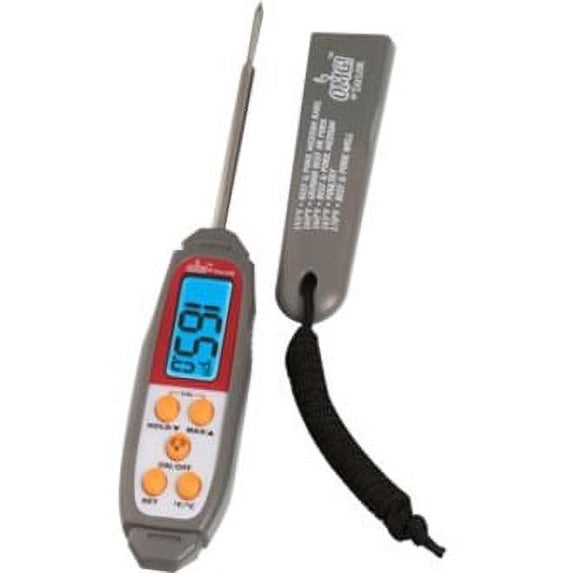
Note: There is a static cling label over the digital display and some units have a strip under the battery cover to prevent battery drain during shipping. Please remove both before use. Note: Electrostatic interference may affect first use of the thermometer. If the thermometer does not initially work, remove the battery and reinstall it. General Operation: 1. Press on/off button to turn on. 2. Press F/C to select temperature units scale. 3. Insert stainless steel probe at least 1 inch into food being tested. 4. When the digital display has been stabilized, press the hold button and the temperature will be held (the word hold will appear on the screen). When the button is released, the temperature will be free reading again. Battery Replacement: 1. Open the battery compartment by turning the cover counterclockwise, using a coin in the slot. 2. Remove use battery and insert new one, with the + sign facing up. 3. Close the compartment. Cleaning & Care: Do not immerse thermometer in water. Not for use in dishwashers. Clean stem with hot, soapy water and wipe casing with damp cloth. Please Note: Taylor's Safe-T-Guard sleeve and housing incorporates an EPA registered product that inhibits the growth of bacterial odor and mold on the sleeve and housing. It is important to thoroughly clean and disinfect your thermometer after each use.


 WARNING: