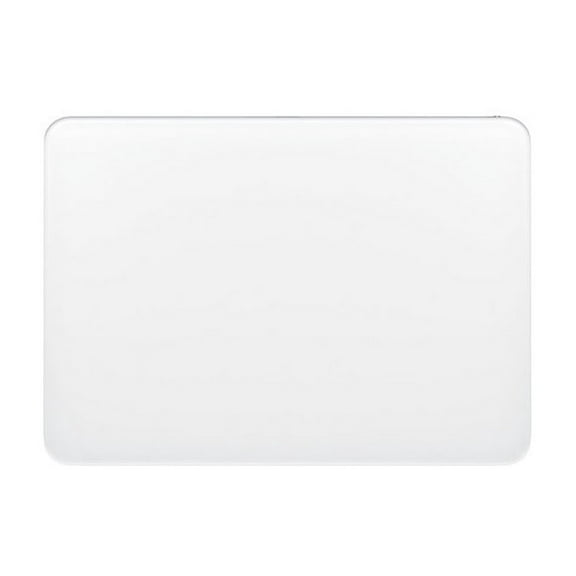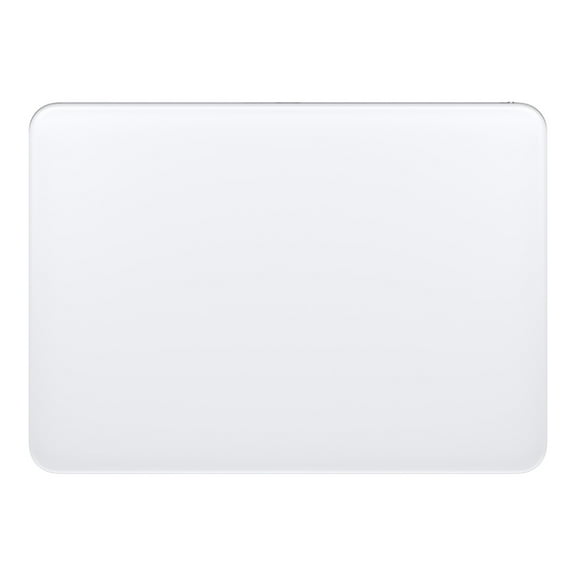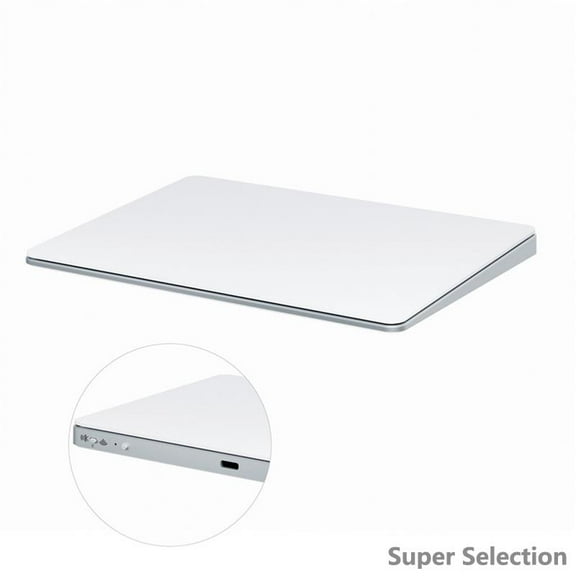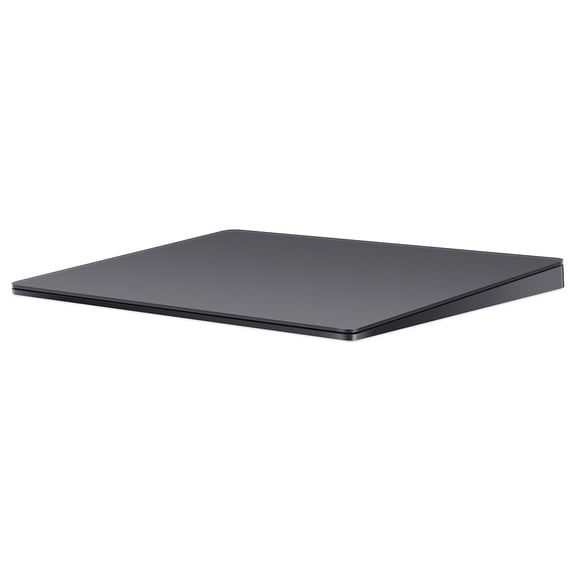
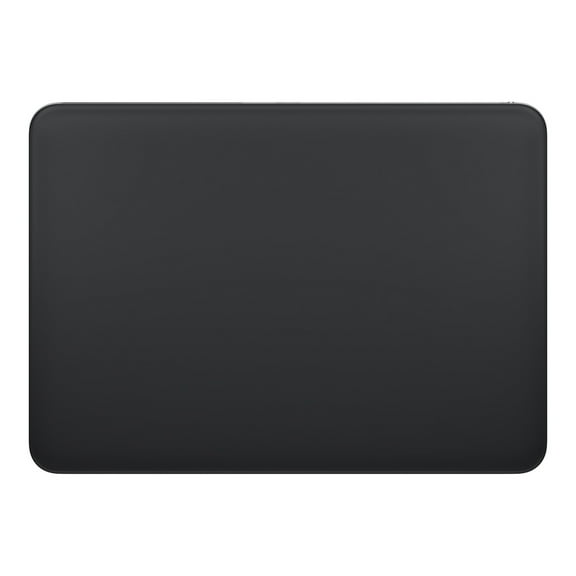
Apple Magic Trackpad 2 - Space Gray
Hero image 0 of Apple Magic Trackpad 2 - Space Gray, 0 of 6

Apple Magic Trackpad 2 - Space Gray

Actual ColorSpace Gray-Out of stock

Key item features

  • Force Touch Support
  • Wireless Bluetooth Connectivity
  • Built-In Rechargeable Battery
  • Mac Compatible

What's Included -

  • Magic Trackpad 2
  • Apple Lightning-to-USB cable
  • Owner's manual
Current price is $138.86
Price when purchased online
Out of stock

How do you want your item?

How do you want your item?
Out of stock

About this item
Product details

Specifications

Customer ratings & reviews

4.5 out of 5 stars
stars
51 ratings38 reviews
How item rating is calculated
Filtered and sorted results would be available on the new 'Customer ratings & reviews' page.
Sort by |

Showing 1-3 of 38 reviews

Aug 23, 2020
Rochelle
5 out of 5 stars review

Verified Purchase

Works as advertised.

Functions like the old trackpad 1. Will have to use it for awhile to see if I like the rechargeable battery. After years of use, trackpad 1 was getting stuck in the down click position. Trackpad 2 is supposed to eliminate the mechanical clicking mechanism with pressure sensors.

Helpful?5XJFX7INEFAH425243838
Oct 3, 2020
Nathaniel
Walmart Associate
5 out of 5 stars review

Verified Purchase

Best Trackpad

I love my track. its probably the one of the best things I've ordered online. its easy to use and the best part is that it not only connects with Macintosh and all iPads, it even connects with android and anything that is bluetooth compatible. with this trackpad you are getting something that is apple quality and that will work on most apple, android devices and windows computers

Helpful?5XJFX7INEFAH425243838
Sep 16, 2021
Tizzle
5 out of 5 stars review

Verified Purchase

The Magic Trackpad 2 is....magic.

I've been wanting to invest in one of these for awhile and finally decided to do it. If you like using the trackpad on MacBooks, then this trackpad will live up to your expectations. I am using it for an office setup along with a wireless keyboard. Using your finger instead of moving your entire hand to move the mouse arrow is so much easier. To me, it's worth the $100 investment.

Helpful?5XJFX7INEFAH425243838