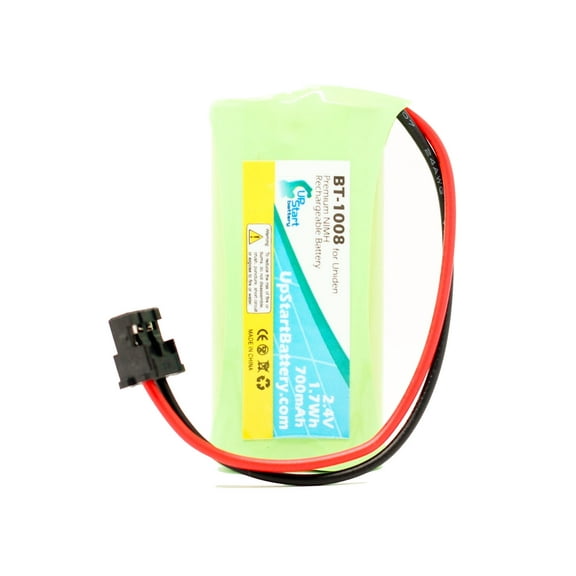
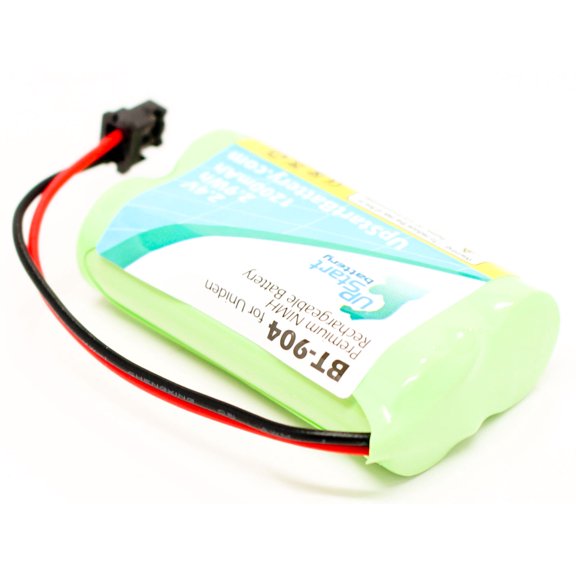
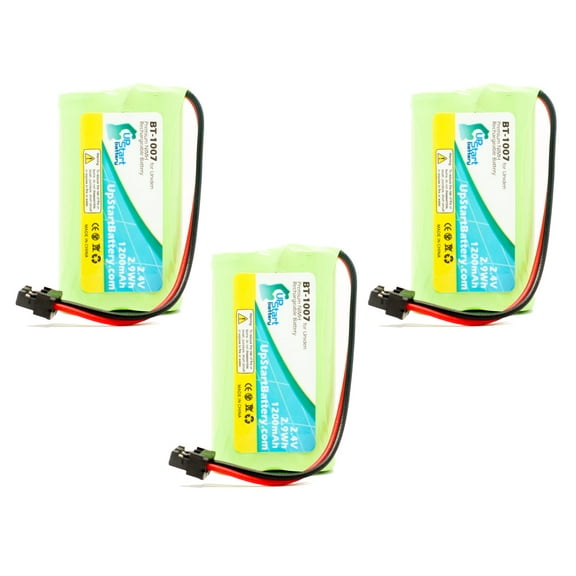
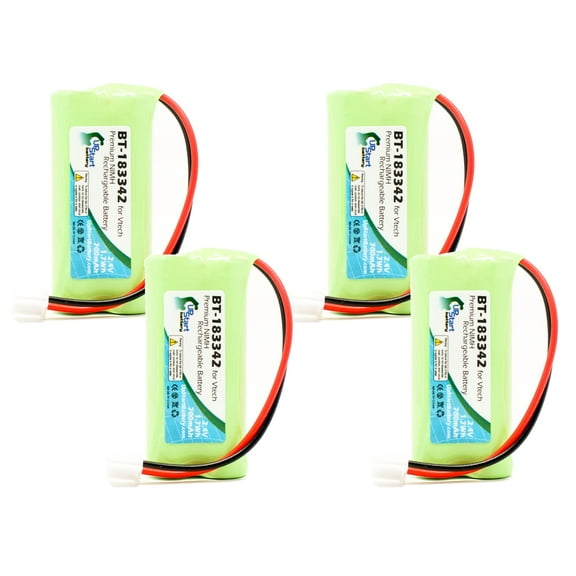
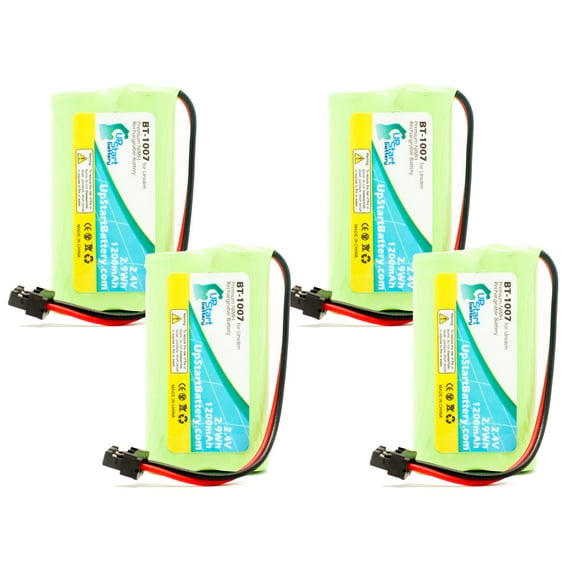
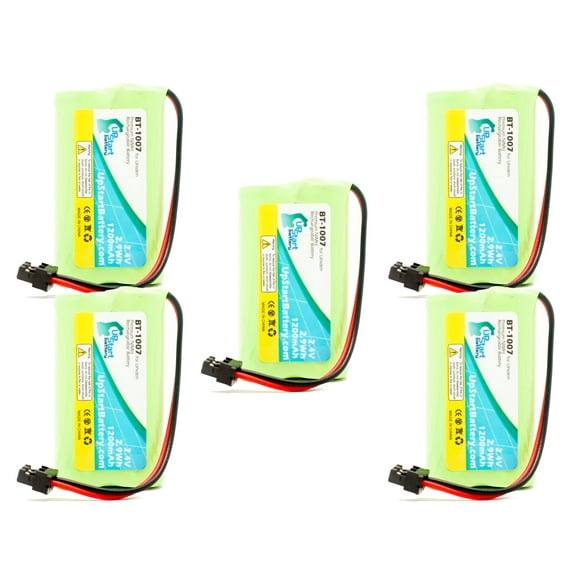
Upstart Battery Brand AT&T BT18433 Battery - Replaces AT&T Cordless Phone Batteries (2.4V, 700mAh, NI-MH)
Installation Instructions - Vtech BT-183342 Battery
Your new Vtech BT-183342 Battery may have shipped with a two pin connector that is different from the one on your original battery. Vtech shipped approximately 95% of their phones with the connector included with your new battery, and there is no easy way to tell which model number of phones has the other 5% of connectors that are different.
If your phone requires the connector on your original battery, this will require a simple modification of the new battery use it: you just need to swap the connectors. Here’s how:
- Cut all the wires on the new battery and old battery about half way up. Leave enough room on both sides to splice the wires.
- Bare the wires, either with a wire stripper, or even with scissors or anything else. Don’t hurt your teeth J
- Splice red to red and black to black.
- Cover the bare wire you spliced, ideally with electrical tape, but if that is not available, with something else to ensure that the positive and negative wires do not short.
- Plug the new battery into your phone, charge it, and you are ready to go.
Please note: This is an UpStart Battery brand replacement part, not an OEM product. This product is not affiliated with any OEM brands and is not covered under any warranties offered by the original manufacturers. Any warranties for this product are offered solely by Upstart Battery. All mentions of brand names or model descriptions are made strictly to illustrate compatibility. All brand names and logos are registered trademarks of their respective owners.