

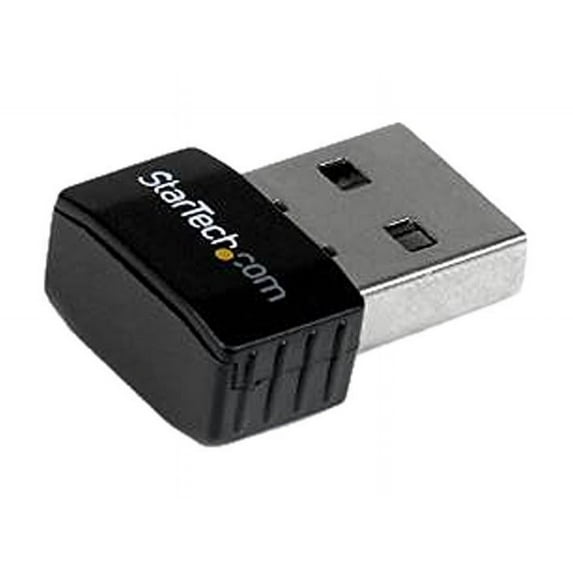
StarTech USB 2.0 300Mbps Mini Wireless-N Network Adapter, 802.11n 2T2R, 20/40MHz Bandwidth, 2.400-2.484GHz Frequency Range
Key item features
- ENHANCED WIFI SPEED - Experience up to 300Mbps with 802.11n ideal for streaming gaming and fast downloads on the 2.400-2.484GHz band ensuring a smoother online experience.
- SEAMLESS USB CONNECTIVITY - Simply plug into any available USB 2.0 port for instant wireless access; its compact design (0.9x0.6x0.2") minimizes obstruction and maximizes portability.
- ADVANCED NETWORK SECURITY - Protect your data with WEP WPA and TKIP/AES encryption creating a secure wireless environment for your peace of mind while browsing or transferring sensitive info.
- BROAD COMPATIBILITY - Compliant with IEEE 802.11b/g/n standards this adapter works seamlessly with various networks ensuring reliable connectivity across different wireless environments.
- EASY VISUAL MONITORING - Equipped with an LED indicator for quick status checks on link and activity allowing you to easily monitor your network connection at a glance for troubleshooting.
- RELIABLE PERFORMANCE - Built with a Realtek RTL8192EU chipset and 2x2:2 antenna configuration this adapter ensures a stable and consistent wireless connection for all your networking needs.
- Connect to a wireless-N network in remote locations where wired connections are unavailable
- Add high-speed Wi-Fi connectivity to support demanding applications such as streaming video VoIP and network backups
Specs
- Wireless performanceN300
- Number of wireless frequency bandsSingle-Band
- Usb version2.0
- BrandStarTech.com
- WiFi securityWEP, WPA or WPA2
- Size300 Mbps N
 Free 30-day returns
How do you want your item?


More seller options (10)

Get free delivery, shipping and more*
About this item
Product details
- ENHANCED WIFI SPEED - Experience up to 300Mbps with 802.11n ideal for streaming gaming and fast downloads on the 2.400-2.484GHz band ensuring a smoother online experience.
- SEAMLESS USB CONNECTIVITY - Simply plug into any available USB 2.0 port for instant wireless access; its compact design (0.9x0.6x0.2") minimizes obstruction and maximizes portability.
- ADVANCED NETWORK SECURITY - Protect your data with WEP WPA and TKIP/AES encryption creating a secure wireless environment for your peace of mind while browsing or transferring sensitive info.
- BROAD COMPATIBILITY - Compliant with IEEE 802.11b/g/n standards this adapter works seamlessly with various networks ensuring reliable connectivity across different wireless environments.
- EASY VISUAL MONITORING - Equipped with an LED indicator for quick status checks on link and activity allowing you to easily monitor your network connection at a glance for troubleshooting.
- RELIABLE PERFORMANCE - Built with a Realtek RTL8192EU chipset and 2x2:2 antenna configuration this adapter ensures a stable and consistent wireless connection for all your networking needs.
- Connect to a wireless-N network in remote locations where wired connections are unavailable
- Add high-speed Wi-Fi connectivity to support demanding applications such as streaming video VoIP and network backups
Specifications
Wireless performance
Number of wireless frequency bands
Usb version
Compatible OS
Warranty
Warranty information
Please be aware that the warranty terms on items offered for sale by third party Marketplace sellers may differ from those displayed in this section (if any). To confirm warranty terms on an item offered for sale by a third party Marketplace seller, please use the 'Contact seller' feature on the third party Marketplace seller's information page and request the item's warranty terms prior to purchase.
Warranty url
Warnings
Warning Text
State Chemical Disclosure
Similar items you might like
Based on what customers bought
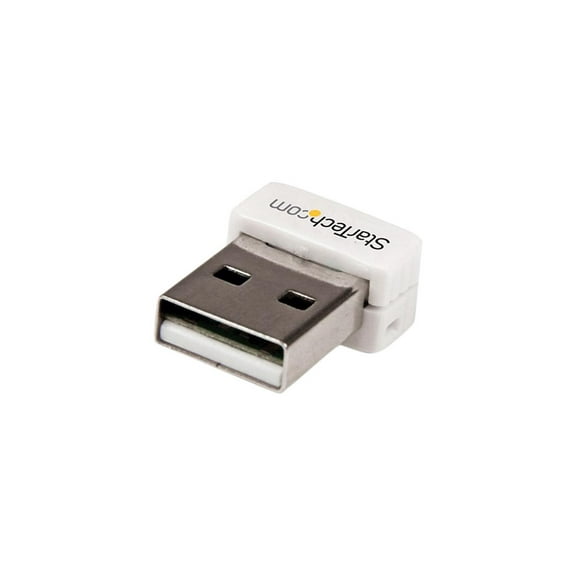
StarTech USB 150Mbps Mini Wireless N Network Adapter, White $7.45 Was $10.88
 $745current price $7.45, Was $10.88$10.88
StarTech USB 150Mbps Mini Wireless N Network Adapter, White
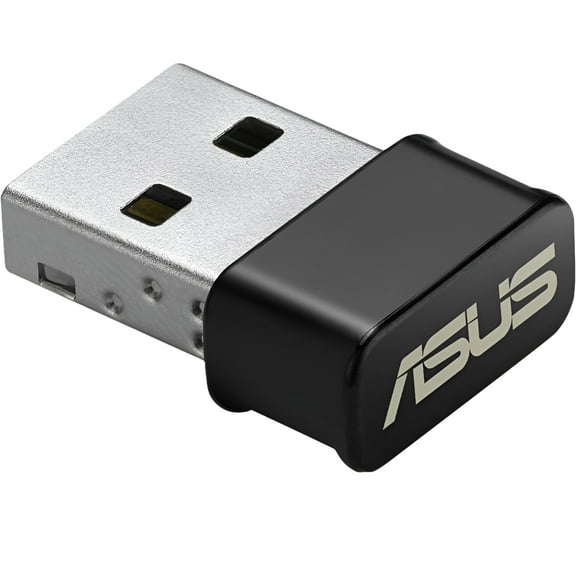
11 out of 5 Stars. 1 reviewsASUS USB-AC53 Dual-Band USB Wi-Fi Adapter $14.89
 $1489current price $14.89
ASUS USB-AC53 Dual-Band USB Wi-Fi Adapter
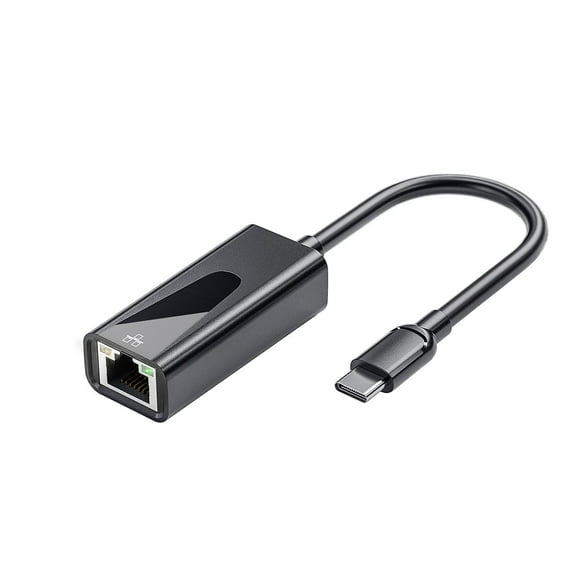
1324.2 out of 5 Stars. 132 reviewsUSB C to Ethernet Adapter Type-C 3.0 to RJ45 Network LAN 100/100 Giga New A9 F6O5 $6.10 Was $7.49
 $610current price $6.10, Was $7.49$7.49
USB C to Ethernet Adapter Type-C 3.0 to RJ45 Network LAN 100/100 Giga New A9 F6O5
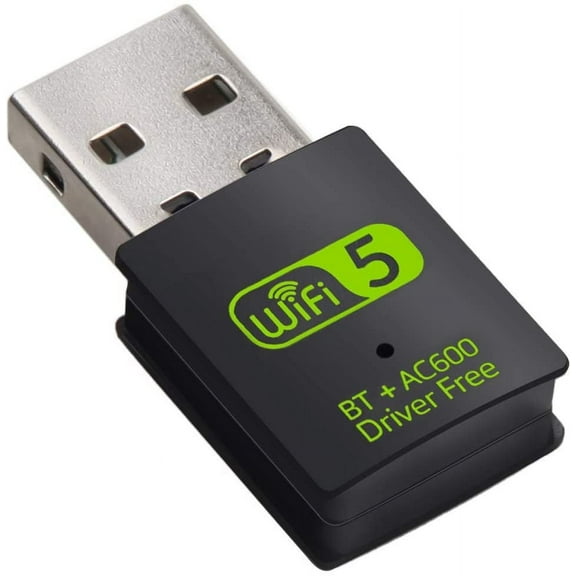
USB WiFi Bluetooth Adapter,600Mbps Dual Band 2.4/5Ghz $6.99
 $699current price $6.99
USB WiFi Bluetooth Adapter,600Mbps Dual Band 2.4/5Ghz
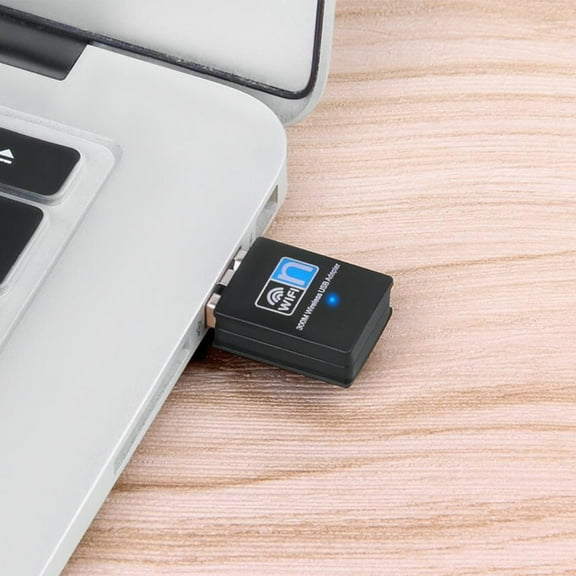
25 out of 5 Stars. 2 reviewsZZkhGO WiFi Adapter 300M Wireless Network Card, 2.4Ghz USB Mini Desktop Computer Receiver, High Speed Wireless Network Adapter for PC $6.99
 $699current price $6.99
ZZkhGO WiFi Adapter 300M Wireless Network Card, 2.4Ghz USB Mini Desktop Computer Receiver, High Speed Wireless Network Adapter for PC
Clearance High Speed Wireless LAN Network Adapter USB for Desktop Laptop PC with Enhanced Connectivity and Stable Performance $6.76 Was $7.52
Clearance $676current price $6.76, Was $7.52$7.52
High Speed Wireless LAN Network Adapter USB for Desktop Laptop PC with Enhanced Connectivity and Stable Performance
Clearance Black Usb C Ethernet Adapter 100Mbps High Speed Internet Rgb Lighting Wired Network Dongle For Type C Devices $4.99 Was $7.99
Clearance 2 optionsAvailable in additional 2 options$499current price $4.99, Was $7.99$7.99
Black Usb C Ethernet Adapter 100Mbps High Speed Internet Rgb Lighting Wired Network Dongle For Type C Devices
15 out of 5 Stars. 1 reviewsBest seller USB WiFi Adapter for Desktop PC, TSV AX900 WiFi 6 Adapter 5/2.4GHz USB 3.0 Wireless Network Dongle for Computer Laptop $10.00
Best seller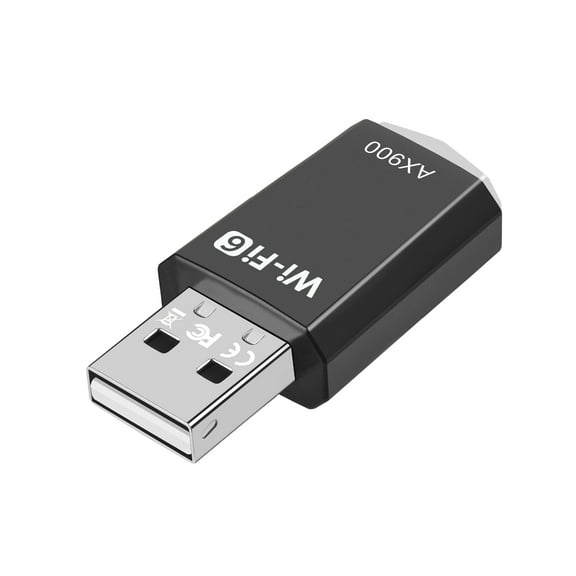 $1000current price $10.00
USB WiFi Adapter for Desktop PC, TSV AX900 WiFi 6 Adapter 5/2.4GHz USB 3.0 Wireless Network Dongle for Computer Laptop
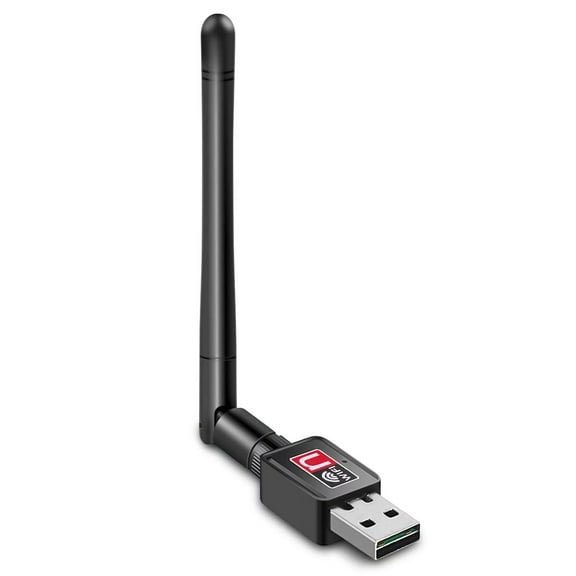
924.3 out of 5 Stars. 92 reviewsViprTech USB WiFi Adapter, 150Mbps Wireless Network PC Desktop Laptop, 2.4G Dongle Antenna $6.99
 $699current price $6.99
ViprTech USB WiFi Adapter, 150Mbps Wireless Network PC Desktop Laptop, 2.4G Dongle Antenna
384.5 out of 5 Stars. 38 reviewsClearance USB C to Ethernet Adapter Type-C 3.0 to RJ45 Network LAN 100/100 Giga Hot K8 $7.39 Was $8.29
Clearance$739current price $7.39, Was $8.29$8.29USB C to Ethernet Adapter Type-C 3.0 to RJ45 Network LAN 100/100 Giga Hot K8
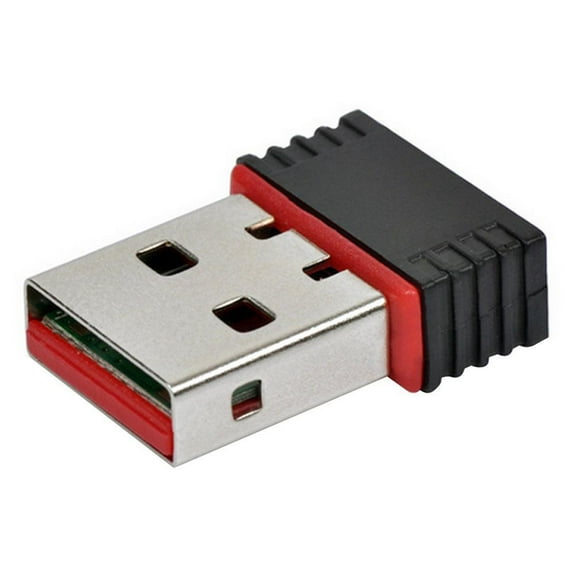
Mini USB WiFi Dongle 802.11 B/G/N Wireless Network For Laptop Adapter Best Z1K3 $5.30
 $530current price $5.30
Mini USB WiFi Dongle 802.11 B/G/N Wireless Network For Laptop Adapter Best Z1K3
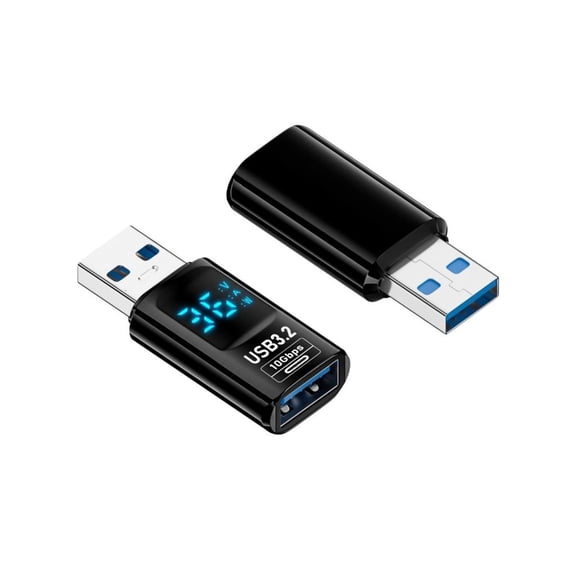
Highly Speed Data Sync USB C to USB3.2 Adapter for Multiple Devices Laptops $8.66
 3 optionsAvailable in additional 3 options$866current price $8.66
Highly Speed Data Sync USB C to USB3.2 Adapter for Multiple Devices Laptops
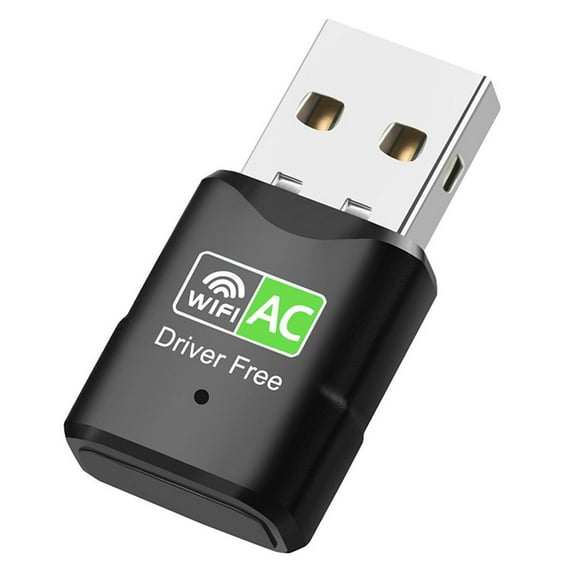
Jkapagzy 600Mbps USB WiFi Adapter Dual Band 2.4G 5Ghz 802.11AC Card✨1 Network N3C1 $7.79
 $779current price $7.79
Jkapagzy 600Mbps USB WiFi Adapter Dual Band 2.4G 5Ghz 802.11AC Card✨1 Network N3C1
13 out of 5 Stars. 1 reviewsTONAIN Dual Band 600Mbps USB WiFi Wirel Dongle AC600 Lan Adapter 2.4GHz Network $7.80
$780current price $7.80TONAIN Dual Band 600Mbps USB WiFi Wirel Dongle AC600 Lan Adapter 2.4GHz Network
Wireless WIFI Receiver Network Card, 600M Compact Portable USB Adapter $7.90
 $790current price $7.90
Wireless WIFI Receiver Network Card, 600M Compact Portable USB Adapter
Clearance Now! 600Mbps USB WiFi Adapter Dual Band 2.4G 5Ghz 802.11AC Card✨j Network S6J0 $8.67
$867current price $8.67Clearance Now! 600Mbps USB WiFi Adapter Dual Band 2.4G 5Ghz 802.11AC Card✨j Network S6J0
Clearance Now! Dual Band 600Mbps USB WiFi Wirel Dongle AC600 Lan 2.4GHz 5GHz Network V8R1 $9.14
$914current price $9.14Clearance Now! Dual Band 600Mbps USB WiFi Wirel Dongle AC600 Lan 2.4GHz 5GHz Network V8R1
40Gbps USB C Adapter 90 Degree / Straight USB C Extender New N3 $6.47
 $647current price $6.47
40Gbps USB C Adapter 90 Degree / Straight USB C Extender New N3
Clearance Double Band 1300Mbps USB Adapter With 4 Adjustment Antennas $13.18 Was $14.81
Clearance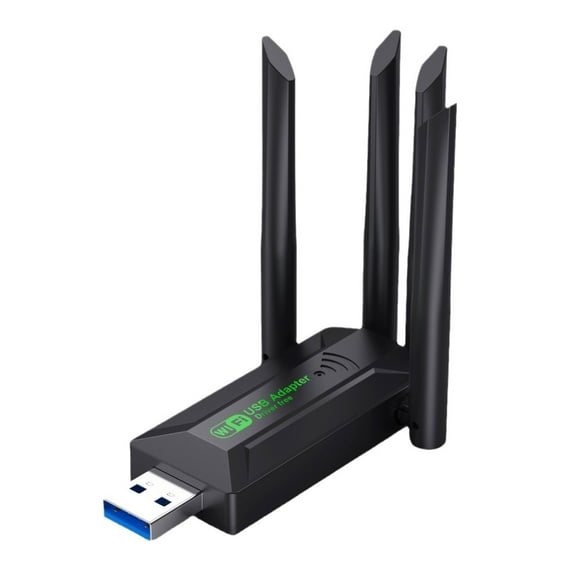 $1318current price $13.18, Was $14.81$14.81
Double Band 1300Mbps USB Adapter With 4 Adjustment Antennas
Clearance! Dual Band 600Mbps USB WiFi Wireless Dongle AC600 Lan 5GHz Adapter 2.4GHz R8C2 $8.67
$867current price $8.67Clearance! Dual Band 600Mbps USB WiFi Wireless Dongle AC600 Lan 5GHz Adapter 2.4GHz R8C2
Customer ratings & reviews
Filtered and sorted results would be available on the new 'Customer ratings & reviews' page.
Showing 1-3 of 5 reviews
Verified Purchase
very good
I saved my computer by using this little network adaptor. My internal network was not working good and I tought that I had to change my laptop untill somebody recommended me that little miracle.
I love this...
This is going to be very long because I want to add a little tech support here in the event anyone has major issues with getting it to work on windows 10. Before I list the steps I took to correct the problem, though, I want to first say this in an amazing product for the price. I get and maintain a super fast connection with this tiny little thing that plugs discretely into my usb port. When I first opened the package, I had doubts something so tiny could do what I wanted to do from an usb. Anyway, I love, love, love this, but I had major issues getting it to work with windows 10 and I want to make this extremely clear it is a problem with windows 10, not the product. I wanted it to work with mobile hotspot. We live in a very rural area and tried to get a more reliable wifi service, but they were unable to get a signal strong enough for our particular location. BUT! We had cell phone service fine (go figure), but for some reason, we could not connect using our cell phone as a hotspot, so we purchased a mobile hotspot from Walmart and used straight talk. It worked fine for awhile, but we got so sick of paying $25 additional a month for only 2 gigs of data when get nearly 50 with our wireless plan. Anyway, I tried every tech support forum, video, whatever out there and no one could tell us why we couldn't connect using our cell hotspot. Finally, out of frustration, I started turning things off or changing settings and finally figured out how to make it work and not only work, but work well. If anyone has a problem using their cell as a hotspot, here is what you need to do: 1. go to your command prompt, run it as an administrator. 2. type in this command: netsh int tcp set heuristics disabled 3. hit enter and you should get an OK message. 4. type in this command: netsh int tcp set global autotuninglevel=disabled 5. tap enter (get the OK message) 6. type in this command: netsh int tcp set global rss=enabled 7. tap enter/OK message! 8. now make certain everything worked as it should, so type in: netsh int tcp show global 9. tap enter and it should show a list of different things. pretty much everything except one should be disabled. 10. restart your computer (there is still more to come tho!) 11. go to the device manager and find the network device. 12. under properties, go to the advanced tab and under bandwidth, change it to 20 ghz. 13. under the same tab, go to Enable Adaptivity and disable it. Before doing any of this though, make certain you are using the latest drivers. This really is an awesome product!
Perfect for what I needed
I purchased this for a laptop that had a bad internal wireless card. I didn't want the hassle of dismantling my laptop so I bought this instead. Plugged in, recognized immediately, and has better signal quality than the old card. The small form factor is great too so I don't have to worry about bumping it or anything catching and breaking it by mistake.

Related pages
- Sfp Slot
- Computer Networking Transceivers Network Usb Products
- Qlogic Fc Dual Port Hba
- Intel Gigabit Ct Desktop Adapter
- 1gbe Sfp Ports
- Ieee 802 11 Ac
- Powerline Networking
- Wireless Access Points
- 802.11n Wireless Network Adapters
- 802.11a Wireless Network Adapters
- 802.11b Wireless Network Adapters
- 802.11g Wireless Network Adapters