

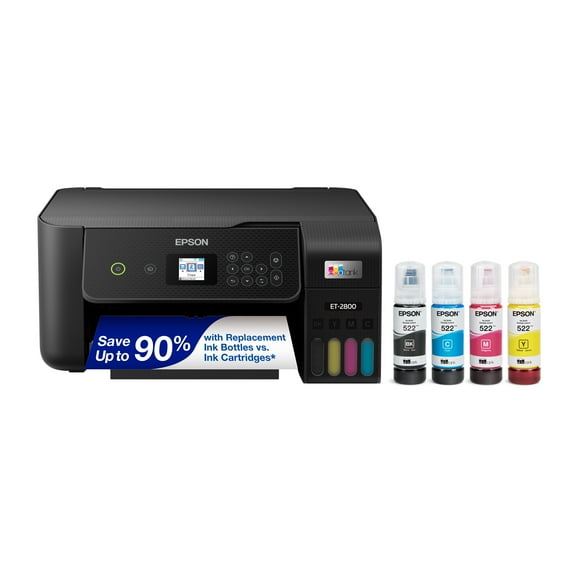
Epson EcoTank ET-2800 Wireless Color All-in-One Cartridge-Free Supertank Printer with Scan and Copy - The Ideal Basic Home Printer - Black
Key item features
- Innovative Cartridge-Free Printing ― No more tiny, expensive ink cartridges; each ink bottle set is equivalent to about 80 individual cartridges (2)
- Dramatic Savings on Replacement Ink ― Save up to 90% with replacement ink bottles vs. ink cartridges (1) – that’s enough to print up to 4,500 pages black/7,500 color (3)
- Stress-Free Printing — Up to 2 years of ink in the box (4) – and with every replacement ink set – for fewer out of ink frustrations
- High-Capacity Ink Tanks — Epson’s exclusive EcoFit ink bottles make filling easy and worry-free
- Zero Cartridge Waste — By using an EcoTank printer, you can help reduce the amount of cartridge waste ending up in landfills
- Impressive Print Quality ― Unique Micro Piezo Heat Free technology produces sharp text – plus impressive color photos and graphics – on virtually any paper type
- Built-In Scanner & Copier ― High-resolution flatbed scanner and a color display for easy document copying and navigation
- Modern Connectivity ― Features wireless, plus hands-free voice-activated printing (5). Easily print from your smart device (6) using AirPrint or the intuitive Epson Smart Panel app (7)
Specs
- Ink container typeInk Cartridge
- Input/output typeWireless
- Maximum print resolution5760 dpi
- Printer functionsPrint, Fax, Scan, Copy
- Pages per min.10 ppm
- Wireless802.11b/g/n Wireless
Reviews summary
Pros
- : Setup and operation are simple and intuitive.
- : Uses small tanks and bottled ink for cost-effective operation.
- : Provides cost-effective printing solution.
- : Setup process takes minimal time and effort.
Neutral
- : Can be strong and stable, but may drop or lag occasionally.
Cons
- : Paper curls when loaded in upright position.
How do you want your item?
About this item
Product details
- Innovative Cartridge-Free Printing ― No more tiny, expensive ink cartridges; each ink bottle set is equivalent to about 80 individual cartridges (2)
- Dramatic Savings on Replacement Ink ― Save up to 90% with replacement ink bottles vs. ink cartridges (1) – that’s enough to print up to 4,500 pages black/7,500 color (3)
- Stress-Free Printing — Up to 2 years of ink in the box (4) – and with every replacement ink set – for fewer out of ink frustrations
- High-Capacity Ink Tanks — Epson’s exclusive EcoFit ink bottles make filling easy and worry-free
- Zero Cartridge Waste — By using an EcoTank printer, you can help reduce the amount of cartridge waste ending up in landfills
- Impressive Print Quality ― Unique Micro Piezo Heat Free technology produces sharp text – plus impressive color photos and graphics – on virtually any paper type
- Built-In Scanner & Copier ― High-resolution flatbed scanner and a color display for easy document copying and navigation
- Modern Connectivity ― Features wireless, plus hands-free voice-activated printing (5). Easily print from your smart device (6) using AirPrint or the intuitive Epson Smart Panel app (7)
Specifications
Ink container type
Input/output type
Maximum print resolution
Printer functions
Warranty
Warranty information
Similar items you might like
Based on what customers bought
Rollback Epson EcoTank ET-4810 Wireless All-in-One Cartridge-Free Supertank Printer with Scanner, Copier, Fax, ADF and Ethernet $249.00 Was $299.99
Rollback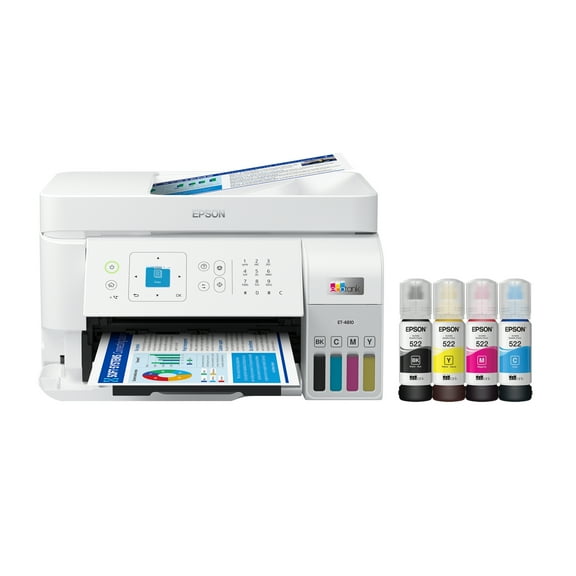 SponsoredNow$24900current price Now $249.00, Was $299.99$299.99You save $50.99You save$50.99
Epson EcoTank ET-4810 Wireless All-in-One Cartridge-Free Supertank Printer with Scanner, Copier, Fax, ADF and Ethernet
11174.2 out of 5 Stars. 1117 reviewsSave with Delivery as soon as 1 hourShipping, arrives todayPickup as soon as 5pm
Best seller Canon MegaTank PIXMA G3272 All-In-One, Wireless Color Inkjet Printer for Home Office Use $194.00
Best seller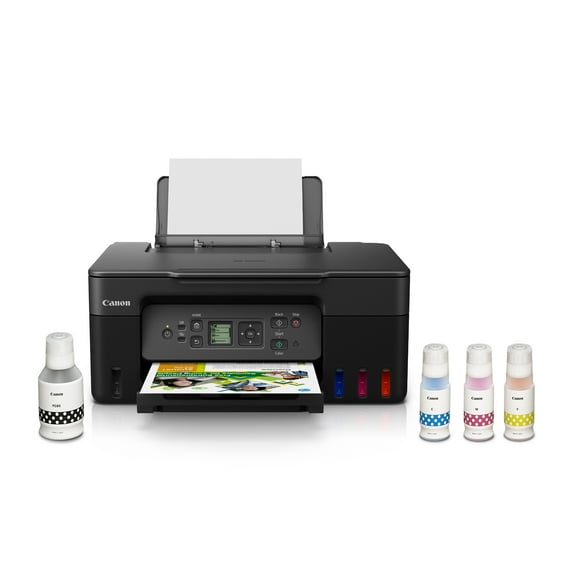 Sponsored$19400current price $194.00
Canon MegaTank PIXMA G3272 All-In-One, Wireless Color Inkjet Printer for Home Office Use
17824.3 out of 5 Stars. 1782 reviewsSave withDelivery as soon as 1 hourShipping, arrives todayPickup as soon as 5pmRollback Epson EcoTank ET-2803 Wireless All-in-One Cartridge-Free Printer $179.00 Was $199.99
Rollback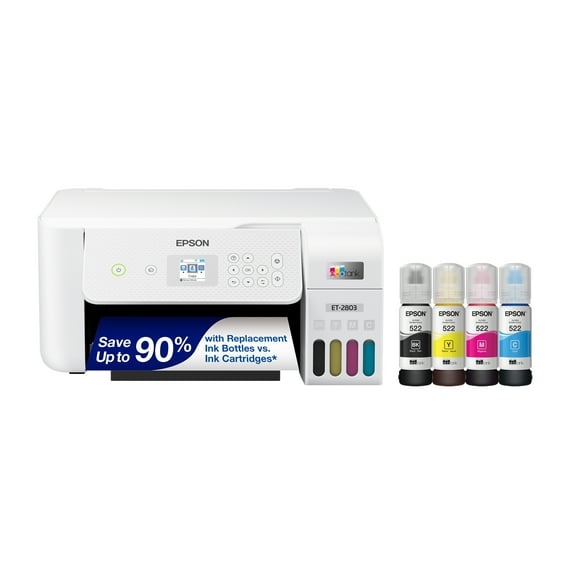 $17900current price $179.00, Was $199.99$199.99
Epson EcoTank ET-2803 Wireless All-in-One Cartridge-Free Printer
62454.3 out of 5 Stars. 6245 reviewsEpson EcoTank ET-2400 Wireless Color All-in-One Cartridge-Free Supertank Printer with Scan and Copy $189.99
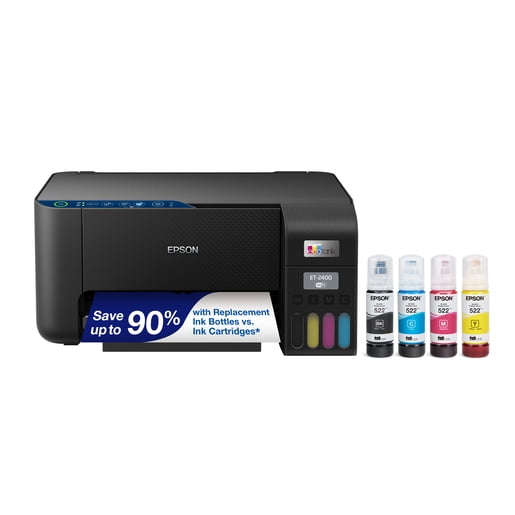 $18999current price $189.99
Epson EcoTank ET-2400 Wireless Color All-in-One Cartridge-Free Supertank Printer with Scan and Copy
24443.9 out of 5 Stars. 2444 reviewsRollback HP Smart Tank 6002 Wireless All-in-One Cartridge-free Ink Tank Printer with 2 years of ink included $229.00
Rollback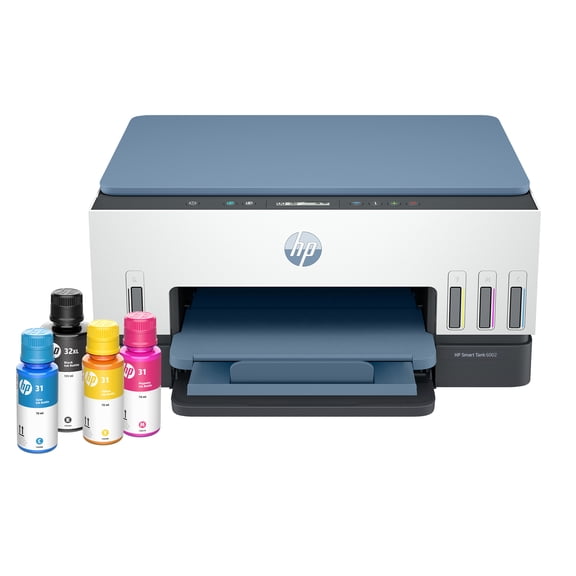 $22900current price $229.00
HP Smart Tank 6002 Wireless All-in-One Cartridge-free Ink Tank Printer with 2 years of ink included
2424.1 out of 5 Stars. 242 reviewsEpson EcoTank ET-2800 Wireless Color All-in-One Cartridge-Free Supertank Printer with Scan and Copy - The Ideal Basic Home Printer - White $239.99
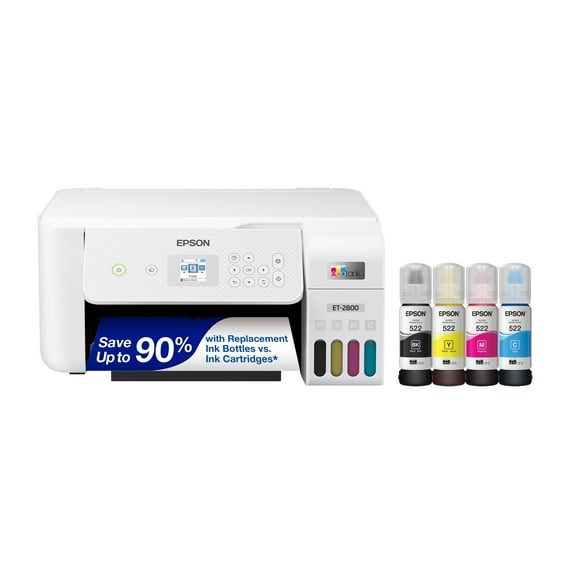 $23999current price $239.99
Epson EcoTank ET-2800 Wireless Color All-in-One Cartridge-Free Supertank Printer with Scan and Copy - The Ideal Basic Home Printer - White
6503.8 out of 5 Stars. 650 reviewsCanon PIXMA TR8622a Printer, Scanner, Copier All-In-One, Wireless Color Inkjet for Home Office Use $194.00
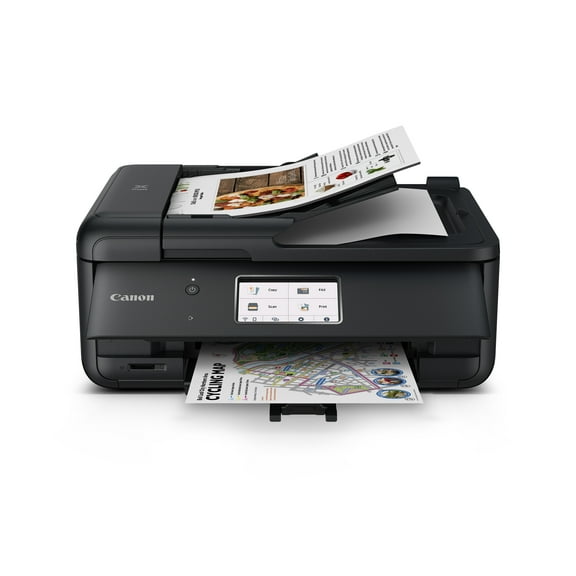 Sponsored$19400current price $194.00
Canon PIXMA TR8622a Printer, Scanner, Copier All-In-One, Wireless Color Inkjet for Home Office Use
12644.2 out of 5 Stars. 1264 reviewsSave withDelivery as soon as 1 hourShipping, arrives todayPickup as soon as 5pmCanon MegaTank PIXMA G4280 Printer, Scanner, Copier Multi-Function, Wireless Color Inkjet Home Office Use $269.00
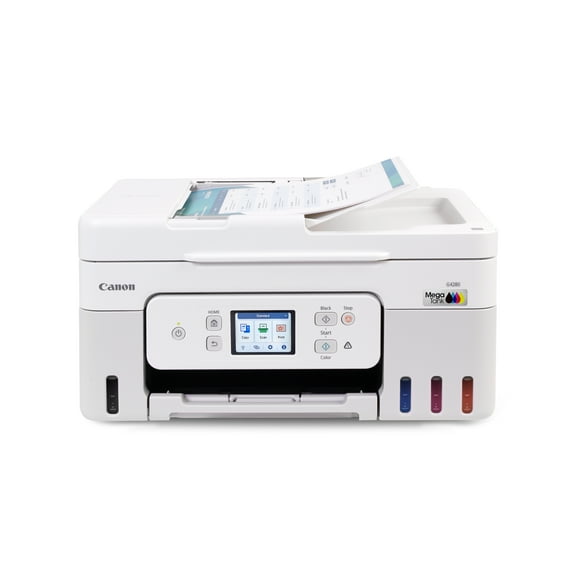 Sponsored$26900current price $269.00
Canon MegaTank PIXMA G4280 Printer, Scanner, Copier Multi-Function, Wireless Color Inkjet Home Office Use
1524.3 out of 5 Stars. 152 reviewsSave withDelivery as soon as 1 hourShipping, arrives todayPickup as soon as 5pmThermal Printer, Wireless Printer Support US Letter & A4 for Travel, Inkless Portable Compatible with Ios Android Laptop for Home Car Office $44.99 Was $109.99


 $4499current price $44.99, Was $109.99$109.99
Thermal Printer, Wireless Printer Support US Letter & A4 for Travel, Inkless Portable Compatible with Ios Android Laptop for Home Car Office
8673.8 out of 5 Stars. 867 reviewsEpson EcoTank ET-4800 Wireless All-in-One Cartridge-Free Supertank Printer with Scanner, Copier, Fax, ADF and Ethernet $299.99
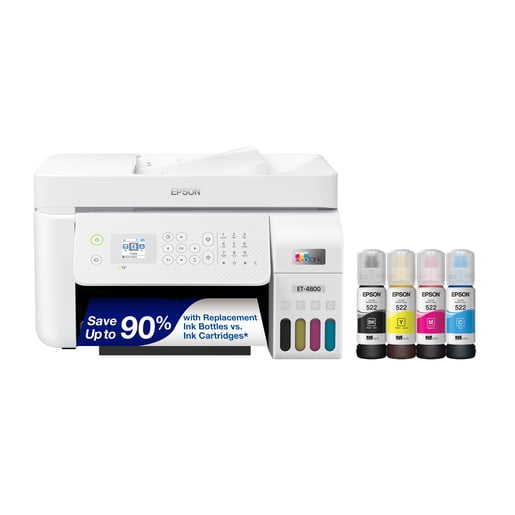 $29999current price $299.99
Epson EcoTank ET-4800 Wireless All-in-One Cartridge-Free Supertank Printer with Scanner, Copier, Fax, ADF and Ethernet
7774 out of 5 Stars. 777 reviewsRollback HP LaserJet MFP M139w Wireless All-in-One Black-and-White Laser Printer Scanner Copier, AI-enabled $149.00 Was $189.00
Rollback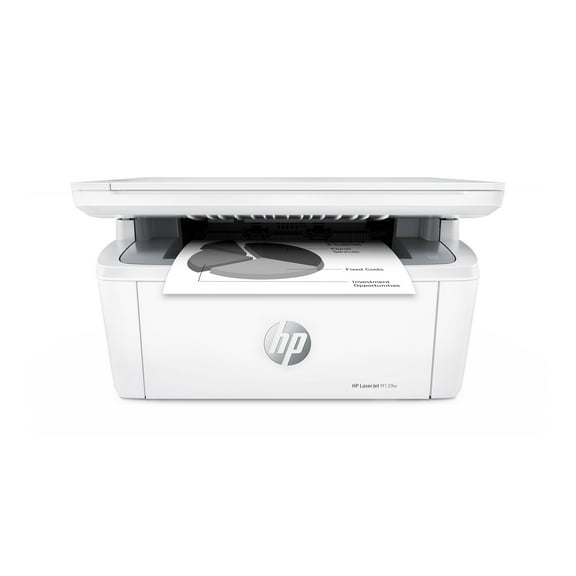 $14900current price $149.00, Was $189.00$189.00
HP LaserJet MFP M139w Wireless All-in-One Black-and-White Laser Printer Scanner Copier, AI-enabled
8914.1 out of 5 Stars. 891 reviewsHP OfficeJet Pro 8125e All-in-One Printer with 3 Months of Instant Ink for free with HP , AI-enabled $119.99
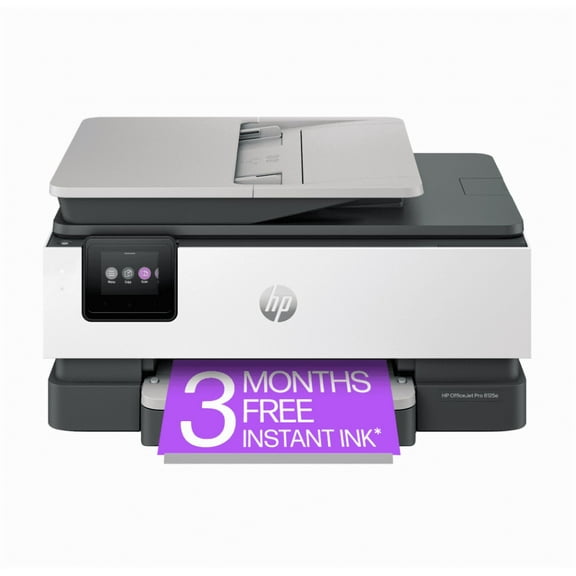 $11999current price $119.99
HP OfficeJet Pro 8125e All-in-One Printer with 3 Months of Instant Ink for free with HP , AI-enabled
1503.9 out of 5 Stars. 150 reviewsRollback Canon PIXMA TS7722 Multi-Function, Wireless Color Inkjet Printer, Scanner, Copier for Home Office $84.00 Was $107.00
Rollback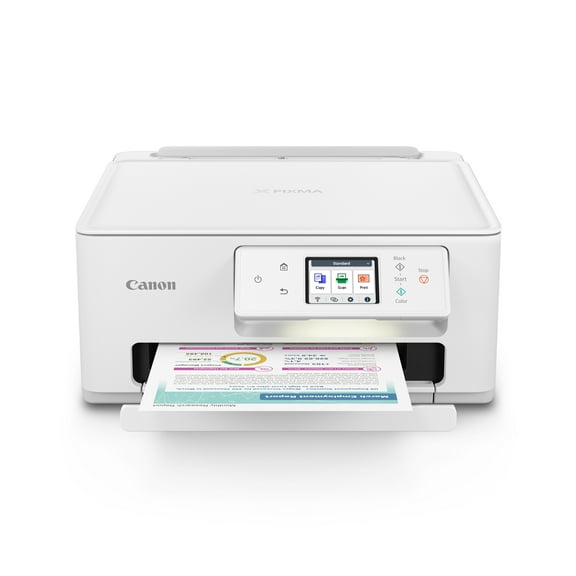 SponsoredNow$8400current price Now $84.00, Was $107.00$107.00You save $23.00You save$23.00
Canon PIXMA TS7722 Multi-Function, Wireless Color Inkjet Printer, Scanner, Copier for Home Office
6904.2 out of 5 Stars. 690 reviewsSave withShipping, arrives tomorrowHP OfficeJet 9122e Wireless All-in-One Color Inkjet Printer, Scanner, Copier, Fax, ADF, 3 months Instant Ink $249.00
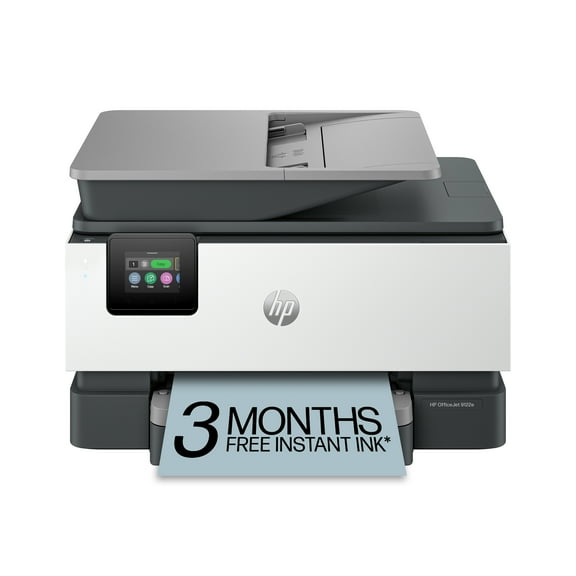 $24900current price $249.00
HP OfficeJet 9122e Wireless All-in-One Color Inkjet Printer, Scanner, Copier, Fax, ADF, 3 months Instant Ink
3324 out of 5 Stars. 332 reviewsEpson WorkForce Pro WF-7820 Wireless All-in-One Wide-format Printer with Auto 2-sided Print up to 13" x 19", Copy, Scan and Fax, 50-page ADF, 250-sheet Paper Capacity, and 4.3" Color Touchscreen $329.99
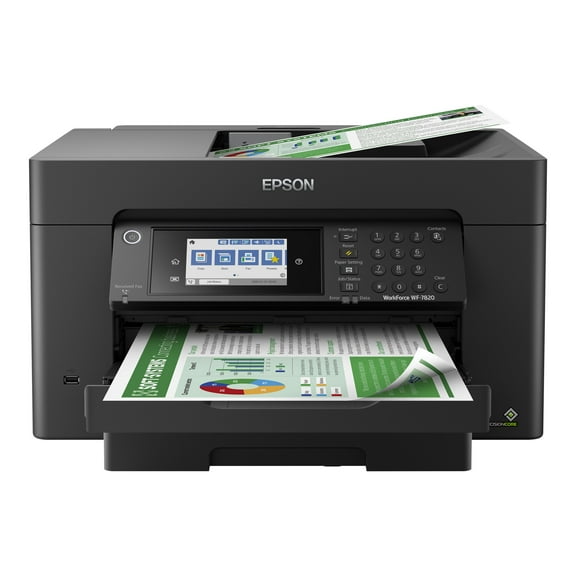 $32999current price $329.99
Epson WorkForce Pro WF-7820 Wireless All-in-One Wide-format Printer with Auto 2-sided Print up to 13" x 19", Copy, Scan and Fax, 50-page ADF, 250-sheet Paper Capacity, and 4.3" Color Touchscreen
2353.8 out of 5 Stars. 235 reviewsPIXMA G3270 MegaTank Inkjet Printer - Black $229.00
 2 optionsAvailable in additional 2 options$22900current price $229.00
PIXMA G3270 MegaTank Inkjet Printer - Black
1924.1 out of 5 Stars. 192 reviewsCanon MegaTank PIXMA G6020 All-In-One, Wireless Color Inkjet Printer for Home Office Use $271.68 Was $299.00
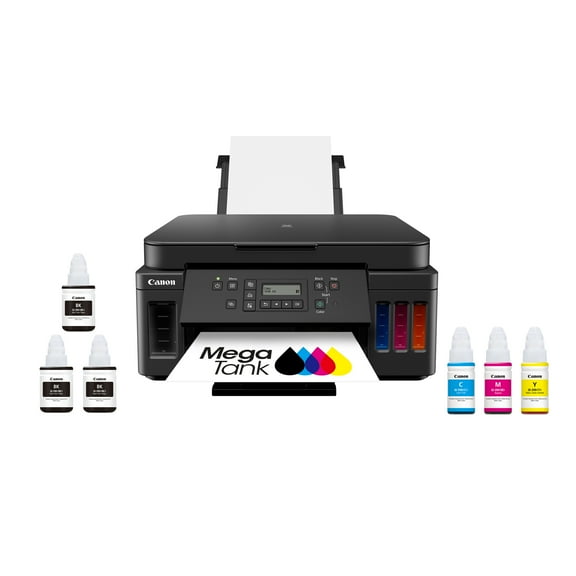 $27168current price $271.68, Was $299.00$299.00
Canon MegaTank PIXMA G6020 All-In-One, Wireless Color Inkjet Printer for Home Office Use
2693.8 out of 5 Stars. 269 reviewsOpen Box EcoTank C11CJ67201 ET-2400 Wireless Color All-in-One Cartridge-Free Supertank Printer with Scan and Copy $128.00
 $12800current price $128.00
Open Box EcoTank C11CJ67201 ET-2400 Wireless Color All-in-One Cartridge-Free Supertank Printer with Scan and Copy
2104 out of 5 Stars. 210 reviewsEpson WorkForce Pro WF-7310 Single-function Wireless Large Format Printer $239.99
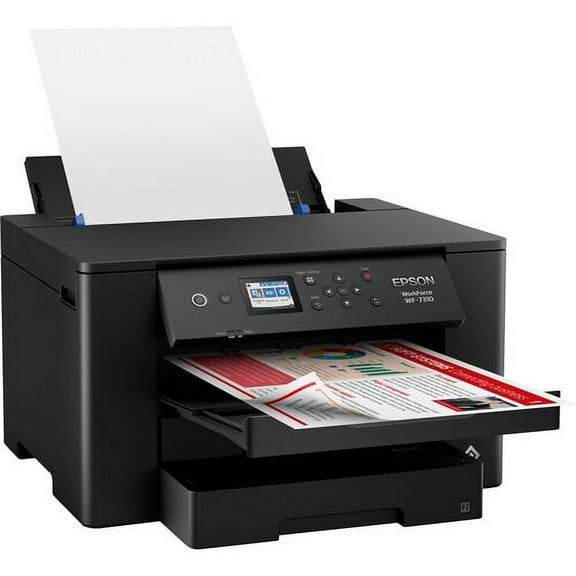 $23999current price $239.99
Epson WorkForce Pro WF-7310 Single-function Wireless Large Format Printer
15 out of 5 Stars. 1 reviewsEpson EcoTank ET-2800 Wireless All-in-One Color Inkjet PRINTER, 5760 x 1440 dpi, 10 ppm, The Ideal Basic Home Printer, Print Scan Copy, White, Bundle Printer Cable $249.00
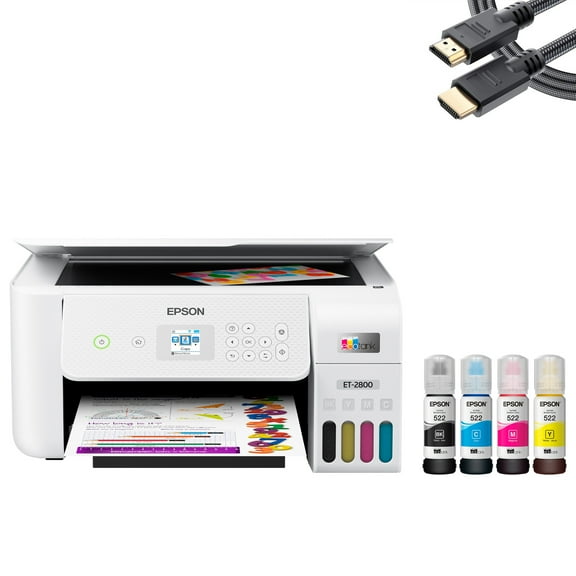 $24900current price $249.00
Epson EcoTank ET-2800 Wireless All-in-One Color Inkjet PRINTER, 5760 x 1440 dpi, 10 ppm, The Ideal Basic Home Printer, Print Scan Copy, White, Bundle Printer Cable
21.5 out of 5 Stars. 2 reviews

Customer ratings & reviews
Reviews summary
Pros
- : Setup and operation are simple and intuitive.
- : Uses small tanks and bottled ink for cost-effective operation.
- : Provides cost-effective printing solution.
- : Setup process takes minimal time and effort.
Neutral
- : Can be strong and stable, but may drop or lag occasionally.
Cons
- : Paper curls when loaded in upright position.
Customer photos



 +6 images
Showing 1-3 of 171 reviews
Verified Purchase
Great buy
This is second epson printer i had. I love it easy to install and save money for cartridges. This printer is great if you print a lot like me. Great buy!
Here's my experience after a couple of weeks!
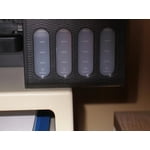
I can't comment on the Wi-Fi setup as I'm only using my USB cord from my old Canon Pixma which this replaces but it works fine with Windows 11. It's cute and fairly light and setup really is as easy as they claimed to fill the tanks (see photo). After which you let it do its' thing for 11 mins. But controls take a bit to get used to as the printer screen is so small it's almost useless and even the online settings can be confusing compared to my old Canon but it's sheet feeder is much better. Here's a few things to watch: PRINT & COLOUR seemed a bit washed out at first until I discovered that Epson's preset 'Standard' quality is actually 'Draft' quality. So set it at 'High' quality and leave it as your preset quality and your colours will look much better. SCAN & COPY is the same for appearing washed out. There is no high qualit setting here but after you press copy on the printer, push once on the down arrow and it will show a density option. Set it 1 to 2 clicks darker and your copy should come out just like the original. And finally one other observation. You won't see colours in the tank windows, instead you'll simply see them go from light grey to darker gray. See my closeup photo. The left tank is the black and is down about 10% from full. The colour ink levels haven't yet budged. In dim light you won't be able to see the levels unless you use a flashlight. Overall, I'm quite impressed with this new machine and no problem with ink as the ink that came with it is good until 2030 or so the cartridges said.
Verified Purchase
Duh
I gavwn't used it yet, because my previous one has been able to meet my needs. I don't print much, I scan many items, maybesome I don;t need. My other Epson quit, and they sent me a repacement, but when it screwed up color sturr for church I tried to make it obey. 1) I'm old. 2) it was disobedient, 3 I bought a new one, rather than going through the whole stup - uh, process, where I could not print out the shipment icon because, uh, I'm old, and apparently, so is my computer. Since all Y use it for, unless I want to create someyhing beautiful for church, and since the old one still scans, and, since they gave me a refurbished one ast time, and since it used to work fine until I tried to re-school it, I think this is probably a good machine,
