

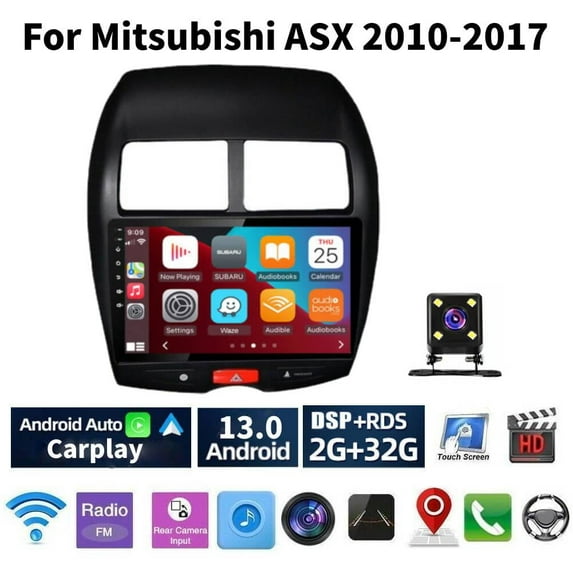
Hero image 0 of Android 13 Car Stereo Radio for Mitsubishi ASX 2010-2017, 10" Touchscreen Support Carplay Android Auto GPS Navigation WIFI Bluetooth Steering Wheel Control Rear Camera 2GB RAM + 32GB ROM, Black, 0 of 3
Android 13 Car Stereo Radio for Mitsubishi ASX 2010-2017, 10" Touchscreen Support Carplay Android Auto GPS Navigation WIFI Bluetooth Steering Wheel Control Rear Camera 2GB RAM + 32GB ROM, Black
(No ratings yet)
Android 13 Car Stereo Radio for Mitsubishi ASX 2010-2017, 10" Touchscreen Support Carplay Android Auto GPS Navigation WIFI Bluetooth Steering Wheel Control Rear Camera 2GB RAM + 32GB ROM, BlackAndroid 13 Car Stereo Radio Mitsubishi ASX 2010 2017 10 Touchscreen Support Carplay Android Auto GPS Navigation WIFI Bluetooth Steering Wheel Control
Actual Color:Black
selected, Black, $130.88
$130.88
Key item features
- Why can't I turn on the car radio?1. Please check the voltage of the car radio: 12V2. When testing this car radio, you can combine the red wire and the yellow wire to connect to the positive pole of the power supply, and the black wire to the negative pole of the power supply.3. Replace the same type of insurance test car radio.Note: Please be sure to use our power cord to connect to our car radio, and not directly plug the original car plug into our machine.
- Why does the car radio display "No Signal" when reversing?Please check if the camera cable is properly connected to the car radio.Note: The video port of the rear camera must be plugged into the "CAMIN" port of the car radio.
- Why does the camera display "!" when I use USB to watch video, it says "Can't watch video while driving"?Please turn off the "Video Warning" function in the settings.
- Why can't I find FM?1. The radio antenna is not inserted;2. Please check whether the radio antenna is plugged in, please plug in the antenna several times to make it contact well;3. The signal at your location is not good. Please go to a better place to test again.4. The radio antenna on the car is broken/no effect; please replace the radio antenna and retest.
- Why can't I connect to the Bluetooth of the car radio?1. Open the phone settings interface, turn on Bluetooth in the Bluetooth function, search for Bluetooth devices, and find the Bluetooth model of the player to be paired; if you need a pairing code, please enter 0000.2. Please try to use other mobile phones to test this function. All methods are correct, and Bluetooth still cannot be used, please unplug the plug on the back of the player and plug it in after 3 minutes.
Specs
- Vehicle makeMitsubishi
- Vehicle modelASX
- Vehicle fitment typeSpecific
- Compatible carsMitsubishi ASX 2010-2017
- BrandiSpchen
- TouchscreenY
Current price is USD$130.88
Price when purchased online
- Free shipping
 Free 30-day returns

Walmart Protection Plan by Allstate
(Only one option can be selected at a time)
How do you want your item?
Ships to
Arrives between May 29 - Jun 2
|
Sold and shipped by iSpchen Auto Parts
3.797468354430379 stars out of 5, based on 79 seller reviews(3.8)79 seller reviews

Free 30-day returns
About this item
Product details
Features:
●HD 10'' 2.5D Tempered Glass Mirror auto radio player
●Wireless Carplay: You can choose wired connection or wireless connection to carplay, connect to Apple mobile phone, access mobile phone address book, mail, notification, map navigation, music, video and other information, and realize voice control.
●Wireless Android auto: The Wireless Android auto car system can closely integrate the user's Android phone and player, and realize navigation, make calls, send and receive information, listen to music and other operations through data cable connection.
●Built-in GPS Navigation: Users can purchase directly from play store for offline navigation. With wifi connected, Google Maps can be used perfectly, you can go anywhere you want and never get lost again.
●High definition 1080P: Full capacitance touch screen for easy operation, well designed user interface for car only
●Built-in WIFI: Connect to WIFI, and you will find a new world,the most convenient one is the online map.
●Rear camera: support high-definition 720P camera image input.
●A variety of EQ sound effects scene selection:Frequency division adjustment shocking surround panoramic, sound to listen to every music scenes.
●Steering wheel control: Through it you can control the functions you need by steering wheel, more convenient.
●Built-in Bluetooth with A2DP/Hands Free/Phone book:Bluetooth hands-free calls,Bluetooth music player,Auto loading phonebooks.
●Driving recorder: You can choose a recorder, and the car has playback, the evidence can be retained(requires optional)
●Double USB adapter input: You can enjoy music from you mobilephone without any cables, and also support USB connetion.
●Support file manager: Support download, install and delete over thousands of android apps.
●Support multilanguage: Support languages, up to 40 national languages.
●FM Radio: Online music you can transfer the music to the car stereo by FM to enjoy the original car stereo sound,with 18 preset stations.
●Time Setting:You can use the network or GPS to open the date and time automatically, or you can adjust it manually.
●Split screen/Picture-in-picture function: two pages can be displayed at the same time, such as navigation and music display at the same time.
●Support hot start and turn on in seconds, enjoy the driving journey immediately.
●Support external microphone.
Specifications:
System:Android 13.0
Screen size:10''
Memory:2GB (RAM)+32GB (ROM)
Screen resolution:1024*600
Bluetooth version: Support
Radio chip:MT6625N
Power output:4*45W
Work temperature:-20℃-75℃
Steering wheel control function:Support
Power amplifier chip:YD7388
Radio Band:FM/RDS
Video output:no Support
External microphone: support
Split screen: support
Carplay: wireless
Android output: Wired
Maps:Built-in offline maps(requires internet to download data)
WIFI:Support
USB:Double USB interface
Audio format:APE/FLAC/WAV/MP3/WMA etc
Video format:MKV/RMVB/AVI/MP4/MDV etc
Picture format:PNG/JPEG/JPG/GIF/WBMP/BNP etc
Language:Chinese/English/French/Italian/Korean/Japanese/Arabic/Spanish/Portuguese/Russian/Turkish/Vietnamese/Hebrew/Polish/German
Package Included:
1 x Car Radio Stereo
1 x Rear Camera
1 x Power Cable
1 x GPS Antenna
1 x RCA Input/Output Cable
2 x USB Cable
1 x Origina Car USB Cable
1 x Camera Input
1 x Instruction manual
●HD 10'' 2.5D Tempered Glass Mirror auto radio player
●Wireless Carplay: You can choose wired connection or wireless connection to carplay, connect to Apple mobile phone, access mobile phone address book, mail, notification, map navigation, music, video and other information, and realize voice control.
●Wireless Android auto: The Wireless Android auto car system can closely integrate the user's Android phone and player, and realize navigation, make calls, send and receive information, listen to music and other operations through data cable connection.
●Built-in GPS Navigation: Users can purchase directly from play store for offline navigation. With wifi connected, Google Maps can be used perfectly, you can go anywhere you want and never get lost again.
●High definition 1080P: Full capacitance touch screen for easy operation, well designed user interface for car only
●Built-in WIFI: Connect to WIFI, and you will find a new world,the most convenient one is the online map.
●Rear camera: support high-definition 720P camera image input.
●A variety of EQ sound effects scene selection:Frequency division adjustment shocking surround panoramic, sound to listen to every music scenes.
●Steering wheel control: Through it you can control the functions you need by steering wheel, more convenient.
●Built-in Bluetooth with A2DP/Hands Free/Phone book:Bluetooth hands-free calls,Bluetooth music player,Auto loading phonebooks.
●Driving recorder: You can choose a recorder, and the car has playback, the evidence can be retained(requires optional)
●Double USB adapter input: You can enjoy music from you mobilephone without any cables, and also support USB connetion.
●Support file manager: Support download, install and delete over thousands of android apps.
●Support multilanguage: Support languages, up to 40 national languages.
●FM Radio: Online music you can transfer the music to the car stereo by FM to enjoy the original car stereo sound,with 18 preset stations.
●Time Setting:You can use the network or GPS to open the date and time automatically, or you can adjust it manually.
●Split screen/Picture-in-picture function: two pages can be displayed at the same time, such as navigation and music display at the same time.
●Support hot start and turn on in seconds, enjoy the driving journey immediately.
●Support external microphone.
Specifications:
System:Android 13.0
Screen size:10''
Memory:2GB (RAM)+32GB (ROM)
Screen resolution:1024*600
Bluetooth version: Support
Radio chip:MT6625N
Power output:4*45W
Work temperature:-20℃-75℃
Steering wheel control function:Support
Power amplifier chip:YD7388
Radio Band:FM/RDS
Video output:no Support
External microphone: support
Split screen: support
Carplay: wireless
Android output: Wired
Maps:Built-in offline maps(requires internet to download data)
WIFI:Support
USB:Double USB interface
Audio format:APE/FLAC/WAV/MP3/WMA etc
Video format:MKV/RMVB/AVI/MP4/MDV etc
Picture format:PNG/JPEG/JPG/GIF/WBMP/BNP etc
Language:Chinese/English/French/Italian/Korean/Japanese/Arabic/Spanish/Portuguese/Russian/Turkish/Vietnamese/Hebrew/Polish/German
Package Included:
1 x Car Radio Stereo
1 x Rear Camera
1 x Power Cable
1 x GPS Antenna
1 x RCA Input/Output Cable
2 x USB Cable
1 x Origina Car USB Cable
1 x Camera Input
1 x Instruction manual
- Why can't I turn on the car radio?1. Please check the voltage of the car radio: 12V2. When testing this car radio, you can combine the red wire and the yellow wire to connect to the positive pole of the power supply, and the black wire to the negative pole of the power supply.3. Replace the same type of insurance test car radio.Note: Please be sure to use our power cord to connect to our car radio, and not directly plug the original car plug into our machine.
- Why does the car radio display "No Signal" when reversing?Please check if the camera cable is properly connected to the car radio.Note: The video port of the rear camera must be plugged into the "CAMIN" port of the car radio.
- Why does the camera display "!" when I use USB to watch video, it says "Can't watch video while driving"?Please turn off the "Video Warning" function in the settings.
- Why can't I find FM?1. The radio antenna is not inserted;2. Please check whether the radio antenna is plugged in, please plug in the antenna several times to make it contact well;3. The signal at your location is not good. Please go to a better place to test again.4. The radio antenna on the car is broken/no effect; please replace the radio antenna and retest.
- Why can't I connect to the Bluetooth of the car radio?1. Open the phone settings interface, turn on Bluetooth in the Bluetooth function, search for Bluetooth devices, and find the Bluetooth model of the player to be paired; if you need a pairing code, please enter 0000.2. Please try to use other mobile phones to test this function. All methods are correct, and Bluetooth still cannot be used, please unplug the plug on the back of the player and plug it in after 3 minutes.
info:
We aim to show you accurate product information. Manufacturers, suppliers and others provide what you see here, and we have not verified it.
Specifications
Vehicle make
Mitsubishi
Vehicle model
ASX
Vehicle fitment type
Specific
Compatible cars
Mitsubishi ASX 2010-2017
Warranty
Warranty information
Please be aware that the warranty terms on items offered for sale by third party Marketplace sellers may differ from those displayed in this section (if any). To confirm warranty terms on an item offered for sale by a third party Marketplace seller, please use the 'Contact seller' feature on the third party Marketplace seller's information page and request the item's warranty terms prior to purchase.
Check out these related products
Car Radio Stereo for Honda Civic 2016-2020, 9" Touchscreen Android 13 Support Carplay Android Auto Navigation Bluetooth Radio Steering Wheel Control Rear Camera 2 32G,Black $128.25
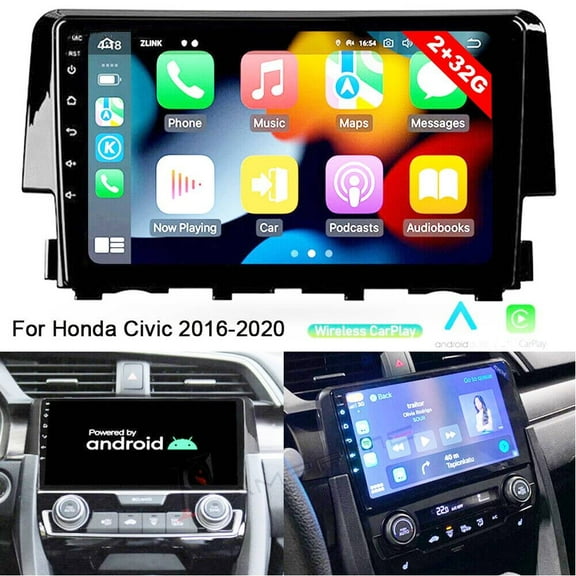
 $12825current price $128.25
Car Radio Stereo for Honda Civic 2016-2020, 9" Touchscreen Android 13 Support Carplay Android Auto Navigation Bluetooth Radio Steering Wheel Control Rear Camera 2 32G,Black
Android 13 Car Radio Stereo for Honda Civic 1995-2000, 9" Car Multifunctional Player Support Carplay Android Auto GPS Navigation WIFI Bluetooth Rear Camera Microphone 2GB RAM 32GB ROM, Black $125.99

 $12599current price $125.99
Android 13 Car Radio Stereo for Honda Civic 1995-2000, 9" Car Multifunctional Player Support Carplay Android Auto GPS Navigation WIFI Bluetooth Rear Camera Microphone 2GB RAM 32GB ROM, Black
Car Radio For Nissan Navara 2015-2018 9-Inch Android 13 Car Navigation-With Carplay And Android Auto Function Touch Screen SWC FM BT GPS Navi $130.99
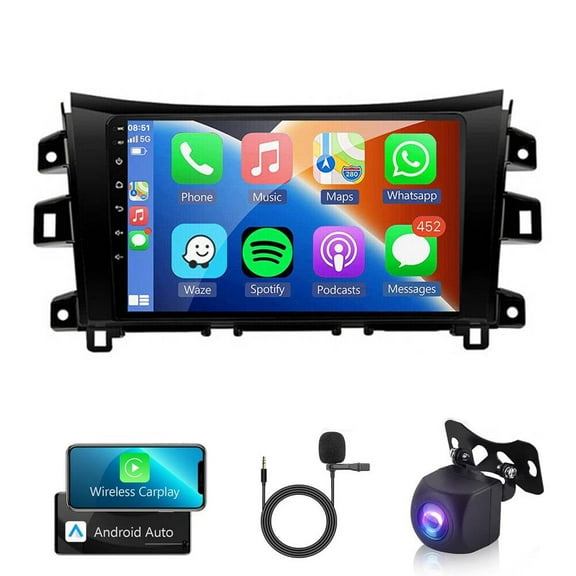
 $13099current price $130.99
Car Radio For Nissan Navara 2015-2018 9-Inch Android 13 Car Navigation-With Carplay And Android Auto Function Touch Screen SWC FM BT GPS Navi
Android 13 Car Radio Stereo for Toyota 4Runner 2009-2019, 9" Car Multifunctional Player Support Carplay Android Auto GPS Navigation WIFI Bluetooth Rear Camera 2GB RAM 32GB ROM $150.99
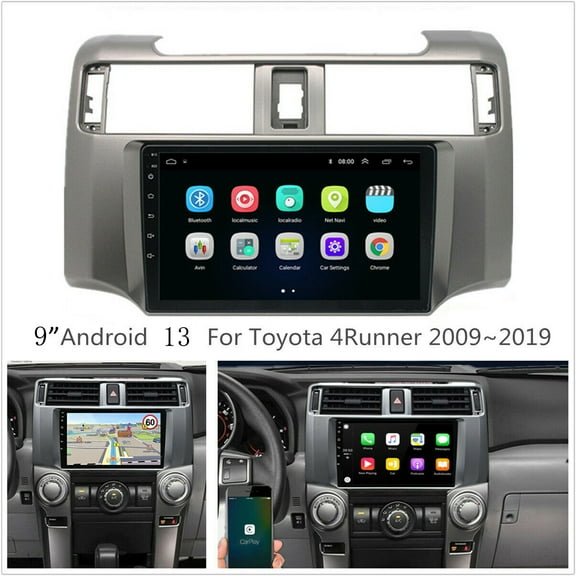
 $15099current price $150.99
Android 13 Car Radio Stereo for Toyota 4Runner 2009-2019, 9" Car Multifunctional Player Support Carplay Android Auto GPS Navigation WIFI Bluetooth Rear Camera 2GB RAM 32GB ROM
11 out of 5 Stars. 1 reviewsiSpchen Car Stereo Radio Android 9-Inch Touchscreen Driving Experience, Black $128.41

 $12841current price $128.41
iSpchen Car Stereo Radio Android 9-Inch Touchscreen Driving Experience, Black
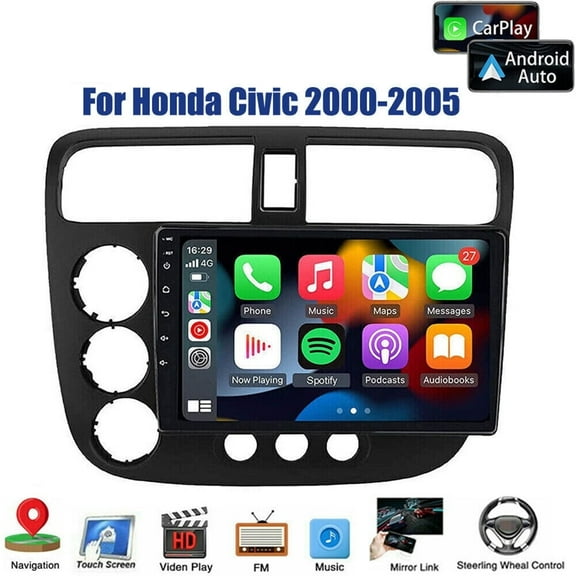
Car Stereo Radio for Honda Civic 2000-2005, 9"" Touchscreen Android 13 Support Carplay Android Auto Navigation Bluetooth Steering Wheel Control 2 32G,Black $109.89
 $10989current price $109.89
Car Stereo Radio for Honda Civic 2000-2005, 9"" Touchscreen Android 13 Support Carplay Android Auto Navigation Bluetooth Steering Wheel Control 2 32G,Black
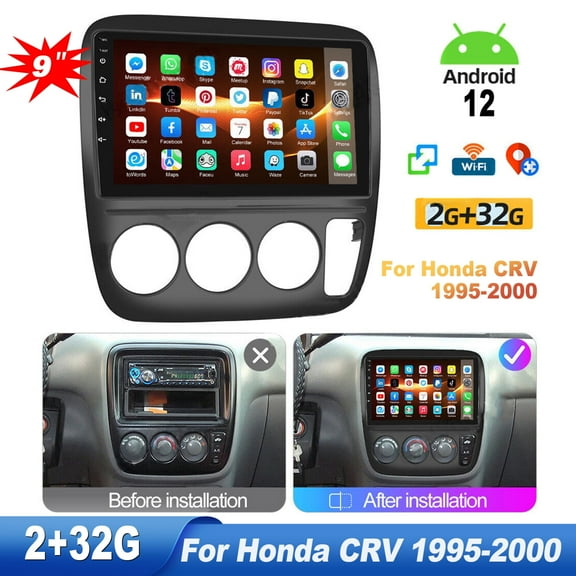
Zcargel Android 12 Car Stereo 9 Inch Touchscreen, for Honda CRV 1995-2000 Wireless Apple CarPlay & Android Auto, Bluetooth Car Radio HiFi/WiFi/GPS Navigation/FM Radio/USB with Backup Camera Mic 2 32G $129.94
 $12994current price $129.94
Zcargel Android 12 Car Stereo 9 Inch Touchscreen, for Honda CRV 1995-2000 Wireless Apple CarPlay & Android Auto, Bluetooth Car Radio HiFi/WiFi/GPS Navigation/FM Radio/USB with Backup Camera Mic 2 32G
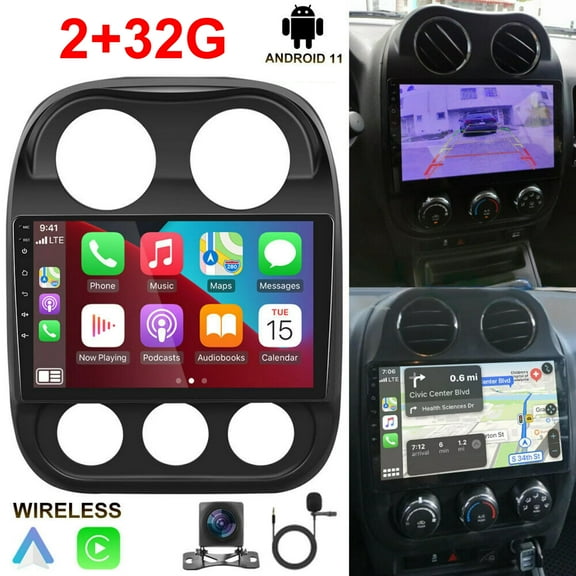
Zcargel 10.1 Inch Car Stereo Radio Compatible for Jeep Patriot Compass 2009-2016 with Wireless CarPlay Android Auto,Android 12 Player Radio with Bluetooth,WiFi,,Support GPS 32GB $149.94
 $14994current price $149.94
Zcargel 10.1 Inch Car Stereo Radio Compatible for Jeep Patriot Compass 2009-2016 with Wireless CarPlay Android Auto,Android 12 Player Radio with Bluetooth,WiFi,,Support GPS 32GB
34.3 out of 5 Stars. 3 reviewsZcargel 9 Touch Screen Car Radio Stereo for Honda Vezel HR-V 2014-2019 Android 13 Car GPS Navi Radio Stereo CarPlay Support Wireless CarPlay Android Auto Bluetooth FM Backup Camera Microphone $135.28
 $13528current price $135.28
Zcargel 9 Touch Screen Car Radio Stereo for Honda Vezel HR-V 2014-2019 Android 13 Car GPS Navi Radio Stereo CarPlay Support Wireless CarPlay Android Auto Bluetooth FM Backup Camera Microphone
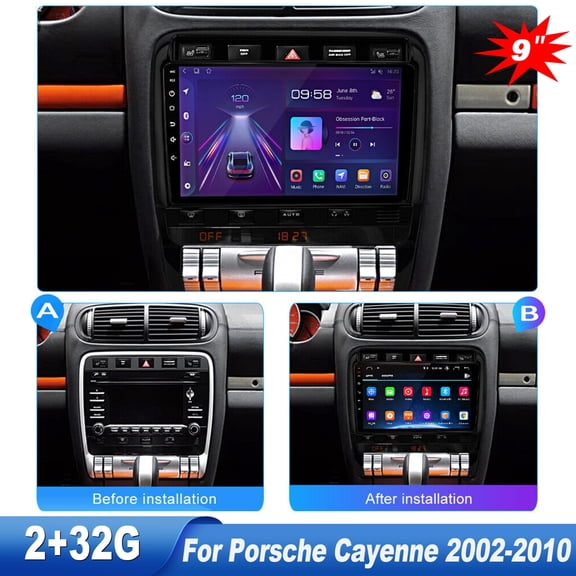
15 out of 5 Stars. 1 reviewsZcargel Car Stereo Radio for Porsche Cayenne 2002-2010,Android 12 Car Stereo with CarPlay Android Auto,9" Touch Screen Car Radio with Bluetooth,GPS Navigation,WiFi,FM Camera Mic (2G 32G) $147.62
 $14762current price $147.62
Zcargel Car Stereo Radio for Porsche Cayenne 2002-2010,Android 12 Car Stereo with CarPlay Android Auto,9" Touch Screen Car Radio with Bluetooth,GPS Navigation,WiFi,FM Camera Mic (2G 32G)
Zcargel Android 13 Car Stereo Radio For Totota Corolla 2009-2013 Car Stereo with Carplay Android Auto, 9'' Touch Screen Bluetooth Navigation Media Player GPS Hi-Fi WiFi FM Cam Mic 2 32GB $119.16
 $11916current price $119.16
Zcargel Android 13 Car Stereo Radio For Totota Corolla 2009-2013 Car Stereo with Carplay Android Auto, 9'' Touch Screen Bluetooth Navigation Media Player GPS Hi-Fi WiFi FM Cam Mic 2 32GB
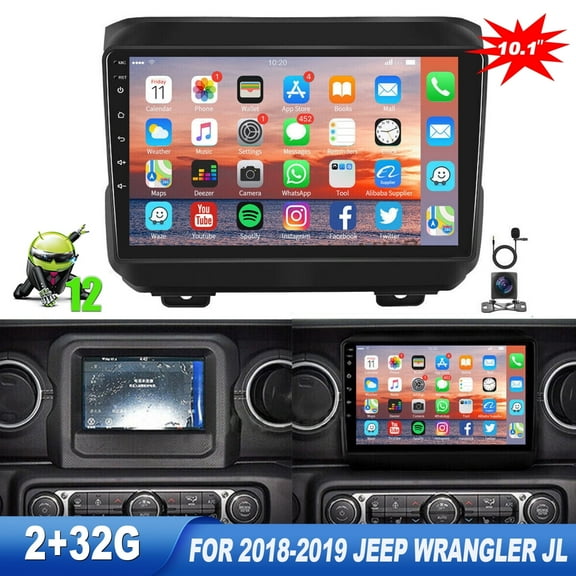
Zcargel For Jeep Wrangler JL 2018-2019 with Android 13 Car Stereo Apple Carplay Android Auto,9'' HD Touchscreen Car Radio with WiFi,GPS Navigation,Bluetooth,FM HIFISB Backup Camera Mic $148.20
 $14820current price $148.20
Zcargel For Jeep Wrangler JL 2018-2019 with Android 13 Car Stereo Apple Carplay Android Auto,9'' HD Touchscreen Car Radio with WiFi,GPS Navigation,Bluetooth,FM HIFISB Backup Camera Mic
13 out of 5 Stars. 1 reviews
Customer ratings & reviews
0 ratings|0 reviews
This item does not have any reviews yet

Related pages
- Hyundai Santa Fe Apple Carplay
- Hyundai Elantra Apple Carplay
- Toyota Highlander Apple Carplay
- Nissan Sentra Apple Carplay
- Honda Crv Apple Carplay
- Toyota Corolla Dvd Player Gps
- Double Din Android Car Stereos
- Android Car Stereos
- Car Stereos with GPS
- Satellite Radio
- In-Dash Car Stereos
- Kia Audio, Video & Security Parts