


Logitech G502 X Wired Gaming Mouse - LIGHTFORCE hybrid optical-mechanical primary switches, HERO 25K gaming sensor, compatible with PC - macOS/Windows - White
Key item features
- Icon Reinvented: From the legacy of Logitech's most popular G502 design, the G502 X wired gaming mouse is reimagined and redesigned with the latest innovations in gaming technology
- LIGHTFORCE Switches: All-new hybrid optical-mechanical switch technology for incredible speed and reliability, as well as precise actuation with crisp response, for hours of performance gaming
- HERO 25K Sensor: Incredibly precise down to the sub-micron for high-precision accuracy with zero smoothing/filtering/acceleration for high gaming performance every time on the computer
- Customizable DPI-Shift: Features a reversible and removable DPI-shift button for precise customization depending on your grip and preference
- Hyperfast Scroll Wheel: Switch between hyper-fast free spin and precise ratcheting mode, and tilt left and right for two additional personalizable controls
- Lightweight Design: Thin-wall exoskeleton for minimum material and maximum rigidity, lightened scroll wheel, and more to achieve 89 grams
- Color Options: Available in black and white colorways
Specs
- BrandLogitech
- Mouse typeGaming Mice
- ColorBlack
- ConnectionUSB
- Motion detectOptical
- Buttons9
- Free shipping
 Free 30-day returns

(Only one option can be selected at a time)
How do you want your item?


More seller options (13)

Try 30 days of Walmart+ for just $1!
About this item
Product details
G502 X Gaming Mouse is the world’s most popular mouse. G502 X is reinvented and redesigned with the latest innovations in gaming technology, featuring all-new hybrid optical-mechanical switch technology: LIGHTFORCE. Now, incredible speed and reliability, as well as precise actuation are one. With HERO 25K sub-micron sensor, redesigned/reversible/removable DPI-shift button, redesigned scroll wheel with dual hyper-fast and precise ratchet modes, and thin-wall molding and weight reduction to reduce weight. Available in black and white colorways.
- Icon reinvented: From the legacy of Logitech's most popular G502 design, the G502 X wired gaming mouse is reimagined and redesigned with the latest innovations in gaming technology
- LIGHTFORCE switches: All-new hybrid optical-mechanical switch technology for incredible speed and reliability, as well as precise actuation with crisp response, for hours of performance gaming
- HERO 25K gaming sensor: Incredibly precise down to the sub-micron for high-precision accuracy with zero smoothing/filtering/acceleration for high gaming performance every time on the computer
- Redesigned DPI-shift button: This wired optical gaming mouse features a reversible and removable DPI-shift button for precise customization depending on your grip and preference
- Redesigned hyperfast scroll wheel: Switch between hyper-fast free spin and precise ratcheting mode, and tilt left and right for two additional personalizable controls
- Weight reduced: Thin-wall exoskeleton for minimum material and maximum rigidity, lightened scroll wheel, and more to achieve 89 grams
- Make your choice: Available in black and white colorways
Specifications
Brand
Mouse type
Color
Connection
Warranty
Warranty information
Please be aware that the warranty terms on items offered for sale by third party Marketplace sellers may differ from those displayed in this section (if any). To confirm warranty terms on an item offered for sale by a third party Marketplace seller, please use the 'Contact seller' feature on the third party Marketplace seller's information page and request the item's warranty terms prior to purchase.
Warnings
State Chemical Disclosure
Similar items you might like
Based on what customers bought
In 25+ people's carts Logitech G305 LIGHTSPEED Wireless Gaming Mouse, HERO Sensor, 12,000 DPI, Lightweight, 6 Programmable Buttons, 250h Battery, On-Board Memory, Compatible with PC, Mac - White $49.98
In 25+ people's carts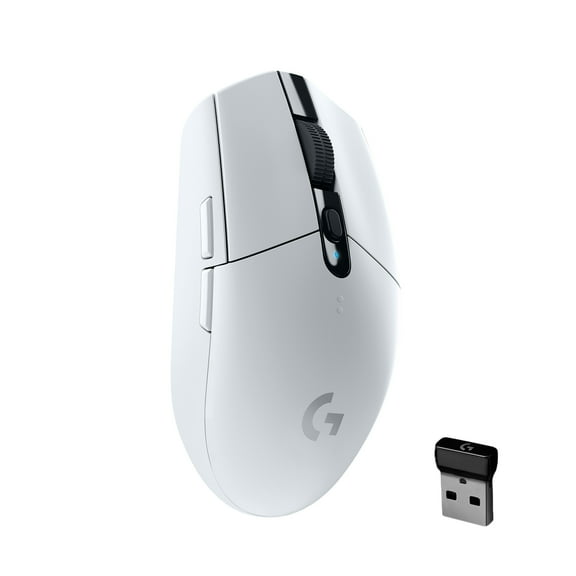


 Sponsored$4998current price $49.98
Logitech G305 LIGHTSPEED Wireless Gaming Mouse, HERO Sensor, 12,000 DPI, Lightweight, 6 Programmable Buttons, 250h Battery, On-Board Memory, Compatible with PC, Mac - White
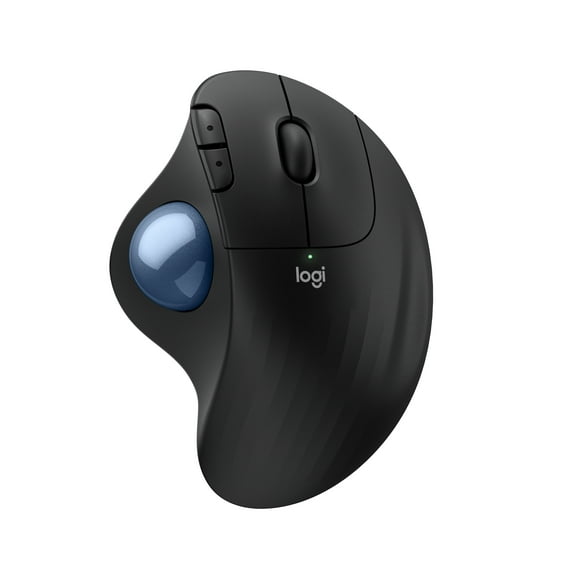
14564.4 out of 5 Stars. 1456 reviewsLogitech ERGO M575S Wireless Trackball Mouse, Wireless Ergonomic Mouse With Bluetooth and Encrypted Dongle, Black/Blue Ball $44.94
 Sponsored$4494current price $44.94
Logitech ERGO M575S Wireless Trackball Mouse, Wireless Ergonomic Mouse With Bluetooth and Encrypted Dongle, Black/Blue Ball
894.8 out of 5 Stars. 89 reviewsShipping, arrives in 3+ daysBest seller Logitech G502 HERO High Performance Wired Gaming Mouse, HERO 25K Sensor, 25,600 DPI, RGB, Adjustable Weights, Black $31.99 Was $48.58
Best seller $3199current price $31.99, Was $48.58$48.58
Logitech G502 HERO High Performance Wired Gaming Mouse, HERO 25K Sensor, 25,600 DPI, RGB, Adjustable Weights, Black
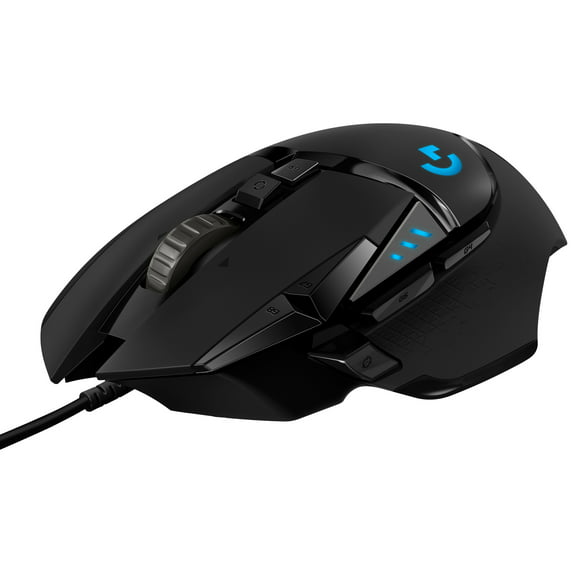
10314.4 out of 5 Stars. 1031 reviewsLogitech G502 X Wired Gaming Mouse - LIGHTFORCE hybrid optical-mechanical primary switches, HERO 25K gaming sensor, compatible with PC - macOS/Windows $75.90 Was $99.99
 $7590current price $75.90, Was $99.99$99.99
Logitech G502 X Wired Gaming Mouse - LIGHTFORCE hybrid optical-mechanical primary switches, HERO 25K gaming sensor, compatible with PC - macOS/Windows
354.3 out of 5 Stars. 35 reviewsLogitech G309 LIGHTSPEED Wireless Gaming Mouse, Lightweight, LIGHTFORCE Hybrid Switches, HERO 25K Sensor, 300 Hour Battery Life With AA Battery, 6 Programmable Buttons, PC & Mac - White $61.49
 $6149current price $61.49
Logitech G309 LIGHTSPEED Wireless Gaming Mouse, Lightweight, LIGHTFORCE Hybrid Switches, HERO 25K Sensor, 300 Hour Battery Life With AA Battery, 6 Programmable Buttons, PC & Mac - White
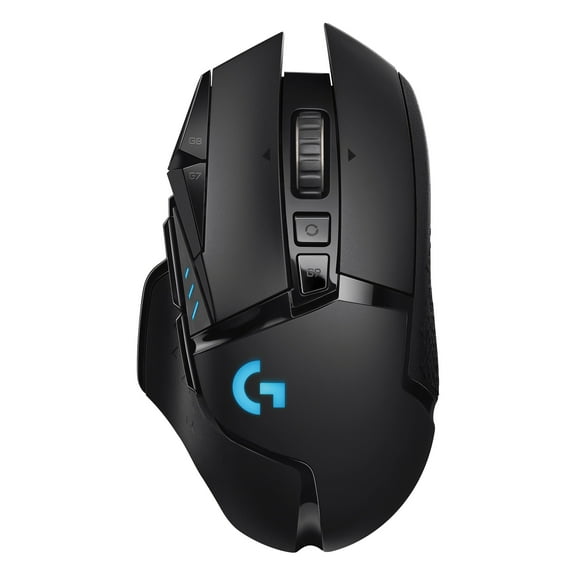
124.7 out of 5 Stars. 12 reviewsLogitech G502 LIGHTSPEED Wireless Gaming Mouse, HERO 25K Sensor, 25,600 DPI, RGB, Adjustable Weights, 11 Programmable Buttons, Long Battery Life, On-Board Memory, PC / Mac $80.99 Was $109.00
 $8099current price $80.99, Was $109.00$109.00
Logitech G502 LIGHTSPEED Wireless Gaming Mouse, HERO 25K Sensor, 25,600 DPI, RGB, Adjustable Weights, 11 Programmable Buttons, Long Battery Life, On-Board Memory, PC / Mac
2484.5 out of 5 Stars. 248 reviewsLogitech G502 X PLUS LIGHTSPEED Wireless RGB Gaming Mouse - Optical mouse with LIGHTFORCE hybrid switches, LIGHTSYNC RGB, HERO 25K gaming sensor, compatible with PC - macOS/Windows $133.54 Was $179.99
 $13354current price $133.54, Was $179.99$179.99
Logitech G502 X PLUS LIGHTSPEED Wireless RGB Gaming Mouse - Optical mouse with LIGHTFORCE hybrid switches, LIGHTSYNC RGB, HERO 25K gaming sensor, compatible with PC - macOS/Windows
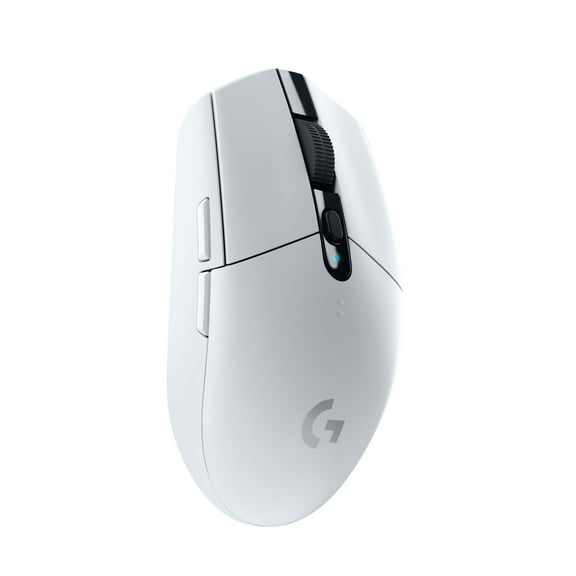
2224.6 out of 5 Stars. 222 reviewsLogitech G305 LIGHTSPEED Wireless Gaming Mouse, Hero 12K Sensor, 12,000 DPI, Lightweight, 6 Programmable Buttons, 250h Battery Life, On-Board Memory, PC/Mac - White $55.95
 $5595current price $55.95
Logitech G305 LIGHTSPEED Wireless Gaming Mouse, Hero 12K Sensor, 12,000 DPI, Lightweight, 6 Programmable Buttons, 250h Battery Life, On-Board Memory, PC/Mac - White
Best seller Razer Basilisk V3 X Hyperspeed Wireless Gaming Mouse for PC, RGB Chroma, White $48.99 Was $69.99
Best seller 2 optionsAvailable in additional 2 options$4899current price $48.99, Was $69.99$69.99
Razer Basilisk V3 X Hyperspeed Wireless Gaming Mouse for PC, RGB Chroma, White
6574.5 out of 5 Stars. 657 reviewsBest seller Razer Naga V2 HyperSpeed Bluetooth Gaming Mice with AA Battery, Black $99.00
Best seller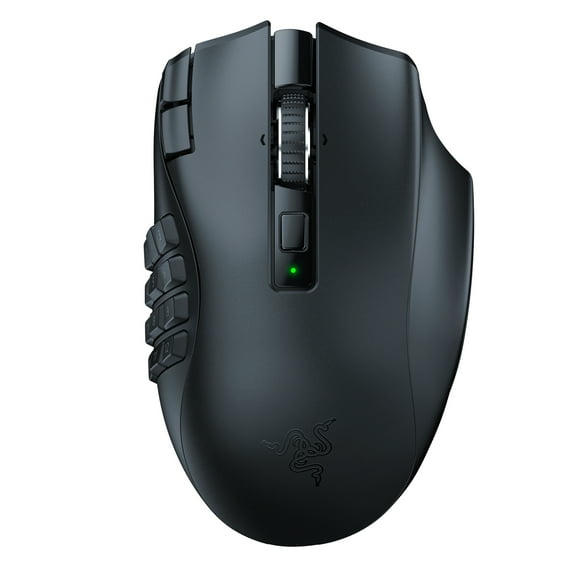 $9900current price $99.00
Razer Naga V2 HyperSpeed Bluetooth Gaming Mice with AA Battery, Black
2154.4 out of 5 Stars. 215 reviewsRazer Basilisk V3 Pro Customizable Wireless Gaming Mouse with HyperScroll Tilt Wheel - Black $99.00
 2 optionsAvailable in additional 2 options$9900current price $99.00
Razer Basilisk V3 Pro Customizable Wireless Gaming Mouse with HyperScroll Tilt Wheel - Black
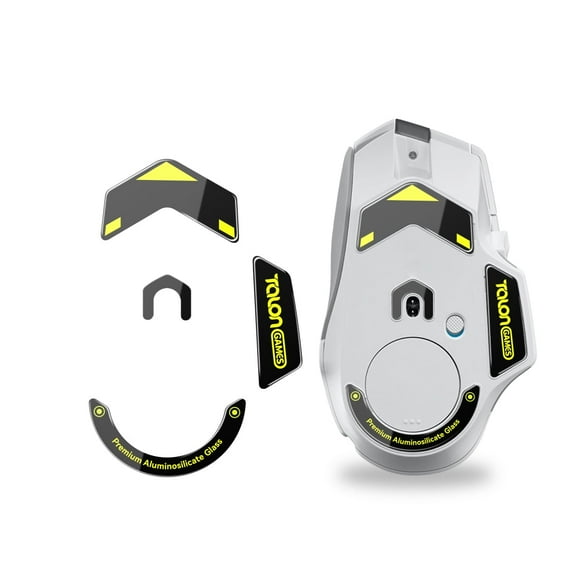
3804.6 out of 5 Stars. 380 reviewsTALONGAMES Glass Mouse Feet Glass Skates For Logitech G502 X Wired / G502 X PLUS Wireless Mouse, Black $16.99
 $1699current price $16.99
TALONGAMES Glass Mouse Feet Glass Skates For Logitech G502 X Wired / G502 X PLUS Wireless Mouse, Black
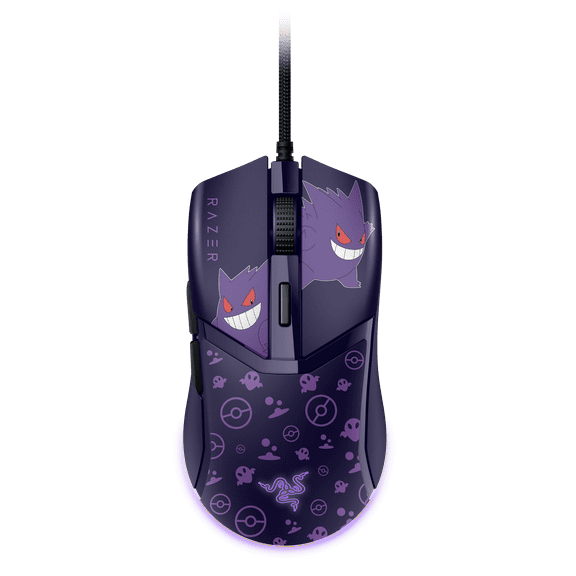
Razer Cobra Light-Weight Wired PC Gaming Mouse with Chroma RGB, Pokemon Gengar Edition $59.99
 $5999current price $59.99
Razer Cobra Light-Weight Wired PC Gaming Mouse with Chroma RGB, Pokemon Gengar Edition
84 out of 5 Stars. 8 reviewsLogitech 910-005973 G502 HERO Mouse and G240 Mouse Pad Bundle $59.00
 $5900current price $59.00
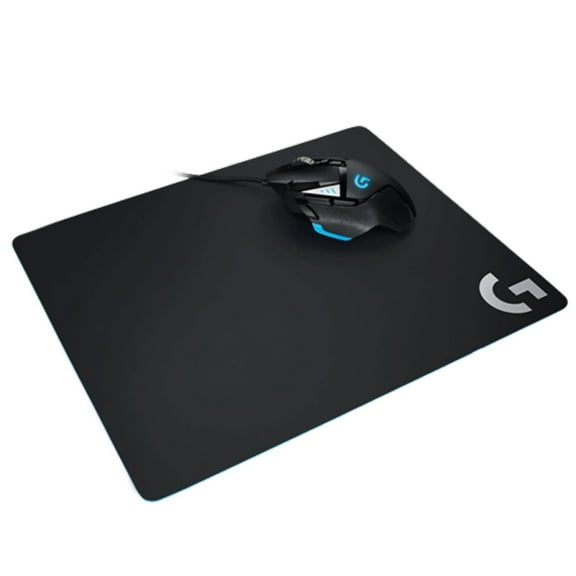
Logitech 910-005973 G502 HERO Mouse and G240 Mouse Pad Bundle
644.3 out of 5 Stars. 64 reviewsLogitech G G303 Shroud Edition LIGHTSPEED Wireless Gaming Mouse $159.99
 $15999current price $159.99
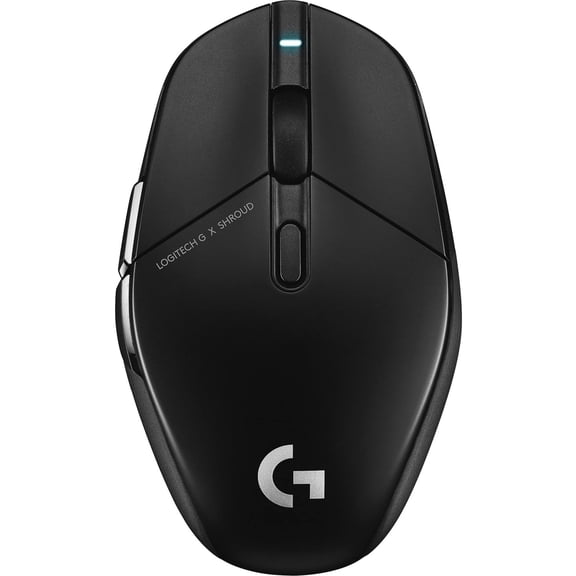
Logitech G G303 Shroud Edition LIGHTSPEED Wireless Gaming Mouse
23 out of 5 Stars. 2 reviewsSteelSeries Rival 5 Gaming Mouse with 9 Programmable Buttons and 18k CPI TrueMove Air Optical Sensor $56.00
 $5600current price $56.00
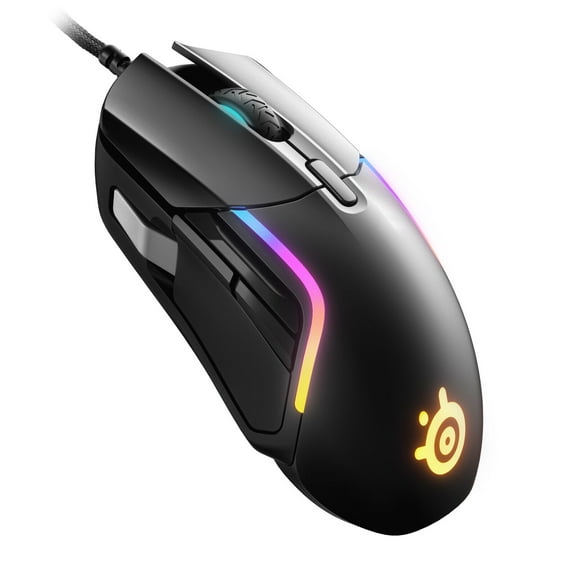
SteelSeries Rival 5 Gaming Mouse with 9 Programmable Buttons and 18k CPI TrueMove Air Optical Sensor
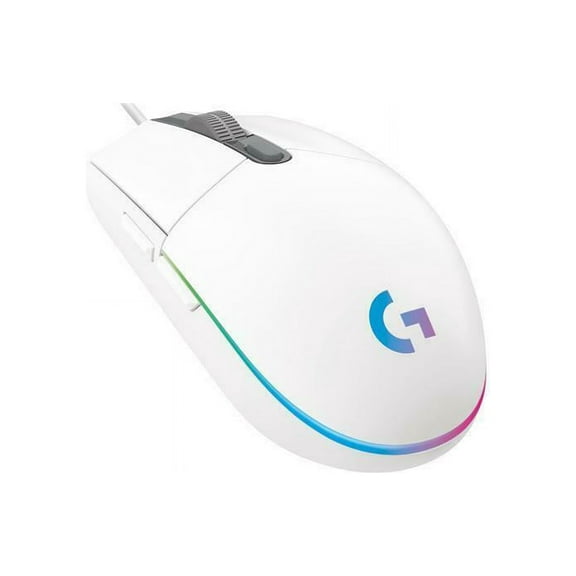
1394.8 out of 5 Stars. 139 reviewsLogitech G203 Lightsync 910-005791 White 6 Buttons 1 X Wheel Usb Wired Gaming Mo $23.99 Was $27.99
 $2399current price $23.99, Was $27.99$27.99
Logitech G203 Lightsync 910-005791 White 6 Buttons 1 X Wheel Usb Wired Gaming Mo
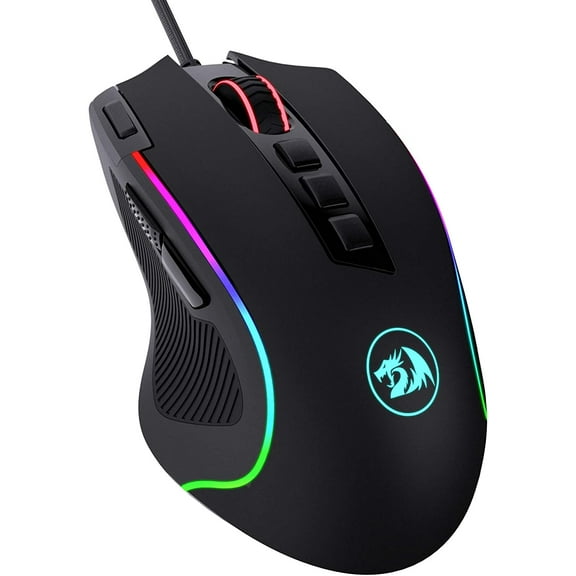
15 out of 5 Stars. 1 reviewsRedragon M612 Predator RGB Gaming Mouse, 8000 DPI Wired Optical Gamer Mouse with 11 Programmable Buttons & 5 Backlit Modes, Software Supports DIY Keybinds Rapid Fire Button $19.99
 $1999current price $19.99
Redragon M612 Predator RGB Gaming Mouse, 8000 DPI Wired Optical Gamer Mouse with 11 Programmable Buttons & 5 Backlit Modes, Software Supports DIY Keybinds Rapid Fire Button
284.6 out of 5 Stars. 28 reviewsLogitech G502 Proteus Spectrum RGB Tuntable Gaming Mouse $94.95
 $9495current price $94.95
Logitech G502 Proteus Spectrum RGB Tuntable Gaming Mouse
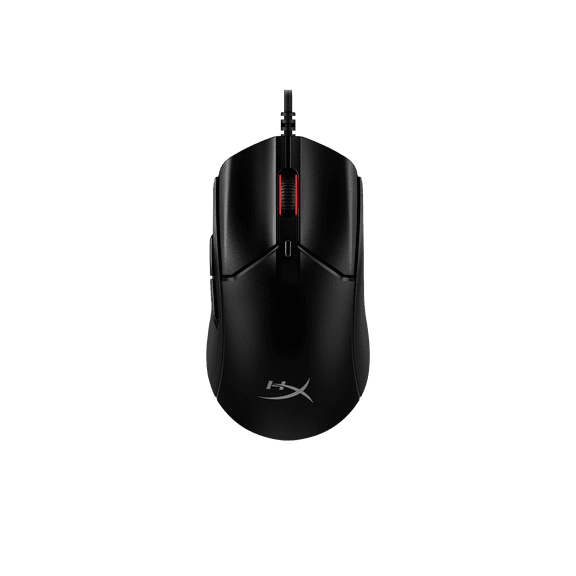
10314.3 out of 5 Stars. 1031 reviewsHyperX Pulsefire Haste 2 - Gaming Mouse (Black) $59.99
 2 optionsAvailable in additional 2 options$5999current price $59.99
HyperX Pulsefire Haste 2 - Gaming Mouse (Black)
114.7 out of 5 Stars. 11 reviews
Check out these related products
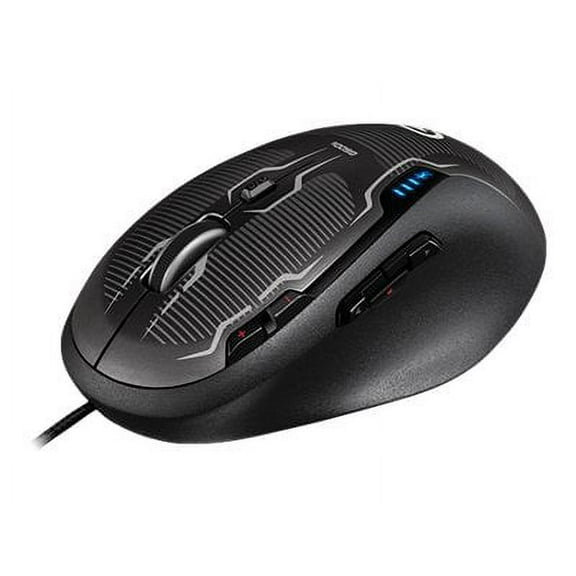
G500S Laser Gaming Mouse $199.00
 $19900current price $199.00
G500S Laser Gaming Mouse
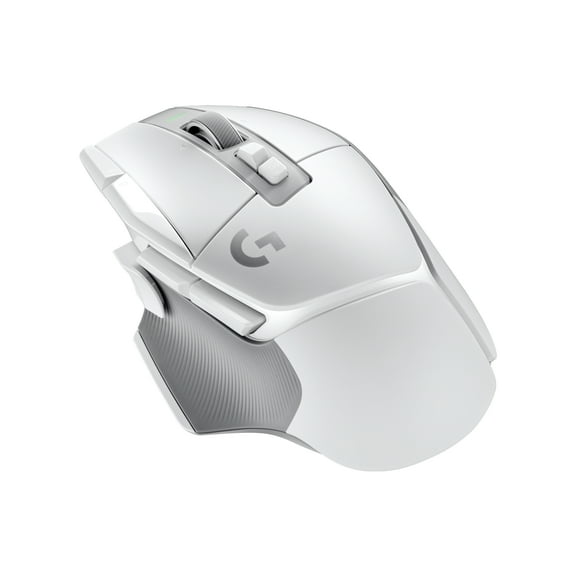
Logitech G502 X Lightspeed Wireless Gaming Mouse - LIGHTFORCE hybrid optical-mechanical switches, HERO 25K gaming sensor, compatible with PC - macOS/Windows - White $99.99 Was $159.99
 $9999current price $99.99, Was $159.99$159.99
Logitech G502 X Lightspeed Wireless Gaming Mouse - LIGHTFORCE hybrid optical-mechanical switches, HERO 25K gaming sensor, compatible with PC - macOS/Windows - White
244.4 out of 5 Stars. 24 reviewsLogitech G403 Hero 25K Gaming Mouse, Lightsync RGB, Lightweight 87G 10G optional, Braided Cable, Black $49.99

 $4999current price $49.99
Logitech G403 Hero 25K Gaming Mouse, Lightsync RGB, Lightweight 87G 10G optional, Braided Cable, Black
364.4 out of 5 Stars. 36 reviews50+ bought since yesterday Razer DeathAdder Essential Wired Optical Gaming Mouse for PC, 5 Buttons, Black $24.98
50+ bought since yesterday $2498current price $24.98
Razer DeathAdder Essential Wired Optical Gaming Mouse for PC, 5 Buttons, Black
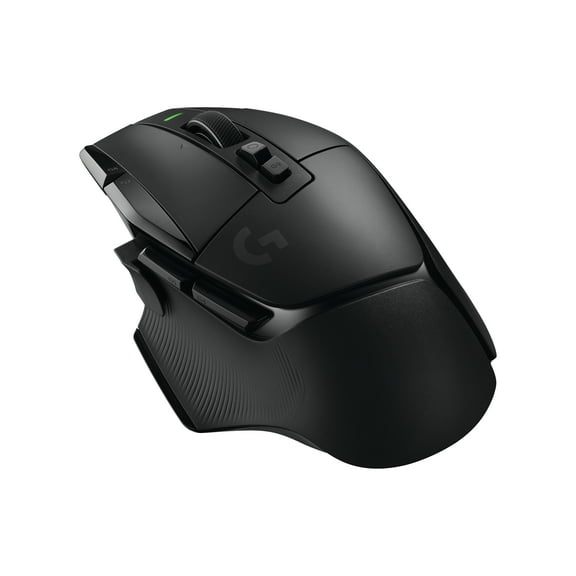
9084.6 out of 5 Stars. 908 reviewsLogitech G502 X LIGHTSPEED Wireless Gaming Mouse - Optical mouse with LIGHTFORCE hybrid optical-mechanical switches, HERO 25K gaming sensor, compatible with PC - macOS/Windows - Black $99.99 Was $159.99
 $9999current price $99.99, Was $159.99$159.99
Logitech G502 X LIGHTSPEED Wireless Gaming Mouse - Optical mouse with LIGHTFORCE hybrid optical-mechanical switches, HERO 25K gaming sensor, compatible with PC - macOS/Windows - Black
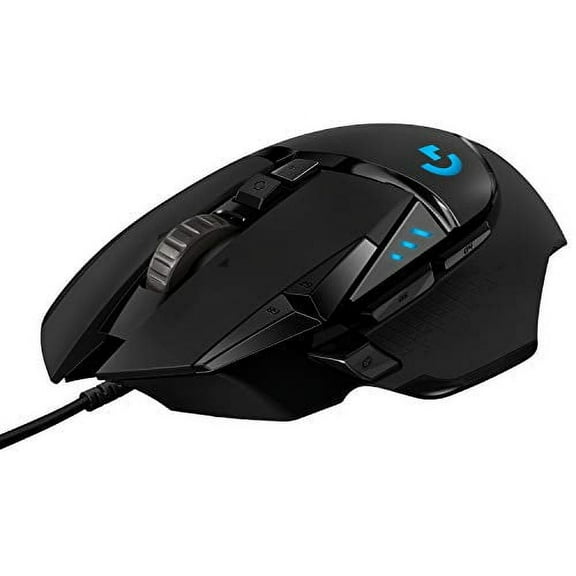
384.3 out of 5 Stars. 38 reviewsLogitech G502 Hero Gaming Mouse (910005469) $54.00
 $5400current price $54.00
Logitech G502 Hero Gaming Mouse (910005469)
DeathAdder V3 Wired Esports Gaming Mouse for PC, Ultra-lightweight, Ergonomic, 6 Buttons, Black $49.00 Was $69.99
 $4900current price $49.00, Was $69.99$69.99
DeathAdder V3 Wired Esports Gaming Mouse for PC, Ultra-lightweight, Ergonomic, 6 Buttons, Black
614.6 out of 5 Stars. 61 reviews
Customer ratings & reviews
Customer photos


Showing 1-3 of 22 reviews
Seller Verified Purchase
Great hardware, minor issues
9.5/10. Hardware is great. Big fan of the number of buttons and free scroll features. One issue I’ve been having is that on start up the DPI is sometimes not consistent with my settings, however, given a minute or two, the software will fix this. Another issue I had is that the extension/addon to the side button was confusing and difficult to install, and therefore I did not put it on the mouse. Both minimal issues, great mouse otherwise.
Verified Purchase
Better than my Razer Mouse.
I love the comfort of this mouse, I love all the buttons it has. Mouse 4 and Mouse 5 side buttons like most gaming mouse. But a third side button that can alter your DPI while holding it or act as a shift button to alter all the other buttons except the scroll wheel button near the scroll wheel which changes the scroll wheel from normal to smooth rolling and fast scrolling. Normal is good for games. Fast Scrolling is good for doom scrolling lol. But the scroll wheel itself is changeable and all other buttons are changeable. And in the app you can change all the buttons aside from shift version. And there is a per game button assignment that normally changes the minute you enter the game. Sometimes you gotta change it manually. There are also two buttons next to and built to the side of the left click mouse button. There is a button behind the scroll wheel which I talked about and there is a button behind that. And the scroll button not only scrolls forward and backward but you can press it left and right too. Making for lots of customization. However, I hate this one problem. I need to use two mice to set the shift controls because if I set the left mouse click to a different control while it is shifted then I cannot point and click. So either I need to do that one last or just not do it at all. And for some games it isn't necessary. I also added shortcuts to xbox guide on PC and copilot when in desktop mode. Macro's are optional. But available. Imagine having the entire quick select from Fortnite on your mouse without altering the left and right mouse click. Frees up your keyboard fingers for things that matter. Not that quick select doesn't matter. And you don't even need the shift button. But I recommend putting the settings to default cause if there is a way to change it up on the g hub app for the mouse I wouldn't know. And for me I put reload on mouse 4 which is the bottom side mouse button. or backward button. mouse 5 is usually pickaxe for me. upper button on the side of left click is usually quick select 1, bottom is quick select 2, left wheel is quick select 3, right wheel is quick select 4, lower button underneath scroll button is quick select 5. There is no charging it is wired. Logitech is excellent and might even be better than Razer imo. Surprisingly so. It is extremely accurate with it's laser. Lightning fast response time and scroll wheel.
We’re so happy to hear that our product is working well for you. Your review helps us understand what we’re doing right and where we can grow. Thank you for being part of the Logitech community and for taking the time to share your thoughts.
Seller Verified Purchase
Classic, but white
My second one. Have one for home and one for work. I use a different mouse for gaming due to weight. This is my productivity mouse.
