

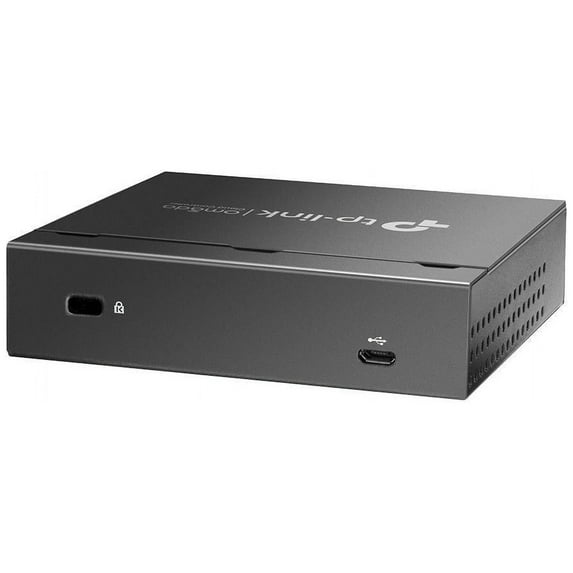
TP-Link OC200 Omada Hardware Controller
Key item features
- Hardware Controller with Professional Network Management - Centralized management for up to 100 Omada devices including Omada access points, Omada Security Gateways and Jetstream switches.
- Premium Hardware Design - Industry-leading flexible Rackmount/Desktop design with a powerful chipset, durable metal casing, 2 x fast ethernet ports and 1 x USB 2.0 port for auto backup.
- Dual power selection - Support PoE (802.3af/802.3at) and micro USB for flexible installations.
- Easy Network Monitor & Maintenance - The easy-to-use dashboard makes it simple to see your real-time network status and improve network maintenance for peace of mind.
- Cloud Access with No License Fee - Enjoy cloud service with no license fee with the use of OC200. Remote Cloud access and Omada app brings centralized cloud management of the whole network from different sites - all controlled from a single interface anywhere, anytime.
Specs
- BrandTP-Link
- Network switch typeManaged Switch
- Number of ports2
- Form factorDesktop
- Model name146936
- LAN ports2
- Free shipping
 Free 30-day returns

(Only one option can be selected at a time)
How do you want your item?


More seller options (9)
About this item
Product details
| Centralized Management for Access Points, Switches, and Routers OC200, the professional on-premises hardware controller for the Omada Software Defined Networking (SDN) platform, provides 100% centralized management of Omada access points, JetStream switches, and Omada routers-all controlled from a single interface. With the OC200, networks can be managed without the need of an additional dedicated PC/server.
Hybrid Cloud for Maximum Convenience Featuring hybrid cloud technology, the Omada Hardware Controller OC200 allows you to remotely control the whole network wherever you are in the world with cloud access. Locally manage devices with the ultimate security and stability. Industry-Leading Hardware Design Equipped with an advanced design and the latest chipset, OC200 has enough processing power to support the massive management of your business network. Easy and Intelligent Network Monitoring The easy-to-use dashboard makes it easy to see your real-time network status; check network usage and traffic distribution; receive network condition logs, abnormal event warnings, and notifications; or even track key data for better business results. Network topology helps IT admins quickly see and troubleshoot connections at a glance.
Multiple Factors Guarantee Easier Network Maintenance| WiFi Heatmap Simulator Generate a Wi-Fi solution by simulating the wireless coverage effect of APs in the actual site. Determine the appropriate number and location of APs according to the coverage requirements. Visualizable Network Report for Conveniently Summary Help service providers easily report network service quality to their customers through reports. IT administrators also easily report network operation status through reports. Batch Management, Multi-Site Management, and Remote Firmware Updates Improve network maintenance without needing to configure on-site or manage devices one by one. Powerful Scheduling Maintain your network easily with more agile and effective processing. No manual tasks required. Greater Convenience with the Omada App Remotely access and configure your whole network with a tap of your phone from anywhere in the world. More from the Manufacturer |
| Total Number of Network Ports: | 2 |
| Input Voltage: | 5 V DC |
| Product Material: | Metal |
| Height: | 1" |
| Width: | 3.9" |
| Depth: | 3.9" |
| Package Contents: |
|
| Additional Information: |
|
| Application/Usage: | Network Management |
| Certification: |
|
| Certifications & Standards: |
|
| Environmental Compliance: | Restriction of Hazardous Substances (RoHS) |
- Hardware Controller with Professional Network Management - Centralized management for up to 100 Omada devices including Omada access points, Omada Security Gateways and Jetstream switches.
- Premium Hardware Design - Industry-leading flexible Rackmount/Desktop design with a powerful chipset, durable metal casing, 2 x fast ethernet ports and 1 x USB 2.0 port for auto backup.
- Dual power selection - Support PoE (802.3af/802.3at) and micro USB for flexible installations.
- Easy Network Monitor & Maintenance - The easy-to-use dashboard makes it simple to see your real-time network status and improve network maintenance for peace of mind.
- Cloud Access with No License Fee - Enjoy cloud service with no license fee with the use of OC200. Remote Cloud access and Omada app brings centralized cloud management of the whole network from different sites - all controlled from a single interface anywhere, anytime.
Specifications
Brand
Network switch type
Number of ports
Form factor
Warranty
Warranty information
Please be aware that the warranty terms on items offered for sale by third party Marketplace sellers may differ from those displayed in this section (if any). To confirm warranty terms on an item offered for sale by a third party Marketplace seller, please use the 'Contact seller' feature on the third party Marketplace seller's information page and request the item's warranty terms prior to purchase.
Similar items you might like
Based on what customers bought
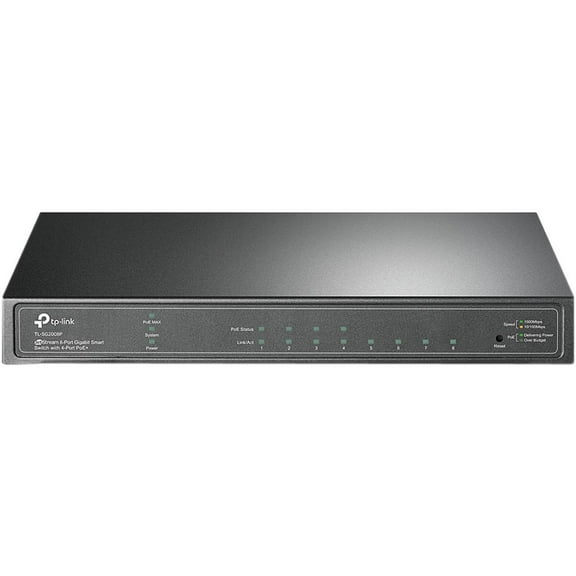
TP-Link JetStream TL-SG2008P 8 Port Manageable 2 Layer Ethernet Switch $109.98
 $10998current price $109.98
TP-Link JetStream TL-SG2008P 8 Port Manageable 2 Layer Ethernet Switch
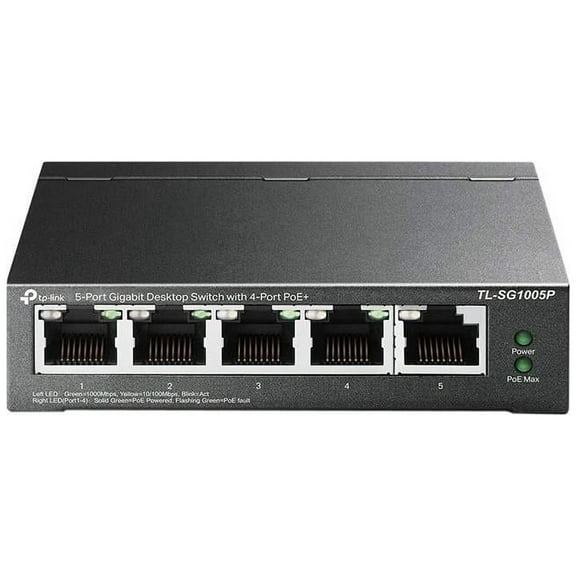
15 out of 5 Stars. 1 reviewsTP-Link TL-SG1005P 5-Port Gigabit Desktop Switch with 4-Port PoE Unmanaged Switch $39.99 Was $56.00
 $3999current price $39.99, Was $56.00$56.00
TP-Link TL-SG1005P 5-Port Gigabit Desktop Switch with 4-Port PoE Unmanaged Switch
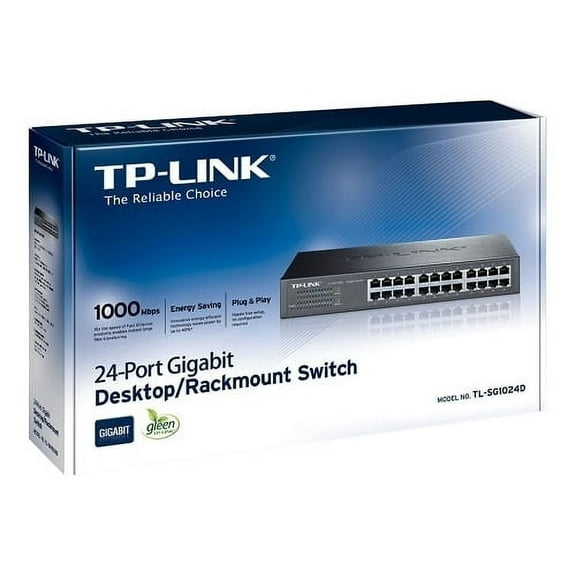
75 out of 5 Stars. 7 reviewsTp-Link TL-SG1024D 24-Port Gigabit Desktop Switch - 24 Port - 24 x 10/100/1000Base-T $119.35
 $11935current price $119.35
Tp-Link TL-SG1024D 24-Port Gigabit Desktop Switch - 24 Port - 24 x 10/100/1000Base-T
35 out of 5 Stars. 3 reviewsBest seller GE HDMI Switch, 2 Port, 8K, 1 Piece $26.94
Best seller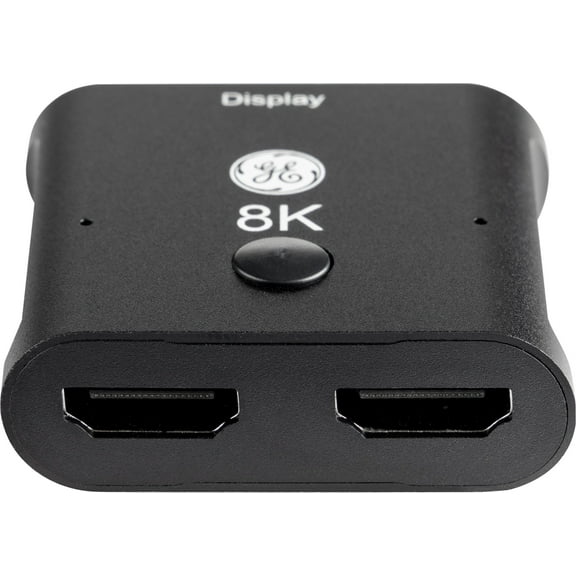 $2694current price $26.94
GE HDMI Switch, 2 Port, 8K, 1 Piece
923.7 out of 5 Stars. 92 reviewsBest seller onn 4K HDMI 4x1 Switch $33.94
Best seller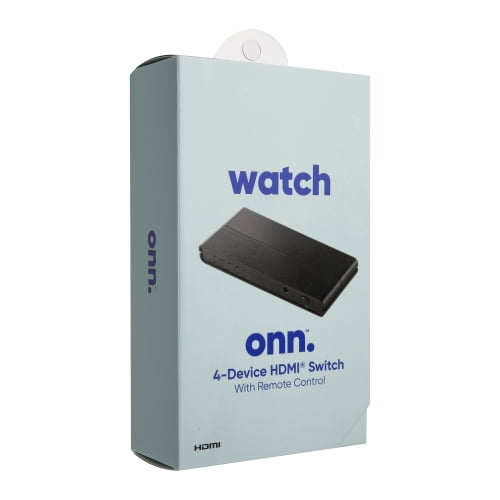 $3394current price $33.94
onn 4K HDMI 4x1 Switch
113 out of 5 Stars. 11 reviewsTP-Link TL-SG108PE V3 | 8 Port Gigabit PoE Switch | Easy Smart Managed | 4 PoE Ports @64W | Plug & Play | Sturdy Metal w/ Shielded Ports | Fanless | QoS, Vlan & IGMP | Limited Lifetime Protection $89.73
 $8973current price $89.73
TP-Link TL-SG108PE V3 | 8 Port Gigabit PoE Switch | Easy Smart Managed | 4 PoE Ports @64W | Plug & Play | Sturdy Metal w/ Shielded Ports | Fanless | QoS, Vlan & IGMP | Limited Lifetime Protection
35 out of 5 Stars. 3 reviewsTP-Link JetStream 8-Port Gigabit Smart PoE Switch with 2 SFP Slots TLSG2210PV3 $129.28
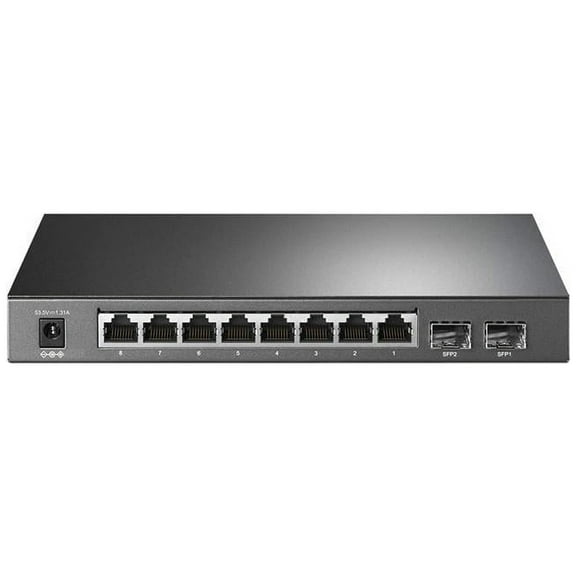 $12928current price $129.28
TP-Link JetStream 8-Port Gigabit Smart PoE Switch with 2 SFP Slots TLSG2210PV3
15 out of 5 Stars. 1 reviewsTP LINK 16-Port Gigabit Desktop Switch $74.90 Was $85.72
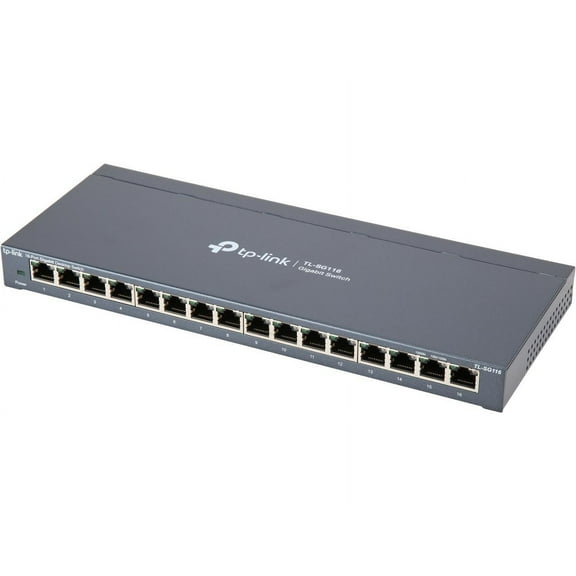 $7490current price $74.90, Was $85.72$85.72
TP LINK 16-Port Gigabit Desktop Switch
24.5 out of 5 Stars. 2 reviewsClearance Cudy 5-Port Multi-Gigabit Ethernet Switch, Full 2.5Gbps Ports, Loop Detection, 802.3az Energy Saving, Desktop or Wall Mount, Fanless Design, HS105 $39.99 Was $49.99
Clearance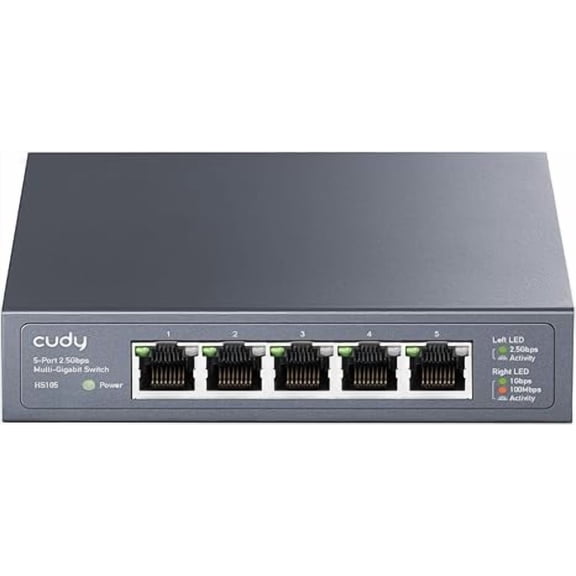 $3999current price $39.99, Was $49.99$49.99
Cudy 5-Port Multi-Gigabit Ethernet Switch, Full 2.5Gbps Ports, Loop Detection, 802.3az Energy Saving, Desktop or Wall Mount, Fanless Design, HS105
Omada Omada 6-Port Gigabit Easy Managed Switch with 4-Port PoE $76.70
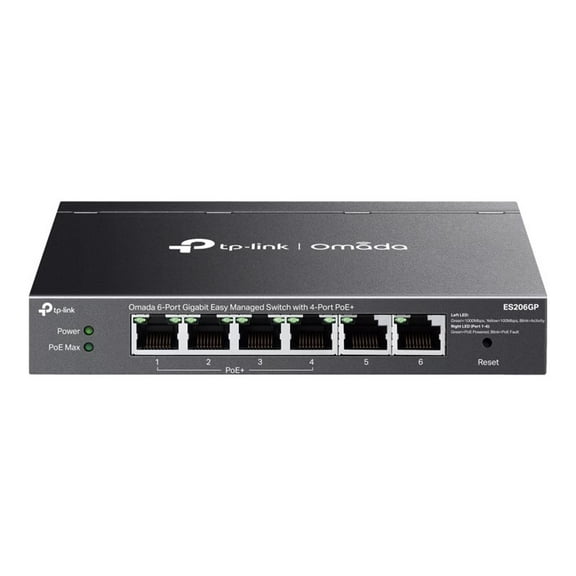 $7670current price $76.70
Omada Omada 6-Port Gigabit Easy Managed Switch with 4-Port PoE
ASUS QG-U1050, 5-Port 2.5G Unmanaged Switch $74.99
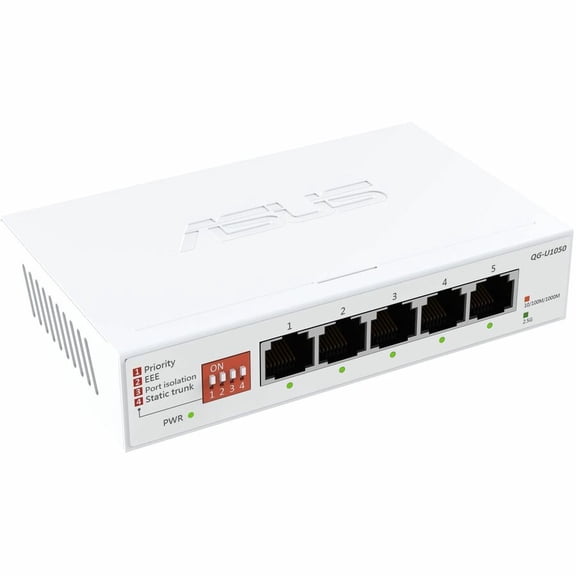 $7499current price $74.99
ASUS QG-U1050, 5-Port 2.5G Unmanaged Switch
15 out of 5 Stars. 1 reviews8PORT GIGABIT DESKTOP SWITCH STEEL DESIGN DESKTOP/WALL-MOUNTING $34.96
 $3496current price $34.96
8PORT GIGABIT DESKTOP SWITCH STEEL DESIGN DESKTOP/WALL-MOUNTING
514.8 out of 5 Stars. 51 reviewsYealink PoE Adapter YLPOE30 $57.99
 $5799current price $57.99
Yealink PoE Adapter YLPOE30
Omada Omada 8-Port Gigabit Desktop Switch with 8-Port PoE $78.04
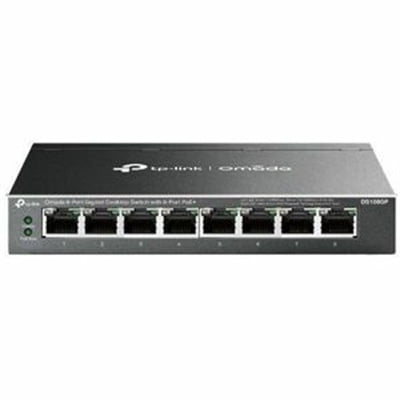 $7804current price $78.04
Omada Omada 8-Port Gigabit Desktop Switch with 8-Port PoE
TP-Link 5-Port Gigabit Ethernet Switch with New Count $27.41
 $2741current price $27.41
TP-Link 5-Port Gigabit Ethernet Switch with New Count
154.9 out of 5 Stars. 15 reviewsTP-Link TL-PoE170S 802.3at/af/bt Gigabit PoE Injector $63.19
 $6319current price $63.19
TP-Link TL-PoE170S 802.3at/af/bt Gigabit PoE Injector
15 out of 5 Stars. 1 reviewsTRENDnet TEG-S381,8-Port 2.5G Switch $84.59
 $8459current price $84.59
TRENDnet TEG-S381,8-Port 2.5G Switch
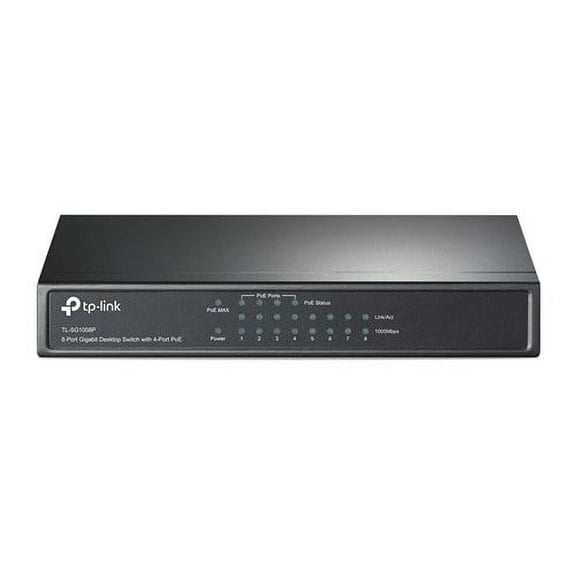
TP-Link TL-SG1008P 8-Port Gigabit Desktop PoE Switch $89.60
 $8960current price $89.60
TP-Link TL-SG1008P 8-Port Gigabit Desktop PoE Switch
D-Link DGS 108 - Switch - unmanaged - 8 x 10/100/1000 - desktop $59.74
 $5974current price $59.74
D-Link DGS 108 - Switch - unmanaged - 8 x 10/100/1000 - desktop
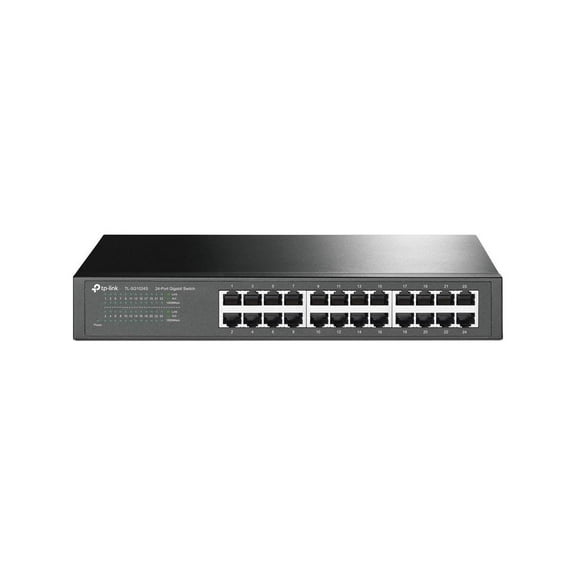
TP-Link TL-SG1024S 24-Port Gigabit Desktop Ethernet Switch TLSG1024S $100.09
 $10009current price $100.09
TP-Link TL-SG1024S 24-Port Gigabit Desktop Ethernet Switch TLSG1024S
24.5 out of 5 Stars. 2 reviews
Customer ratings & reviews
Filtered and sorted results would be available on the new 'Customer ratings & reviews' page.
Showing 1-1 of 1 review
Verified Purchase
Not For A Novice
I purchased thinking I would like better interface and remote access to my home network. I already had a ER605 router and TP-Link 8 port switch. So, I was sort of installing this backwards. Warned serval times that I would adjust setting of my current configuration. After several issues with signing into my TP-Link account, the controller sorta did some stuff. It did change setting to where I had limited internet connections. The interface was useless. I honestly was in over my head of understanding this devise. I eventually after a few hours of worry and fear that I had just screwed my network, I disconnected the Controller and reinstalled my setting to the ER605 that I had luckily backed up (as you should) just before attempting the install the Controller. I am not saying this is a bad product, but just saying if you are a novice like me do a lot a research and maybe install all the hardware at once. Another note, I am attempting to be free of all the corporate control of home automation. While installing the Controller, I realized I was having to use TP-Link services (although free) to connect to my home remotely. Seemed against what I'm aiming for.
Hi Scott,Thank you for your review. We regret to hear that your setup experience was anything less than smooth and intuitive. Our support team is always available and happy to assist with any questions you may have about our products. Feel free to contact us through any of the resources provided with the product or on our official website, and a Support Agent will follow up with you directly. Thank you,TP-Link Systems Support
