

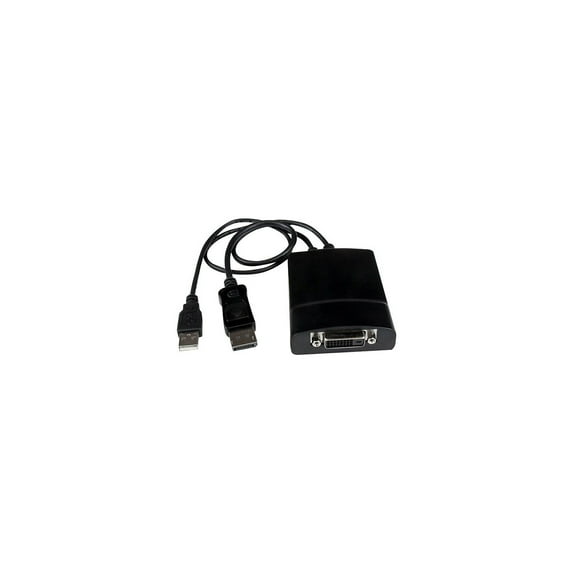
StarTech DisplayPort to DVI Dual Link Active Video Adapter Converter
Key item features
- SUPERIOR CONNECTIVITY - Seamlessly connect your DisplayPort-equipped device to a DVI-D display with this active adapter ensuring compatibility and optimal signal conversion for high-resolution viewing.
- ULTIMATE RESOLUTION - Experience crystal-clear visuals with support for up to 2560x1600 digital resolutions allowing you to enjoy detailed images and sharp text on your DVI-D monitor.
- ACTIVE CONVERSION - Benefit from active conversion technology which ensures compatibility with a wider range of DisplayPort outputs providing a reliable connection even with non-DP++ sources.
- WIDE SCREEN SUPPORT - Enjoy your favorite content on a widescreen display as this adapter supports widescreen formats delivering an immersive viewing experience without any distortion or scaling issues.
- COMPACT DESIGN - The adapter's compact dimensions (21.6 x 2.5 x 0.9 inches) and lightweight build (3.9 oz) make it highly portable perfect for on-the-go presentations or workspace flexibility.
- HASSLE-FREE SETUP - Simply connect the DisplayPort male end to your source and the DVI-D female end to your display; no software or drivers required ensuring a quick and easy installation process.
Specs
- BrandStarTech.com
- Compatible OSany OS
- Has written warrantyNo
- Model nameDP2DVID2
- Has nrtl listing certificationN
- Retail packagingSingle Piece
- Free shipping
 Free 30-day returns

(Only one option can be selected at a time)
How do you want your item?


More seller options (9)

Get free delivery, shipping and more*
About this item
Product details
StarTech.com DP2DVID2 DisplayPort to DVI Dual Link Active Video Adapter Converter - DP to DVI-D - 2560x1600
- SUPERIOR CONNECTIVITY - Seamlessly connect your DisplayPort-equipped device to a DVI-D display with this active adapter ensuring compatibility and optimal signal conversion for high-resolution viewing.
- ULTIMATE RESOLUTION - Experience crystal-clear visuals with support for up to 2560x1600 digital resolutions allowing you to enjoy detailed images and sharp text on your DVI-D monitor.
- ACTIVE CONVERSION - Benefit from active conversion technology which ensures compatibility with a wider range of DisplayPort outputs providing a reliable connection even with non-DP++ sources.
- WIDE SCREEN SUPPORT - Enjoy your favorite content on a widescreen display as this adapter supports widescreen formats delivering an immersive viewing experience without any distortion or scaling issues.
- COMPACT DESIGN - The adapter's compact dimensions (21.6 x 2.5 x 0.9 inches) and lightweight build (3.9 oz) make it highly portable perfect for on-the-go presentations or workspace flexibility.
- HASSLE-FREE SETUP - Simply connect the DisplayPort male end to your source and the DVI-D female end to your display; no software or drivers required ensuring a quick and easy installation process.
Specifications
Connection
Brand
Compatible OS
Accessories
StarTech 2 Year Warranty
Warranty
Warranty information
Please be aware that the warranty terms on items offered for sale by third party Marketplace sellers may differ from those displayed in this section (if any). To confirm warranty terms on an item offered for sale by a third party Marketplace seller, please use the 'Contact seller' feature on the third party Marketplace seller's information page and request the item's warranty terms prior to purchase.
Warnings
Warning Text
State Chemical Disclosure
Similar items you might like
Based on what customers bought
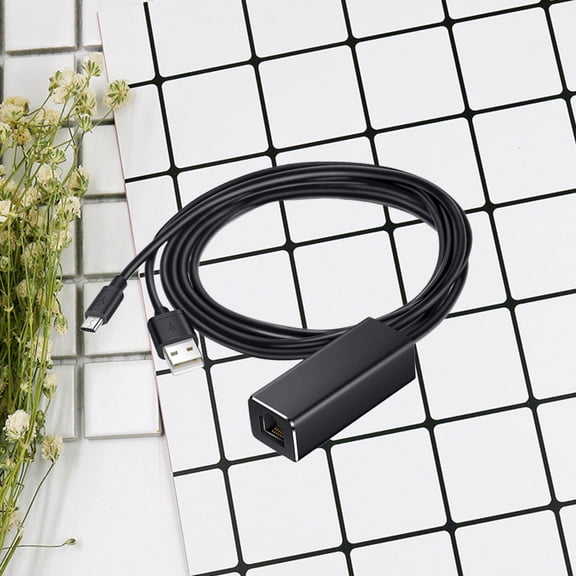
Ethernet Adapter Micro USB to RJ45 10/100Mbps Network Compatible for Fire TV Stick (Black) $14.79
 $1479current price $14.79
Ethernet Adapter Micro USB to RJ45 10/100Mbps Network Compatible for Fire TV Stick (Black)
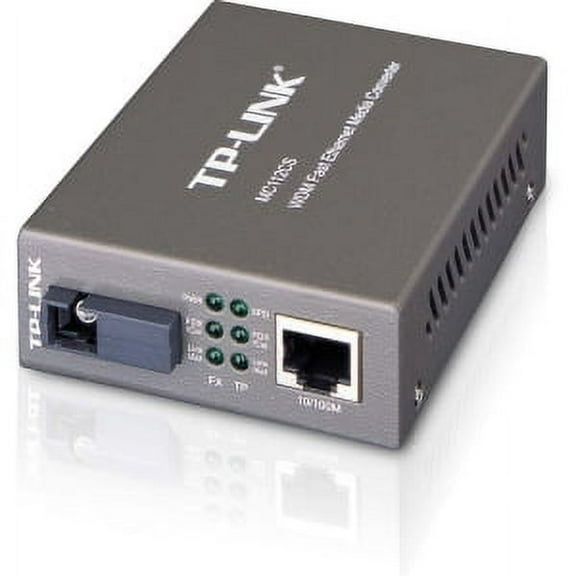
MC112CS WDM 2PORT 10/100 RJ45/ SC 1310NM/1550NM UP TO 20KM STDALN $58.29
 $5829current price $58.29
MC112CS WDM 2PORT 10/100 RJ45/ SC 1310NM/1550NM UP TO 20KM STDALN
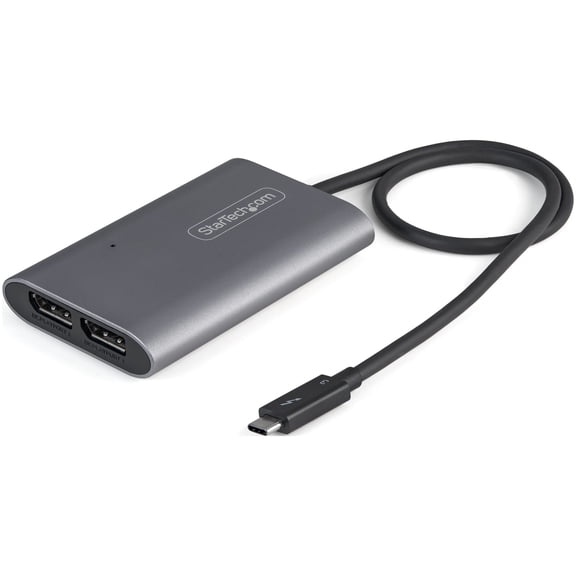
StarTech Thunderbolt 3 to 4K 60Hz Dual DisplayPort Adapter TB32DP14 $77.36
 $7736current price $77.36
StarTech Thunderbolt 3 to 4K 60Hz Dual DisplayPort Adapter TB32DP14
Ethernet Adapter with Cable for TV Stick (2Nd Gen), 4K Stick,TV , -USB to RJ45 Wired LAN Adapter ,B $30.66
 $3066current price $30.66
Ethernet Adapter with Cable for TV Stick (2Nd Gen), 4K Stick,TV , -USB to RJ45 Wired LAN Adapter ,B
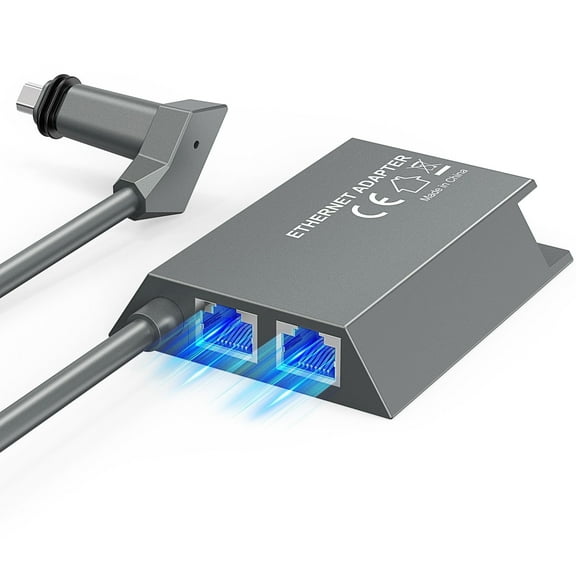
Multi-Port Starlink Ethernet Adapter for Starlink Gen 2 Wired External Network, 2 Ports Starlink Ethernet Adapter 1 to 2 Devices Networked Simultaneously, Up to 1 Gbps $35.99 Was $39.99
 $3599current price $35.99, Was $39.99$39.99
Multi-Port Starlink Ethernet Adapter for Starlink Gen 2 Wired External Network, 2 Ports Starlink Ethernet Adapter 1 to 2 Devices Networked Simultaneously, Up to 1 Gbps
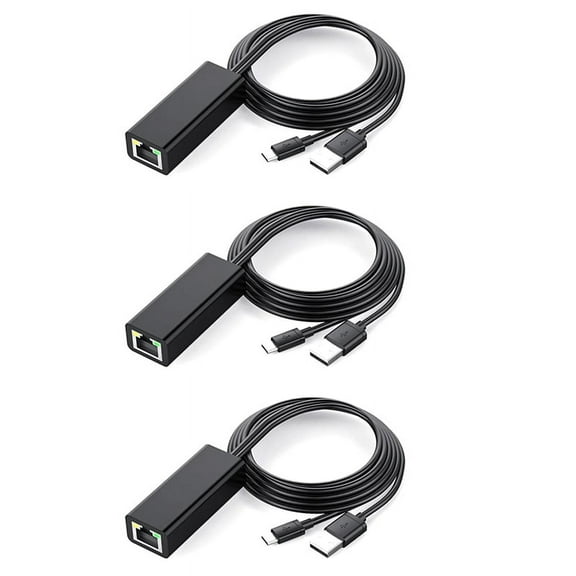
64.8 out of 5 Stars. 6 reviews3X Ethernet Adapter with Power Cable for TV Stick (2Nd Gen), 4K Stick,TV Square, Micro-USB to RJ45 Wired LAN Adapter $19.96
 $1996current price $19.96
3X Ethernet Adapter with Power Cable for TV Stick (2Nd Gen), 4K Stick,TV Square, Micro-USB to RJ45 Wired LAN Adapter
Apple MFi Certified Digital AV HDMI Adapter, 4K USB-C HDMI Converter, Sync Screen Video Audio Dongle for iPhone, iPad to TV/Projector/Monitor $17.99
 $1799current price $17.99
Apple MFi Certified Digital AV HDMI Adapter, 4K USB-C HDMI Converter, Sync Screen Video Audio Dongle for iPhone, iPad to TV/Projector/Monitor
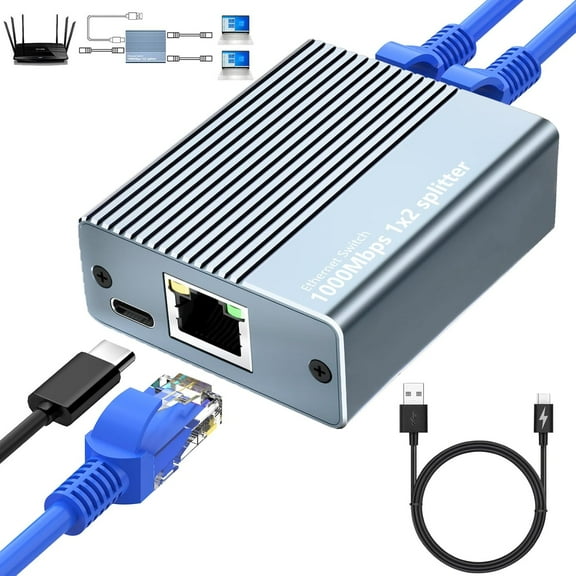
15 out of 5 Stars. 1 reviewsEthernet Splitter 1 to 2 High Speed 1000Mbps, Gigabit Dual RJ45 Splitter Adapter for Cat5/5e/6/7/8 Cabl $12.59 Was $16.99
 $1259current price $12.59, Was $16.99$16.99
Ethernet Splitter 1 to 2 High Speed 1000Mbps, Gigabit Dual RJ45 Splitter Adapter for Cat5/5e/6/7/8 Cabl
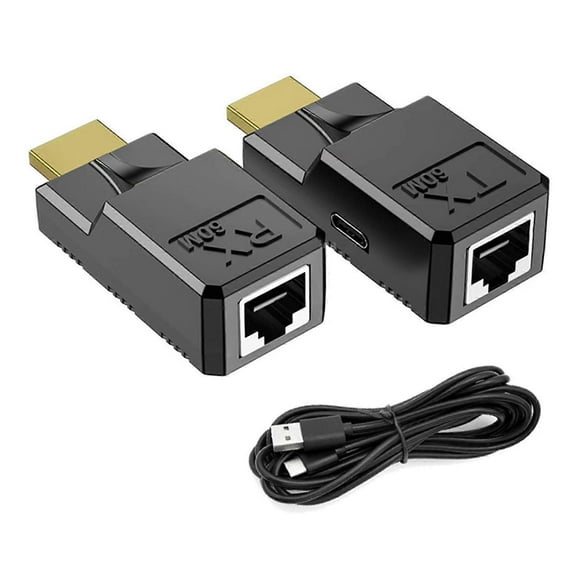
60M HDMI-compatible to RJ45 Adapter 1080p HDMI-compatible to Ethernet Networks Cable Extender ConverterHE60 $17.40
 $1740current price $17.40
60M HDMI-compatible to RJ45 Adapter 1080p HDMI-compatible to Ethernet Networks Cable Extender ConverterHE60
ARCADORA Starlink Gen2 Ethernet Adapter Kit for Custom Cable Lengths No Cutting or Crimping Needed $30.95
 $3095current price $30.95
ARCADORA Starlink Gen2 Ethernet Adapter Kit for Custom Cable Lengths No Cutting or Crimping Needed
USB 2.0 Super Extender 50M Prolong over CAT6 Cable 4 Port USB US PLUG $37.78
 $3778current price $37.78
USB 2.0 Super Extender 50M Prolong over CAT6 Cable 4 Port USB US PLUG
Ethernet Adapter for Starlink Gen 3 & Mini, 4-Port Gigabit RJ45 LAN Splitter with 0.5M Cable, Plug-and-Play Aluminum Hub for Wired TV, PC, Printer, Camera, Gaming – No External Power Needed $41.99
 $4199current price $41.99
Ethernet Adapter for Starlink Gen 3 & Mini, 4-Port Gigabit RJ45 LAN Splitter with 0.5M Cable, Plug-and-Play Aluminum Hub for Wired TV, PC, Printer, Camera, Gaming – No External Power Needed
1000Mbps 1 to 3 Gigabit Ethernet Adapter RJ45 Splitter Lan Connector Internet Splitter LAN Splitter for PC TV $12.95
 $1295current price $12.95
1000Mbps 1 to 3 Gigabit Ethernet Adapter RJ45 Splitter Lan Connector Internet Splitter LAN Splitter for PC TV
CYU SHOP Gigabit Ethernet Splitter 1 to 2 - Network Splitter with USB Power Cable, RJ45 Internet Adapter 1000Mbps High Speed for Cat 5/5e/6/7/8 Cable $10.09


 $1009current price $10.09
CYU SHOP Gigabit Ethernet Splitter 1 to 2 - Network Splitter with USB Power Cable, RJ45 Internet Adapter 1000Mbps High Speed for Cat 5/5e/6/7/8 Cable
USB to RJ45 Ethernet Adapter USB2.0 Female to RJ45 Male Converters for Networking Devices and PC Reliability Connection $8.82
 $882current price $8.82
USB to RJ45 Ethernet Adapter USB2.0 Female to RJ45 Male Converters for Networking Devices and PC Reliability Connection
Starlink Gen 2 Ethernet Adapter – CB2 to RJ45 Network Converter, T568B Standard for Desktop or Wall Installation, Supports 1000Mbps CAT8 Cable $25.99
 $2599current price $25.99
Starlink Gen 2 Ethernet Adapter – CB2 to RJ45 Network Converter, T568B Standard for Desktop or Wall Installation, Supports 1000Mbps CAT8 Cable
Gigabit Media Converter, RJ45 / SFP $94.84
 $9484current price $94.84
Gigabit Media Converter, RJ45 / SFP
Dynex DX-E101 $105.00
 $10500current price $105.00
Dynex DX-E101
Startech Fiber To Ethernet Media Converter St $81.64
 $8164current price $81.64
Startech Fiber To Ethernet Media Converter St
TONAIN 2x 3D 4K HDMI Signal Extender To RJ45 Over Cat 5e/6 Network Ethernet Adapte $5.12
 $512current price $5.12
TONAIN 2x 3D 4K HDMI Signal Extender To RJ45 Over Cat 5e/6 Network Ethernet Adapte
Check out these related products
StarTech Accessory DP2VGA2 Display Port to VGA Video Adapter Converter Retail $19.50
 $1950current price $19.50
StarTech Accessory DP2VGA2 Display Port to VGA Video Adapter Converter Retail
134.5 out of 5 Stars. 13 reviewsDisplayport To Dvi Adapter $31.09
 $3109current price $31.09
Displayport To Dvi Adapter
Startech DisplayPort to VGA Adapter Converter - DP to VGA - Connect your DisplayPort computer to a VGA Projector - 1920x1200 $20.00
 $2000current price $20.00
Startech DisplayPort to VGA Adapter Converter - DP to VGA - Connect your DisplayPort computer to a VGA Projector - 1920x1200
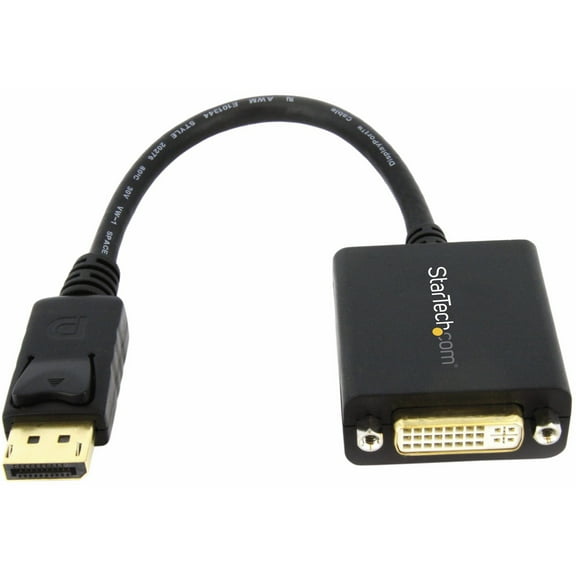
54.8 out of 5 Stars. 5 reviewsStarTech.com DP2DVI2 DisplayPort to DVI Video Adapter Converter $8.49 Was $14.99 44.9 ¢/ea
 $849current price $8.49, Was $14.99$14.9944.9 ¢/ea
StarTech.com DP2DVI2 DisplayPort to DVI Video Adapter Converter
194.5 out of 5 Stars. 19 reviewsStarTech DisplayPort to HDMI Video Adapter Converter $17.00
 $1700current price $17.00
StarTech DisplayPort to HDMI Video Adapter Converter
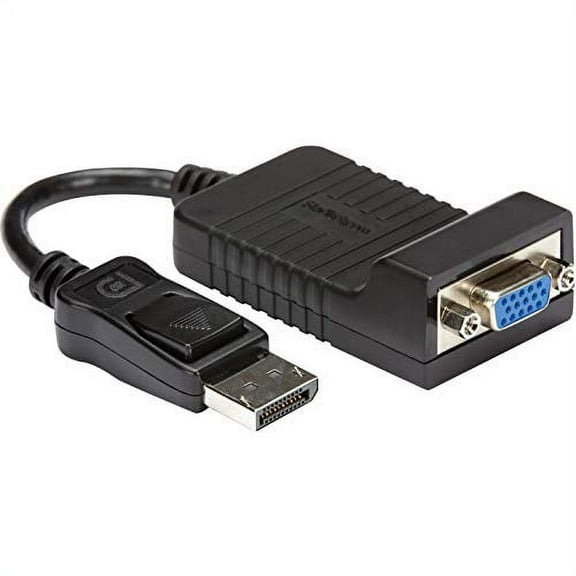
424 out of 5 Stars. 42 reviewsSTARTECH.COM DP2VGA BLACK DISPLAYPORT TO VGA ADAPTER EQUIVALENT TO AS615AA $56.63
 $5663current price $56.63
STARTECH.COM DP2VGA BLACK DISPLAYPORT TO VGA ADAPTER EQUIVALENT TO AS615AA
15 out of 5 Stars. 1 reviewsHDMI2VGA Hdmi To Vga Active Adapter Converter Cable - Male To Female $27.24
 $2724current price $27.24
HDMI2VGA Hdmi To Vga Active Adapter Converter Cable - Male To Female
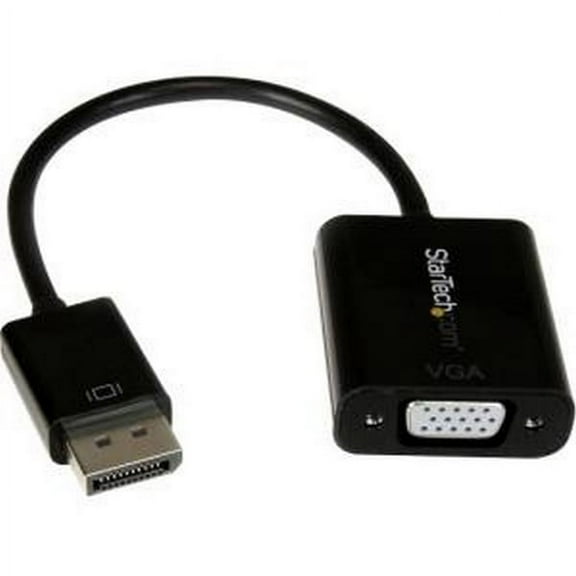
StarTech.com DP2VGA3 DisplayPort to VGA Adapter Converter - DP to VGA - Connect your DisplayPort computer to a VGA Projector - 1920x1200 $49.00
 $4900current price $49.00
StarTech.com DP2VGA3 DisplayPort to VGA Adapter Converter - DP to VGA - Connect your DisplayPort computer to a VGA Projector - 1920x1200
24.5 out of 5 Stars. 2 reviewsIXEVER 9.8" DisplayPort Male to HDMI Female Cable, Black $8.99
 $899current price $8.99
IXEVER 9.8" DisplayPort Male to HDMI Female Cable, Black
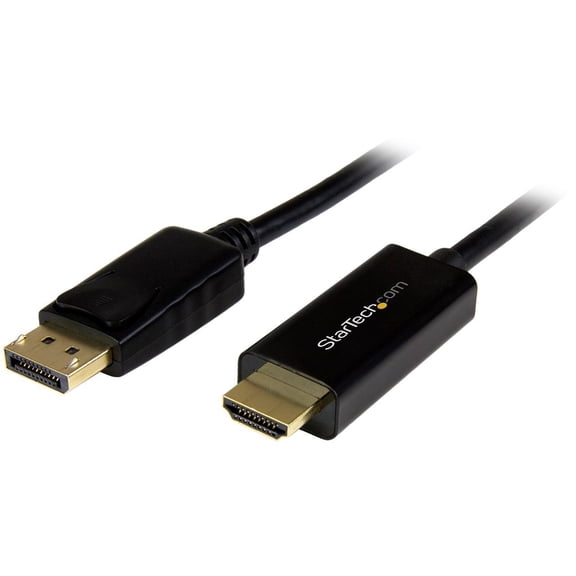
15 out of 5 Stars. 1 reviewsStarTech.com DP2HDMM2MB 6 ft. Black Connector A: 1 - DisplayPort (20 pin) Male Input Connector B: 1 - HDMI (19 pin) Male Output DisplayPort to HDMI Converter Cable - 4K Male to Male $49.58
 $4958current price $49.58
StarTech.com DP2HDMM2MB 6 ft. Black Connector A: 1 - DisplayPort (20 pin) Male Input Connector B: 1 - HDMI (19 pin) Male Output DisplayPort to HDMI Converter Cable - 4K Male to Male
Customer ratings & reviews
Filtered and sorted results would be available on the new 'Customer ratings & reviews' page.
Showing 1-3 of 4 reviews
Apple Cinema Display
I wanted to continue using my 30-inch Apple Cinema Display (ACD) while moving to an iMac (Late 2013) model with Thunderbolt-2 ports. The maximum resolution was a scaled 1200x800 when connected via a standard miniDP to DVI dongle. The (ACD) utilizes a Dual-Link DVI-D cable that is not detachable. I ordered this product due to the fact that the ACD must have a powered Dual-Link DVI connection to drive the 2560x1600 resolution. The additional USB cable on this product supplies the power to make "Dual" possible. After connecting the device I was disappointed not see a 2560x1600 option in the scaled resolution list. I inquired using the StarTech website support question form. In two days their customer support responded to my question with this. https://support.apple.com/en-ca/guide/mac-help/mchl86d72b76/mac In the System Preferences> Displays> Display tab in the Resolution section, press and hold the Option key while you click Scaled to see additional resolutions for the second display. THE MOST IMPORTANT THING TO DO IS: Hold down the “Option key” while clicking on the scaled button to list and select the 2560x1600 resolution. Unless the "Option key" is utilized the 2560x1600 resolution does not appear in the list of popular scaled resolutions that show after this device is attached. It works great now. I'm glad to have my great 30-inch Apple Cinema Display working again. I will continue to use StarTech products in the future.
Works perfectly on my Apple Cinema HD Display
More specifically, this is the Apple Cinema HD Display 30" monitor, which has a resolution of 2560 by 1600. This adapter helped me set this display up on my new Windows 11 PC. The frame rate is at 60 Hz (more specifically, 59.86 Hz, guess that's an Apple thing) at full resolution. For anyone else using this for this display, make sure to manually adjust the screen resolution to 2560 by 1600. By default, it's 1280 by 800, a mere 1/4th of the true capabilities of the display.
Works great but needs re-plugging every single tim
Works great on boot, but after 1 minute the screen goes "fuzzy" like those old crt tv's when they're not tuned in. I have to replug the USB power lead every single time I turn my PC on which is annoying. Once this is done it works flawlessly for many hours.
Thank you for taking the time to leave a review for our DP2DVID2. We are sorry to hear that you experienced difficulty with DP2DVID2 as this is not expected behavior for our video adapter. We see that you were able to speak with our Technical Support team and were recommended a replacement as the adapter has a 3 year warranty. If you require any further assistance, please do not hesitate to contact us.
