

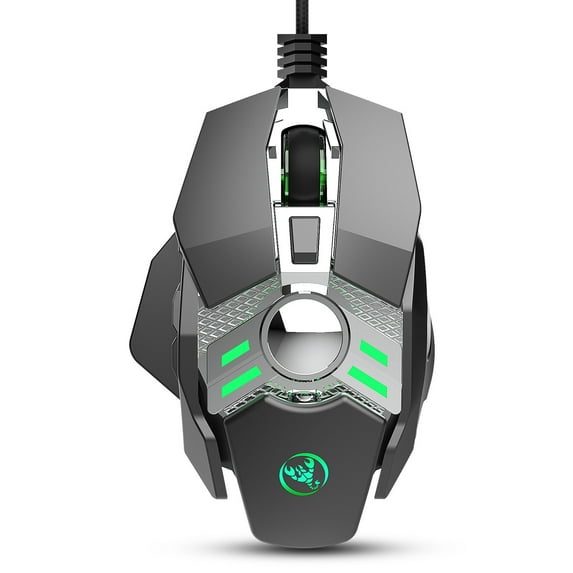
New J200 Mechanical Game Equipment 7-key Programmable Wired Mouse Light Cool
Key item features
-
Specification:
1. Product model : J200 Mechanical Macros Define the game mouse
2. new mouse game
3. High-end brand mechanical macro definition gaming mouse
4. Human body engineering design
5. 7 programmable keys
6. Cool LED variable light effect
7. 12-level adjustable DPI, Max.6400 DPI
8. Voltage rating / electric current: DC 5V / 100mA
9. USB plug and play
10. Switch life:20 million cycle
-
11. Cable length: 150cm
12:Product weight: 139g
13:Product size: 13*8.5*3.5cm
14:Package weight: 193g
15:Packing size: 15*9.8*5cm
16. Support Windows 2000 / XP / win7 / win8 /win10 Vista
32bit IOS or latest.
Packing list:
1 x gaming mouse
1 x User manual
-
Addition and subtraction with weights
1 : 5g X 2 capsules
2 : No need to remove the quick release type
3 : Add or subtract weights according to your own weight
Drive Instructions:
1. Insert the driver link (or CD) into your computer and run "setup.exe" to install.
2. When the mouse is successfully connected and used normally, the
installation can be started.
3. After the installation is complete, the“J200”drive icon will appear on the desktop.
4. Adop professional game chip, using high-performance program control decoder chip for smooth motion and precise control.
-
5. Button settings For the 1-7 button (as shown), the drive supports custom settings.
6. DPI setting: default 800-1600-2400-3200-4800-6400 the Six-segment DPI value can be any section.
7. LED settings: always on, custom breath, spectral cycle, off.
8. Mouse parameters: You can set the pointer precision, wheel speed and double click speed.
9. Custom Settings: Custom macro editing that supports game effects.
10. When the settings are complete, click Applications and then click Save Configuration. You should start the driver again the next time you use it so that you can use all customizationsFeatures.
Specs
 BrandYidarton
 ColorGray
How do you want your item?
About this item
Product details
Selling point:
1. Full-key 7 customizable macro programminG
2. Six-speed variable speed adjustable DIP (800-1600-2400-3200-4800-6400)
3. game chip micro switch
4. Integrated aluminum alloy sandblasted metal floor design
5. Electroplated apron wheel 3D three-dimensional carving
6.1680 million color backlight multiple mode changes
7. Mechanical design, comfortable skin feel
8. Removable weight design
-
Specification:
1. Product model : J200 Mechanical Macros Define the game mouse
2. new mouse game
3. High-end brand mechanical macro definition gaming mouse
4. Human body engineering design
5. 7 programmable keys
6. Cool LED variable light effect
7. 12-level adjustable DPI, Max.6400 DPI
8. Voltage rating / electric current: DC 5V / 100mA
9. USB plug and play
10. Switch life:20 million cycle
-
11. Cable length: 150cm
12:Product weight: 139g
13:Product size: 13*8.5*3.5cm
14:Package weight: 193g
15:Packing size: 15*9.8*5cm
16. Support Windows 2000 / XP / win7 / win8 /win10 Vista
32bit IOS or latest.
Packing list:
1 x gaming mouse
1 x User manual
-
Addition and subtraction with weights
1 : 5g X 2 capsules
2 : No need to remove the quick release type
3 : Add or subtract weights according to your own weight
Drive Instructions:
1. Insert the driver link (or CD) into your computer and run "setup.exe" to install.
2. When the mouse is successfully connected and used normally, the
installation can be started.
3. After the installation is complete, the“J200”drive icon will appear on the desktop.
4. Adop professional game chip, using high-performance program control decoder chip for smooth motion and precise control.
-
5. Button settings For the 1-7 button (as shown), the drive supports custom settings.
6. DPI setting: default 800-1600-2400-3200-4800-6400 the Six-segment DPI value can be any section.
7. LED settings: always on, custom breath, spectral cycle, off.
8. Mouse parameters: You can set the pointer precision, wheel speed and double click speed.
9. Custom Settings: Custom macro editing that supports game effects.
10. When the settings are complete, click Applications and then click Save Configuration. You should start the driver again the next time you use it so that you can use all customizationsFeatures.
Specifications
Brand
Color
Check out these related products
Yidarton X600 RGB Luminous Macro Programming Game Mouse 6 Keys Can Turn Off Lights To Support Various Game Wired Mice $19.59
 $1959current price $19.59
Yidarton X600 RGB Luminous Macro Programming Game Mouse 6 Keys Can Turn Off Lights To Support Various Game Wired Mice
J300RGB Macro Programming Game Mouse 7 Keys Can Turn Off The Lights To Support Various Games Wired Mouse Cross-border $17.99
 $1799current price $17.99
J300RGB Macro Programming Game Mouse 7 Keys Can Turn Off The Lights To Support Various Games Wired Mouse Cross-border
New A905 Wired Mouse RGB Backlight 7200dpi 6-gear Adjustable 8D Game Office MOUSE $18.29
 $1829current price $18.29
New A905 Wired Mouse RGB Backlight 7200dpi 6-gear Adjustable 8D Game Office MOUSE
S700 10 Key Wired Game Video Game Mouse Macro Programming 13 RGB Light Modes 6 Gears 12800dpi $24.99
 $2499current price $24.99
S700 10 Key Wired Game Video Game Mouse Macro Programming 13 RGB Light Modes 6 Gears 12800dpi
X200 New Wired Game Mouse Colorful Luminous 8000DPI Adjustable 8D Computer Gaming Mouse $16.99
 $1699current price $16.99
X200 New Wired Game Mouse Colorful Luminous 8000DPI Adjustable 8D Computer Gaming Mouse
A866RGB Luminous Wired Mouse Is Suitable For Office Games 6D Four-gear Adjustable 6400dpi $16.99
 $1699current price $16.99
A866RGB Luminous Wired Mouse Is Suitable For Office Games 6D Four-gear Adjustable 6400dpi
S600 9D Macro Programming Game Video Mouse RGB Luminous 7200dpi Gaming Mouse $20.99
 $2099current price $20.99
S600 9D Macro Programming Game Video Mouse RGB Luminous 7200dpi Gaming Mouse
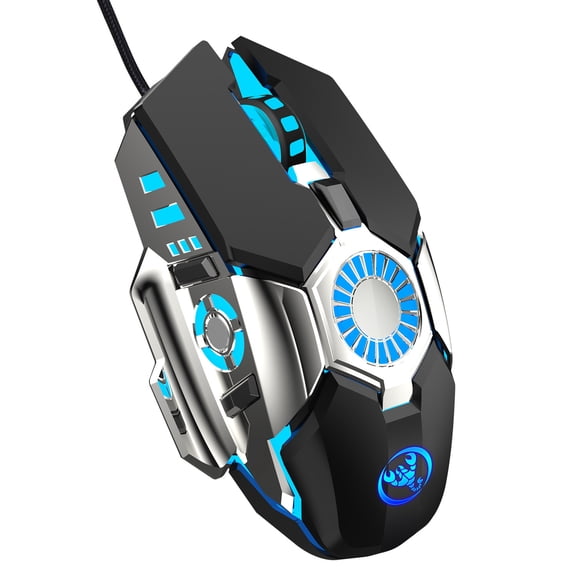
Yidarton J700 seven-color light-emitting gaming mouse macro programming gaming wired mouse 6 adjustable 6400dpi $14.99
 $1499current price $14.99
Yidarton J700 seven-color light-emitting gaming mouse macro programming gaming wired mouse 6 adjustable 6400dpi
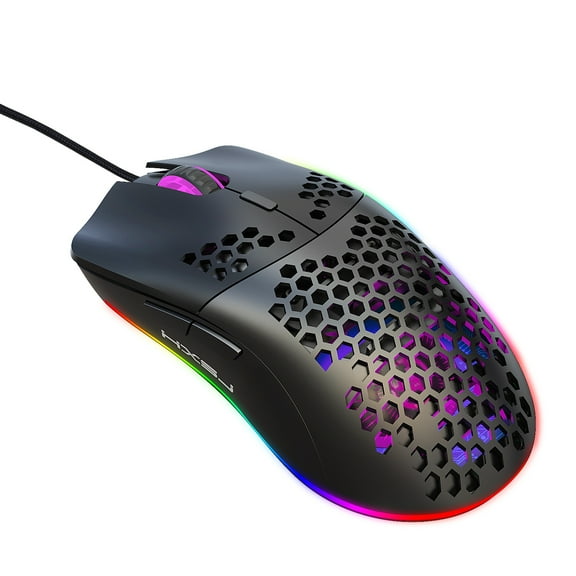
J900 Hole Mouse RGB Light Macro Programming Game Mouse 6 Keys Can Turn Off Lights Black $21.99
 2 optionsAvailable in additional 2 options$2199current price $21.99
J900 Hole Mouse RGB Light Macro Programming Game Mouse 6 Keys Can Turn Off Lights Black
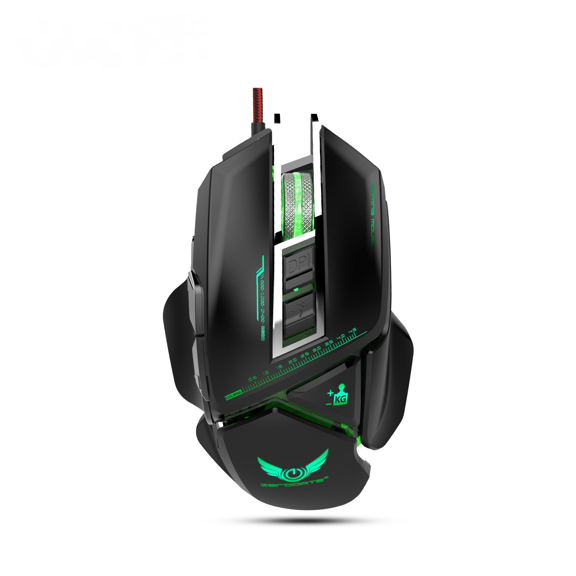
X400 New 11-key Mechanical Mouse Game Colorful Macro Programming Detachable Matching Block Grip 3200dpi Adjustable $23.99
 2 optionsAvailable in additional 2 options$2399current price $23.99
X400 New 11-key Mechanical Mouse Game Colorful Macro Programming Detachable Matching Block Grip 3200dpi Adjustable
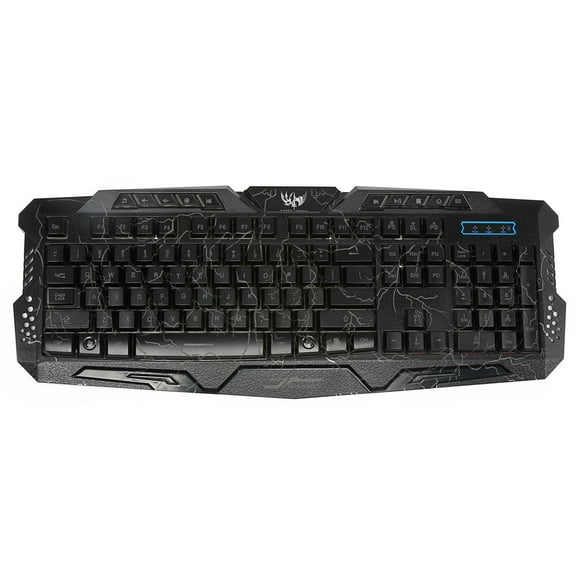
New J10 Three-color Backlit Wired Game Keyboard Set Colorful Luminous Game Mouse English Keyboard $48.99
 $4899current price $48.99
New J10 Three-color Backlit Wired Game Keyboard Set Colorful Luminous Game Mouse English Keyboard
A869 colorful luminous game mouse E-sports wired mouse dpi four gear adjustable 3200dpi $19.99
 $1999current price $19.99
A869 colorful luminous game mouse E-sports wired mouse dpi four gear adjustable 3200dpi
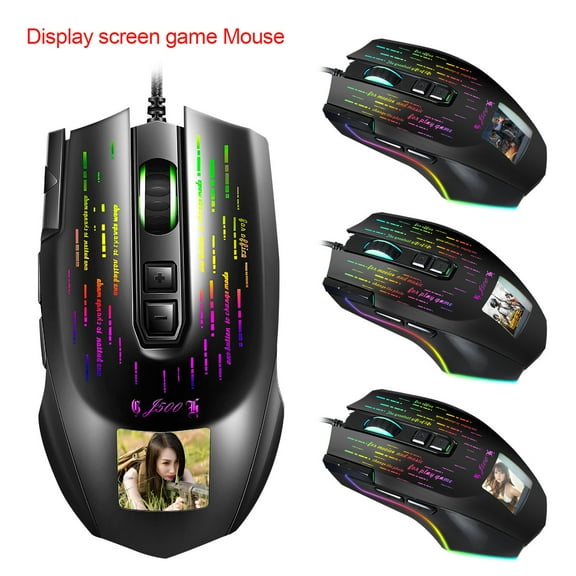
Yidarton New J500 Display Game Macro Mouse Multi-language Driver Can Freely Set Pictures $33.99
 $3399current price $33.99
Yidarton New J500 Display Game Macro Mouse Multi-language Driver Can Freely Set Pictures
Best seller TSV Gaming Mouse Wired, USB Computer Mouse with 4 Adjustable DPI, RGB Backlit LED, Side Buttons, Ergonomic Optical Mice for PC, Laptop, Windows, Mac, Vista, Linux, Gamer $10.98
Best seller


 $1098current price $10.98
TSV Gaming Mouse Wired, USB Computer Mouse with 4 Adjustable DPI, RGB Backlit LED, Side Buttons, Ergonomic Optical Mice for PC, Laptop, Windows, Mac, Vista, Linux, Gamer
4174.4 out of 5 Stars. 417 reviewsBreampot A883 Colorful Luminous 7D Game Mouse Electric Competition Cable Mouse 6400dpi Adjustable Support Macro Programming $14.99
 $1499current price $14.99
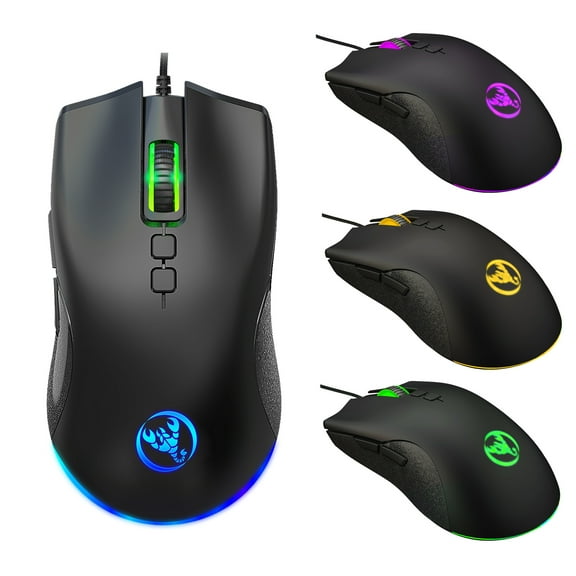
Breampot A883 Colorful Luminous 7D Game Mouse Electric Competition Cable Mouse 6400dpi Adjustable Support Macro Programming
