


axGear M.2 2280 SSD Heatsink Thermal Silicone Pad for PCIE NVME Aluminum Alloy Material
Key item features
- Aluminum Alloy Material: layer and frosting process, with better heat dissipation performance
- Make the Computer Run Faster: Improve the speed of data reading and writing, and bring you an extraordinary gaming experience.Watching 4K movies and pictures are not stuck
- Powerful Heat Dissipation: A new experience of hard drive acceleration.
- Double-layer heat conduction: Efficient heat dissipation. The product has two layers of thermally conductive silicone to make heat dissipation easier
- Easy to Install and Operate: Only need some simple tools, anyone can easily complete the installation
Specs
- Computer cooling typeHeat Sinks
- BrandAx Gear
- Works withM.2 2280 SSD
- ColorSilver
- Has written warrantyNo
- Weight1.41 oz
How do you want your item?
About this item
Product details
M.2 2280 SSD Heatsink with Double Thermal Silicone Pad for PCIE NVME
Description:
Aluminum Alloy Material: layer and frosting process, with better heat dissipation performance
Make the Computer Run Faster: Improve the speed of data reading and writing, and bring you an extraordinary gaming experience.Watching 4K movies and pictures are not stuck
Powerful Heat Dissipation: A new experience of hard drive acceleration.
Double-layer heat conduction: Efficient heat dissipation. The product has two layers of thermally conductive silicone to make heat dissipation easier
Easy to Install and Operate: Only need some simple tools, anyone can easily complete the installation
Features:
M.2 heatsink for 2280 M.2 PCIe NVMe SSD, 0.24inch(6mm) Thick Aluminum Body, fit PS5/Desktop installation.
Universal compatible with all kinds of M.2 2280 SSD
10°C- 30°C cooling effect to cool down high-speed M.2 PCIe SSD. Your NVMe SSD will not overheat due to prolonged operation, thus shortening the life of the valuable SSD.
Specifications:
Designed for desktop computers
Aluminum body, Anodic Oxidation Surface Treatment
with 10°C - 30°C cooling effect
Easy to install, and not damage the hard disk
Package Included:
1 x M.2 SSD Heatsink
2 x Heat pad
screws
- Aluminum Alloy Material: layer and frosting process, with better heat dissipation performance
- Make the Computer Run Faster: Improve the speed of data reading and writing, and bring you an extraordinary gaming experience.Watching 4K movies and pictures are not stuck
- Powerful Heat Dissipation: A new experience of hard drive acceleration.
- Double-layer heat conduction: Efficient heat dissipation. The product has two layers of thermally conductive silicone to make heat dissipation easier
- Easy to Install and Operate: Only need some simple tools, anyone can easily complete the installation
Specifications
Computer cooling type
Brand
Works with
Color
Warranty
Warranty information
Similar items you might like
Based on what customers bought
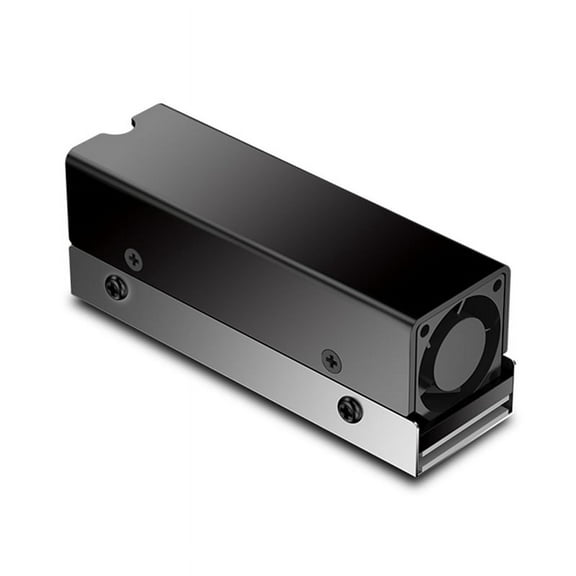
M.2 SSD NVMe Heat Sink M2 2280 Solid State Disk Air Circulation Radiator with Fan Aluminum Heatsink Thermal Pad Cooler $12.10
 $1210current price $12.10
M.2 SSD NVMe Heat Sink M2 2280 Solid State Disk Air Circulation Radiator with Fan Aluminum Heatsink Thermal Pad Cooler
Pure Copper Heatsink Cooler Heat Sink Thermal Conductive Adhesive for M.2 NGFF 2280 PCI-E NVME SSD Thickness 1.5/2/3/4mm $8.80
 3 optionsAvailable in additional 3 options$880current price $8.80
Pure Copper Heatsink Cooler Heat Sink Thermal Conductive Adhesive for M.2 NGFF 2280 PCI-E NVME SSD Thickness 1.5/2/3/4mm
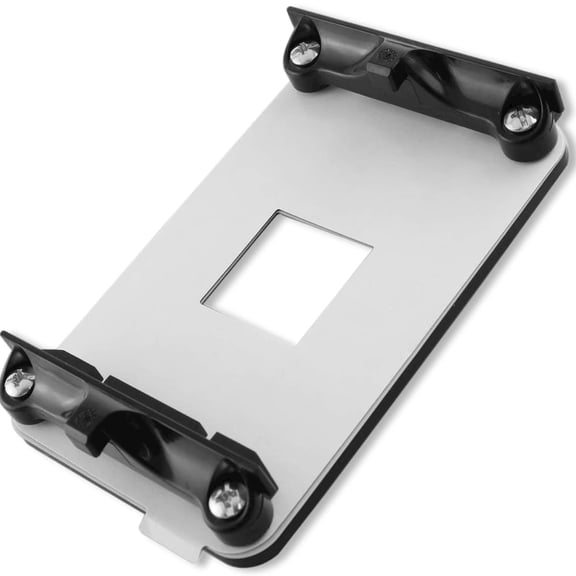
AMD AM4 Backplate - CPU Heatsink Bracket - Motherboard Mounting Hole 90x54mm - Socket AM4 Compatible $6.99 Was $8.99
 $699current price $6.99, Was $8.99$8.99
AMD AM4 Backplate - CPU Heatsink Bracket - Motherboard Mounting Hole 90x54mm - Socket AM4 Compatible
M.2 SSD 2280 Heatsink with Silicone Thermal Pad for M2 NVMe CPU GPU Fast Cooling $6.42
 $642current price $6.42
M.2 SSD 2280 Heatsink with Silicone Thermal Pad for M2 NVMe CPU GPU Fast Cooling
M.2 2280 NVMe Heatsink M.2 SSD Heatsink Cooling Pad Aluminum Dissipation with Thermal Pad for M2 2280 Ssd Red aluminum Red $9.01
 $901current price $9.01
M.2 2280 NVMe Heatsink M.2 SSD Heatsink Cooling Pad Aluminum Dissipation with Thermal Pad for M2 2280 Ssd Red aluminum Red
15 out of 5 Stars. 1 reviewsClearance Yammee High Performance M.2 Heatsink NVME 2280 SSD Heat Sink with Thermal Silicone Pad Fine Workmanship Aluminum Material $7.97 Was $8.90
Clearance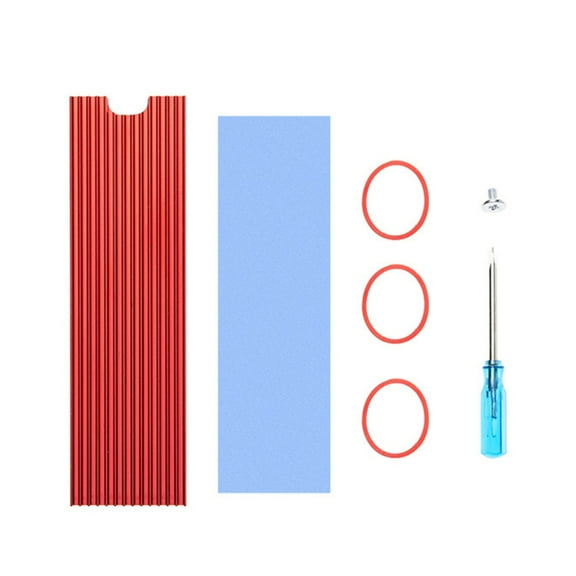 $797current price $7.97, Was $8.90$8.90
Yammee High Performance M.2 Heatsink NVME 2280 SSD Heat Sink with Thermal Silicone Pad Fine Workmanship Aluminum Material
Yibooy M.2 Solid State Hard Disk Heatsink Heat Radiator for PCIE 2280 SSD (Black) $6.98
 3 optionsAvailable in additional 3 options$698current price $6.98
Yibooy M.2 Solid State Hard Disk Heatsink Heat Radiator for PCIE 2280 SSD (Black)
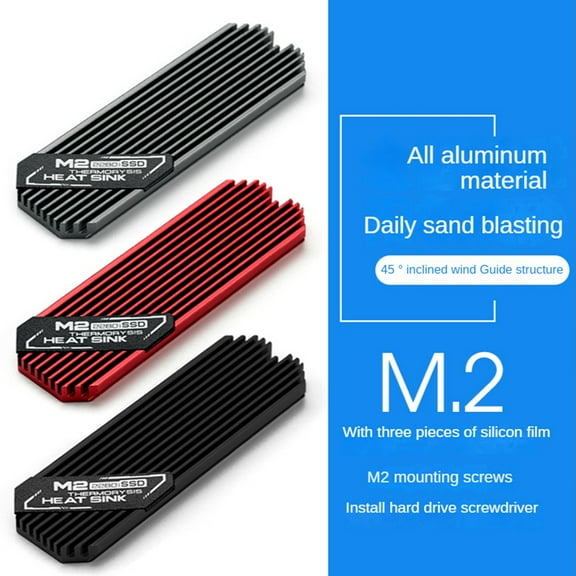
Ultrathin M.2 SSD Heat Sink M2 2280 Solid State Hard Disk Aluminum Heatsink Cooler Cooling Thermal Pad Grey $8.26
 $826current price $8.26
Ultrathin M.2 SSD Heat Sink M2 2280 Solid State Hard Disk Aluminum Heatsink Cooler Cooling Thermal Pad Grey
M.2 SSD NVMe Heat Sink M2 2280 Solid State Hard Disk Aluminum Heatsink Gasket for 2230 NGFF NVME $7.08
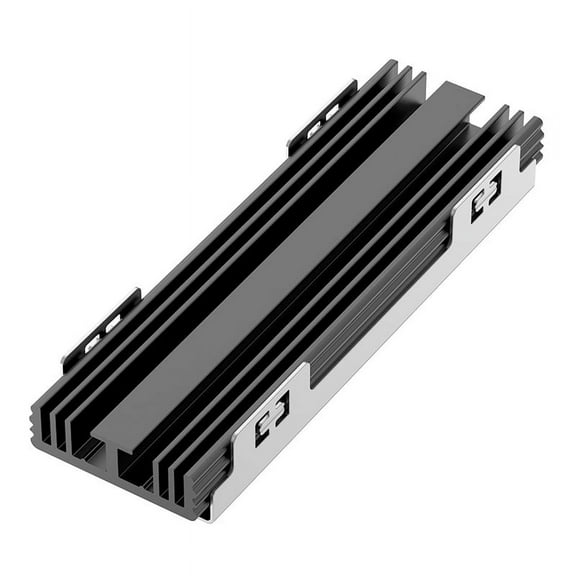 $708current price $7.08
M.2 SSD NVMe Heat Sink M2 2280 Solid State Hard Disk Aluminum Heatsink Gasket for 2230 NGFF NVME
Uxcell 2 Pack M.2 2280 Nvme SSD Heatsink Cooler w Thermal Pad Alloy Aluminum Heat Sink for Laptop, 70x22x3mm, Light Blue $7.91
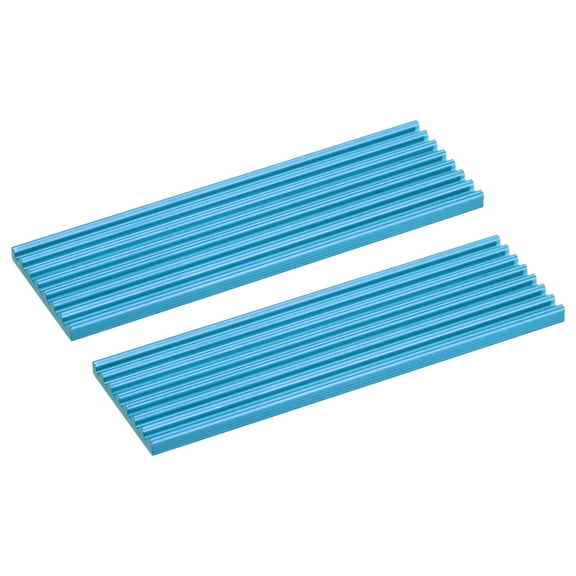 $791current price $7.91
Uxcell 2 Pack M.2 2280 Nvme SSD Heatsink Cooler w Thermal Pad Alloy Aluminum Heat Sink for Laptop, 70x22x3mm, Light Blue
4PCS M.2 2280 Ssds NVMe Thermal Cooling Pad High Performances Silicone Heat Dissipation Thermal Pad Quiet Design $8.31
 $831current price $8.31
4PCS M.2 2280 Ssds NVMe Thermal Cooling Pad High Performances Silicone Heat Dissipation Thermal Pad Quiet Design
15 out of 5 Stars. 1 reviewsunbranded 100 PCS SSD Thermal Pad Silicone Heat Sink Premium Material $5.97
 $597current price $5.97
unbranded 100 PCS SSD Thermal Pad Silicone Heat Sink Premium Material
M.2 2230 SSD Heatsink M2 NVMe Solid-State Hard Disk Copper Radiator for 2230 SSD Heat Sink Game Console Thermal Pad,A $8.10
 $810current price $8.10
M.2 2230 SSD Heatsink M2 NVMe Solid-State Hard Disk Copper Radiator for 2230 SSD Heat Sink Game Console Thermal Pad,A
Copper M.2 SSD Heat Sink Radiator with Silicone Thermal Pad Hard Disk Cooling Heatsink for M2 2280 $9.14
 $914current price $9.14
Copper M.2 SSD Heat Sink Radiator with Silicone Thermal Pad Hard Disk Cooling Heatsink for M2 2280
Rollback Uxcell Heatsink Aluminum Heat Sink with Thermal Properties for Efficient Cooling Solutions 50x25x10mm 1 Black $7.99 Was $10.34
Rollback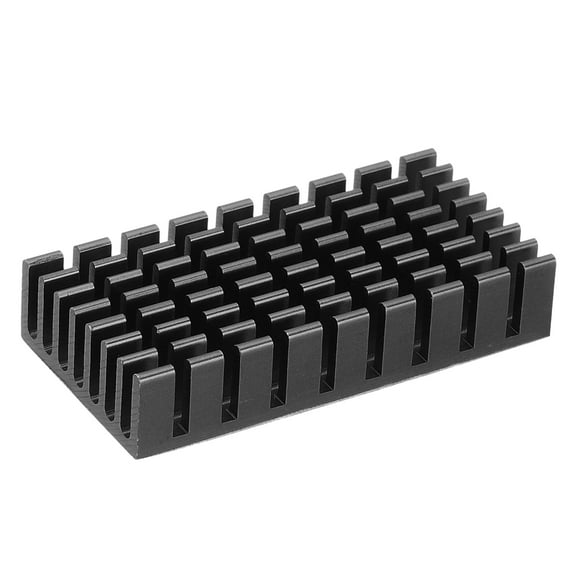


 $799current price $7.99, Was $10.34$10.34
Uxcell Heatsink Aluminum Heat Sink with Thermal Properties for Efficient Cooling Solutions 50x25x10mm 1 Black
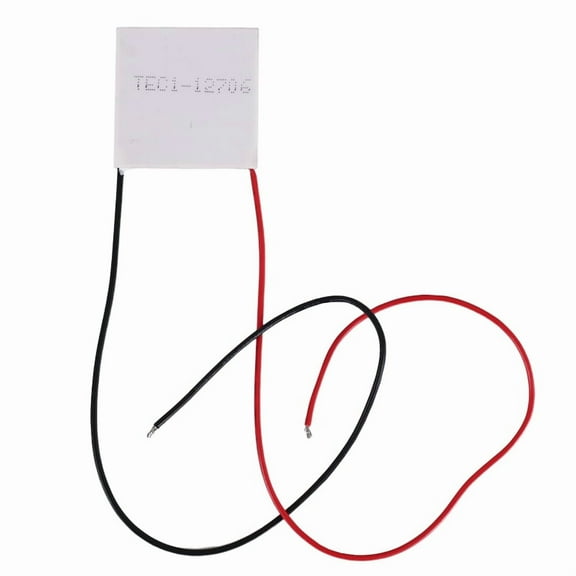
12V 5.8A 65W TEC1-12706 Thermoelectric Cooler Cooling Peltier Plate Module 40x40mm $7.29
 $729current price $7.29
12V 5.8A 65W TEC1-12706 Thermoelectric Cooler Cooling Peltier Plate Module 40x40mm
12V 5.8A 65W TEC1-12706 Thermoelectric Cooler Cooling Peltier Plate Module 40x40mm $8.21
$821current price $8.2112V 5.8A 65W TEC1-12706 Thermoelectric Cooler Cooling Peltier Plate Module 40x40mm
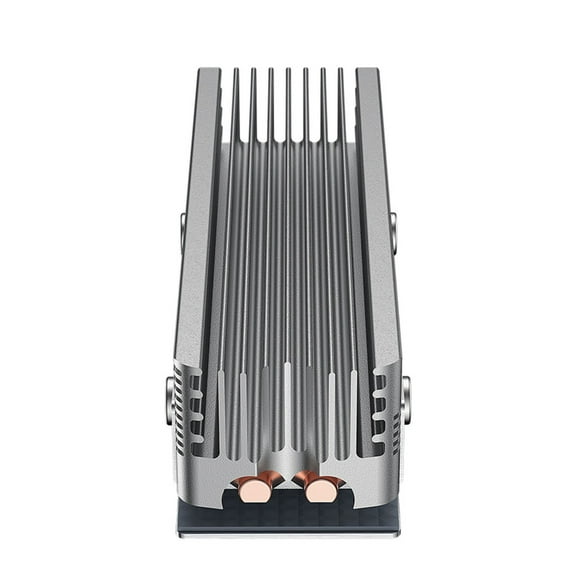
M.2 SSD Heatsink Heat Sink NVME M.2 2280 SSD Hard Disk Aluminum Heat Sink $11.58
 2 optionsAvailable in additional 2 options$1158current price $11.58
M.2 SSD Heatsink Heat Sink NVME M.2 2280 SSD Hard Disk Aluminum Heat Sink
Clearance Yammee for M.2 SSD Heatsink for PC NVME Ngff PCI-E Sata 2280 SSD Heat Sink Cooling with Thermal Silicone Cooler Pads $8.94 Was $9.99
Clearance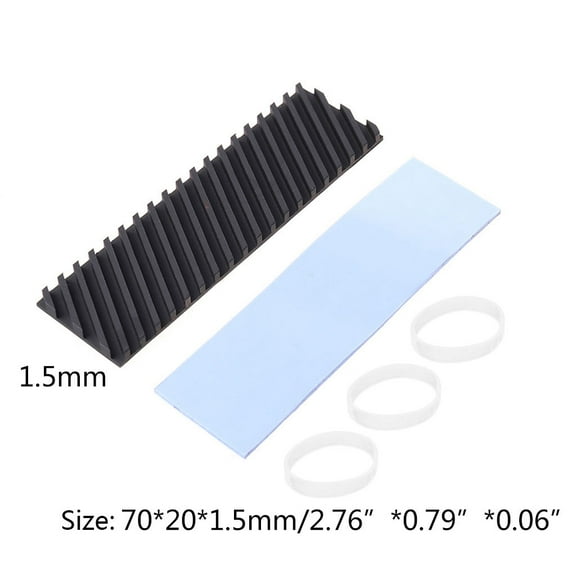 4 optionsAvailable in additional 4 options$894current price $8.94, Was $9.99$9.99
Yammee for M.2 SSD Heatsink for PC NVME Ngff PCI-E Sata 2280 SSD Heat Sink Cooling with Thermal Silicone Cooler Pads
M.2 2280 Laptop SSD Heatsink M.2 Copper Coolers 1mm Thickness Thermal Pad for Enhances Cooling and Improved Stability $7.97
 $797current price $7.97
M.2 2280 Laptop SSD Heatsink M.2 Copper Coolers 1mm Thickness Thermal Pad for Enhances Cooling and Improved Stability
Customer ratings & reviews
Filtered and sorted results would be available on the new 'Customer ratings & reviews' page.
Showing 1-1 of 1 review
Verified Purchase
Works as advertised
Only possible nitpicks I could make is there were no instructions. Not an issue for me but for a novice they might not know how to properly install it. I did fumble with the plastic protectors on the thermal pads but that's mostly due to me getting old :) This particular SSD I put it on has the misfortune of having the hot air from the GPU blasting down on it. With the heatsink on it I'm getting an easy 10C - 15C reduction which keeps my monitoring happy as it's no longer getting above 60C. I peaked a few times at 68C before getting the heatsink and so far haven't seen it get above 54. One reason I chose this as it's a design that draws heat from both sides of the PCB making it a more effective cooler. If you're considering but don't know for sure how to install it the process is actually fairly straightforward. The actual heatsink will fairly easily slip out of the bottom part which also frees the thermal pads. The pads have a thin plastic sheet on both sides to protect them. Gently peel one side off and place that side on the SSD as straight as you can get it and try not to touch the pad itself to avoid contaminating it. Once it's on try not to move it as you peel off the other side. I did the top first and used the heatsink to help hold the SSD while I put the bad on the bottom and then clipped the bottom of the assembly on. One bonus is it DOES come with a spare screw and a tiny screwdriver in case you mange to lose the screw currently holding the end of the SSD in position.
