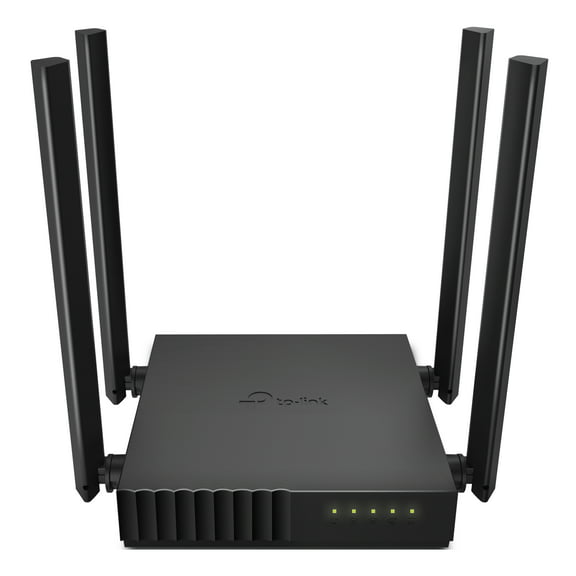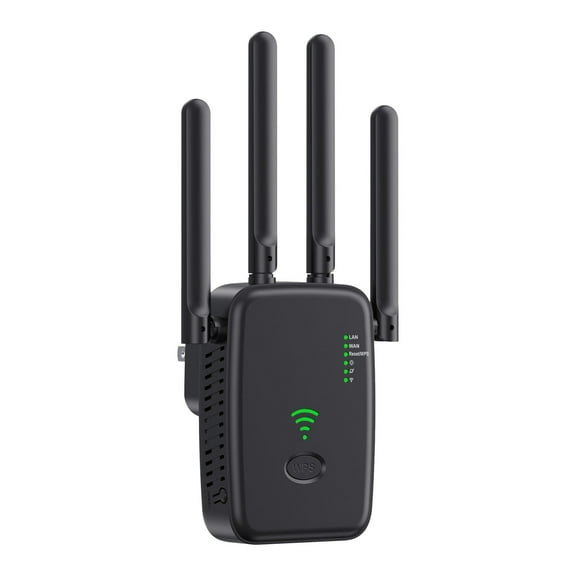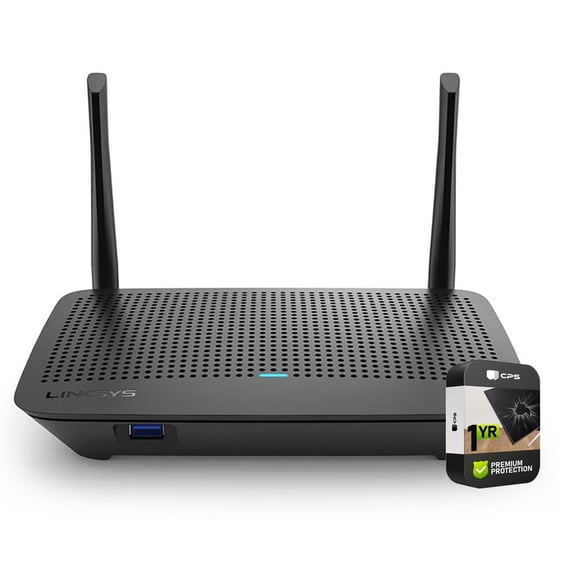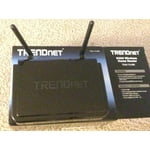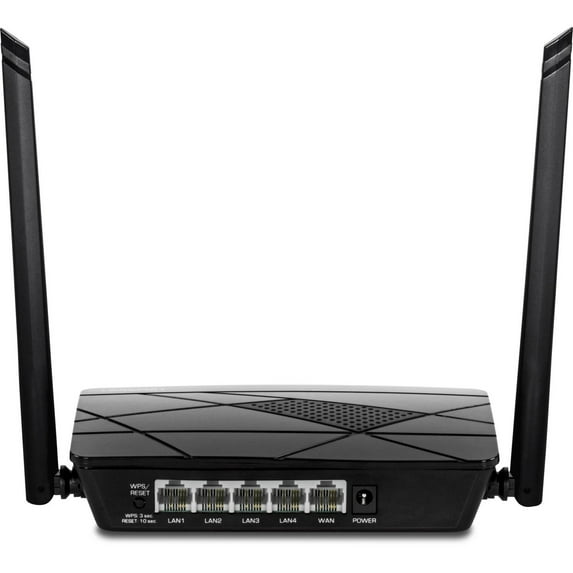
TRENDnet TEW-731BR - router - 802.11b/g/n - desktop
Hero image 0 of TRENDnet TEW-731BR - router - 802.11b/g/n - desktop, 0 of 2

TRENDnet TEW-731BR - router - 802.11b/g/n - desktop

Key item features

TRENDNET Wireless N 300Mbps Ho
Current price is $19.61
Price when purchased online
Out of stock

How do you want your item?

How do you want your item?
Out of stock
Report an issue with this seller

About this item

Product details

Specifications

Warranty

Warnings

Customer ratings & reviews

4.2 out of 5 stars
stars101 ratings90 reviews
How item rating is calculated

Customer photos
Filtered and sorted results would be available on the new 'Customer ratings & reviews' page.
Sort by |

Showing 1-3 of 90 reviews

May 26, 2016
rlh2
5 out of 5 stars review

Verified Purchase

Worked Great

I was planning a trip to see some one who did not have WiFi for their Internet connection. This unit was small enough to put in my suitcase. When I got to my destination, it immediately connected to their Internet connection and I had WiFi access everywhere in their place.RLH

Helpful?1L4GJ1IEOHPK19511603
Dec 17, 2015
JayzMom
Walmart Associate
5 out of 5 stars review

Great Buy for me

I'm happy with this unit. I have Comcast (Xfinity) and it works perfectly for me. Set up was easy, 5 mins at the most. Plug your internet connection into the router and connect your computer (one cord provided) to the router as well. Wait for everything to connect and open your browser. The only thing is that I had to manually type in web address (says site should pop up in browser when you turn the back on computer on). Once typed in, site pops right up. A few clicks, type in some info provided and you good to go. Comes with everything you need. Secure connection.

Helpful?1L4GJ1IEOHPK19511603
Aug 20, 2016
JimD
4 out of 5 stars review

Verified Purchase

Password help

The product does what it claims. Don't be confused. Underneath the router it says password. That is the password to change router settings. There is a number labeled the KEY number. That is the password for INTERNET WIFI access. It took me three days to figure that out. Also, you cannot change the Network NAME or PASSWORD. ever.

Helpful?1L4GJ1IEOHPK19511603