


- Free shipping
 Free 30-day returns
How do you want your item?


About this item
Product details
- 6-Zone Home Audio
- RS-232 to IP Adapter
Specifications
Compatibility
Brand
Height
Weight
Warranty
Warranty information
Please be aware that the warranty terms on items offered for sale by third party Marketplace sellers may differ from those displayed in this section (if any). To confirm warranty terms on an item offered for sale by a third party Marketplace seller, please use the 'Contact seller' feature on the third party Marketplace seller's information page and request the item's warranty terms prior to purchase.
Warnings
 WARNING: WARNING: This product can expose you to chemicals including Phthalates, which is known to the State of California to cause cancer and birth defects or other reproductive harm. For more information go to www.P65Warnings.ca.gov
Similar items you might like
Based on what customers bought
4-in-1 Mobile Repair Tool Clamp Rotatable LCD Separator Fixture for Screen and Back Cover Disassembly Aluminum Alloy $59.74
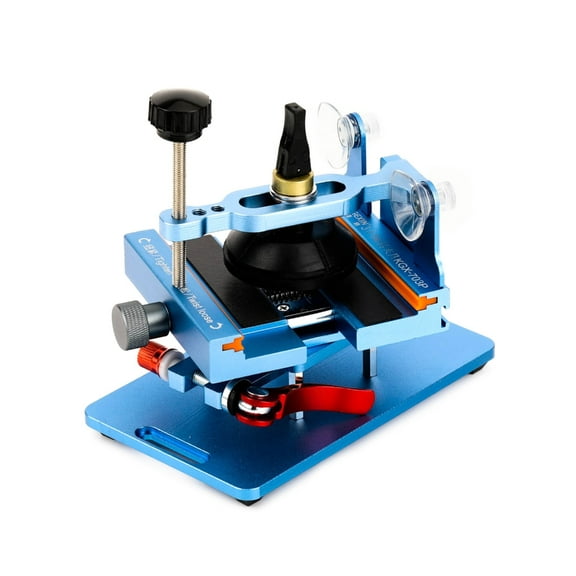 $5974current price $59.74
4-in-1 Mobile Repair Tool Clamp Rotatable LCD Separator Fixture for Screen and Back Cover Disassembly Aluminum Alloy
Yokua 11 in 1 Mobile Phone Opening Screen Repair Tools Screwdrivers Set Durable $8.82
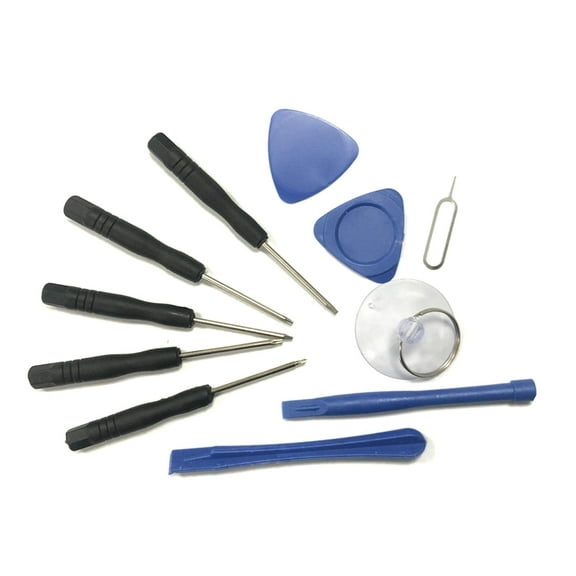 $882current price $8.82
Yokua 11 in 1 Mobile Phone Opening Screen Repair Tools Screwdrivers Set Durable
DENEST 14-inch Screen Separator Machine Phone Screen Repair Tool Us Standard Powerful $94.49
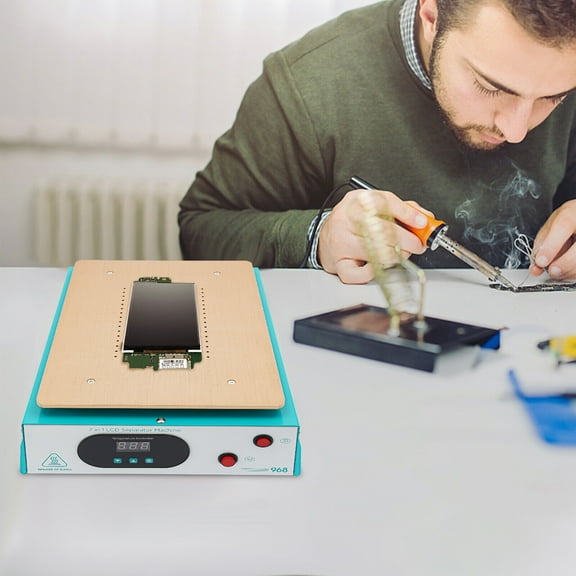 $9449current price $94.49
DENEST 14-inch Screen Separator Machine Phone Screen Repair Tool Us Standard Powerful
Clearance Toddmomy Tight Clip Tablet Screen Bonding 4Pcs 1.3X1.2X0.4In $11.45 Was $12.86
Clearance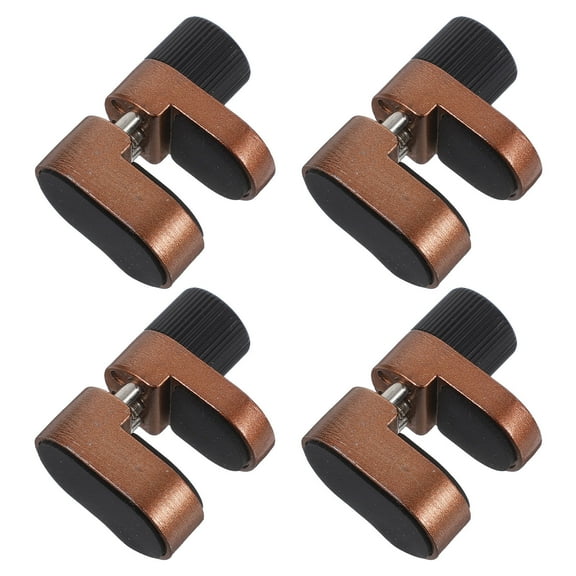 $1145current price $11.45, Was $12.86$12.86
Toddmomy Tight Clip Tablet Screen Bonding 4Pcs 1.3X1.2X0.4In
Vertiv Geist Liquid Leak Flood Sensor FS15 $109.96 Was $127.98
 $10996current price $109.96, Was $127.98$127.98
Vertiv Geist Liquid Leak Flood Sensor FS15
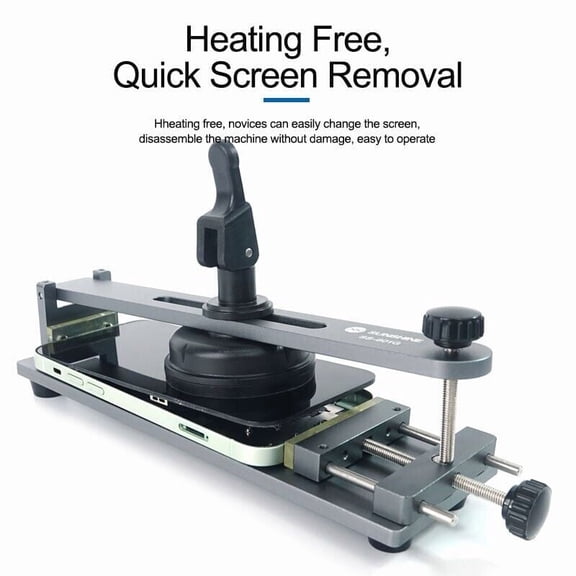
Universal Phone Screen Separator Tool – Free-Heating Repair Kit for Mobile $24.99
 $2499current price $24.99
Universal Phone Screen Separator Tool – Free-Heating Repair Kit for Mobile
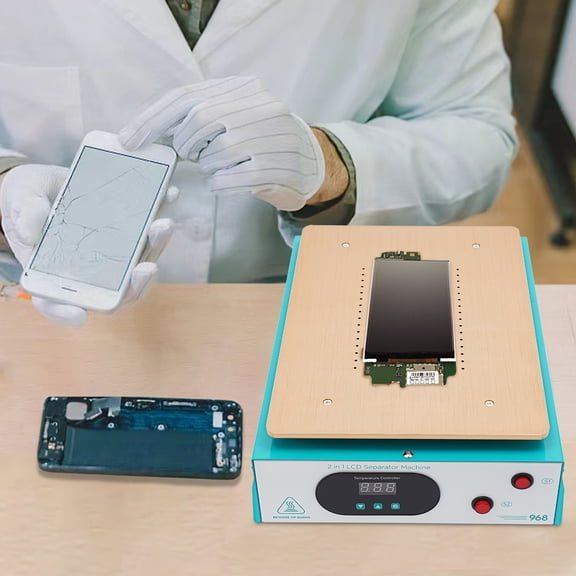
Wildnix High-Efficiency Phone Screen Repair Kit, LCD Screen Separator, Heating Table with LED Display for Fast Screen Separation and Repair $81.60
 $8160current price $81.60
Wildnix High-Efficiency Phone Screen Repair Kit, LCD Screen Separator, Heating Table with LED Display for Fast Screen Separation and Repair
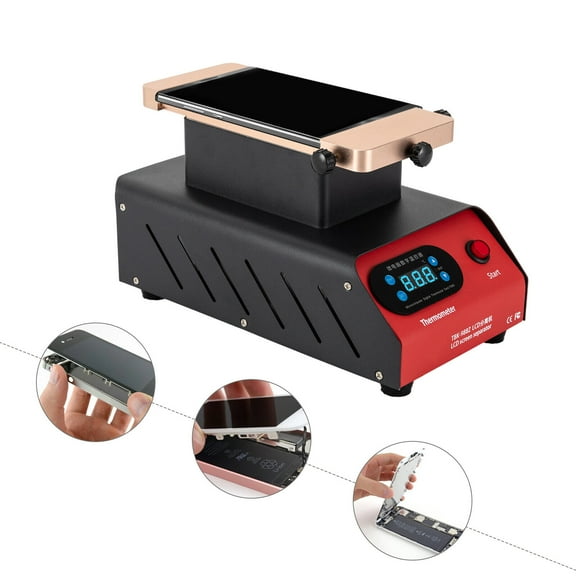
7'' LCD Screen Separator Reparator Glass Repair Machine Hot Plate for Cell Phone $79.20
 $7920current price $79.20
7'' LCD Screen Separator Reparator Glass Repair Machine Hot Plate for Cell Phone
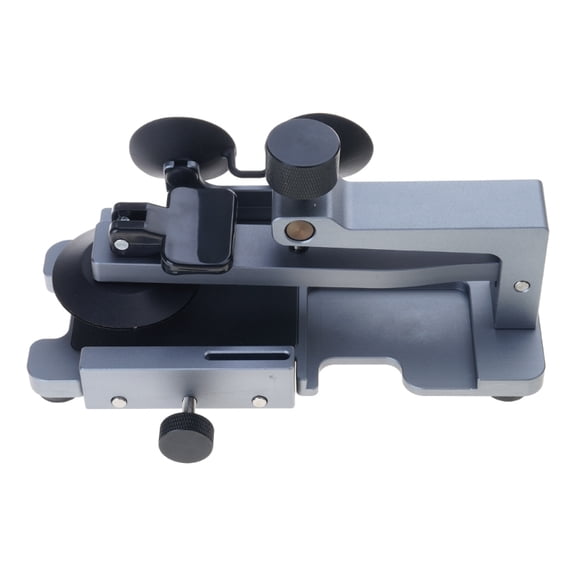
Portable Phone Screen Separator for Easy and Safe Screen Removal Without Heating $56.68
 $5668current price $56.68
Portable Phone Screen Separator for Easy and Safe Screen Removal Without Heating
yotijay Phone Screen Separator Fixture Phones Back Glass Removal Utility Labor Saving A $74.99

 $7499current price $74.99
yotijay Phone Screen Separator Fixture Phones Back Glass Removal Utility Labor Saving A
Yokua Mobile LCD Screen Separator Tool Phone Screen Removal for Quick and Easy $36.32
 $3632current price $36.32
Yokua Mobile LCD Screen Separator Tool Phone Screen Removal for Quick and Easy
Telemecanique Sensors LmtSwtchLvrArm,RotaryLvrRoller,2.5inArmL 9007DA12 $83.61
 $8361current price $83.61
Telemecanique Sensors LmtSwtchLvrArm,RotaryLvrRoller,2.5inArmL 9007DA12
FIB-232A-SC002 - RS-232 over multimode fiber media converter, SC connector, 2Km range $90.00
 $9000current price $90.00
FIB-232A-SC002 - RS-232 over multimode fiber media converter, SC connector, 2Km range
Ridgid Fan 73997 $53.49
 $5349current price $53.49
Ridgid Fan 73997
Havis C-MD 202 - Mounting kit (handle, adjust adapter) - for notebook $93.00
 $9300current price $93.00
Havis C-MD 202 - Mounting kit (handle, adjust adapter) - for notebook
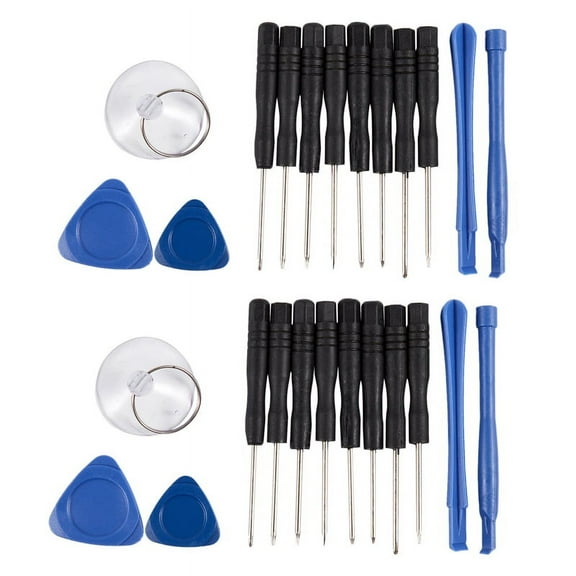
26x for Smart Phone PC Tablet Repair Opening Screwdrivers Pry Tools Kit $6.86
 $686current price $6.86
26x for Smart Phone PC Tablet Repair Opening Screwdrivers Pry Tools Kit
CPB Heating Pad, Portable Mobile Phone Hot Mat Pad Phone LCD Screen Separator Plate Repair Tool Machine Safe Removal Repair Machine $58.00
 $5800current price $58.00
CPB Heating Pad, Portable Mobile Phone Hot Mat Pad Phone LCD Screen Separator Plate Repair Tool Machine Safe Removal Repair Machine
Clearance FUTUREORYY 20Pcs Mobile Tool Kit Repair for Handling Small Wires and Screws in Cameras and Phones $5.47 Was $6.15
Clearance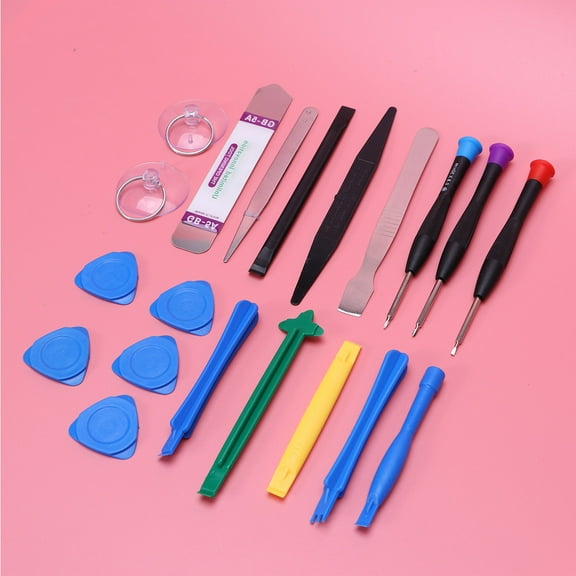 $547current price $5.47, Was $6.15$6.15
FUTUREORYY 20Pcs Mobile Tool Kit Repair for Handling Small Wires and Screws in Cameras and Phones
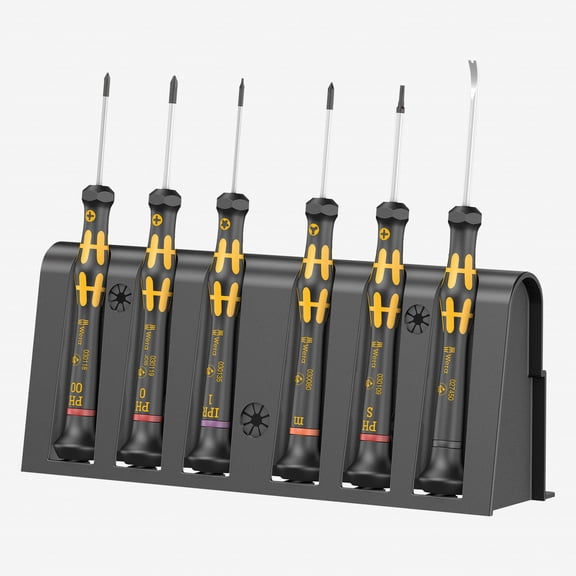
Wera 030182 Kraftform Micro 6 ESD Smartphone Repair Kit 1 $67.28
 $6728current price $67.28
Wera 030182 Kraftform Micro 6 ESD Smartphone Repair Kit 1
1X Spudger / Pry Tool for Mobile Phone Screen Disassembly - Ultra Thin Flexible E5A0 $7.00
 $700current price $7.00
1X Spudger / Pry Tool for Mobile Phone Screen Disassembly - Ultra Thin Flexible E5A0
Customer ratings & reviews
Filtered and sorted results would be available on the new 'Customer ratings & reviews' page.
Showing 1-3 of 7 reviews
It works. (iOS Perspective)
Please see the excellent reviews by Brian T and Nicolas D first. My goal, like many others, was to control my new Monoprice 6 Zone Home Audio Multizone Controller and Amplifier Kit (Product # 10761) from my iOS smartphone. I purchased the RS232 to IP adapter and it took weeks of troubleshooting and experimenting to get it working. Here are the issues: 1. All of the iOS app store apps built to support the amp were built 4+ years ago by independent developers for use with the iTach (Global Cache) adapter. Monoprice is working on something for iOS but had no updates as of Nov 2021. 2. There are no use cases, screenshots, or examples of this adapter working specifically with iOS. 3. I wanted a wired ethernet connection since my other networking components were nearby. How to get it working - Connect to power, connect ethernet in WAN port, install antenna, and be sure to reset the device by pressing the small button beside antenna connection for 10 secs. This resets all the settings to default. Give it a minute to boot. Find the device's wifi network and connect directly to it.. Type in the adapter's IP directly in your browser. I changed the "netmode" drop-down to "ETH-SERIAL" and the "Locale/Remote Port Number" to 4999 and clicked apply. Now you can disconnect from the device's wireless network and back on to your network (adapter's IP address may change again). Now you should have a reliable wired connection and no further configuration should be required. Port 4999 is the default port used in almost all of the iOS apps I tried where the iTach product was listed as supported (unless it asks you to specify).
Took effort to configure, then works great
The review from Nicholas was very helpful. Adding a few things so you can avoid some challenges I ran into with this adapter: - Make sure the 6 zone amp you're connecting this to powers on. I spent a lot of time troubleshooting only to realize the problem was a blown fuse on the amp. I should have know that no lights = no power. The amp came with a spare and documentation, it was very easy to swap. - Reset the adapter before you start. There's a pinhole right by the antenna, press and hold for 10 seconds. Mine didn't map to the included instructions when I unboxed it, resetting fixed this. - Connect to it via wifi, look for SSID "HLINK". - Before configuring the network, consider changing the default username and password under Administration > Management. Note that the password field shouldn't be too long. It appeared to accept a very long password then wouldn't let me log in. I had to reset, then choose something about 16 char long. - When you configure the network, use a static IP. If you know how to set this up on your router before you start, great. Mine wouldn't let me, so I configured the adapter to connect to our local wifi using DHCP, then looked on my router to see what address was assigned. I made that a static IP on my router, then re-logged into the adapter configuration using that IP, then changed it to a static IP there too. I didn't have to configure ports on my router. - I updated the default gateway and primary DNS to map to my router, that may not have been necessary. - Make sure the "Serial configure" option reads "9600,8,n,1". With that done, using the Monoprice Whole Home Android app was easy. Configure by entering the static IP of the adapter, then changing Device Being Used to "Soundavo WS66i", don't worry about the port number. Name your zones and sources and you're done. Note that you'll see a "communication error" if the amp isn't powered on. Hope that helps.
Replaced a Raspberry Pi and web interface with this adapter
I've been using the 6 zone Monoprice Amp for almost 7 years and setup a Raspberry Pi with a RS-232 shield to control it via a web interface I built. Clunky to say the least and slow to respond and a bear to maintain and troubleshoot. And I recently add a second slaved amp to expand my setup. I was not looking forward to all the work that would be required to integrate in to my current access solution. Since I want my family to be able to control the amps, volume, sources, etc, I needed a better solution. This adapter along with the Audio Control app from the Play store gave me a much better experience. I can now control both amps, sources, etc via an Android app. Once I figure out how to set it up, that is. Which was a bit of a PITA. I suggest reading the reviews below mine. They offer valuable and essential information needed to get this device working. I did everything that was recommended and still found I could not make things work. I poked around in settings in the GUI for the adapter and found the culprit. The last setting on the Serial2Net page (first menu item under HLK-RMO4 section) is the Network timeout. Mine was set to 0., by default. Until I changed this setting to 1, it did not work. After doing that, works like a charm! Thanks to previous reviews and advice, I now have a working interface for my 2 6 Zone amps. I echo previous comments.: change the admin password immediately, set the IP type to "static" and assign an unused IP address from your router, etc. And set the Network Timeout to a greater value than 0. Enjoy! And thanks Monoprice and to all the advice from fellow users!
