

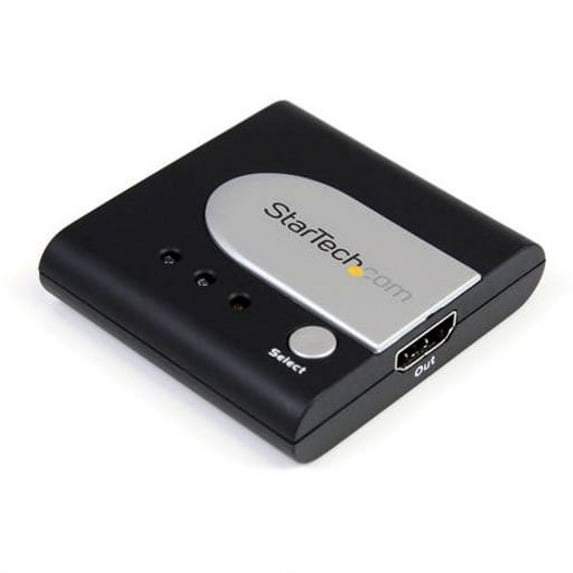
2 Port Auto High Speed HDMI Switch
Key item features
Share a single HDMI® display between two sources - auto detects priority source signal or signal loss. The VS122HDMIU High Speed HDMI® Auto Switcher lets you share a display between 2 consumer electronic devices or computers and prioritize your HDMI signals. The HDMI switch features a primary and secondary HDMI input port, and automatically defaults to the signal from the primary input port. If the signal connected to the primary input port is lost, the device automatically switches to display the signal from the secondary HDMI input port. Designed for maximum control and versatility, the high-speed HDMI auto switch box also offers manual control of connected signals with easy-to-use front panel buttons that allow you to toggle between video sources. Backed by a StarTech.com 2-year warranty and free lifetime technical support.
Specs
- BrandStarTech.com
- Number of ports2
- Model nameVS122HDMIU
- LAN ports2
- In/Out typeHDMI
- Input/output quantity3
How do you want your item?
About this item
Product details
Share a single HDMI® display between two sources - auto detects priority source signal or signal loss. The VS122HDMIU High Speed HDMI® Auto Switcher lets you share a display between 2 consumer electronic devices or computers and prioritize your HDMI signals. The HDMI switch features a primary and secondary HDMI input port, and automatically defaults to the signal from the primary input port. If the signal connected to the primary input port is lost, the device automatically switches to display the signal from the secondary HDMI input port. Designed for maximum control and versatility, the high-speed HDMI auto switch box also offers manual control of connected signals with easy-to-use front panel buttons that allow you to toggle between video sources. Backed by a StarTech.com 2-year warranty and free lifetime technical support.
Specifications
Brand
Number of ports
Model name
LAN ports
Warranty
Warranty information
Please be aware that the warranty terms on items offered for sale by third party Marketplace sellers may differ from those displayed in this section (if any). To confirm warranty terms on an item offered for sale by a third party Marketplace seller, please use the 'Contact seller' feature on the third party Marketplace seller's information page and request the item's warranty terms prior to purchase.
Similar items you might like
Based on what customers bought
Best seller onn 4K HDMI 4x1 Switch $33.94
Best seller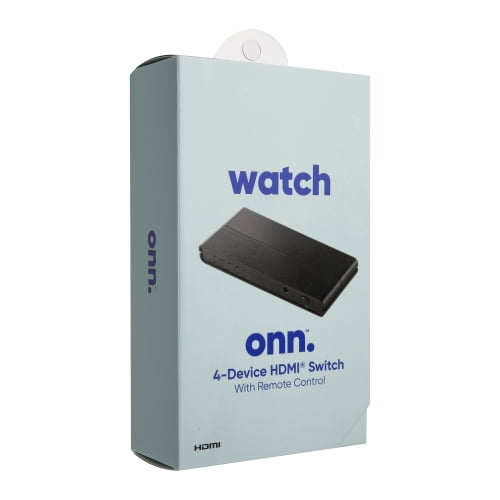 $3394current price $33.94
onn 4K HDMI 4x1 Switch
43.8 out of 5 Stars. 4 reviewsCombos HDMI Switch 4K 120Hz 8K 60Hz 3 in 1 Out $35.99
 $3599current price $35.99
Combos HDMI Switch 4K 120Hz 8K 60Hz 3 in 1 Out
Best seller GE HDMI Switch, 2 Port, 8K, 1 Piece $19.27 Was $23.37
Best seller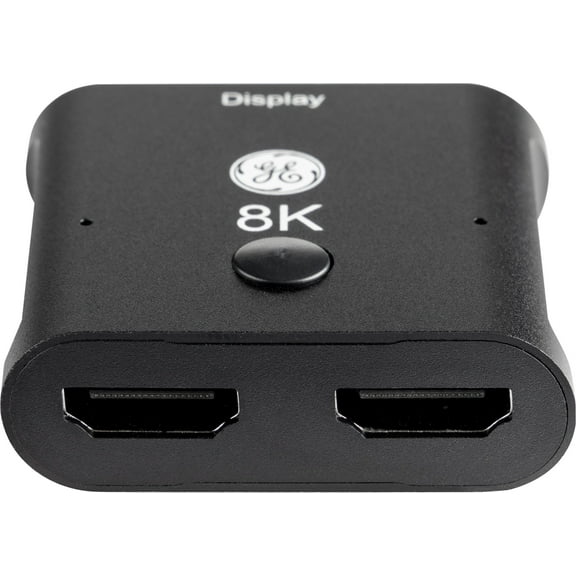 $1927current price $19.27, Was $23.37$23.37
GE HDMI Switch, 2 Port, 8K, 1 Piece
843.8 out of 5 Stars. 84 reviewsHDMI Switch 5 in 1 Out 4K 60Hz Ultra HD High-Speed 10.2Gbps Compatible with PS5 Xbox $19.99
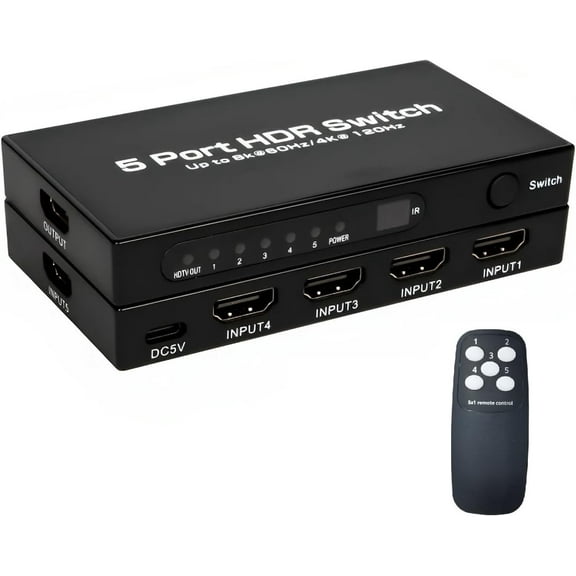 $1999current price $19.99
HDMI Switch 5 in 1 Out 4K 60Hz Ultra HD High-Speed 10.2Gbps Compatible with PS5 Xbox
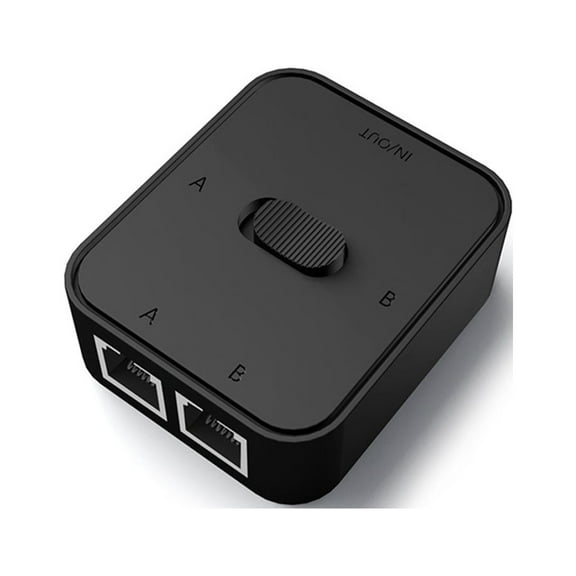
2 Ports Gigabit 10/100/1000Mbps, 2 In 1 Out/1 In 2 Out Lan High Ethernet Switcher $11.47
 $1147current price $11.47
2 Ports Gigabit 10/100/1000Mbps, 2 In 1 Out/1 In 2 Out Lan High Ethernet Switcher
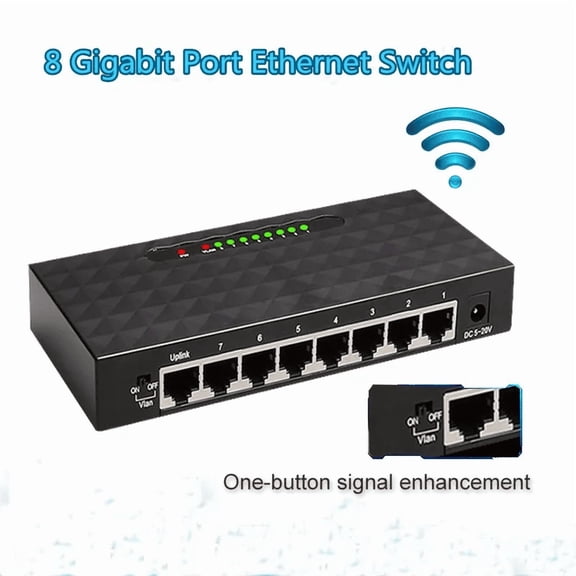
RIWPKFH 8 Port 1000Mbps Gigabit Network Switch Ethernet Smart Switcher High Performance RJ45 Hub Internet Splitter $23.99
 $2399current price $23.99
RIWPKFH 8 Port 1000Mbps Gigabit Network Switch Ethernet Smart Switcher High Performance RJ45 Hub Internet Splitter
5-Port 10/100 Network Switch $40.00
 $4000current price $40.00
5-Port 10/100 Network Switch
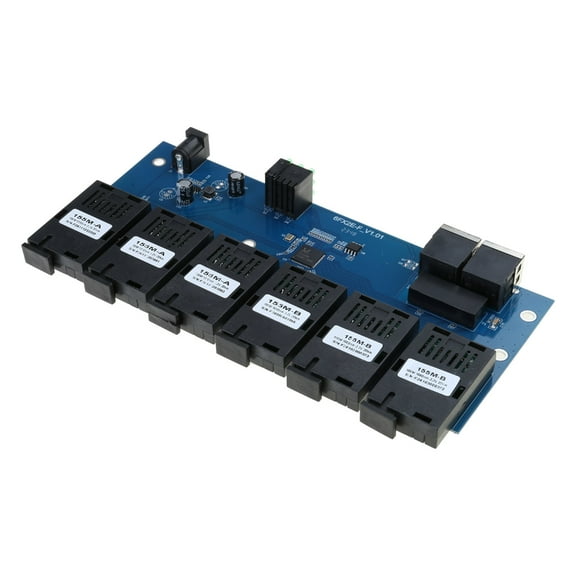
24.5 out of 5 Stars. 2 reviewsGigabit Ethernet Switches Ethernet Fiber 6 Port 2 RJ45 to 6SC PCBA Board $22.81
 $2281current price $22.81
Gigabit Ethernet Switches Ethernet Fiber 6 Port 2 RJ45 to 6SC PCBA Board
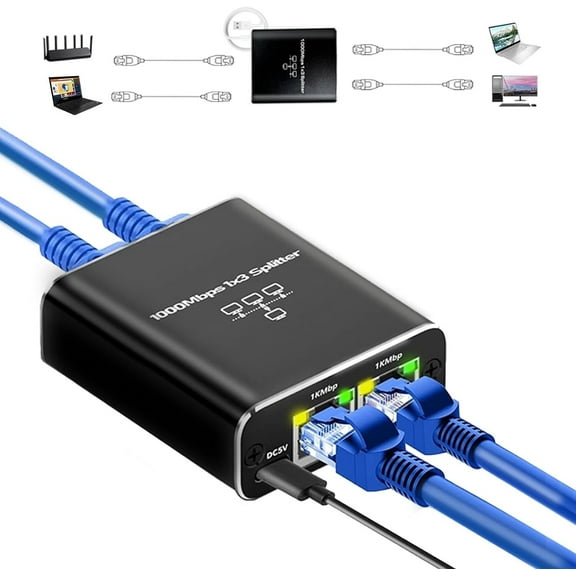
RJ45 Gigabit Network Distributor Broadband Network Switch 1 to 3 Ethernet Cable $16.99
 $1699current price $16.99
RJ45 Gigabit Network Distributor Broadband Network Switch 1 to 3 Ethernet Cable
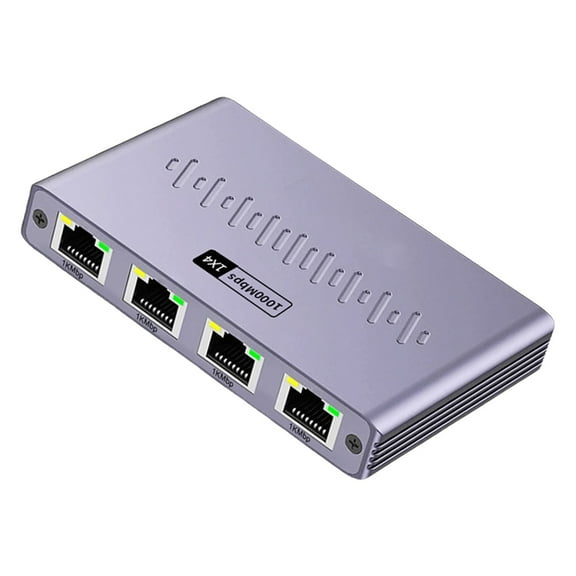
Sinyiin Multiple Device Ethernet Splitter 4 Port Gigabit Speed Networking Hub Aluminum Housing for Home Office Connection $16.27
 $1627current price $16.27
Sinyiin Multiple Device Ethernet Splitter 4 Port Gigabit Speed Networking Hub Aluminum Housing for Home Office Connection
Clearance 1Pcs Ethernet Splitter - RJ45 1 to 3 Port Connector for Internet Cable, Gigabit Speed, Wide Compatibilities with Cat5/5e/6/7/8, Standard 8P8C for Home Office, Network Extension, Black $8.88 Was $9.99
Clearance
 $888current price $8.88, Was $9.99$9.99
1Pcs Ethernet Splitter - RJ45 1 to 3 Port Connector for Internet Cable, Gigabit Speed, Wide Compatibilities with Cat5/5e/6/7/8, Standard 8P8C for Home Office, Network Extension, Black
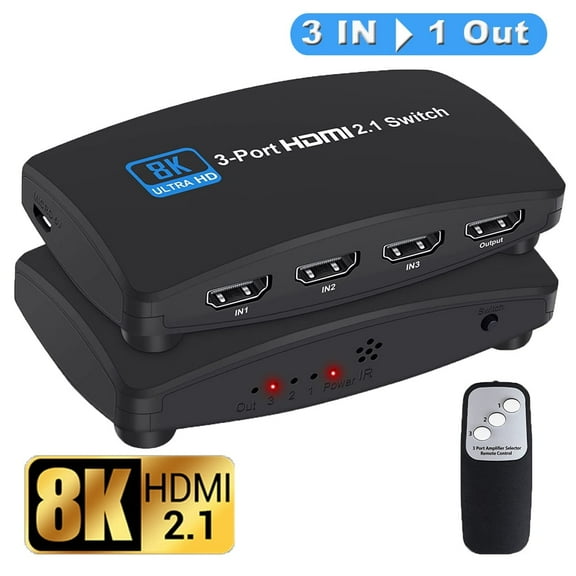
hdmi switch HDMI 2.1 Switch $17.99 Was $32.99
 $1799current price $17.99, Was $32.99$32.99
hdmi switch HDMI 2.1 Switch
Clearance LAN Splitter 1 to 2 3 4 1000 Mbps Ethernet Splitter with Type C Power Cable Gigabit Switches for Computer, Hub, Routers $9.97 Was $13.03
Clearance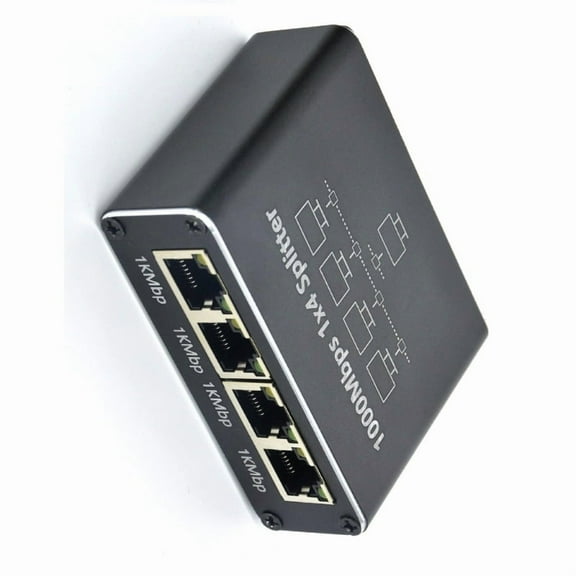 2 optionsAvailable in additional 2 options$997current price $9.97, Was $13.03$13.03
LAN Splitter 1 to 2 3 4 1000 Mbps Ethernet Splitter with Type C Power Cable Gigabit Switches for Computer, Hub, Routers
netis st3116p 16-port 10/100 desktop switch $17.76
 $1776current price $17.76
netis st3116p 16-port 10/100 desktop switch
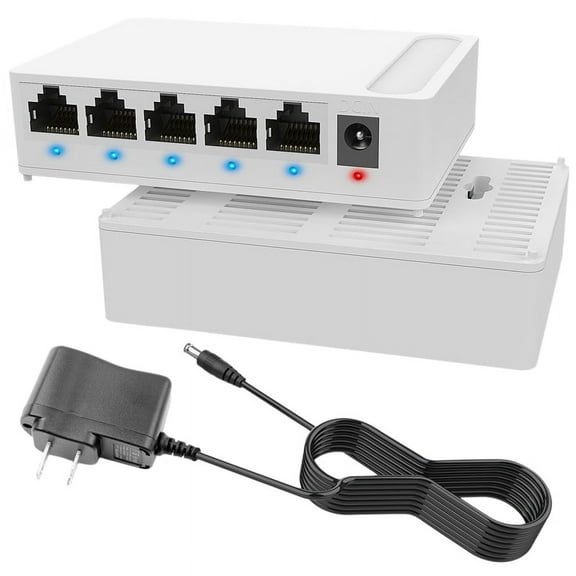
15 out of 5 Stars. 1 reviews5 Port 1000Mbps Network Ethernet Switch with VLAN 5V Power Supply Home Splitter for Office US Plug $14.22
 $1422current price $14.22
5 Port 1000Mbps Network Ethernet Switch with VLAN 5V Power Supply Home Splitter for Office US Plug
162005 2-port USB Switch $37.70
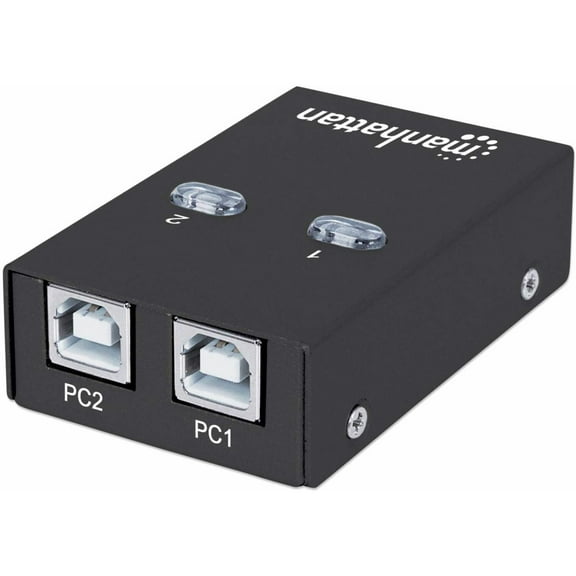 $3770current price $37.70
162005 2-port USB Switch
KSRplayer HDMI Switch 8K 60Hz, HDMI 2.1 Switcher, 4K@120Hz Aluminum Splitter $15.55
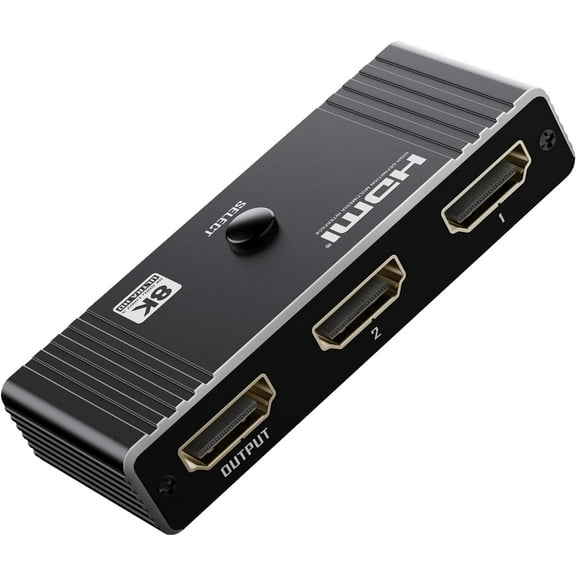 $1555current price $15.55
KSRplayer HDMI Switch 8K 60Hz, HDMI 2.1 Switcher, 4K@120Hz Aluminum Splitter
2-Port USB 2.0 Peripheral Switch $37.50
 $3750current price $37.50
2-Port USB 2.0 Peripheral Switch
OREI 4K 5-port HDMI™ Switch (UHD-501) $29.99
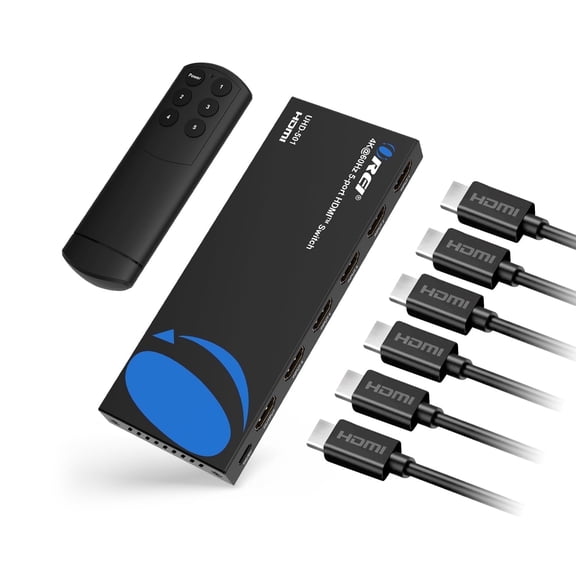 $2999current price $29.99
OREI 4K 5-port HDMI™ Switch (UHD-501)
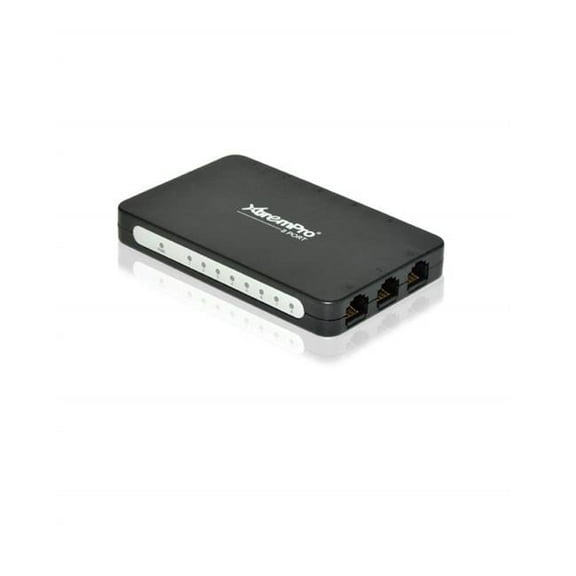
XtremPro 8-Port USB Powered Ethernet RJ45 Network Switch Hub - Black $19.14
 $1914current price $19.14
XtremPro 8-Port USB Powered Ethernet RJ45 Network Switch Hub - Black
Check out these related products
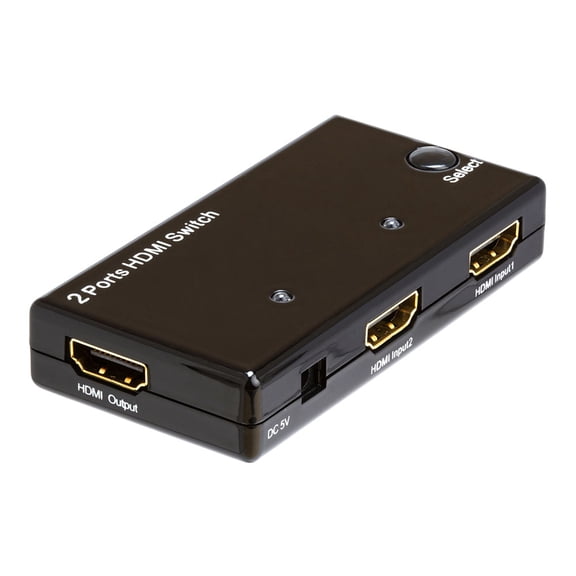
CMPLE 2-Port High Speed 4K HDMI Switch 2-in-1 out (2x1), Support 3D, Full HD 4K @30Hz, HDCP (no external power needed) $15.49
 $1549current price $15.49
CMPLE 2-Port High Speed 4K HDMI Switch 2-in-1 out (2x1), Support 3D, Full HD 4K @30Hz, HDCP (no external power needed)
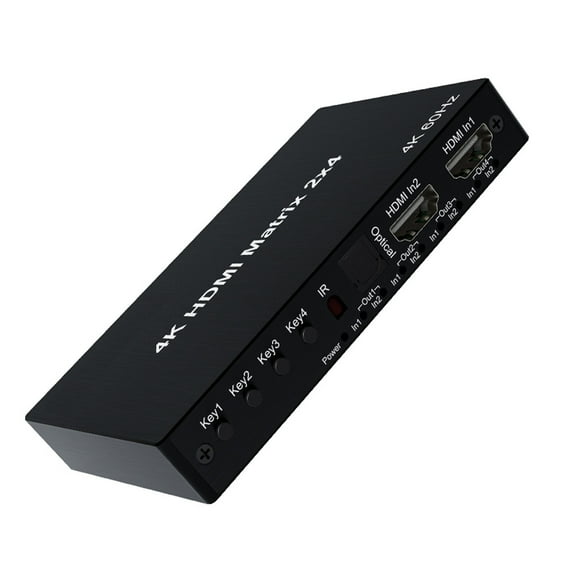
axGear 2X4 HDMI 3D True Matrix Switch Splitter 2 In Source 4 Out Display W/ Remote 4K $33.99
 $3399current price $33.99
axGear 2X4 HDMI 3D True Matrix Switch Splitter 2 In Source 4 Out Display W/ Remote 4K
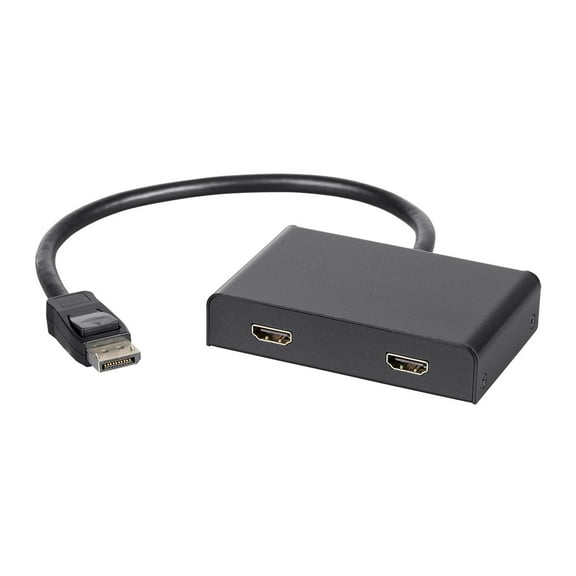
15 out of 5 Stars. 1 reviewsMonoprice 2-Port DisplayPort 1.2 to HDMI Multi-Stream Transport (MST) Hub, Ideal For Digital Signage And Large Video Displays In Schools, Churches $46.78 Was $59.99
 $4678current price $46.78, Was $59.99$59.99
Monoprice 2-Port DisplayPort 1.2 to HDMI Multi-Stream Transport (MST) Hub, Ideal For Digital Signage And Large Video Displays In Schools, Churches
33 out of 5 Stars. 3 reviewsaxGear 2X8 HDMI 3D True Matrix Switch Splitter 2 In Source 8 Out Display W/ Remote 4K $47.99 Was $95.95
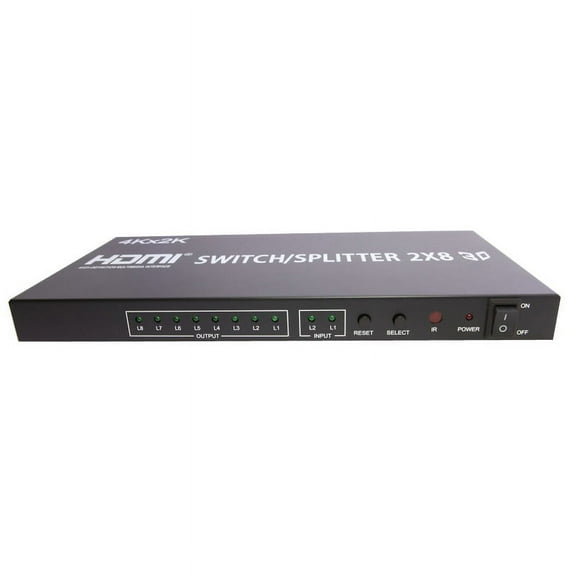 $4799current price $47.99, Was $95.95$95.95
axGear 2X8 HDMI 3D True Matrix Switch Splitter 2 In Source 8 Out Display W/ Remote 4K
23 out of 5 Stars. 2 reviewsXtreme XHV11016BLK 2 Port HDMI Splitter $14.99 Was $19.99
 $1499current price $14.99, Was $19.99$19.99
Xtreme XHV11016BLK 2 Port HDMI Splitter
SIIG HDMI Over IP Extender / Matrix with IR - Kit - 1 Input Device - 1 Output Device - 393.70 ft Range - 2 x Network (RJ-45) - 1 x HDMI In - 2 x HDMI Out - Serial Port - Full HD - 1920 x 1080 - Twiste $202.50 Was $227.70
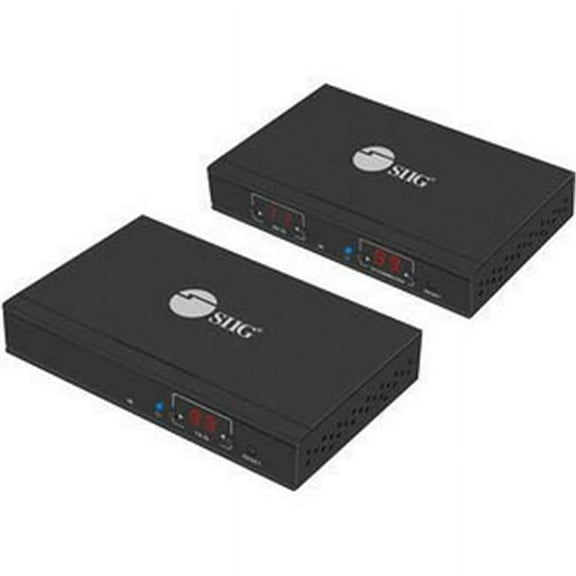 $20250current price $202.50, Was $227.70$227.70
SIIG HDMI Over IP Extender / Matrix with IR - Kit - 1 Input Device - 1 Output Device - 393.70 ft Range - 2 x Network (RJ-45) - 1 x HDMI In - 2 x HDMI Out - Serial Port - Full HD - 1920 x 1080 - Twiste
StarTech 45ft / 14m HDMI Signal Booster - 4K 60Hz - USB Powered - HDMI Inline Repeater & Amplifier - 7.1 Audio Support [HDBOOST4K2] (237439) $50.04
![StarTech 45ft / 14m HDMI Signal Booster - 4K 60Hz - USB Powered - HDMI Inline Repeater & Amplifier - 7.1 Audio Support [HDBOOST4K2] (237439)](https://i5.walmartimages.com/asr/728b3d99-d4eb-4037-a725-83b9a2706efb.2bd1ce81c7bbdf5e4e70530e6666ba50.jpeg?odnHeight=576&odnWidth=576&odnBg=FFFFFF) $5004current price $50.04
$5004current price $50.04StarTech 45ft / 14m HDMI Signal Booster - 4K 60Hz - USB Powered - HDMI Inline Repeater & Amplifier - 7.1 Audio Support [HDBOOST4K2] (237439)
Calrad 40-EDID HDMI Emulator - EDID Selector $130.04
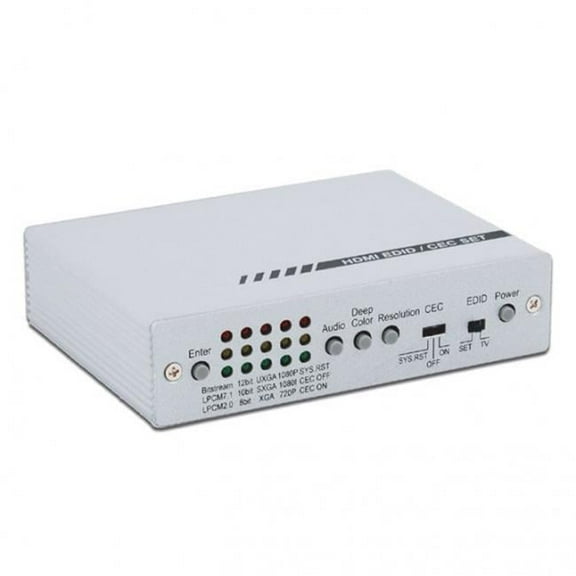 $13004current price $130.04
Calrad 40-EDID HDMI Emulator - EDID Selector
Customer ratings & reviews
Filtered and sorted results would be available on the new 'Customer ratings & reviews' page.
Showing 1-3 of 50 reviews
Verified Purchase
So far, so good
I've only been using this little HDMI switch for a few days. So far, it is working great. Just plug the HDMI cables from your two HDMI input devices (in my case, it was the bluray, and cable box) into the "IN" ports and then plug the HDMI output cable that goes to the output device (for me, it's the TV) into the "OUT" port. That's it. The switch derives it's power from the HDMI cables to light the indicator LEDS, and enable the internal electronic switch (so no need for a power connection to it). Push a button on the face to switch between the two input devices. Pretty easy. The switch is tiny, and will fit anywhere that is convenient, but the LEDs are bright. I have it behind my equipment cabinet so that the light from the LEDS doesn't distract when room is darkened to watch a movie or something. Anyway, this switch works well, and I recommend it.
Verified Purchase
Switch works as advertised.
I used this switch to hook up the DVD Player and the Roku to the same port in my TV. My TV only has 2 HDMI Ports and my other port is for Dish Satellite. It saves plugging and unplugging to hook up between the Roku and DVD Player. It came with a short HDMI Cable. Overstock had another short 12 inch HDMI cable. Works as well as direct hookup.
Device Worked Great, BUT...
The StarTech does its job okay, but the auto-turn-on feature of my Blu Ray player kept telling the StarTech I wanted it to switch to it, when I did not. The problem was solved when I put a surge protector switch between the Blu Ray and the power supply to it. Now, whenever I want to used the Blue Ray, I just turn on the surge protector switch and the StarTech switch automatically activates it. This works fine for me because I always use the surge protector switches for entertainment appliances anyway so they cannot draw energy when not in use. Bottom line, the StarTech works excellent as advertised.
