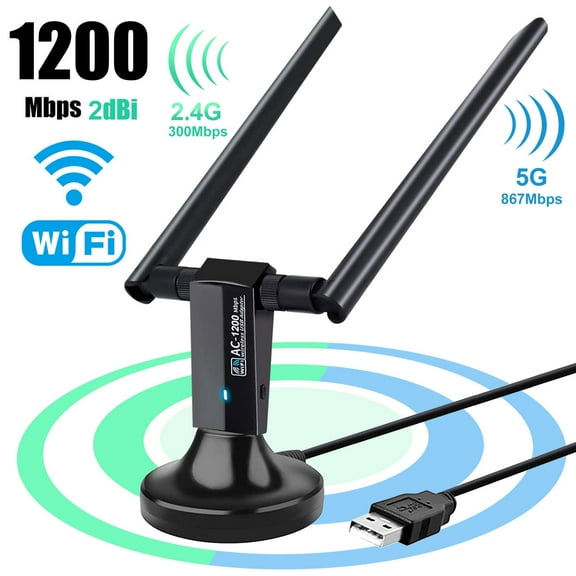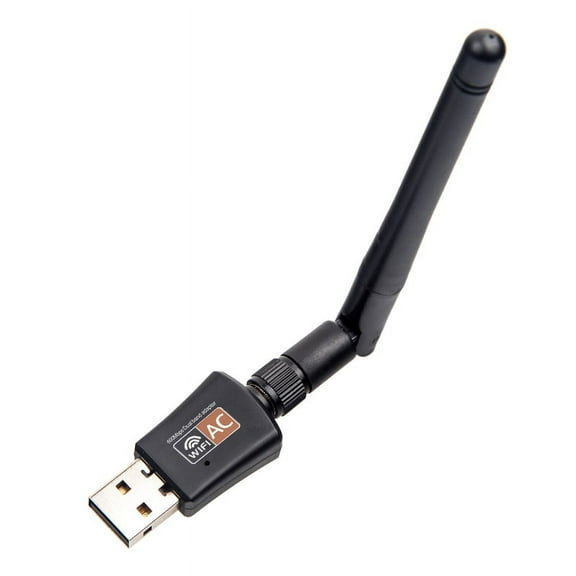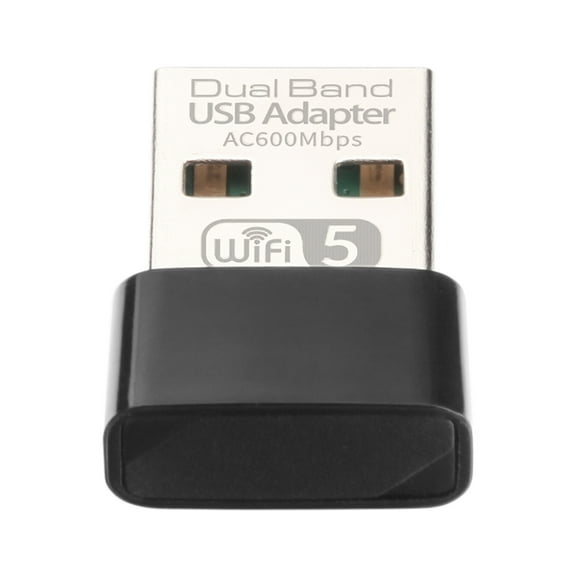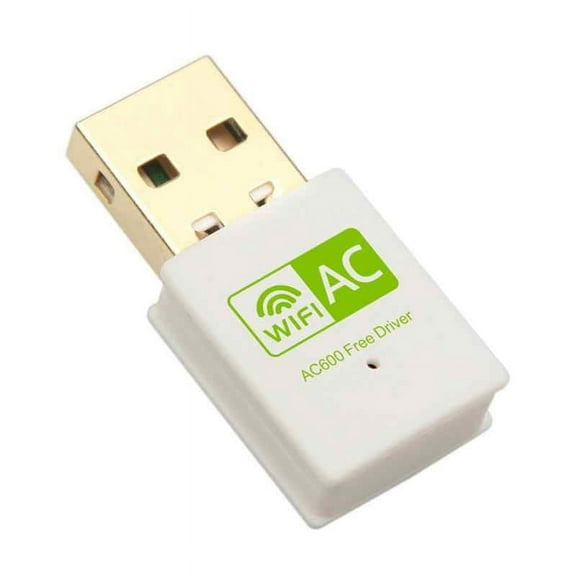
USB WiFi Adapter for Desktop, TSV 150Mbps/600Mbps Wireless Network Adapter for PC, Dual-Band 2.4G/5GHz Wifi Dongle Support Windows, Mac OS, Linux
Hero image 0 of USB WiFi Adapter for Desktop, TSV 150Mbps/600Mbps Wireless Network Adapter for PC, Dual-Band 2.4G/5GHz Wifi Dongle Support Windows, Mac OS, Linux, 0 of 8

USB WiFi Adapter for Desktop, TSV 150Mbps/600Mbps Wireless Network Adapter for PC, Dual-Band 2.4G/5GHz Wifi Dongle Support Windows, Mac OS, Linux

4 stars out of 116 reviews
(4.0)|
116 ratings

Key item features

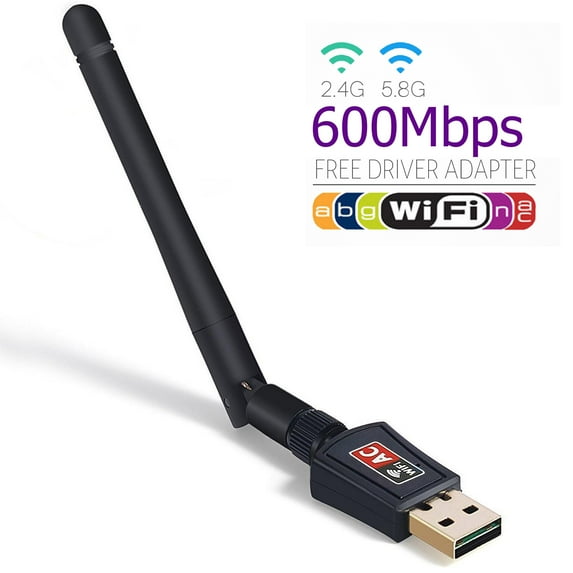
  • Dual-Band WiFi Adapter: Provides long-range, lag-free connectivity throughout the house
  • 2.4GHz/5GHz transfer rate: Provide efficient and smooth data transfer speed
  • High-gain dual WiFi antennas: Extend WiFi connection range and stable transmission
  • Wireless standards: Compliant with IEEE 802.11n, IEEE 802.11g, IEEE 802.11b, IEEE 802.11a, IEEE 802.11ac
  • Wireless security: WFA、WPA、WPA2、WPS2.0、WAPI
  • Operating system: Support Windows 2000/XP/Vista/7/8/8.1/10, Mac OS 10.4~10.11, Linux
  • Package included: 1 x Wi-Fi Dual Band USB Adapter, 1 x Quick Installation Guide, 1 x CD Diver

    Specification:

  • Wireless standard: IEEE802.11a/b/g/n/ac
  • Wireless rate: 2.4Ghz / 5.8Ghz(150Mbps/433Mbps)
  • Interface: USB 1.0、1.1、2.0
  • Working temperature: 0~40
  • Storage temperature: -40~70
  • Weight: 1.8 oz/51 g
  • Product size: 2.28 x 0.71 x 6.83 inches
Price when purchased online
Not Available

How do you want your item?

How do you want your item?
Not available
Report an issue with this seller

About this item

Product details

Specifications

Warnings

Customer ratings & reviews

4 out of 5 stars
stars116 ratings63 reviews
How item rating is calculated

Customer images

Filtered and sorted results would be available on the new 'Customer ratings & reviews' page.
Sort by |

Showing 1-3 of 63 reviews

Nov 26, 2021
Robert
5 out of 5 stars review

Verified Purchase

Do This and ya got wifi

worked great once I downloaded the right driver, if your using linux mint (19.3) is mine download a program called Hardware Probe, From your software Manager, Run it and it will give ya 3 places to go to and get the driver ya need,I picked the one on top. Download it to your download folder. then open terminal and do the following... Open the Terminal and type the following, one line at a time. cd Downloads cd rtl8821CU-master make sudo make install sudo service NetworkManager restart Reboot your computer should now have wifi...

Helpful?4343666230JB154462412
Aug 20, 2020
Ben
5 out of 5 stars review

Verified Purchase

Works great

Works great. Windows 10 recognized it and installed drivers automatically. Getting roughly 130mbps download and 30mbps upload on speed tests.

Helpful?4343666230JB154462412
Sep 5, 2017
DavidS
5 out of 5 stars review

Easy installation for Windows 10

Tried to tether my iPhone to my Windows 10 PC and ran into all sorts of problems. Verizon store said "very difficult to do" and suggested that I use WiFi instead. Purchased this USB adapter with a healthy degree of skepticism and tried to set up without enclosed software thinking most of the drivers and so forth were already integrated into Win 10. That did not work out so well so I inserted the provided software and was up and going in a couple of minutes. Very impressed!

Helpful?4343666230JB154462412