


StarTech.com ICUSB1284 6 ft USB to Parallel Printer Adapter
Key item features
- Parallel Connectivity: This 6-foot USB to parallel printer adapter facilitates connecting a parallel printer to a USB port, enabling quick printing without delays.
- Portable Design: Its compact size and low weight make it an ideal accessory for portable computers, easily stored by wrapping or folding.
- Plug-and-Play Operation: The adapter is designed for immediate use upon plugging in, offering a convenient plug-and-play experience.
- Efficient Power: It features low power consumption, drawing power directly from the USB connection, which helps conserve battery life.
- High-Speed Standard: The adapter includes a high-speed bi-directional parallel port that complies with the IEEE-1284 industry standard.
- Versatile Use: Ideal for use with any standard parallel printer and compatible with USB-compliant office or home PCs.
Specs
- Connector typeUsb
- Cable length6 Feet
- BrandStarTech.com
- ColorBlack
- Compatible brandsCanon, Nikon, Pentax, Olympus, Konica Minolta, Leica
- Compatible modelsCanon, Nikon, Pentax, Olympus, Minolta, Leica

(Only one option can be selected at a time)
More seller options (8)
About this item
Product details
StarTech 6-Feet USB-to-Parallel Printer Adapter:
- 6' USB to parallel printer adapter
- Ideal for connecting a parallel printer to a USB port
- Compact size and low weight make it an ideal accessory for portable computers
- 6' USB printer adapter is plug and play
- Low power consumption as it draws power from the USB connection
- High speed bi-directional parallel port compliant to IEEE-1284 industry standard
Specifications
Connector type
Cable length
Brand
Color
Warranty
Warranty information
Please be aware that the warranty terms on items offered for sale by third party Marketplace sellers may differ from those displayed in this section (if any). To confirm warranty terms on an item offered for sale by a third party Marketplace seller, please use the 'Contact seller' feature on the third party Marketplace seller's information page and request the item's warranty terms prior to purchase.
Warnings
Warning Text
Similar items you might like
Based on what customers bought
Printer Cable USB 2.0 to Parallel Adapter DB25 Parallel Printer Cable Adapter with Thumb Screws Connectors Data Transfer $12.56
 $1256current price $12.56
Printer Cable USB 2.0 to Parallel Adapter DB25 Parallel Printer Cable Adapter with Thumb Screws Connectors Data Transfer
50+ bought since yesterday onn USB-A Male to Female Extension Cable (6 Feet) - 5Gbps Fast Data Sync, Nylon Braided $9.93
50+ bought since yesterday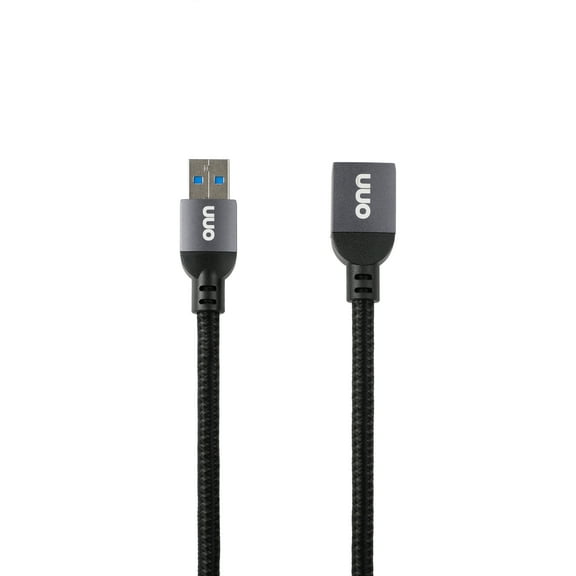 $993current price $9.93
onn USB-A Male to Female Extension Cable (6 Feet) - 5Gbps Fast Data Sync, Nylon Braided
2074.7 out of 5 Stars. 207 reviewsonn USB Type C 3 in 1 Adapter with 4 inch cable $35.48
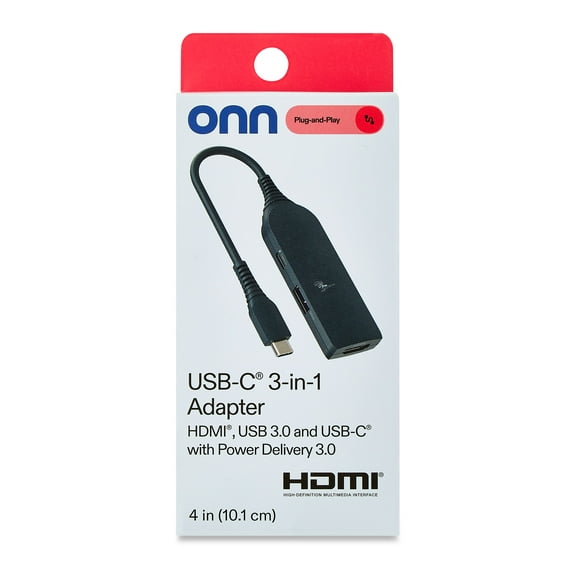 $3548current price $35.48
onn USB Type C 3 in 1 Adapter with 4 inch cable
1884.3 out of 5 Stars. 188 reviews6FT USB CABLES TO GO TO DB25 IEEE-1284 PARALLEL PRINTER ADAP CBL $21.95 Was $27.28
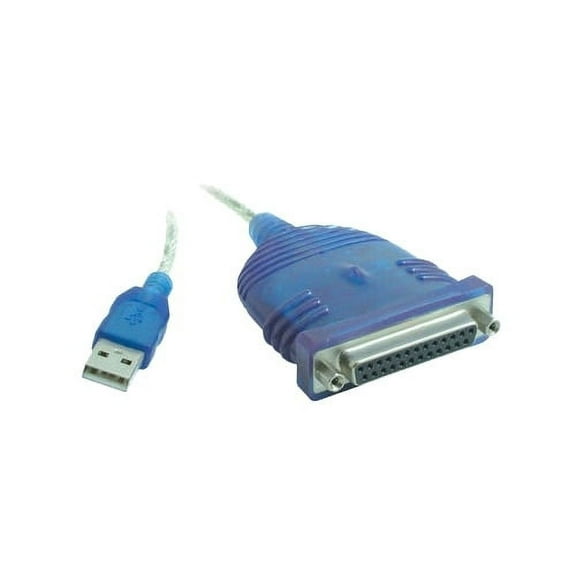 $2195current price $21.95, Was $27.28$27.28
6FT USB CABLES TO GO TO DB25 IEEE-1284 PARALLEL PRINTER ADAP CBL
1164.3 out of 5 Stars. 116 reviews2X USB to Parallel 36 Pin Centronics Printer Adapter Cable $9.85
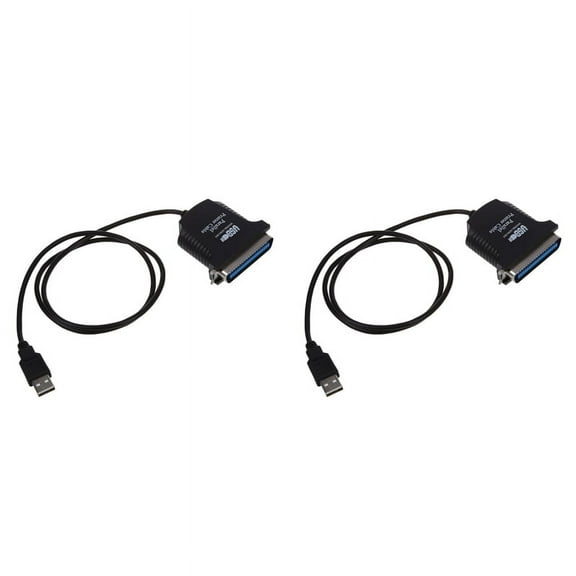 $985current price $9.85
2X USB to Parallel 36 Pin Centronics Printer Adapter Cable
Best seller GE USB-C To Dual HDMI Adapter, Black, 81661 $27.88
Best seller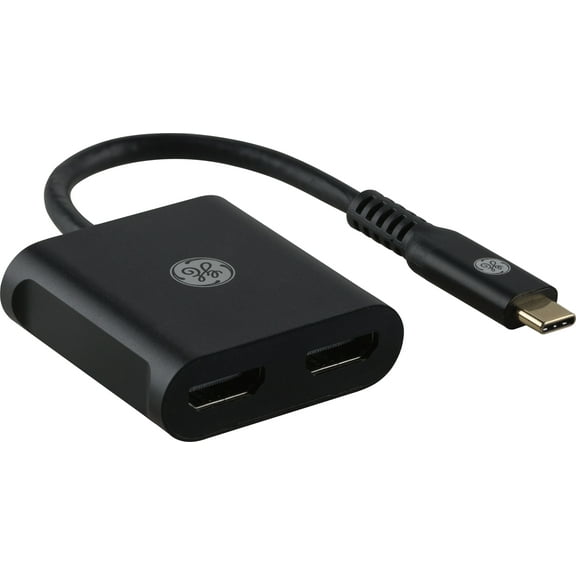 $2788current price $27.88
GE USB-C To Dual HDMI Adapter, Black, 81661
1424.1 out of 5 Stars. 142 reviewsStartech.com USB C to DVI Adapter USB Cables - White $16.06
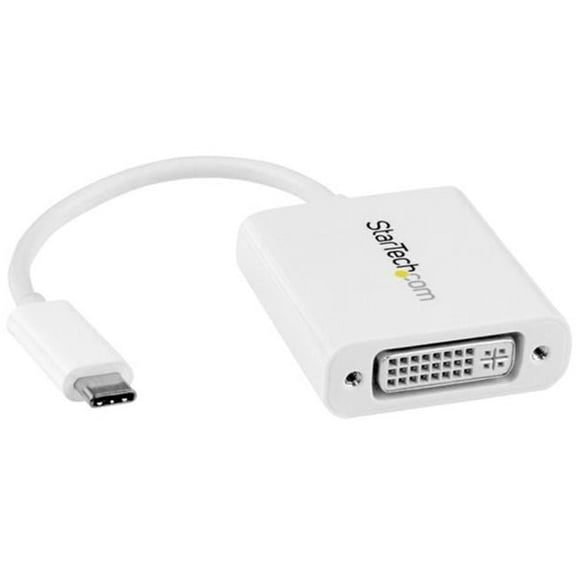 2 optionsAvailable in additional 2 options$1606current price $16.06
Startech.com USB C to DVI Adapter USB Cables - White
Clearance ROZYARD 1 to 3 USB2.0 Splitter Cable For Extending Connection To Printers And Keyboards $7.88 Was $8.80
Clearance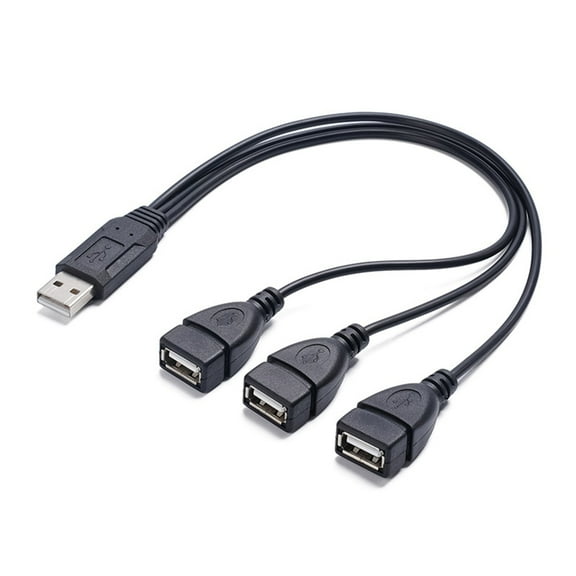 $788current price $7.88, Was $8.80$8.80
ROZYARD 1 to 3 USB2.0 Splitter Cable For Extending Connection To Printers And Keyboards
Best seller Mimifly USB 3.0 Extender Cable, 2FT, 2-Pack, USB A Male to Female Extension Cord for PC, Printer, Black $11.04
Best seller 9 optionsAvailable in additional 9 options$1104current price $11.04
Mimifly USB 3.0 Extender Cable, 2FT, 2-Pack, USB A Male to Female Extension Cord for PC, Printer, Black
1294.7 out of 5 Stars. 129 reviewsSabrent USB to Parallel IEEE 1284 Printer Cable Adapter (CB-CN36) $9.99
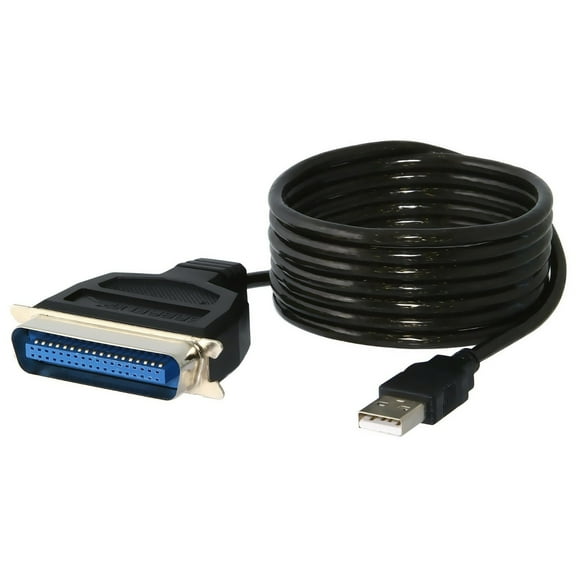 2 optionsAvailable in additional 2 options$999current price $9.99
Sabrent USB to Parallel IEEE 1284 Printer Cable Adapter (CB-CN36)
324.6 out of 5 Stars. 32 reviewsCOOLHOOD Printer Cable USB 2.0 to Parallel Adapter DB25 Parallel Printer Cable Adapter with Thumb Screws Connectors Data Transfer $11.79
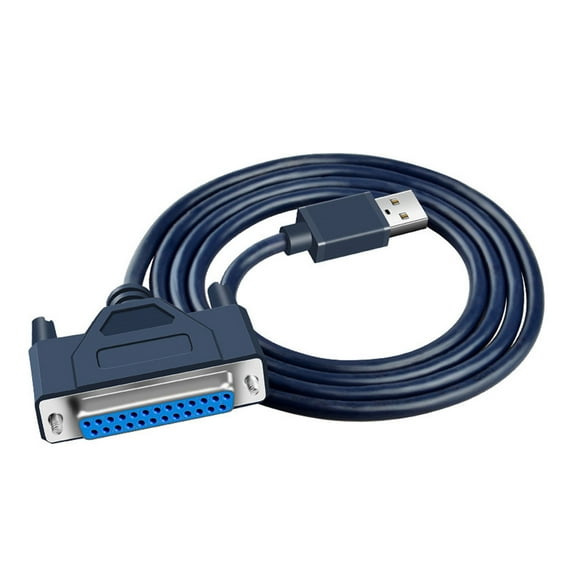 $1179current price $11.79
COOLHOOD Printer Cable USB 2.0 to Parallel Adapter DB25 Parallel Printer Cable Adapter with Thumb Screws Connectors Data Transfer
USB to Parallel 36 Pin Centronics Printer Adapter Cable $7.47
 $747current price $7.47
USB to Parallel 36 Pin Centronics Printer Adapter Cable
Liquipel Powertek USB-A to USB-C Twizzler Cable - Pink $9.88
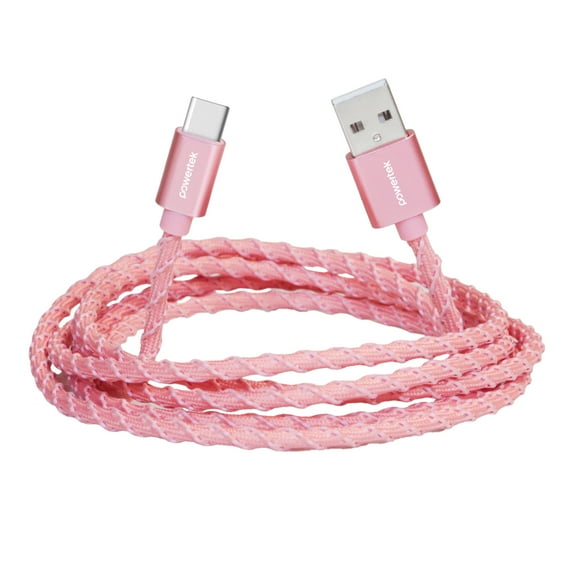


 $988current price $9.88
Liquipel Powertek USB-A to USB-C Twizzler Cable - Pink
534.8 out of 5 Stars. 53 reviewsBest seller onn 3' Lightning to USB Charging & Data Cable, Pink $6.88
Best seller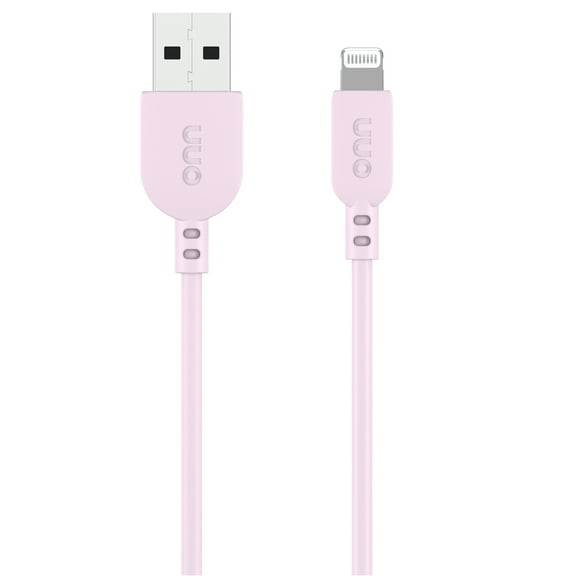 $688current price $6.88
onn 3' Lightning to USB Charging & Data Cable, Pink
484.7 out of 5 Stars. 48 reviewsClearance Yammee MicroUSB to USB B Printer Cable for Printer and Data Transfer $7.19 Was $8.03
Clearance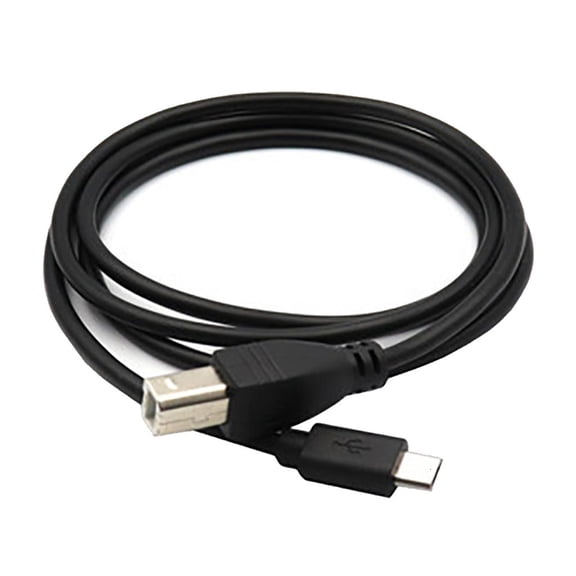 $719current price $7.19, Was $8.03$8.03
Yammee MicroUSB to USB B Printer Cable for Printer and Data Transfer
USB To Parallel Printer Cable 36Pin USB Port Adapter Cable Printer $11.48
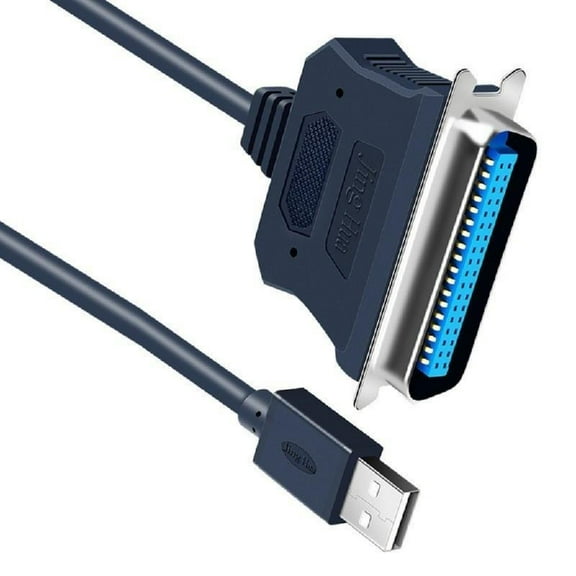 $1148current price $11.48
USB To Parallel Printer Cable 36Pin USB Port Adapter Cable Printer
Yammee USB to DB25 Cable 25PIN Adapter Convert Cable USB 2.0 to Parallel Printer Cable $12.36
$1236current price $12.36Yammee USB to DB25 Cable 25PIN Adapter Convert Cable USB 2.0 to Parallel Printer Cable
StarTech.com SVECONUS10 10 ft. Ultra Thin USB VGA 2 in 1 KVM Cable $42.52
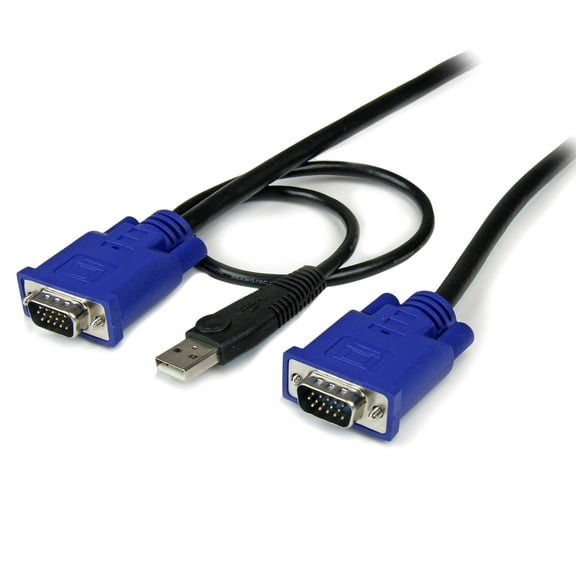 $4252current price $42.52
StarTech.com SVECONUS10 10 ft. Ultra Thin USB VGA 2 in 1 KVM Cable
Printer Cable USB 2.0 to Parallel Adapter DB25 Parallel Printer Cable Adapter with Thumb Screws Connectors Data Transfer $11.05
 $1105current price $11.05
Printer Cable USB 2.0 to Parallel Adapter DB25 Parallel Printer Cable Adapter with Thumb Screws Connectors Data Transfer
Best seller GE USB-C to HDMI 2.0 Computer Cable, 6ft $15.00 Was $20.12
Best seller 2 optionsAvailable in additional 2 options$1500current price $15.00, Was $20.12$20.12
GE USB-C to HDMI 2.0 Computer Cable, 6ft
1664.4 out of 5 Stars. 166 reviews
Customer ratings & reviews
Filtered and sorted results would be available on the new 'Customer ratings & reviews' page.
Showing 1-3 of 24 reviews
Verified Purchase
No moving parts !!!
There isn't much that can go wrong with a cable. If it fits, the rest is up to correct settings, drivers, and compatibility. The difficulty for me was to connect a very old dot matrix printer, designed to work with DOS (before Windows) on a Windows 7 computer, using a Windows 95 program. Not exactly plug and play. After hours of tweaking and experimentation, it finally started working. The cable itself did what it was supposed to do. . . . Make the physical connection. The rest lies in the operating system, device drivers, and program settings. Probably different in every situation. You probably will not have anyone to call with the solution either. My guess is that if you have a Plug and Play device, it will be much easier. Good Luck
Verified Purchase
It Works! It merged the old with the new.
When I added the cable to my laptop and the printer, I had not found the printer cord. (The desktop, monitor, and associated cords and plugs have been in my closet for about a year due to getting a new laptop.) The laptop recognized the cable but did not recognize my printer. After finding the printer plug. I tried it again. Nothing. After jiggling the cords, putting in the disc, unplugging, and re-plugging the cords AGAIN. Nothing. By the third day of my normal everyday use of my laptop, which is off and on several times a day, I had decided to take the cable back the next day. The next morning when I turned on my laptop, VOILA!, it recognized my printer. I guess you just have to threaten to return it if it doesn't want to work the first time.
Verified Purchase
It works
My new lap top did not have the parallel port for my old printer. I connected the printer to my lap top using this adapter and with the Install Printer feature of Windows 7, I downloaded the printer driver. And the printer started working.
