

White Labels in Labels

















About White Labels in Labels - Walmart.com
With white sticker labels, you can organize mail, inventory, and storage with clean contrast and printer-ready formats. Across home offices and shipping stations, you can compare sheets, rolls, and individual labels for a smoother setup.
How to choose white sticker labels
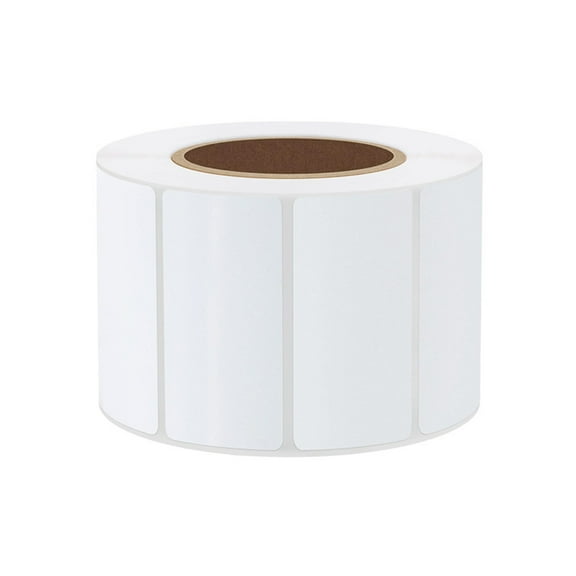
When you compare label formats, you should start with how often you print and apply. For repeated tasks, you may prefer a white sticky labels roll, while sheets fit everyday desktop printing.
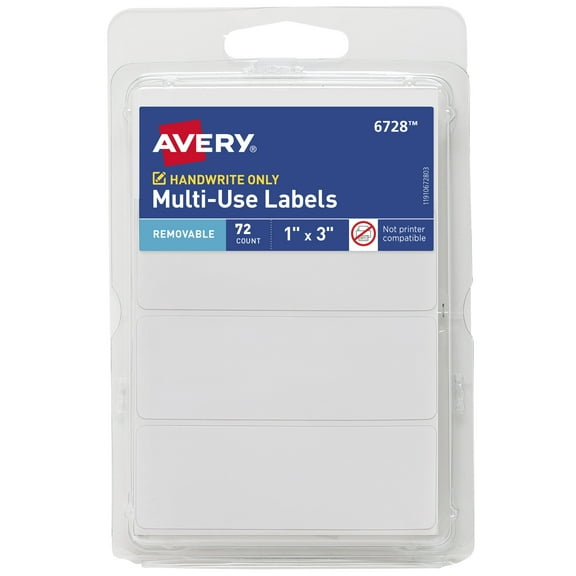
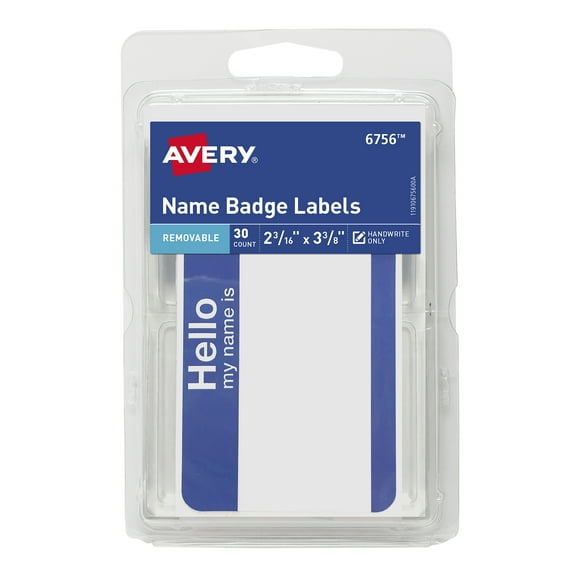
For quick hand-applied tasks, you can choose individual labels that separate fast and store neatly. In busy workflows, you may also want easy-peel backing that helps your fingers place labels cleanly.
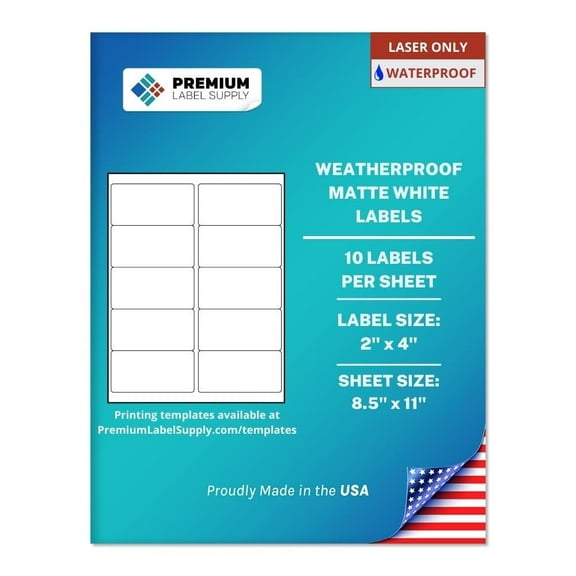
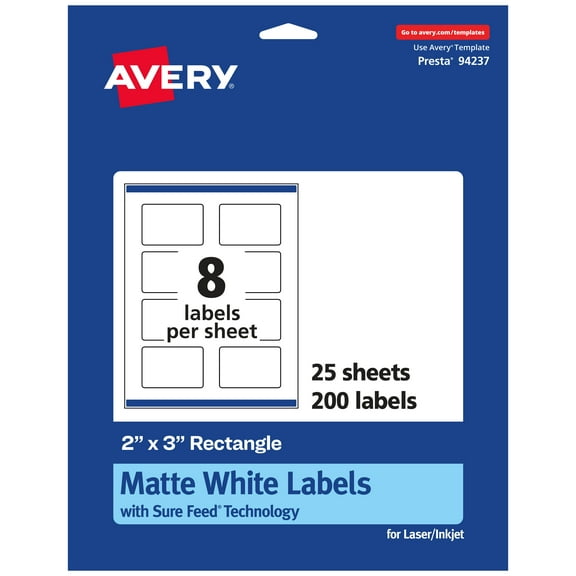
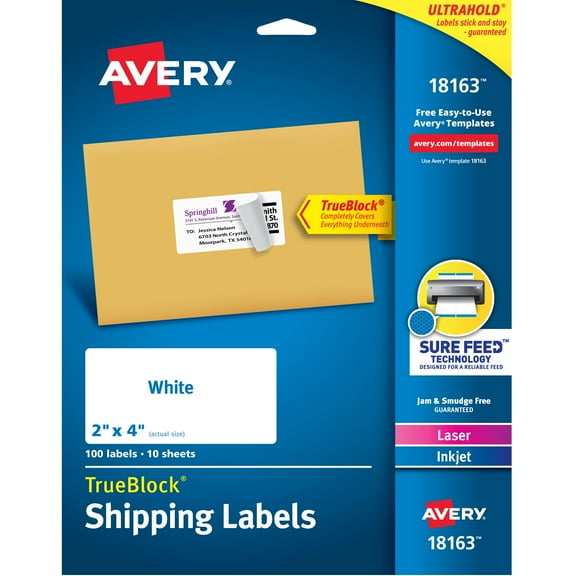
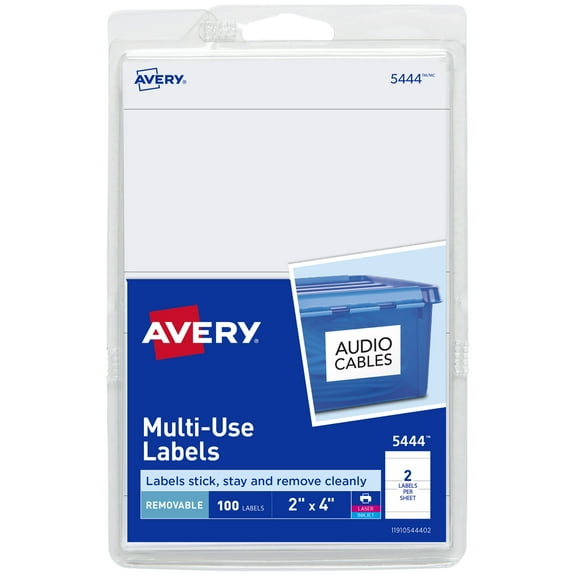
Size matters when your text, barcode, or address block needs a clean fit. If your template uses 2x4 stickers, you can keep mailing panels aligned and easier to read.
- You can use sheets for laser or inkjet printing in common office setups.
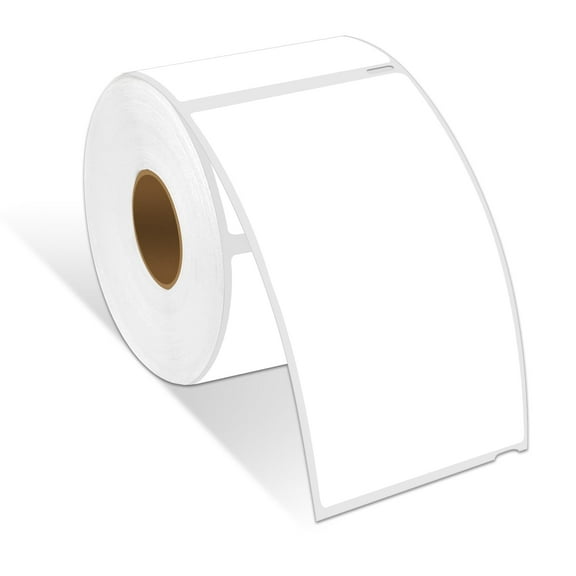
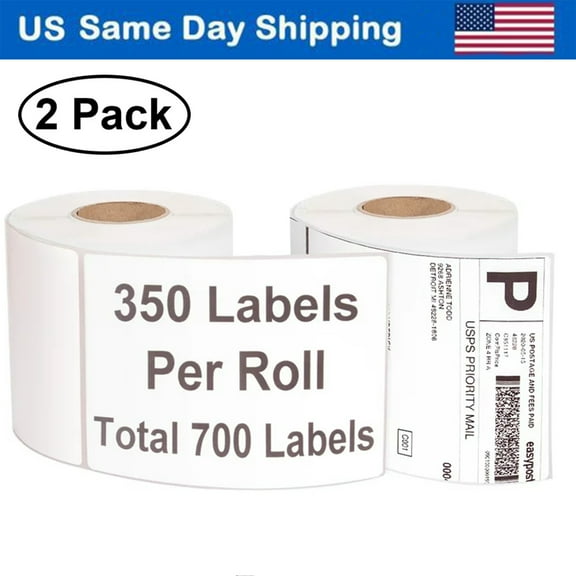
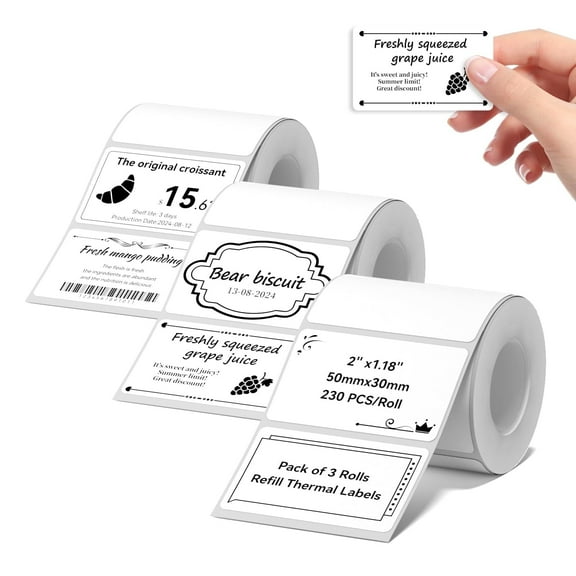
- You can use rolls for thermal printers and repeated labeling jobs.
- You can choose permanent, removable, or easy-peel adhesives by surface and task.
- You can pick matte or glossy finishes based on handwriting or printed text.
Choosing format, adhesive, and finish
Before you print a full batch, you should compare how each adhesive type fits your project. For cartons and mailers, you may choose permanent labels, while removable options suit changing file names.
In high-volume sessions, you can use easy-peel constructions that separate backing faster and reduce handling. If you apply many labels at once, you may notice placement feels more controlled.
Material choice also shapes how your labels look and how you use them. With white label paper, you can write by hand more easily, while plastic surfaces can feel smoother and wipe cleaner.
Finish affects readability, pen use, and print appearance across different tasks. On matte stock, you can add notes with marker, while glossy stock can make graphics look sharper.
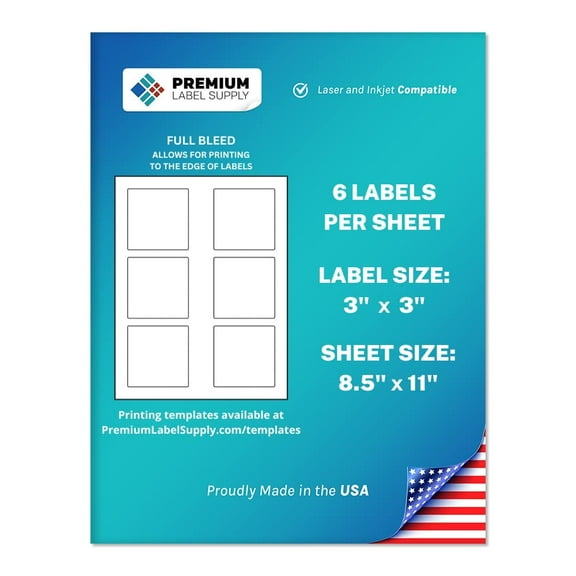
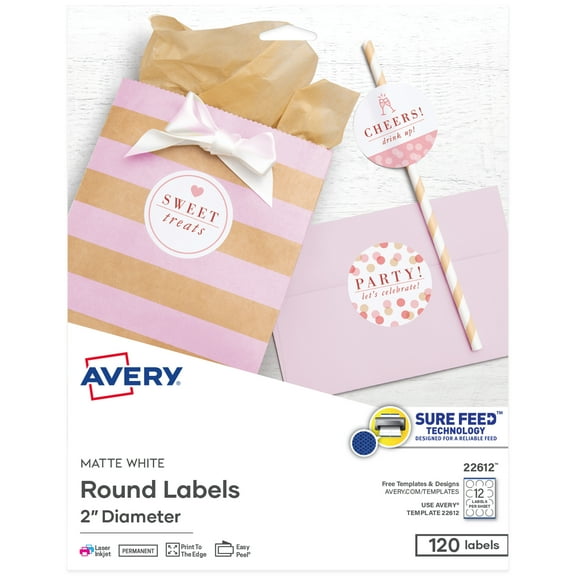
Depending on your project, you may need large white labels for storage bins or shipping details. For jars, folders, and classroom supplies, you can switch to small white sticker labels with less unused space.
Choosing printer compatibility and size
Printer compatibility is one of the first details you should confirm before ordering. If you use inkjet, laser, or thermal equipment, you can avoid feed issues by matching the label format.
With inkjet printers, you may want labels made for richer ink coverage and everyday home printing. If your layout includes graphics, you should check the finish for drying and smudge resistance.
For laser printing, you can look for sheets that keep alignment steady through faster batch runs. During address jobs, you may appreciate crisp text and clean edges on envelopes.
Thermal setups call for labels built for direct output and roll-fed use. Before you choose, you should check roll width, core size, and whether your printer supports the label construction.
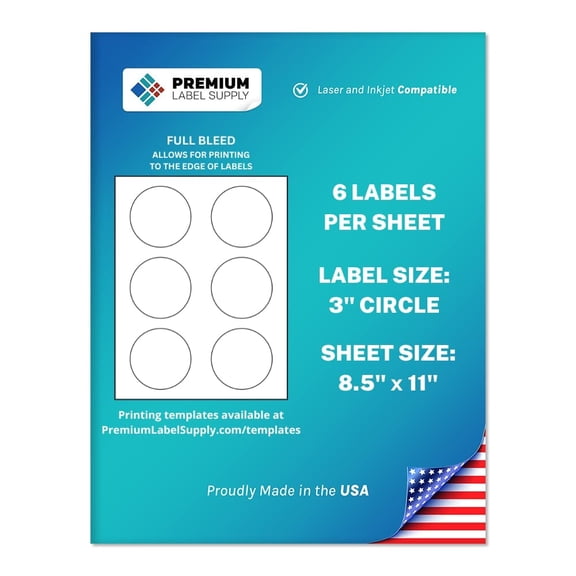
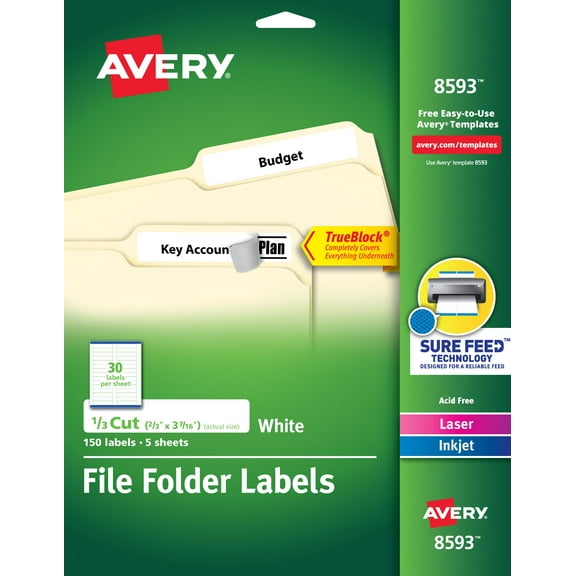
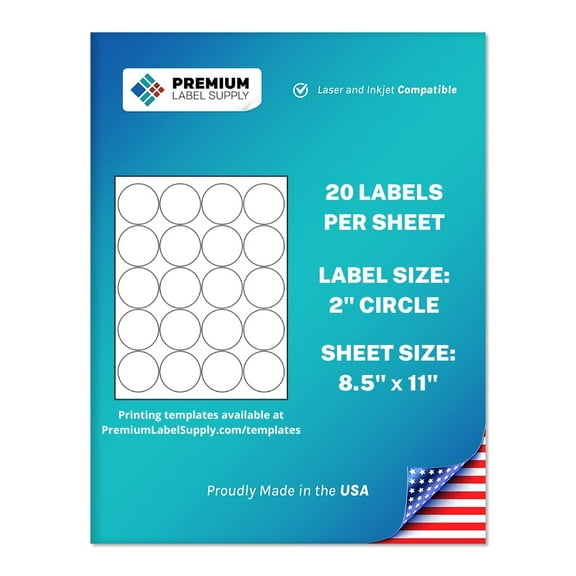
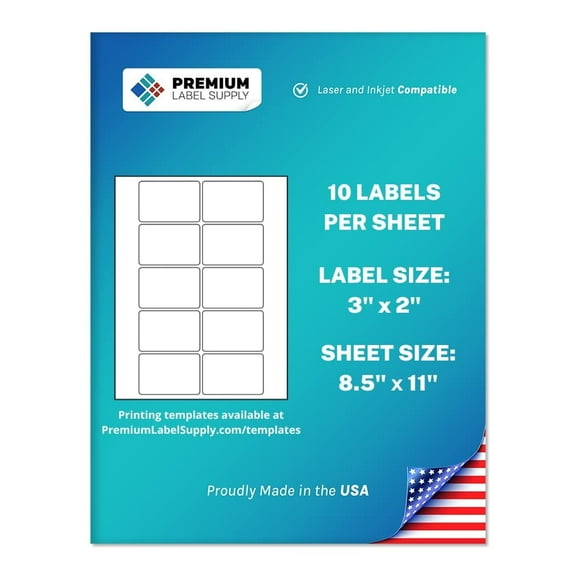
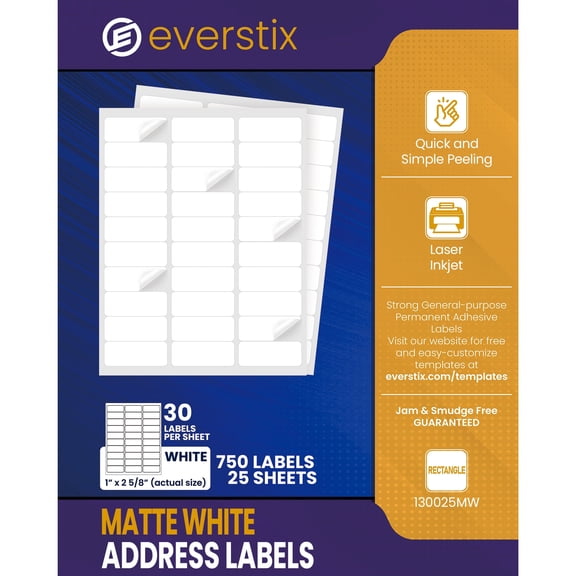
Layout fitment matters when your software template needs exact spacing and margins. With white blank sticker labels or blank white sticker labels, you can compare label count and sheet layout before printing.
Handwriting needs also matter when you switch between printed labels and quick notes. If you want white stick on labels for bins or folders, you may prefer paper stock with a matte surface.
Matching white sticker labels to everyday tasks
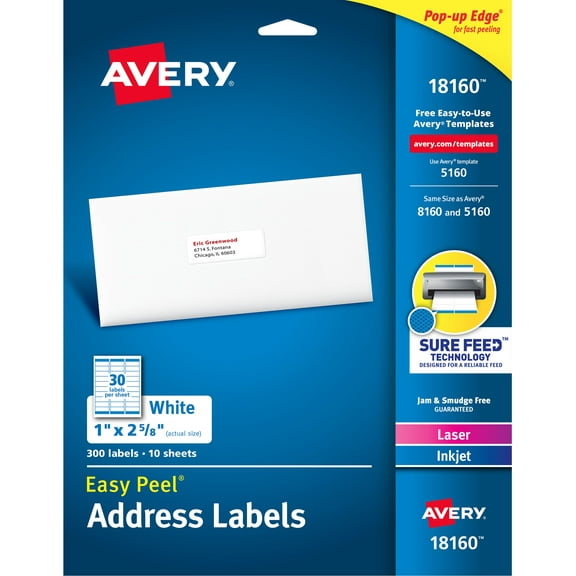
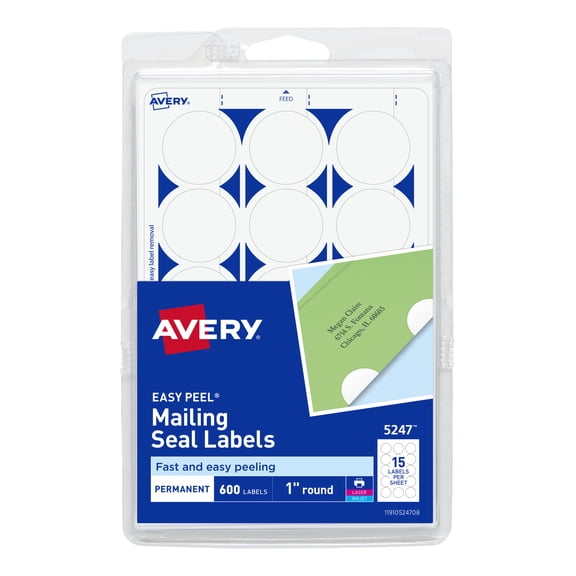
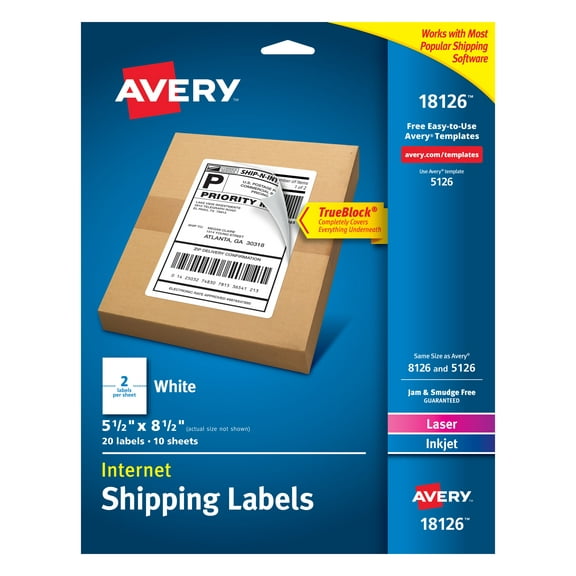
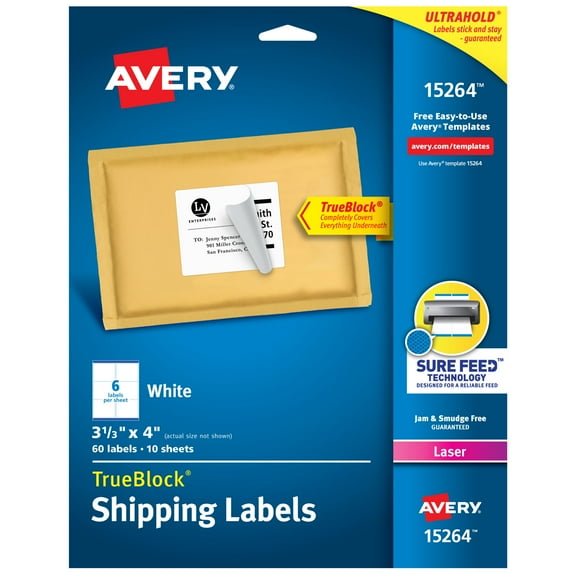
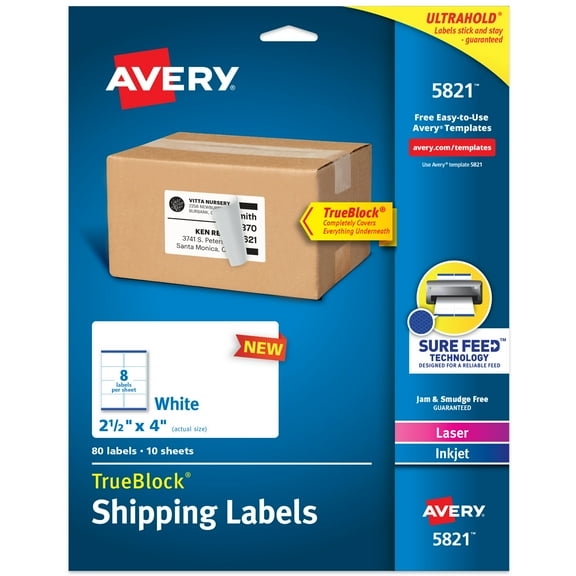
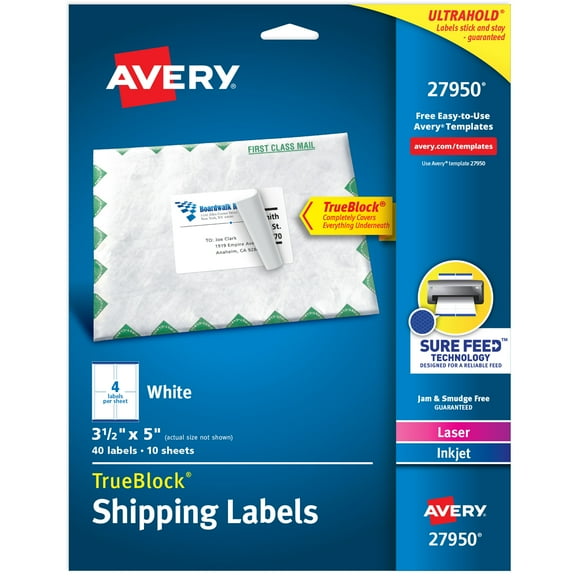
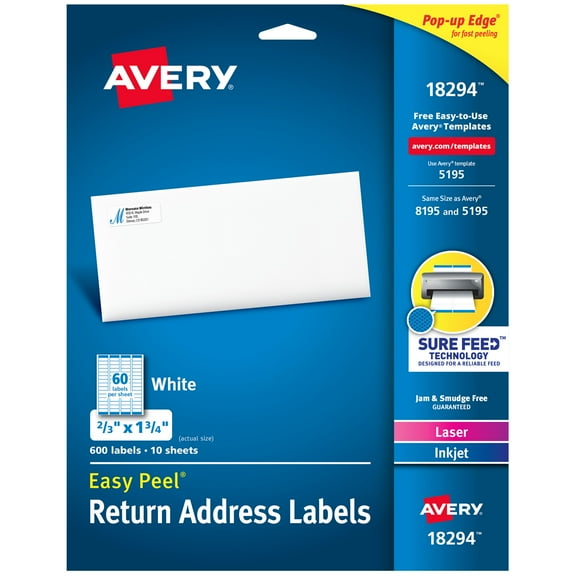
At the mail table, you can use address layouts for envelopes, returns, and routing labels. If you recognize an avery mailing label format, you can compare familiar dimensions for standard mail runs.
In stockrooms and classrooms, you can use white labels stickers for bins, folders, and supply tracking. Because the white background stays simple, you can keep names, codes, and dates easy to spot.
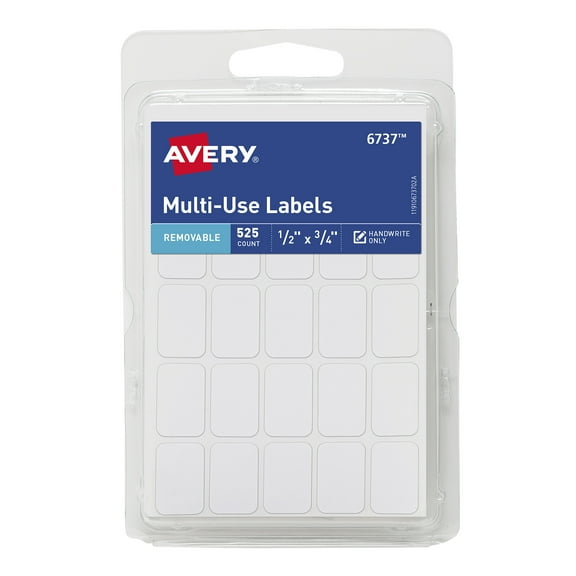
For pantry jars, drawer fronts, and cable tags, you may want plain white labels stickers that work with pens or printers. Smaller layouts can help you label tight spaces without crowding the surface.
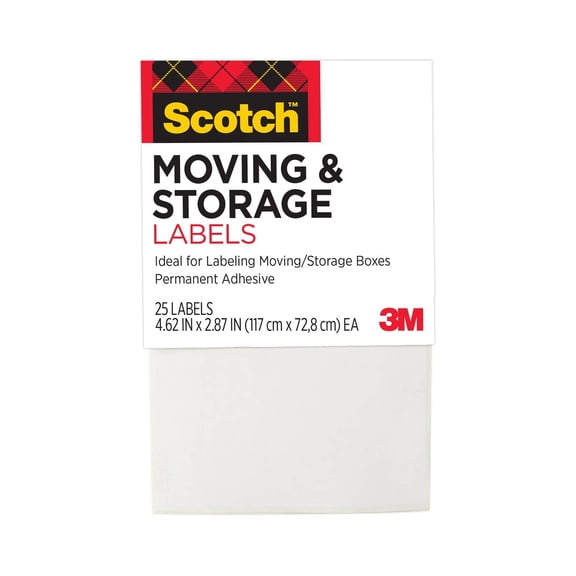
During moving projects, you can use large white labels for room names, contents, or destination notes. On storage totes, you may prefer removable adhesive when your categories change over time.
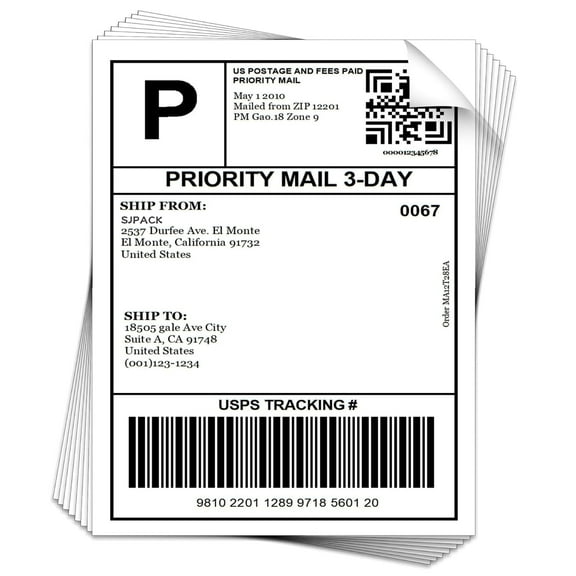
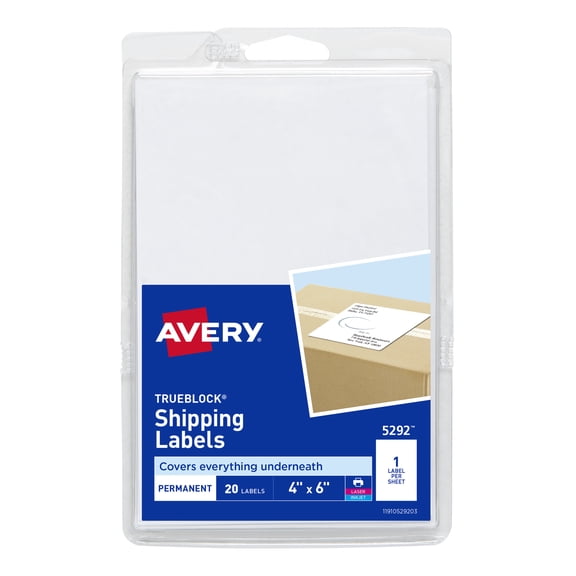
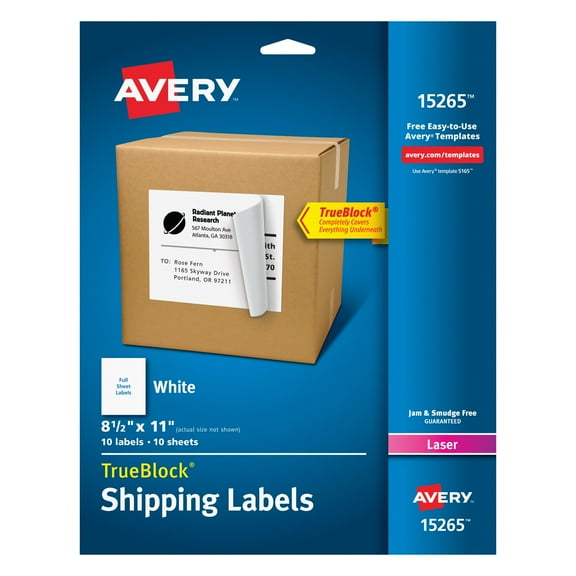
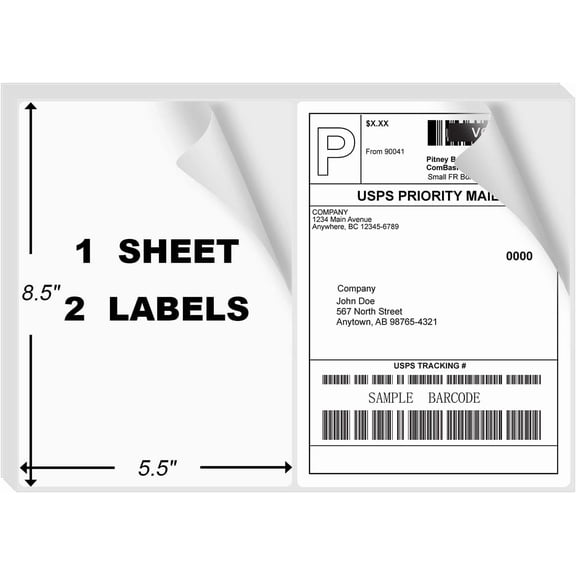
At shipping stations, you can use sheet labels for office printers or rolls for thermal equipment. When your work repeats all day, you can keep output moving with formats that match your device.
For custom projects, you can start with white blank sticker labels and add product names, barcodes, or file labels. If your needs shift often, you can keep one white format across many tasks.
By matching format, size, adhesive, and printer type, you can make labeling feel more consistent every day. With the right white sticker labels, you can keep mail, storage, and organization easier to manage.