

Office Electronics for Business Needs






























About Office Electronics for Business Needs - Walmart.com
Office electronics help you keep your workspace accurate, organized, and ready for daily tasks. You can compare device type, power source, portability, and usage intensity to choose office equipment that fits your workflow.
If you run a home office or support a growing team, you need tools that match real desk demands. You can use calculators, paper shredders, label makers, and laminating machines for efficient routine work.
How to choose office electronics for your workspace
You should start with the device type that supports your daily tasks. You might need desktop calculators for quick totals, or paper shredders for document disposal and privacy-minded handling.
Label makers help you organize files, shelves, and shipping supplies with clear text. Laminating machines help you protect signs, badges, schedules, and reference sheets that see repeated handling.
You can narrow your choice by thinking about how often the device will run. You may prefer home office models for occasional use, while commercial grade options suit repeated, higher-volume tasks.
- You can streamline recurring tasks with desktop calculators, label makers, and laminating machines.
- You can keep records tidy with electronic organizers and clearly labeled supplies.
- You can match device output and size to your desk space and work volume.
- You can choose a power setup that fits fixed stations or mobile use.
Choosing the right office equipment features
You should compare power source first because it shapes where and how you use each device. You may prefer corded electric models for a fixed desk, or rechargeable units for flexible placement.
Battery-operated devices work well when you move between rooms, counters, or job sites. You should check battery life hours so your device supports your full task window.
Portability also matters when your desk space is limited or shared. You can choose handheld formats for quick labeling, desktop formats for steady use, or heavy-duty units for larger workloads.
You should measure your available surface area before choosing a larger machine. You can keep walkways and work zones clear by comparing compact footprints with full desktop designs.
Speed and capacity limits help you match output to your daily volume. You should review pages per minute on shredders and laminators when your team handles stacks of forms.
Compatibility can shape your setup if you rely on connected devices. You should check wireless protocols and OS compatibility when your label maker pairs with a phone, tablet, or computer.
Cord length can affect where you place a corded device during busy hours. You can avoid awkward placement by checking whether the reach fits your desk, shelf, or counter.
Comparing desktop calculators, paper shredders, and more
You can choose desktop calculators when your work involves invoices, cash counts, or quick percentage checks. You may want large keys, angled displays, and print functions for efficient daily entry.
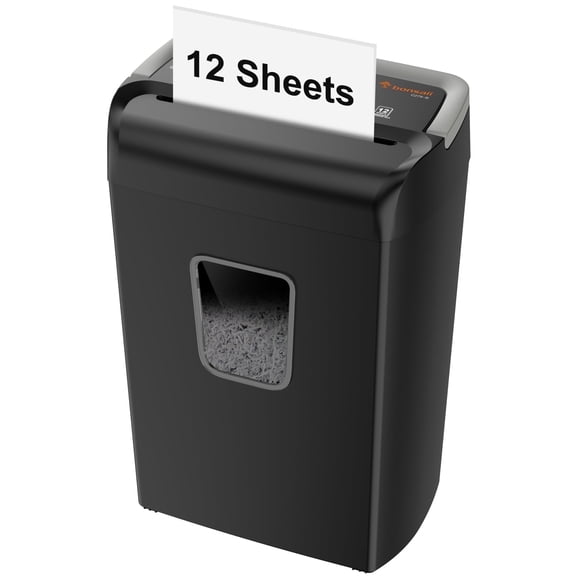
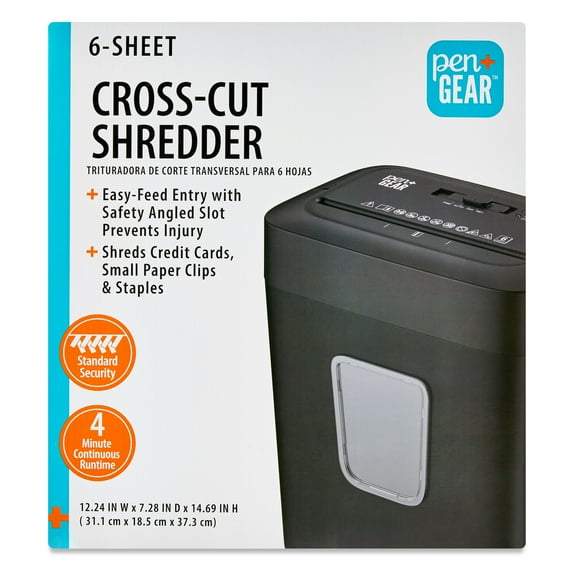
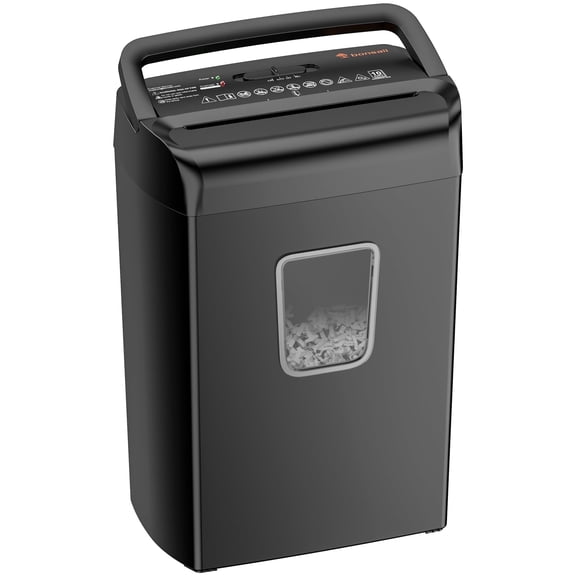
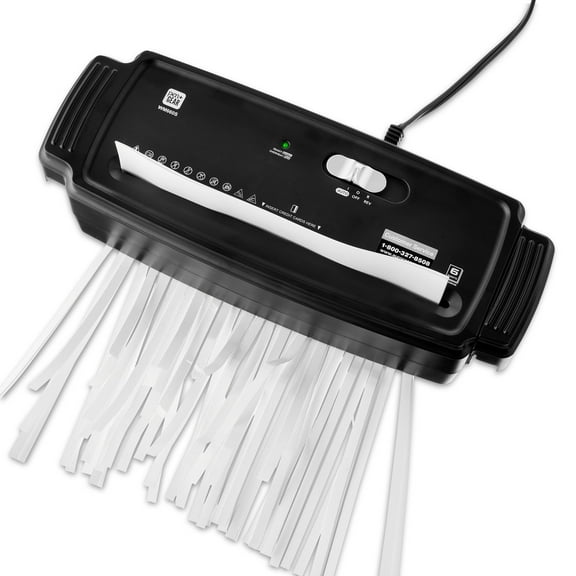
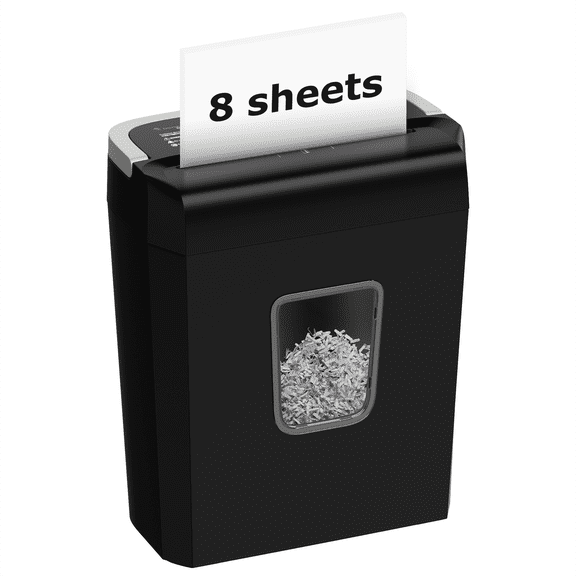
Paper shredders fit offices that handle forms, statements, or old records throughout the week. You should compare sheet capacity, run time, and bin size to match your document flow.
Label makers work well when you manage inventory, filing systems, storage bins, or outgoing packages. You can compare keyboard style, wireless pairing, and tape width for organized labeling routines.
Laminating machines make sense when you post signs, menus, schedules, or shared instructions. You should compare warm-up time, pouch size, and feed speed if you update materials often.
Electronic organizers can help you keep contacts, schedules, and task details simple to reference. You may prefer compact options when you move between meetings or shared workstations.
Matching office electronics to daily use
You can build a practical setup by matching usage intensity to your work pace. You might choose a handheld label maker for a home office, or a heavy-duty shredder for a busy mailroom.
If you work from a small desk, you should focus on compact footprints and rechargeable power. You can keep surfaces open while still handling labels, calculations, and occasional laminated signs.
If you support a small business, you may need several device types working together. You can label shelves, total receipts, shred paperwork, and laminate notices without leaving your workspace.
For commercial grade use, you should compare capacity and continuous operation details closely. You can reduce interruptions by choosing devices designed for repeated tasks across the day.
You should also think about connectivity before adding devices to your office routine. You can keep setup simple by choosing models that work with your operating system and preferred wireless protocols.
When you compare office electronics with these decision points, you can choose tools that fit your space and pace. You get a workspace that stays organized, efficient, and simple to manage every day.