

Apple iPad: Shop iPad Pro, Air & Mini | Walmart


































About Apple iPad: Shop iPad Pro, Air & Mini | Walmart - Walmart.com
You can compare the apple ipad lineup at Walmart with a clearer view of model differences, screen sizes, storage options, and accessory fit. You’ll find guidance that helps you match your tablet to school, work, streaming, drawing, or travel.
Choosing the right apple ipad model
When you compare model lines, you should start with how you plan to use your screen every day. You’ll usually choose Standard for everyday tasks, Air for added speed, Pro for advanced workflows, or Mini for portability.
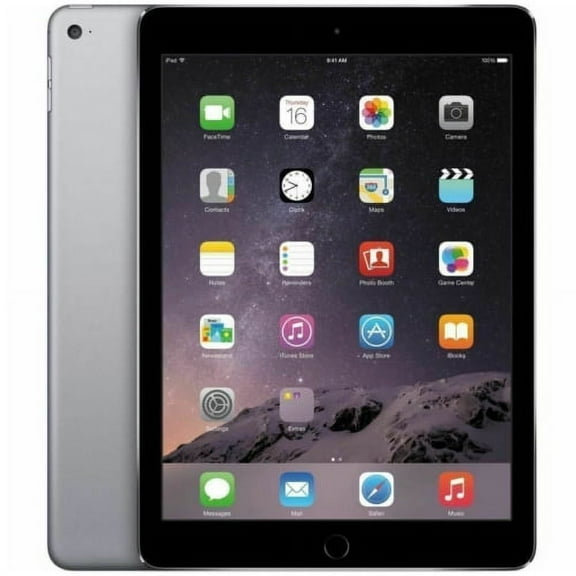
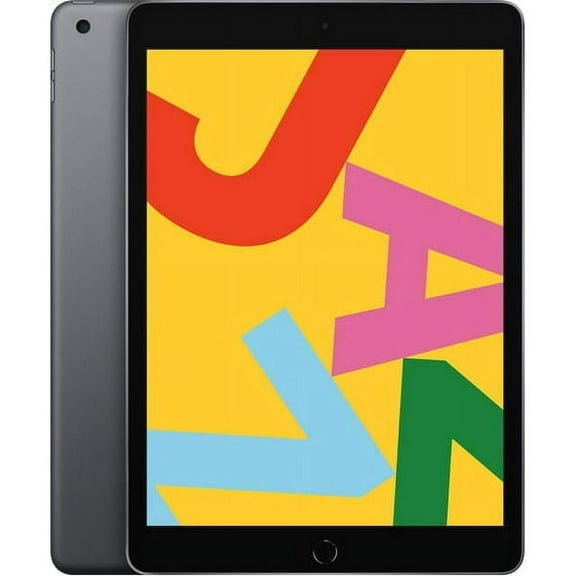
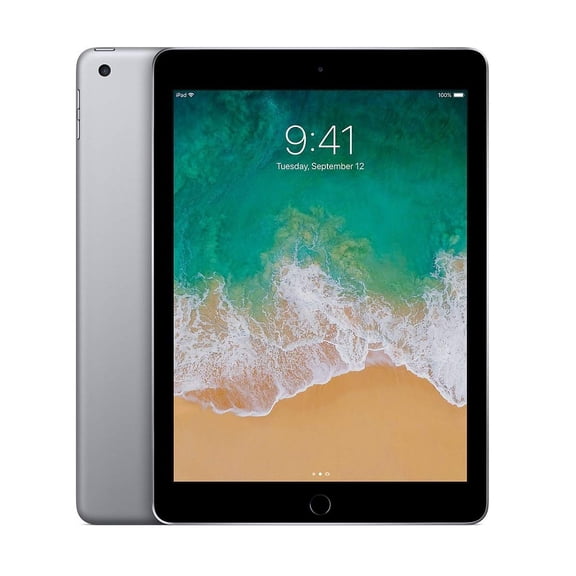
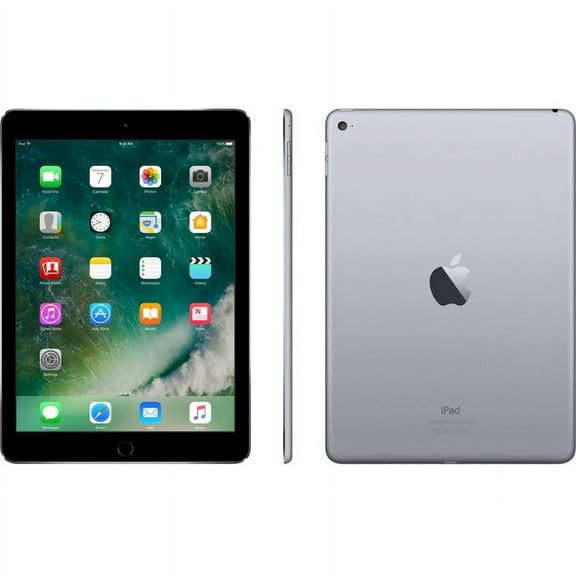
If you want a familiar all-around device, you may prefer the standard iPad for browsing, notes, streaming, and casual gaming. If you want more room for creative apps, you may lean toward Air or Pro.
For quick reference, you can focus on these practical model differences before you narrow your options. You’ll make faster decisions when you connect each model line to your routine.
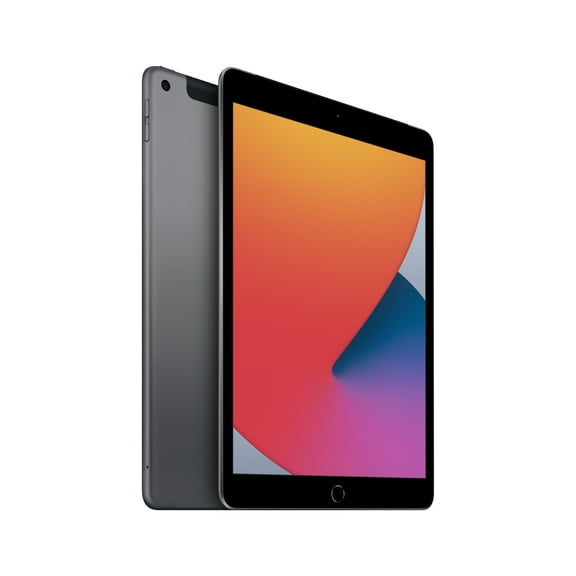
- You can choose Standard when your focus is web browsing, video calls, reading, and everyday apps.
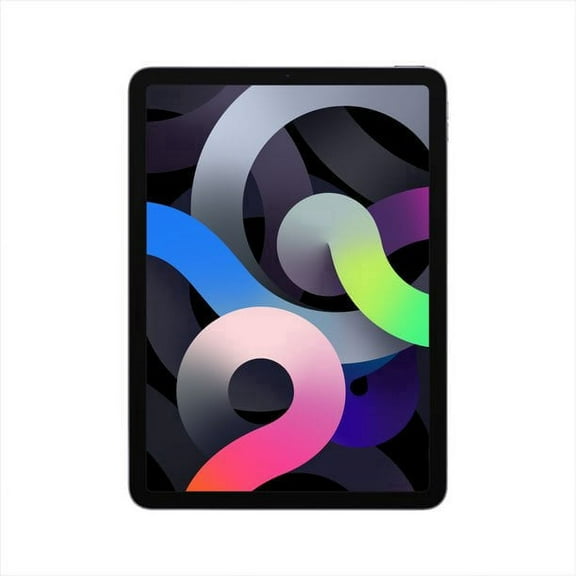
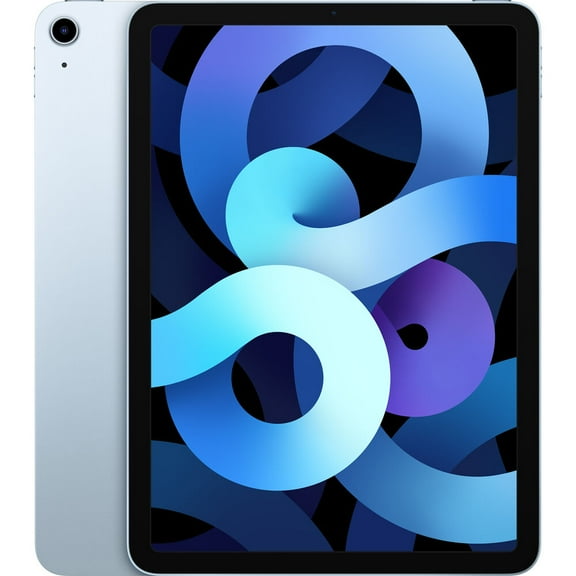
- You can choose Air when you want a lighter design with stronger performance for multitasking and creative work.
- You can choose Pro when you need advanced power, larger display options, and support for demanding editing workflows.
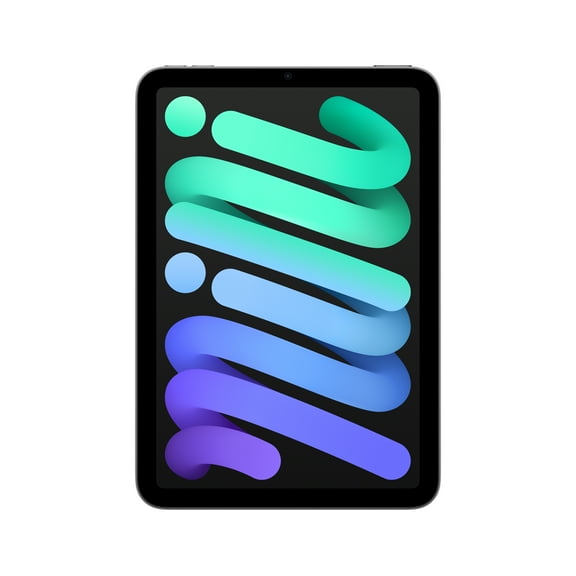
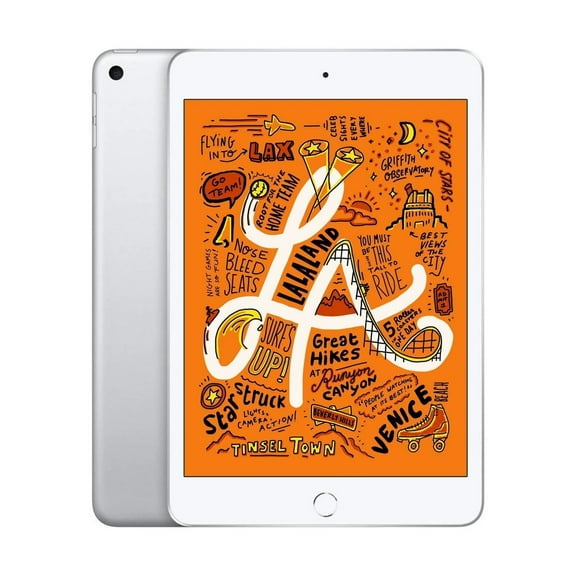
- You can choose apple ipad mini when you want a compact tablet that travels easily and fits one-hand reading.
Comparing apple ipad pro, apple ipad air, and mini
If you’re deciding between apple ipad pro and apple ipad air, you should compare performance needs before anything else. You’ll often notice Air fits general productivity, while Pro suits heavier design, editing, and multitasking sessions.
When screen size matters, you can compare 8.3 inch, 10.9 inch, 11 inch, and 13 inch displays. You’ll usually like 8.3 inch for portability and 13 inch for split-screen work.
If your bag space is limited, you may find the Mini easier to carry on commutes, flights, and daily errands. If your projects involve documents or layered art, you may prefer larger displays.
How to choose storage capacity
You should treat storage as a daily convenience choice, because it affects how much content you can keep on your device. You’ll want enough room for apps, photos, downloads, and larger project files.
If you mainly stream content and use lighter apps, you may feel comfortable starting with 64GB or 128GB. If you download games, videos, or design files, you may need 256GB or 512GB.
For larger creative libraries, you can compare 1TB and 2TB options with your editing and file-sharing habits. You’ll avoid constant cleanup when your tablet holds bigger media collections and working documents.
As a simple guide, you can match lower capacities to casual use and higher capacities to heavier workflows. You’ll appreciate extra space when your apps and files grow over time.
Understanding connectivity and processor options
When you compare an apple tablet for home, campus, or travel, you should look closely at connectivity. You can choose Wi-Fi Only for regular indoor use or Wi-Fi + Cellular for flexibility away from routers.
If you work from waiting rooms, client sites, or transit, you may prefer cellular connectivity for more freedom. If you mostly use your tablet at home, Wi-Fi Only may fit your routine.
Processor type also shapes how responsive your experience feels across apps and multitasking. You can compare A-Series, M1, M2, and M4 chips based on how demanding your tasks are.
If your routine includes email, streaming, and browsing, you may find A-Series performance meets your needs comfortably. If you edit video or layer artwork, you may prefer M-series power.
Checking accessory compatibility before you choose
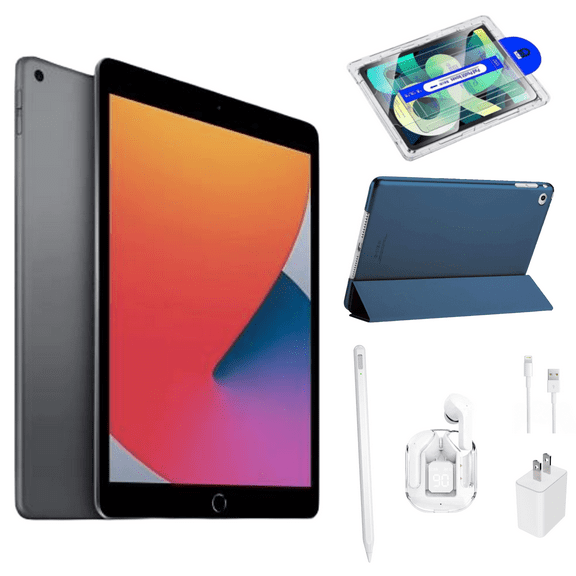
You should confirm accessory compatibility early, especially if you want to type, sketch, or protect your tablet. You’ll want to check support for Apple Pencil, keyboard options, and fitted cases.
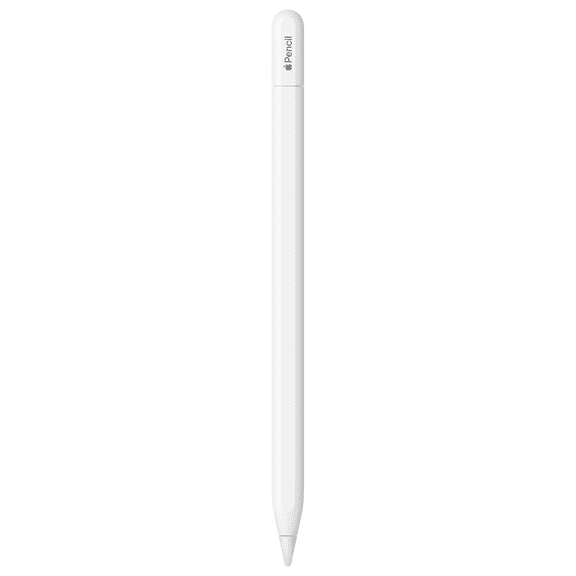
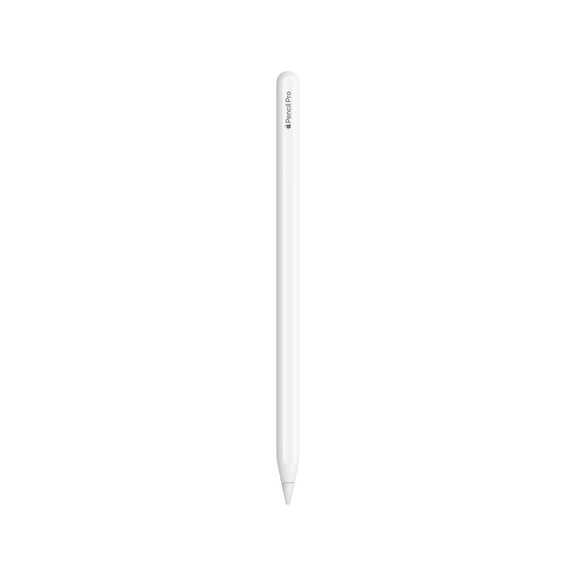
If you plan to draw or take handwritten notes, you may compare Apple Pencil generation support across models. You’ll get a smoother setup when your pencil choice matches your tablet design.
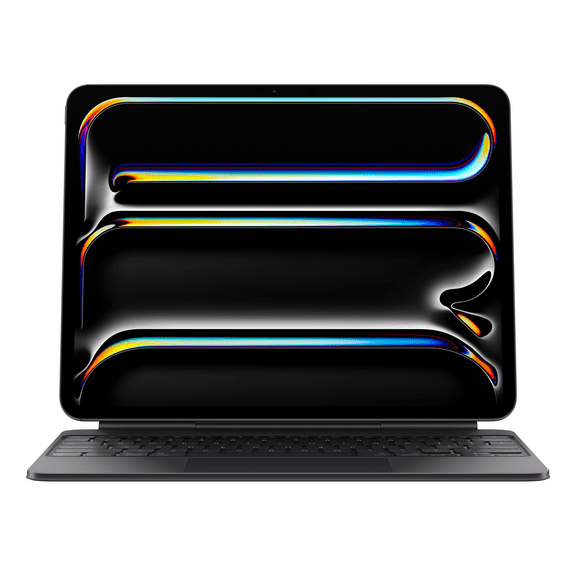
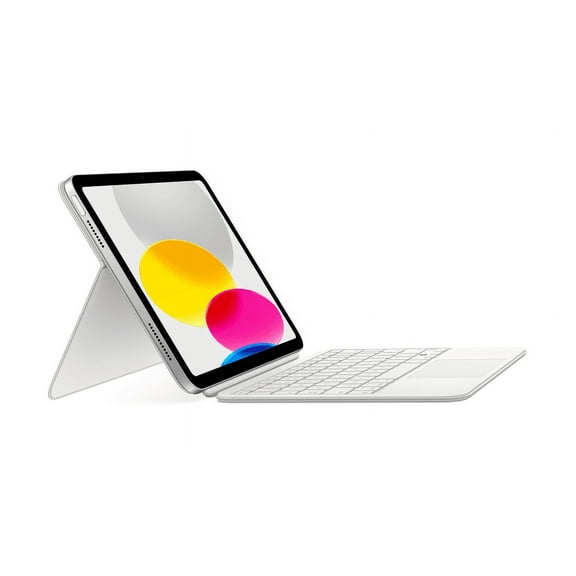
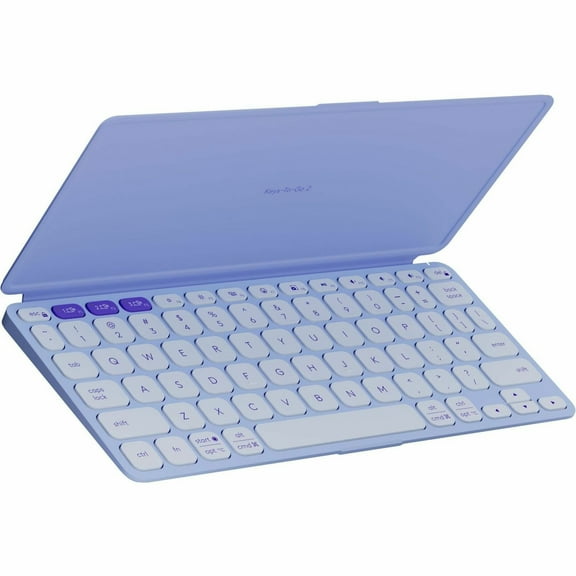
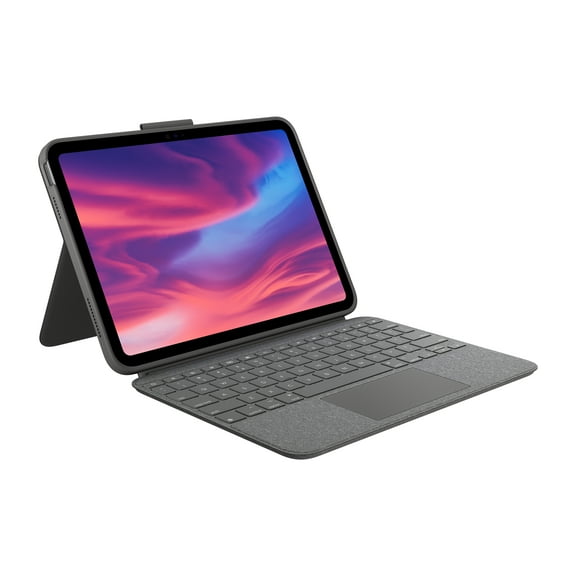
When typing matters, you should also compare ipad keyboard compatibility, including Magic Keyboard support on selected models. You’ll want the right fit for your screen size and connector style.
Cases matter too, because each model line uses different dimensions and camera cutouts. You’ll avoid returns when you match your case to the exact iPad generation and display size.
Matching your iPad to real routines
If you’re a student, you may want a standard iPad or Air with enough storage for notes, reading, and class apps. You’ll likely appreciate a keyboard case for papers and everyday organization.
If you create art, edit photos, or manage larger files, you may prefer Air or Pro with more storage. You’ll benefit from a larger screen and accessory support that fits precision work.
If you travel often, you may choose apple ipad mini for compact reading, streaming, maps, and quick messages. You’ll notice its smaller footprint fits crowded bags and tighter spaces.
For family entertainment, you may want a model that balances screen room, app support, and easy carrying. You’ll get a smoother experience when storage, connectivity, and accessories match your routine from the start.
You can shop the apple ipad category with more confidence when you compare model line, screen size, storage, connectivity, and accessory fit together. You’ll land on a tablet that supports your everyday tasks with fewer tradeoffs.