

GPS & Navigation in Electronics


















About GPS & Navigation in Electronics - Walmart.com
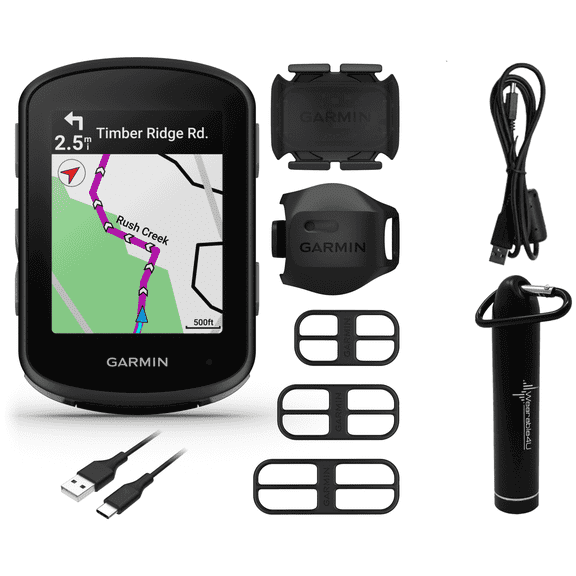
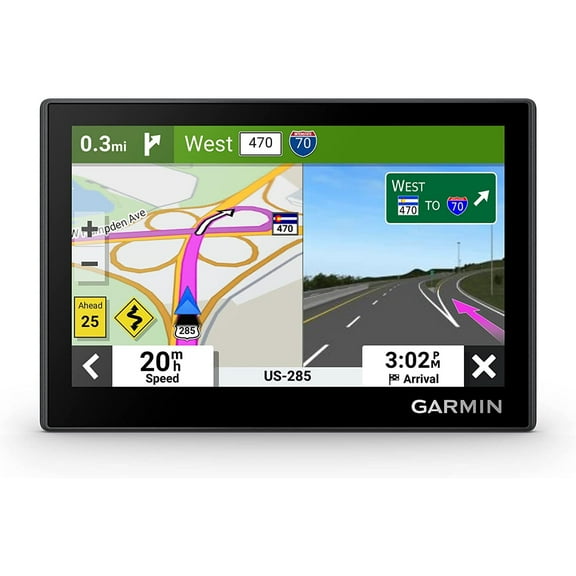
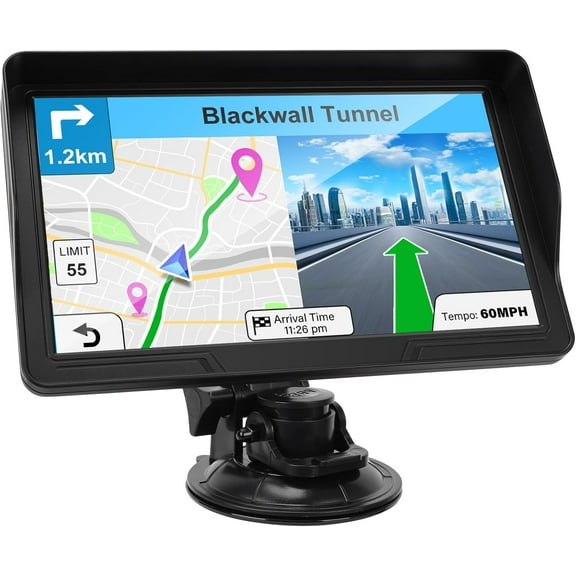
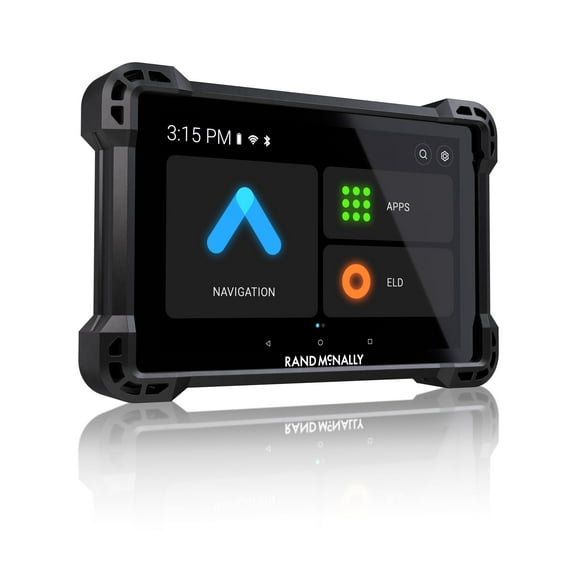
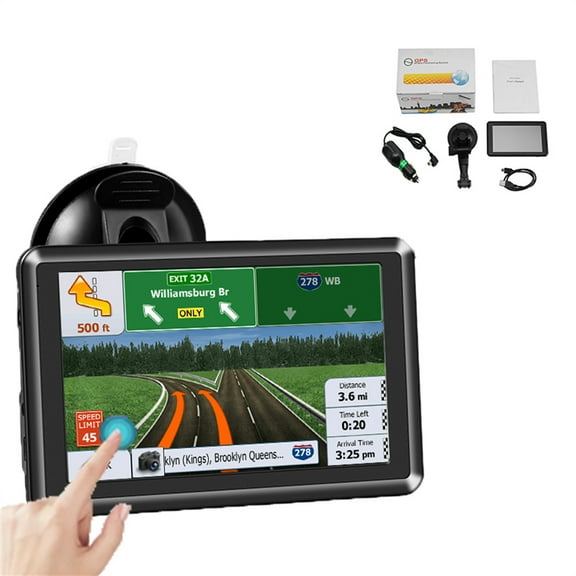
You can compare a supply gps navigator here by vehicle fit, map access, and screen size before you choose. You can get dedicated routing tools, offline guidance, and mounts designed for everyday driving or long-distance travel.
How to choose a supply gps navigator
You can start with the vehicle you drive and the roads you use most. Your daily commute needs differ from your RV trip, motorcycle ride, or time on the water.
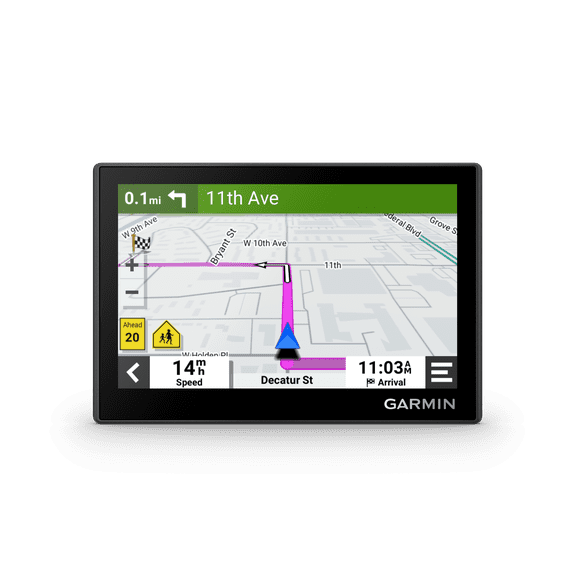
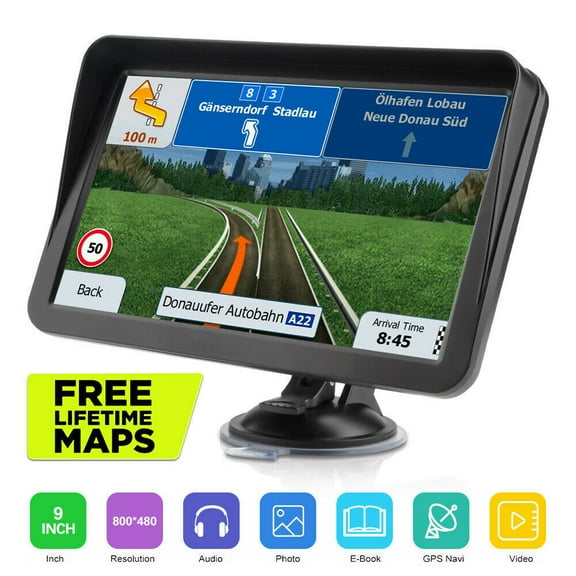
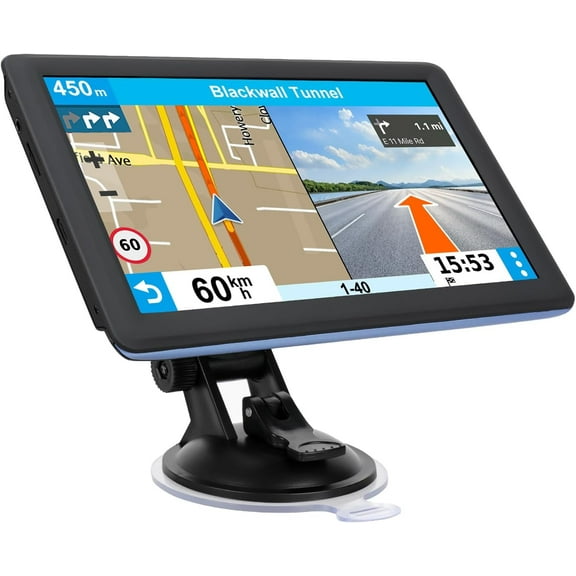
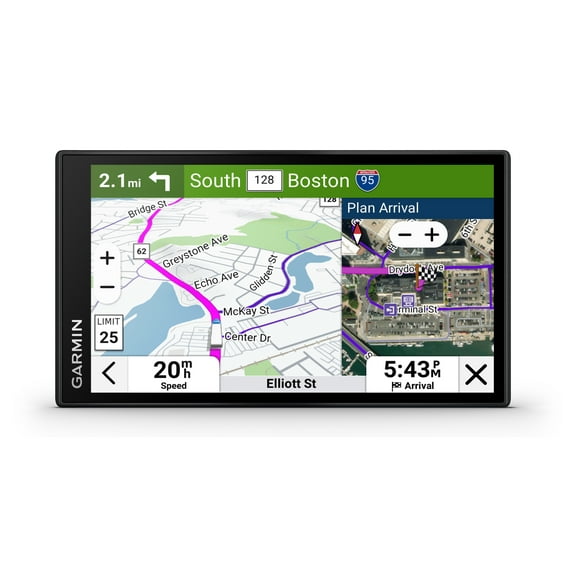
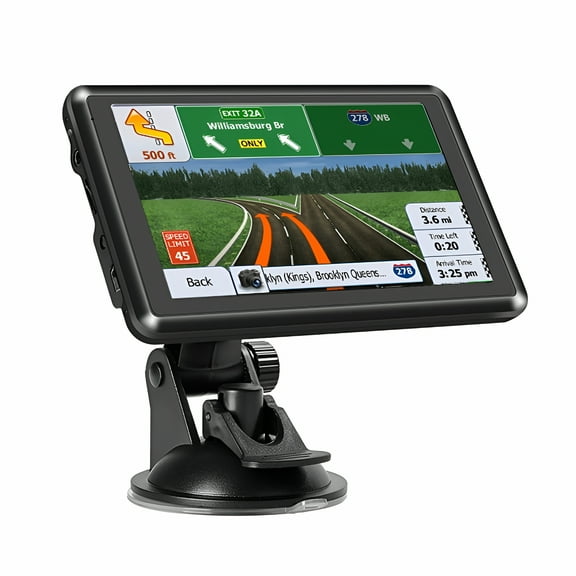
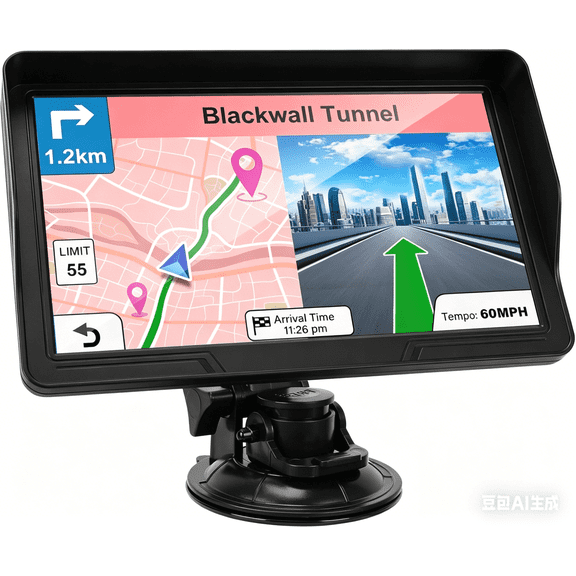
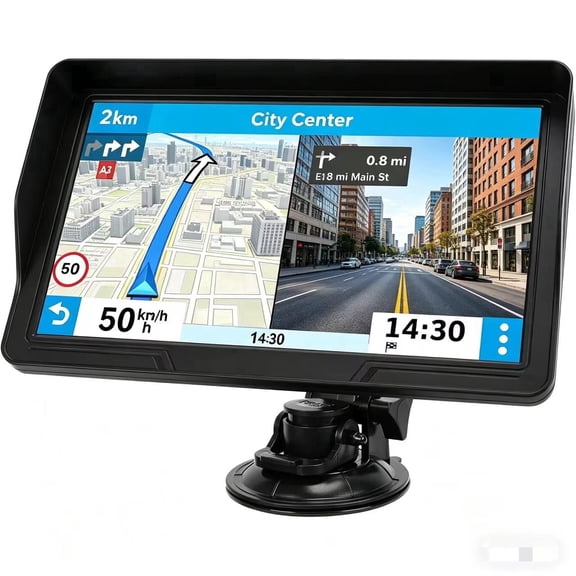
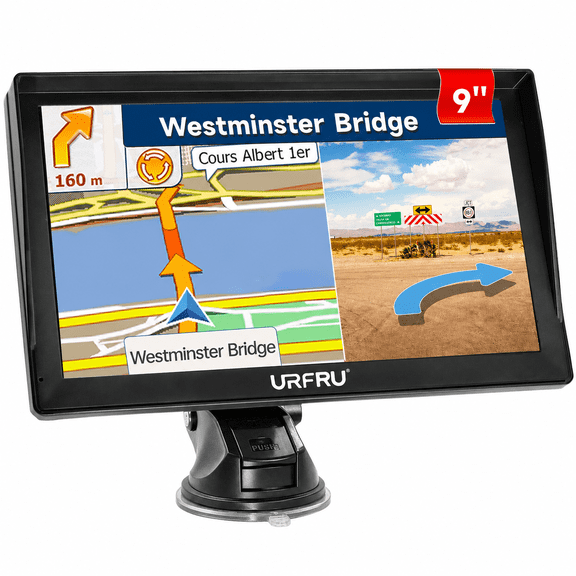
When you compare gps navigators, you can notice how screen size changes directions at a glance. Your five inch model feels compact, while your seven inch or eight inch screen gives larger text and broader map views.
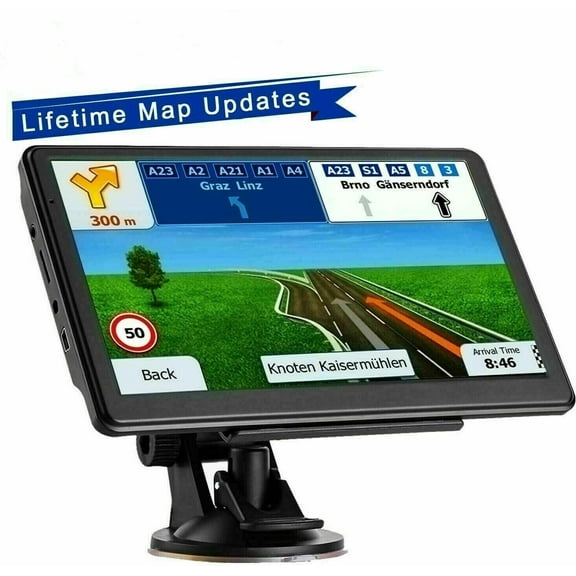
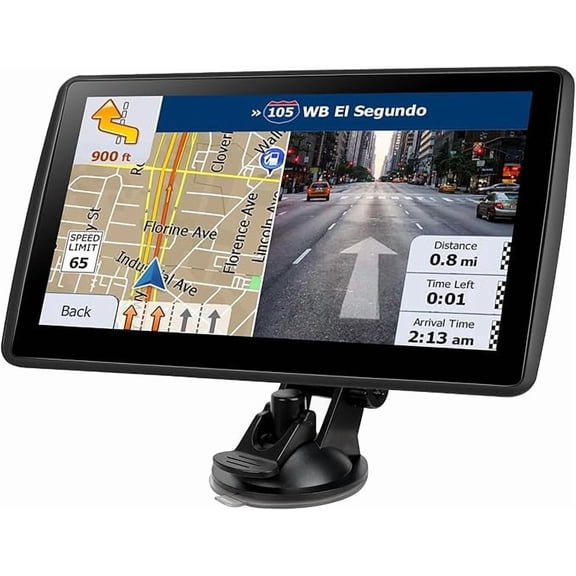
You should also check how the unit mounts inside your vehicle before you decide. Your windshield mount keeps the screen higher, while your dash mount or friction mount can suit different cabin layouts.
- You can choose screen sizes from five inch to eight inch and up.
- You can match routing tools to car, truck, RV, motorcycle, or marine use.
- You can compare offline maps, live traffic options, and update methods.
- You can check whether your preferred mount fits your dashboard or windshield.
Choosing gps navigators by vehicle compatibility
You should match your navigation system for car use to the vehicle you actually drive. Your car model may need simple turn guidance, while your truck or RV may need route profiles.
If you drive a larger vehicle, you should look for RV clearance data and truck routing profiles. Your route guidance can account for road types, bridge limits, and vehicle dimensions.
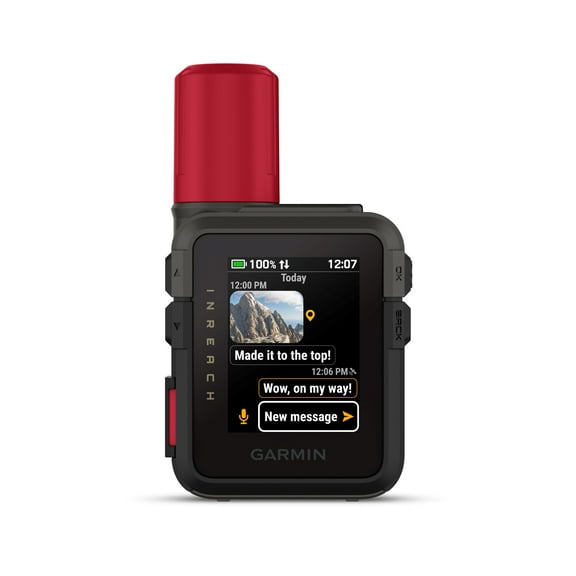
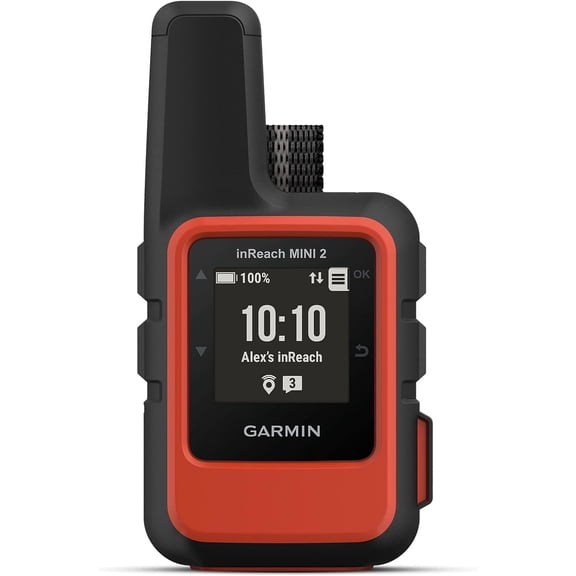
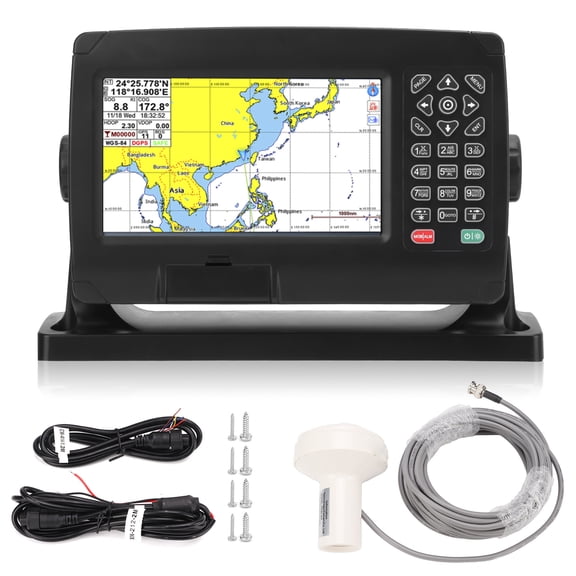
When you ride on two wheels, you should compare motorcycle-friendly controls and mounting setups. Your marine setup may call for coverage that helps you follow waterways and coastal routes.
You can use these differences to narrow choices faster and avoid extra features you may not need. Your decision becomes easier when the device matches your travel style from the start.
What to look for in maps and sat nav us coverage
You should check map coverage before you choose a sat nav us model for regular travel. Your options may include North America, US and Canada, worldwide regions, or preloaded offline maps.
If you often travel through areas with weak service, you should prioritize offline maps. Your device can keep guiding you through tunnels, mountains, or rural highways without relying on a phone signal.
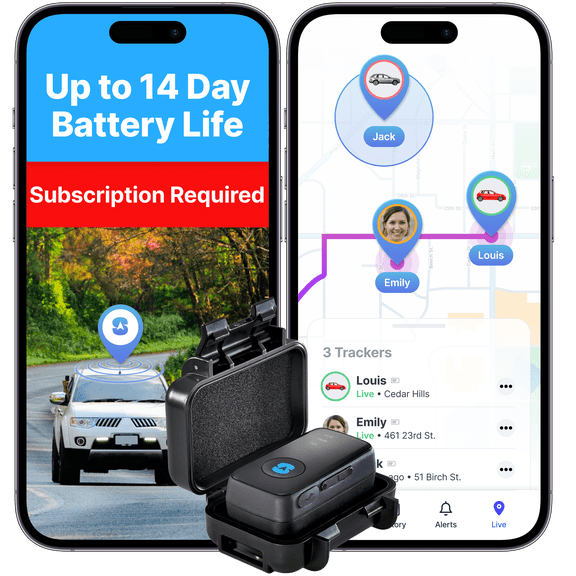
You should also compare how each model handles map updates before you decide. You can download updates through Wi-Fi or USB, while some models may require a separate subscription.
When you review map details, you should confirm whether points of interest and address search work offline. Your trip planning feels smoother when essential directions stay available on the device.
Comparing connectivity and traffic features
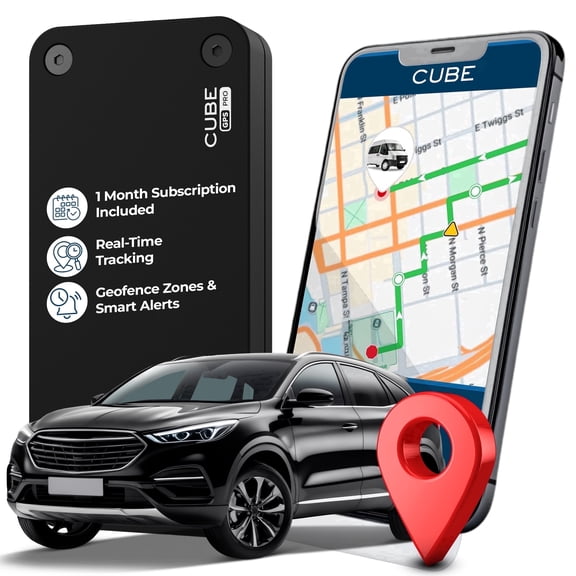
You should decide whether you want simple guidance or extra connected tools. Your supply gps navigator may use Bluetooth, Wi-Fi, USB, or cellular-supported live traffic features.
Bluetooth can help you connect compatible devices and keep your setup streamlined in the car. Wi-Fi can make map downloads easier, while USB can help with updates and charging.
You may not need a cellular subscription if your model receives traffic through a paired connection or included service. Your decision depends on how often you drive in congested areas and want rerouting help.
You should check whether live traffic works right out of the box or needs an added plan. Your understanding here can prevent surprises after setup and help you choose the right feature mix.
Choosing screen size and mount options
You should measure your dashboard space before choosing between five inch, six inch, seven inch, or eight inch plus screens. Your cabin size and viewing distance affect which display is easy to read.
A smaller screen can suit compact interiors where you want a lighter footprint. A larger display can help you read lane guidance, junction views, and distance markers more easily.
You should also compare windshield mount, dash mount, and friction mount options for your vehicle. Your preferred placement can affect glare, reach, and how cleanly the device fits into your driving setup.
If you want convenient access similar to gps near me searches, you should focus on easy setup and fast availability options. Your pickup and delivery choices can help you get the unit you need without delays.
Using a navigation system for car, truck, RV, or travel planning
You can use a navigation system for car trips when you want dedicated directions without depending on your phone battery. Your everyday drives, work routes, and weekend plans stay easier to manage.
For road trips, you can compare models with broader map coverage and offline guidance. Your travel across several states or into Canada becomes simpler when maps stay accessible the whole way.
If you drive for long stretches in an RV or truck, you should look for route tools built for larger vehicles. Your planning can reflect size-based restrictions, which helps you follow roads suited to your setup.
You can also choose units for motorcycles or marine travel when you need a dedicated screen in those environments. Your route guidance feels more intentional when the navigator matches how and where you travel.
You should compare map coverage, connectivity, vehicle fit, and mount style before you decide. Your final choice can deliver clearer directions, dependable offline navigation, and a setup that suits your vehicle.