

Auto GPS Units



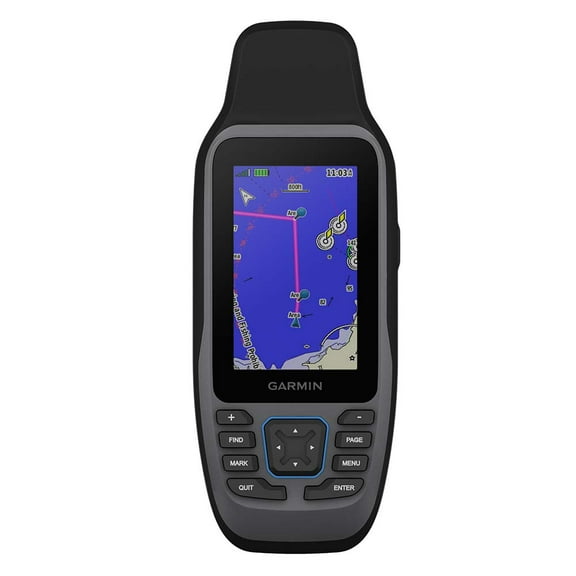
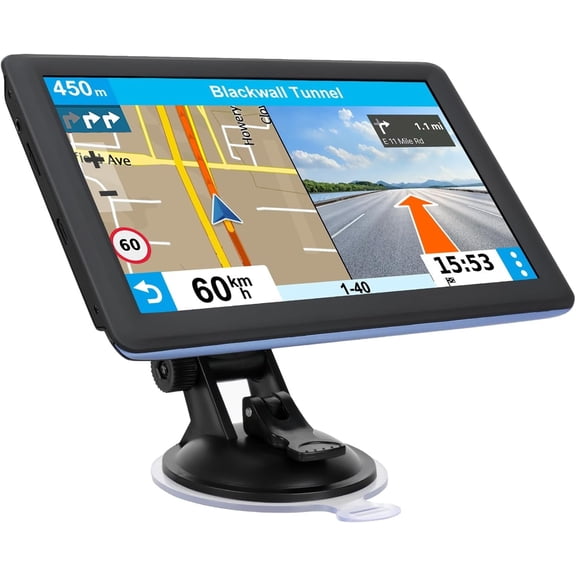

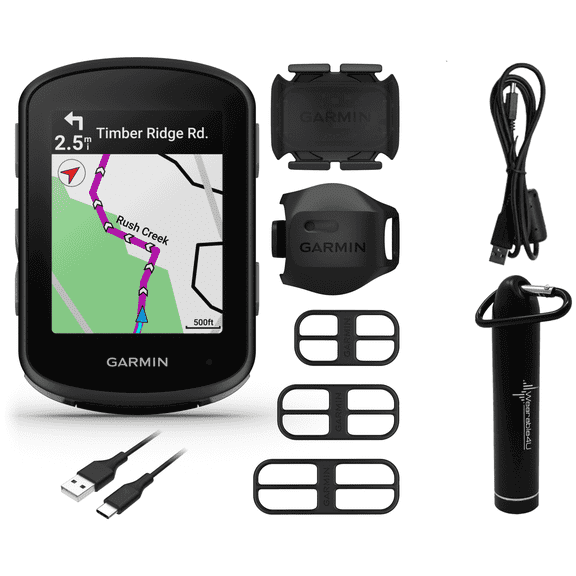

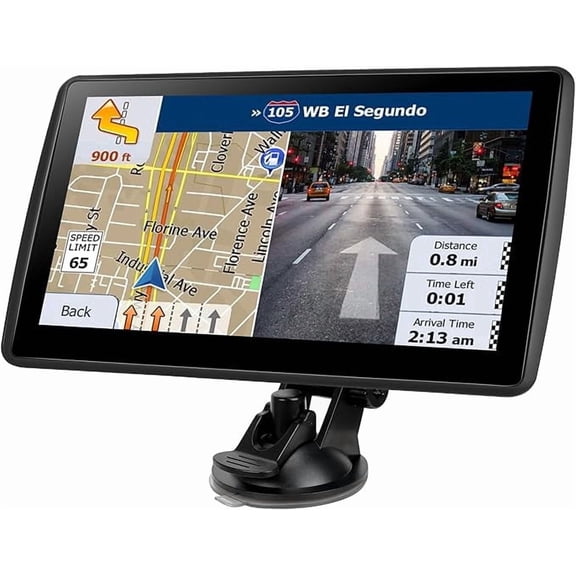










About Auto GPS Units - Walmart.com
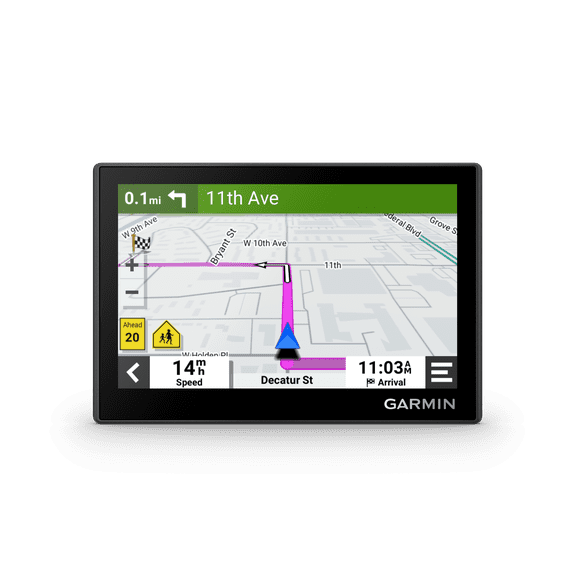
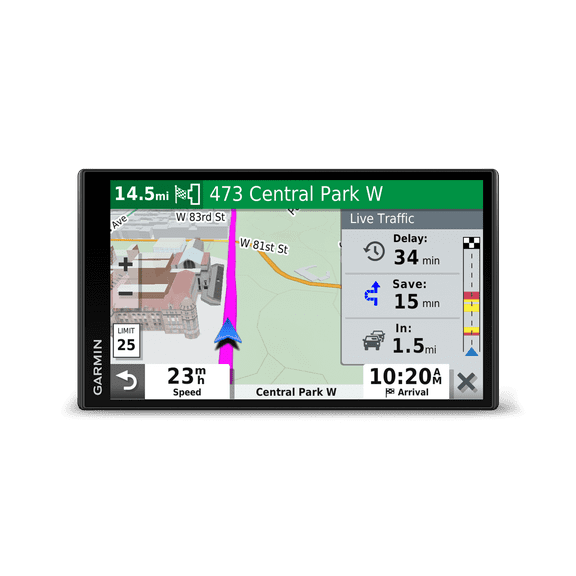
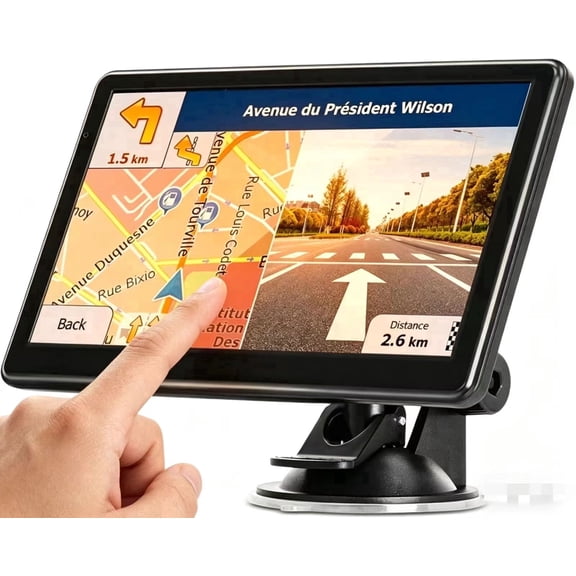
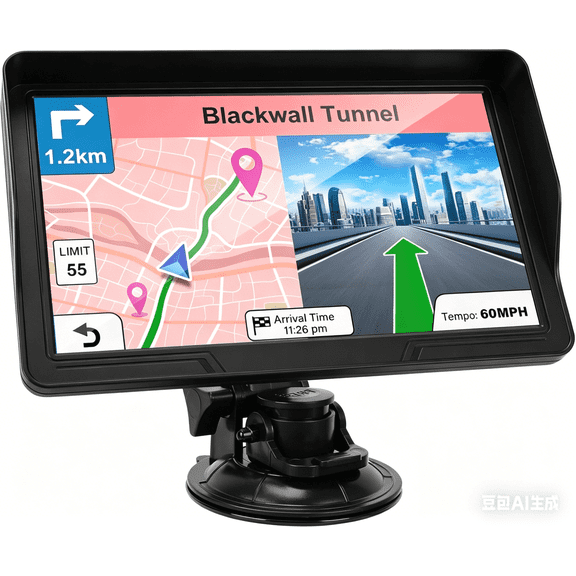
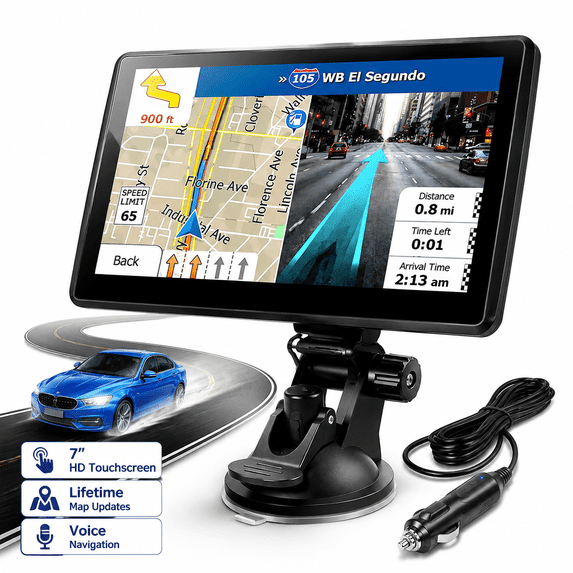
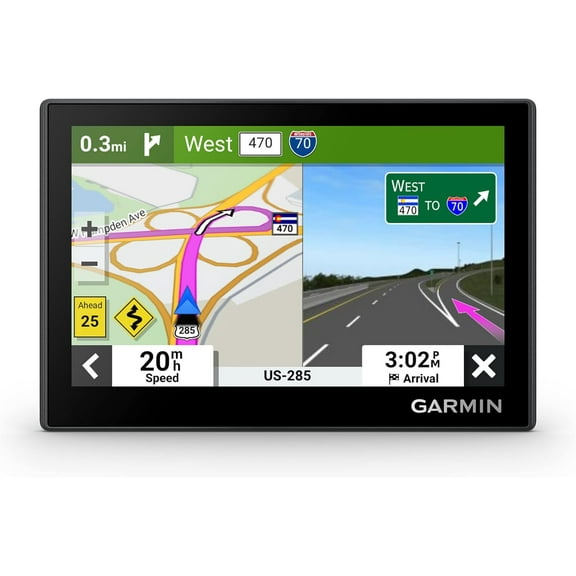
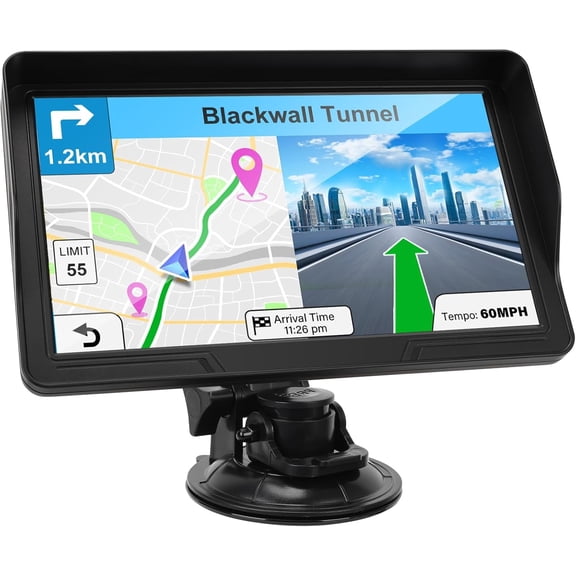
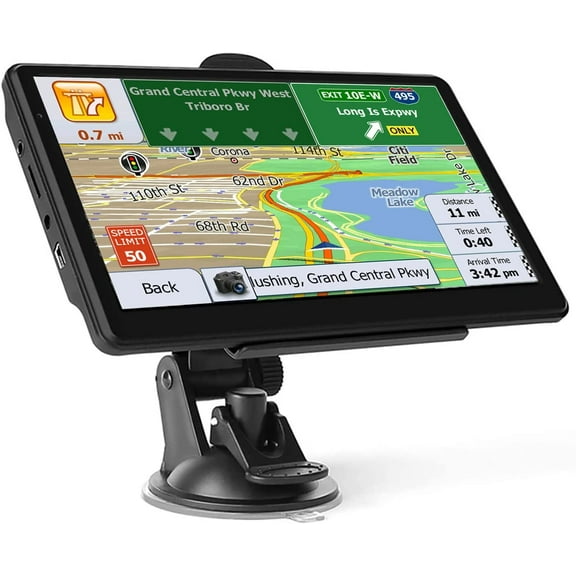
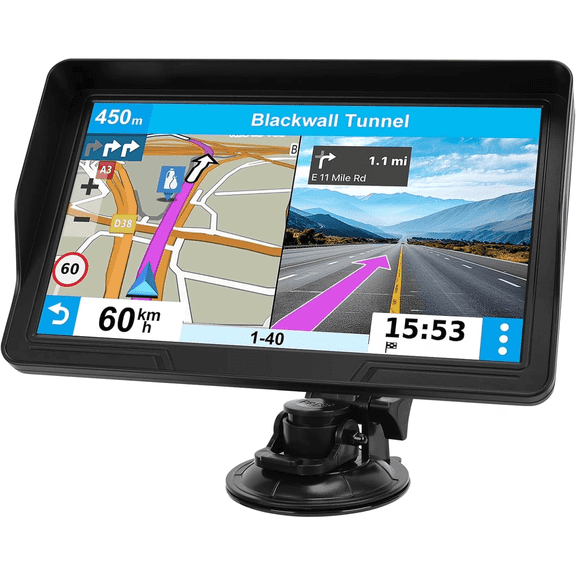
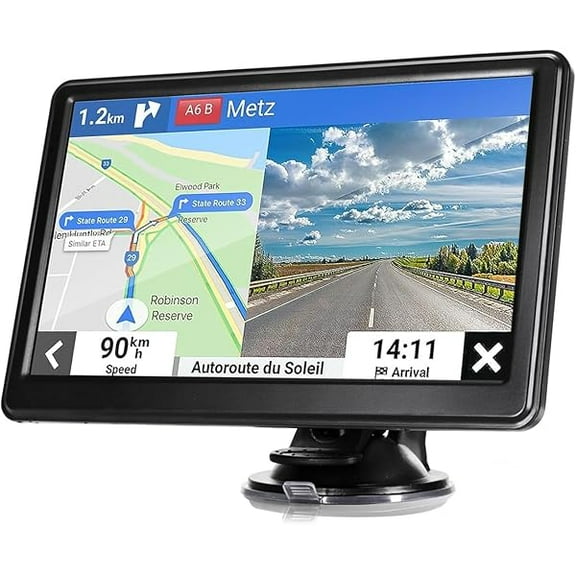
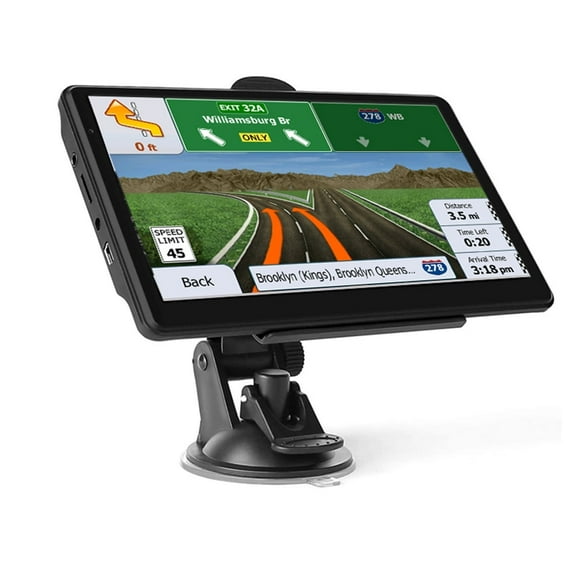
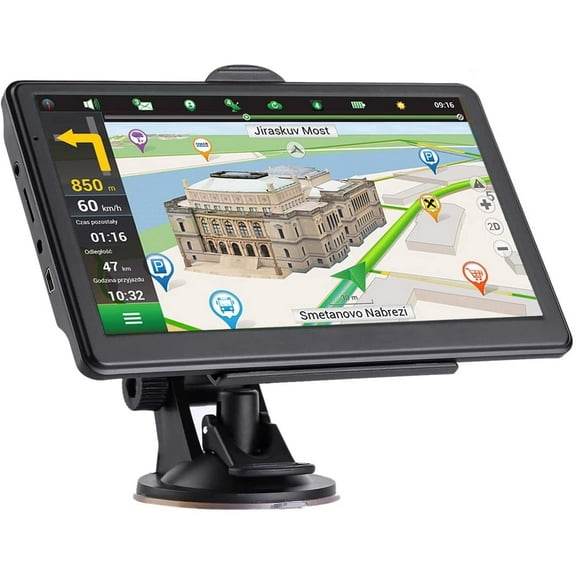
A car navigation system helps you drive with clear turn-by-turn guidance, offline map access, and road-ready screens built for dashboard viewing. These units fit shoppers who want dedicated navigation without depending on cell signal, app alerts, or battery drain from a phone. Many drivers choose standalone devices for road trips, delivery routes, and daily commutes where consistent directions matter. You’ll also find options with touchscreen controls, spoken street names, and route planning that stays focused on driving.
Why choose a car navigation system
A dedicated navigator keeps your route visible without tying up your phone for calls, music, or messages. That matters when you want one screen for directions and another device for everyday tasks.
Offline guidance is another key reason shoppers choose gps for car devices. Stored maps help when mountain roads, rural highways, parking garages, or weak coverage interrupt mobile data.
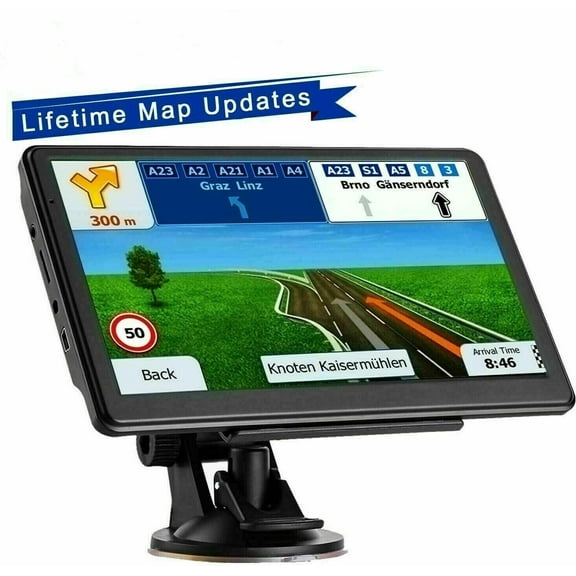
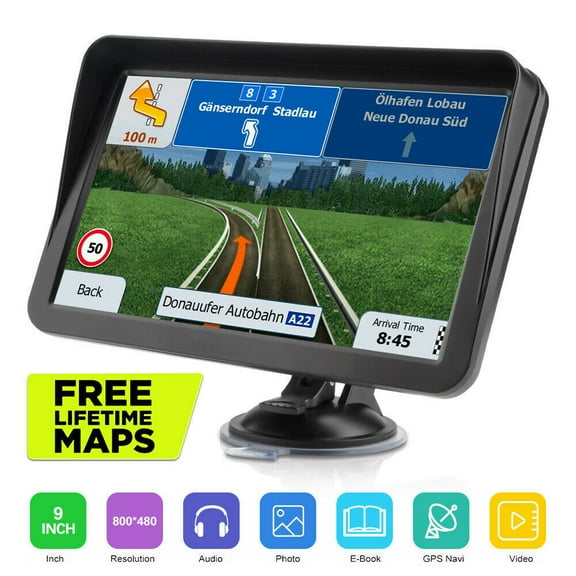
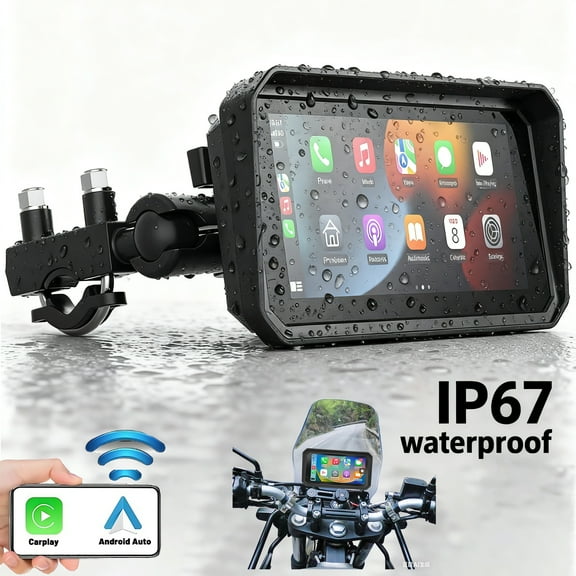
Screen size and mounting style also shape the experience. A portable gps for car can move between vehicles, while dash-integrated models create a built-in look.
- Get route guidance without relying on mobile coverage.
- Keep your phone available for other in-car tasks.
- Use a larger display that’s easier to glance at while driving.
- Move select units from one vehicle to another.
- Choose features like spoken directions and lane guidance.
Features that matter in gps for car devices
Map coverage is one of the first things to compare. Some units focus on U.S. driving, while others include Canada, Mexico, or broader regional mapping.
Update options can affect long-term convenience. Many shoppers look for systems with simple map downloads, preloaded roads, or direct connection through a computer.
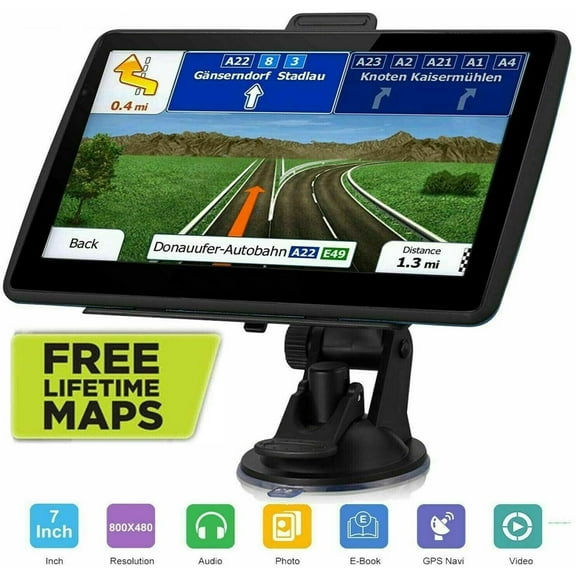
Display details matter because sunlight, dashboard angle, and viewing distance change how a screen looks in motion. Larger touchscreens can make menus, turns, and exits easier to read.
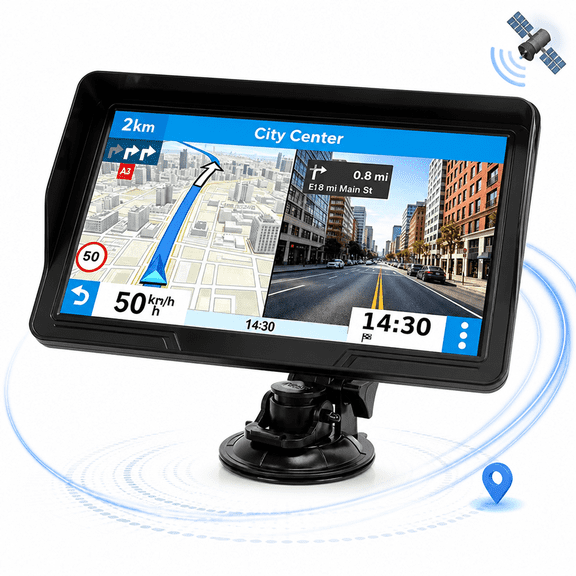
Look closely at guidance tools that support quick decisions. Features like lane assist, speed limit display, junction views, and spoken street names can make exits easier to follow.
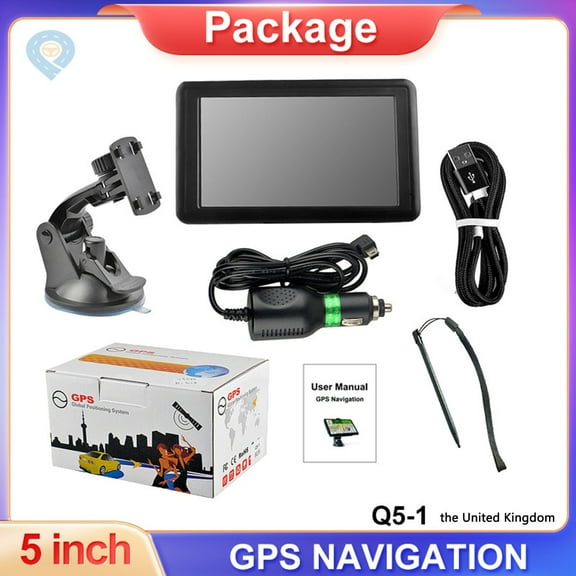
Mounting and power setup also deserve attention. Portable gps navigation for car units often use windshield or dash mounts and plug into a vehicle power outlet.
Some shoppers also compare voice command support, Bluetooth calling, and traffic compatibility. A car gps navigator with those extras can fit drivers who want fewer taps on the road.
Portable gps, built-in styles, and trackers
Portable models are popular because they’re flexible and simple to move between vehicles. They work well for families, rentals, work fleets, and drivers who switch cars often.
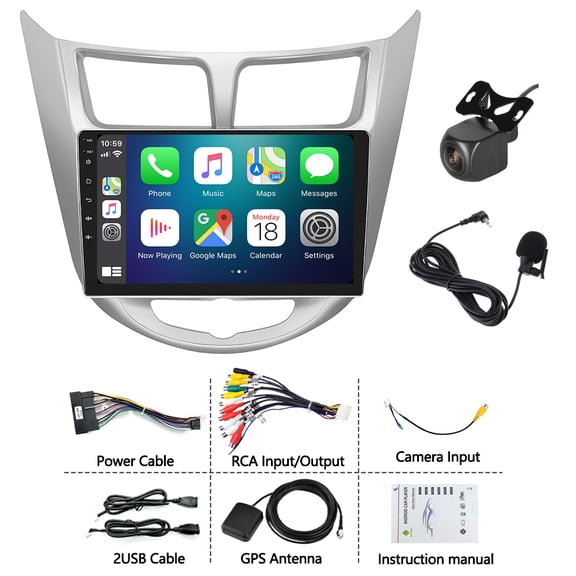
Dash-integrated styles appeal to shoppers who want a cleaner cabin look. These options can pair well with car audio upgrades when you’re planning a more connected dashboard setup.
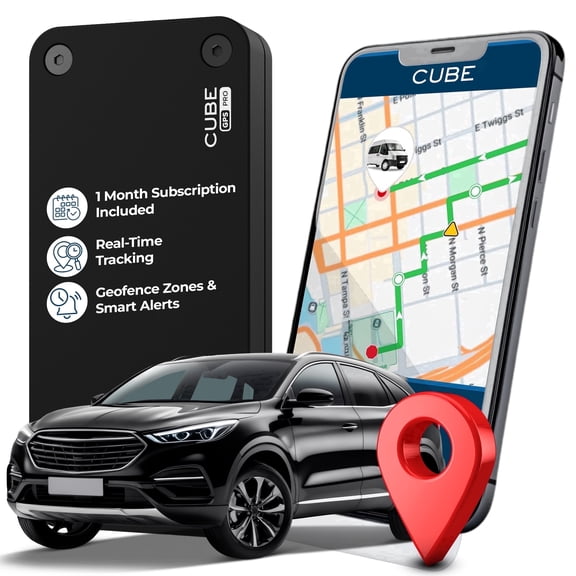
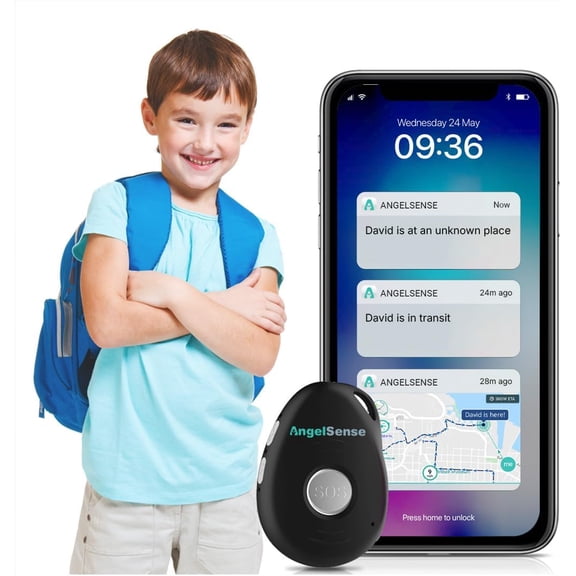
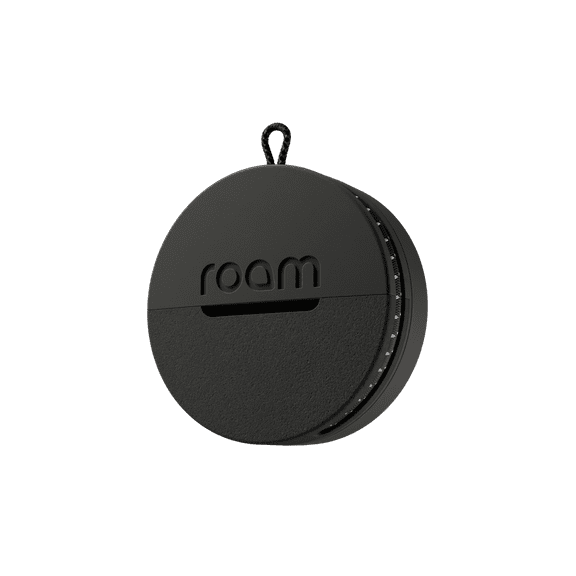
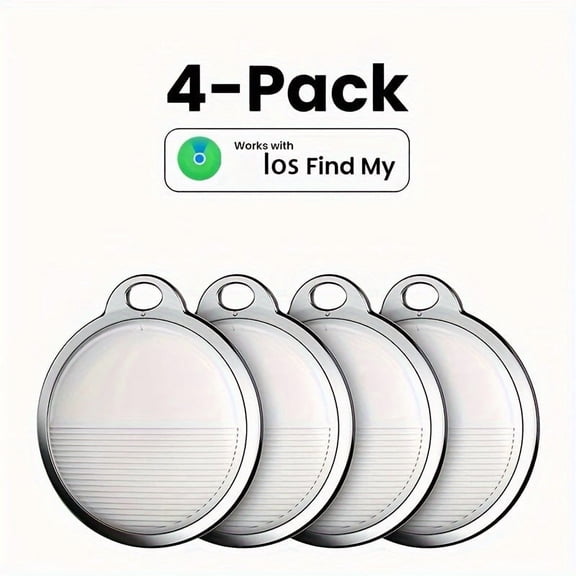
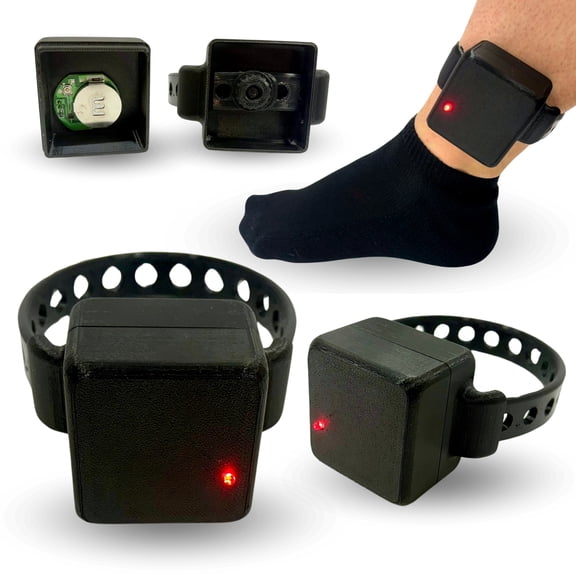
GPS trackers serve a different purpose than navigators. A tracker focuses on location monitoring, while a car navigation system is built to guide your route from start to finish.
That distinction matters when you’re comparing listings. If you need turn prompts, map screens, and destination entry, focus on navigation units instead of tracking devices.
How shoppers use car gps navigator models
Commuters often want fast startup, reliable routing, and clear recalculation after missed turns. A dedicated unit can stay mounted and ready each time you leave home.
Road trip drivers usually prioritize offline maps and broad route coverage. Those features help on long stretches where streaming directions may not stay consistent.
Delivery drivers and service professionals often need repeatable guidance across many stops. Address entry, saved favorites, and visible lane guidance can support smoother multi-stop travel.
Drivers in unfamiliar cities may want a portable screen that highlights exits and intersections clearly. That’s useful when traffic moves quickly and street signs appear close together.
Some households also search for gps para carros when shopping for straightforward navigation tools. Clear menus, voice prompts, and map-based guidance make these devices approachable for many drivers.
If you’re building out a more connected vehicle setup, navigation can pair naturally with dash cams and audio accessories. That combination supports everyday driving with fewer device compromises.
What to look for before choosing
Start with screen size, map region, and mounting style. Then compare update method, voice guidance, and whether you want a unit that moves easily between vehicles.
It’s also smart to think about internet independence. Many shoppers want navigation for car without internet, and dedicated units answer that need with onboard maps.
The right pick delivers clear routing, easy visibility, and dependable guidance from the first mile to the final turn. That makes every drive feel more focused and less interrupted.