

File Folder Labels & File Labels











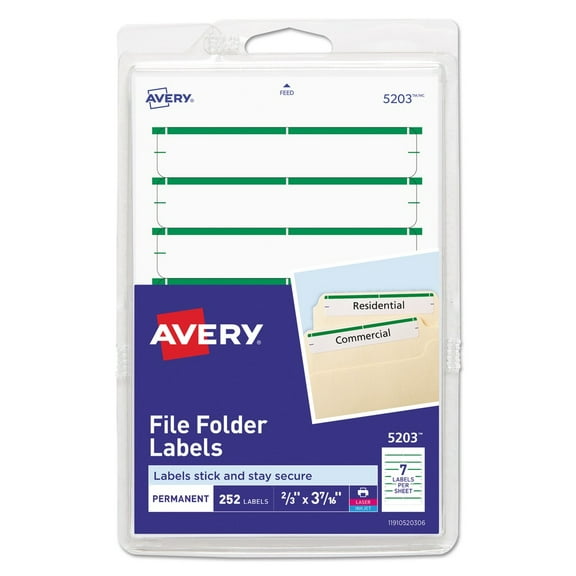
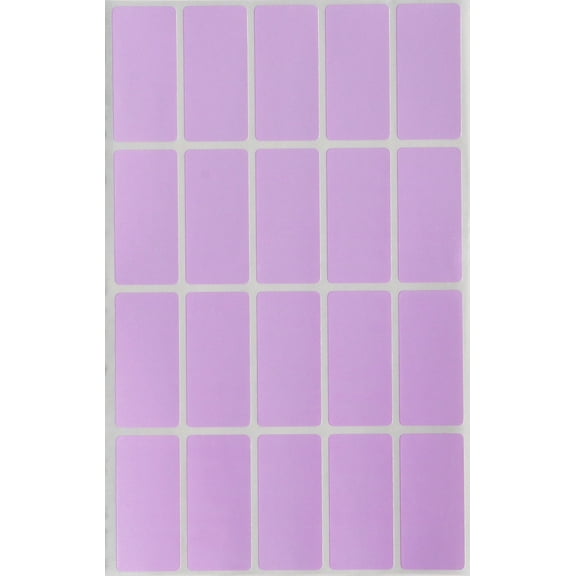


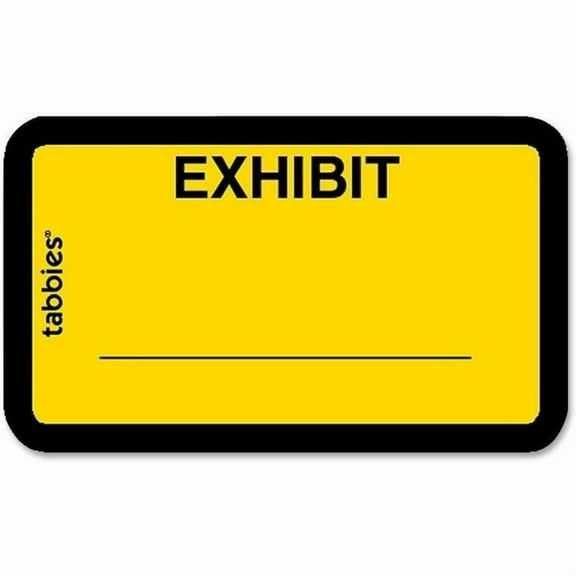
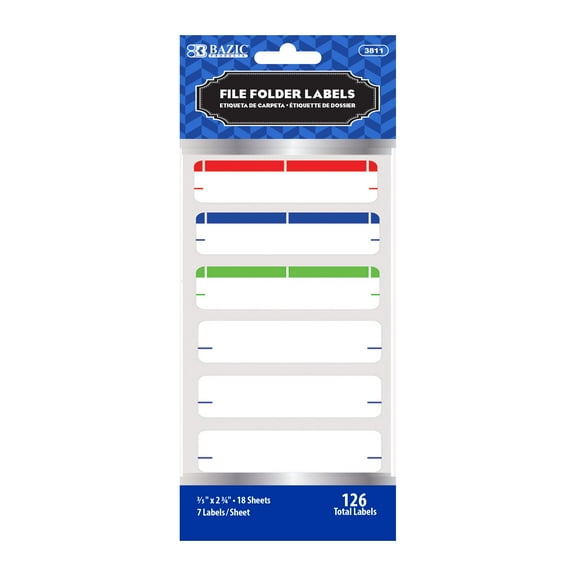





About File Folder Labels & File Labels - Walmart.com
File folder labels help you sort records fast and keep your workspace easy to scan. You can compare tab cuts, printer compatibility, adhesive types, and color styles before you print or write.
If you manage tax papers, classroom files, or daily office folders, you need labels that match your tabs. You can use the right format to avoid crooked text, wasted sheets, and mismatched folder tabs.
Choosing the right file folder labels
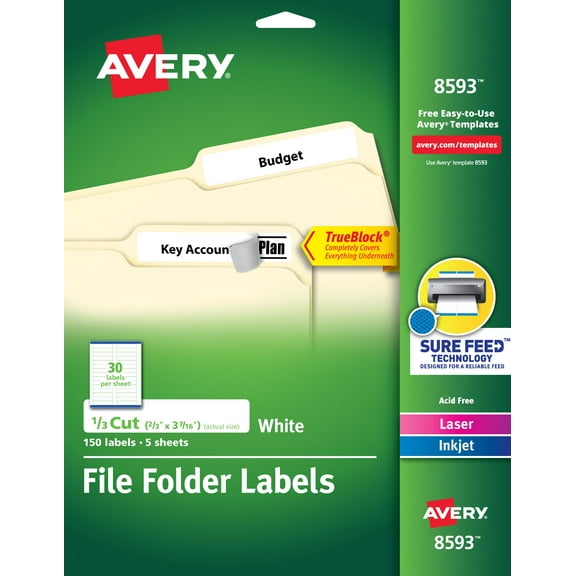
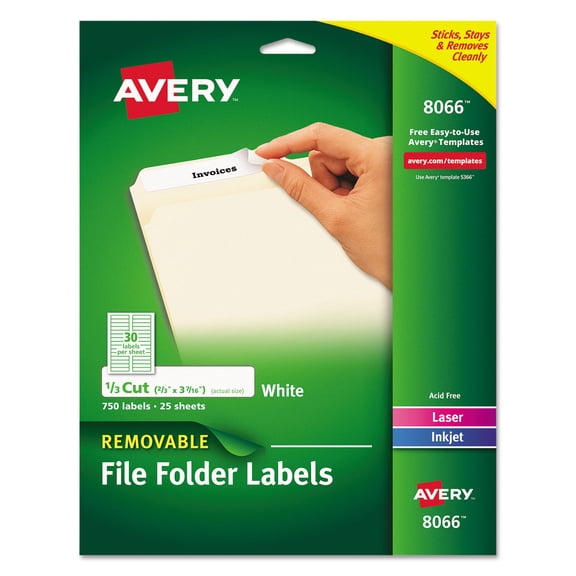
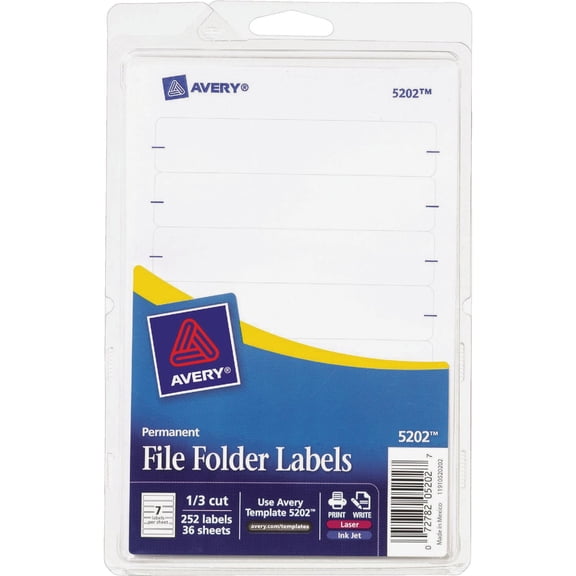
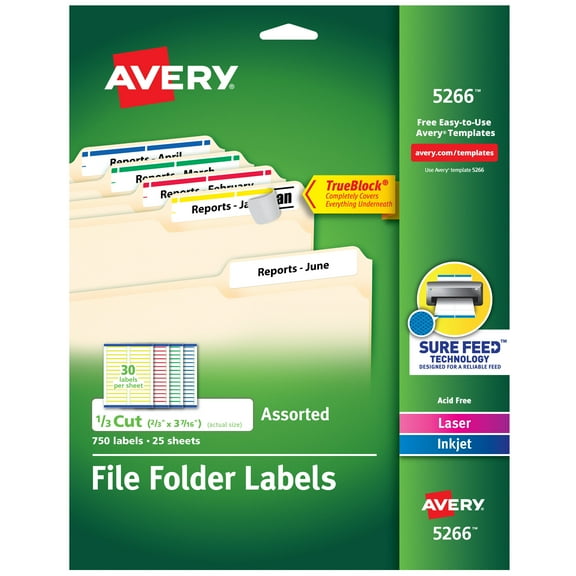
Label size is your first decision because your folder tab shape affects fit and readability. You should compare 1/3 cut, 1/5 cut, 1/2 cut, and straight cut layouts before choosing.
If you use 1/3 cut tabs, you’ll get wider label areas for clear titles. If you use 1/5 cut tabs, you can label more positions across a filing row.
A 1/2 cut tab gives you a balanced middle option when you want roomy text. A straight cut style can help you create a uniform look across broad folder runs.
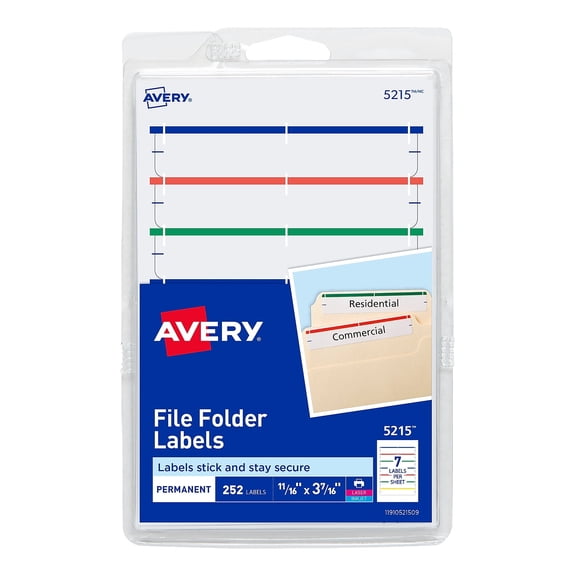
- You can match 1/3 cut labels to common office folders with larger tab sections.
- You can choose 1/5 cut labels when your filing system uses more tab positions.
- You can pick removable or repositionable adhesive if your folder contents change often.
- You can use assorted colors to group invoices, school papers, or client files by category.
Pack size also matters when you label one drawer or an entire records room. You should check sheet count and total label count so your project stays organized.
How to compare printable file folder labels
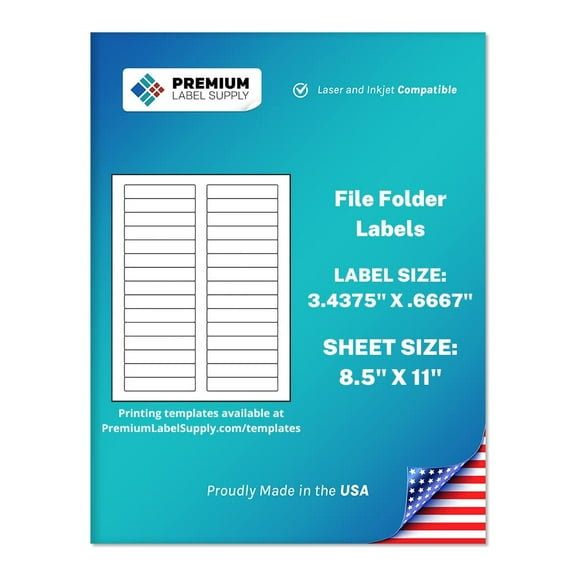
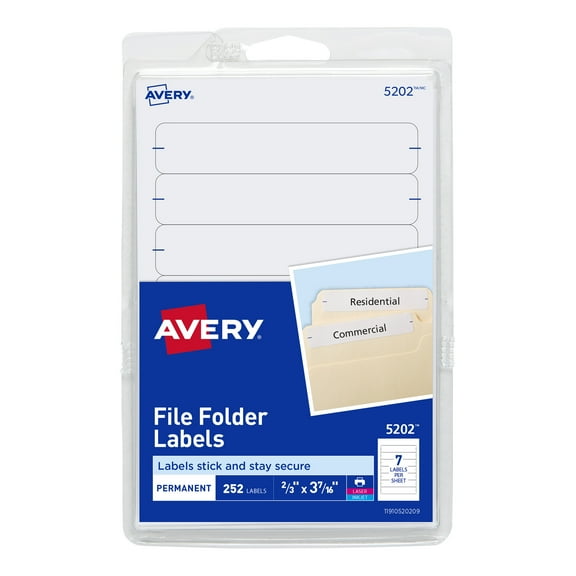
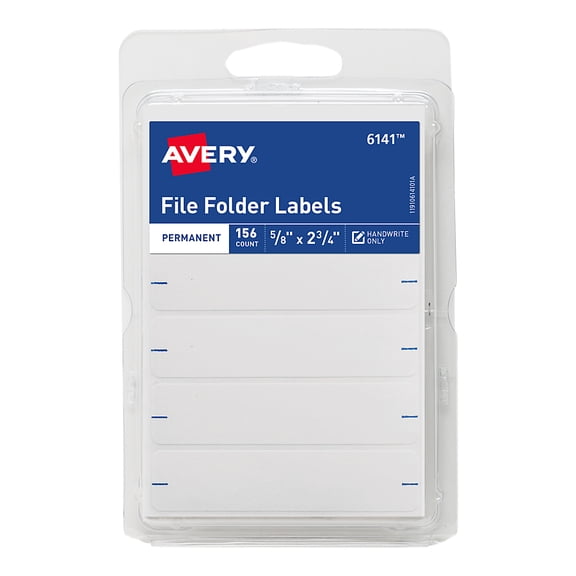
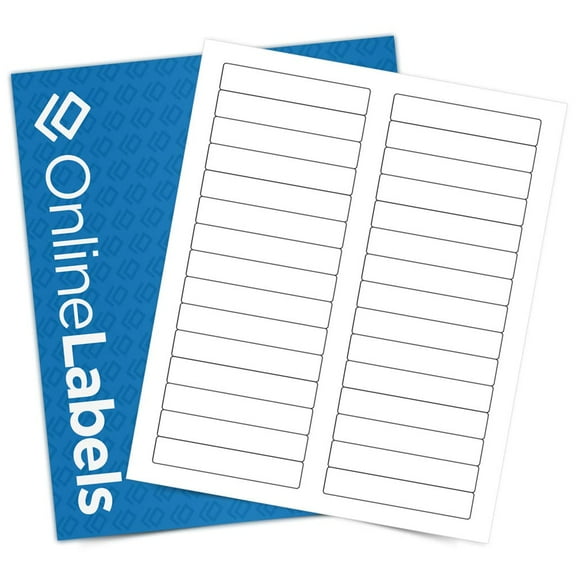
Printable file folder labels work well when you want clean, consistent text across many folders. You should check whether your labels work with laser printers, inkjet printers, or handwriting only.
Laser-compatible sheets usually suit sharp text and fast batch labeling in office settings. Inkjet-compatible sheets can fit home office printing when you need flexible, small-run labeling.
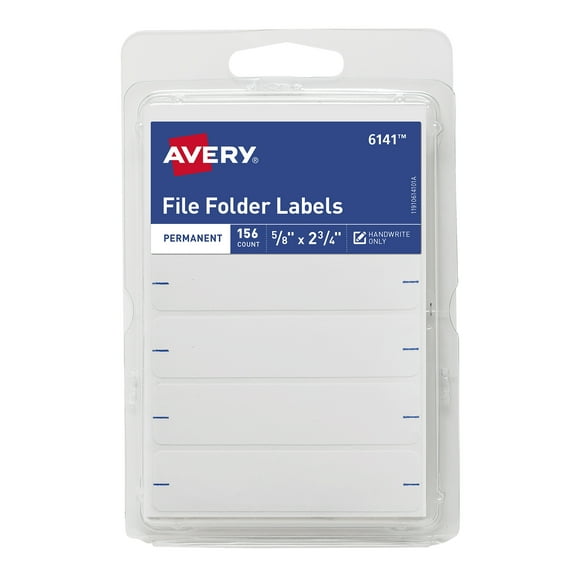
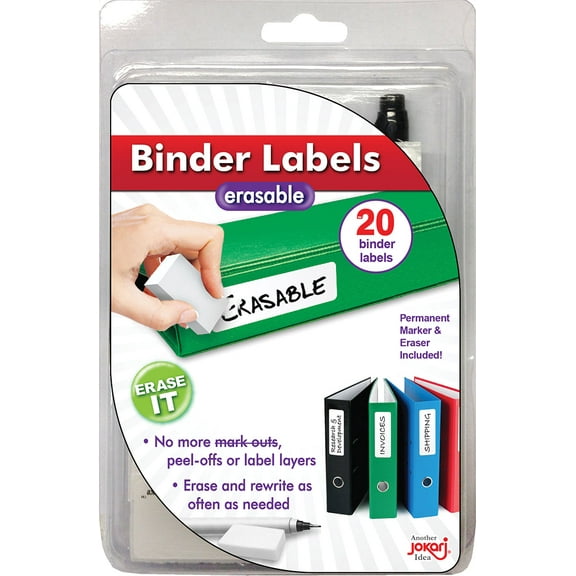
If you prefer handwrite-only formats, you can update folders quickly without opening a template. You may like that option for temporary files, rotating projects, or supply cabinets.
Sheet layout is another decision point because template alignment affects print placement. You should compare label rows and spacing so your text lands inside each tab area.
If you print in bulk, you’ll want labels that feed smoothly through your printer. You can also check whether full sheets or smaller packs match your workload.
Understanding adhesive and color options
Adhesive type changes how long your labels stay in place and how easily you can update them. You should choose permanent adhesive for long-term archives and steady filing systems.
Removable adhesive can suit short-term projects, seasonal documents, or classroom rotation systems. Repositionable options can help you fine-tune placement when you want straighter labels on folder tabs.
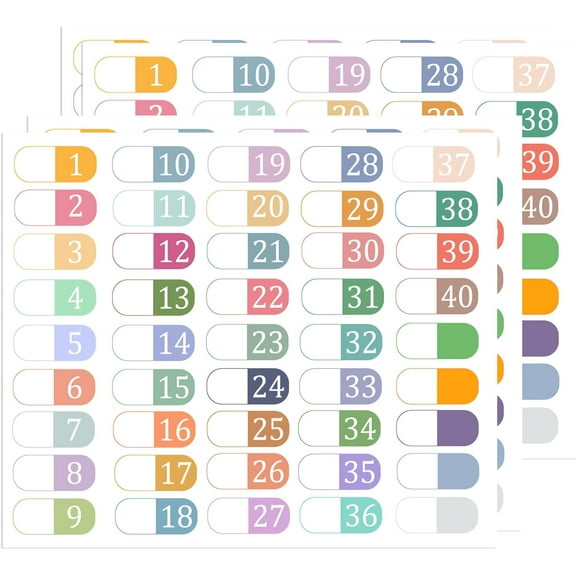
Color style also shapes how quickly you spot important categories in a drawer. You can use white labels for a clean office look or assorted colors for faster visual sorting.
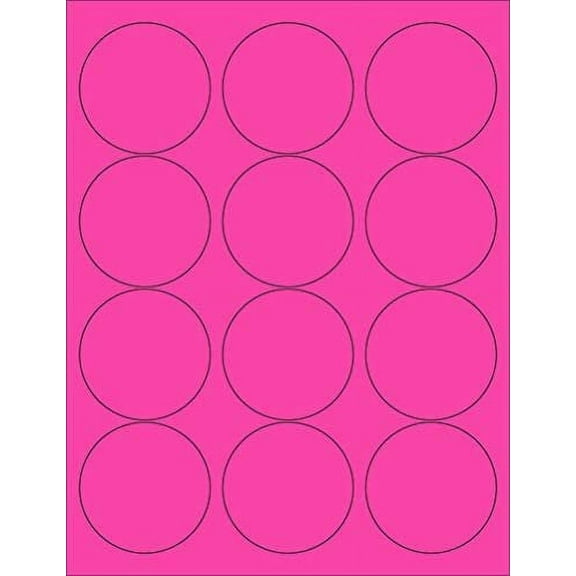
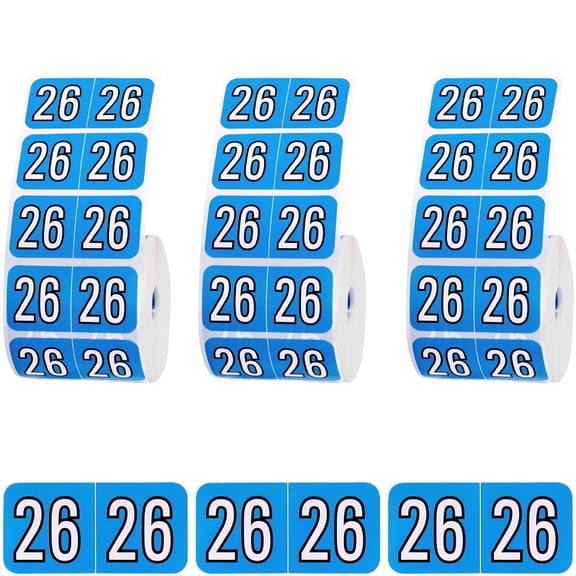
Color coded file folder labels can help you separate billing files, employee records, and school subjects at a glance. You might also use neon shades for urgent groups or pastel tones for softer visual organization.
If you work with manila folder labels, you may want a color that stands out from the folder surface. You can create stronger contrast with white, bright, or assorted label packs.
When hanging file folder labels make sense
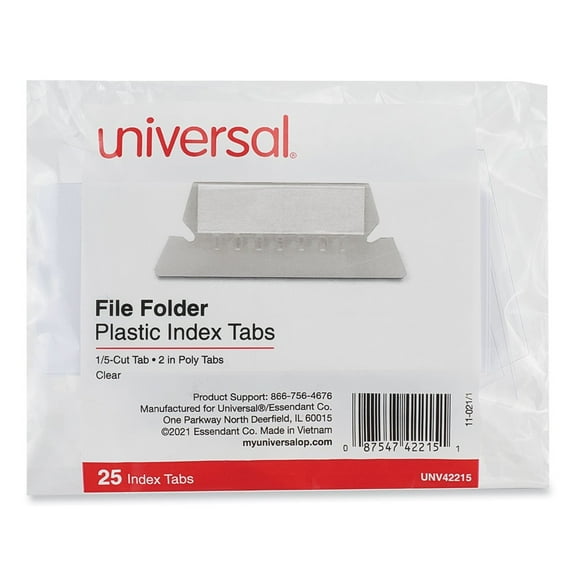
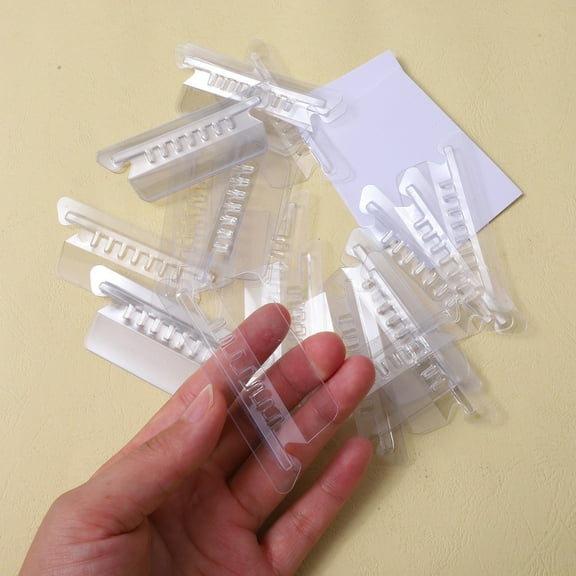
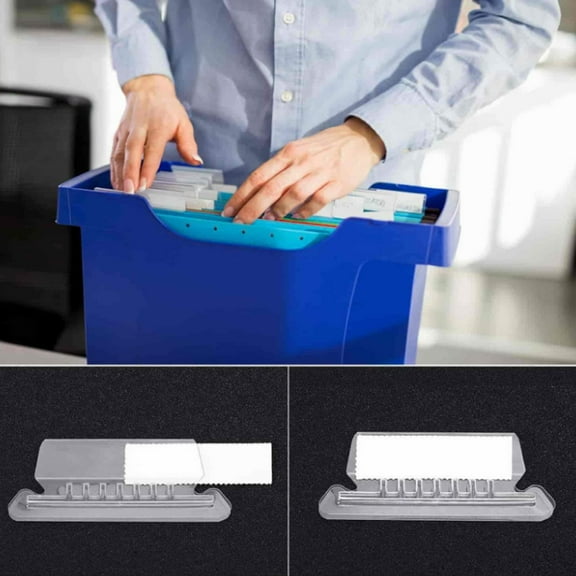
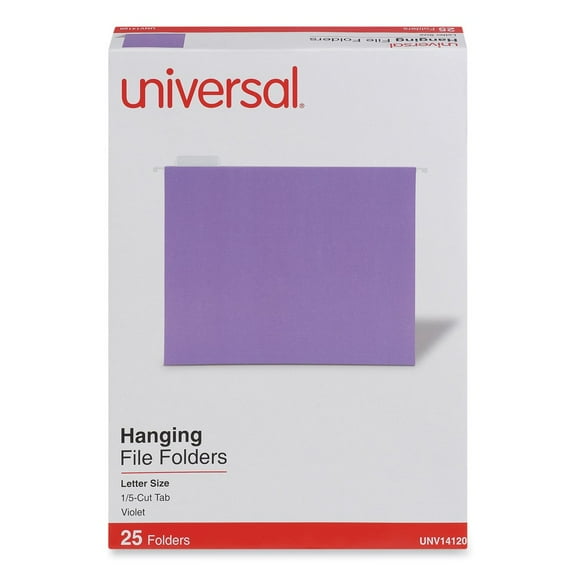
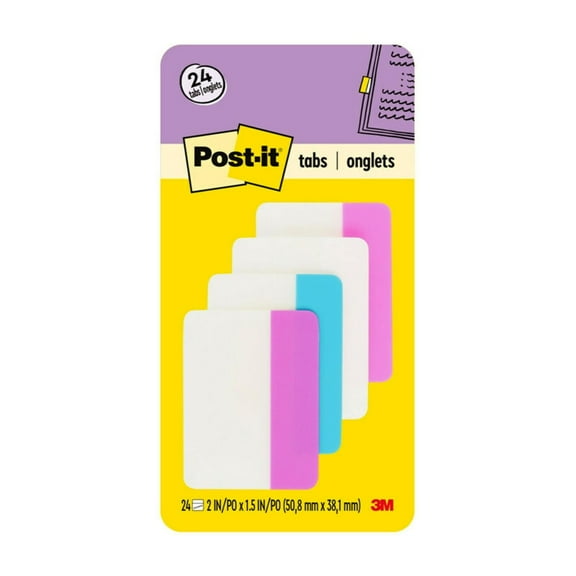
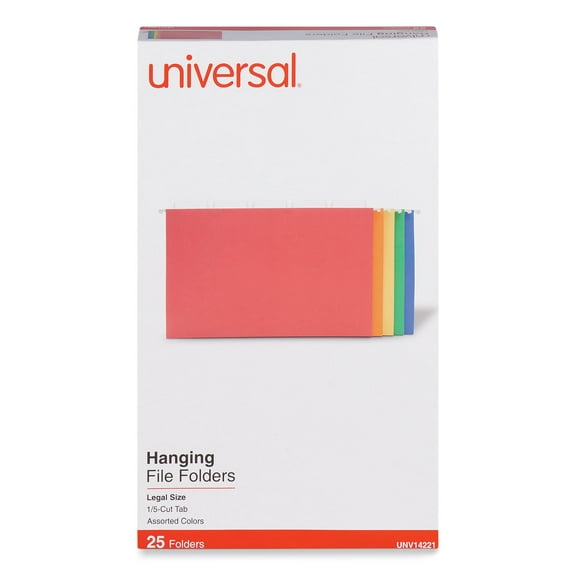
Hanging file folder labels can support drawers and cabinets that hold high-volume records. You can use them when you need visible tabs across crowded rows and shared office systems.
If your team handles client folders, payroll papers, or yearly tax documents, clear tab labeling keeps categories easy to track. You can combine tab size, print format, and adhesive strength for that workload.
For home offices, printable options can help you label warranties, receipts, and household records with matching text. You can keep family paperwork easier to scan when every folder follows one format.
In classrooms, you may use assorted colors to separate reading groups, lesson plans, and student work. You can relabel often with removable options when projects change during the year.
For legal files or medical-style office records, you may prefer uniform white labels with permanent adhesive. You can maintain a neat cabinet layout and clear tab titles through repeated handling.
If you archive long-term records, you should focus on tab fit, label count, and consistent print alignment. You’ll get smoother filing when you clearly label each tab from the start.
What to look for before you choose file folder labels
You should measure your folder tabs first, then compare printer type, adhesive preference, and pack count. You can narrow your options faster when you match those details to your filing routine.
With the right file folder labels, you can create cleaner drawers, faster retrieval, and easier record maintenance. You’ll notice everyday filing feels more controlled when you clearly label each tab.