



Dive Computers & Scuba Diving Computers | Walmart




























About Dive Computers & Scuba Diving Computers | Walmart - Walmart.com
You can compare the right dive computer faster when you know how mount style, gas support, and battery design affect every dive. You need clear readouts, dependable tracking, and choices that match beginner, recreational, or technical plans.
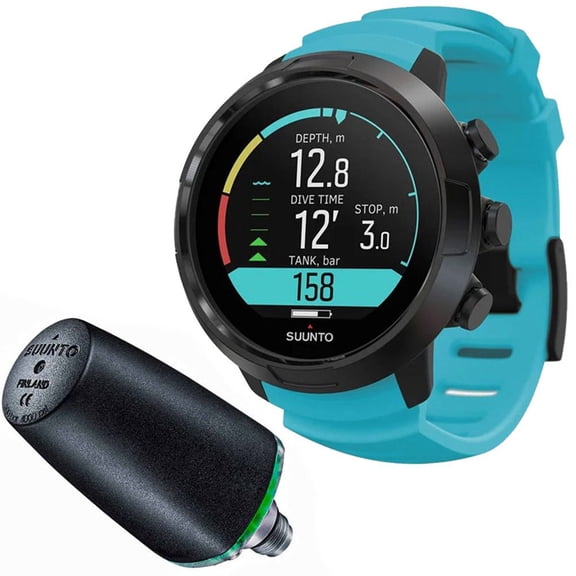
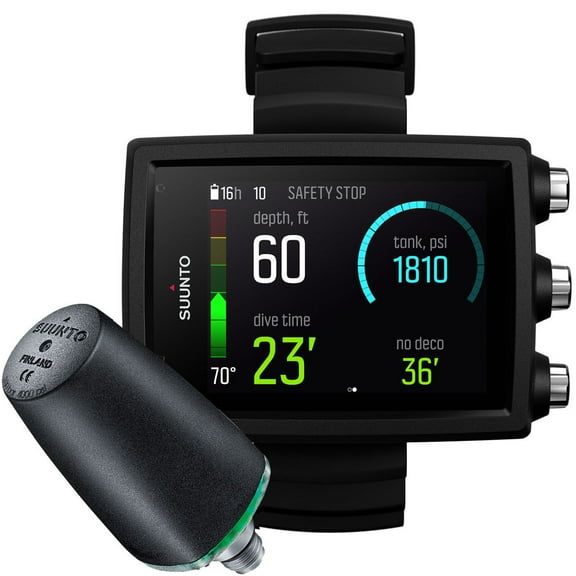
If you're moving beyond basic gauges, you can use a dive computer to track depth, time, ascent data, and surface intervals in one place. You can also narrow your options by checking whether you prefer wrist mount, console, or watch-style layouts.
How to choose a dive computer
You should start with the display because you need numbers that stay readable in dark water, low light, or cloudy conditions. You may also want backlighting if you dive early, descend deeper, or check data during shaded entries.
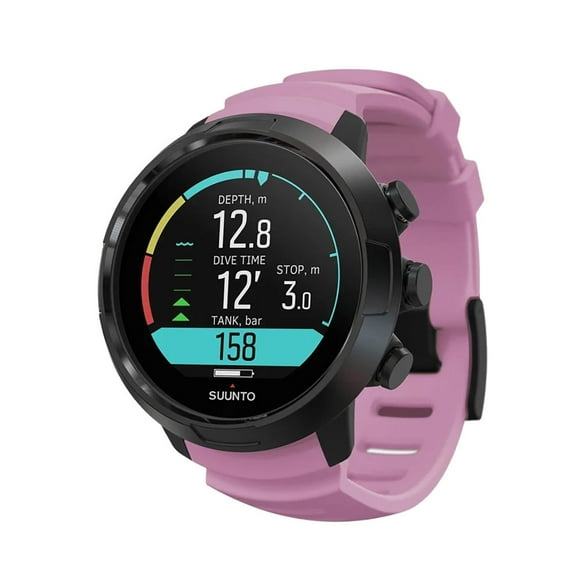
Another key decision is fit and placement because your gear setup changes how quickly you can see your screen. You might prefer a dive computer wrist style for quick glances, or you may choose a console if you like grouped instruments.
You can also compare user level before anything else because simple menus suit new divers, while added modes support growing skills. You may find beginner models easier to learn, while technical options support more detailed planning.
- You can monitor depth, bottom time, and ascent information on one screen.
- You can choose a mount style that matches your fins-first routine and gear preferences.
- You can compare battery access, gas support, and display readability before your next trip.
Choosing mount style, user level, and price tier
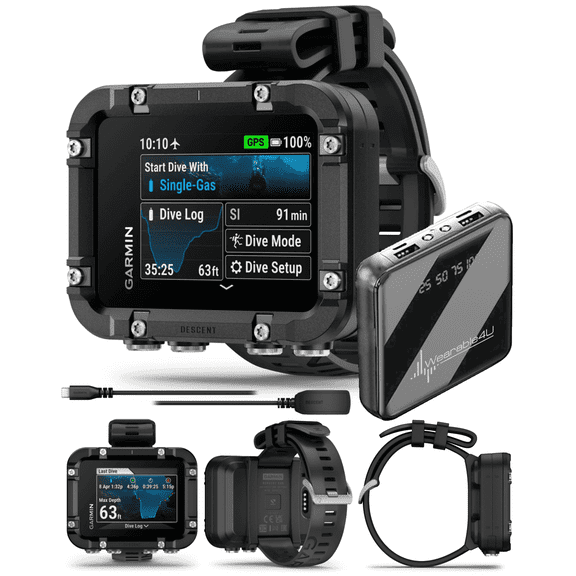
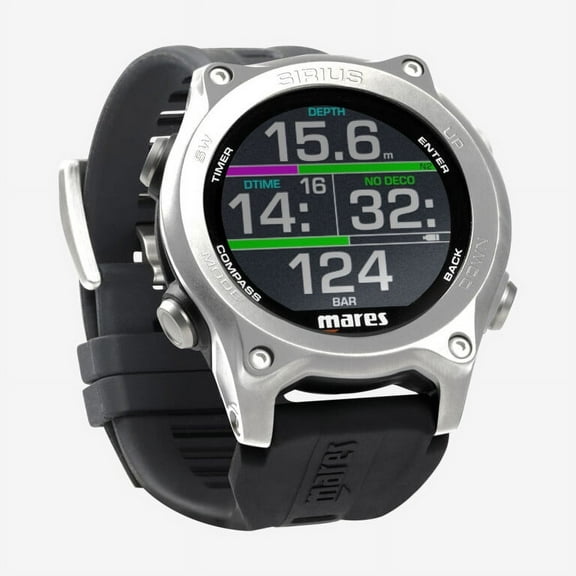
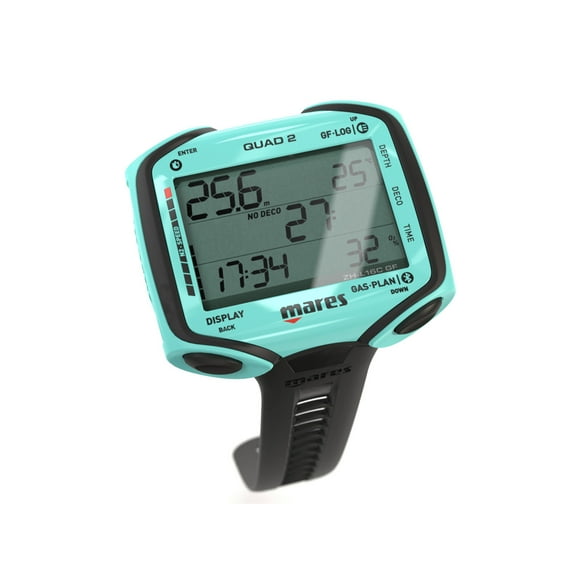
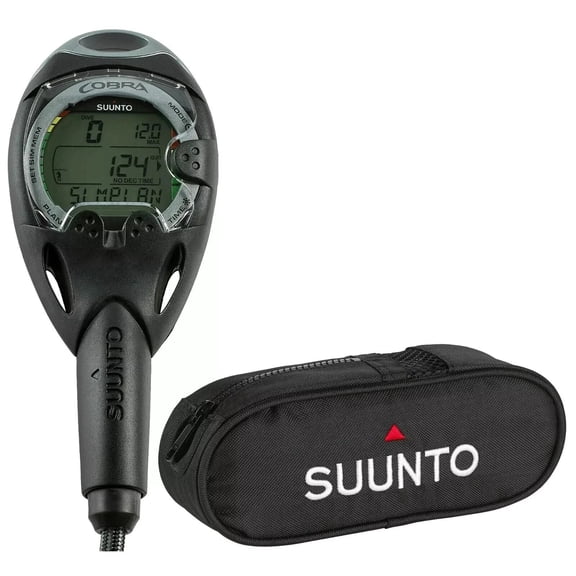
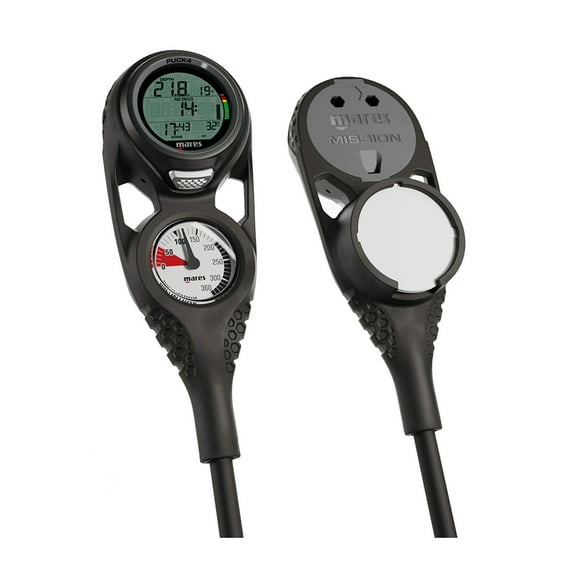
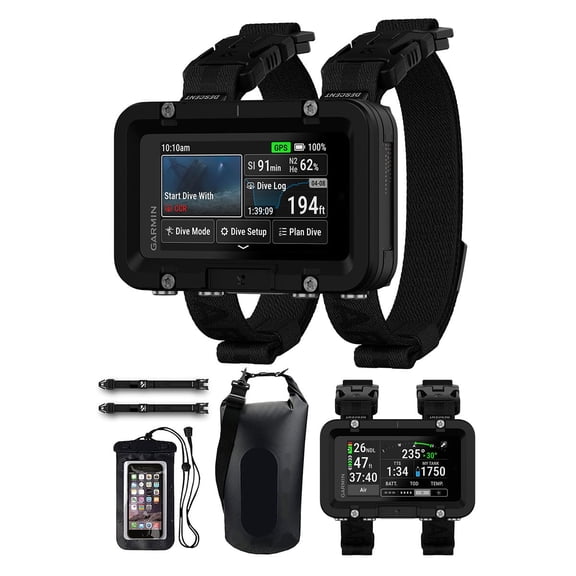
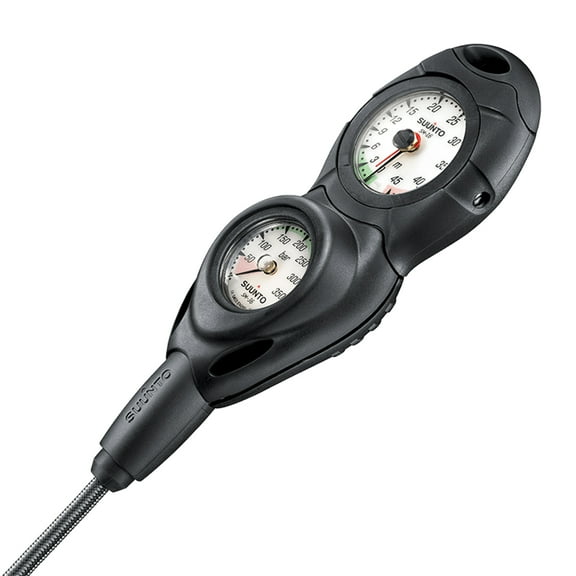
You should compare wrist mount, console, and watch-style formats based on how you enter the water and organize your gear. You may want a wrist unit for convenience, while a console can feel familiar if you already use hose-connected instruments.
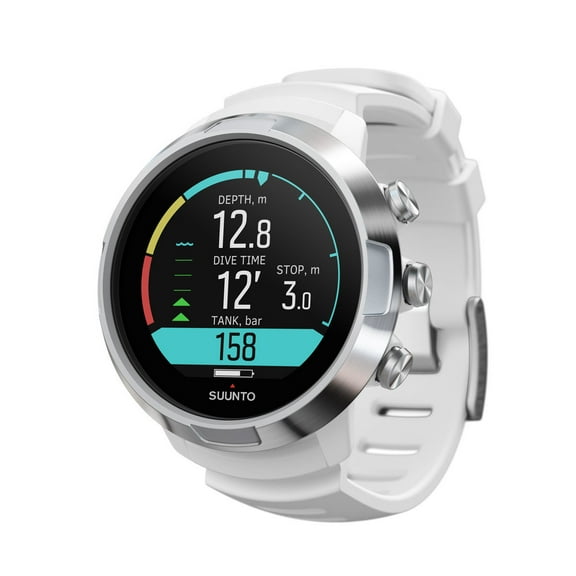
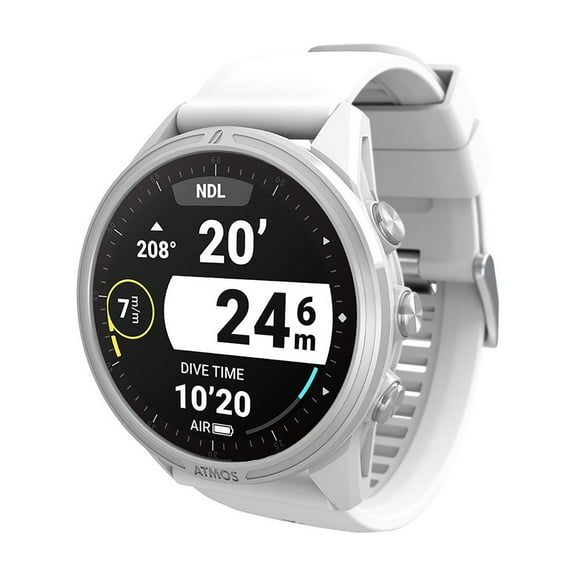
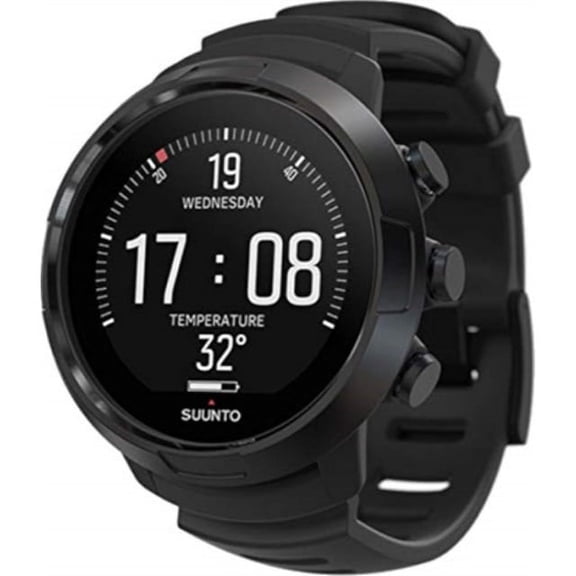
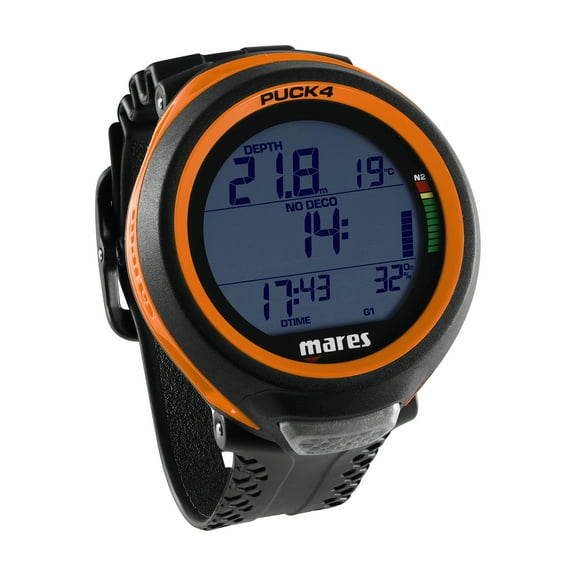
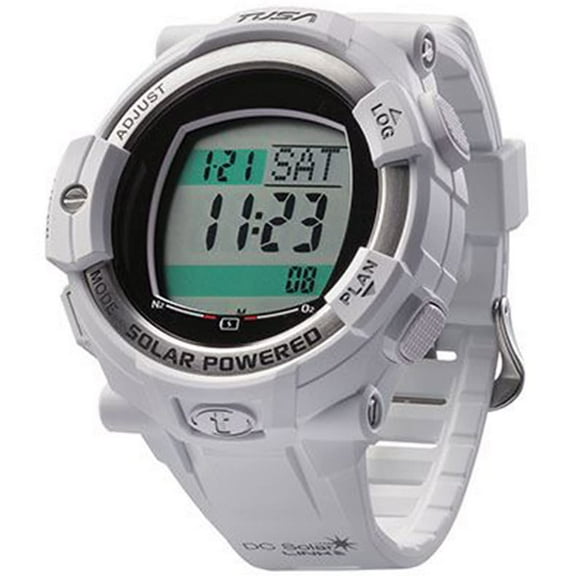
If you want a lower-profile look between dives, you can consider watch-style designs that wear more like everyday timepieces. You should still check button size and screen clarity because compact cases can make menus and numbers smaller.
You can match your experience level to the interface because entry-focused models often use simpler navigation and fewer layers. You may prefer more advanced settings if you're building toward multi-gas use or more detailed logging.
Price tier matters because you may be comparing a smartwatch dive computer under 500, a mid-range unit, or a more feature-rich option. You should focus on the functions you’ll actually use, not extra complexity you may ignore.
What to look for in gas modes and readable displays
You should check Nitrox support if you want flexibility beyond standard air dives. You can compare Nitrox mix percentages and confirm whether a unit lets you set the blend you plan to use.
If you're progressing in training, you may want gas switching support because it helps you manage changing mixes during more advanced dive plans. You should verify how many gases a unit can store so the controls match your future goals.
Readable screens matter every time you descend because quick checks help you stay focused on your surroundings. You can look for larger digits, strong contrast, and backlighting that supports easy viewing in murky water.
You may also want audible or visual prompts if you prefer extra guidance during ascent or safety stops. You should compare alert style and menu layout because simple navigation feels easier with gloves or cold hands.
Comparing Seac dive computer, Zoop Novo, and similar models
You may search for a seac dive computer when you want a recognized option within this category. You can use brand and model names as a shortcut, but you should still compare mount style, gas modes, and battery access.
If you're considering a Zoop Novo or a similar recreational unit, you should check how the screen presents core data at a glance. You may also want to compare button layout because easier controls can shorten the learning curve.
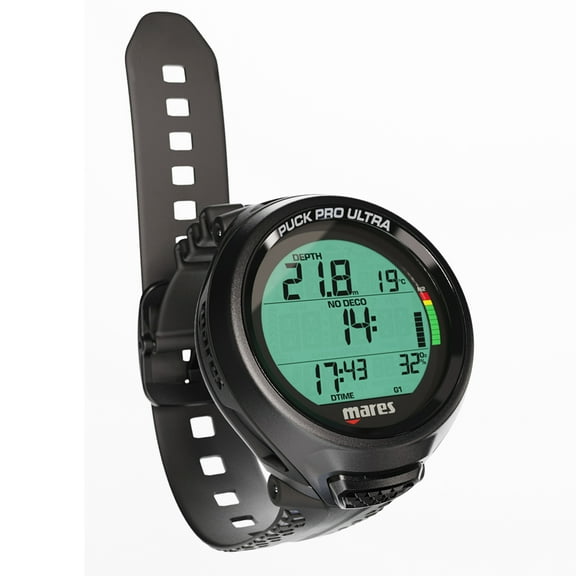
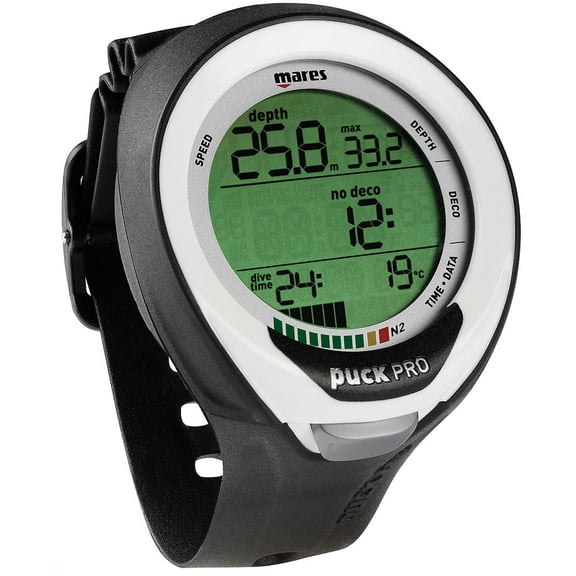
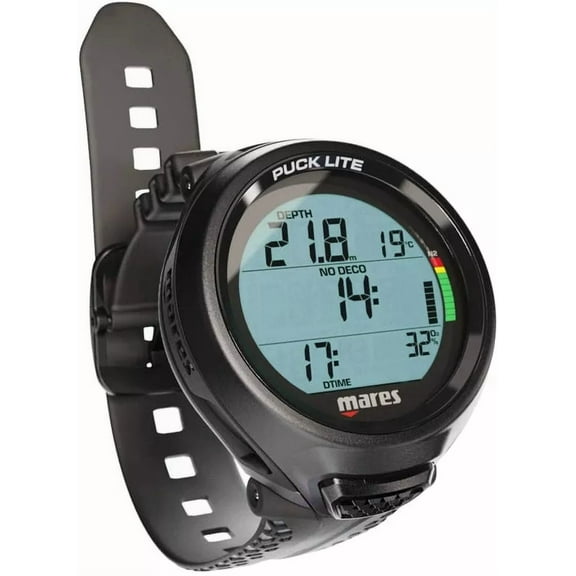
You might also come across a mares puck pro ultra lite dive computer while comparing compact designs and familiar model lines. You should focus on practical fit, display readability, and supported settings instead of choosing by name alone.
When you compare several known models, you can build a short list around the same criteria each time. You should measure comfort, readability, and gas support first because those details affect use on every descent.
Checking battery design and maintenance needs
You should review power type before you decide because maintenance style affects long-term convenience. You may prefer a user-replaceable battery, a rechargeable unit, or a factory-sealed design based on how often you travel.
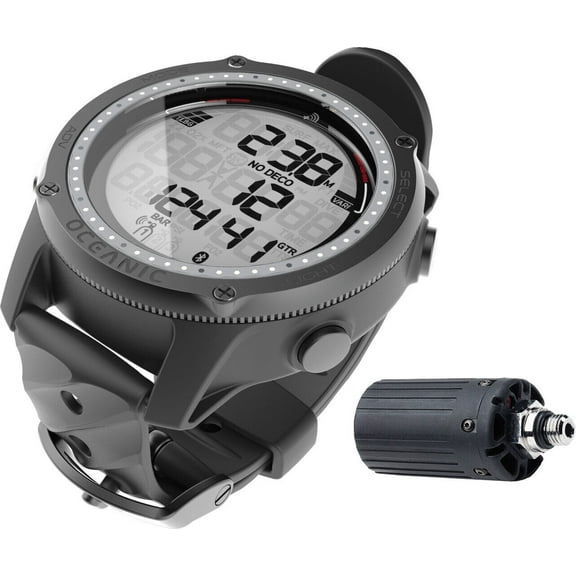
If you’re researching an oceanic dive computer battery or similar replacement questions, you should confirm the exact battery method for that model family. You also need to check whether the housing uses O-ring seals that require careful alignment during service.
You can choose user-replaceable battery designs if you want straightforward maintenance between trips. You should follow the maker’s instructions closely because battery doors, seal placement, and closure steps vary by model.
Rechargeable options can suit you if you prefer cable charging and fewer spare parts in your gear bag. Factory-sealed units can appeal to you if you want a more controlled service approach for battery changes.
Using your dive computer for real dive plans
You can pair beginner-friendly models with local training dives, vacation trips, and straightforward recreational descents. You may want simpler menus if you’re building confidence and checking your screen often.
For regular boat diving, you might choose a wrist or watch-style unit that stays easy to view during entries and ascents. You can also pick a console if your setup already centers around connected gauges and a traditional layout.
If you're expanding into Nitrox dives, you should compare gas settings early so your next computer supports that step. You may also want stronger backlighting if deeper water or shaded conditions make quick readings harder.
Technical divers and experienced planners may look for multi-gas support, detailed logs, and flexible settings for more complex profiles. You should match those tools to your training path so your computer supports progression without unnecessary confusion.
You can shop this category with more confidence when you compare readability, mount style, gas support, and battery design together. You’ll end up with a dive setup that feels easier to check, easier to maintain, and easier to trust underwater.