

Computer Scanners in Computers, Laptops and Tablets









About Computer Scanners in Computers, Laptops and Tablets - Walmart.com
You can choose a computer scanner with less guesswork when you compare scanner type, connectivity, resolution, and compatibility first. You can also match your setup to photos, receipts, contracts, and crowded desks without adding extra clutter.
If you’re replacing paper files with digital copies, this category gives you clear paths for home, school, and office tasks. You can compare flatbed, sheet-fed, portable, and handheld options based on how you scan each day.
How to choose a computer scanner
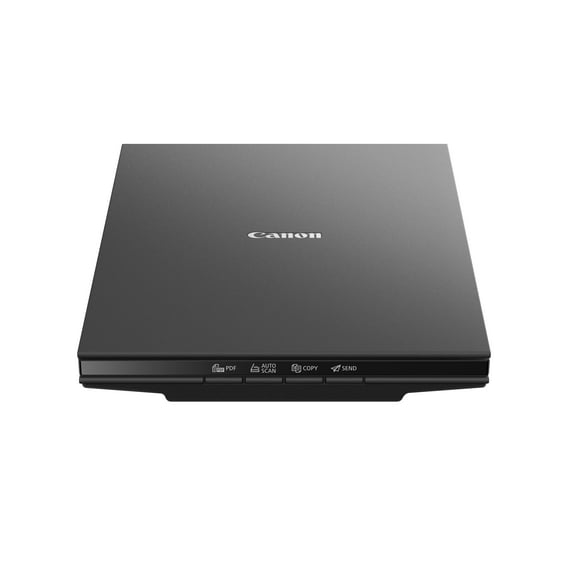
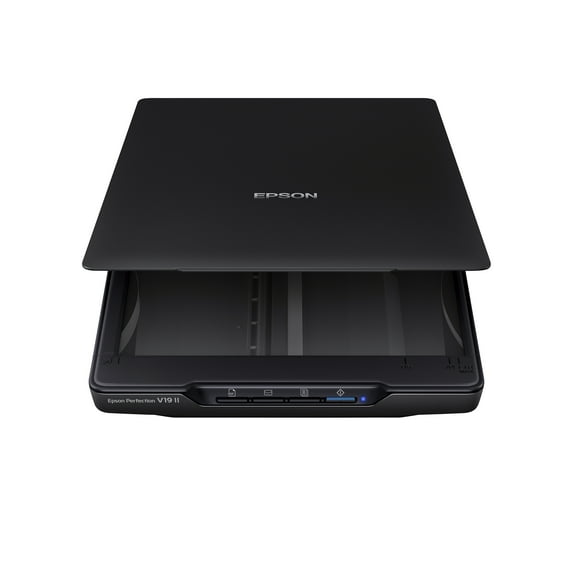
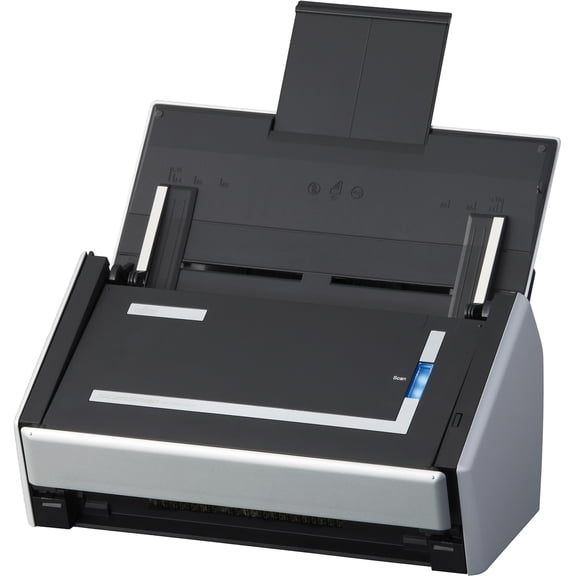
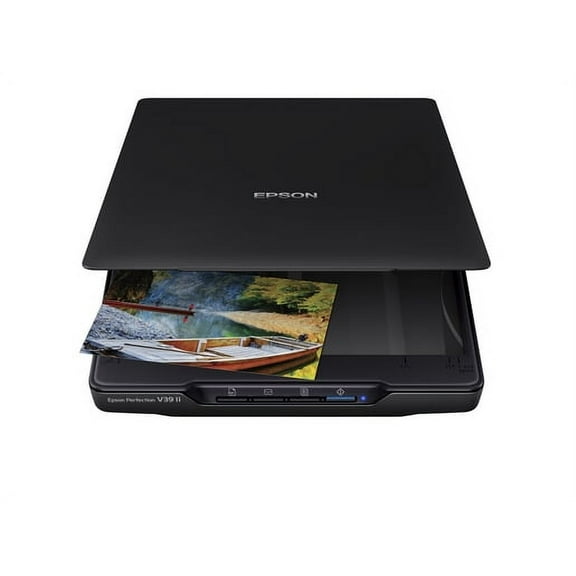
You should start with scanner type because the form factor changes how you load pages and where you place the unit. You may notice flatbed models suit photos and delicate originals, while sheet-fed styles suit recurring stacks.
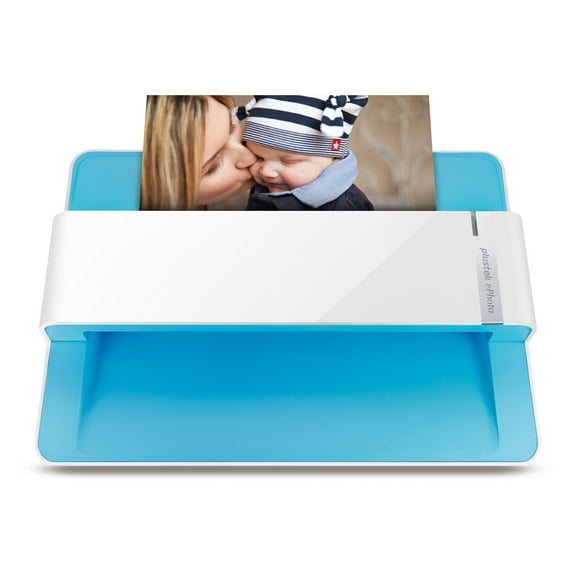
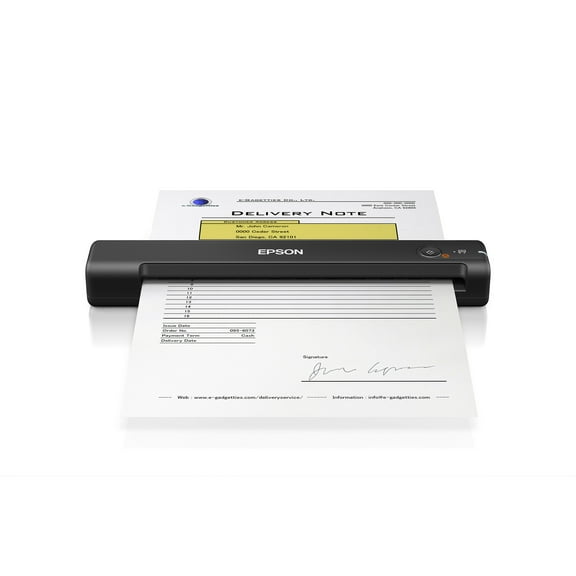
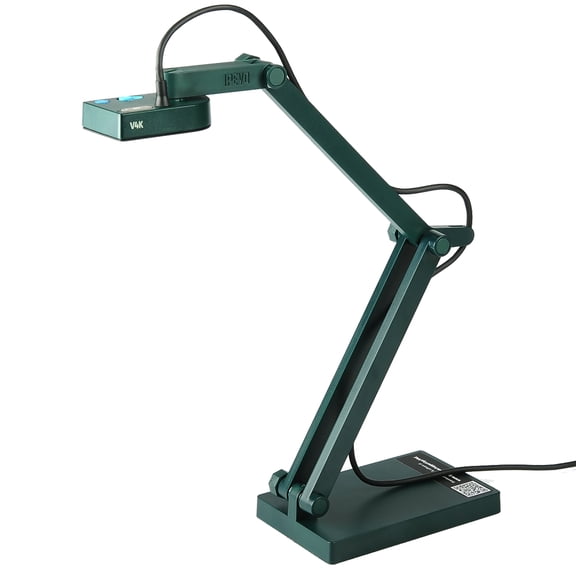
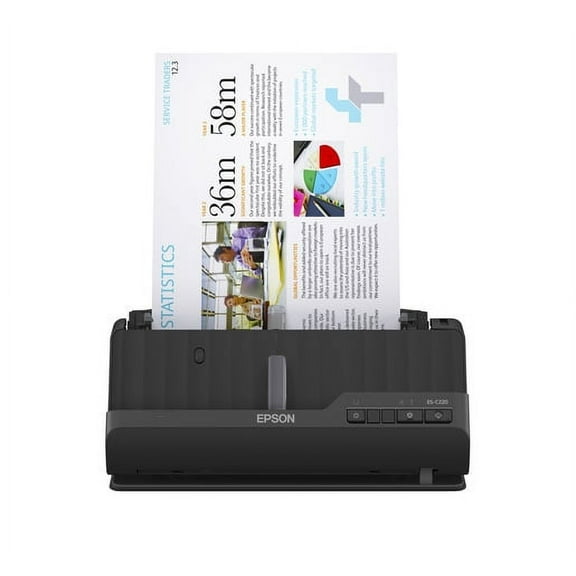
When you need a scanner for laptop computer setups, you may prefer portable or handheld designs that fit smaller work areas. You can keep your desk clearer while still capturing receipts, forms, and signed pages.
You should also compare how often you scan mixed media before you choose a design. You may want a flat surface for scrapbook pages, or you may want a feeder for invoices and multipage packets.
Choosing a PC scanner by connectivity
You should compare USB, Wi-Fi, and wireless options based on where your computer sits and how many people scan. You can get simple plug-and-play setup with USB for a direct desk connection.
If you want a PC scanner that several users can access, wireless connectivity can reduce cable clutter around shared spaces. You can place the scanner where you collect documents instead of next to one computer.
You should check whether your setup needs a direct cable or network access before you choose. You can avoid frustration when your workspace, router location, and device habits match the scanner connection.
- You can use USB when you want a direct link to one desktop or laptop.
- You can choose Wi-Fi when you want flexible placement in a home office.
- You can choose wireless access when multiple users share one scanner.
- You can compare setup steps if you want quick installation and fewer cables.
What to look for in a scanner for laptop computer compatibility
You should confirm driver support before you choose any scanner for computer use. You can avoid setup headaches when your model supports Windows, macOS, or Linux from the start.
If you switch between devices, you should check whether your scanner works with both desktops and notebooks. You can keep your workflow steady when your laptop and office computer use the same scanner.
If you are looking for an escaner para laptop, you can focus on compatibility, compact size, and simple connections. You can narrow your options quickly when your laptop setup needs easy scanning without extra bulk.
You should look for clear software support if you scan to folders, email, or cloud storage. You can move files into your existing workflow smoothly when the scanner setup matches your operating system.
Comparing resolution and document handling
You should match resolution to what you scan frequently. You can use 600 dpi for everyday text capture, while 1200 dpi or 2400 dpi suits detailed photos and archived images.
If you mainly digitize contracts, school papers, or tax forms, you may not need the maximum setting every time. You can keep text sharp and file sizes manageable by choosing the right dpi level.
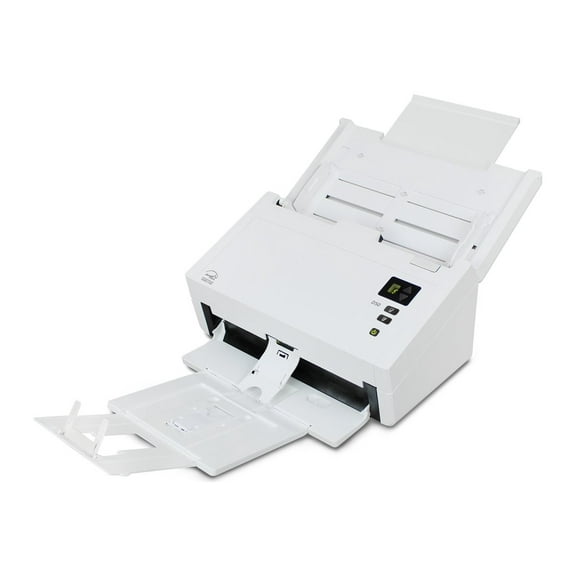
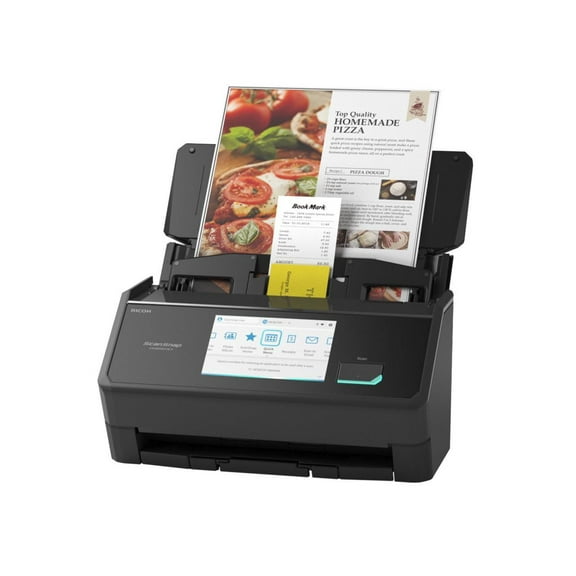
You should also compare document handling because loading style affects speed and effort. You can move through larger batches with an auto document feeder instead of manual feed scanning.
When you scan both sides of pages, single-pass duplex can capture front and back in one pass. You can cut repetitive handling and keep multipage jobs moving with less interruption.
If you scan fragile photos, ID cards, or uneven originals, you may prefer manual placement on a flatbed surface. You can position each item carefully and keep edges aligned for cleaner digital copies.
Matching scanner types to real tasks
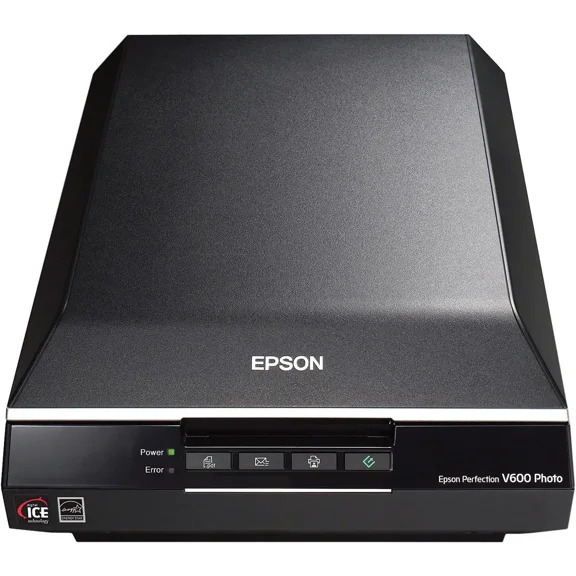
You can use flatbed models when you scan family photos, certificates, artwork, or bound materials that shouldn’t pass through rollers. You can get a stable surface that supports careful placement.
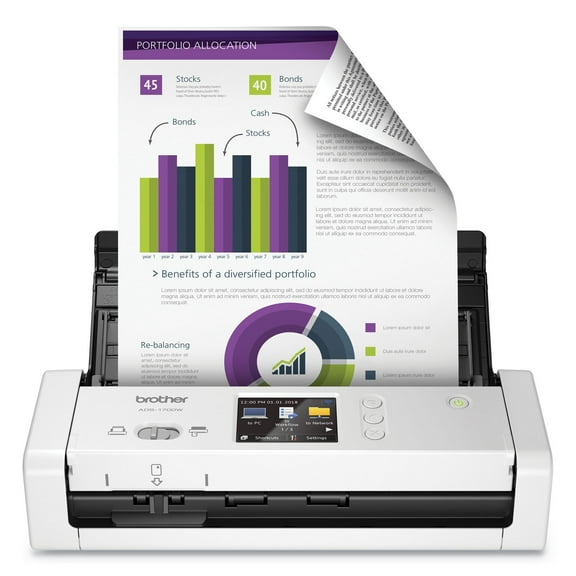
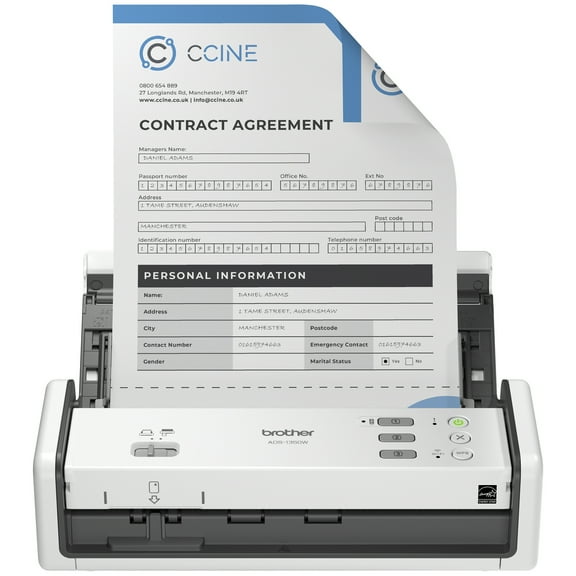
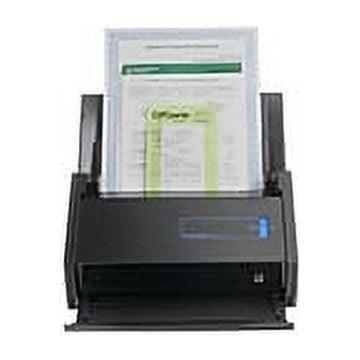
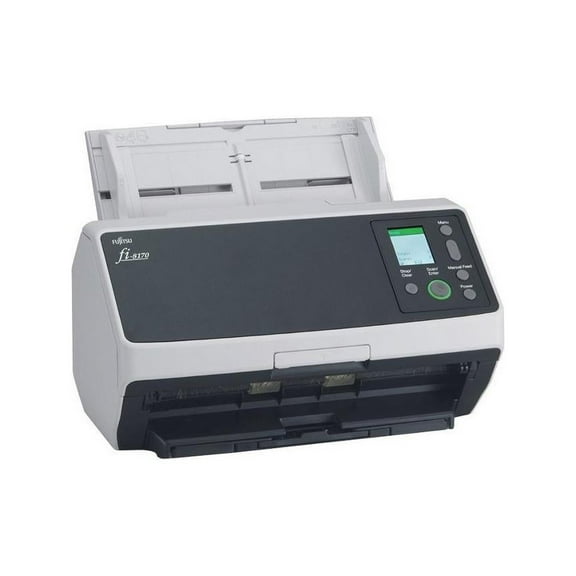
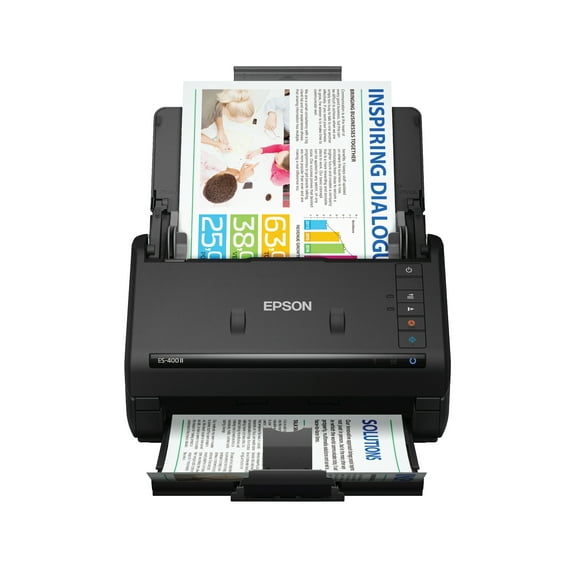
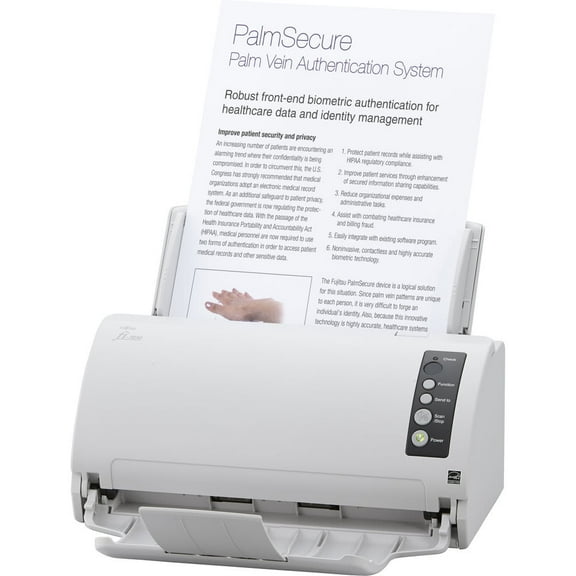
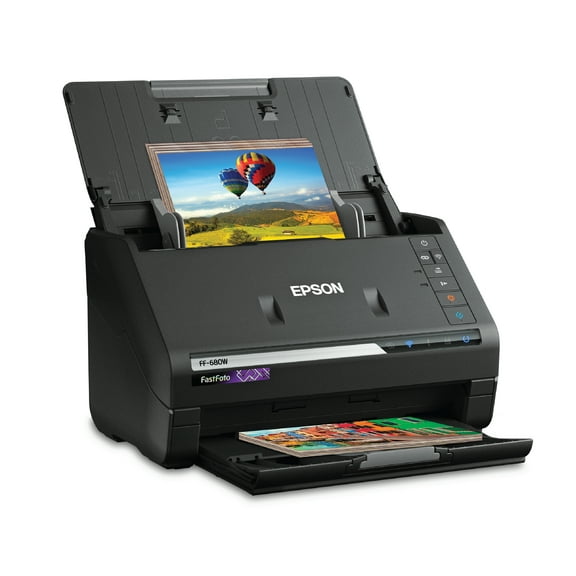
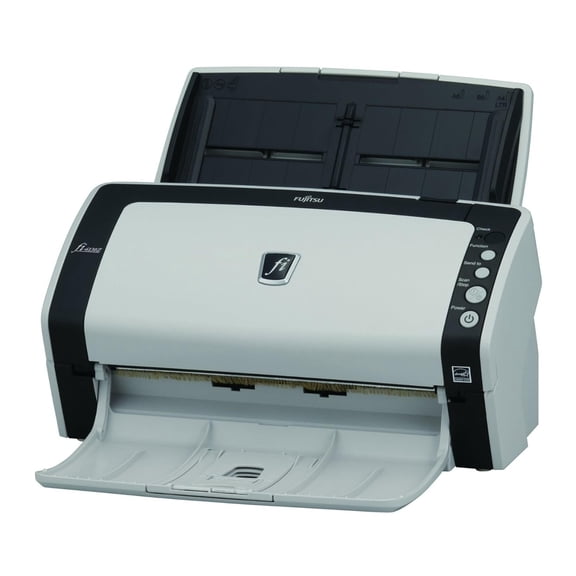
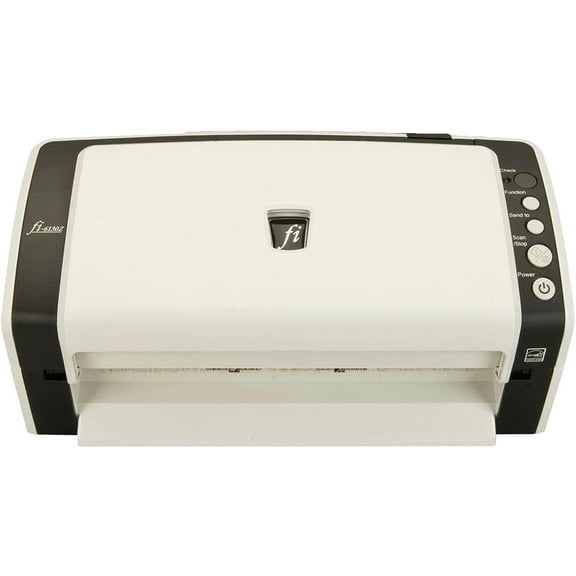
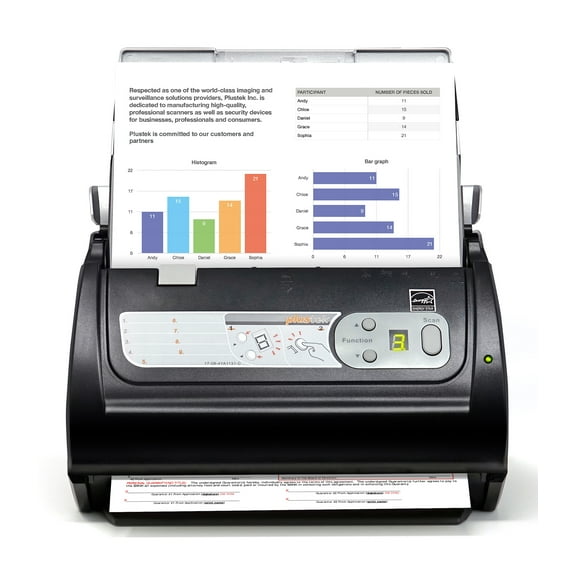
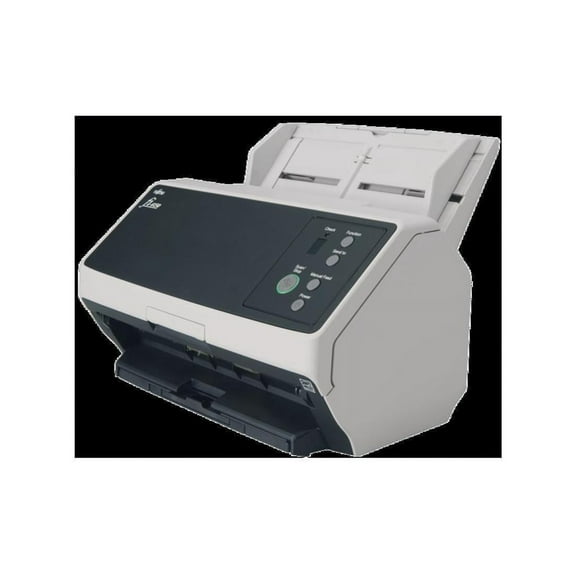
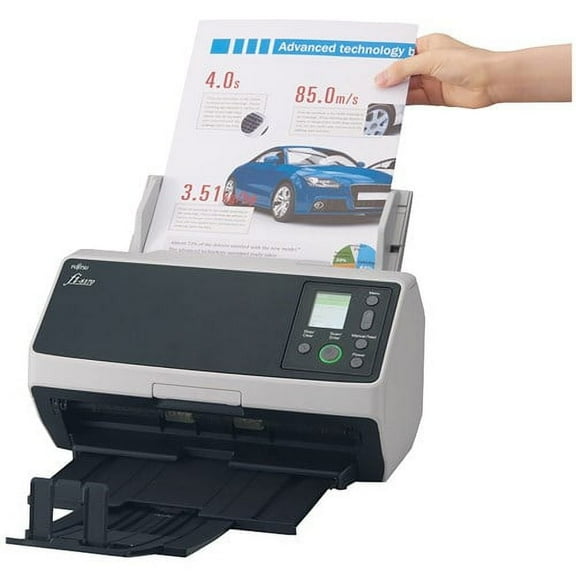
You can use sheet-fed models when you process enrollment packets, client forms, or office records in steady batches. You can appreciate automatic feeding when your stack grows beyond a few pages.
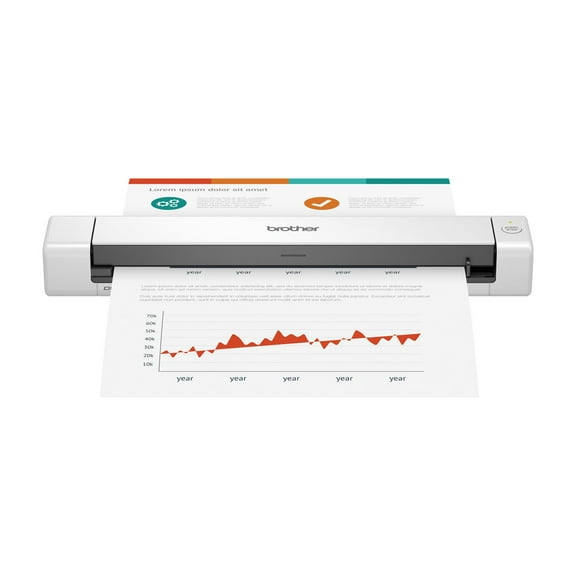
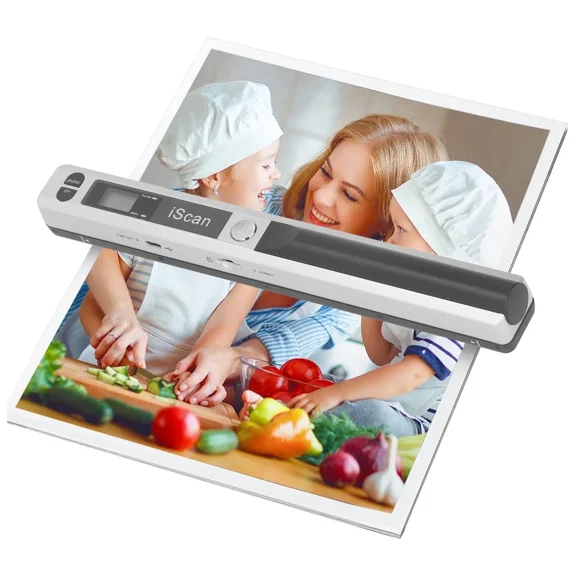
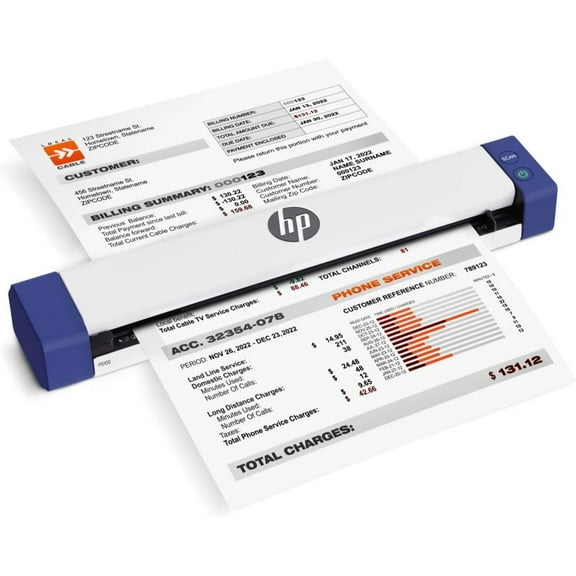
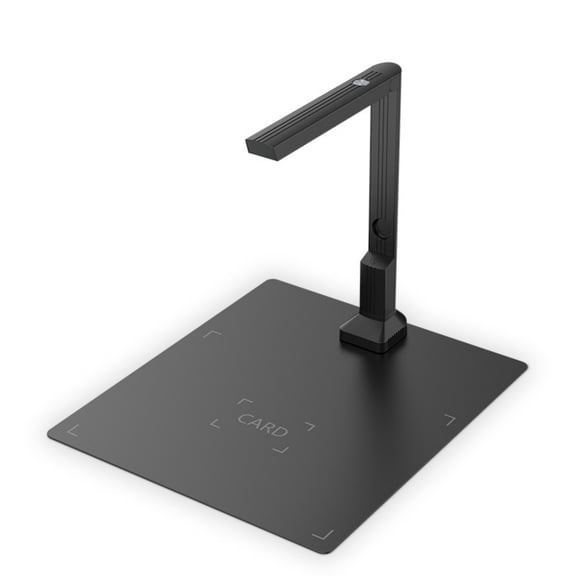
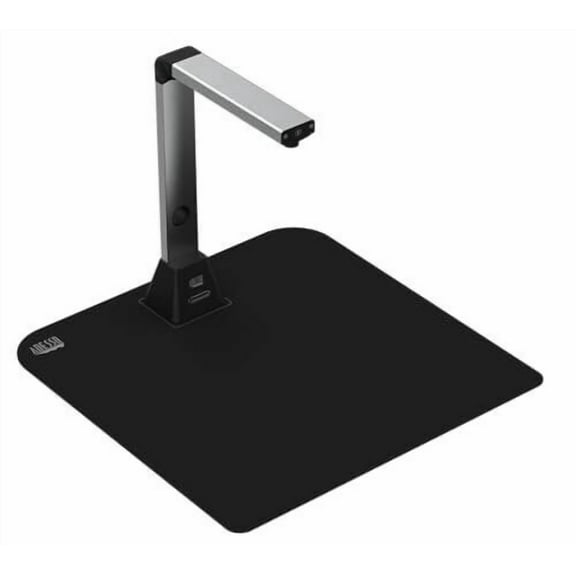
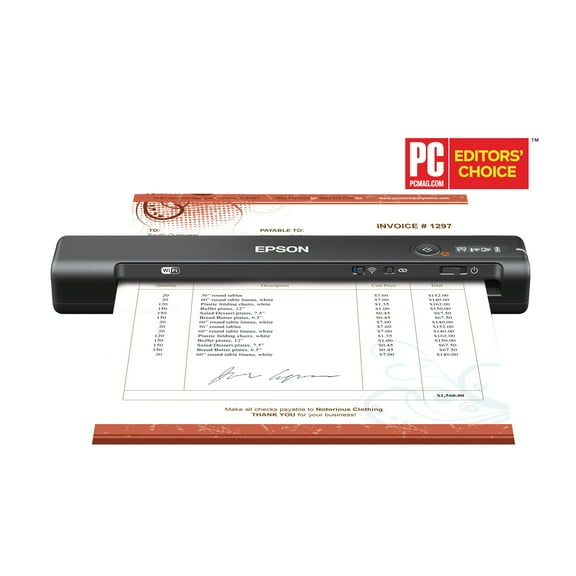
If you travel between classrooms, counters, or shared offices, portable designs can fit your routine easily. You can pack a compact scanner beside your laptop and cables without taking much room.
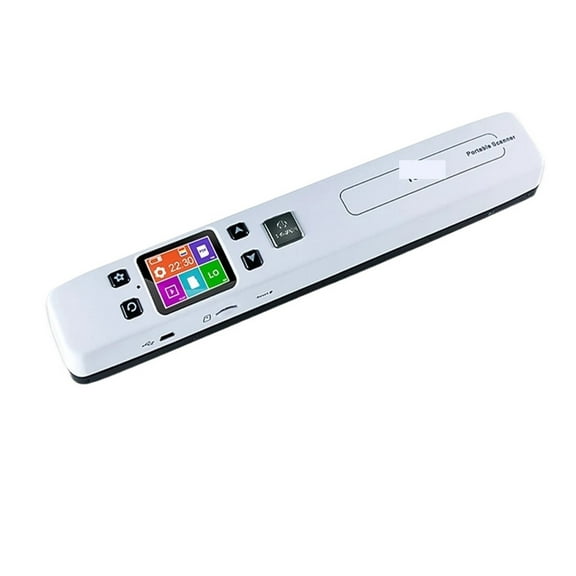
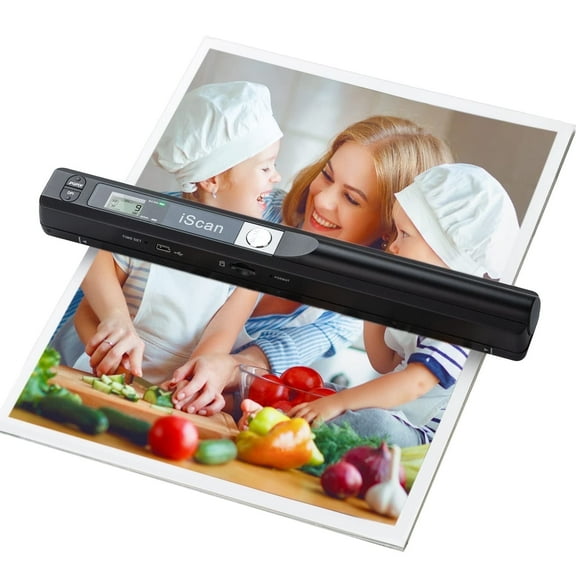
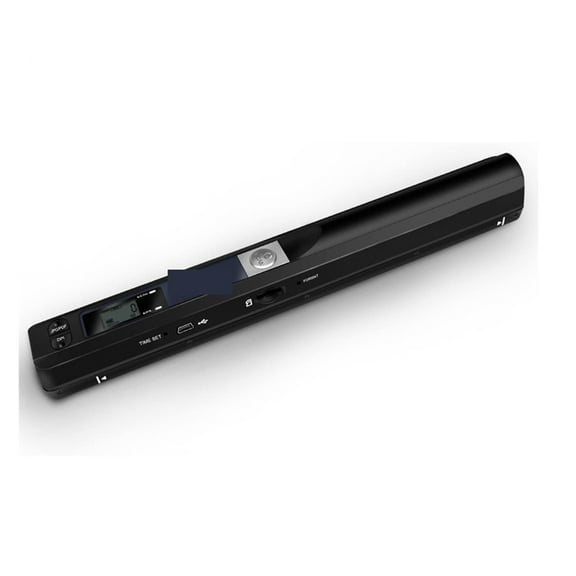
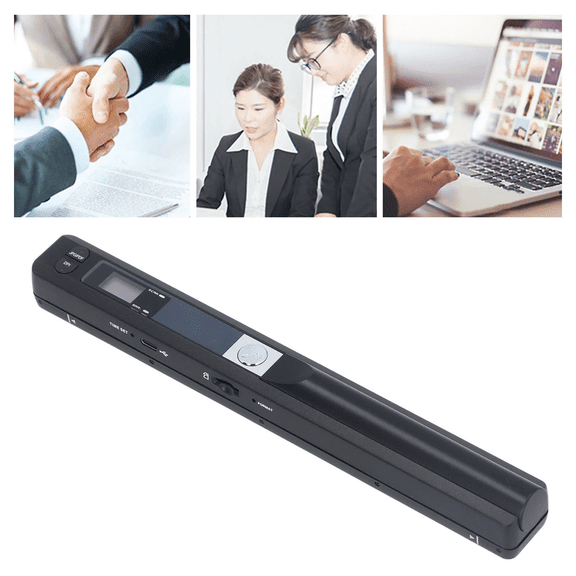
You may choose handheld styles when you need quick capture in tighter spaces or temporary workstations. You can scan small documents on demand without dedicating room to a larger device.
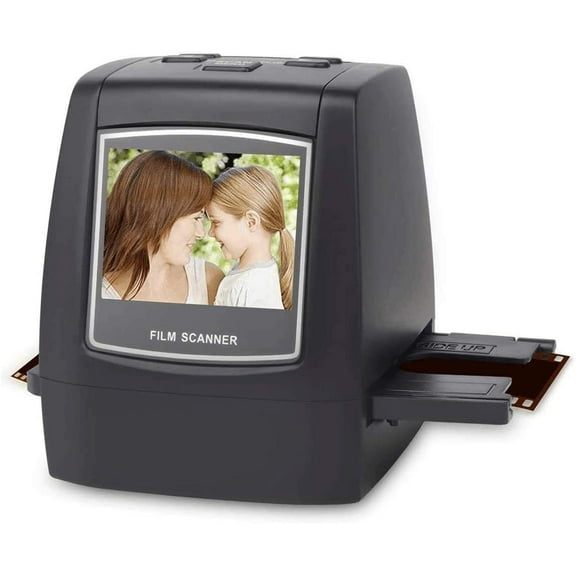
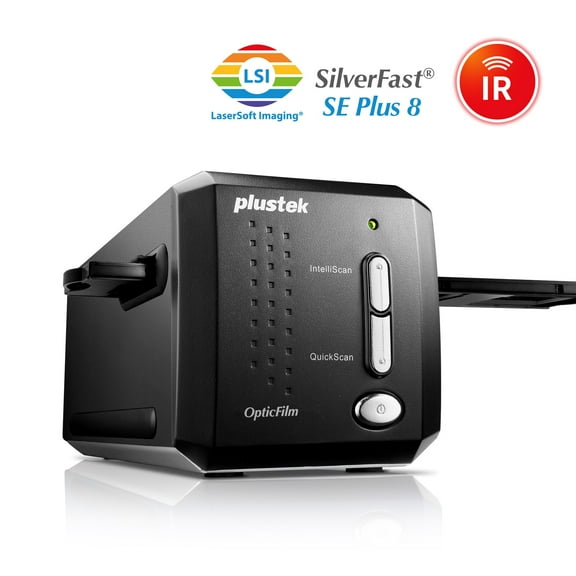
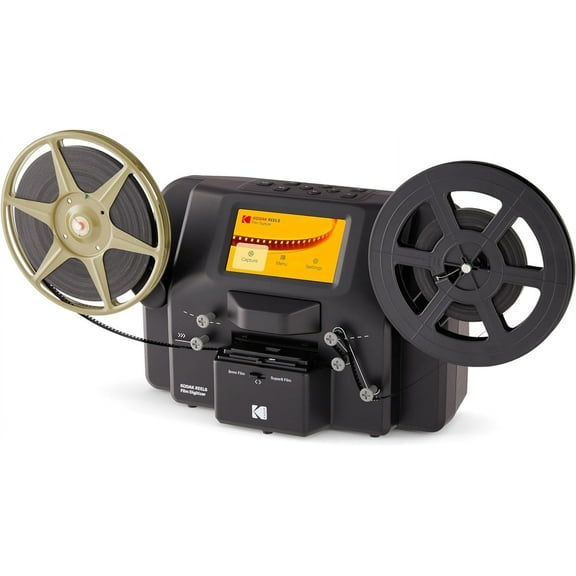
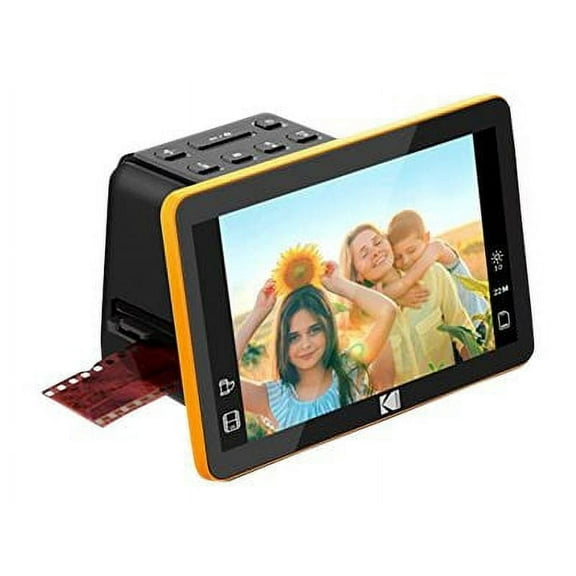
If your goal is archiving old prints, you should compare higher dpi levels with flatbed designs first. You can preserve image detail effectively with a surface built for careful photo placement.
For recurring statements, receipts, and multipage forms, you should compare feeder capacity and duplex handling before size alone. You can finish repetitive scanning jobs with fewer stops and restarts.
Choosing with confidence
You can narrow this category quickly when you compare scanner type, operating system support, connection style, resolution, and document handling together. You can end up with a computer scanner that fits your desk, your files, and your daily routine.