

Samsung Galaxy Note Series Phones Unlocked










About Samsung Galaxy Note Series Phones Unlocked - Walmart.com
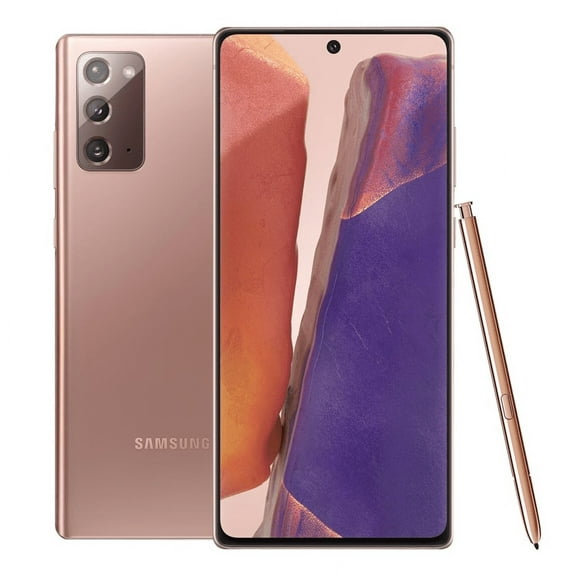
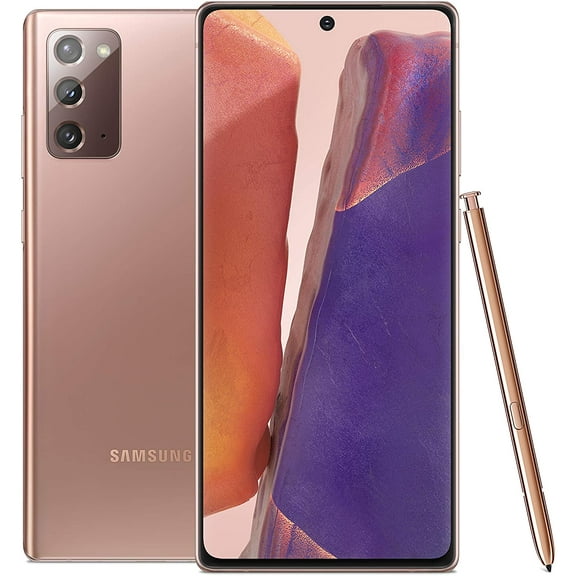
You can compare the samsung galaxy note lineup by model, condition, carrier compatibility, and storage before you choose your next phone. You’ll notice this series stands out for its built-in S-Pen, large display, and productivity-focused design.
If you’re replacing an older device or moving to a stylus phone, this category helps you narrow your options fast. You can focus on unlocked flexibility, refurbished choices, and familiar models like Galaxy Note 20 Ultra or Galaxy Note 10 Plus.
How to choose a samsung galaxy note series model
You should start with model generation because each release changes screen size, camera setup, and network support. You may prefer newer Note phones if your carrier uses newer LTE or 5G bands.
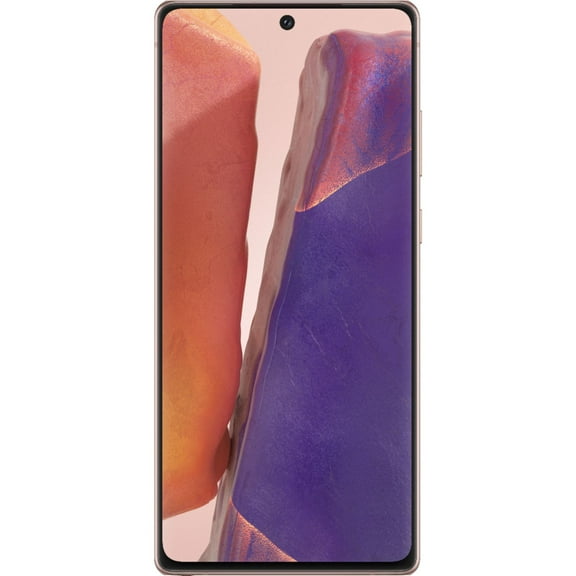
When you compare Galaxy Note 20 Ultra, Galaxy Note 20, Galaxy Note 10 Plus, and Galaxy Note 9, you’re weighing different daily needs. You might want a larger display for multitasking, or you may prefer a simpler model for calls, messaging, and notes.
You’ll often see shoppers choose newer generations for smoother app performance and broader carrier compatibility. You may lean toward older generations if you want classic Note features and a familiar S-Pen experience.
Why an unlocked galaxy note can fit your routine
You can get more flexibility with an unlocked galaxy note when you want freedom to choose your carrier. You’ll have an easier time comparing Verizon, AT&T, and T-Mobile options before you commit.
You should check network details before you buy because LTE and 5G bands affect how your phone connects. You’ll also want to compare CDMA and GSM support if you’re activating on an older carrier plan.
- You can switch carriers more easily with unlocked models.
- You can compare network compatibility before moving your SIM card.
- You can keep your setup simple when you travel or change plans.
- You can choose a Note model that matches your coverage needs.
If you already know your carrier, you can filter faster by selecting the right compatibility first. You’ll avoid guesswork when you match your phone to the network features you actually use.
What to look for in a refurbished galaxy note
You should compare condition labels carefully because each refurbished galaxy note listing may reflect a different cosmetic and functional level. You’ll want plain details about appearance, battery performance, and included accessories.
When you see Restored Premium, Restored, Refurbished, or Pre-Owned, you’re comparing condition tiers, not just model names. You can use those labels to decide how much wear you’re comfortable seeing on your device.
You may want a cleaner exterior for gifting or daily business use. You might accept more visible wear if you care more about core functions like calling, writing with the S-Pen, and streaming.
You should also check whether your phone includes the stylus, because the S-Pen shapes the Note experience. You’ll get more from this series when you can write notes, mark documents, and sketch on screen.
Choosing storage for your samsung galaxy note
You can make storage easier to choose when you match capacity to your habits. You’ll usually see 128GB, 256GB, and 512GB options across this category.
If you mostly stream music and store photos in the cloud, you may feel comfortable with 128GB. If you keep large videos, games, or offline files, you’ll likely want 256GB or 512GB.
You should think about how often you download apps, record video, and keep documents on your phone. You’ll avoid constant cleanup when your storage matches your everyday use from the start.
For many shoppers, a galaxy note 256gb option gives a practical middle ground for work and entertainment. You can keep notes, photos, and productivity apps together without feeling cramped quickly.
Matching Galaxy Note models to everyday use
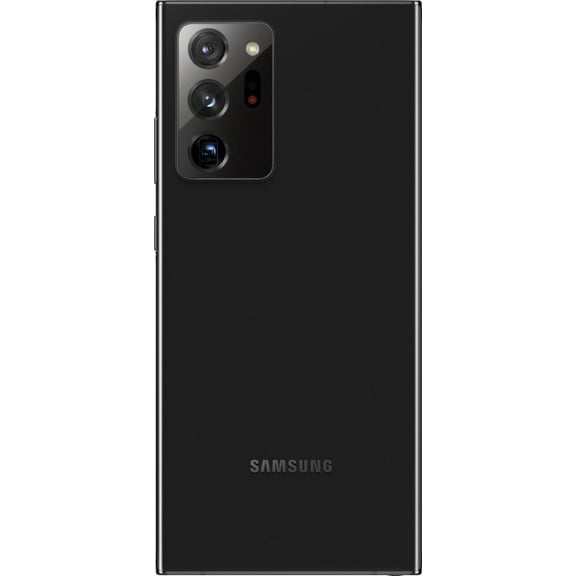
You may choose Galaxy Note 20 Ultra if you want a larger screen, advanced camera hardware, and a more recent Note experience. You can use it for multitasking, document review, and detailed pen input.
You might prefer Galaxy Note 10 Plus if you want a well-known balance of screen space and familiar Note features. You’ll still get the signature stylus workflow that makes handwritten notes and quick edits convenient.
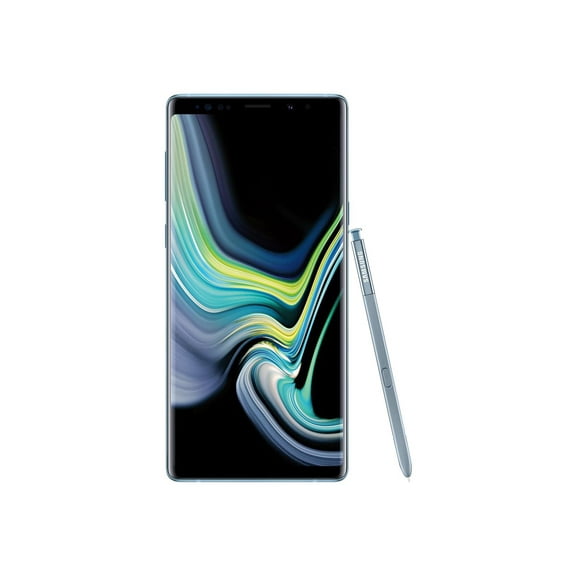
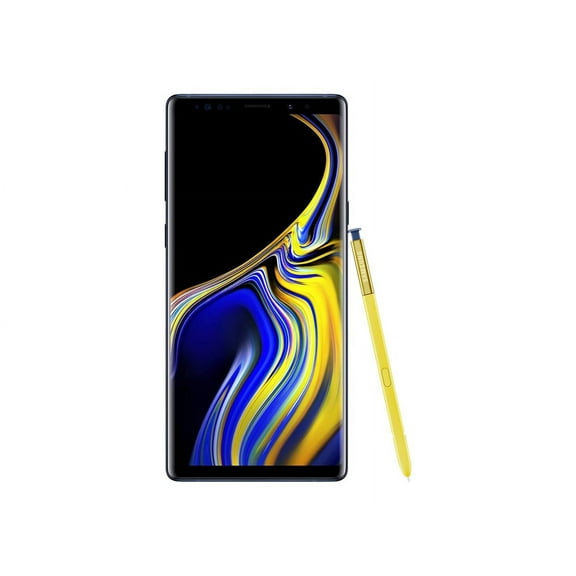
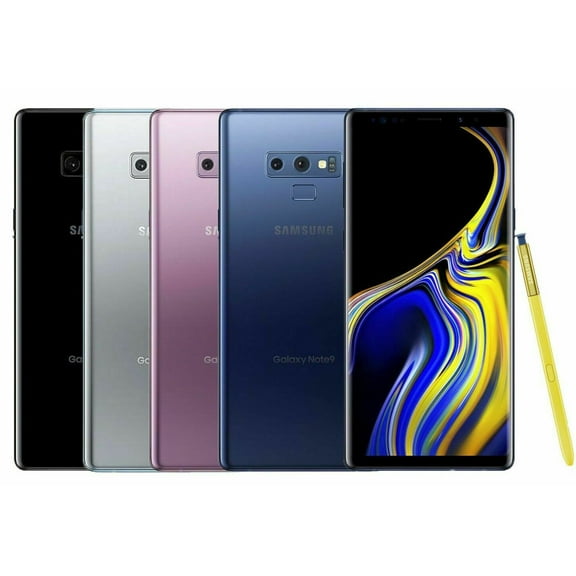
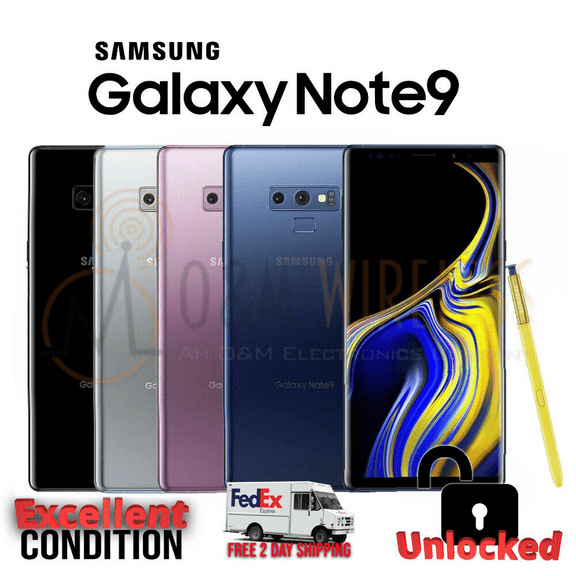
If you want a straightforward device for messaging, photos, and calendar management, you may look at earlier models like Galaxy Note 9. You can still enjoy the defining Note format with a built-in pen silo.
For workdays, you can use your phone to jot lists, sign forms, and switch between email and documents. For downtime, you can stream shows, play games, and capture photos on a large display.
What matters before you decide
You should compare model generation, condition, carrier compatibility, and storage together before you choose. You’ll make a more confident pick when those four decisions match how you actually use your phone.
With the right samsung galaxy note, you can get the S-Pen experience, flexible carrier options, and storage that supports your day without unnecessary compromise. You’ll end up with a phone that fits your routine from the first setup.