







4K Ultra HDTVs, 4K Ultra HDTVs By Brand, 4K Ultra HDTVs By Size .com













About 4K Ultra HDTVs, 4K Ultra HDTVs By Brand, 4K Ultra HDTVs By Size .com - Walmart.com
You can compare 4k ultra hd tvs by picture detail, smart features, and screen size, so your next movie night looks crisp and easy to enjoy. You’ll also find category choices like OLED, QLED, and 120Hz support that matter for gaming, sports, and everyday streaming.
How to choose 4k ultra hd tvs for your space
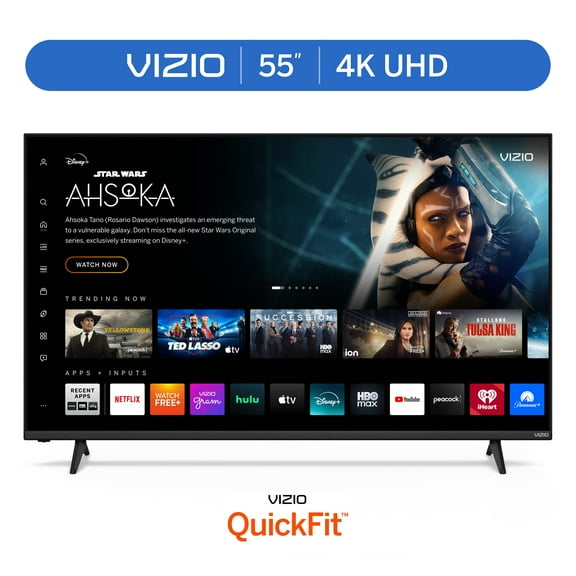
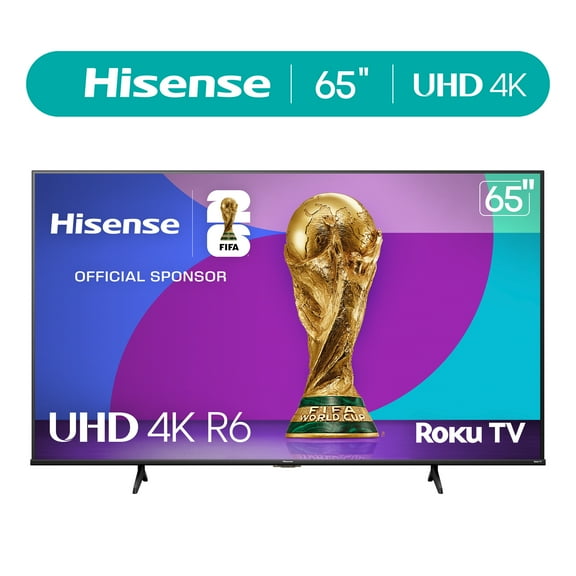
Start with your room size, because your screen should match how far you sit from it. You’ll usually want about seven feet for 55 inch sets and around eight to nine feet for 65 inch 4k tvs.
If your room feels larger, you may prefer 75 inch or 85 inch screens for a wider view. You’ll notice larger screens help your movies, live sports, and console games feel more immersive.
Screen resolution matters because your picture stays sharp even when your display gets bigger. You’ll see why ultra hd tvs work well for family rooms where your seating and viewing angles can vary.
What you gain from smart ultra hd tvs
You can simplify your setup when your TV handles streaming apps, voice search, and connected devices in one place. You’ll spend less time switching inputs and more time watching what you actually want.
Your viewing experience can also feel more detailed with HDR support and stronger contrast handling. You’ll notice brighter highlights, darker shadow areas, and clearer texture in movies, sports, and nature scenes.
For gaming, you may want smoother motion and more responsive play during fast scenes. You’ll appreciate how the right refresh rate and gaming features help racing, sports, and action titles look cleaner.
- You can stream movies, shows, and live TV from built-in smart platforms.
- You’ll get sharper detail on larger screens with 4K resolution.
- You can compare motion features for sports broadcasts and console gaming.
- You’ll find display options that fit bright rooms or dim viewing spaces.
Choosing display technology and smart platform
When you compare display types, you should start with how and where you watch. You’ll often prefer LED or Mini-LED for bright rooms, because your screen can stay vivid in daytime spaces.
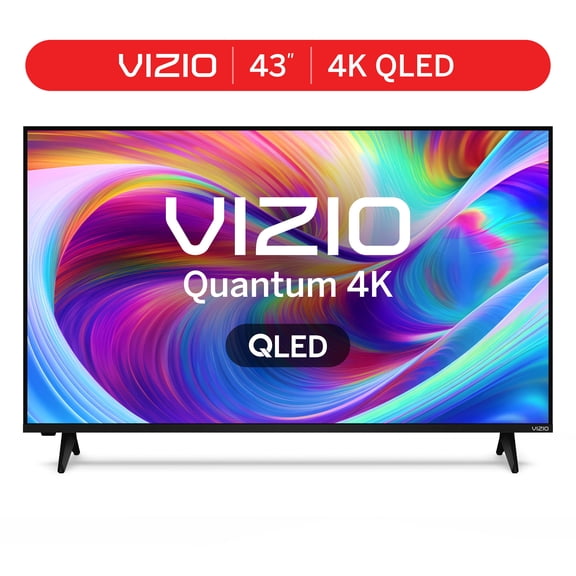
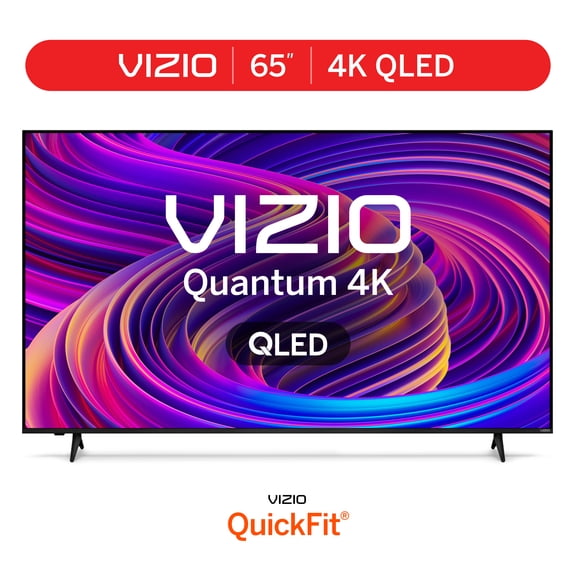
OLED uses self-lit pixels, so you’ll get precise contrast and deeper-looking blacks in darker rooms. QLED tvs use quantum dots, so you’ll often see stronger brightness and bold color in sunny spaces.
If your room handles mixed lighting, you should compare Mini-LED models for balanced contrast and brightness. You’ll want to check the panel type alongside your seating layout and your usual watch times.
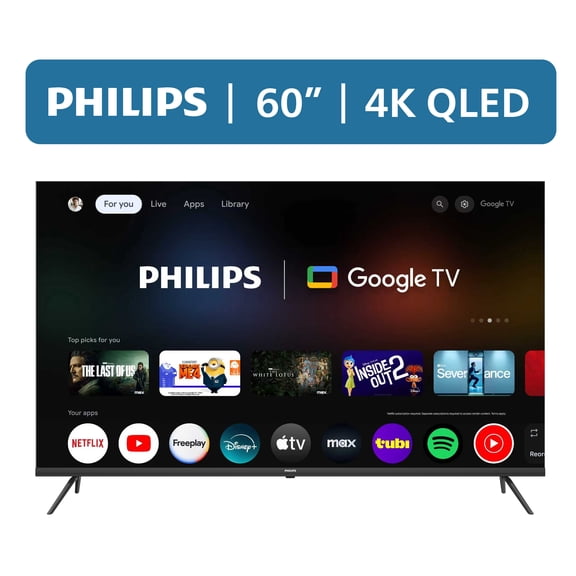
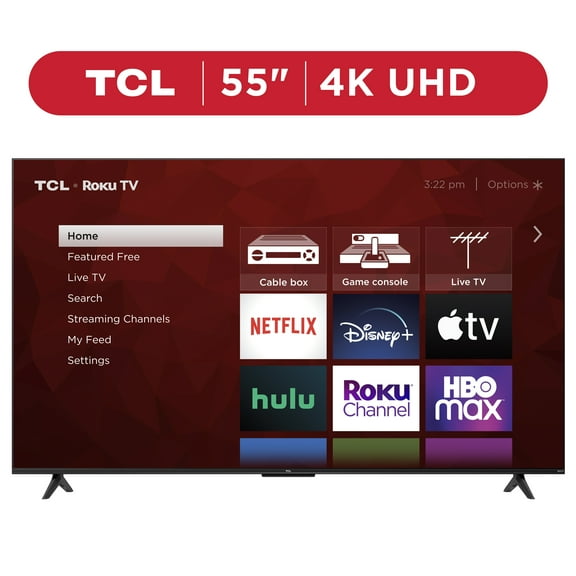
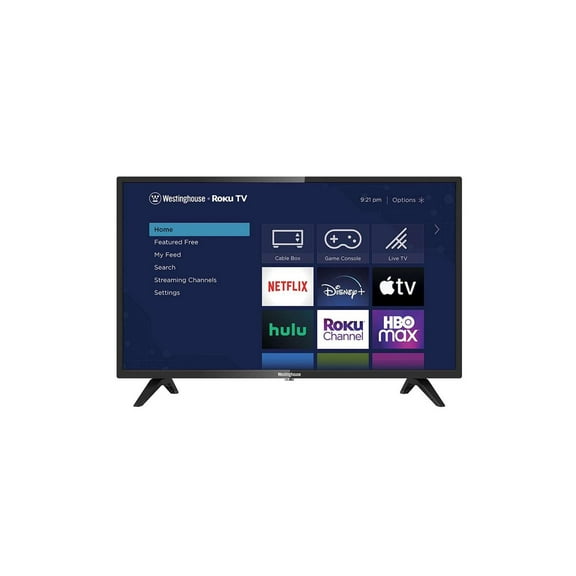
Your smart platform also shapes how easily you use your TV every day. You can compare Roku, Google TV, Fire TV, and WebOS by app selection, menu style, and voice assistant compatibility.
Roku works well if you want simple menus and familiar streaming app access. Google TV may suit you if your household already uses Google services and voice controls across connected devices.
Fire TV can make sense if your home already uses Alexa-enabled products and Amazon services. WebOS may fit you if you want quick access bars and easy switching between apps and inputs.
Comparing refresh rates on 4k smart tvs
You should look at refresh rate if your household watches sports or plays current consoles. You’ll usually find 60Hz models suitable for casual viewing, everyday streaming, and standard broadcast content.
If you watch fast action often, 120Hz can give your motion a smoother look. You’ll also want 120Hz support for newer consoles that can output higher frame rates in supported games.
Some shoppers may also compare 144Hz options for PC gaming setups and advanced input needs. You should check whether your TV includes VRR support, so your gameplay can stay more fluid during changing frame rates.
Ports matter too, especially if you connect consoles, soundbars, or streaming devices. You’ll want to compare HDMI inputs, eARC support, and wireless options before you choose a setup for your room.
Matching your TV to real-life viewing
If you’re building a living room setup, you may want a 65 inch or 75 inch screen. You’ll get a cinematic look without overwhelming your space when your seating distance matches your screen size.
For bedrooms or smaller dens, you might prefer 55 inch sets with smart platform simplicity. You can keep your setup clean while still enjoying sharp 4K detail for late-night shows and weekend movies.
If your room gets strong daylight, you should compare QLED, LED, or Mini-LED models first. You’ll often get a brighter picture that holds up well when your blinds stay open.
For darker rooms, you may lean toward OLED if rich contrast matters to your movie setup. You’ll notice subtle shadow detail more clearly during nighttime viewing and cinematic scenes.
Gaming spaces call for careful feature checks before you choose your screen. You’ll want to compare 120Hz or 144Hz support, VRR, and input options if your console or PC is part of your plan.
Shared family rooms often benefit from an easy smart platform and familiar remote layout. You can make everyday streaming simpler when your apps, voice controls, and content menus feel easy to navigate.
You can choose with more confidence when you compare screen size, display technology, smart platform, and refresh rate together. You’ll end up with a TV that fits your room, your habits, and the way you like to watch.