

Asus Laptops in Shop Laptops By Brand




















About Asus Laptops in Shop Laptops By Brand - Walmart.com
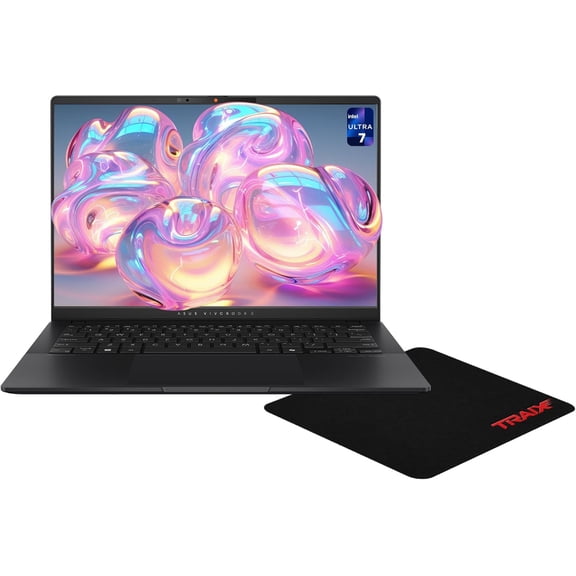
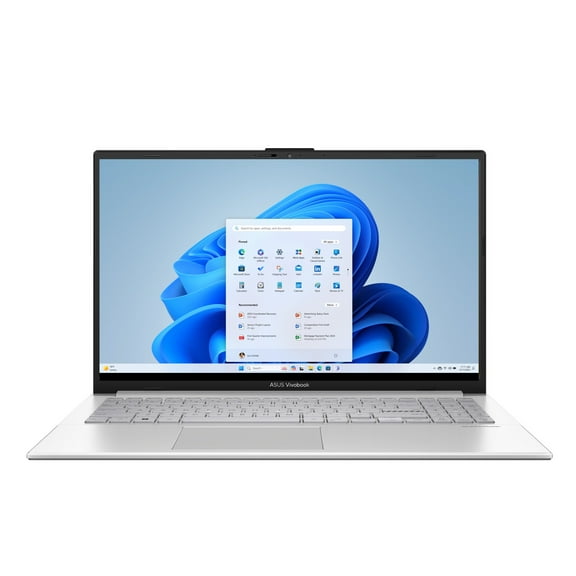
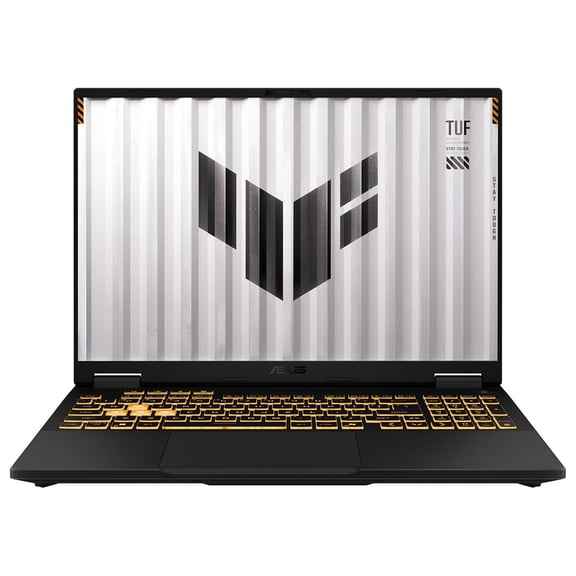
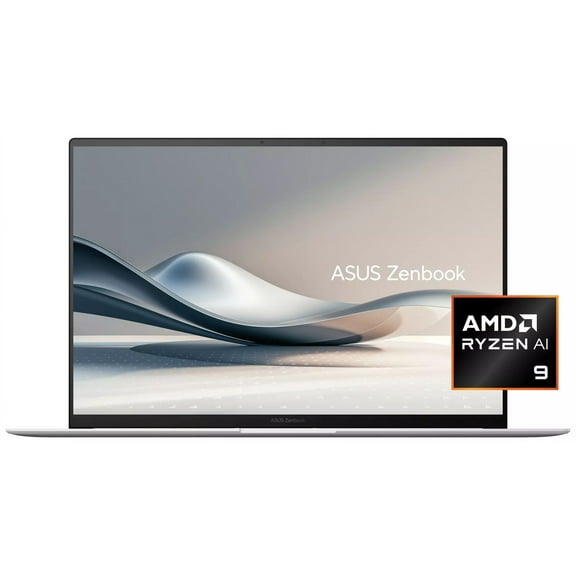
With asus laptops, you can compare slim school picks, creator-ready setups, and gaming-focused machines in one place. You get a clearer path to Zenbook, Vivobook, ROG, TUF Gaming, and Chromebook models that fit how you work.
If you're choosing a daily computer, you can narrow your search faster by focusing on lineup, processor, graphics, and form factor. You’ll see meaningful differences here that wouldn’t apply to phones, tablets, or desktop towers.
How to choose asus laptops by series
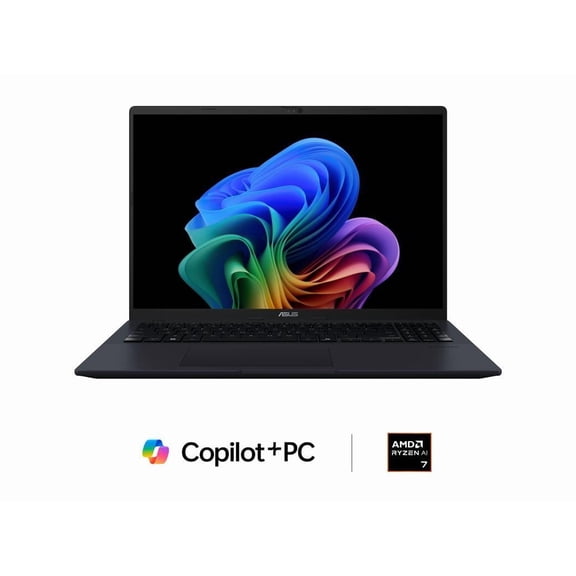
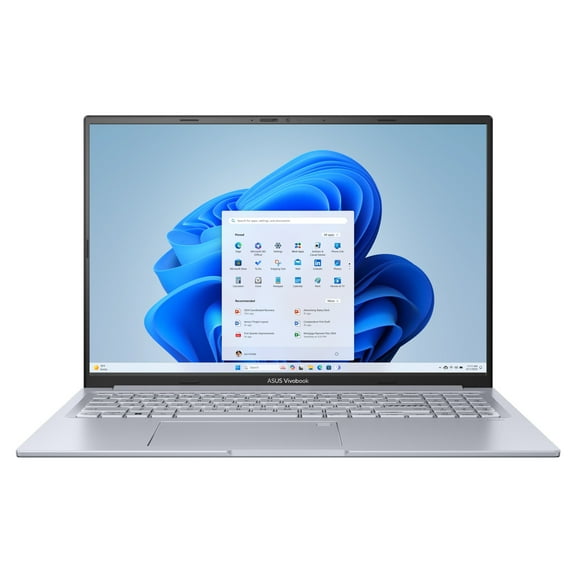
When you compare series first, you can match your laptop to your routine without sorting through every spec. You’ll usually find ASUS Zenbook models aimed at portability, while Vivobook options support everyday tasks.
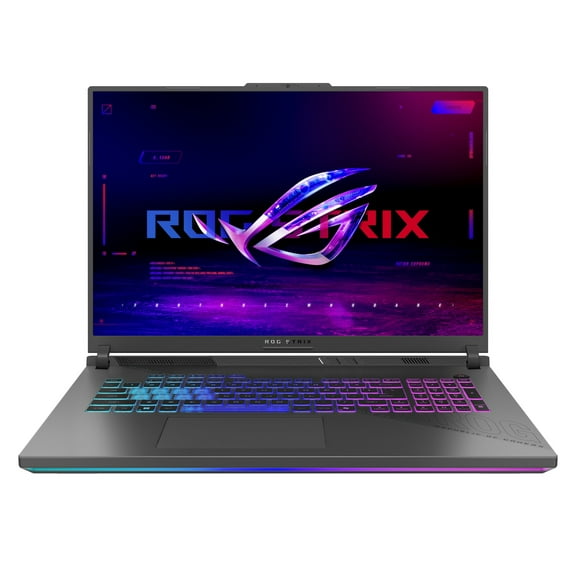
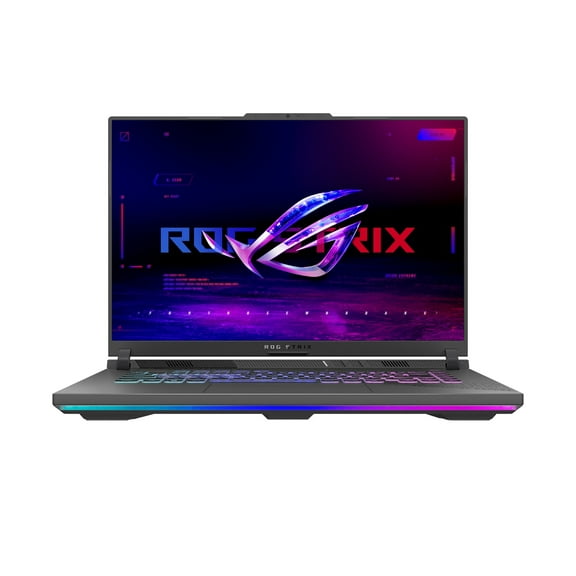
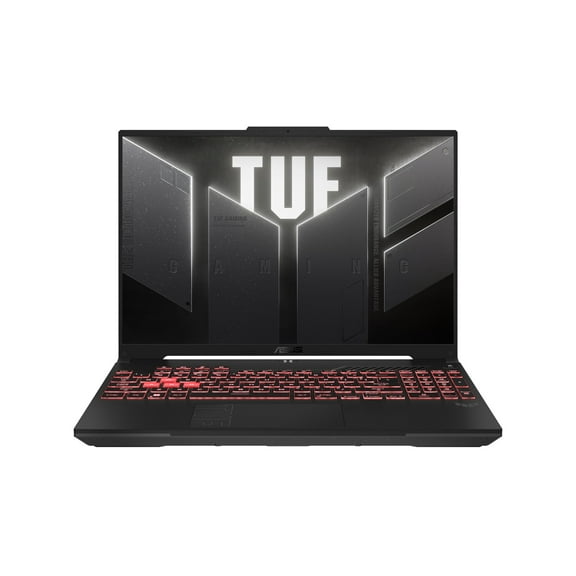
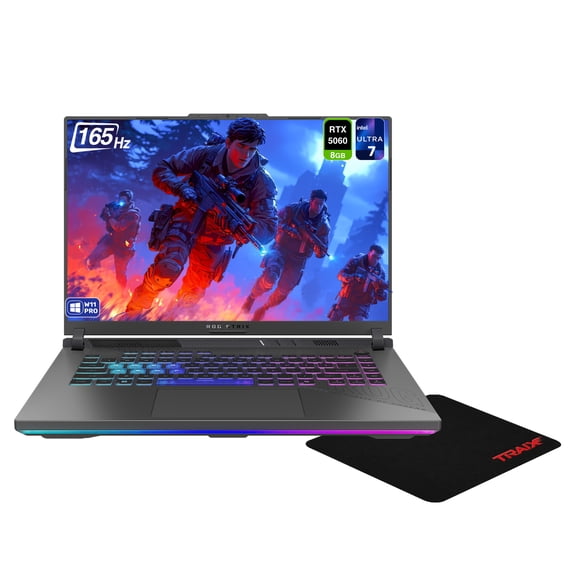
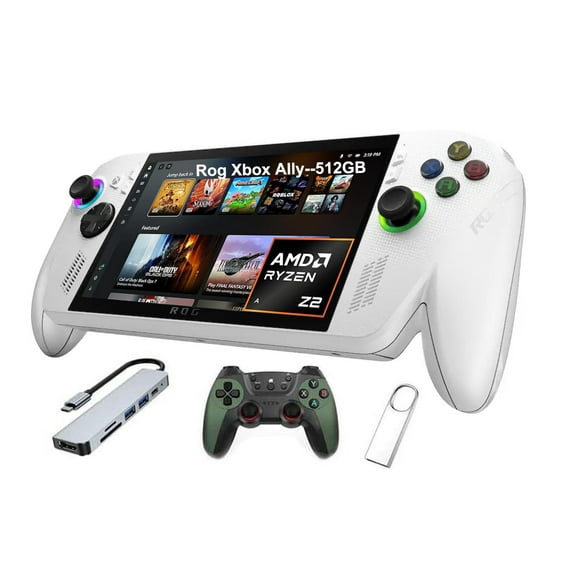
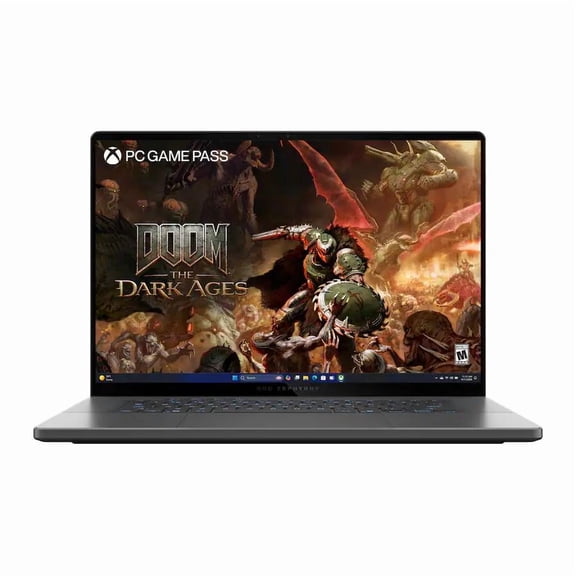
If you want asus gaming laptops, you should look at ROG and TUF Gaming lines before anything else. You’ll generally see stronger cooling, faster refresh displays, and graphics options built for demanding play.
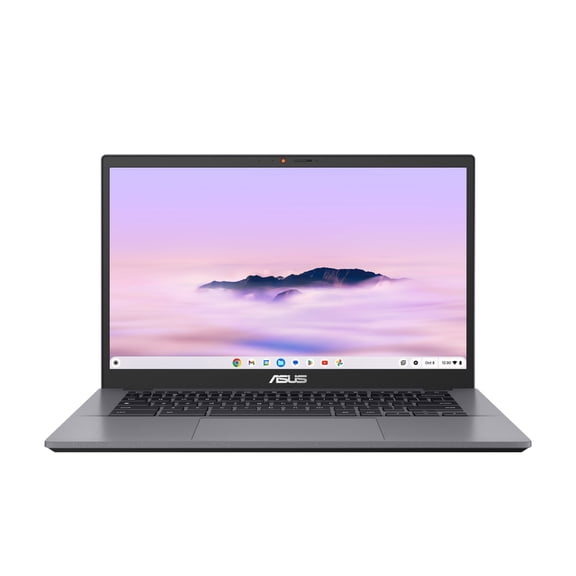
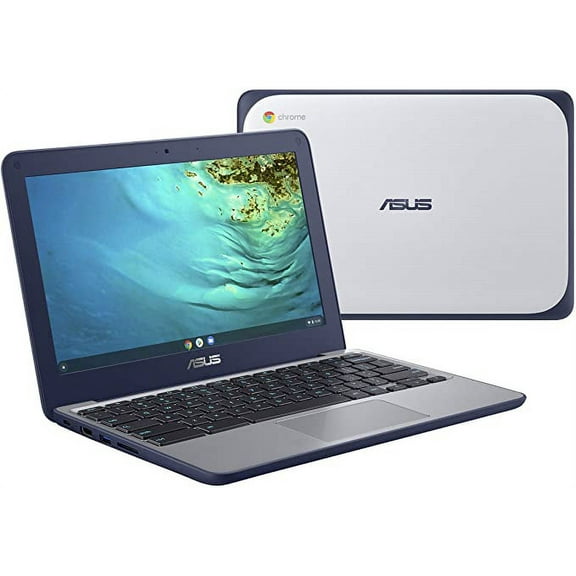
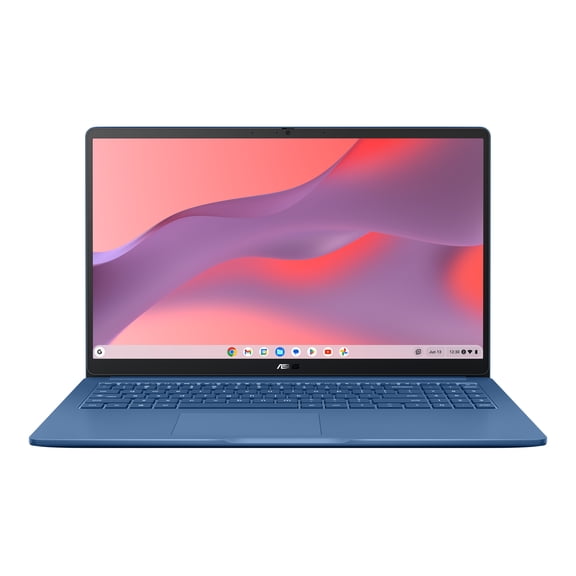
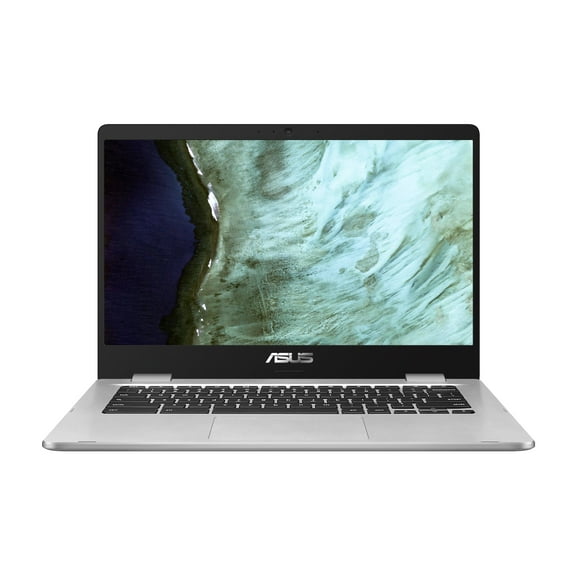
For light browsing and school basics, you may prefer an ASUS Chromebook with a simple setup and web-first workflow. You can also choose a traditional clamshell or a 2-in-1 convertible touchscreen, depending on how you like to work.
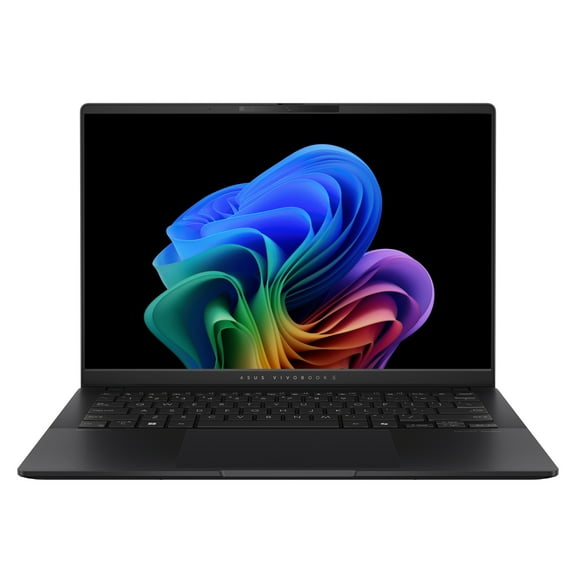
- You can choose Zenbook when your priority is a lighter, ultra-slim design for commuting and meetings.
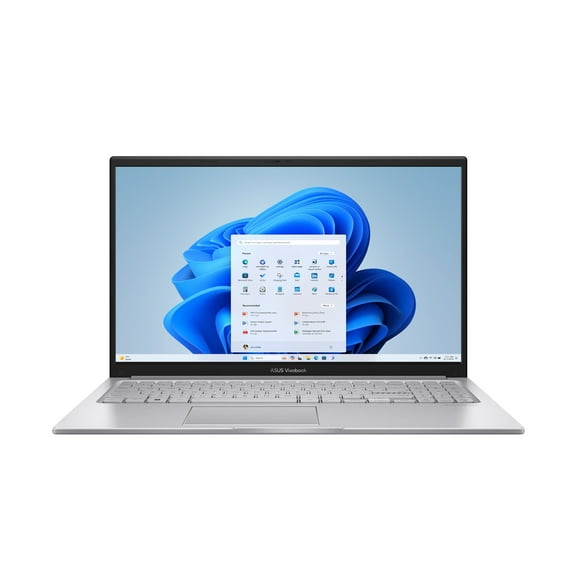
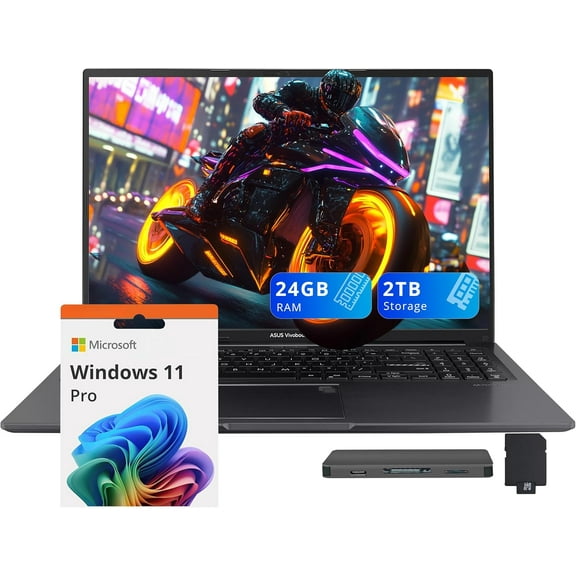
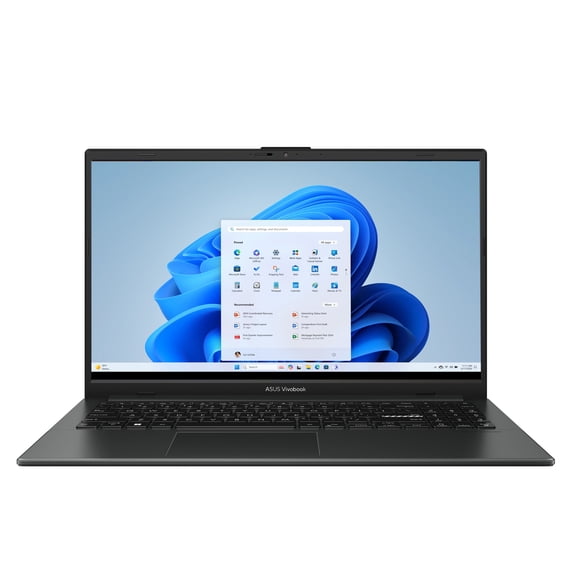
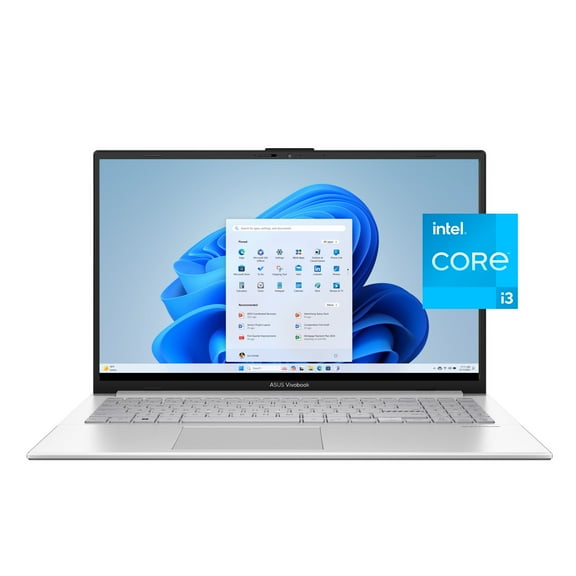
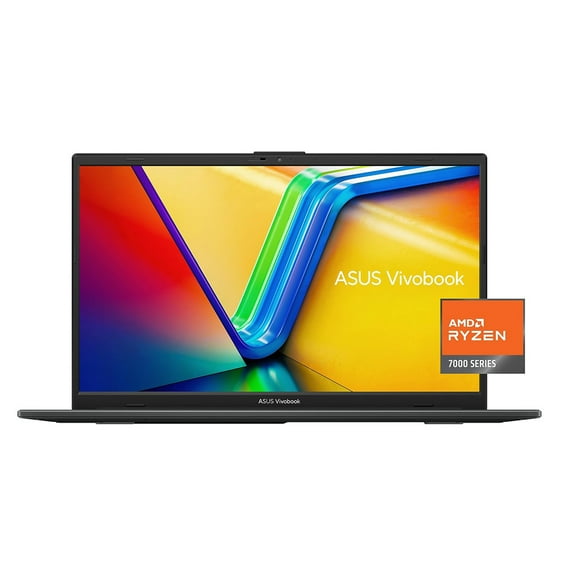
- You can choose Vivobook when you want balanced everyday performance for homework, streaming, and routine office tasks.
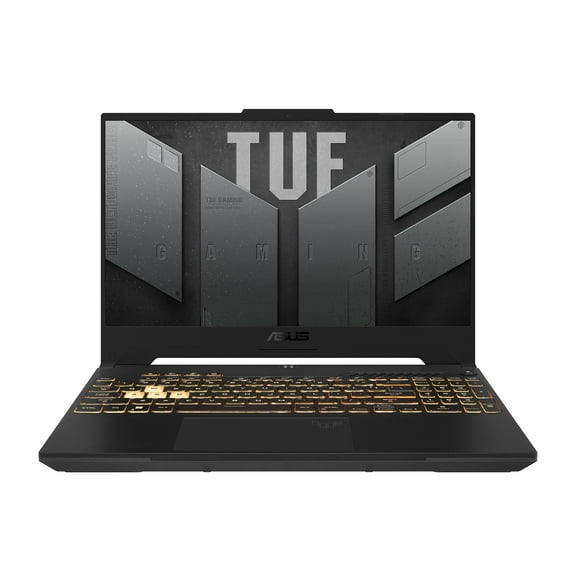
- You can choose ROG or an ASUS TUF gaming laptop when you need stronger graphics support and gaming-focused hardware.
- You can choose Chromebook when your work happens mostly in a browser, classroom, or shared family setting.
Choosing specs for your workload
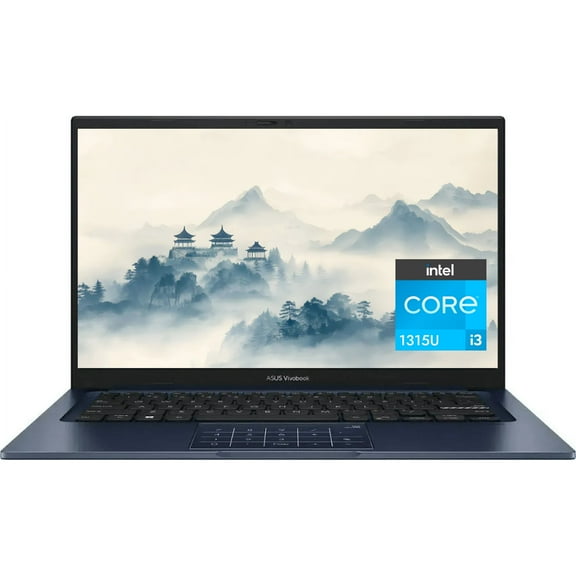
When you compare processors, you should start with the programs you use every day. You’ll often see Intel Core i5 and AMD Ryzen 5 for general productivity, while Intel Core i7 and AMD Ryzen 7 handle heavier multitasking.
If you keep many tabs open, edit large files, or juggle school and work apps, you should check RAM carefully. You’ll want enough memory for smoother switching, especially when your laptop doubles as a study and entertainment hub.
Storage matters just as much, because you need room for files, apps, and game installs. You’ll usually notice SSD storage helps your laptop start faster and load programs with less waiting.
Graphics can shape your whole experience, so you should compare integrated and dedicated options before deciding. You’ll often find integrated graphics work for browsing and documents, while NVIDIA GeForce RTX options support gaming and creative software.
Screen size also changes how your laptop feels day to day. You may like a smaller display for commuting, while you might prefer a larger screen for spreadsheets, editing timelines, or immersive games.
How asus gaming laptops differ from everyday models
If gaming is your focus, you should look beyond the logo and compare the hardware that affects play. You’ll typically want a dedicated GPU, a capable processor, and display features that keep motion looking smooth.
ROG models often suit players who want advanced performance for competitive titles and larger game libraries. You may lean toward TUF Gaming when you want gaming-centered features in a more approachable everyday package.
Cooling design matters in this category, because you need steady performance during long sessions. You’ll also want to compare keyboard layout, port selection, and display refresh rate before making your pick.
If your use is mostly email, streaming, documents, and video calls, you may not need gaming-focused hardware. You can often choose Vivobook or Chromebook models instead and keep your search aligned with your actual workload.
What to look for in asus zenbook and other portable options
If you carry your laptop between classes, offices, or flights, you should compare weight and profile first. You’ll often find asus zenbook options fit shoppers who want an ultra-slim shape without giving up everyday capability.
Battery expectations matter when portability is a priority, so you should check how you actually use your computer. You may prefer a lighter machine for note-taking and travel, or a larger battery setup for longer unplugged sessions.
Form factor can also change your routine more than you expect. You might choose a 2-in-1 convertible touchscreen for presentations, sketching, or flexible desk setups, while a clamshell keeps things familiar.
If you need a laptop for campus life, you should balance portability with enough power for assignments and media. You’ll often see asus college laptops span Chromebook, Vivobook, and Zenbook choices, depending on your classes.
Matching ASUS laptops to real-life use
For student and everyday use, you can focus on portability, dependable battery habits, and straightforward performance. You may find ASUS Vivobook and ASUS Chromebook options fit note-taking, browser work, streaming, and shared spaces.
For business and productivity, you should look for a processor that handles multitasking and a screen size that supports long work sessions. You’ll also want storage that fits presentations, spreadsheets, and daily file access.
If you create content, you should compare higher-tier processors, more RAM, and graphics support for editing tools. You may also want a larger display or a 2-in-1 design that supports touch-friendly workflows.
For gaming, you should prioritize a dedicated GPU, faster refresh displays, and enough SSD space for larger installs. You’ll get a more focused search when you compare ROG and ASUS TUF gaming laptop models first.
When you sort ASUS laptops by series, processor, graphics, and form factor, you can choose with more confidence. You’ll end up with a laptop that fits your classes, projects, play style, and daily carry needs.