

Phone VR Headsets Near Me & Online | Virtual Reality


























About Phone VR Headsets Near Me & Online | Virtual Reality - Walmart.com
Smartphone vr headsets help you turn your phone into an immersive screen for videos, games, and 360-degree content. You can compare fit, lens controls, and phone compatibility before you choose a setup that matches your device.
If you're new to mobile viewing, you'll appreciate how smartphone vr headsets use your phone's display instead of a separate console. You can focus on practical details like screen size support, strap comfort, and simple setup.
How to choose smartphone vr headsets
Start with device compatibility, because your phone needs to fit the tray and align with the lenses. You should check whether your device uses iOS, Android, or a universal mount.
Screen dimensions matter too, especially if your phone measures up to 6.7 inches. You can compare size limits first, so your screen sits securely and your view stays centered.
You'll also want a headset that feels balanced during longer sessions. Your comfort often depends on padding, strap design, and how the weight rests across your forehead.
- You can narrow choices by checking iPhone, Android, or universal compatibility.
- You can improve visual alignment by comparing focal distance and pupillary distance adjustments.
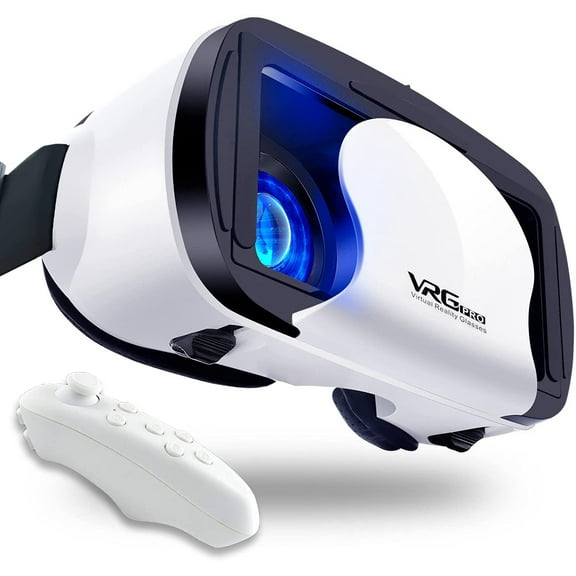
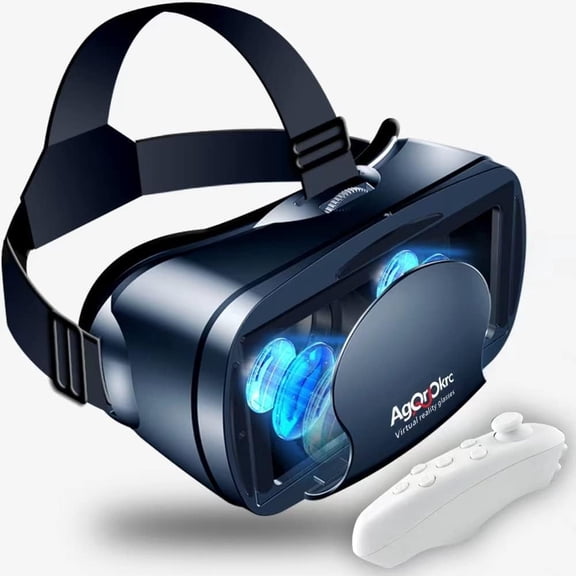
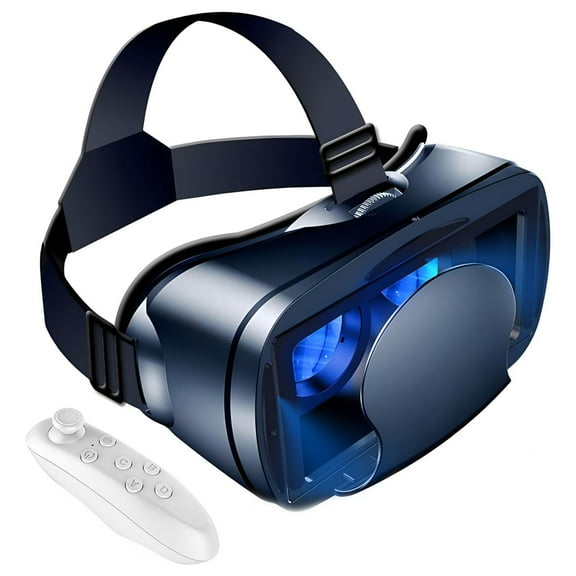
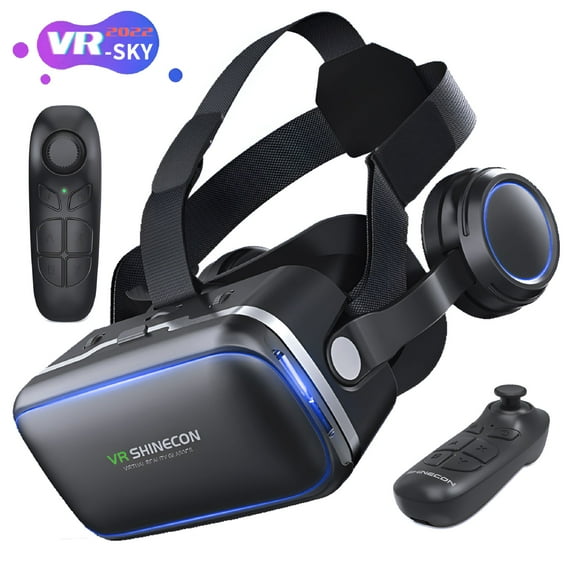
- You can choose simpler controls with an integrated button or expanded input with a Bluetooth remote.
- You can match your listening setup with built-in headphones, a 3.5mm audio jack, or open-ear audio.
Choosing vr headsets for phones by compatibility
When you compare vr headsets for phones, you should confirm operating system support before anything else. A virtual reality headset for iphone should match iOS use, while an android vr headset should support common Android layouts.
If you switch devices often, you may prefer a universal design with flexible phone clamps. You can also check whether the tray leaves room for your case or requires a slimmer fit.
Phone placement affects your picture quality as much as lens quality. You should look for a centered tray, secure latch, and clear guidance for aligning your screen.
What to look for in lens adjustability
Lens controls can make a major difference when you're trying to get a clear image. You can use focal distance adjustment to fine-tune how near or far the screen appears.
Pupillary distance adjustment helps you line up the lenses with your eyes. You may find this setting useful when you want a more natural view across both sides.
Some phone vr goggles use fixed lenses instead of adjustable ones. You can choose that simpler format if you want fewer controls and a faster setup process.
Comparing control interface options
Control style changes how you move through menus, games, and 360-degree clips. You can compare a Bluetooth remote, an integrated button, or head tracking based on how you like to interact.
A Bluetooth remote gives your hand an extra input method for compatible apps and menus. You should check connectivity details first, so your phone pairs smoothly with the included controller.
An integrated button keeps your setup straightforward and reduces extra accessories. If you want fewer parts to manage, you may prefer this simpler control option.
Head tracking lets your view move as you turn your head. You can use that style for immersive video scenes where looking around matters more than pressing buttons.
Checking audio and comfort features
Audio design shapes how contained or open your viewing session feels. You can compare built-in headphones, a 3.5mm audio jack, or open-ear styles based on your listening preference.
Built-in headphones reduce extra wires around your headset and phone. A 3.5mm audio jack can help you connect your own wired earbuds if you already have a preferred pair.
Comfort depends on more than soft padding alone. You should look for adjustable straps, balanced weight distribution, and face cushioning that helps the headset sit evenly.
A lighter mobile virtual reality headset can feel easier to wear during longer videos. You can also compare wide head straps or three-point designs that spread pressure more evenly.
Using a virtual reality headset for iphone or Android
You can use these headsets for 360-degree travel videos, immersive game apps, and panoramic educational content. Your phone becomes the display, so setup usually starts with placing it securely in front of the lenses.
If you stream video, you may want quick access to volume controls and a stable fit. You can benefit from built-in audio or a simple jack when you want fewer setup steps.
For casual gaming, you might prefer an android vr headset or iPhone-compatible model with a Bluetooth remote. You can make menu navigation easier when your app supports external controls.
If you mostly watch short clips, you may prefer phone vr goggles with an integrated button. You can keep your setup lighter and simpler when you don't need a separate controller.
Households with different devices may benefit from a universal headset with adjustable lenses and flexible sizing. You can share one unit more easily when your phones vary in screen dimensions.
When you compare smartphone vr headsets carefully, you can avoid fit issues and get a clearer picture from the start. You can feel more confident when your headset matches your phone, your viewing habits, and your comfort preferences.