

Tablet Cases in Tablet Accessories



















































About Tablet Cases in Tablet Accessories - Walmart.com
Tablet cases help you protect your device and match how you use it each day. You can compare fits, materials, and stand styles faster when the key differences are explained clearly.
How to choose tablet cases for your device
You should start with device compatibility, because an exact fit affects button access, camera openings, and charging cutouts. You can check your tablet model number in settings, then compare it with the case listing.
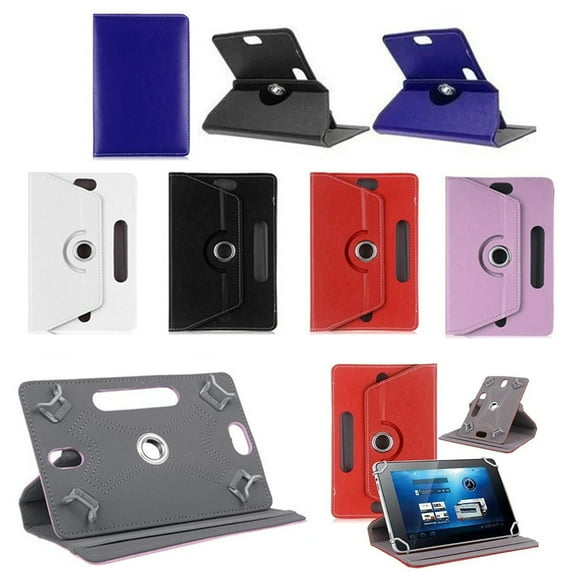
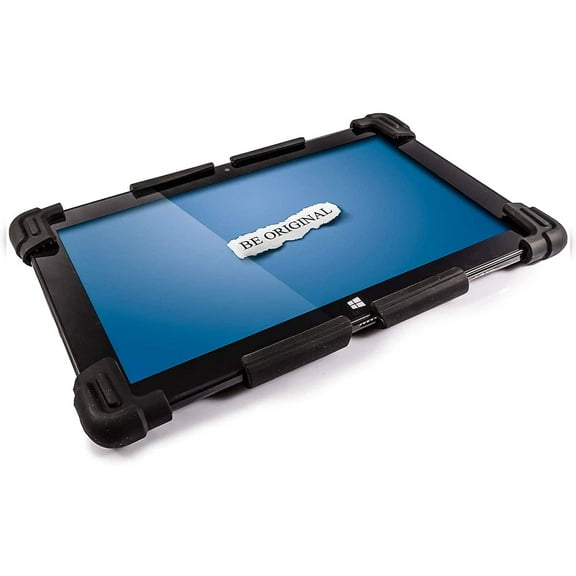
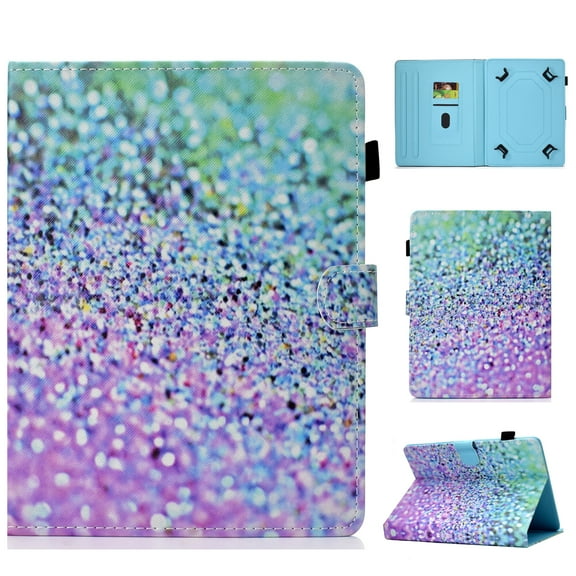
If you use an iPad, Samsung Galaxy Tab, Lenovo Tab, or Amazon Fire, you can narrow your search with model-specific options. If you use an older device, you may prefer universal tablet cases with adjustable corners.
You should also compare screen size before you choose a cover. You can avoid loose edges and blocked speakers when your case matches your tablet's exact dimensions.
Choosing between tablet covers and case types
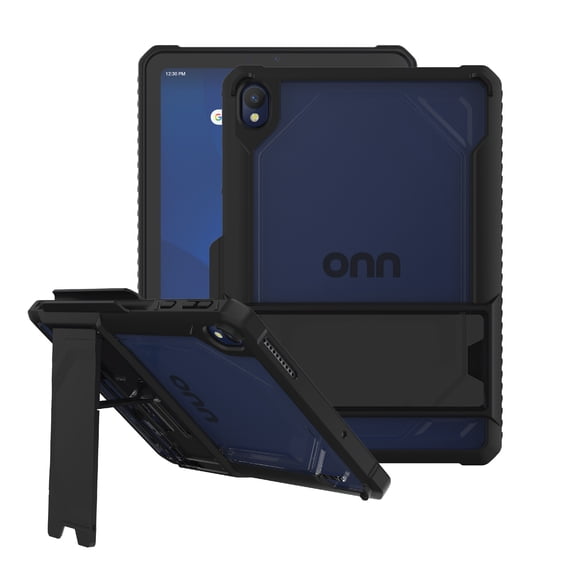
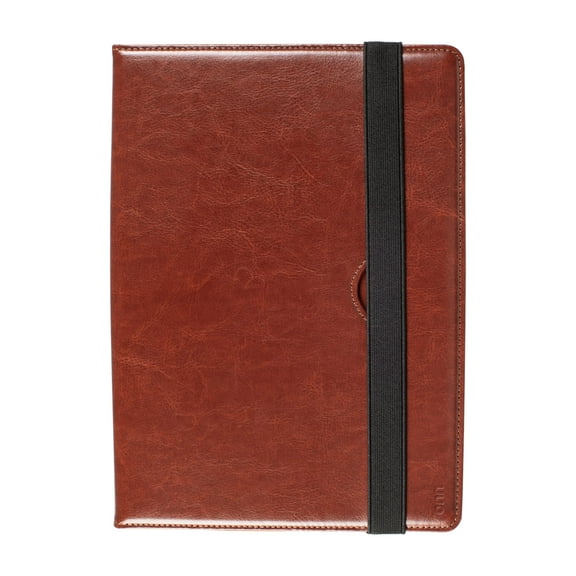
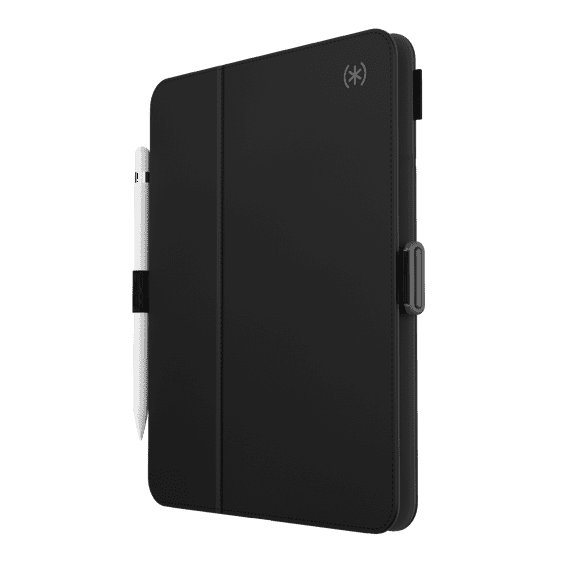
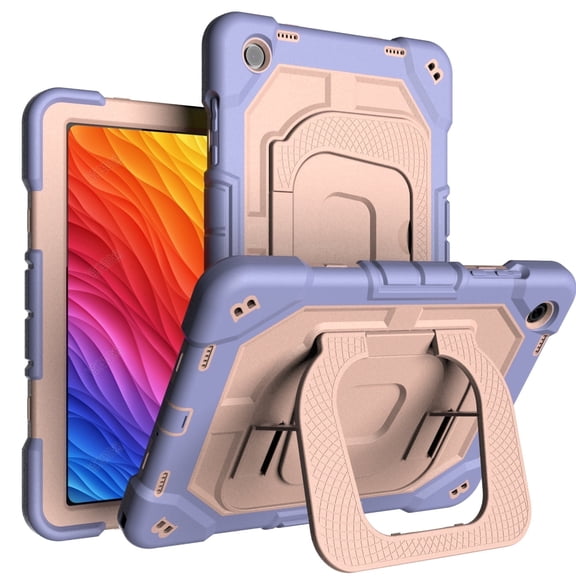
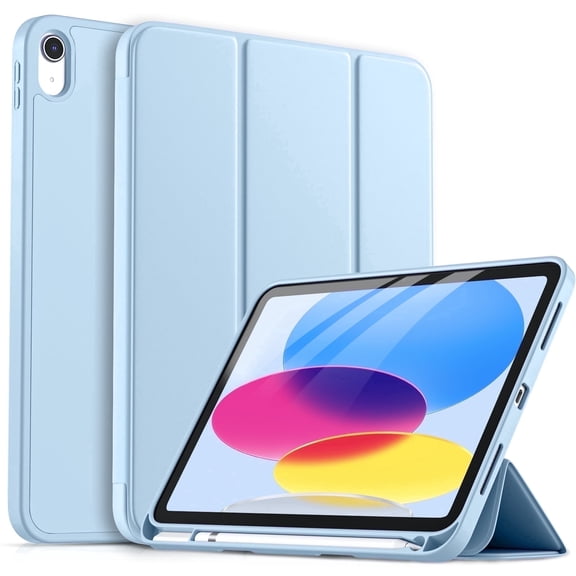
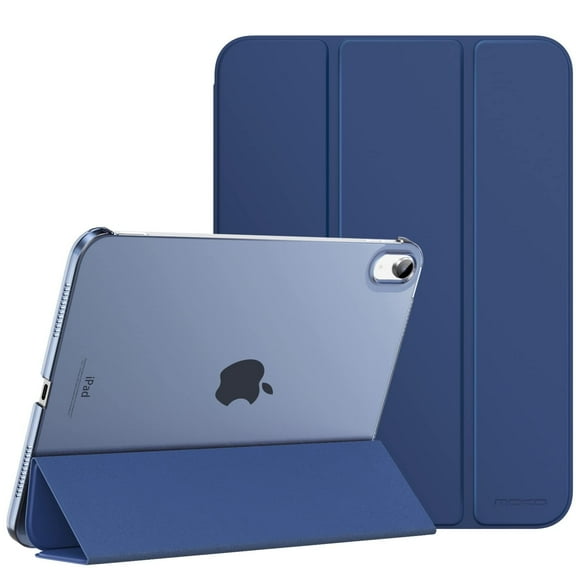
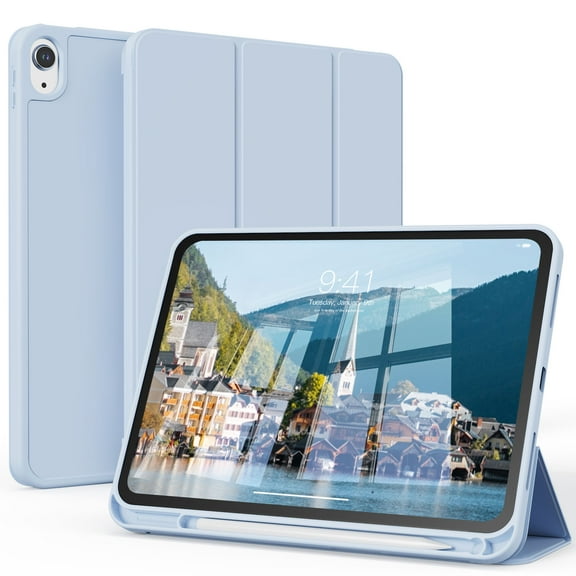
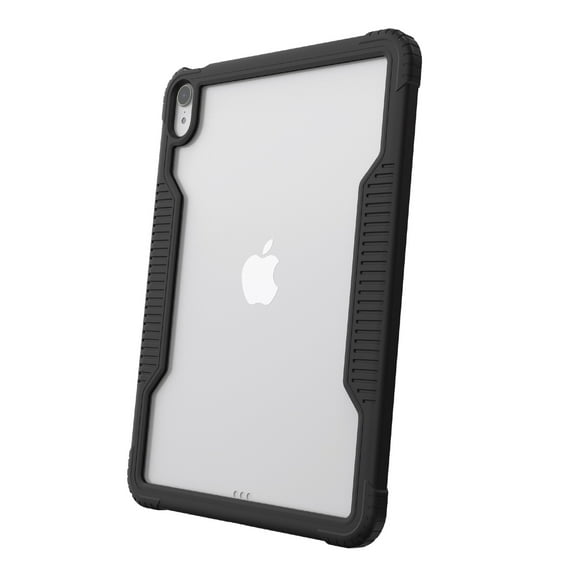
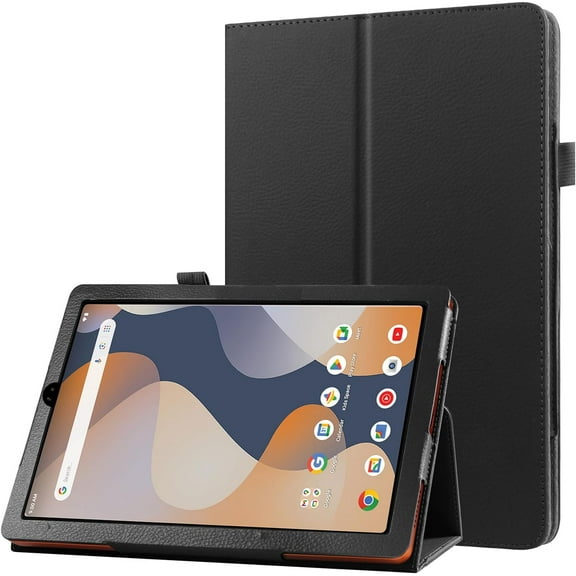
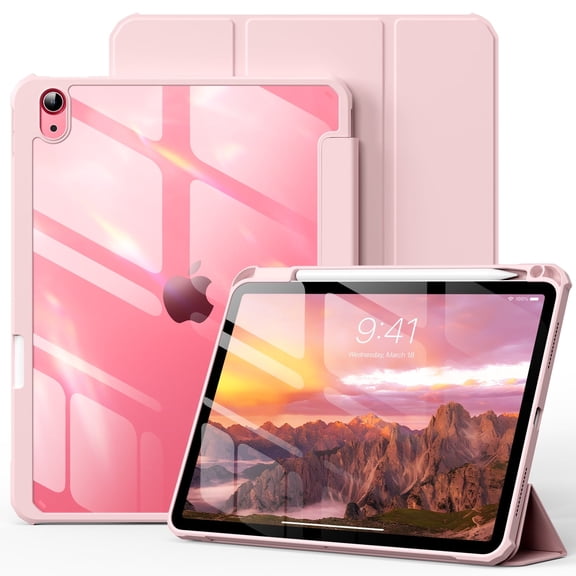
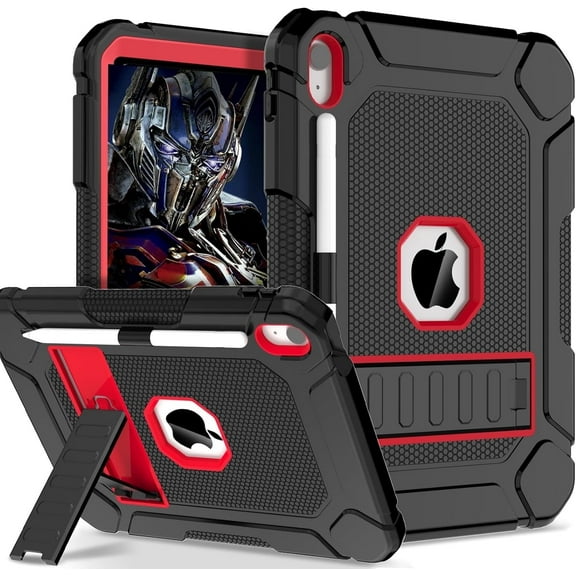
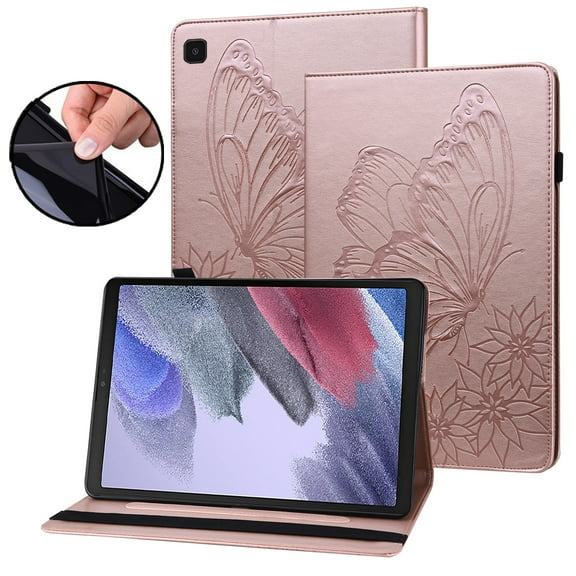
You can pick folio tablet covers when you want a slimmer profile and a front flap over your screen. You may prefer a rugged shell when your tablet travels in backpacks, cars, or busy classrooms.
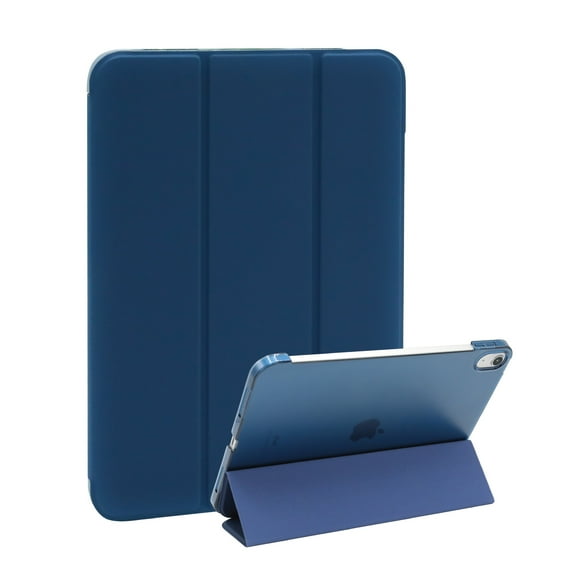
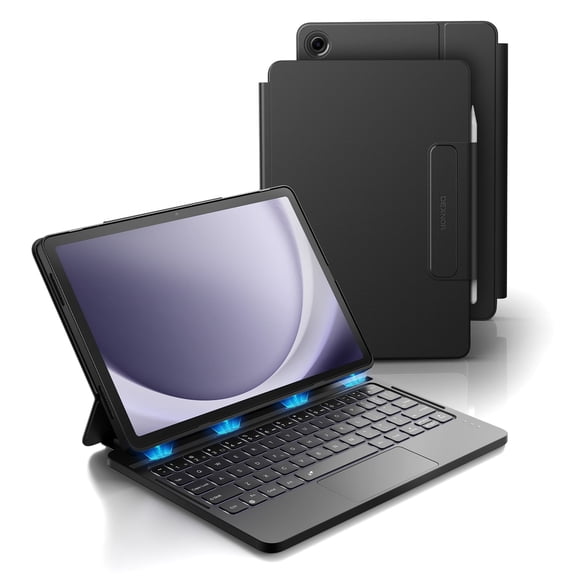
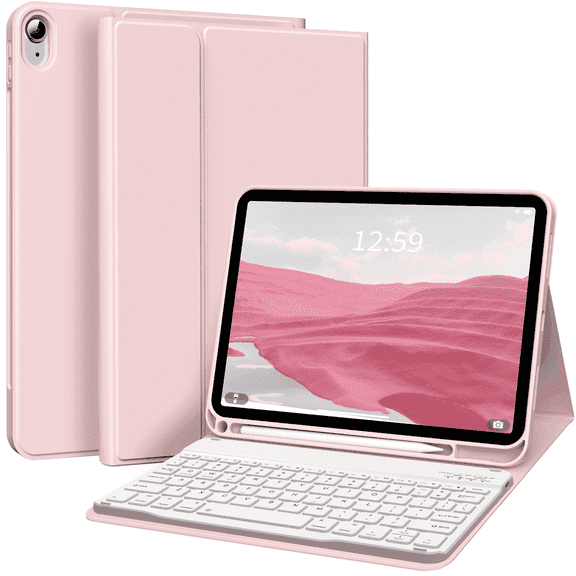
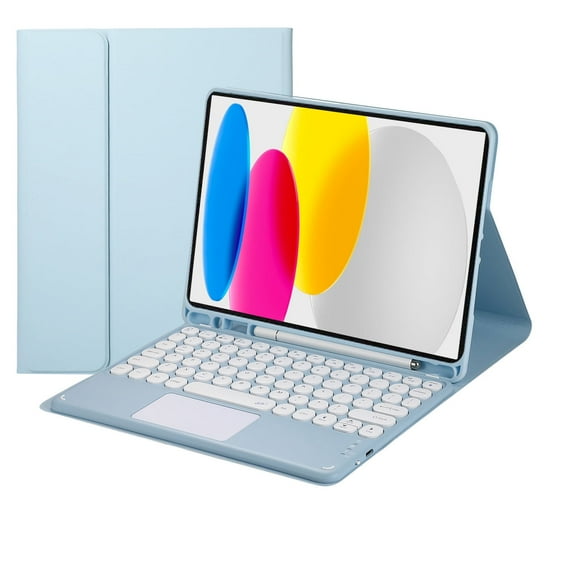
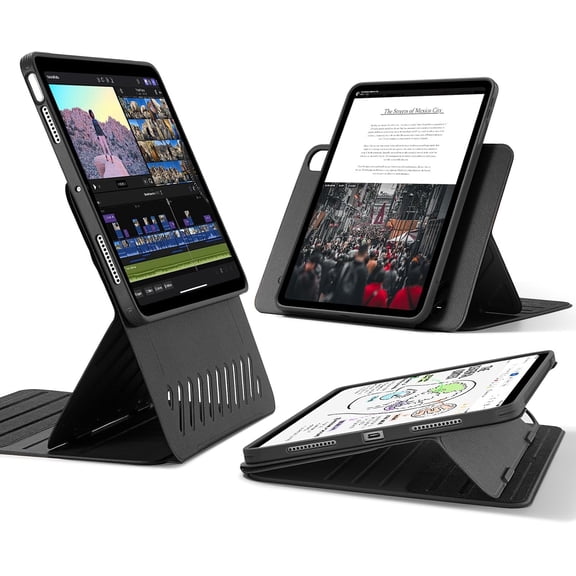
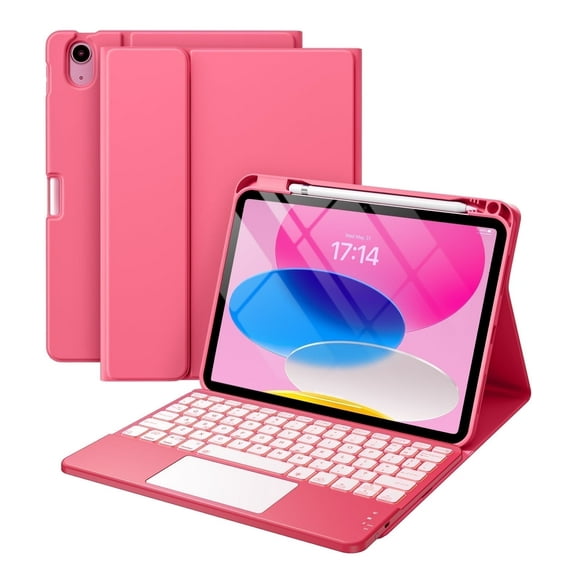
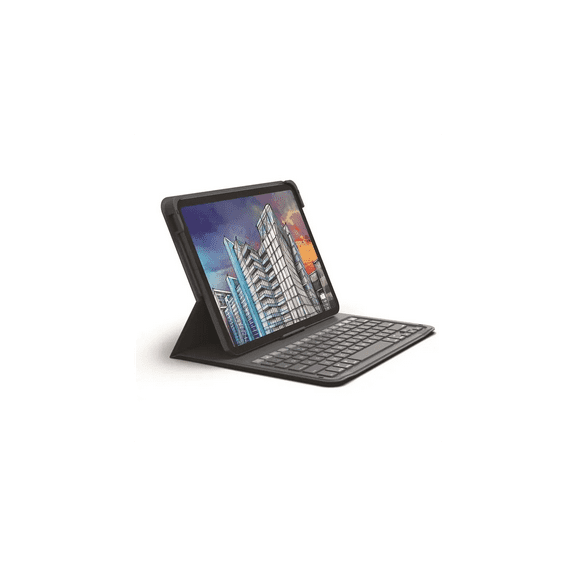
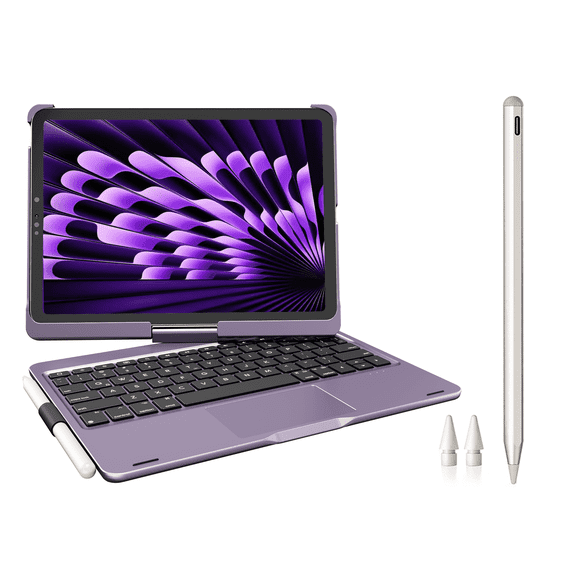
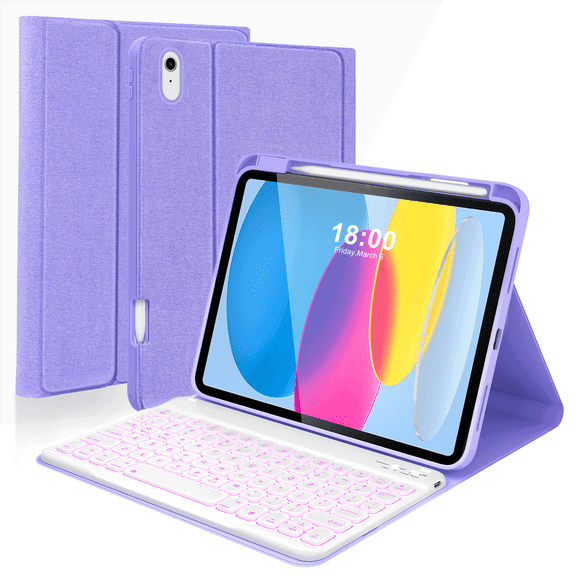
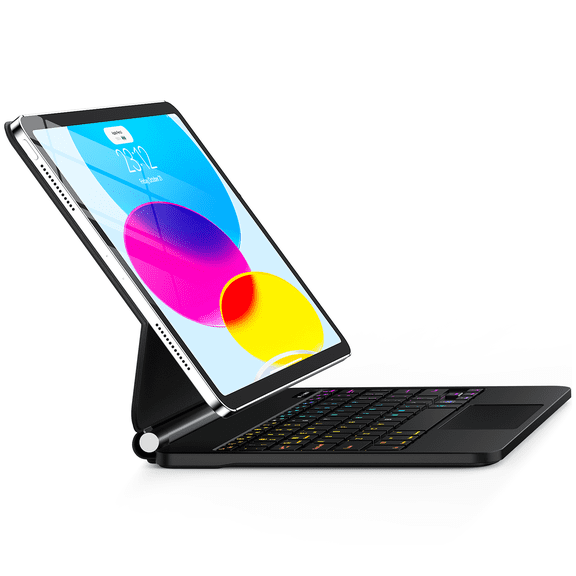
If you type often, you can look for a keyboard case that supports emails, notes, and light work sessions. If you stream or read often, you may want tablet cases with stand positions for hands-free viewing.
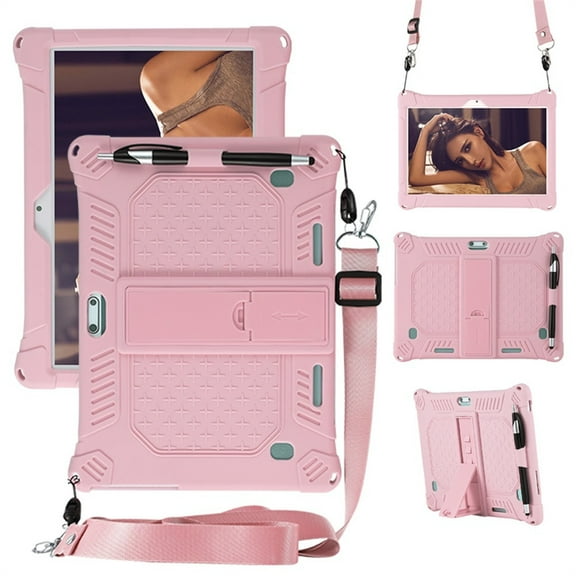
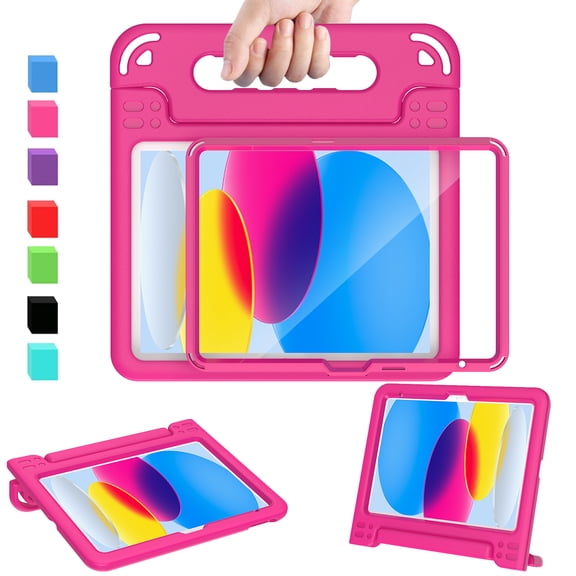
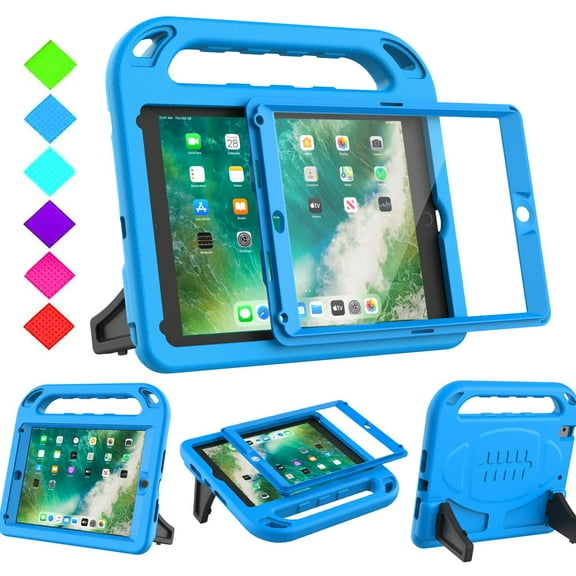
You can also match the case type to the person using it most. Kids cases often include thicker bumpers and easy-grip handles, while slim cases keep your bag lighter.
- You can choose folio styles for screen coverage and a polished everyday look.
- You can choose rugged designs for thicker corners and stronger edge coverage.
- You can choose keyboard cases for typing, propping, and travel-friendly productivity.
- You can choose kids styles for handle shapes, easy grip, and playful durability.
- You can choose slim options when you want lighter carry and easy storage.
What to look for in protective tablet cases
You should compare materials because each one changes grip, feel, and structure. TPU can feel flexible and easier to install, while hard plastic can add firmer shape retention.
You may like faux leather when you want a more finished exterior for meetings or commuting. Silicone can feel softer in your hands and help your tablet stay put on smooth surfaces.
You can also compare protection levels before you decide how much bulk works for your routine. Protective tablet cases may include shockproof corners, drop-tested designs, water-resistant exteriors, or basic scratch protection.
If you move between rooms, classes, or job sites, you may want reinforced edges and raised bezels. If your tablet stays mostly on a desk, you may only need lighter surface coverage.
Comparing features that affect daily use
You should look beyond color and shape when you compare cases. Small details can change how easily you use your tablet for work, travel, reading, or entertainment.
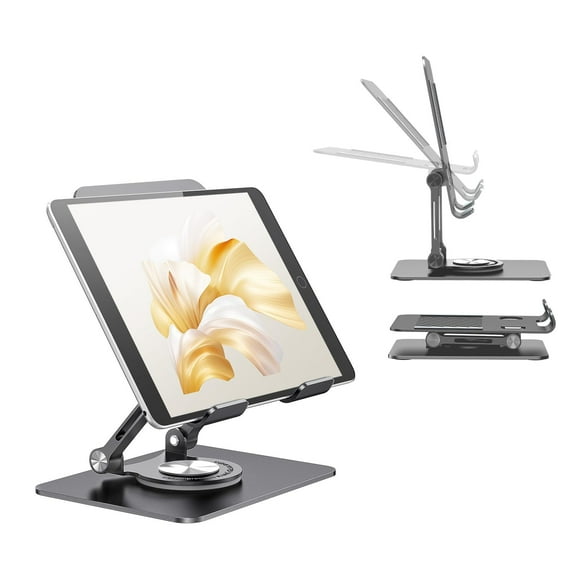
You can check for stand angles if you watch shows, join video calls, or follow recipes. You can look for stylus loops or pen holders when you switch between writing and tapping.
If you charge often, you should confirm port access before you choose a case. If you use the cameras regularly, you can check that the cutouts align cleanly.
You may also want auto wake and sleep support, depending on your tablet model and cover style. You can keep your setup simpler when the case works with your daily habits.
Matching tablet cases to where and how you use them
You can choose different tablet cases based on where your device spends most of its time. Your commute, classroom, office, kitchen, or living room can all shape the right choice.
For travel, you may want a folio or rugged design that slips into a bag and protects the screen. For home streaming, you may want tablet cases with stand support for easy viewing angles.
If your tablet helps with schoolwork, you can compare keyboard cases for typing and note-taking. If your child uses the device often, you may want thicker handles and extra corner coverage.
You can also use compatibility filters to target device-specific needs. Your search may start with iPad cases or Samsung tablet cases, then narrow by material, stand style, or protection level.
When your device changes hands often, you may prefer textured surfaces that feel steadier to hold. When your tablet stays docked or mounted, you may prefer a slimmer shell.
How your final choice gets easier
You can narrow tablet cases faster when you compare model fit, case type, material, and protection level in that order. Your final pick can feel more useful when it matches your device and your routine.
You don't need to guess when the right case supports your screen, ports, viewing angle, and daily carry. You can end up with coverage that fits cleanly and works the way you use your tablet.