

Home Alarm Systems in Alarm Systems
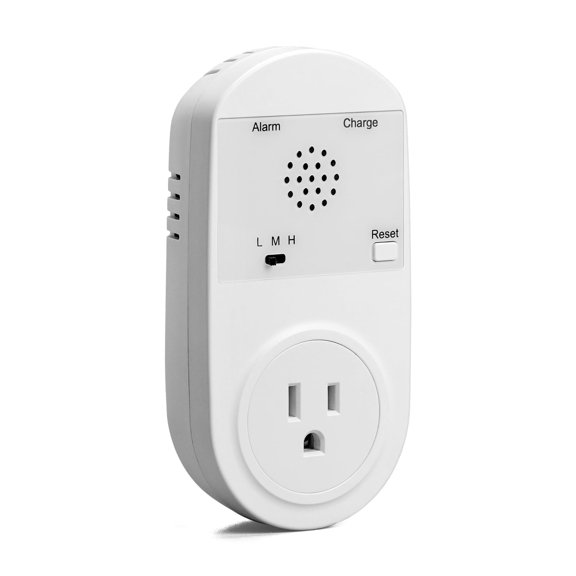

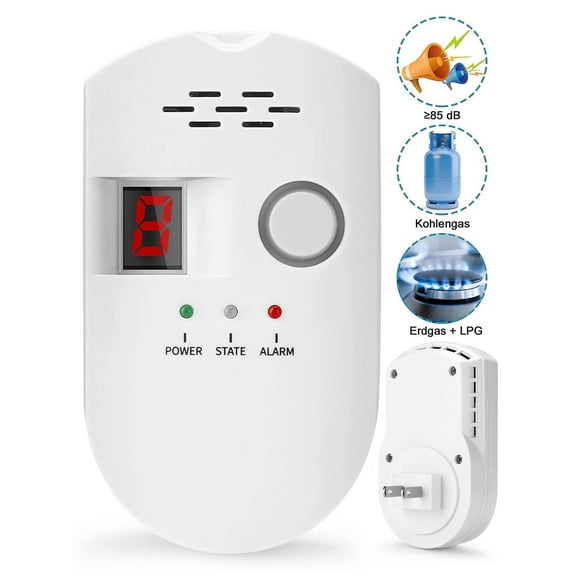


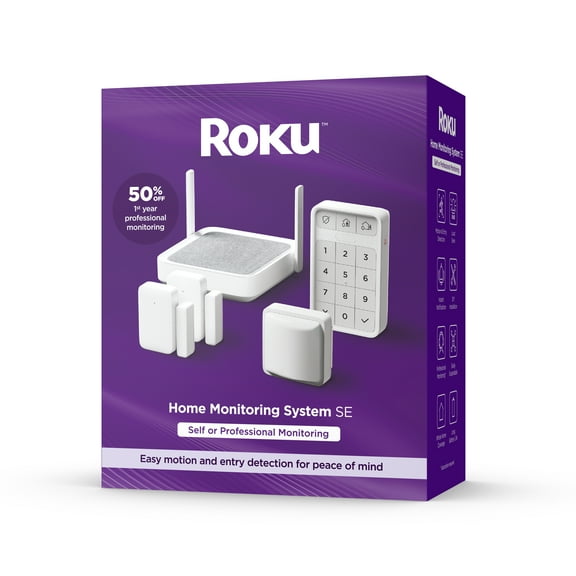
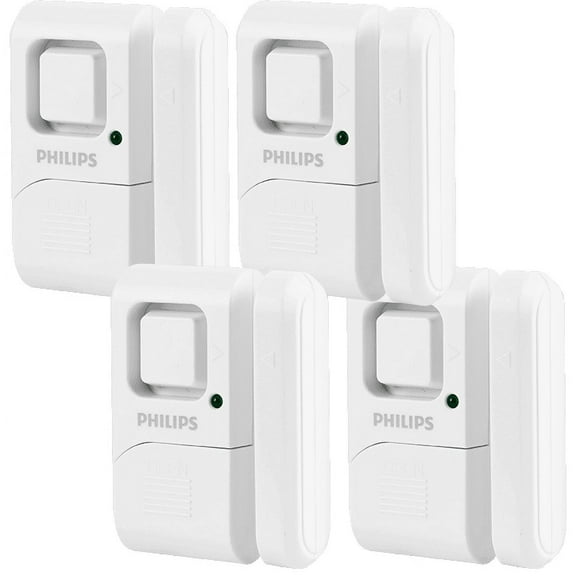

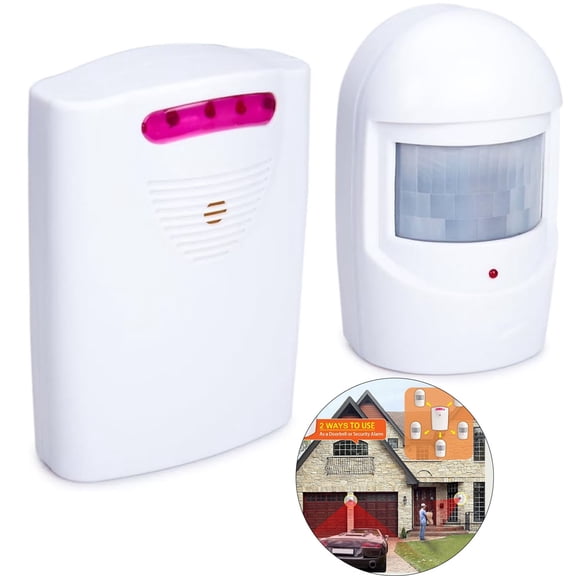
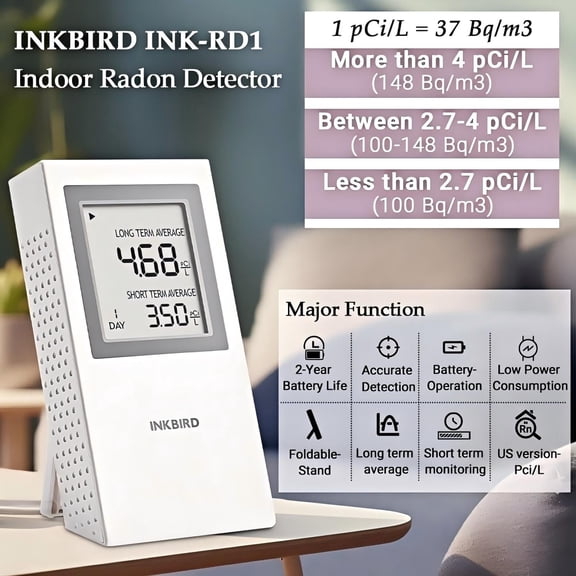
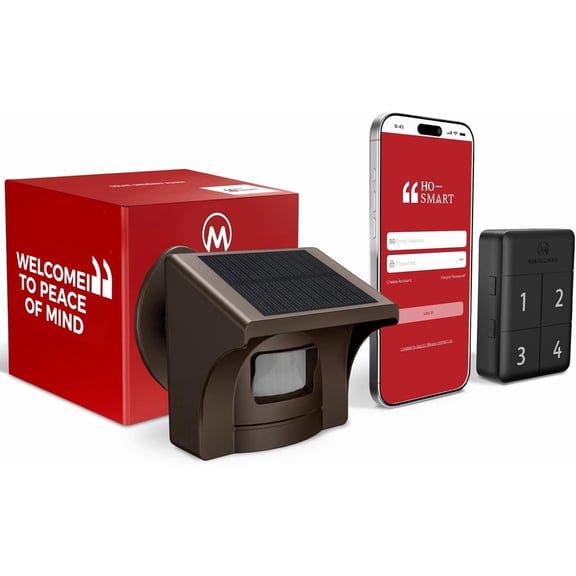
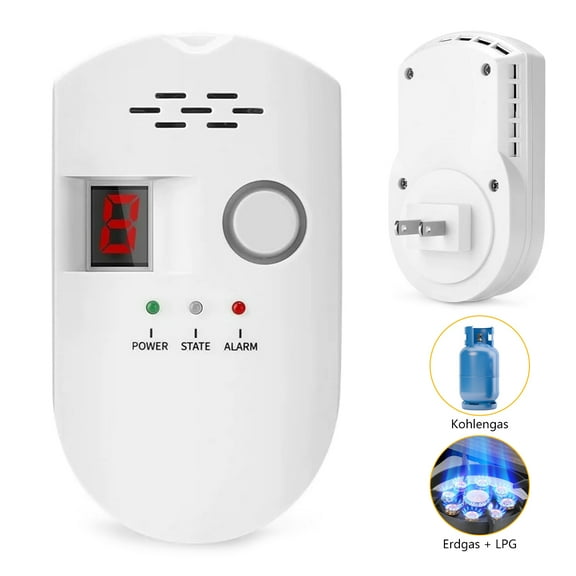
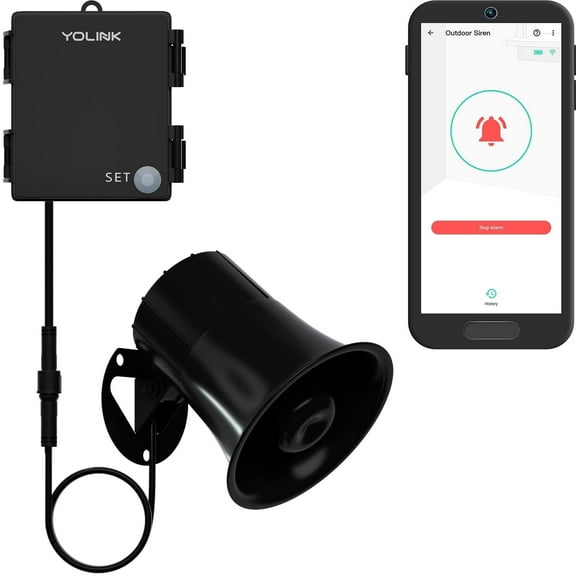


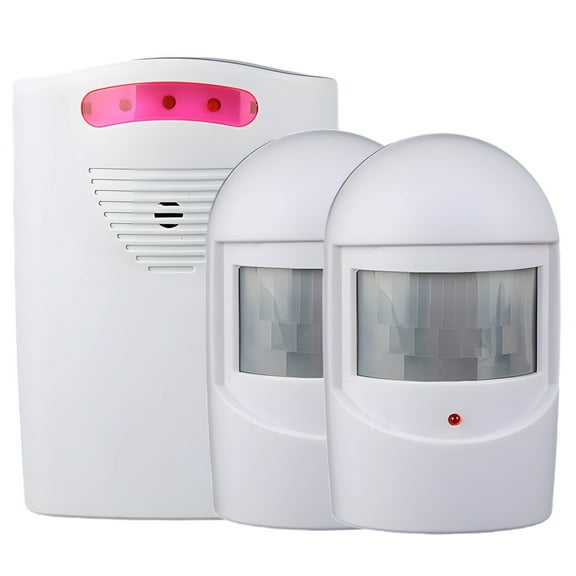
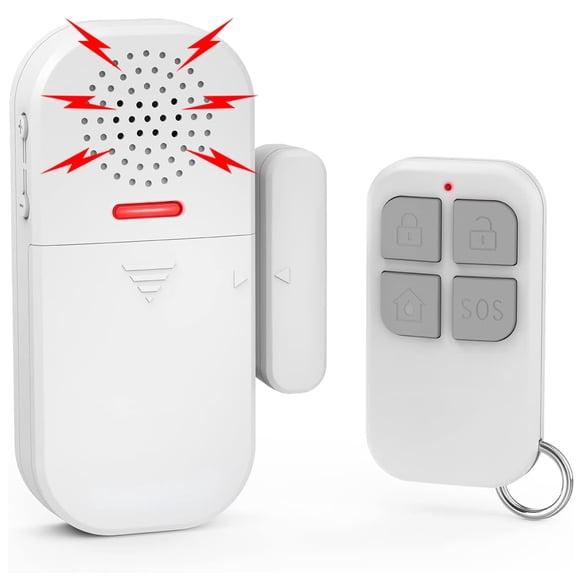


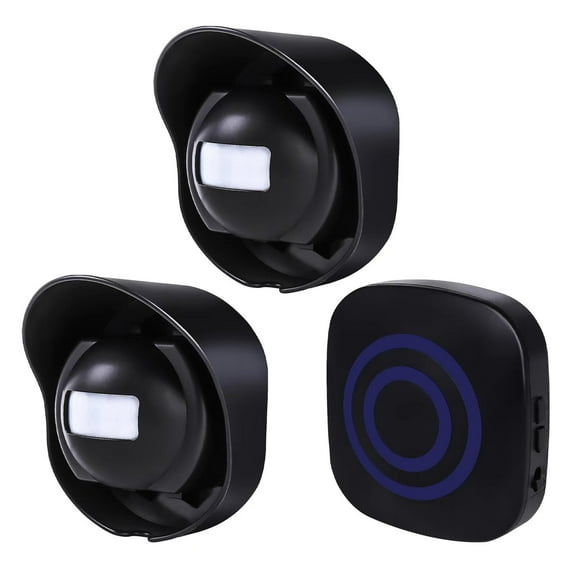







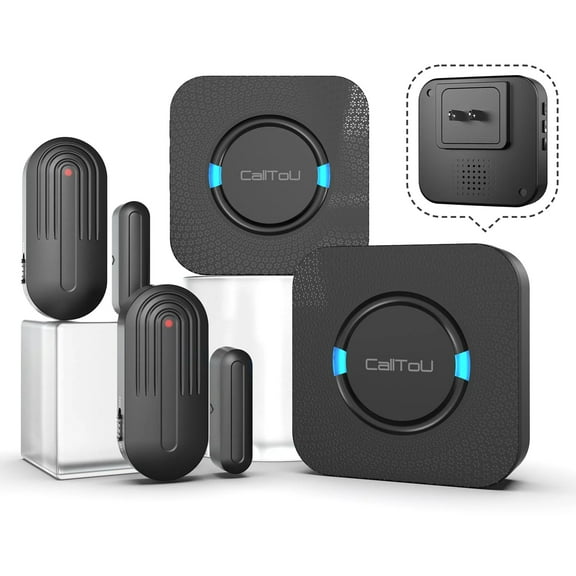
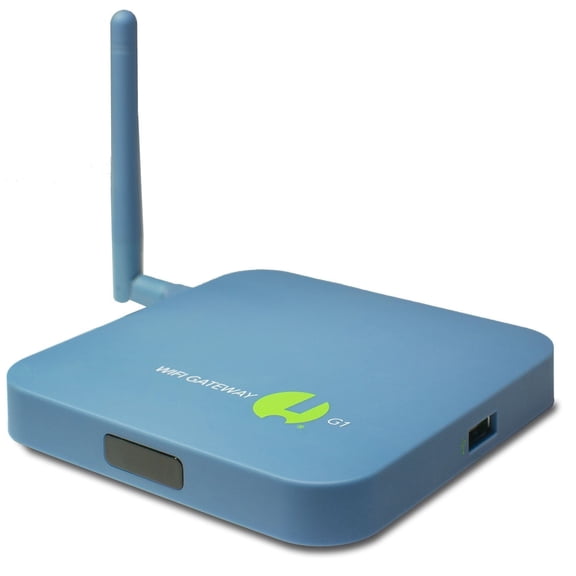

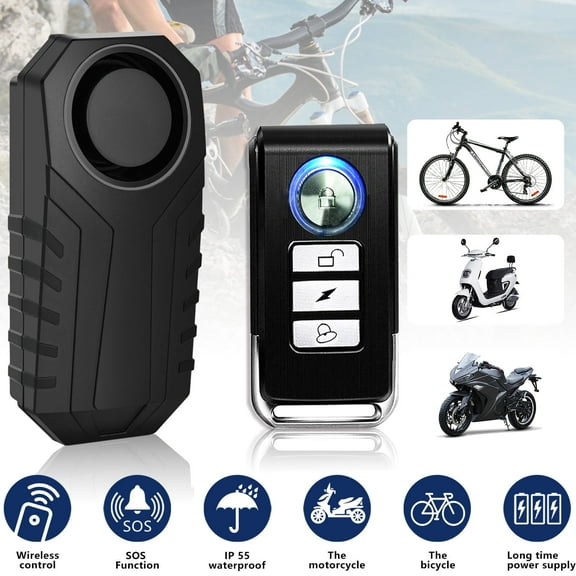


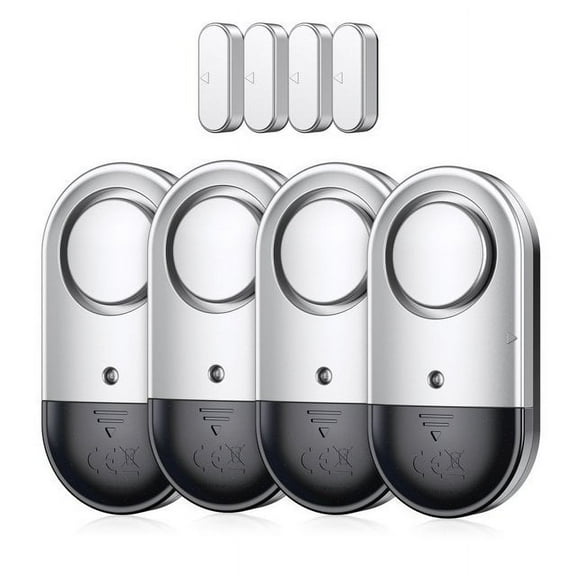







About Home Alarm Systems in Alarm Systems - Walmart.com
Home alarm systems help you cover doors, windows, and entry points with setups that match your space and routine. You can compare wireless kits, smart controls, and monitoring options that fit apartments, houses, and shared spaces.
How to choose home alarm systems
You should start with the connection type your space supports and the setup style you prefer. You may want fewer wires, quick placement, or a backup path when your internet drops.
When you compare home alarm systems, you’ll notice that kit size matters as much as app features. You can match five-piece, eight-piece, 10-piece, or whole-home sets to your layout.
- You can use wireless home alarm systems when you want flexible sensor placement and simpler installation.
- You can choose wired or plug-in components when you want stable power in fixed locations.
- You can look for cellular backup when you want alerts to keep moving during internet interruptions.
- You can pick self monitored alarm systems when you want app alerts without a required monthly plan.
- You can compare whole-home kits when you need broader coverage for multiple doors, windows, and rooms.
You should also compare whether basic alerts need a subscription before you choose a kit. You can focus on app notifications first, then check optional monitoring services if they fit your routine.
Choosing the right wireless home alarm systems
You’ll usually find wireless home alarm systems easier to place around entry points, hallways, and garages. You can mount many sensors without planning cable runs through walls or trim.
If you’re comparing Wi-Fi and cellular options, you should check how each system sends alerts. You may prefer Wi-Fi for simple setup, while cellular fallback adds another communication path.
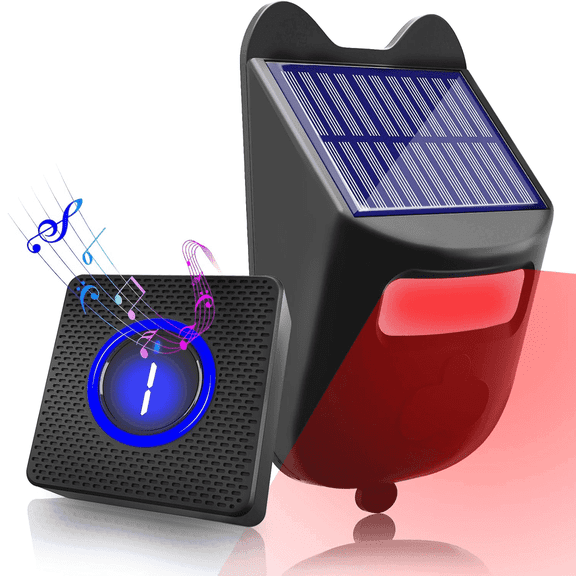
You should also check the power source before you choose a system for daily use. You can compare battery-powered sensors, plug-in hubs, and solar-supported outdoor security alarms for different locations.
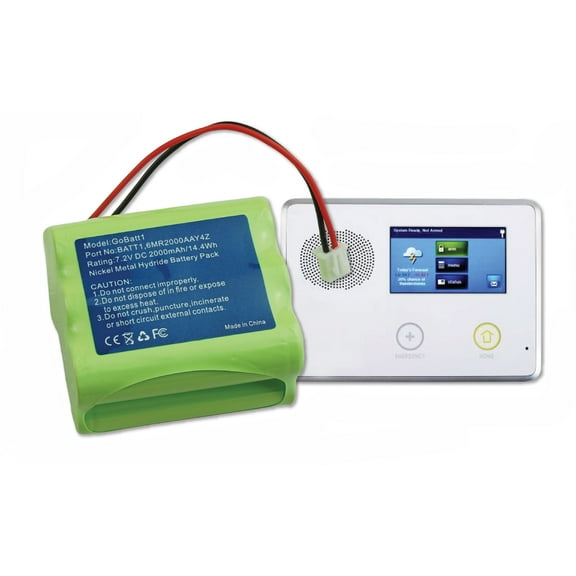
Battery backup matters when you want your base station or keypad to stay active during an outage. You can also look for battery operated alarm systems that keep key sensors ready.
Comparing monitoring types and monthly plan needs
You should decide whether you want app-based alerts or a monitored service before you compare kits. You can often use basic notifications without the same ongoing setup as expanded monitoring tools.
Many shoppers check subscription details first because they want clear control over ongoing costs. You can focus on systems that support self-monitoring, then review optional services only if you want them.
If you want self monitored alarm systems, you should check whether motion alerts, entry alerts, and live app notices work without extra steps. You can then decide if add-on services fit your routine later.
You may also want to compare keypads, sirens, and panic controls when several people enter your home. You can give household members simple ways to arm or disarm the system.
Comparing kit size, sensors, and coverage
You should match component count to your home size instead of guessing from one starter kit. You can cover a small apartment with fewer sensors, while larger homes may need whole-home expansion.
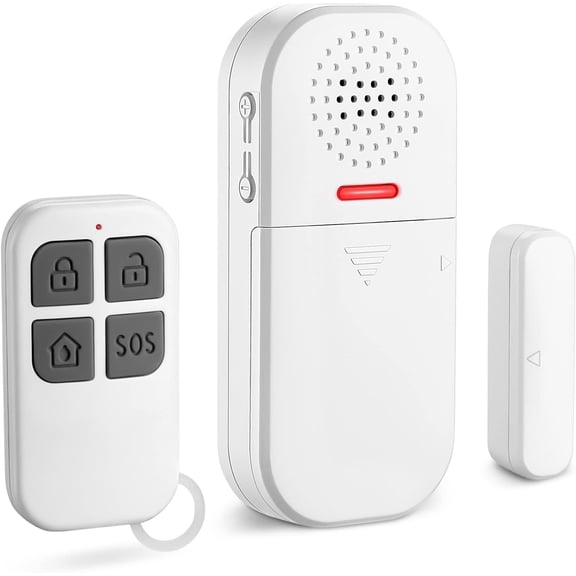
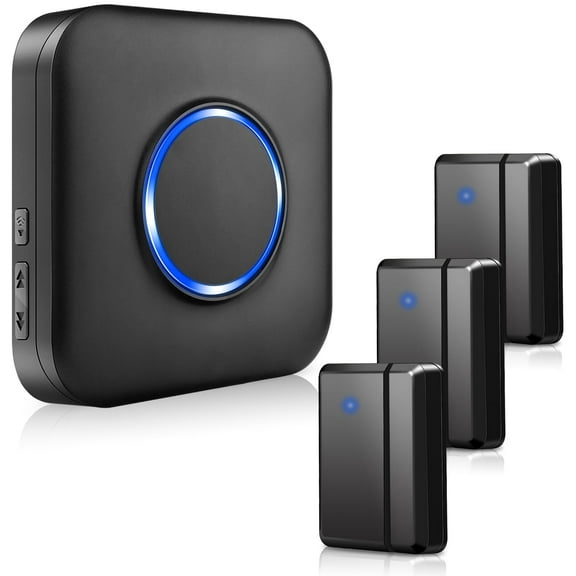
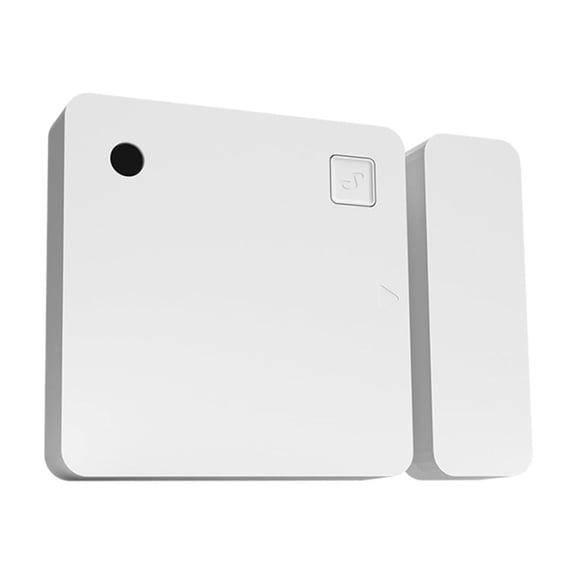
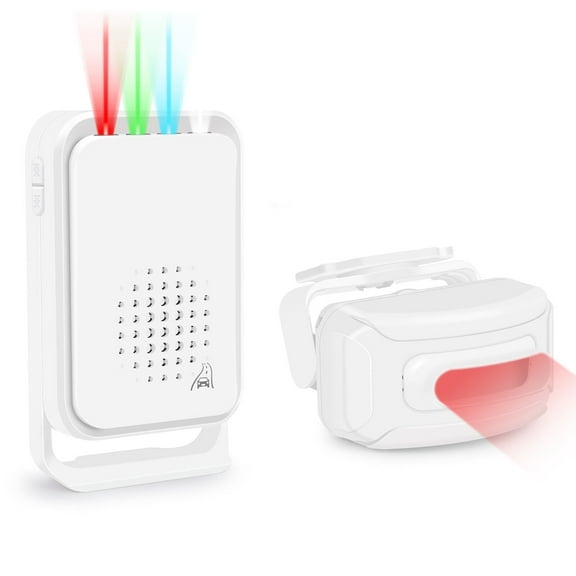
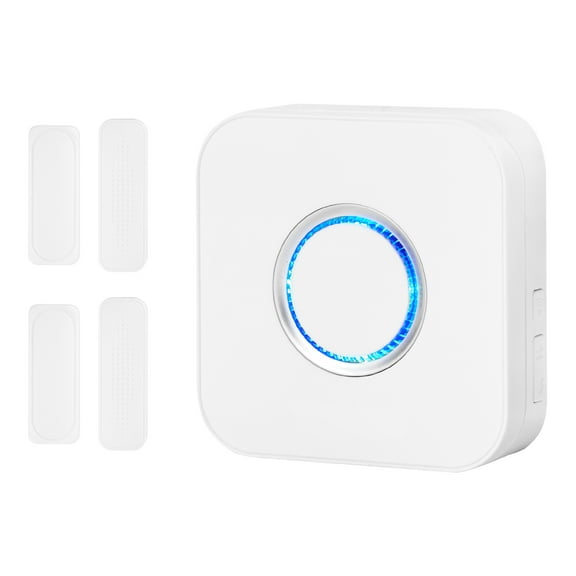
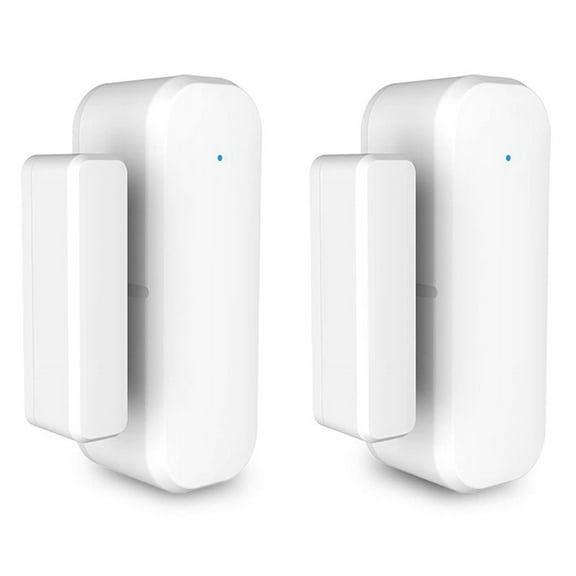
Home security system kits often include a hub, contact sensors, motion sensors, and sometimes a keypad or siren. You should count first-floor doors, sliding doors, accessible windows, and busy hallways before choosing.
If you’re choosing between five-piece, eight-piece, and 10-piece sets, you should map where each sensor goes. You can avoid gaps by listing every entry point you use daily.
You may also want expandable systems if your needs could change after you move furniture or finish a room. You can add sensors, cameras, or smart locks as your setup grows.
Choosing diy home security systems and smart home features
You can narrow diy home security systems by checking adhesive mounts, app setup steps, and pairing instructions. You should look for kits that let you name sensors and test placement quickly.
Smart home alarm systems may work with Alexa, Google Assistant, or Apple HomeKit, depending on the kit. You should confirm compatibility early if you already use voice controls or automations.
If you want routines, you can connect alarms with lights, locks, or cameras for a more coordinated setup. You may arm your system at night, trigger lights, or check alerts from one app.
You should also review whether outdoor accessories match your main hub before expanding coverage. You can keep your setup simpler when sensors, sirens, and cameras work within one system.
Using home alarm systems in real spaces
You can use apartment alarm systems when you need flexible placement and a setup that moves with you. You may prefer compact hubs, peel-and-stick sensors, and app controls for smaller layouts.
For a family home, you should compare larger kits with room to expand across several floors. You can place contact sensors on main entries and motion sensors in central traffic areas.
If you want seasonal coverage outside, you can compare outdoor security alarms with solar support or weather-ready placement options. You should check how those accessories connect back to your indoor hub.
You may also want smart notifications for a vacation property, detached garage, or back entry. You can choose systems with cellular fallback and battery backup for added continuity.
What to confirm before you choose
You should check connection type, monitoring options, power backup, and kit size before making your final comparison. You can also confirm voice assistant support and expansion paths for future rooms.
With the right home alarm systems, you can cover the spaces you use often and keep setup manageable from day one. You can find a clearer path to alerts, control, and whole-home awareness.